ADT Factory Direct Sales: Superior product performance with outstanding reputation. 100% fully inspected and power-tested before shipment.
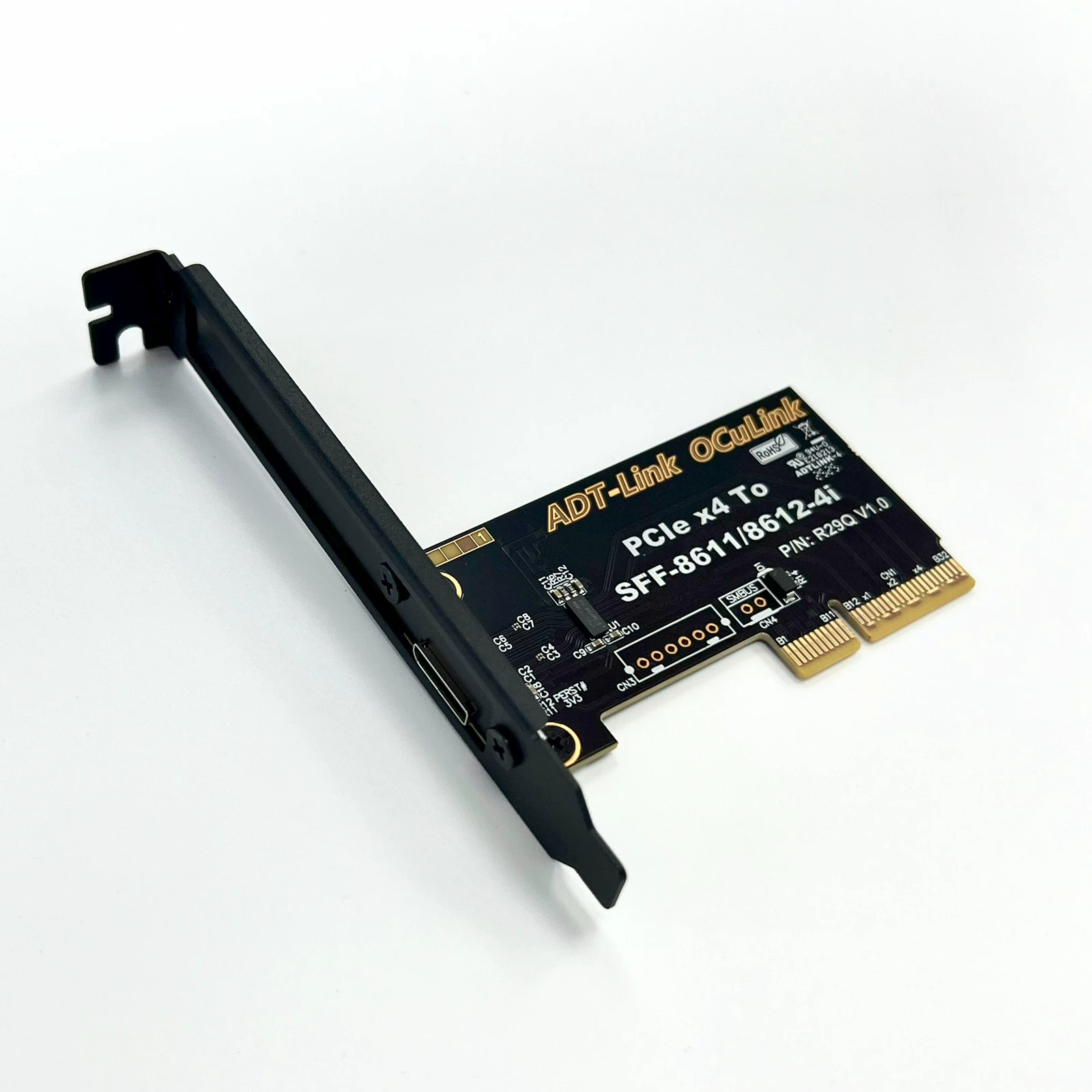
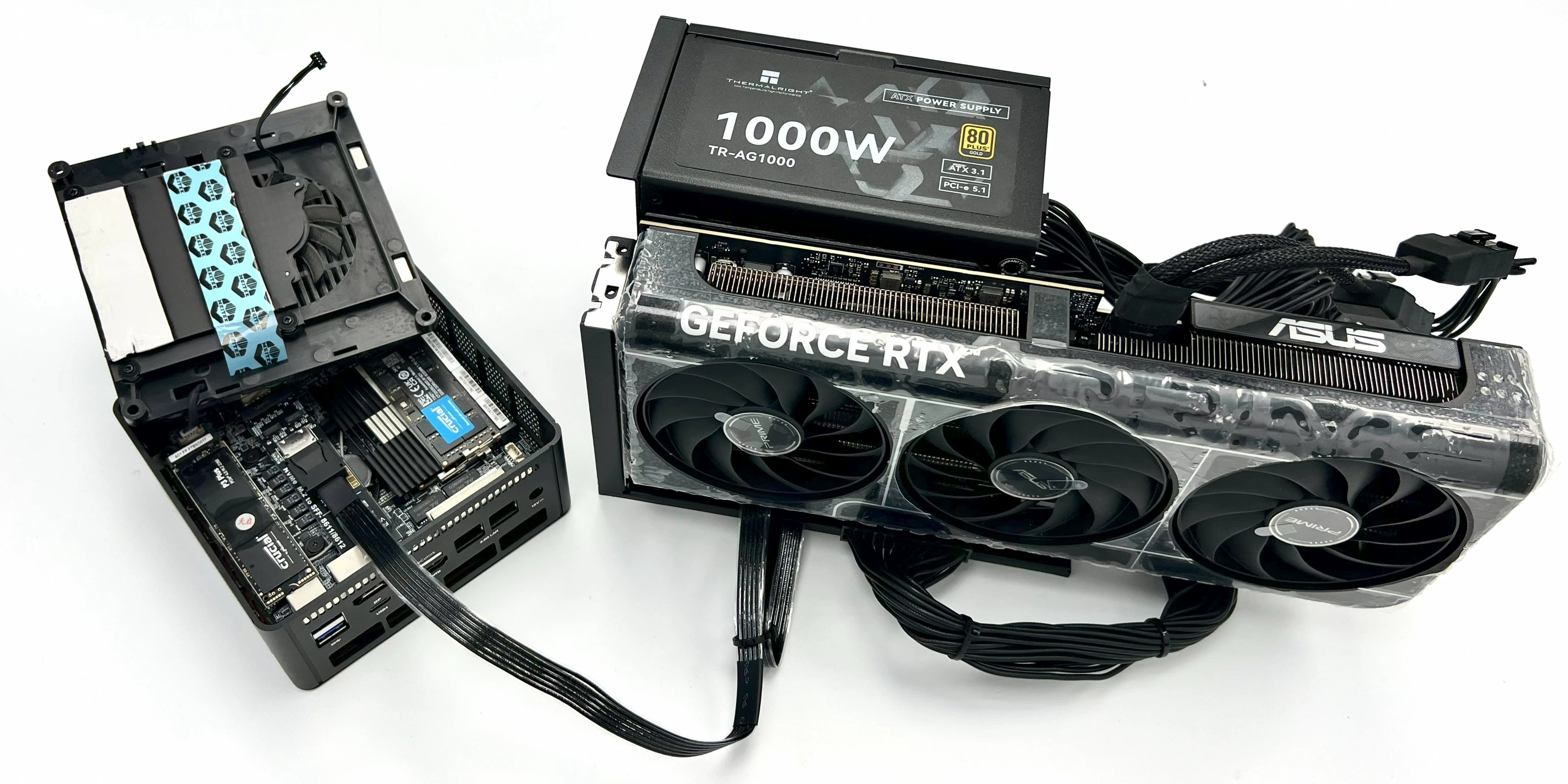
This product supports not only laptops but also Intel NUC motherboards, STX motherboards, ITX motherboards, mini PCs, and external graphics cards. Adapter cards are available to support M.2 NVMe interfaces and PCIe x4 interfaces.
K993G requires pairing with R29Q/F4Q to achieve full PCIe 5.0 speed. (Motherboard interface must also support 5.0)
Brand: ADT Electronics
Model Numbers: K993G; K993G-BK7; ADT-F4Q; R29Q
Product Name: OCuLink 5.0 External Graphics Dock
Transfer Speed: PCIe 5.0 x4, effective bandwidth 128Gbps
Product Purpose: For external graphics cards or other PCIe devices. Compared to traditional Thunderbolt adapter solutions, OCuLink achieves an effective bandwidth of 128Gbps under PCIe 5.0 x4 conditions, far exceeding Thunderbolt solutions.
Friendly Reminder: Most OCuLink devices do not support hot-swapping; insertion/removal must be performed with the device powered off.
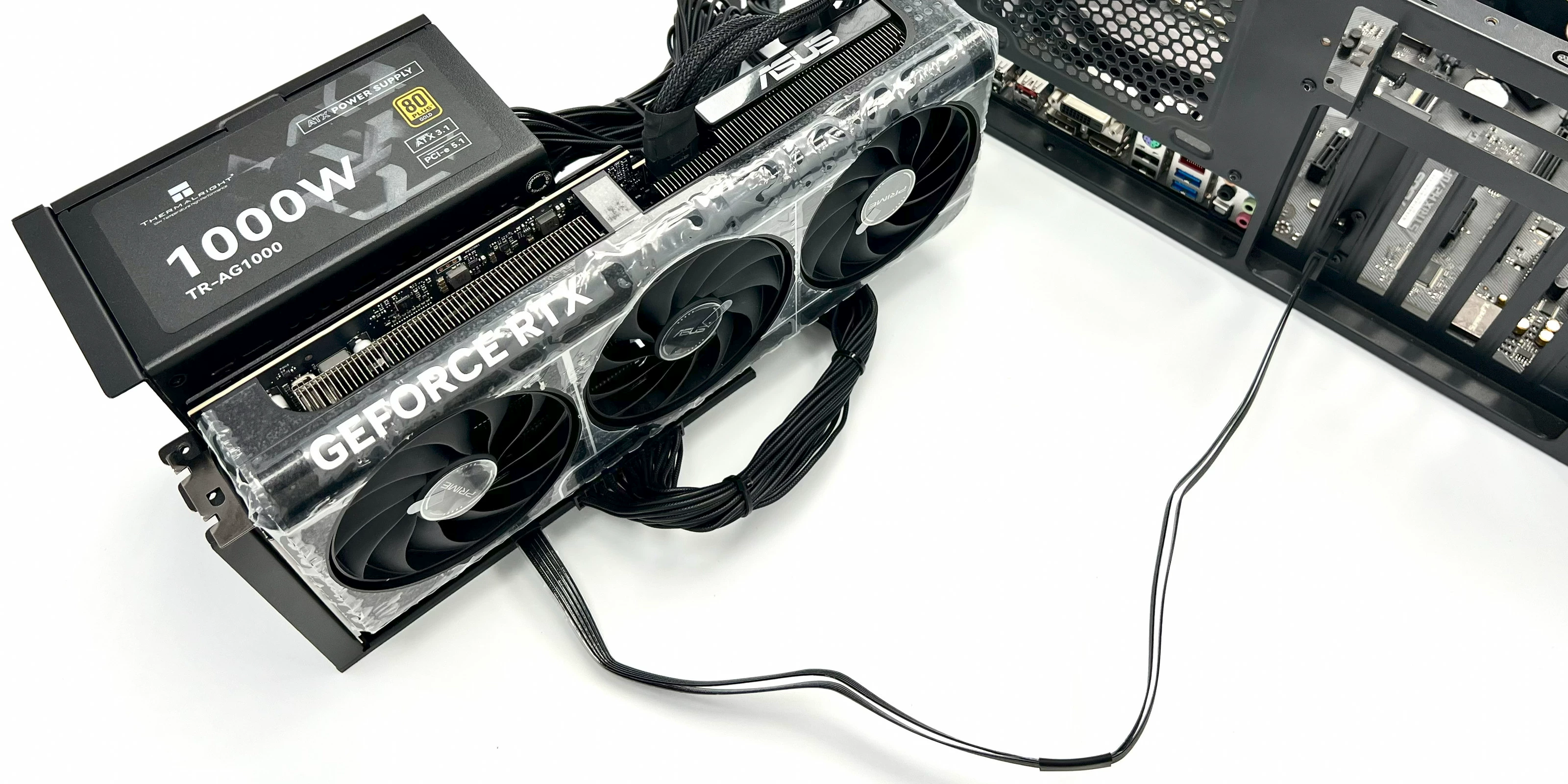
Power Supply Note: Compatible with standard ATX power supplies. Prepare power supply specifications according to graphics card manufacturer requirements.
Purchasing Tip: Always purchase 1-2 samples for testing and verification before bulk procurement.
Connector Specifications:
Supports cable-to-board applications
Compact design: 0.5mm pitch connector
Supports 85 ohm impedance applications; 100 ohm available upon request
RoHS compliant. Halogen-free version available upon request
Product Model Specifications:
Model Description Bandwidth
K993G OCuLink SFF-8611 to PCIe x16 Graphics Card Dock PCIe 5.0 x4
K993G-BK7 OCuLink SFF-8611 to PCIe x16 Graphics Card Dock with Bracket PCIe 5.0 x4
K993G-BK7-F4Q M.2 NVMe to PCIe x16 Graphics Card Dock with Bracket PCIe 5.0 x4
K993G-BK7-R29Q PCIe 5.0 x4 to PCIe x16 Graphics Card Dock with Bracket PCIe 5.0 x4
ADT-F4Q M.2 NVMe to OCuLink SFF-8612 Female Adapter Board with Chip PCIe 5.0 x4
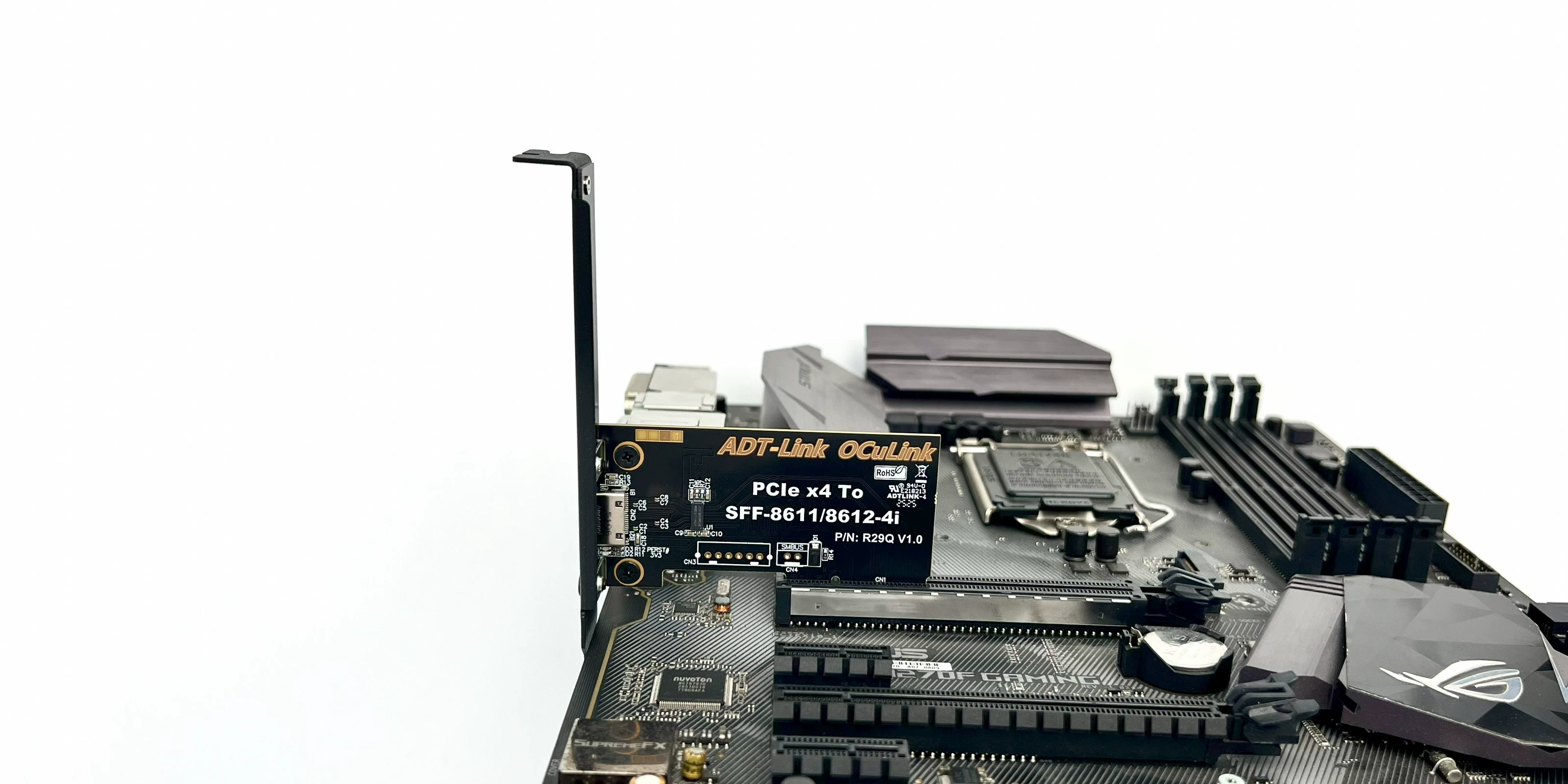
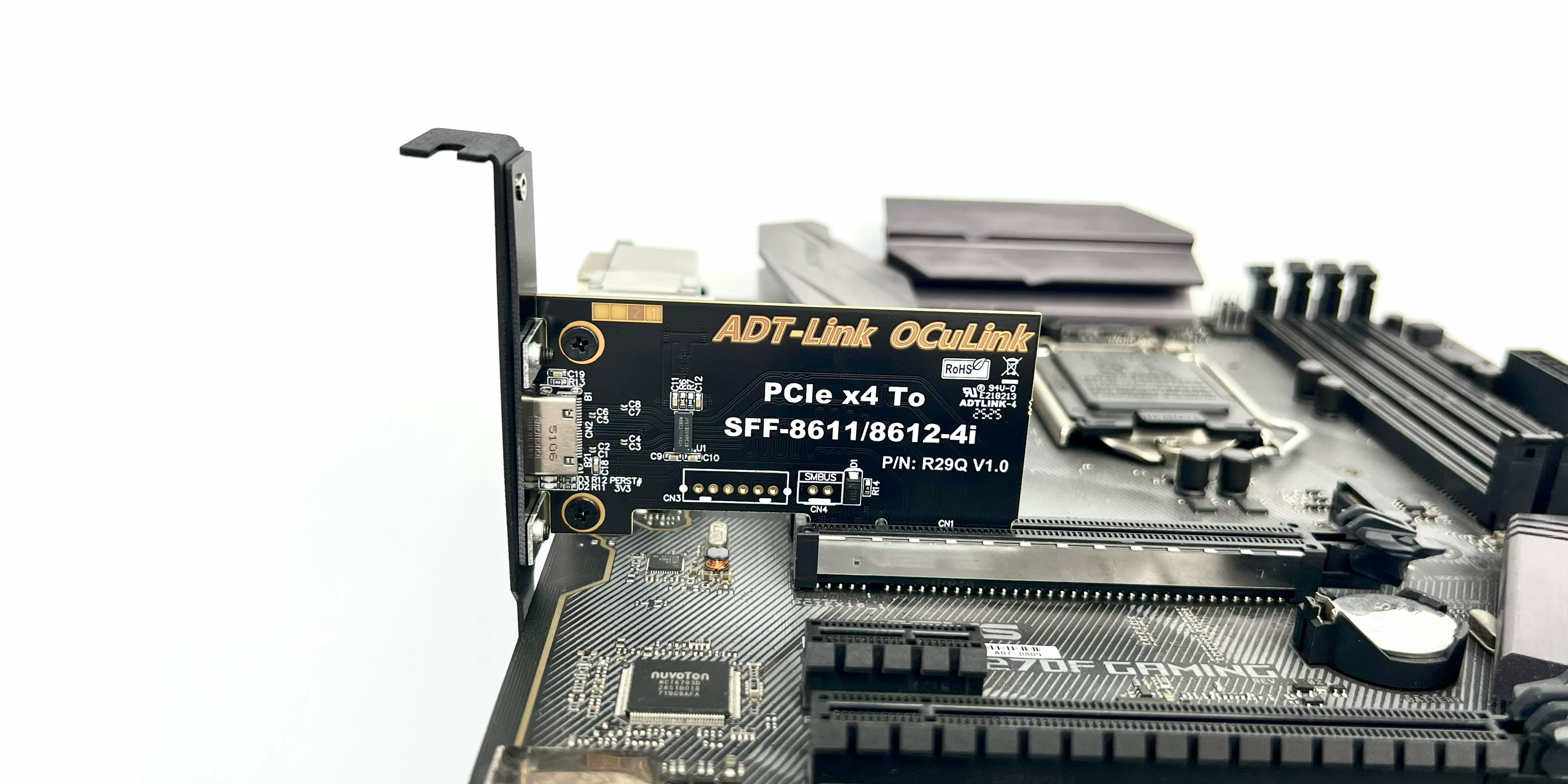
R29Q PCIe 5.0 x4 to OCuLink SFF-8612 Female Adapter Card with Chip PCIe 5.0 x4
Product Images:
K993G: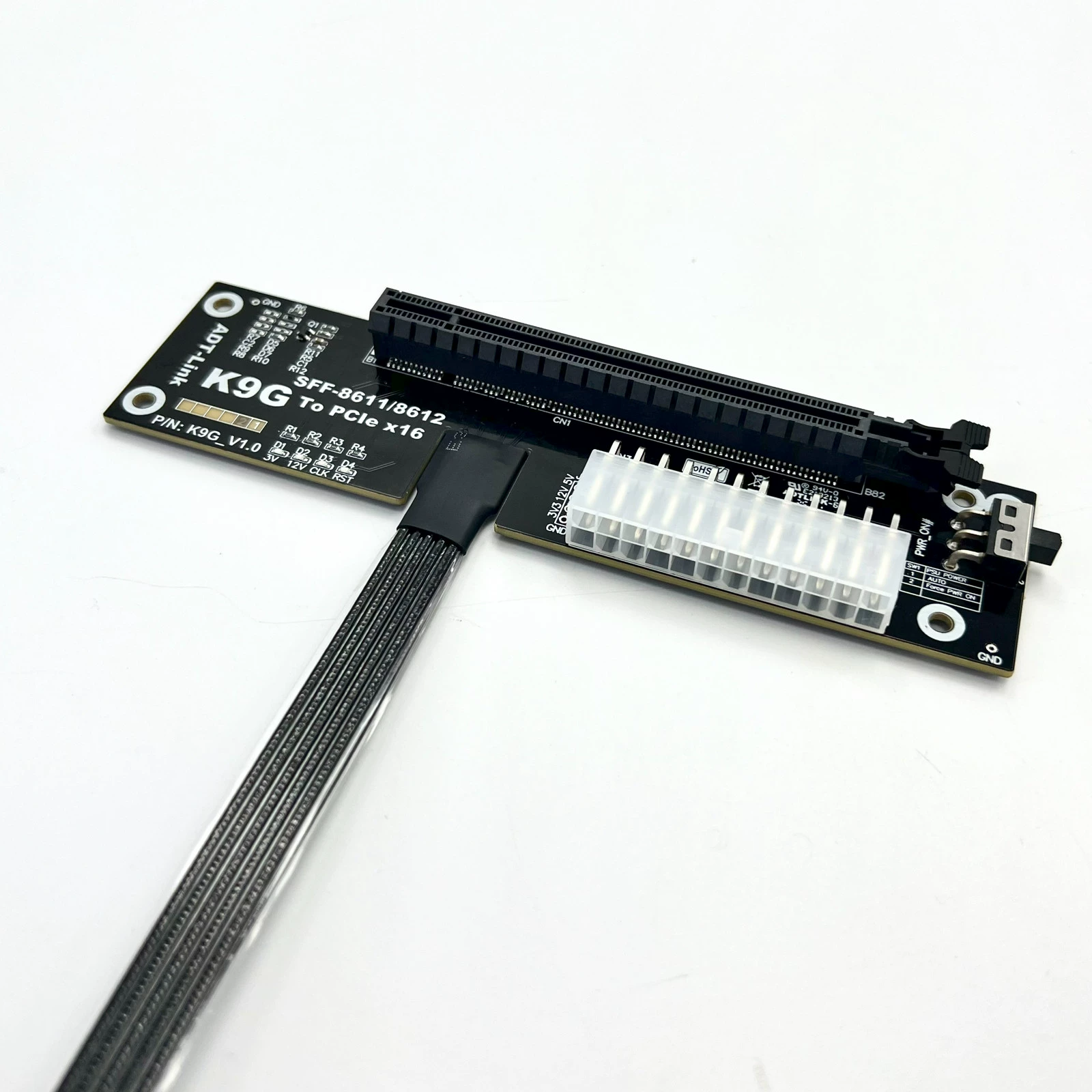
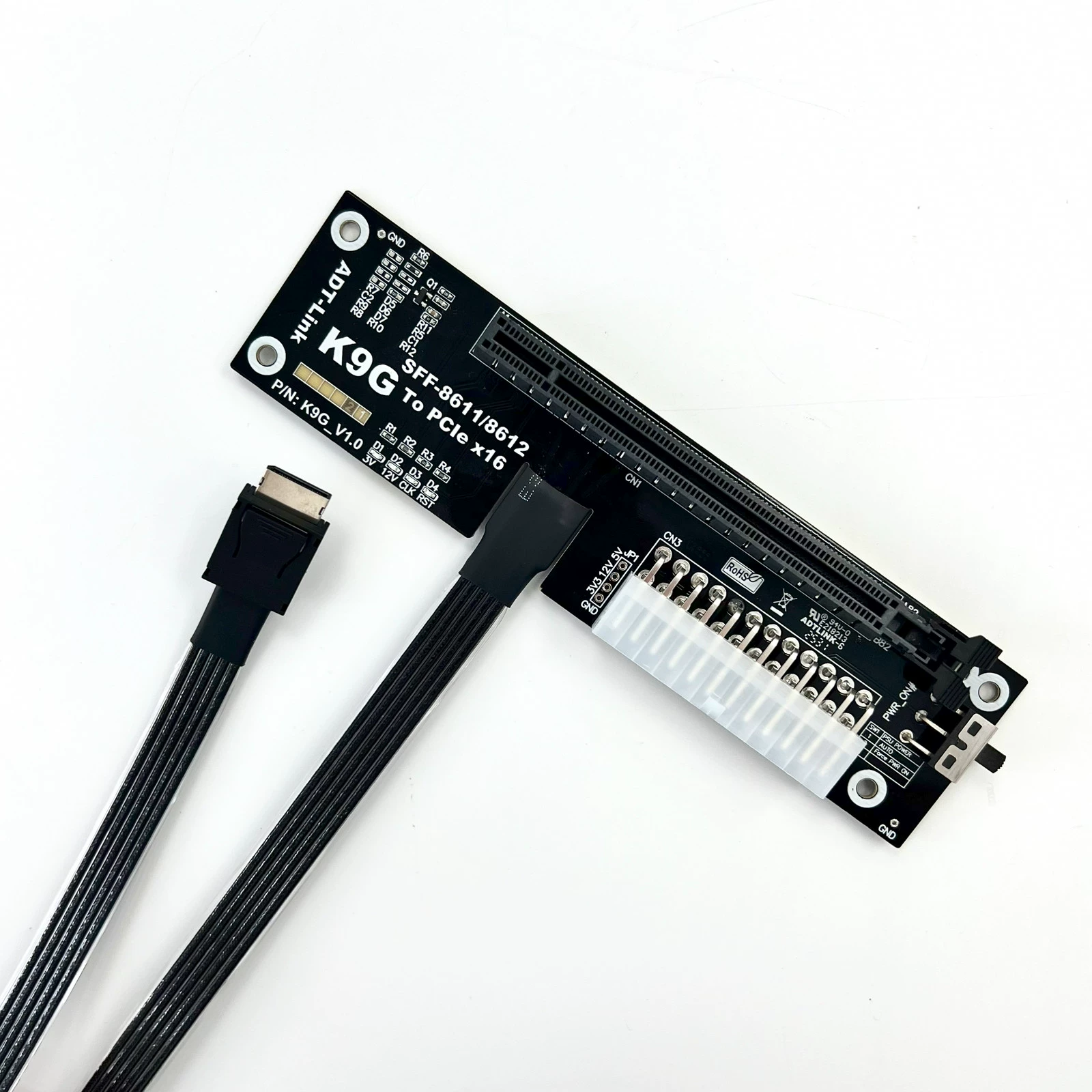
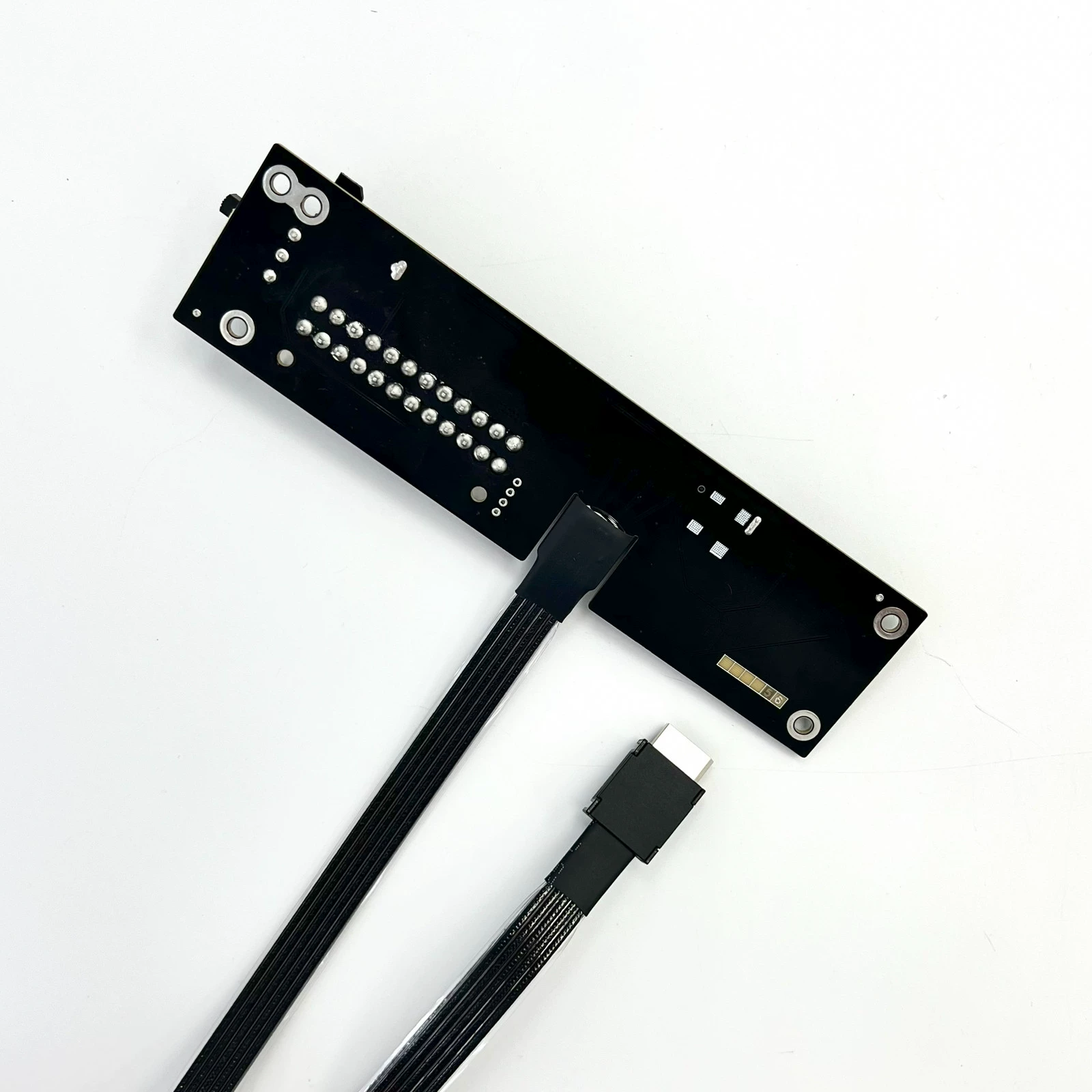
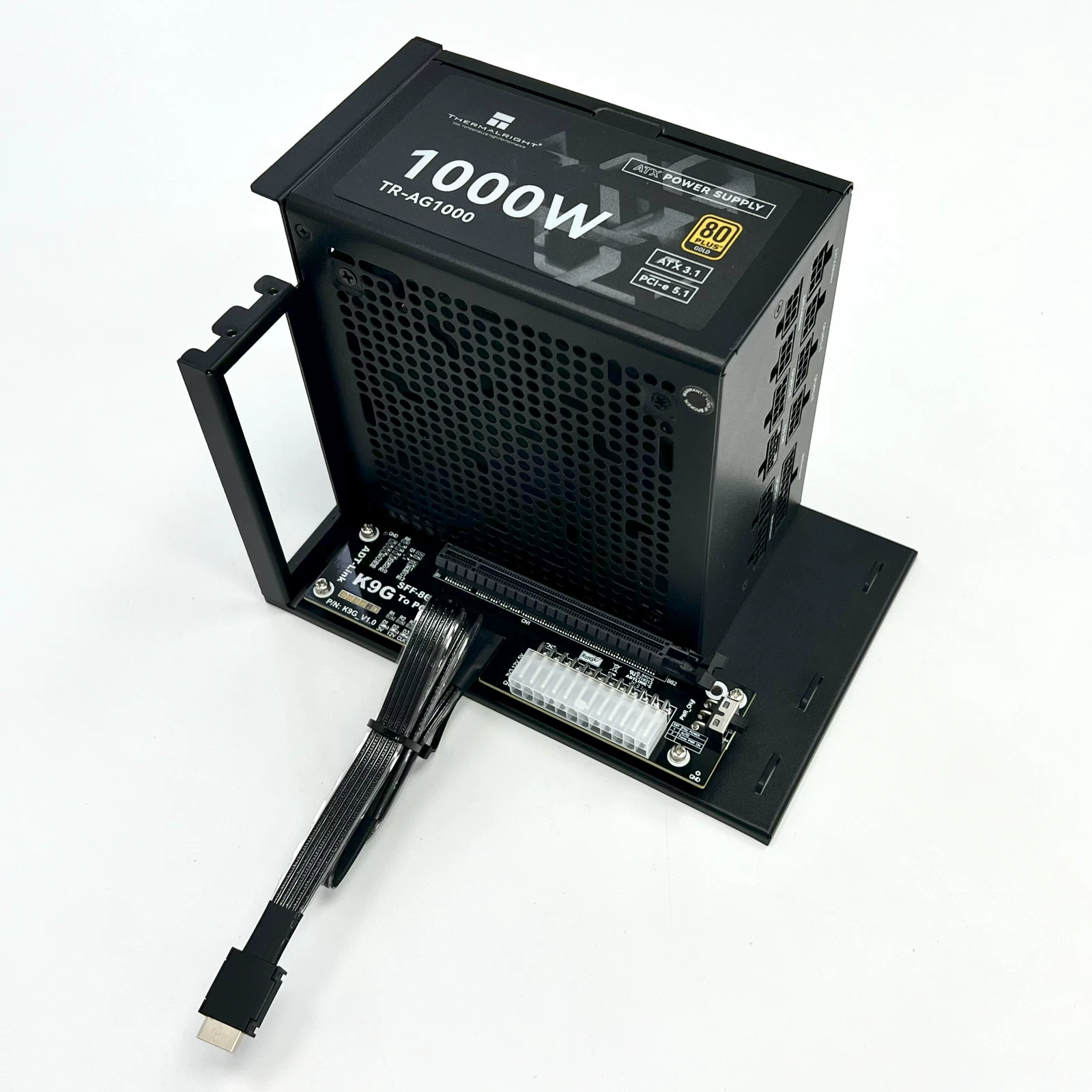
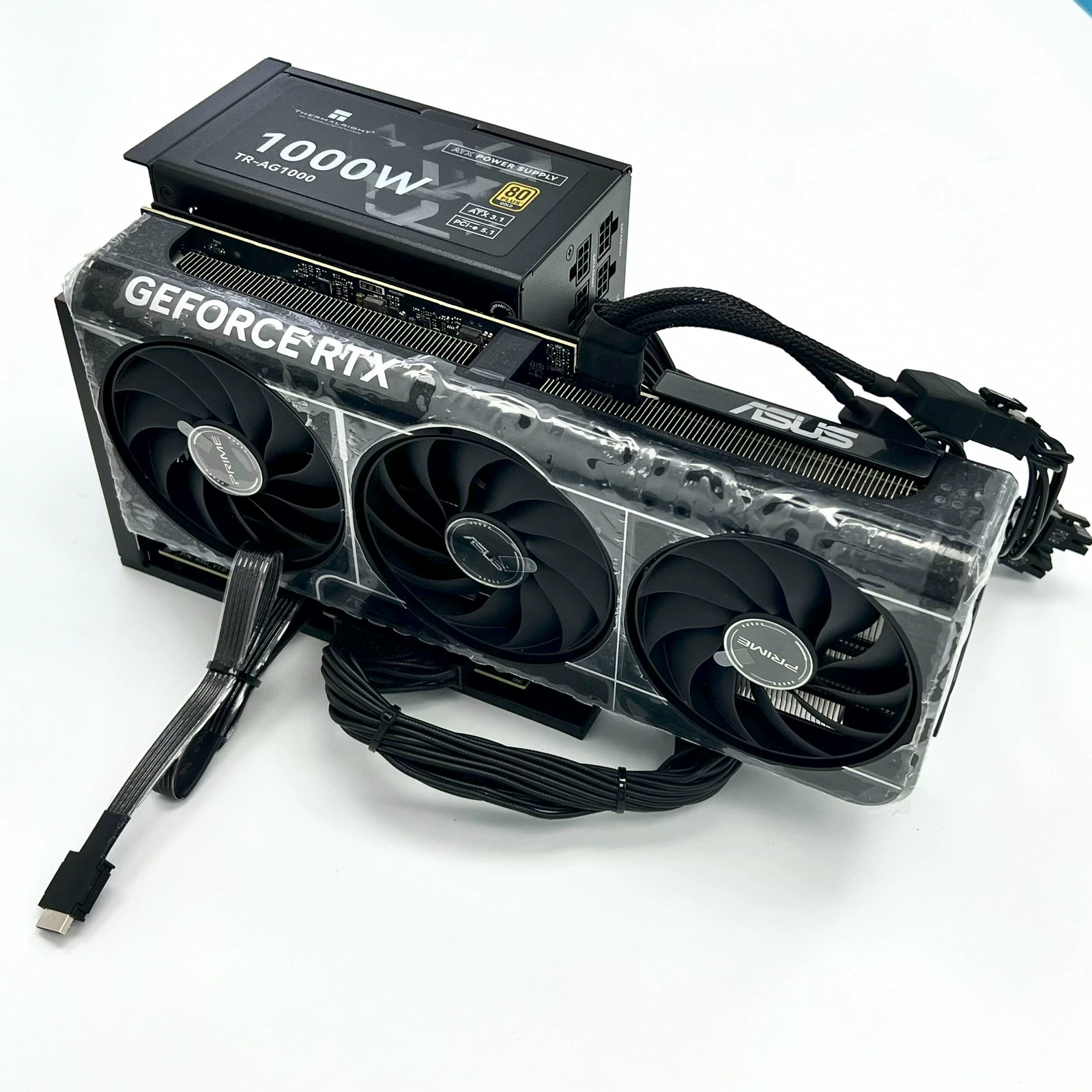
F4Q: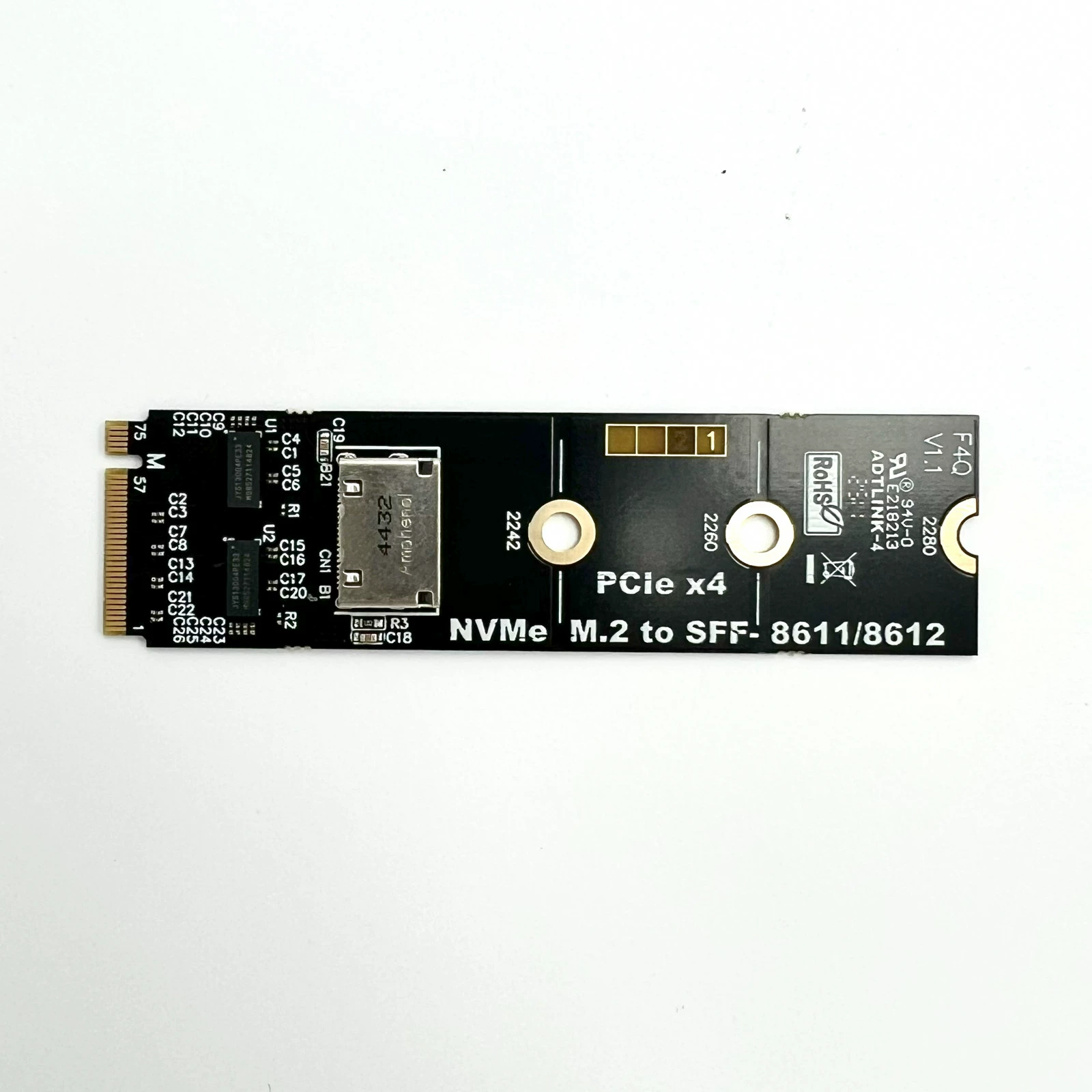
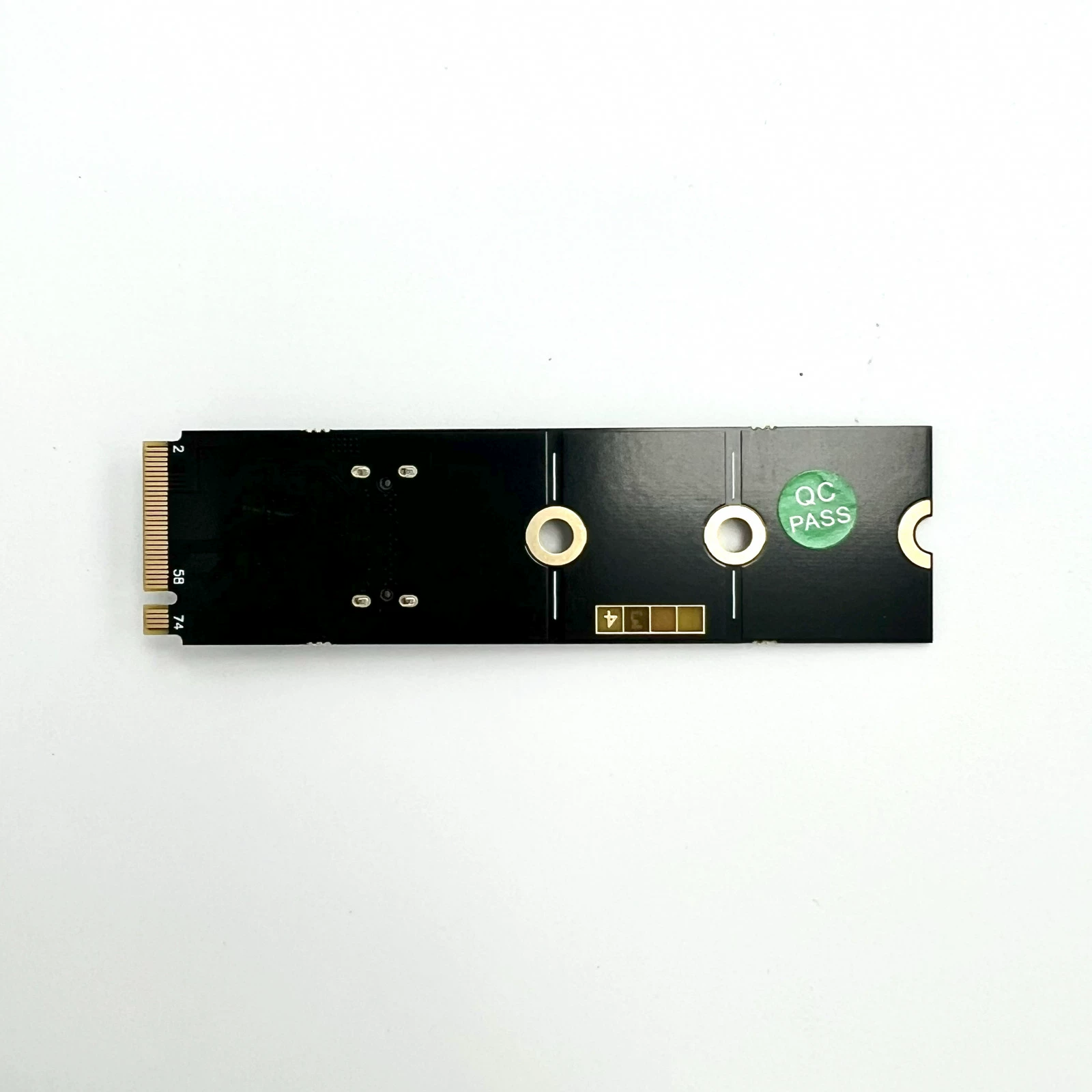
R29Q: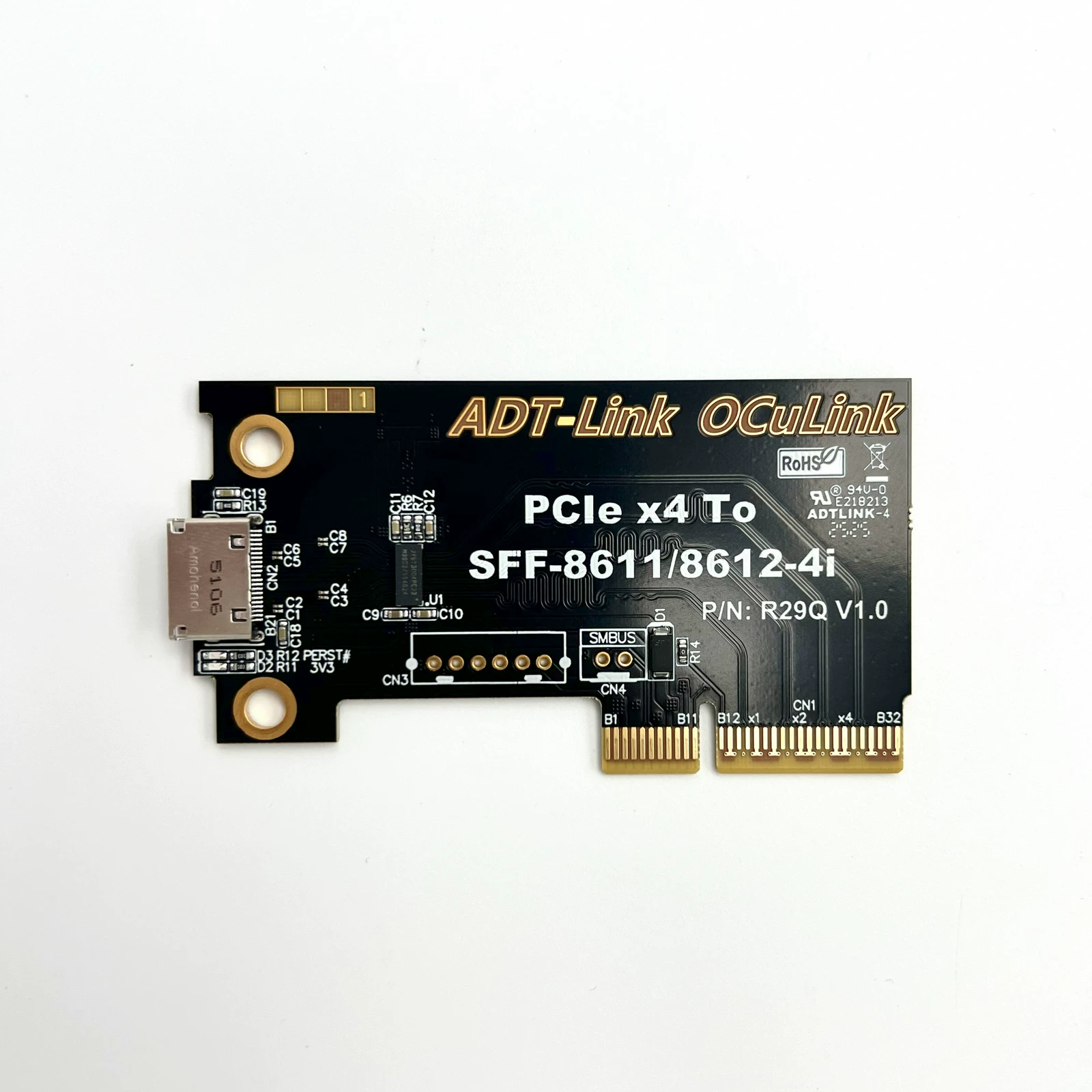
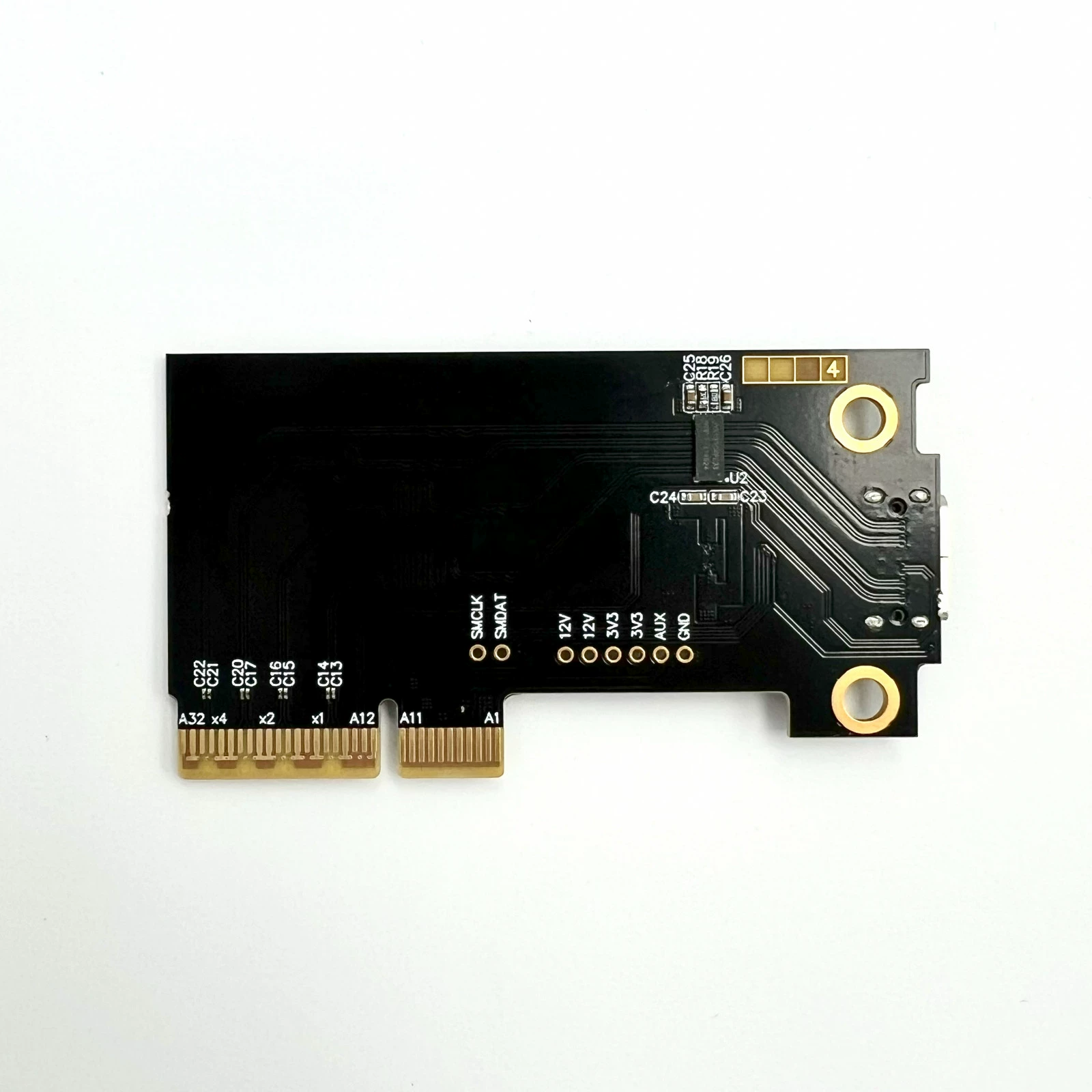
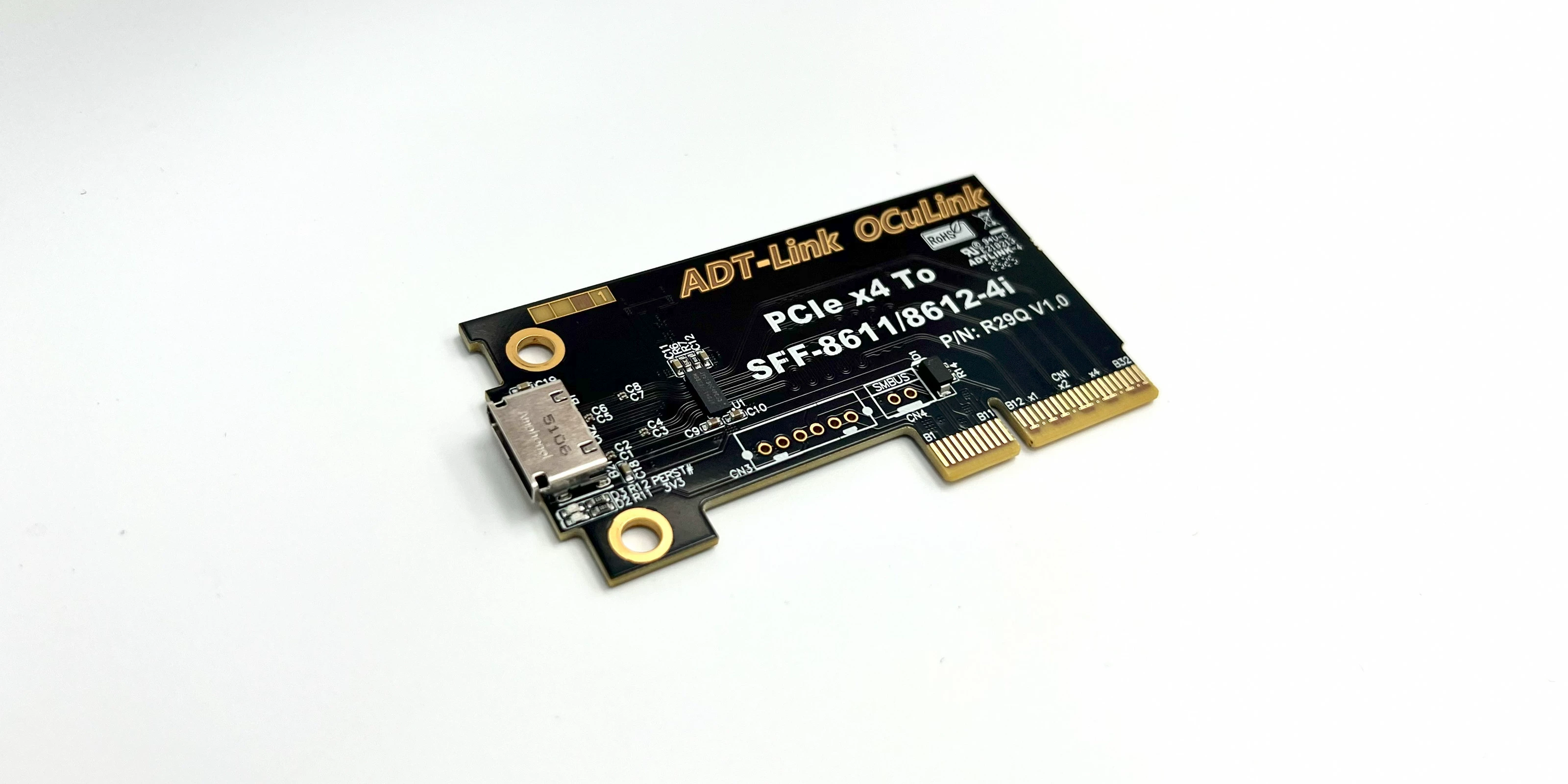
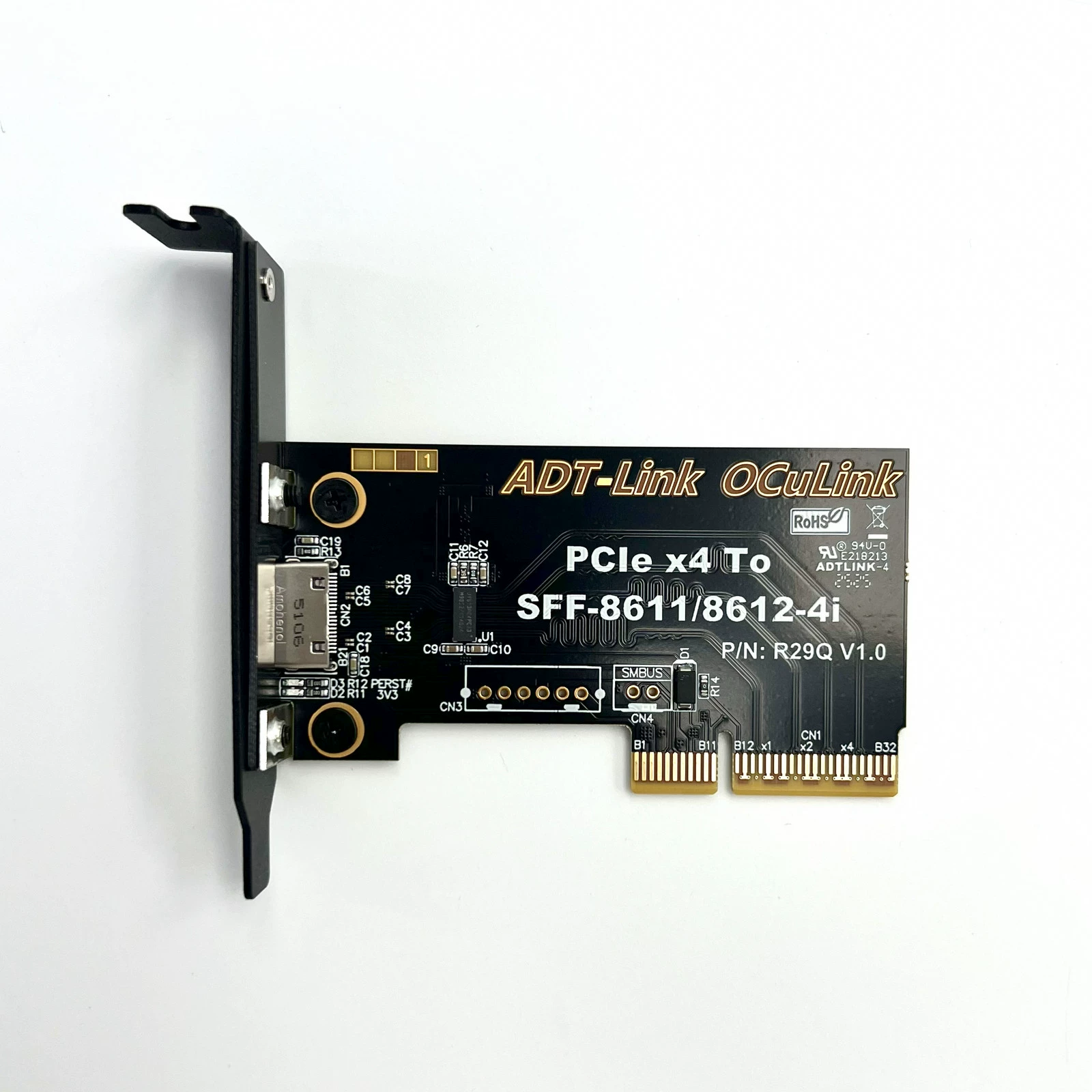

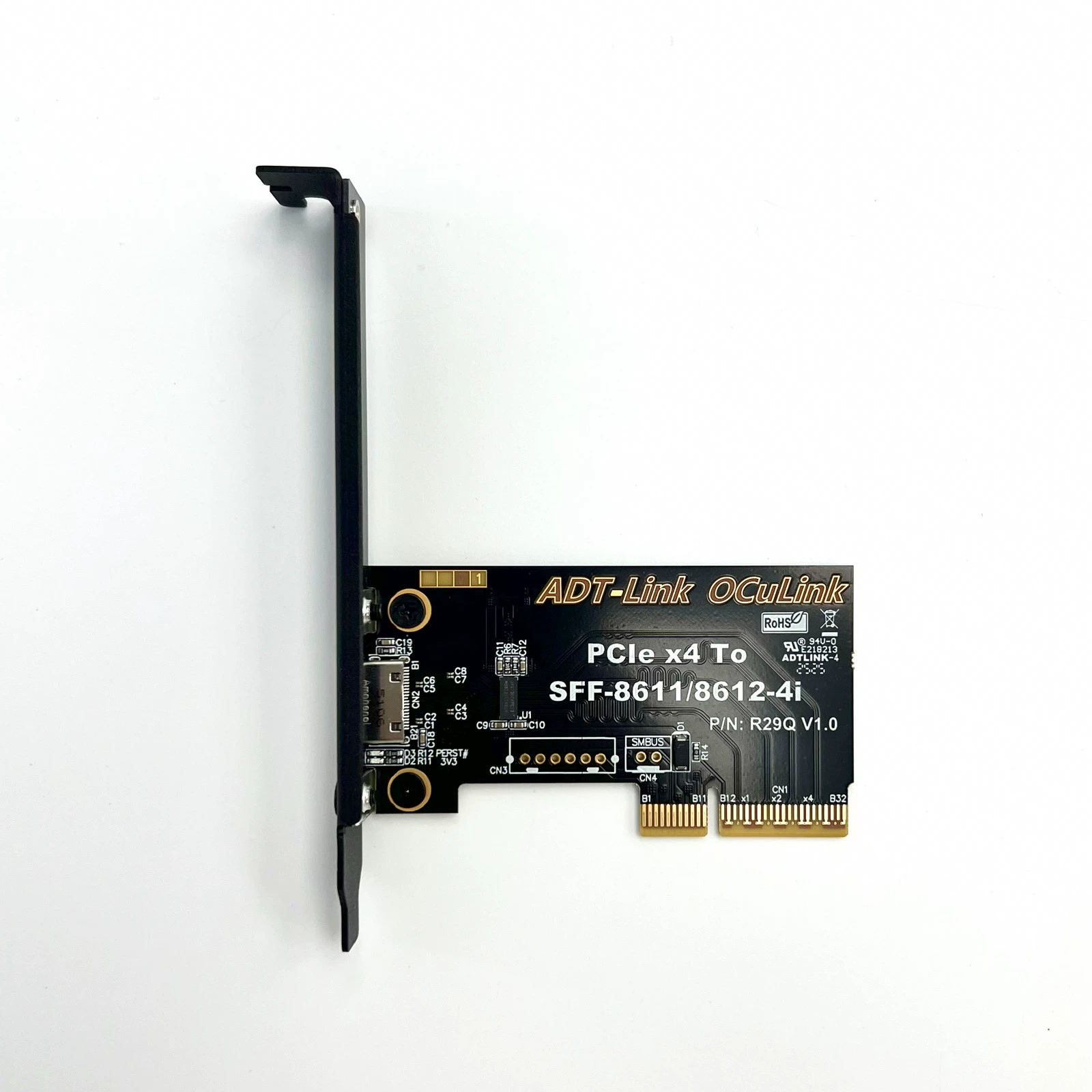
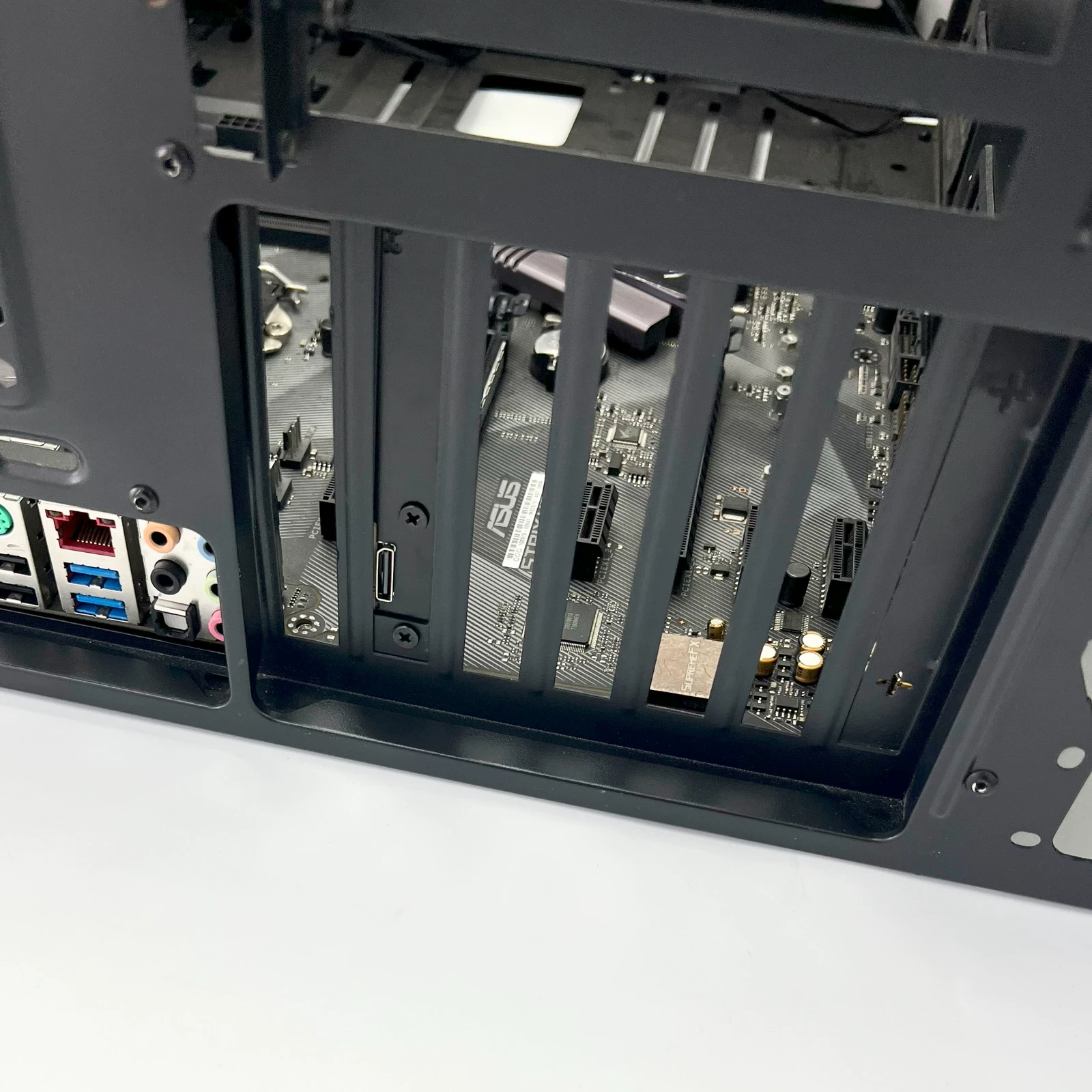
Application Scenario Photos: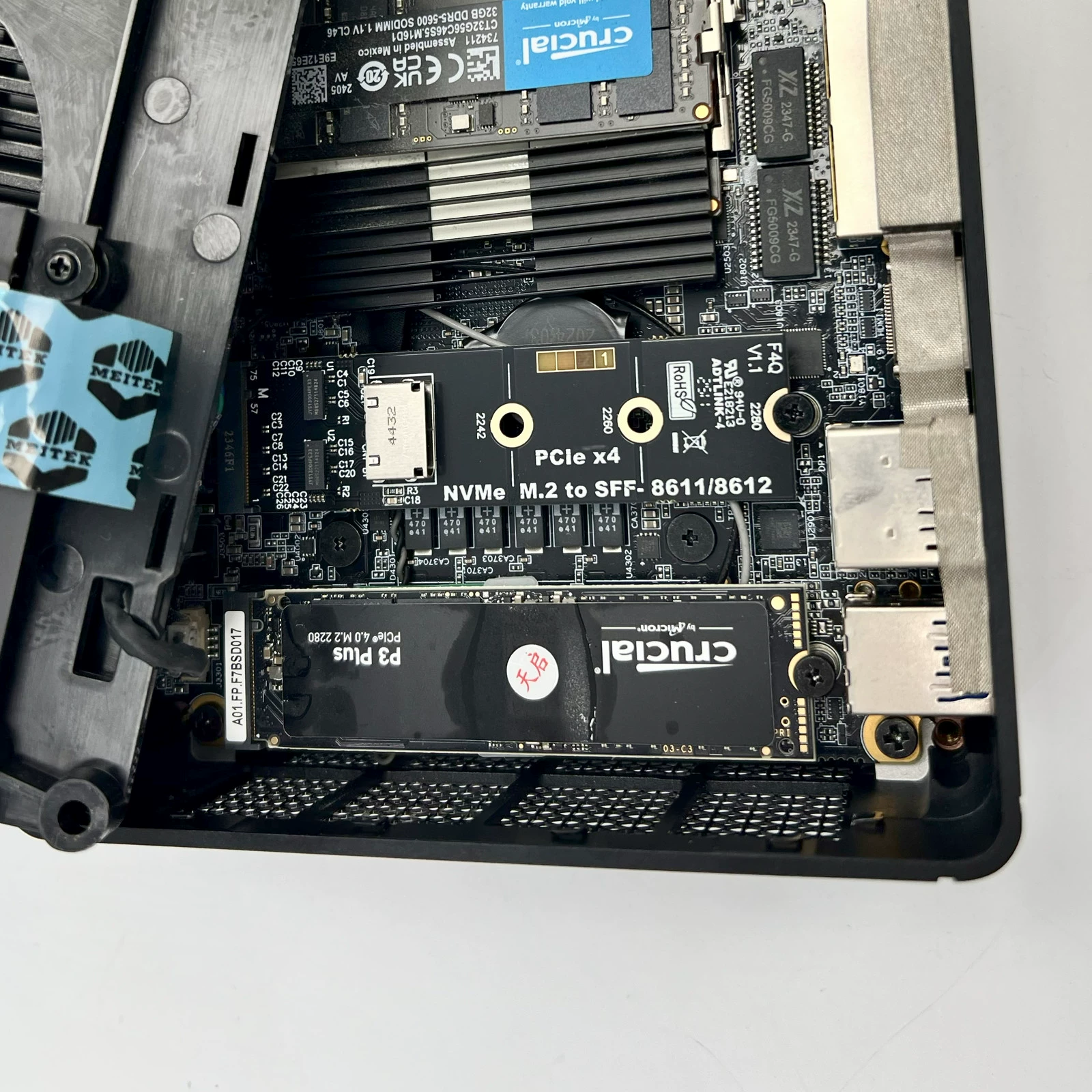
Product Advantages:
Interface Advantages: Compared to external Thunderbolt solutions, the OCuLink external solution offers higher actual effective bandwidth. Since it utilizes PCIe lanes directly connected to the CPU, performance loss is minimized. After upgrading, OCuLink 5.0 achieves PCIe 5.0 x4 performance, with a maximum bandwidth of 128Gbps.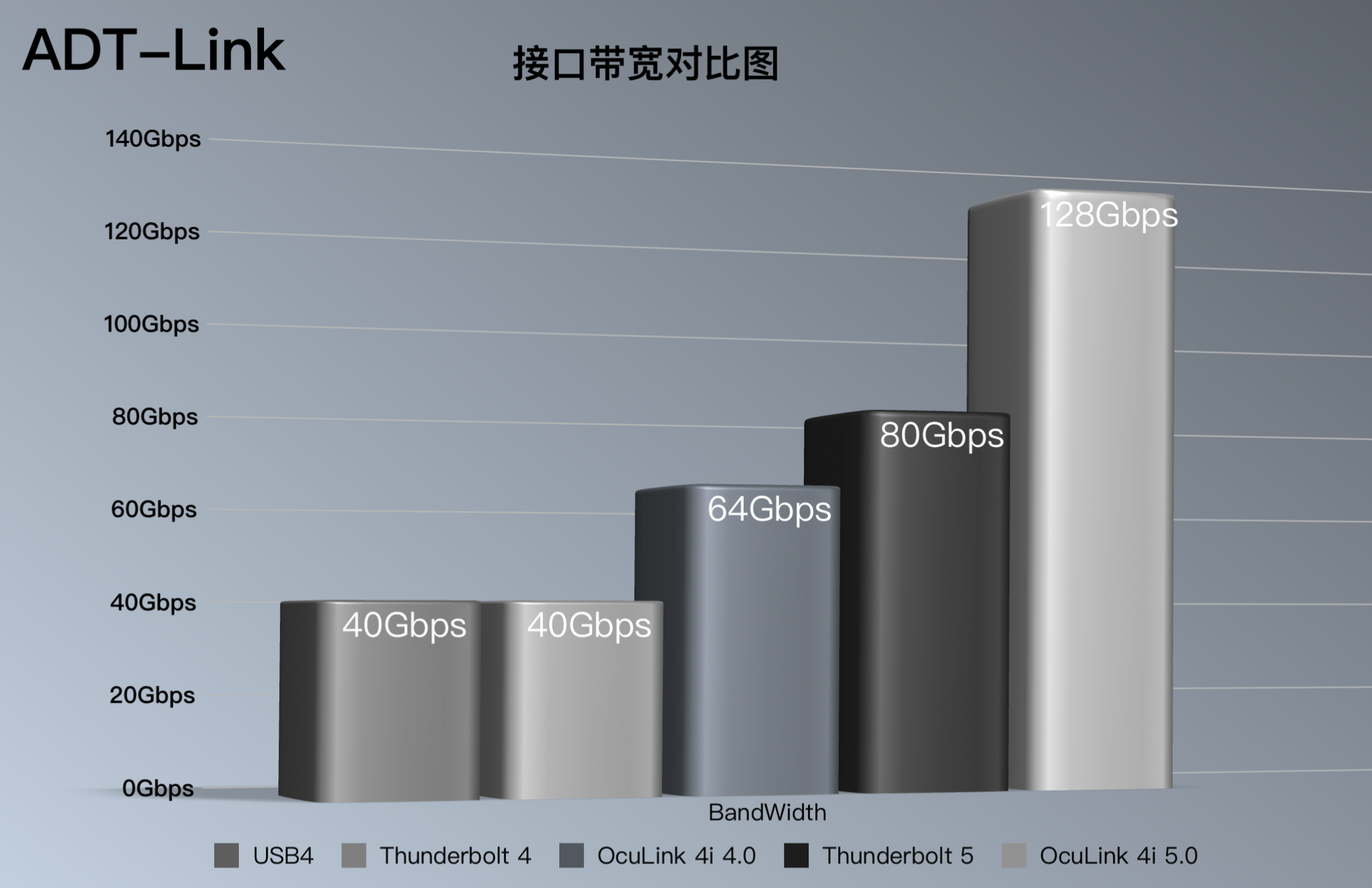
Test Data:
Test Setup: 7600X + 5070 + XingGu 850W PSU (directly plugged)
Test Setup: 7600X + K993G + F4Q + 5070 + XingGu 850W PSU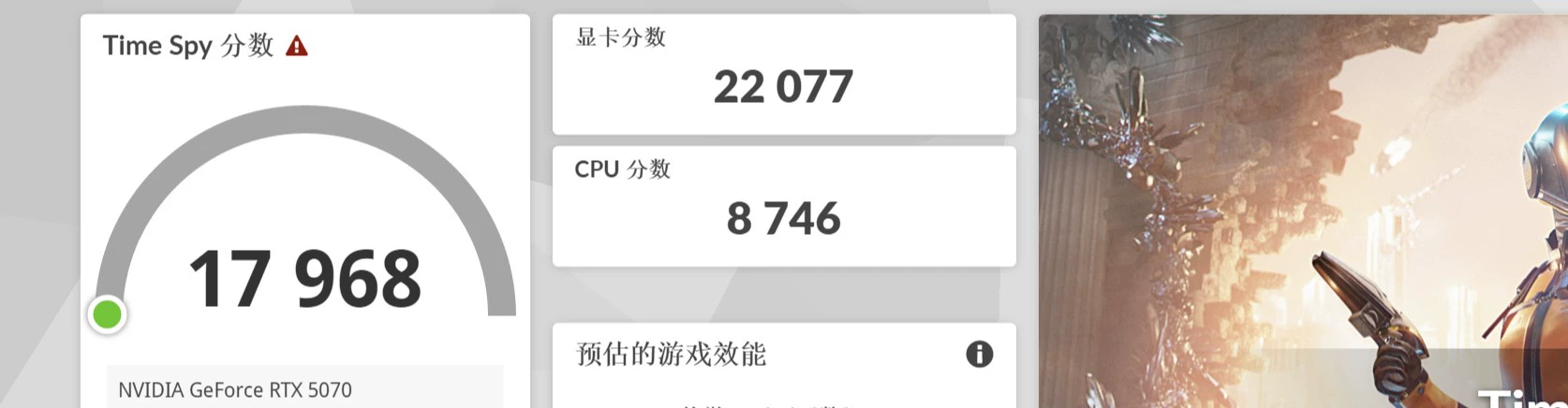
Power supply(using GPU dock adapter)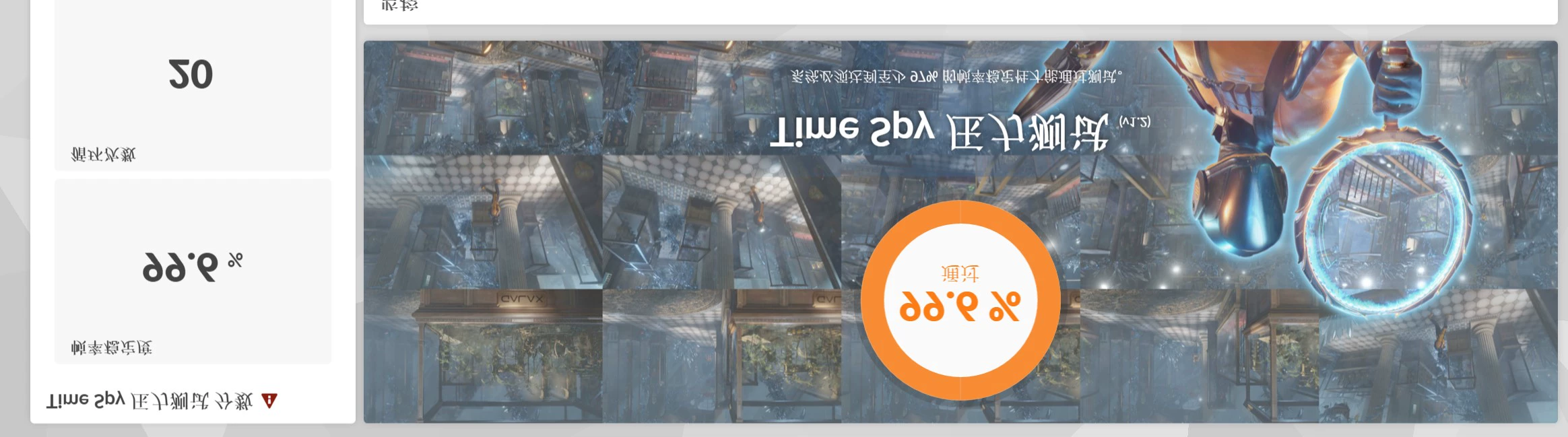
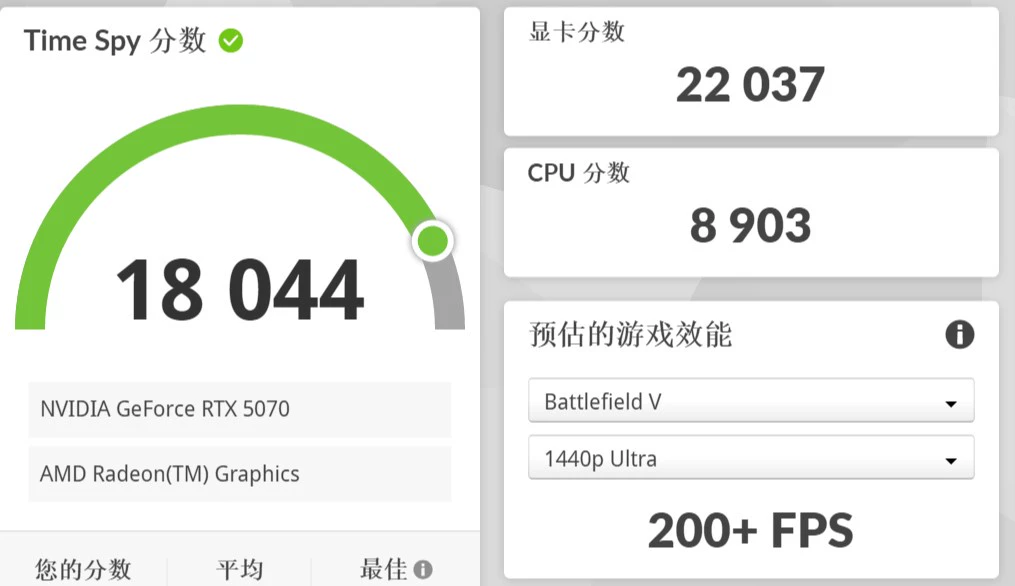
Test Results: On the same platform, using K993G + F4Q for adapter connection resulted in less than 1% difference in 3DMARK GPU benchmark scores.
When using an external GPU, connect HDMI or DP cables directly to the GPU to ensure external display output. Performance improved by approximately 6% compared to internal display output.
3DMARK Benchmark Data with External 5070 via GPU Dock Connected to Internal Display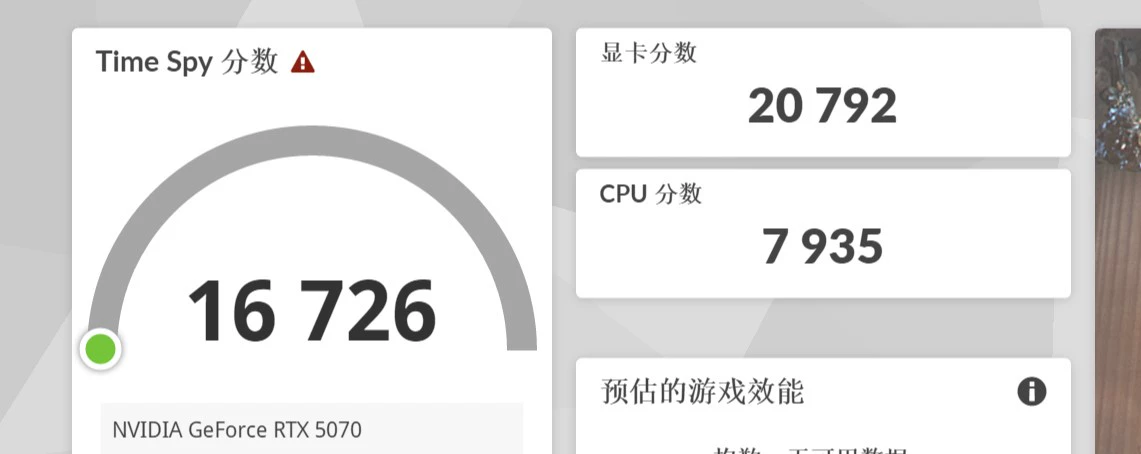
3DMARK Benchmark Data for External Display with 5070 via Graphics Card Dock
Technical FAQ:
What power supply options are compatible with the ADT K993G?
Only standard ATX power supplies are supported. Select power based on the graphics card's requirements.
What is the function of the switch on the graphics card dock?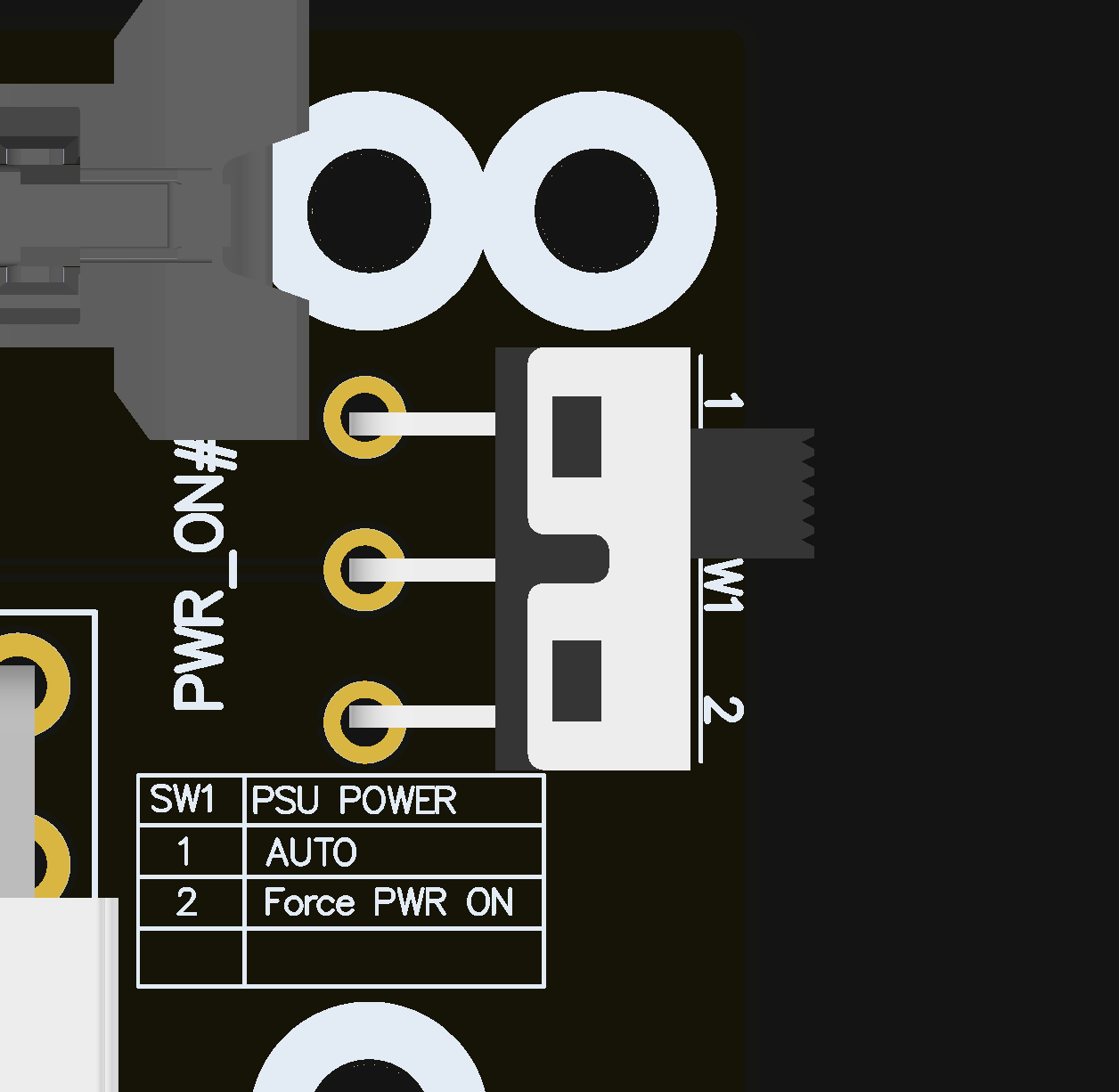
Position 1 enables auto-start, allowing the GPU dock to power on/off with the computer. No manual switching is needed during normal operation. Position 2 forces manual startup, directly supplying power to the GPU dock. If the dock fails to start normally at position 1 when using non-store-provided adapter boards, switch to position 2 for forced startup. For safety, always power on the GPU dock before starting the host system and power it off after shutting down the host.
What do the device indicator lights mean?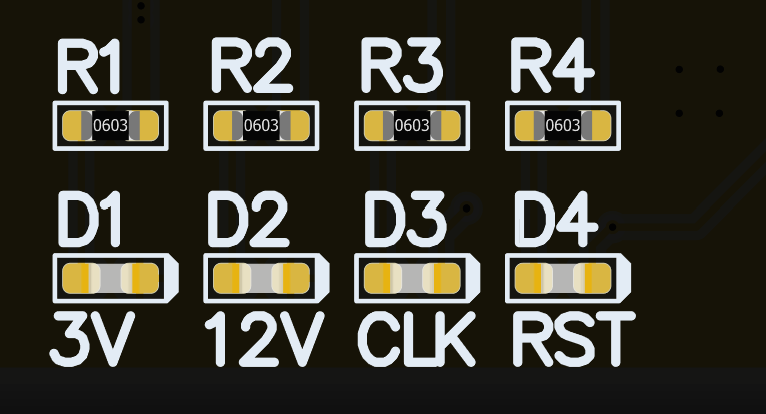
D1 indicates cable detection. Some third-party cables may cause D1 to remain off. D2 shows ATX power supply status: lit means the ATX power is on; unlit requires checking the power switch or cable connections. D3 may remain off when using certain AMD graphics cards; D4 is normally off and only flashes briefly during power cycling. During operation, normal use requires D2 to be on and D4 to be off. D1 and D3 serve solely for diagnostic purposes; their status does not affect normal operation.
Product dimensions?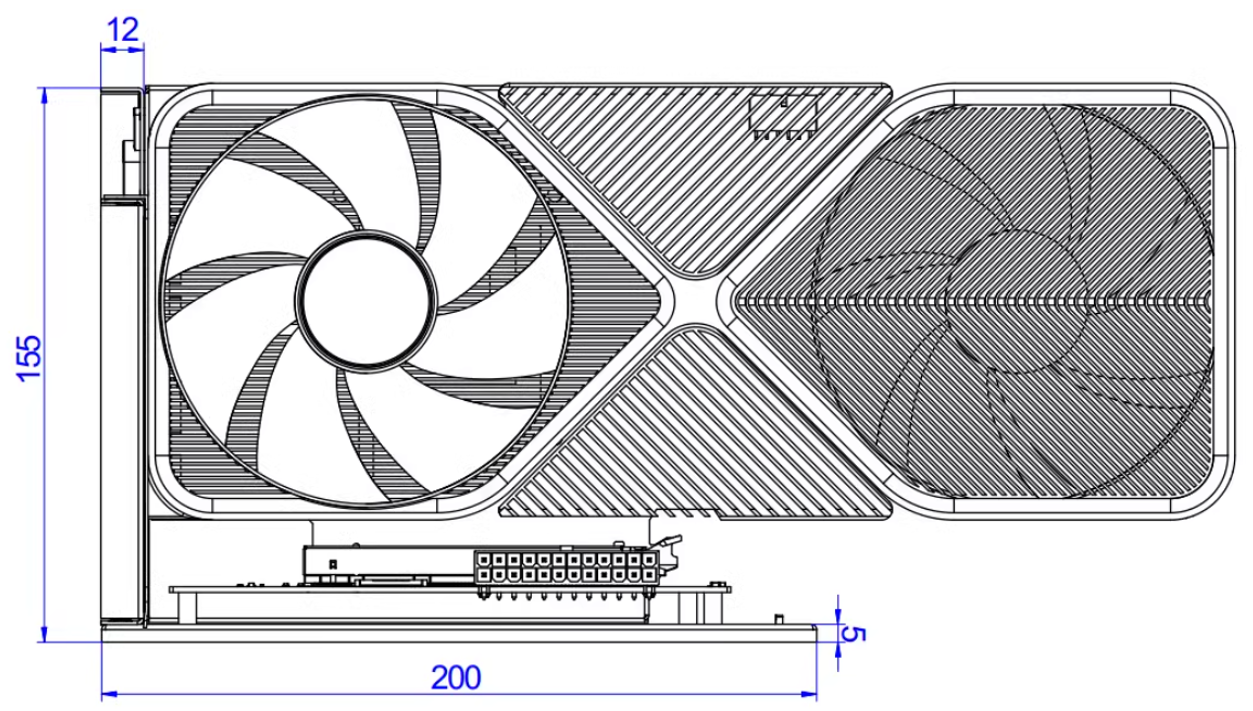
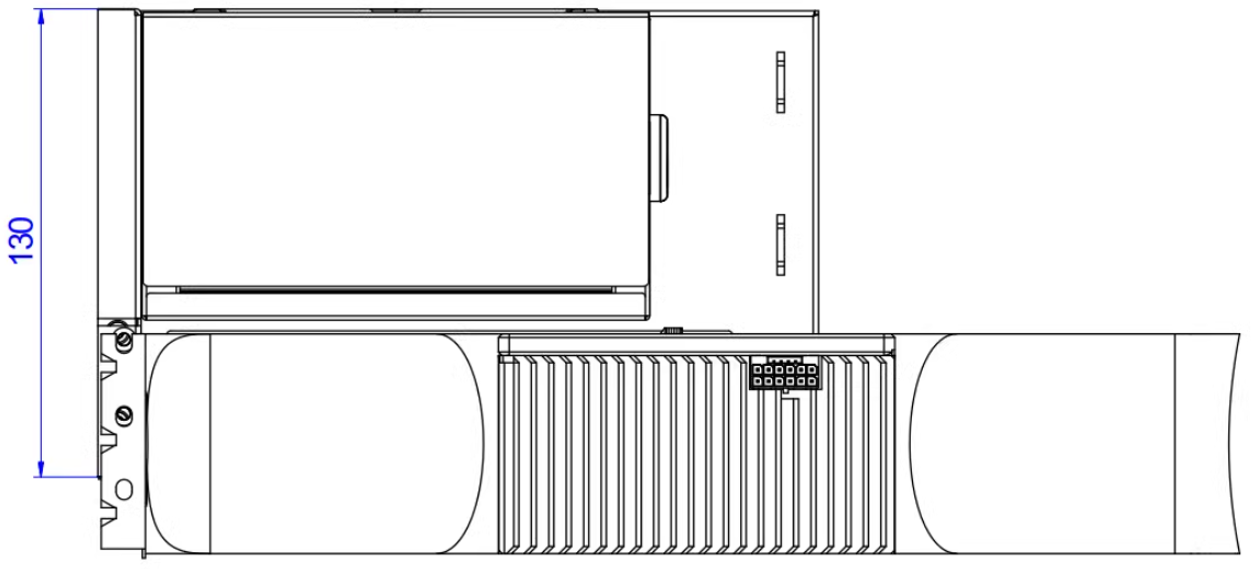
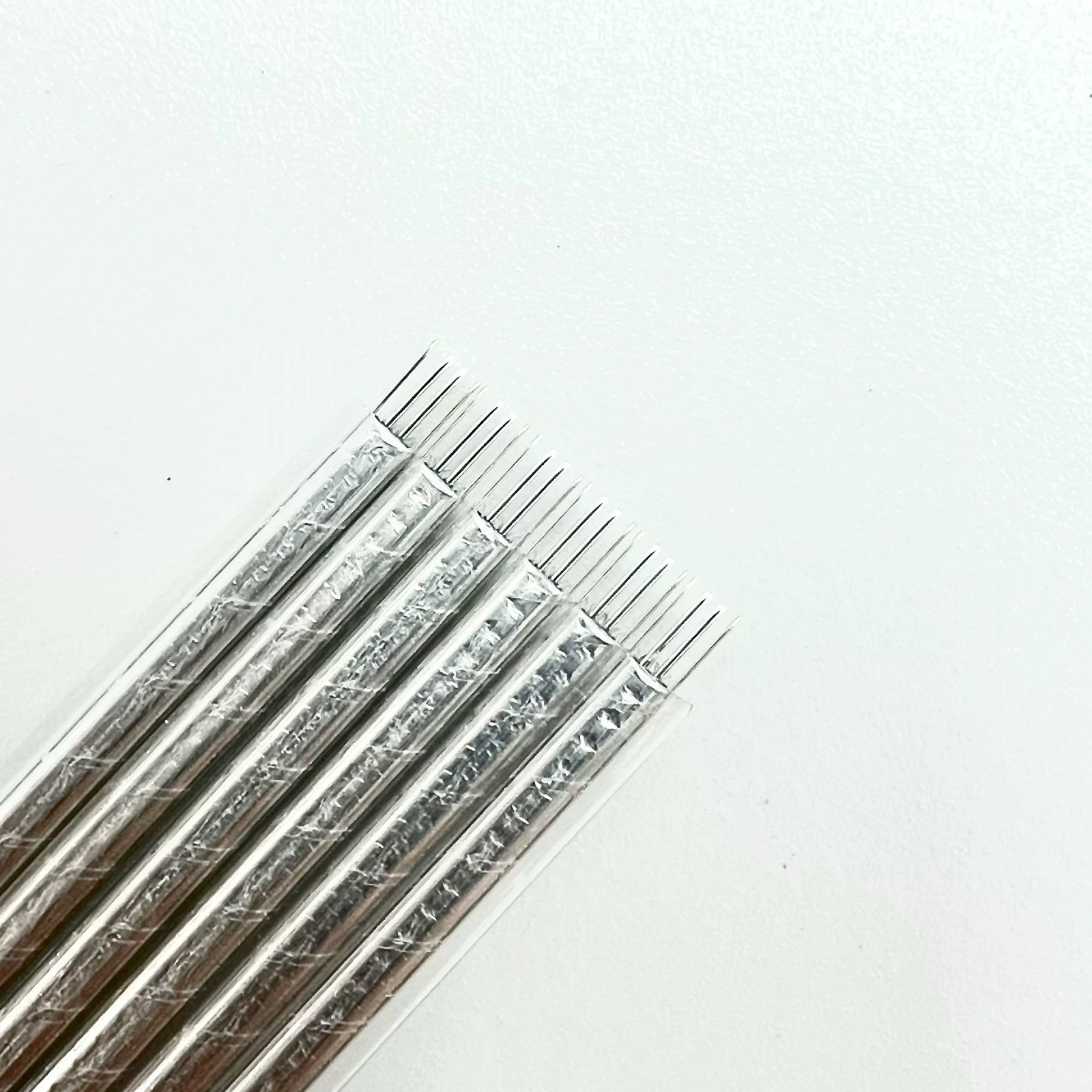
What is the cable quality like? Is it shielded?
Features a metallic shield layer utilizing advanced EMI-shielding conductive polymer—a novel material for EMI protection—with a flat cable design. This technology ensures each cable is fully enveloped by the conductive polymer shield, preventing electromagnetic frequency ingress or egress emissions. This minimizes interference and performance degradation while reducing cable weight.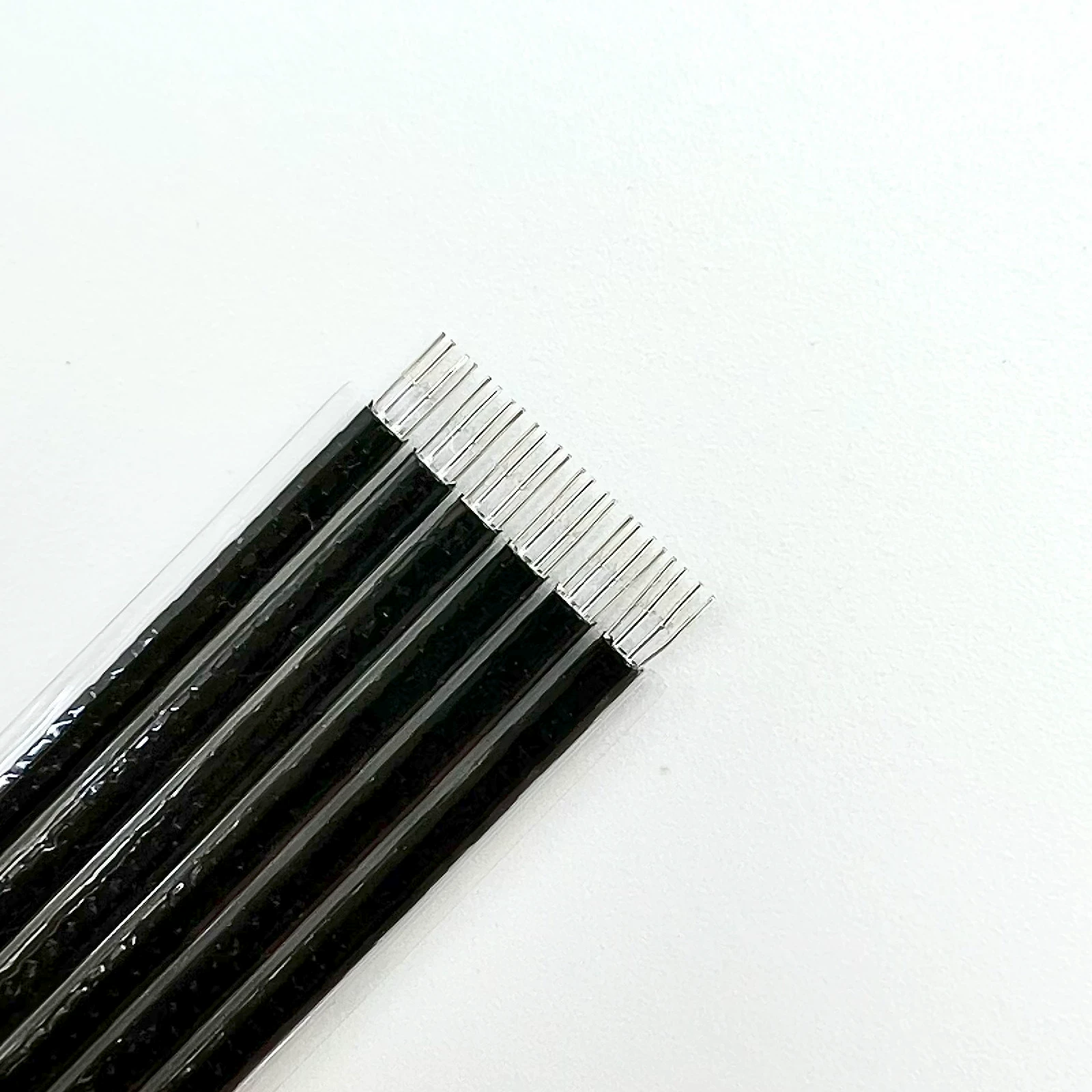
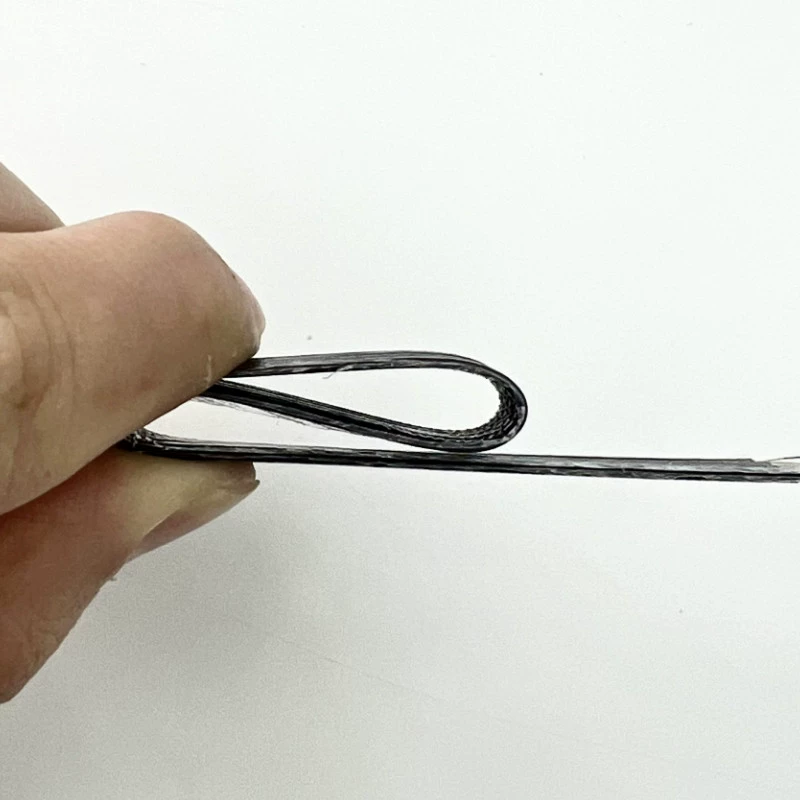
Is the cable flexible? Can it be bent?
The cable is ADT's proprietary fifth-generation PCIe-specific black slim cable, 0.8mm thick. It is highly flexible and bendable without affecting functionality.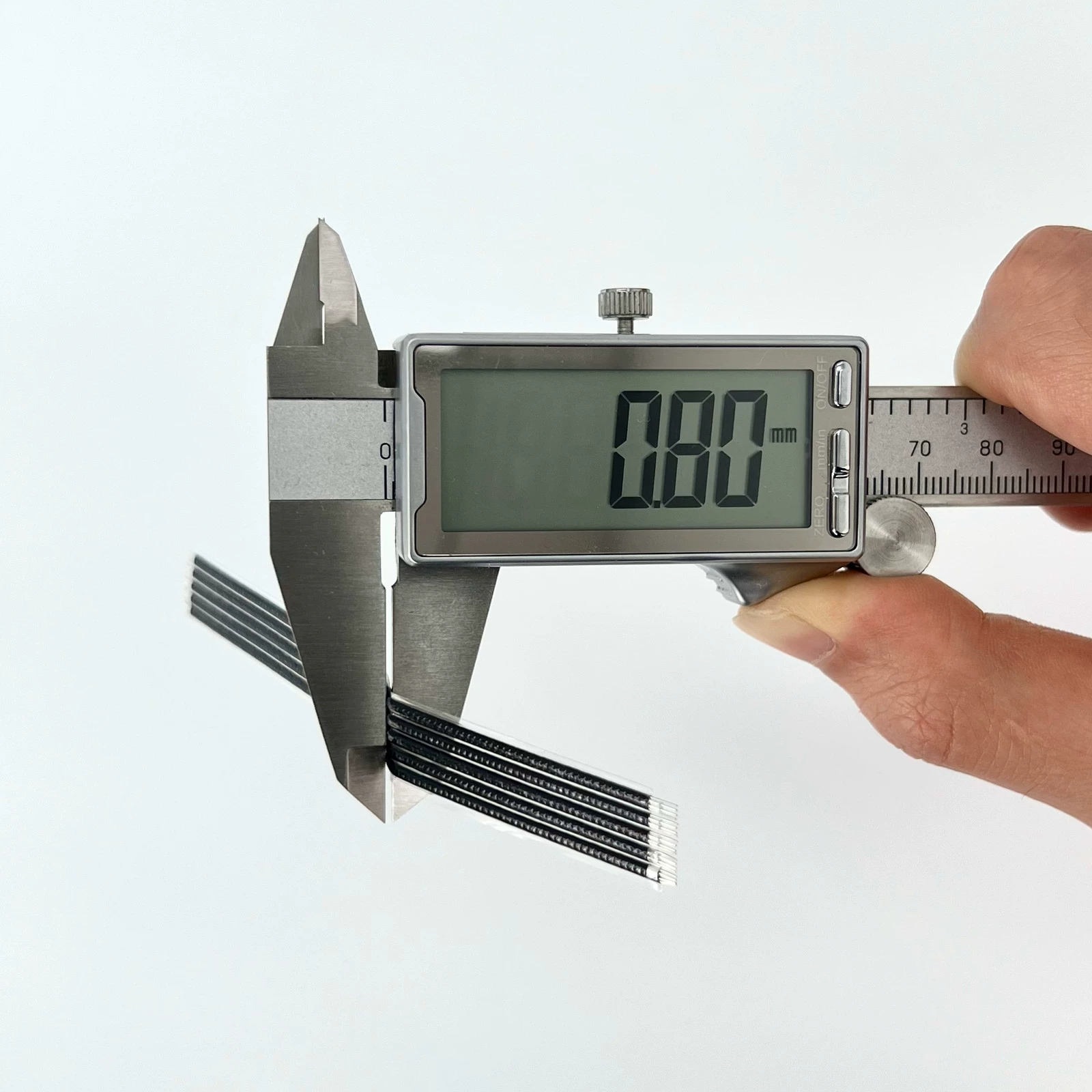
Technical Documentation Download Links:
Open 3D PDF files. Adobe Reader DC software is required.
3D Step & 3D PDF files download:
https://www.adtlink.cn/download/ADT_K993G-F4Q-R29Q_3D.zip
Specification files download:
https://www.adtlink.cn/download/ADT-Cable 24P 5.0 specification 20250625.pdf
Installation video download:
Installation Tutorial files download
http://www.adtlink.cn/download/F9G Installation Tutorial.mp4