
We are professional industrial&electronic Categorie manufacturers in China. We have been working in this field for almost 10 years!
Our products include all kits&welded products for Andruino, Raspberry Pi, or mini flights.
If you have any needs, pls contcact us for free, we will help you get all things you need.
Thank you !
Product View


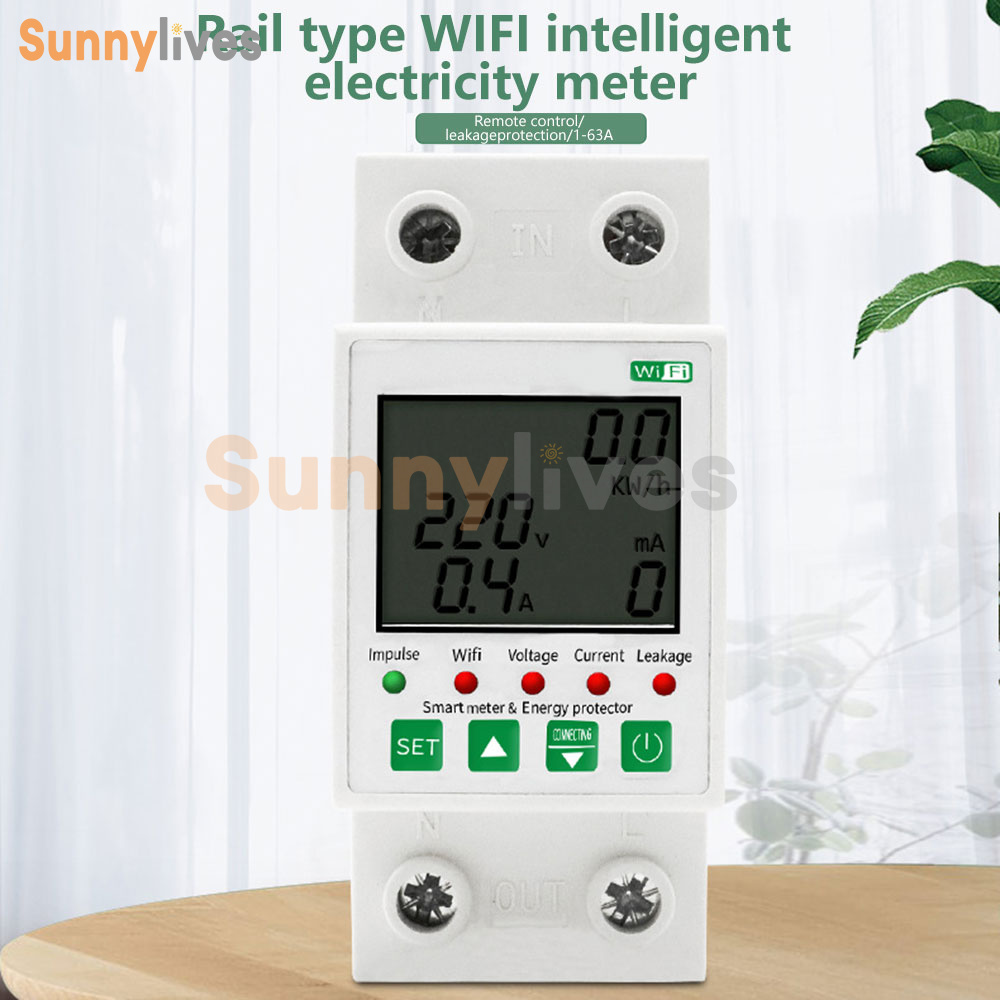

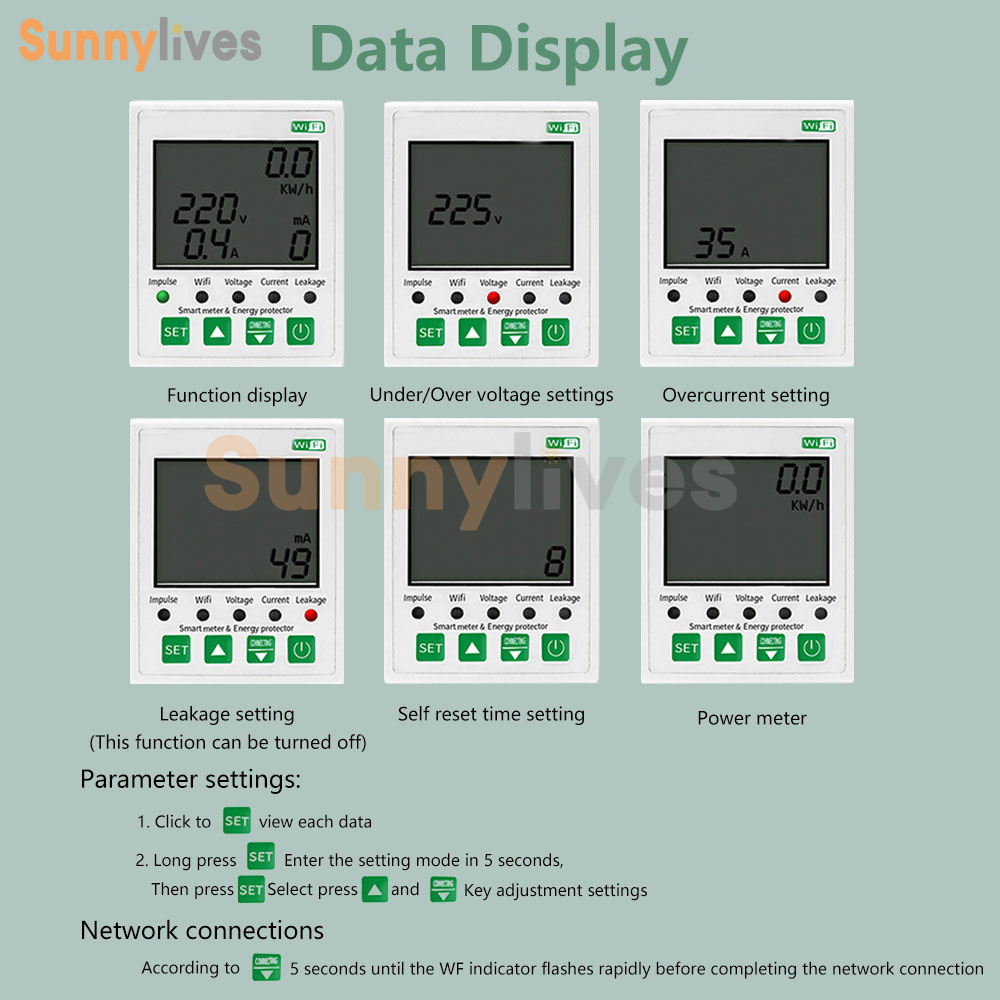
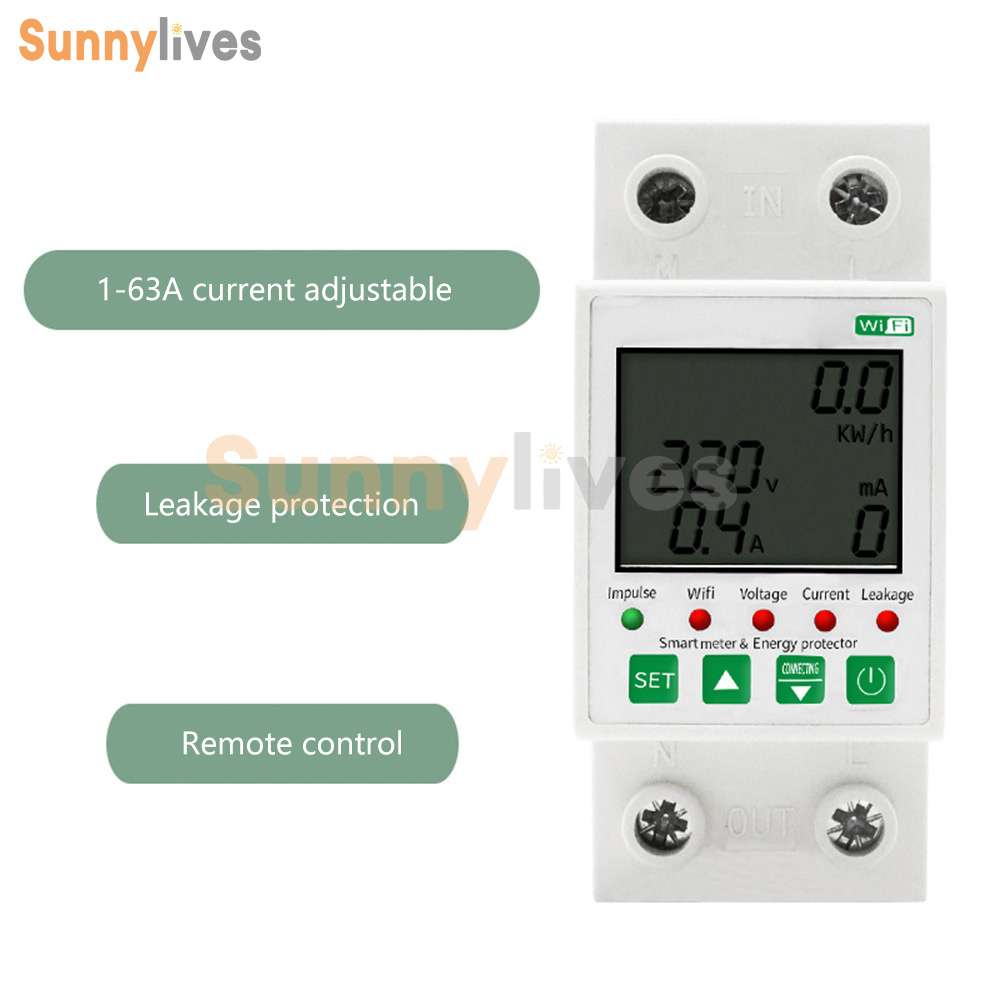
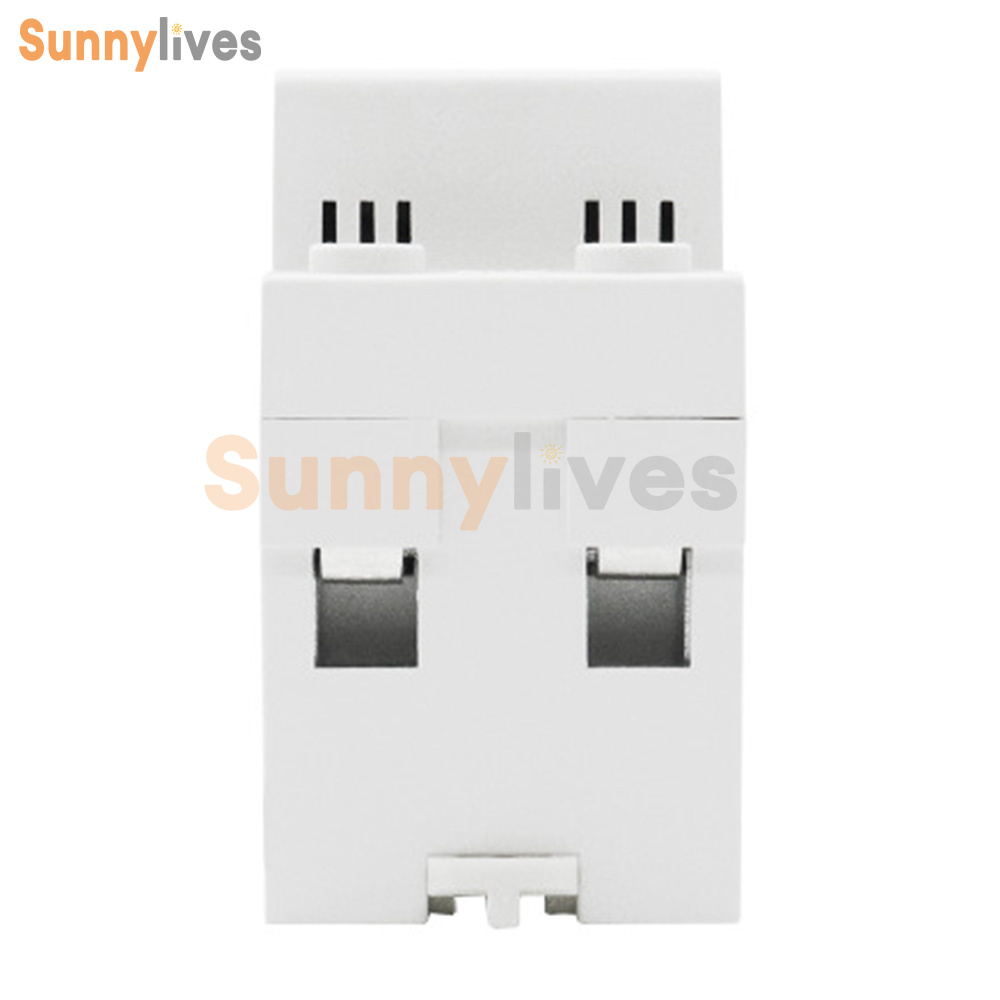

Product Details
Features
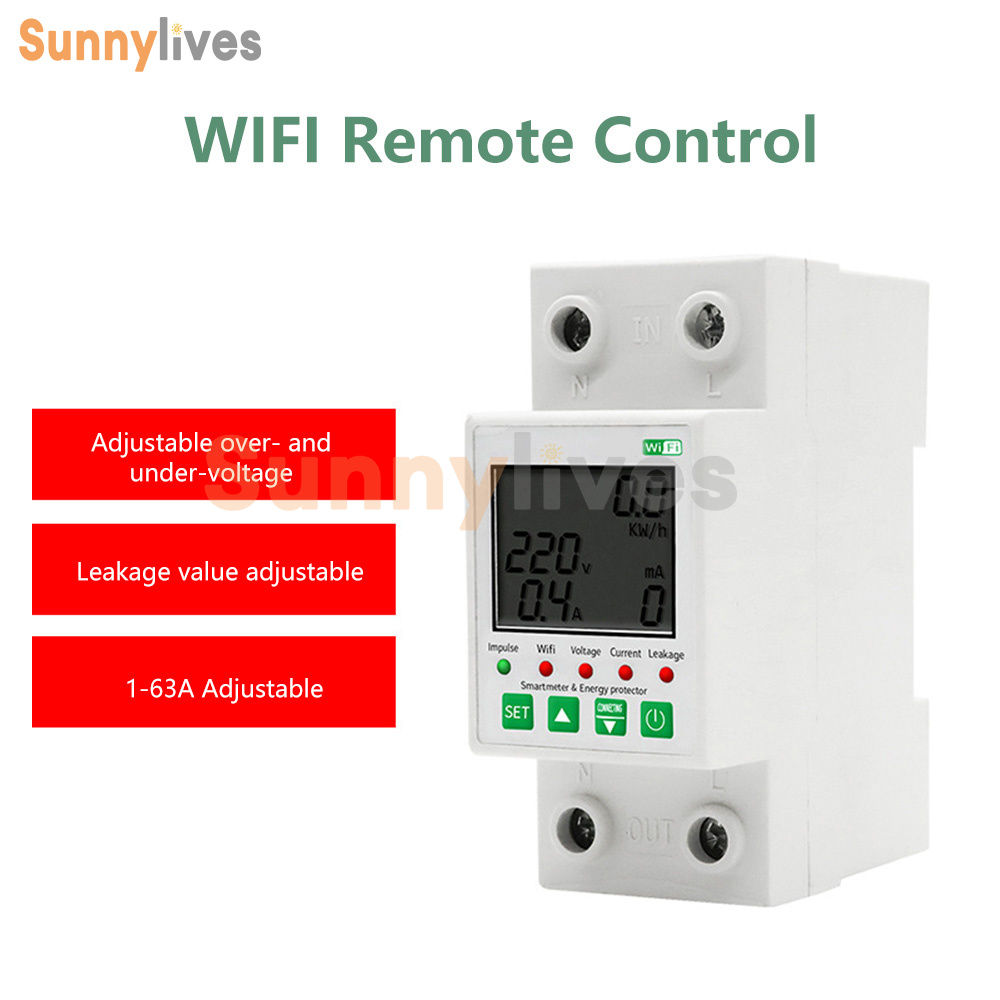
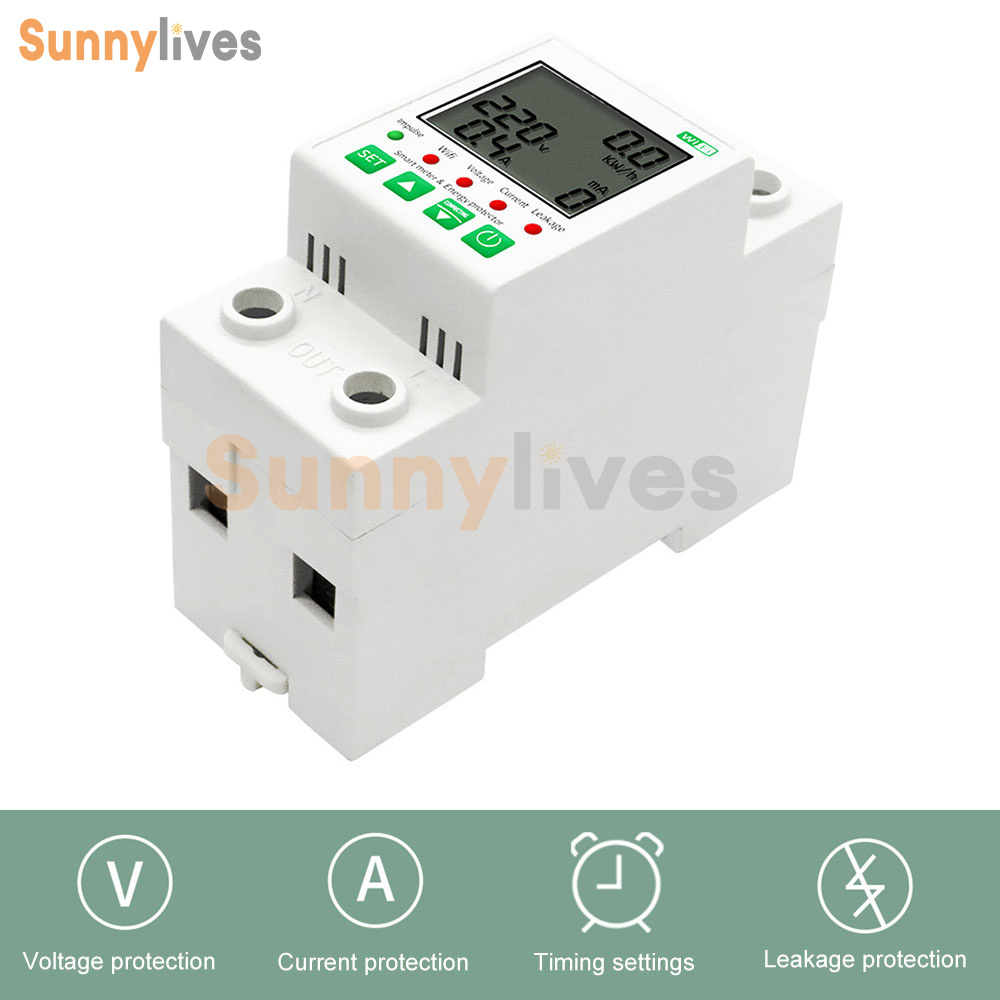
1.Current protection
2.Voltage protection
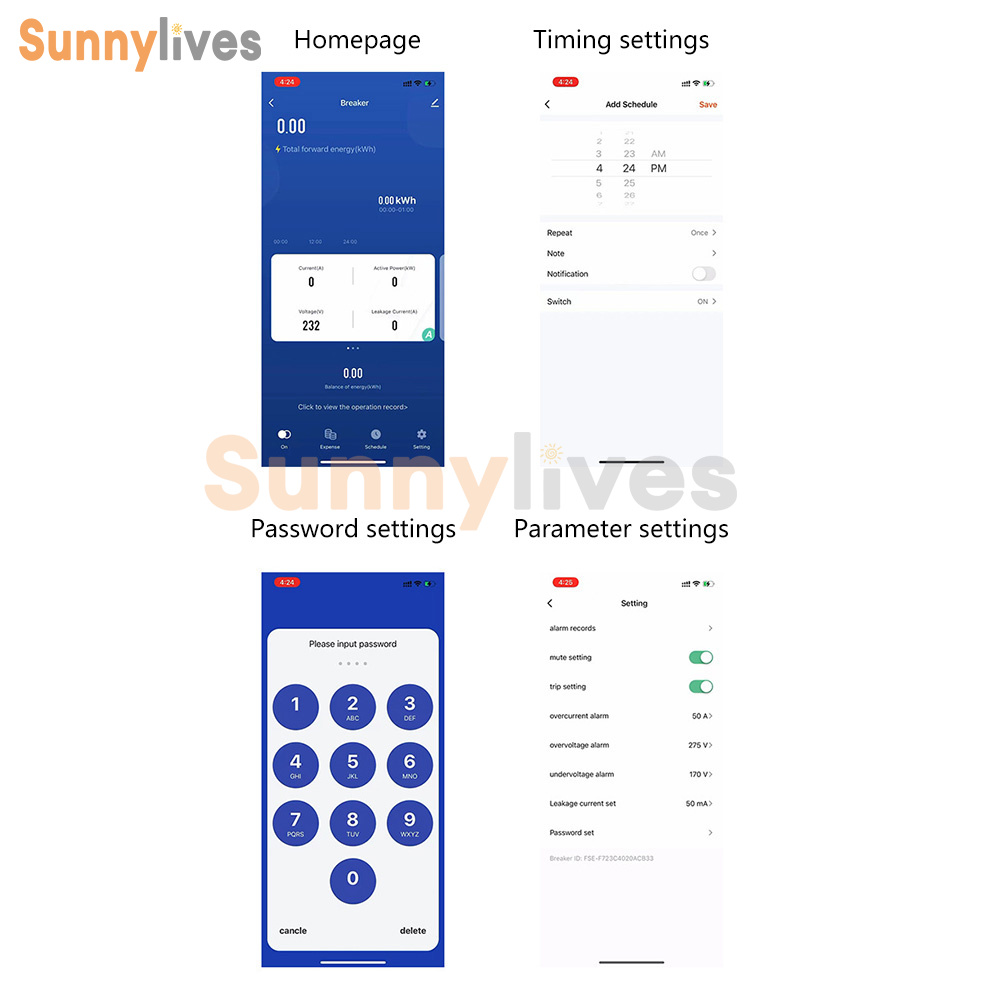
3.Timing setting
4.Leakage protection
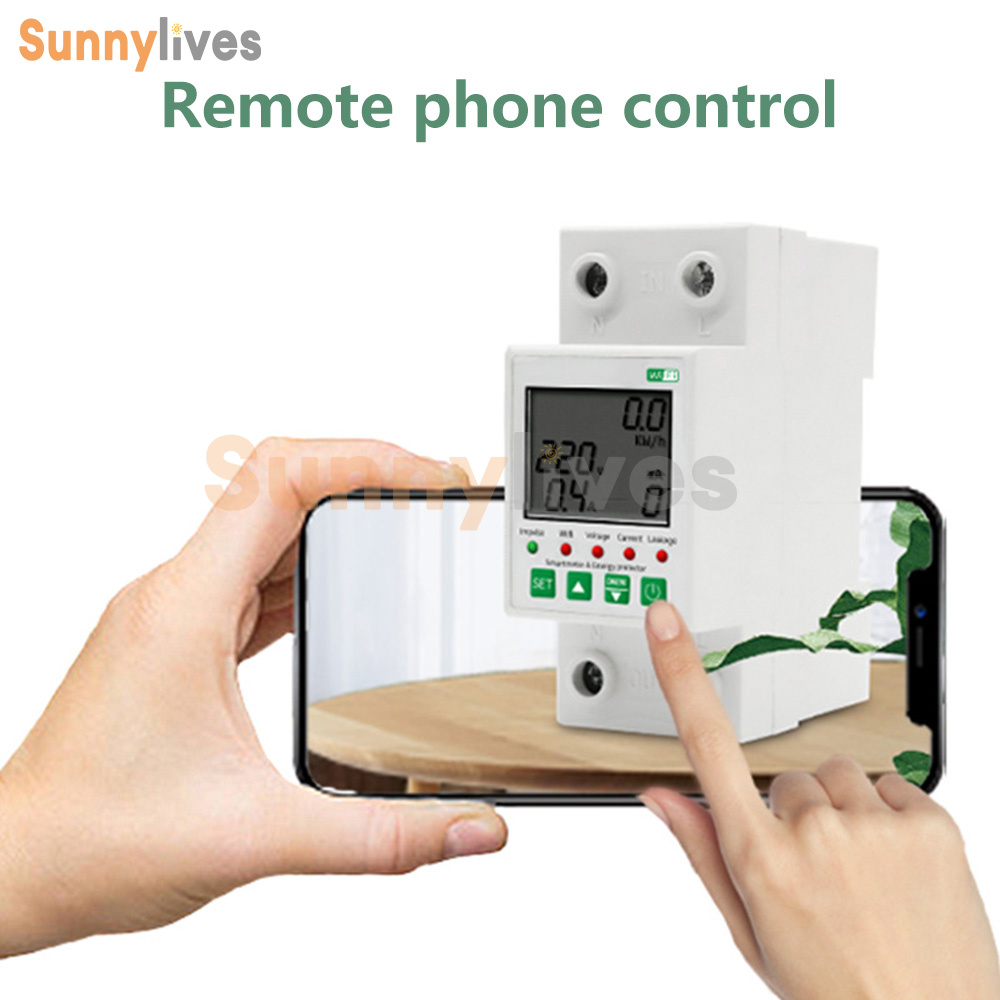
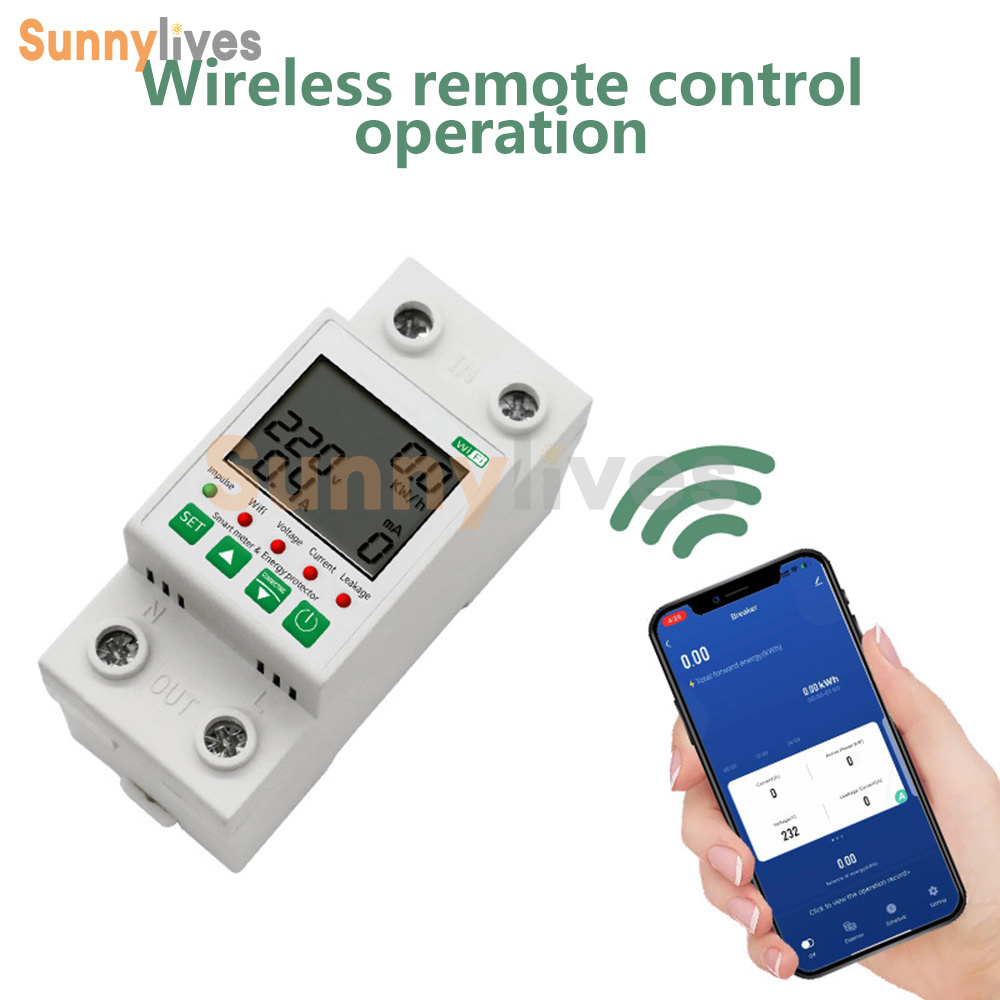
5.Remote control anytime, anywhere, say goodbye to manual, realize intelligent life.
1.Current protection
2.Voltage protection
3.Timing setting
4.Leakage protection
5.Remote control anytime, anywhere, say goodbye to manual, realize intelligent life.
Specification
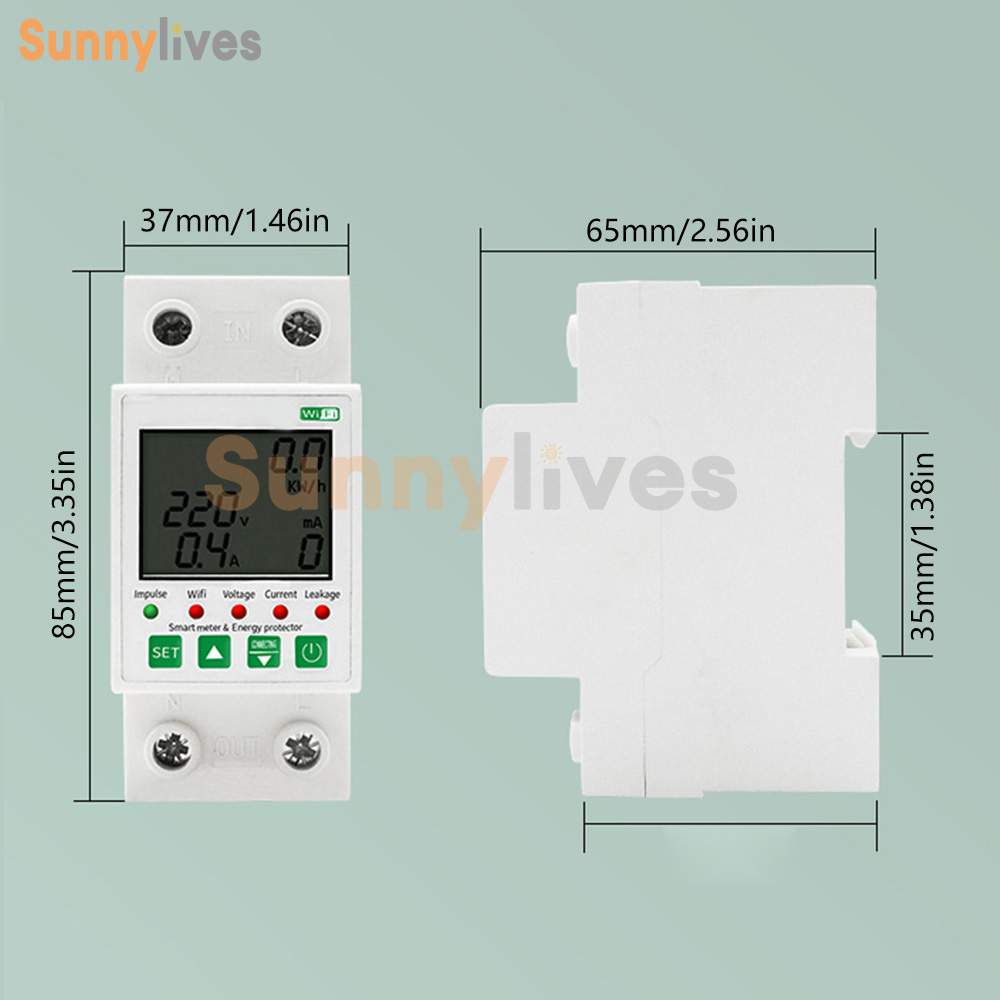
Operating voltage range: AC80-400V (single-phase)
Rated current: 63A
Frequency: 50/60HZ
Number of poles: 2P
Leakage action current: 0.03A
Leakage action characteristics: non-time-delay type
Installation: rail type
Wiring mode: rail type
Thresholding mode: under voltage thresholding
Protection type: leakage protection
Type of detent: under voltage detent
Operating voltage range: AC80-400V (single-phase)
Rated current: 63A
Frequency: 50/60HZ
Number of poles: 2P
Leakage action current: 0.03A
Leakage action characteristics: non-time-delay type
Installation: rail type
Wiring mode: rail type
Thresholding mode: under voltage thresholding
Protection type: leakage protection
Type of detent: under voltage detent
Networking instructions
Scan the OR code on the left side with your cell phone's code scanning tool, and search for "Graffiti Intelligence" in the mobile application market to download and install.
App (Connect your cell phone to the home Wi-Fi and start the "Graffiti Intelligence" APP.) Follow the instructions in the APP to register/login the App account and add new devices ( ) After adding new devices, you can use the APP to control your devices conveniently.The APP is subject to the actual release version.
Scan the OR code on the left side with your cell phone's code scanning tool, and search for "Graffiti Intelligence" in the mobile application market to download and install.
App (Connect your cell phone to the home Wi-Fi and start the "Graffiti Intelligence" APP.) Follow the instructions in the APP to register/login the App account and add new devices ( ) After adding new devices, you can use the APP to control your devices conveniently.The APP is subject to the actual release version.
Network Settings
Launch "DoodleSmart" App and log in. Click "+" in the upper right corner to enter the device adding setting page.
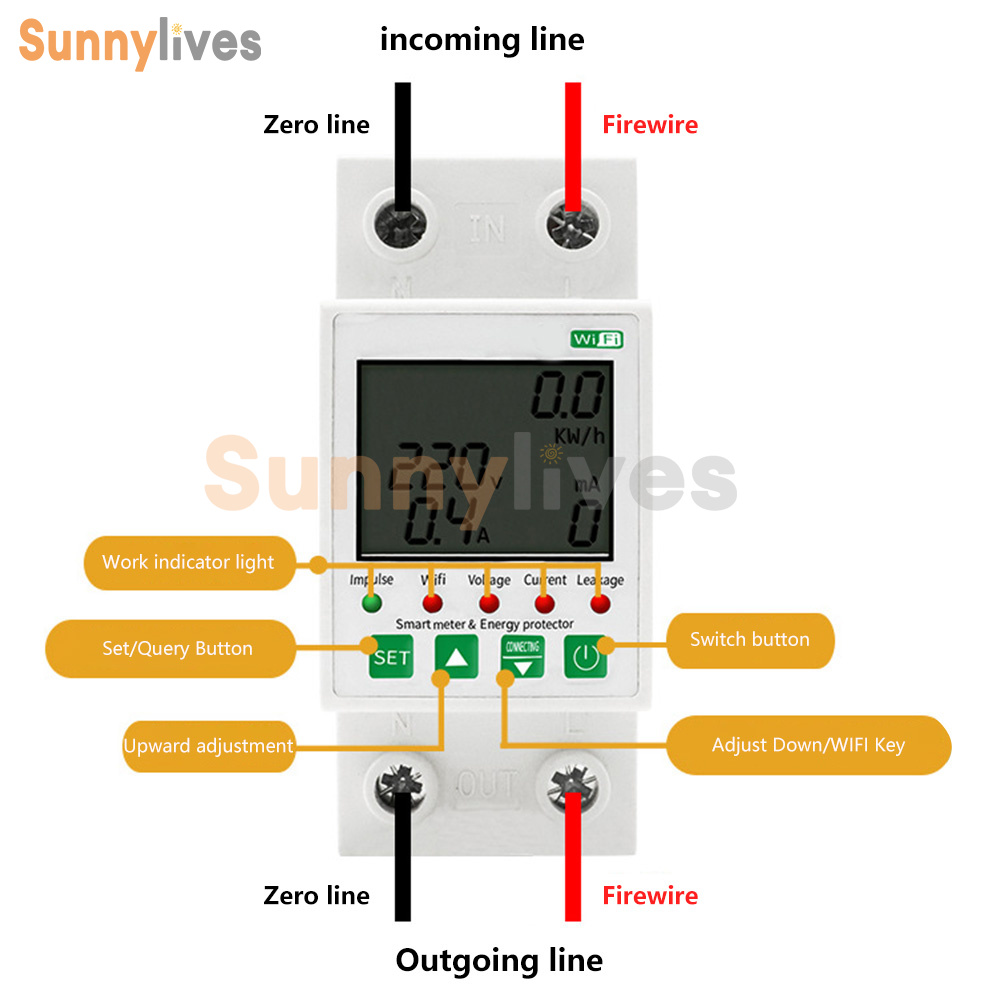
Click "All Devices" and find "Energy" item to select. Turn on the power of the meter, press and hold it for 5 seconds until the network indicator light blinks, then click "Confirm indicator light blinks" button.
Enter the password for Wi-Fi connection, only 2.4G wireless network is supported, 5G wireless network is not supported. (At present, we don't support Wi-Fi name and password with Chinese characters, which may cause the APP can't add new devices) Click "Confirm" and wait for the connection. After the connection is completed and the device is successfully added, you can set the installation space of the device. The on/off button and the center power button can control the power on/off of the device.
Launch "DoodleSmart" App and log in. Click "+" in the upper right corner to enter the device adding setting page.
Click "All Devices" and find "Energy" item to select. Turn on the power of the meter, press and hold it for 5 seconds until the network indicator light blinks, then click "Confirm indicator light blinks" button.
Enter the password for Wi-Fi connection, only 2.4G wireless network is supported, 5G wireless network is not supported. (At present, we don't support Wi-Fi name and password with Chinese characters, which may cause the APP can't add new devices) Click "Confirm" and wait for the connection. After the connection is completed and the device is successfully added, you can set the installation space of the device. The on/off button and the center power button can control the power on/off of the device.
List
1 x Power protecto
1 x Power protecto
- We accept PayPal only. But we only Accept your Ebay Address,Please Make sure it's 100% right.
- Payment must be received in 5 business days of auction closing.
- Please leave note for your special request (e.g. Colors or Size) in PayPal when you pay the order.
- Any special request cannot be accepted after 24 hours of payment, because most of orders will be processed instantly and same day dispatched.
- All package need to wait 30 days(US only need 7-10 days),Please take care it.Less than 30 days,we can't take a refund.
- If the item is defect when you receive it or you are not satisfied with it, please return it within 14 days for a replacement or money back. But the items must be back in factory condition. Please contact us and double check the return address before you return it.
- If is item is defective in 12 months, you can return it to us. We will send you a new replacement after receiving the defective item.