




Dear customer: Thank you for your time and patience. If you have any questions about this product, or find that there are any quality problems after you receive the package, please don't hesitate to contact us by email.We will try our best to serve you.
If you don't want this product, you can also contact us. We will send you a return shipping label and full refund you. You don't need to pay any costs.
Thank you, have a good day!♪(・ω・)ノ


iPad 10.2 2020 8th Generation: A2270 or A2428 or A2429
iPad Pro 10.5: A1701 or A1709
ipad Air 3: A2152 or A2123 or A2153 or A2154
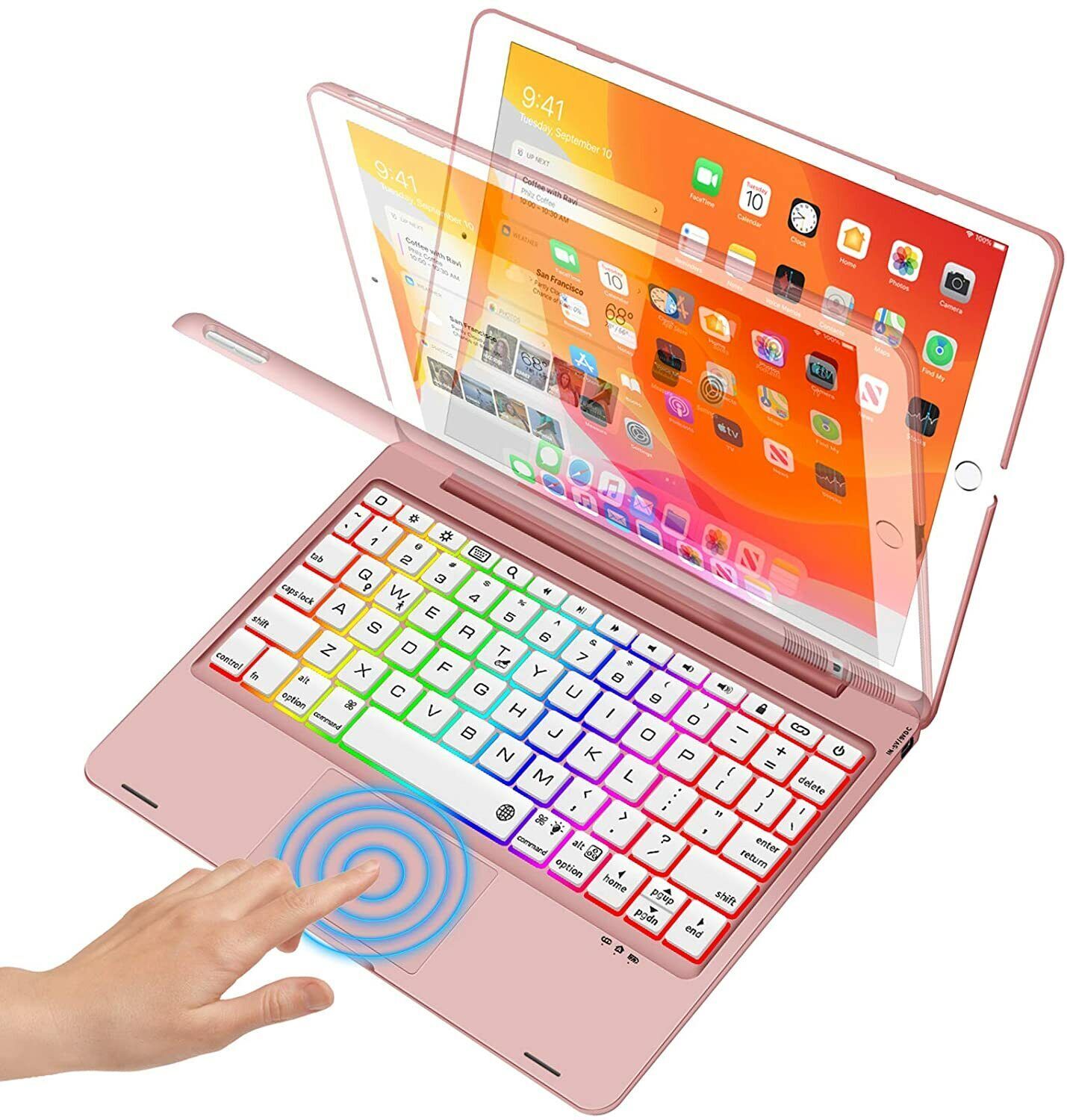
7 Color Backlit - This iPad case with keyboard has 7 different backlight colors, it allows you to freely choose the color you like, which make the keyboard more fashionable and give you an unique visual enjoyment in the dark. Warmly tips: if you don't touch the keyboard over 5 seconds, backlight would go off automatically for energy-saving. It will light up again when you press any key. Just enjoy hours of comfortable typing.
Auto Sleep & Wake - This iPad air case with keyboard automatically wakes or puts your iPad to sleep when it is opened or closed to save much power for your iPad. The precise cutouts allows easy access to all ports, camera, speakers, headphones Jack and Volume controls. Most important, this protective case will ensure your iPad stays damage-free in the face of drops, knocks or spills.
Various viewing angles - there are different angles to use this keyboard. It can be used as a laptop to type, a notebook to read and write, a iPad stand to watch a movie or TV show, a great work partner to share your work presentation. Built-in hinge supports keyboard can rotate up to 360 degree swivel and 180 degree flip.
A little tip - Make sure your iPad ios system up to 13.2.2 or above & iPad Assistive Touch toggle function on.
How to connect keyboard with your iPad?
1.Please fully charge the keyboard and turn it on.
2.Press 'Fn' + "C" button to open the keyboard's bluetooth.
3.Go to the iPad settings, click on bluetooth and look for the keyboard.
4.Click on the keyboard and it will connect.
5.Notice: To use the keyboard touchpad, Please go to the iPad accessibility setting to turn on the assistive touch function first!
What's in the parcel?
1* Keyboard + Cover (not include pen)
1* Micro USB 2.0 Cable(ONLY for the keyboard, NOT for iPad)
1* User Manual
If you have any questions,pls contact us by message,and we will try our best to satisfy you!!!
