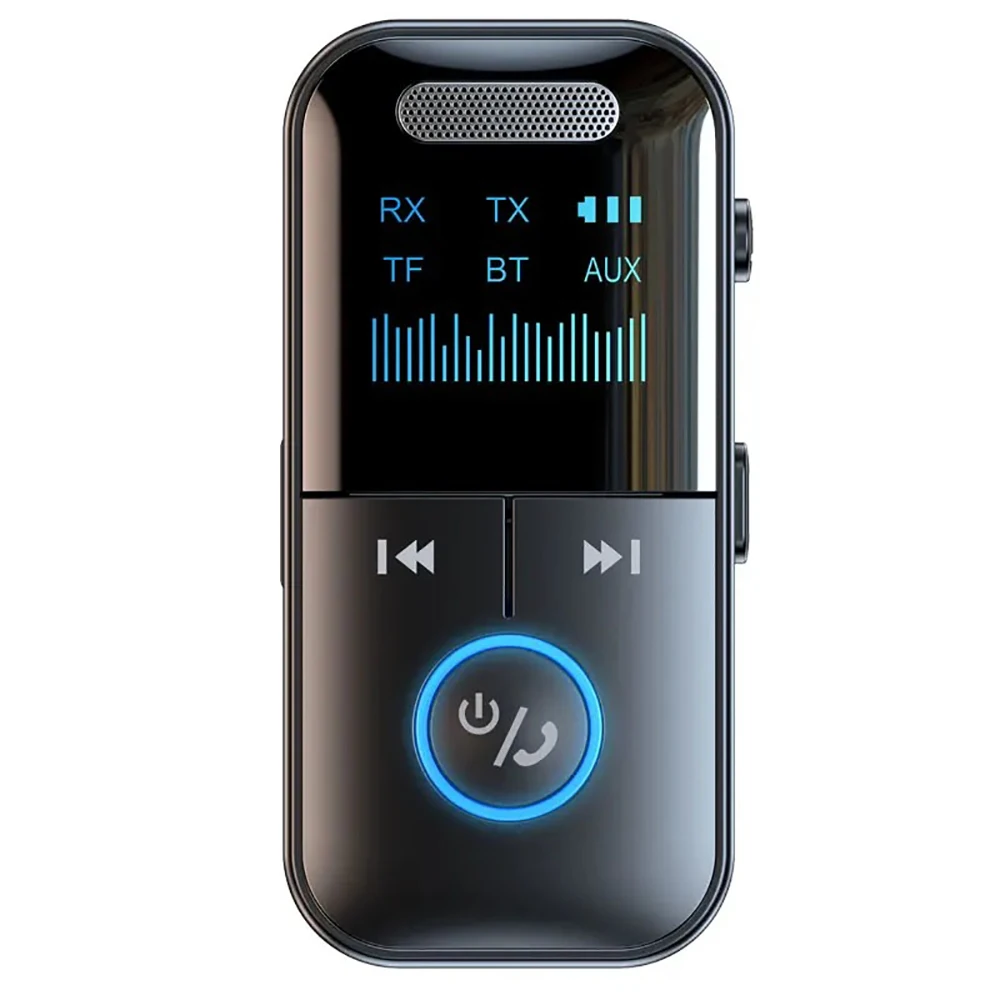
Feature:
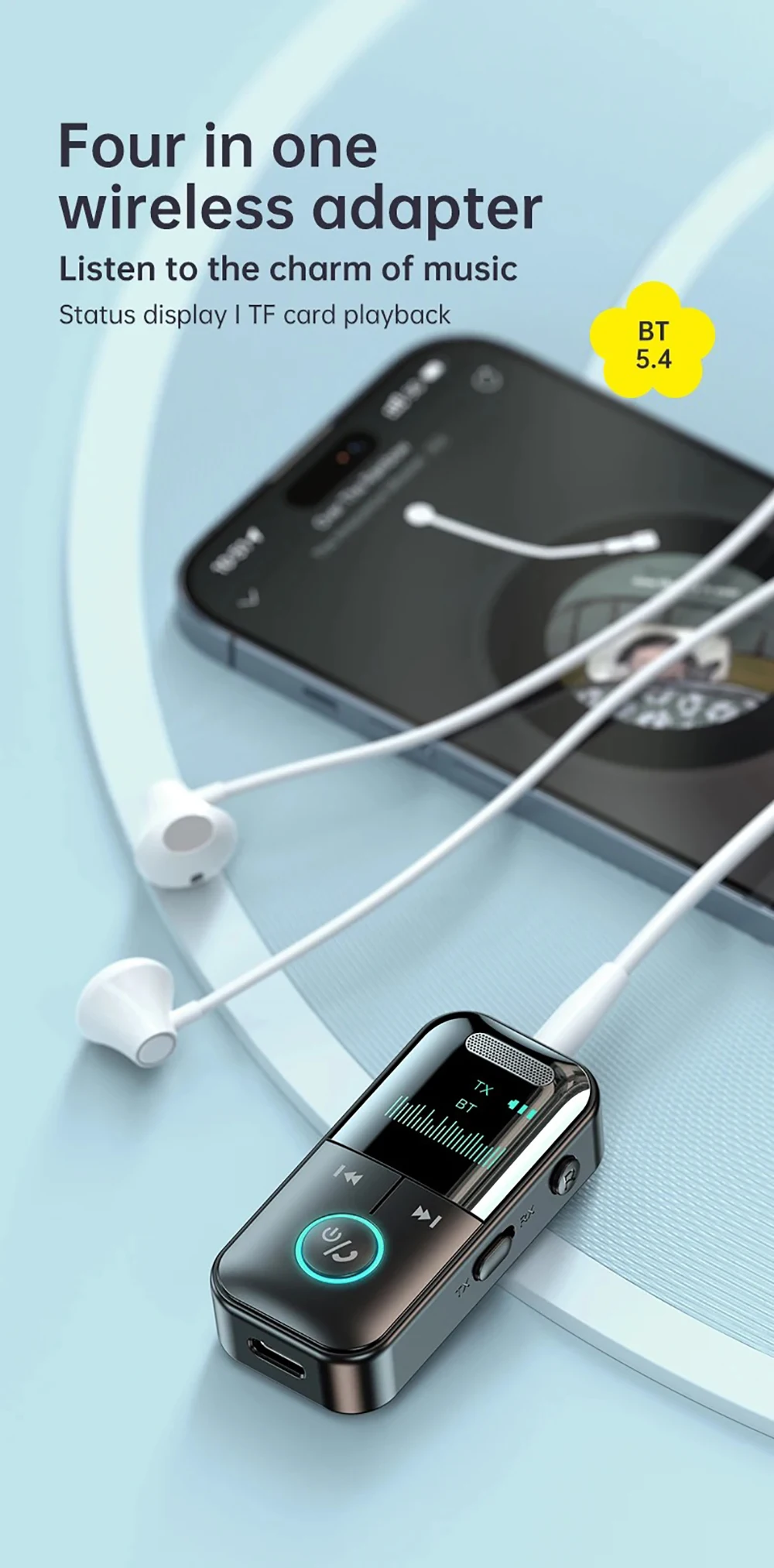
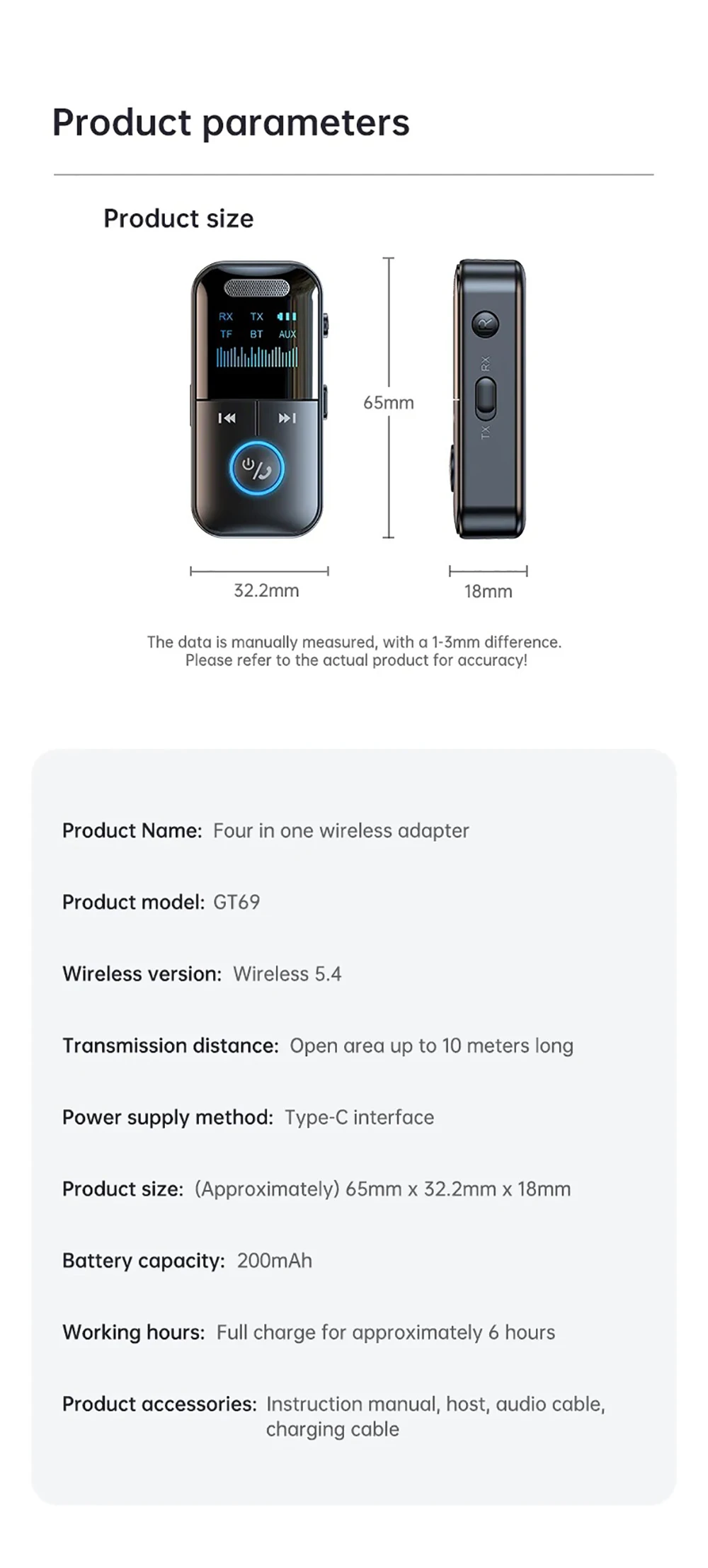
Product Name: Four in one wireless adapter
Product model: GT69
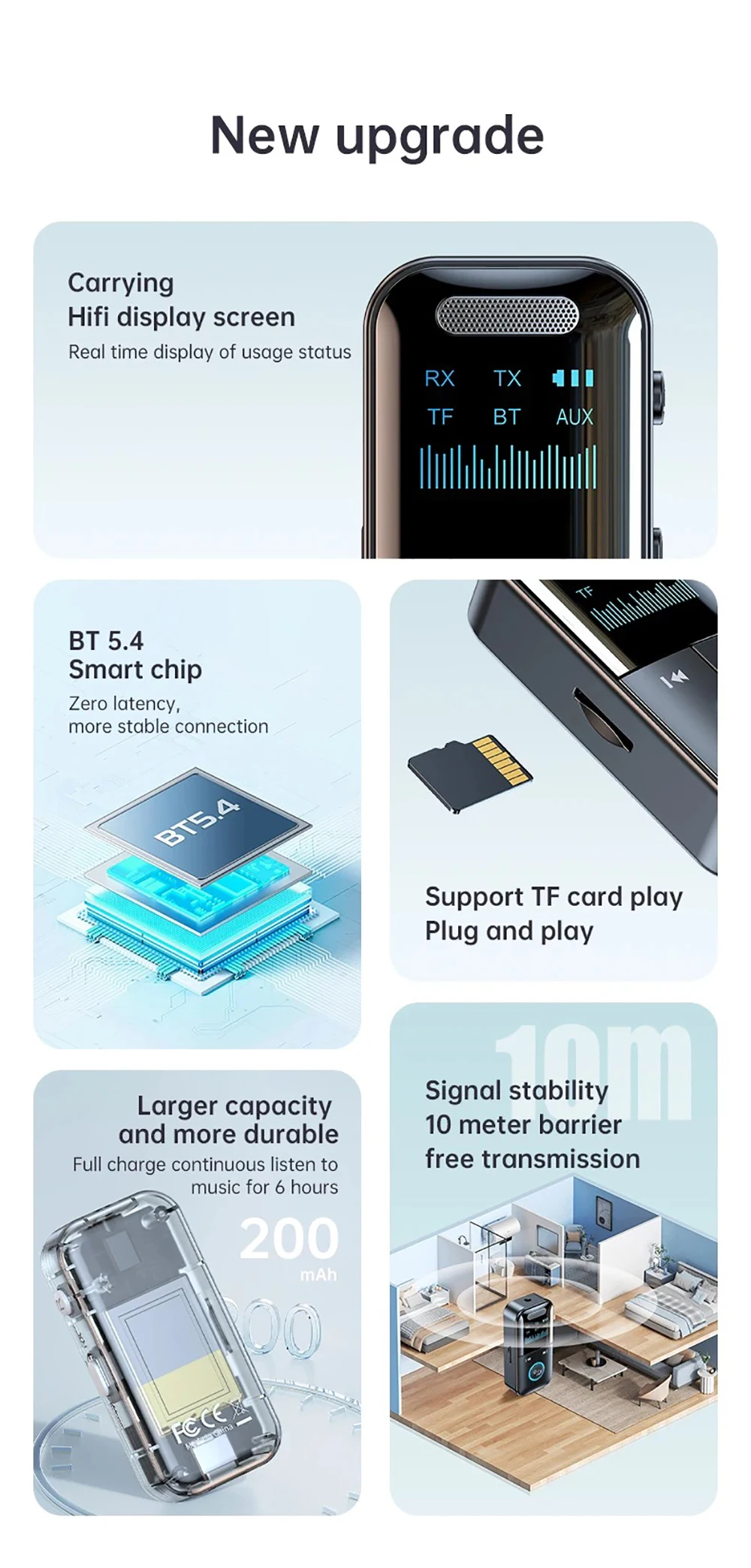
Wireless version: Wireless 5.4
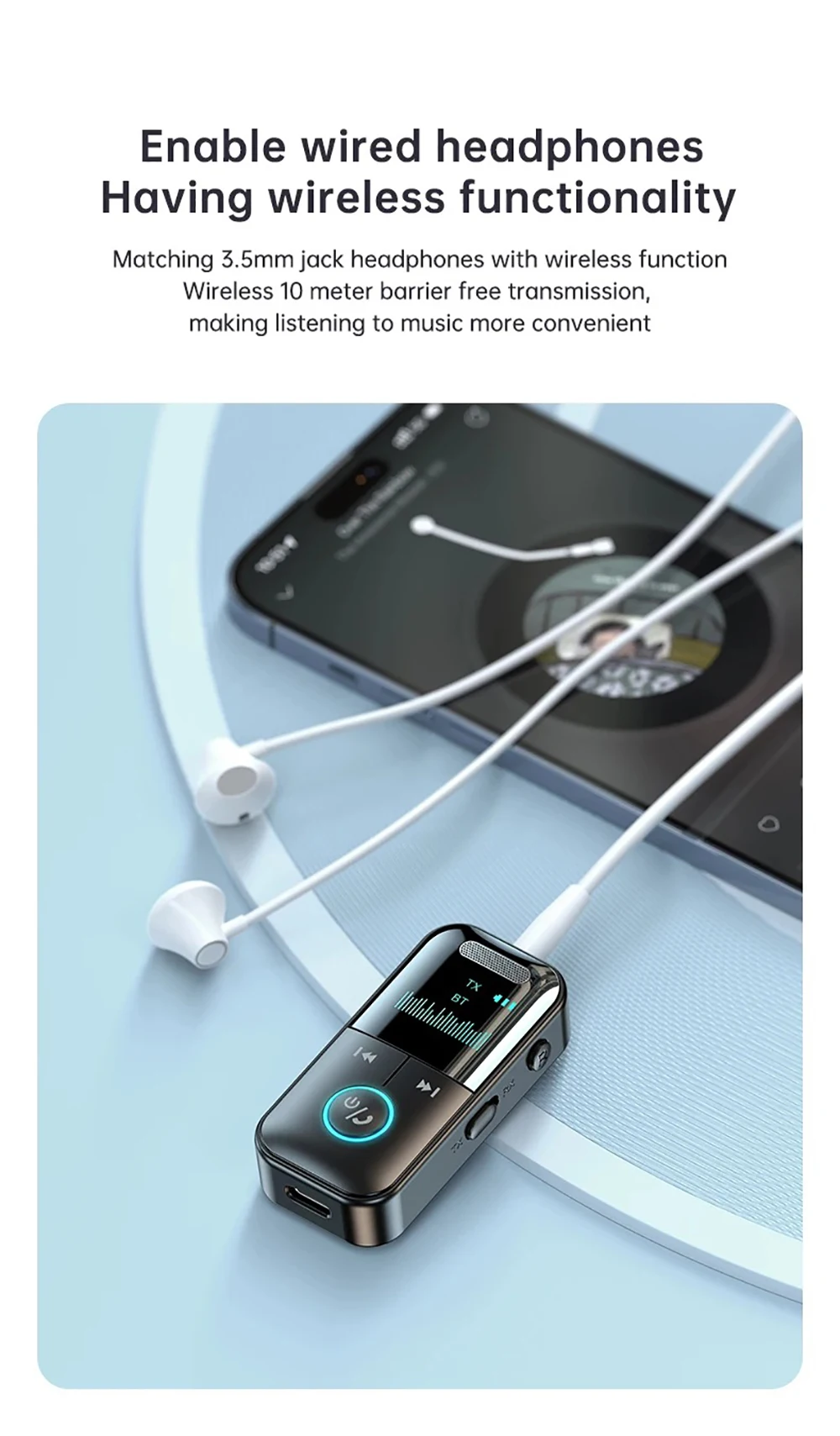
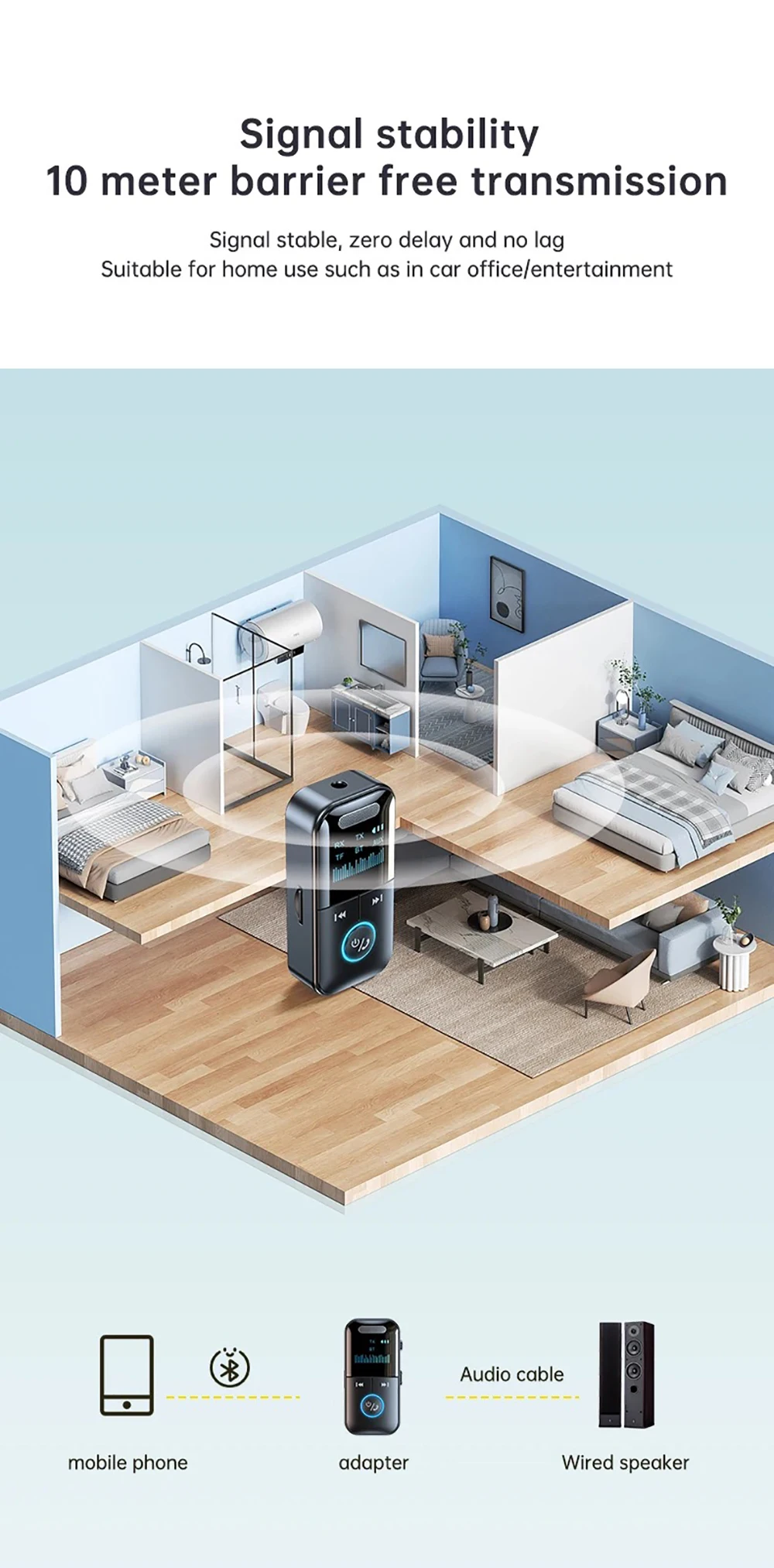
Transmission distance: Open area up to 10 meters long
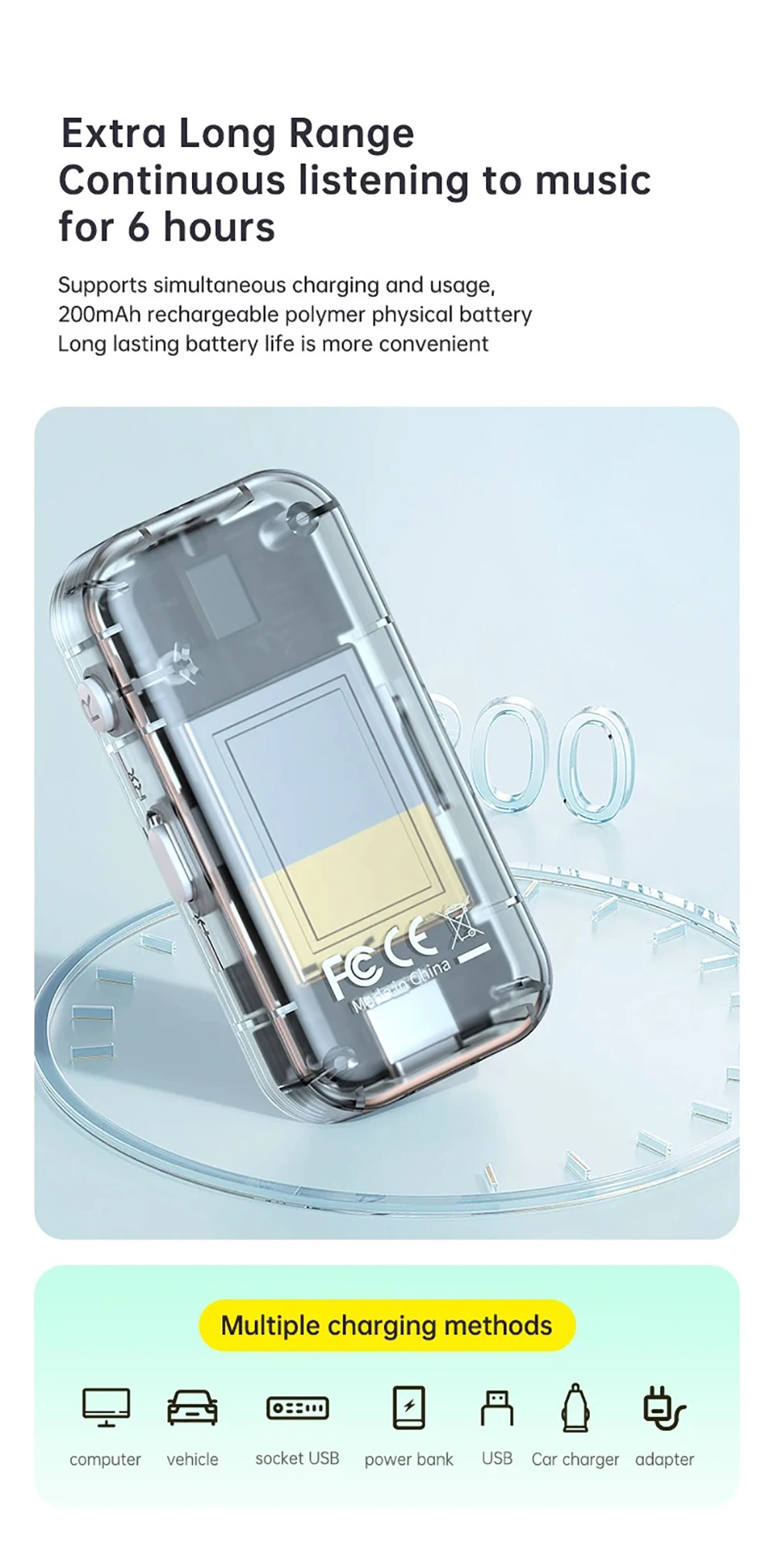
Power supply method: Type-C interface
Bluetooth reception function
Battery capacity: 200mAh
Working hours: Full charge for approximately 6 hours
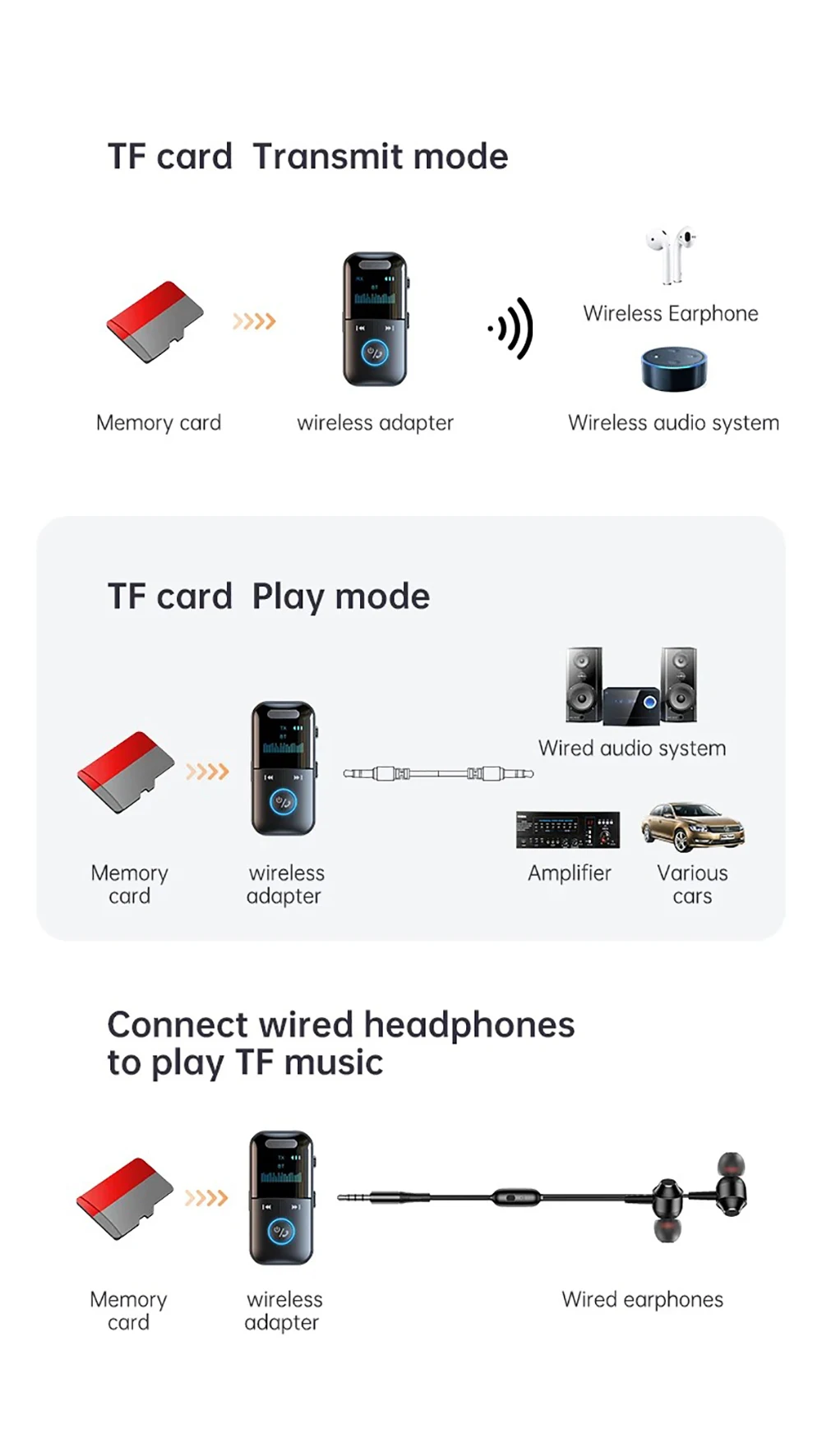
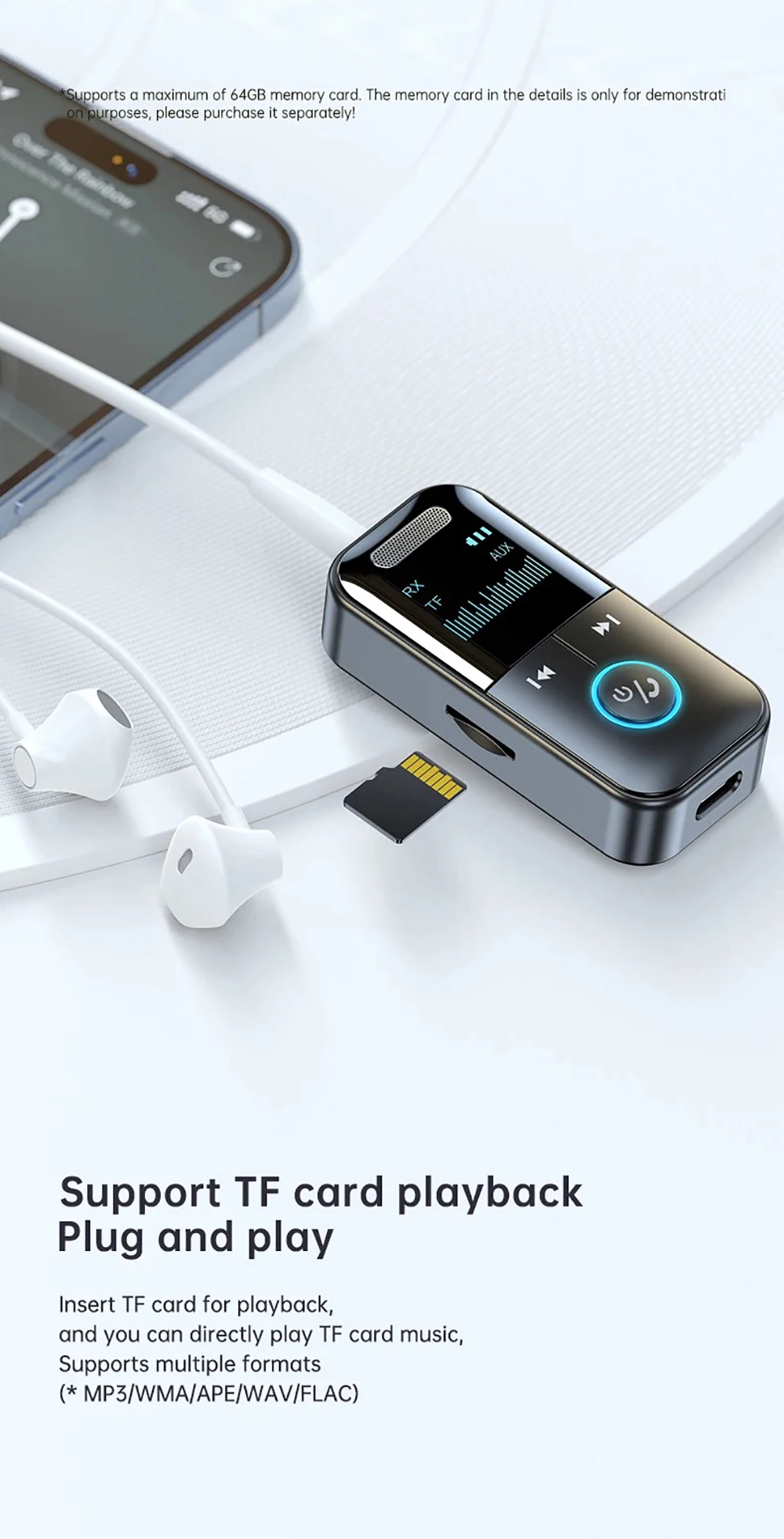
support TF card up to 64GB(not include TF card)
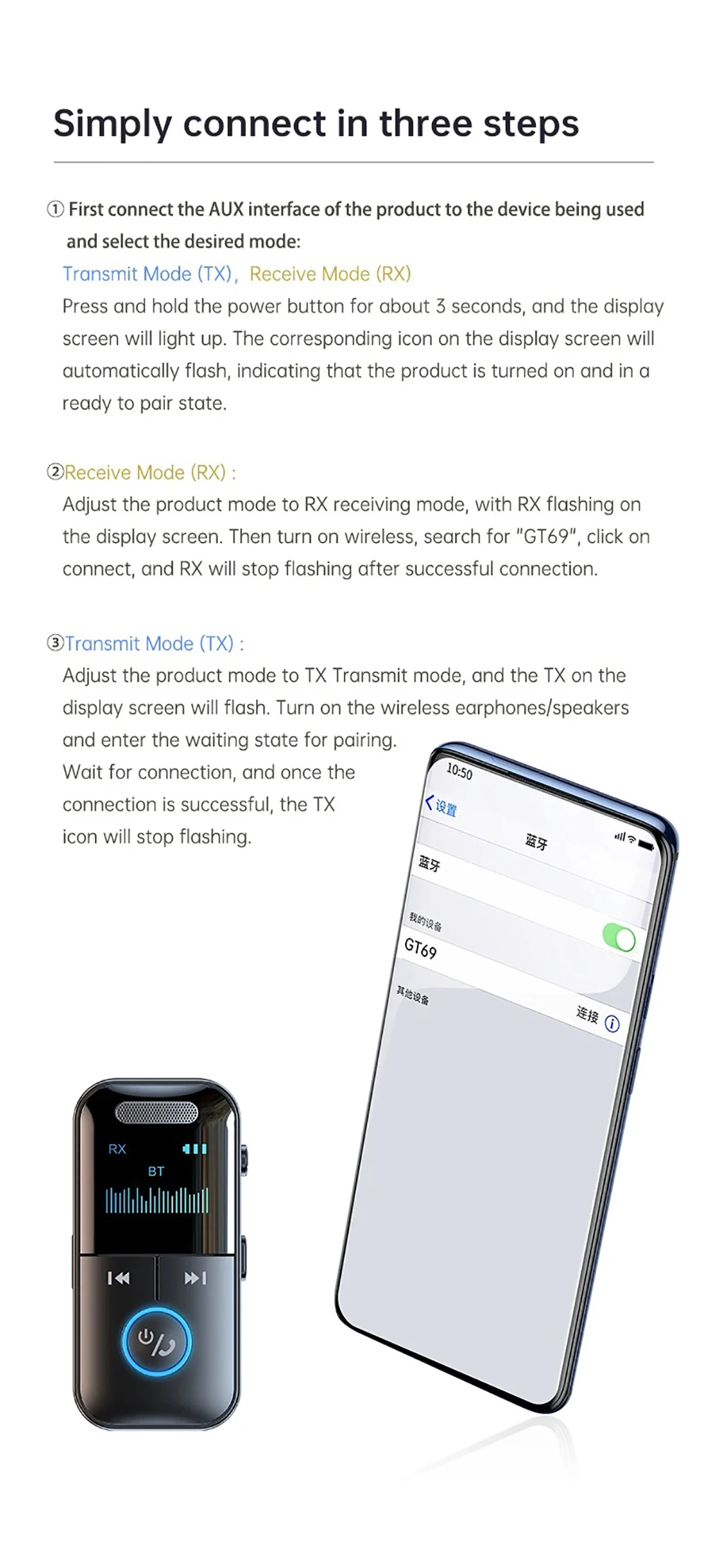
Simply connect in three steps:
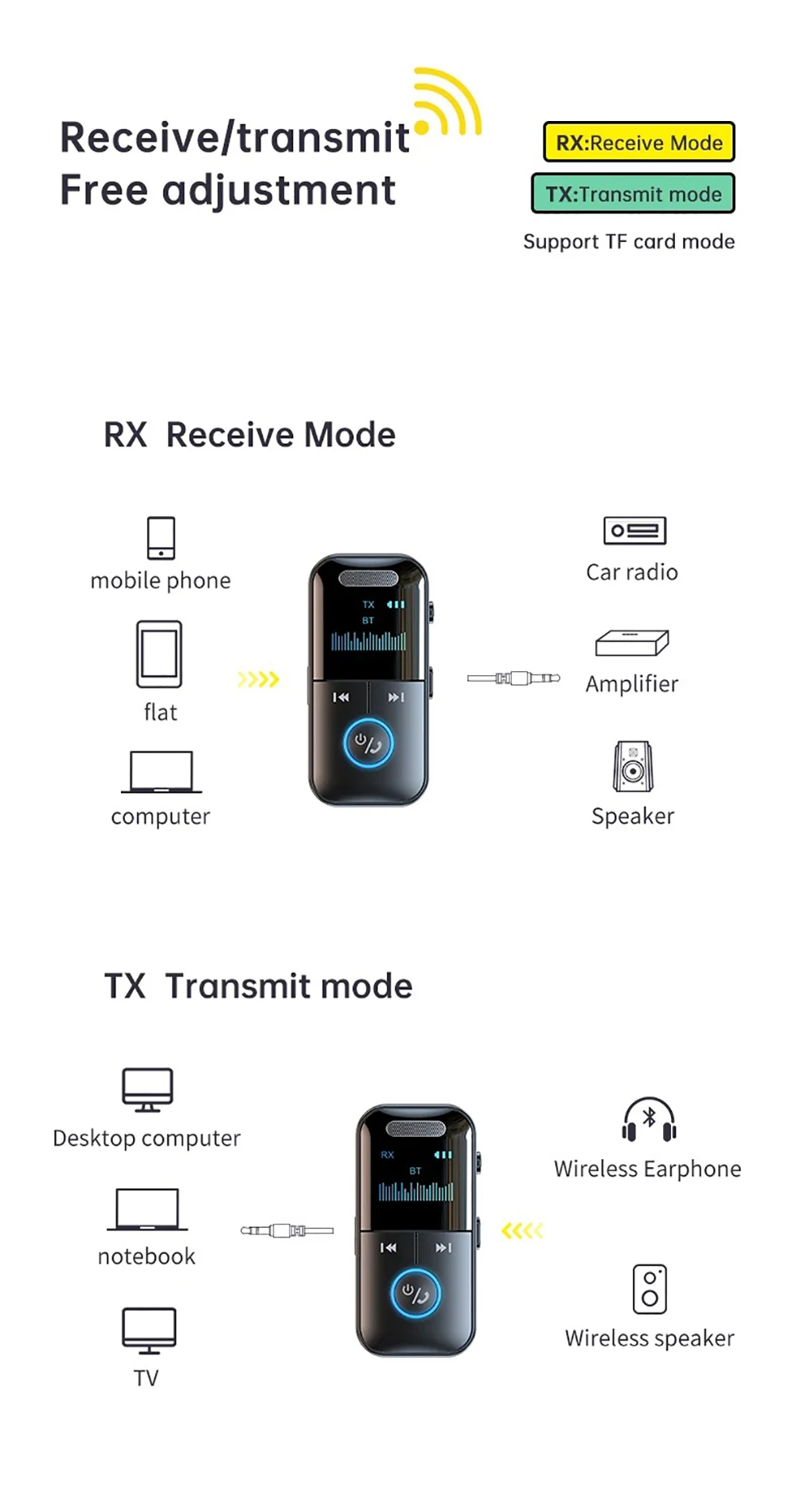
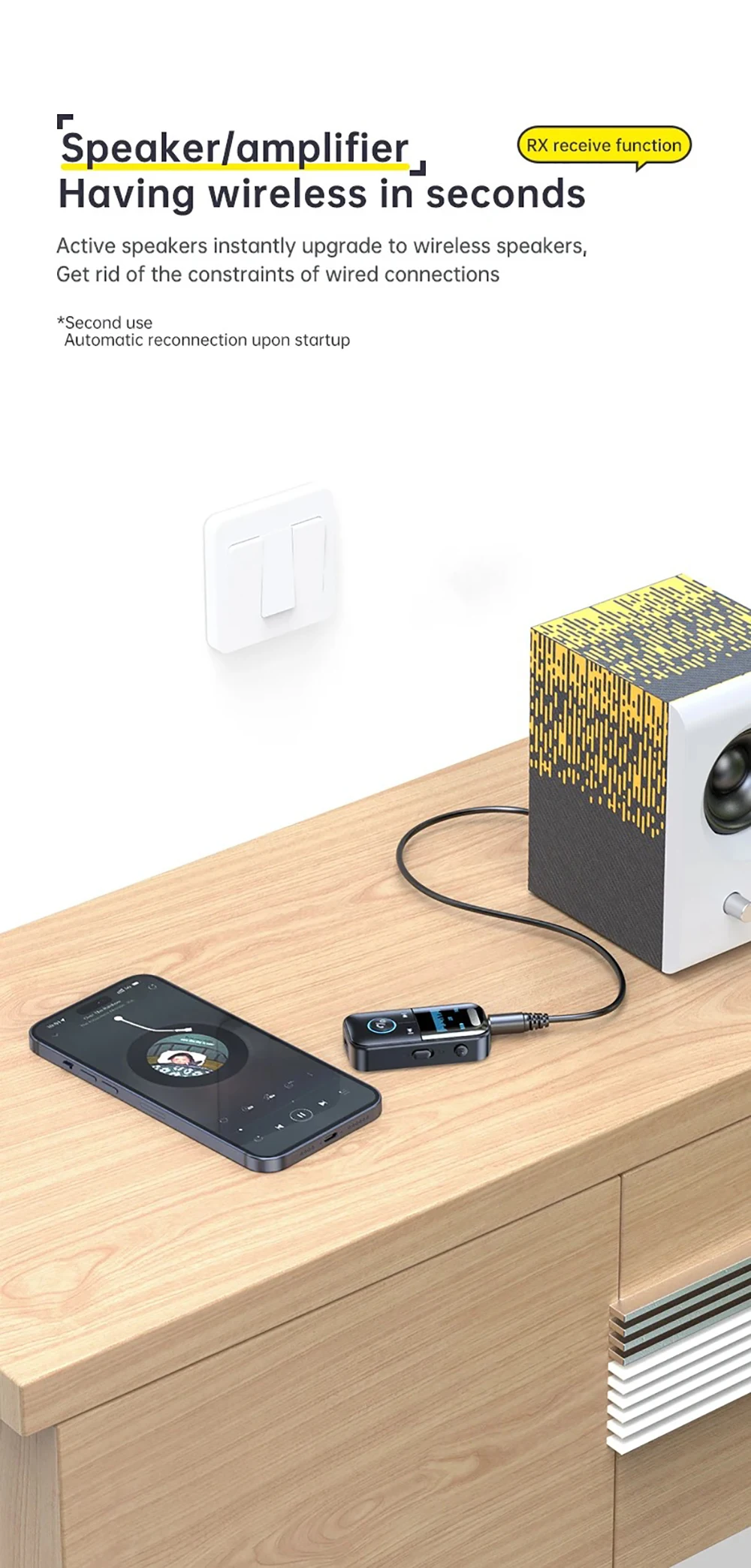
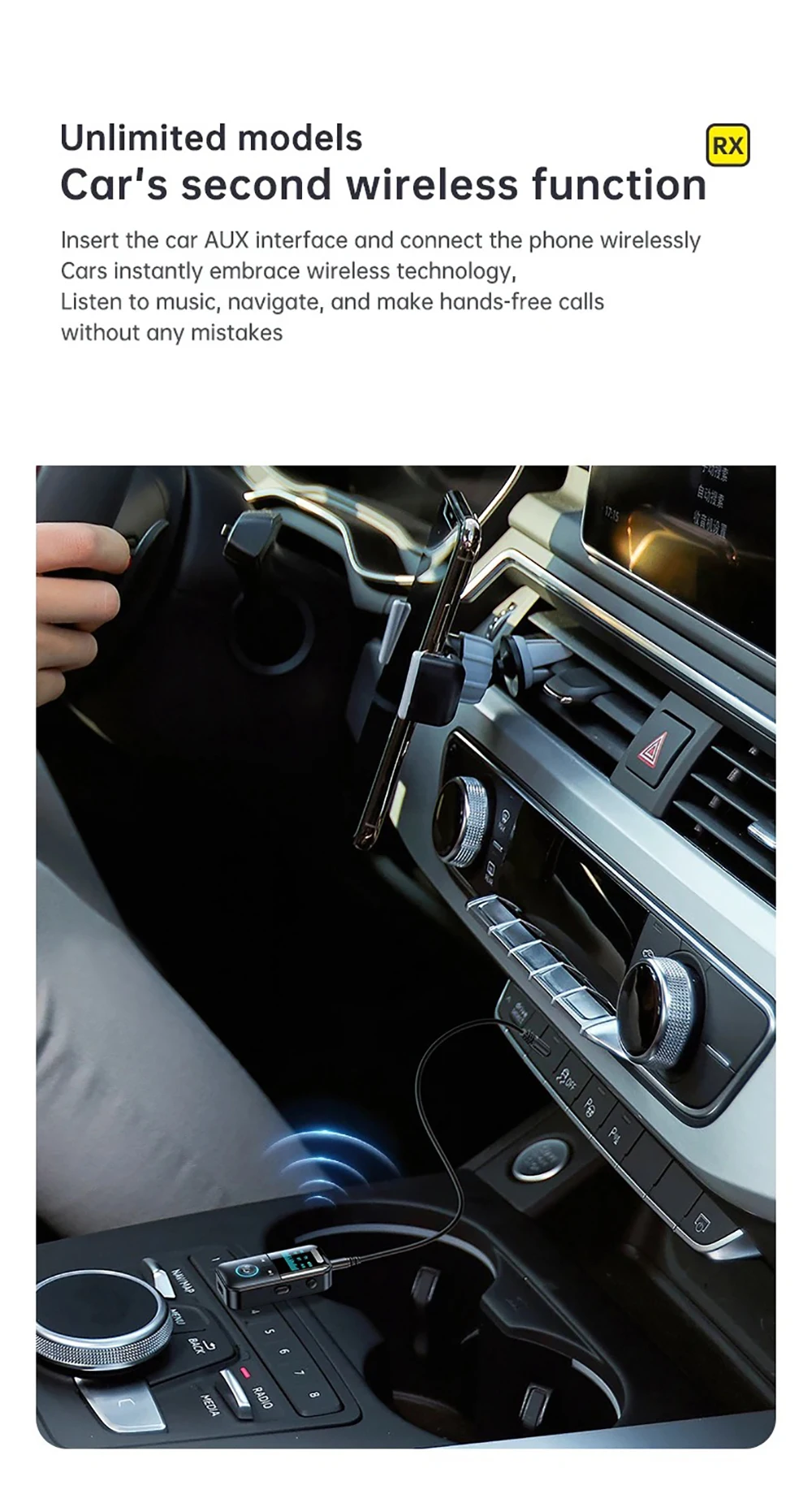
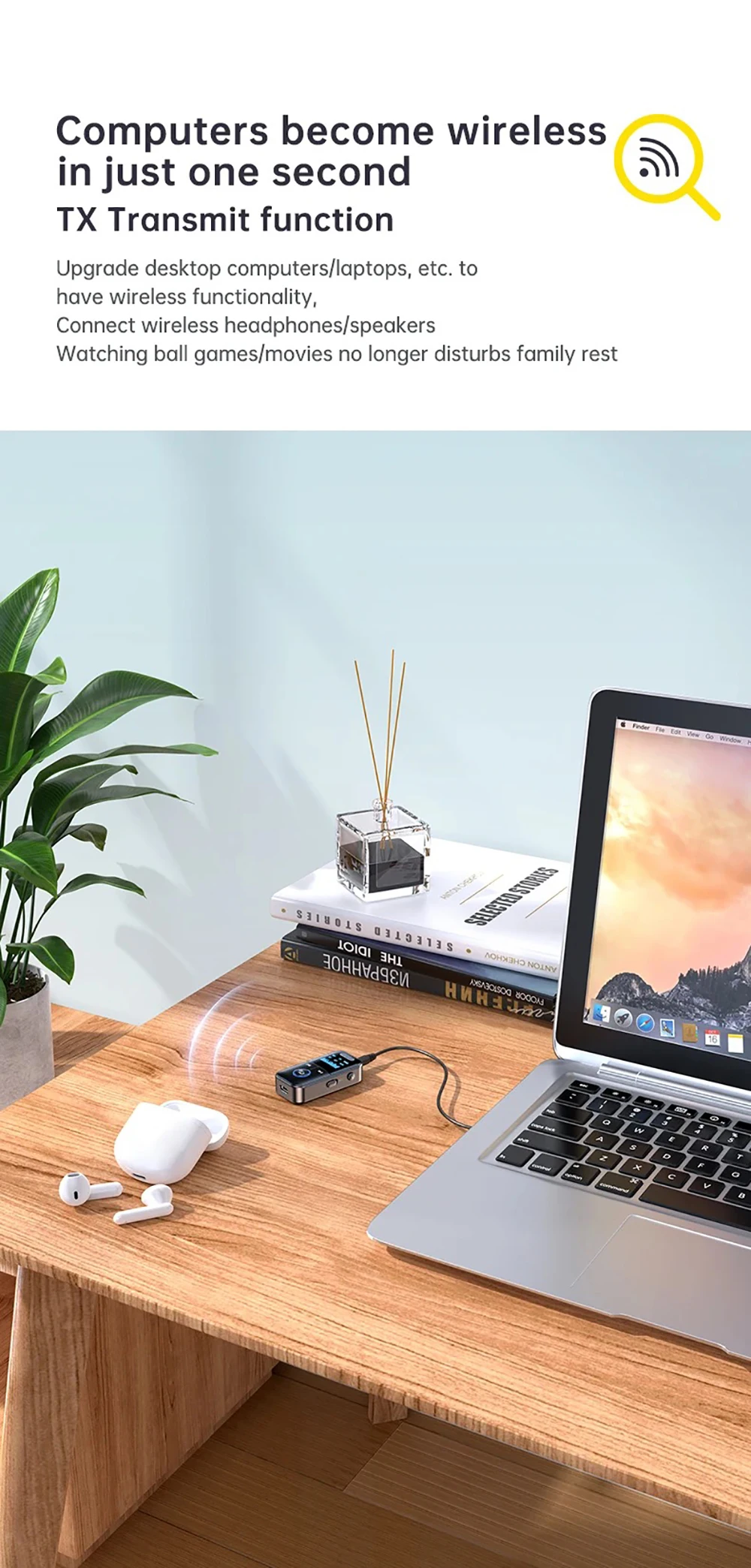
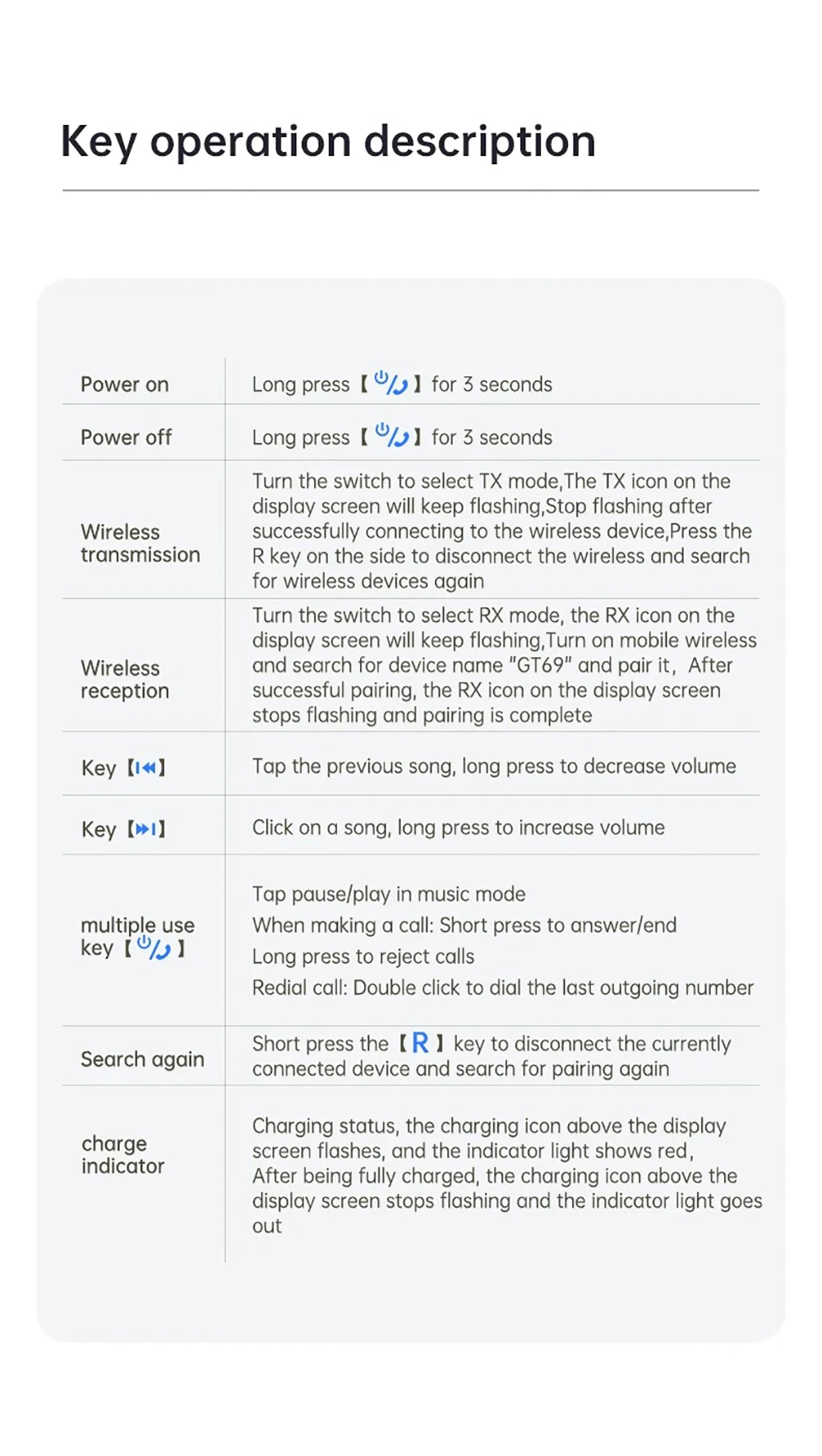
1.First connect the AUX interface of the product to the device being used and select the desired mode:Transmit Mode ( TX ) , Receive Mode ( RX )
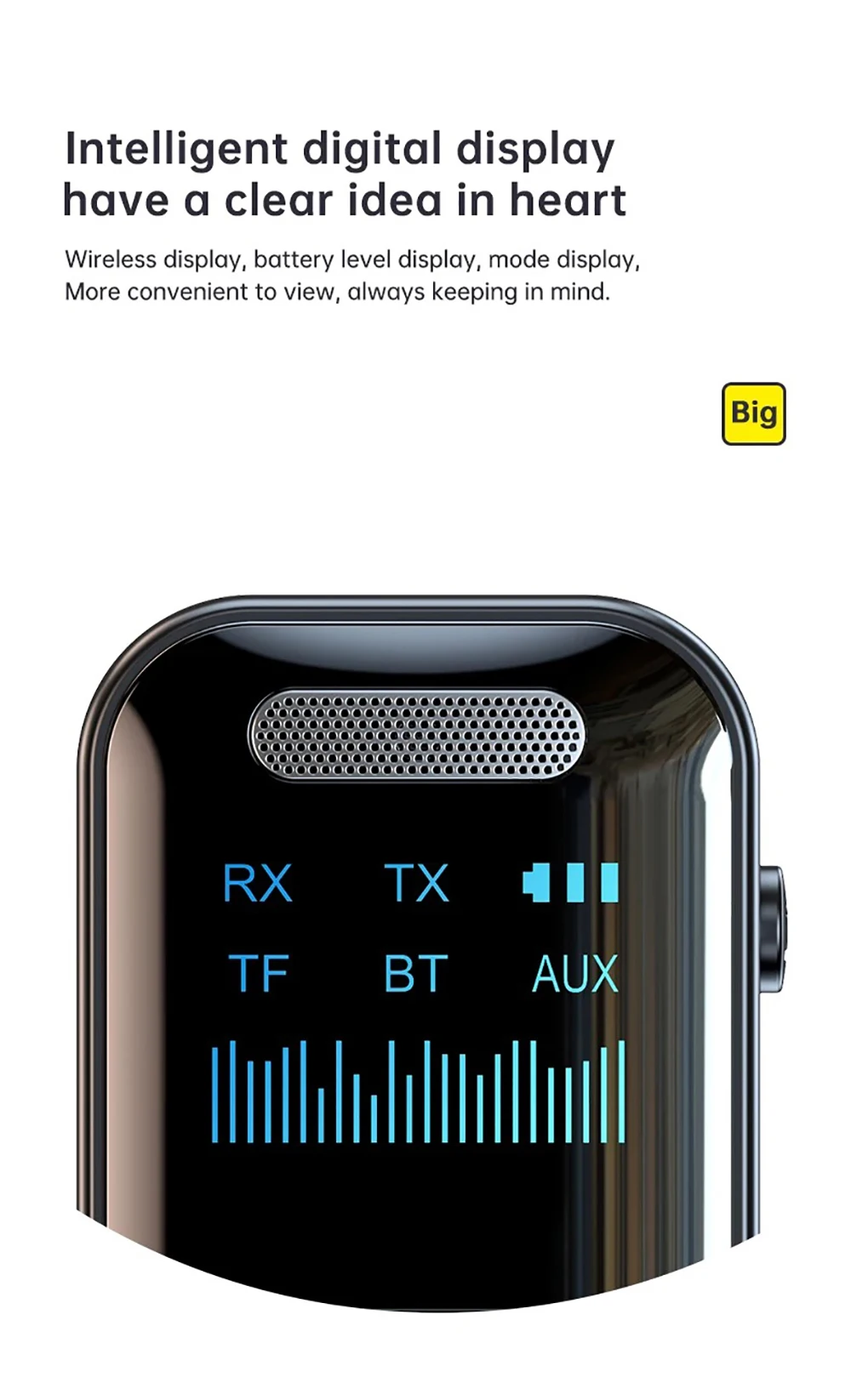
Press and hold the power button for about 3 seconds,and the display screen will light up.The corresponding icon on the display screen will automatically flash,indicating that the product is turned on and in a ready to pair state.
2.Receive Mode ( RX ):
Adjust the product mode to RX receiving mode , with RX flashing on the display screen.Then turn on wireless,search for ;GT69;,click on connect,and RX will stop flashing after successful connection
3.Transmit Mode ( TX ):
Adjust the product mode to TX Transmi mode,and the TX on the display screen will flash.Turn on the wireless earphones/speakers and enter the waiting state for pairing.
Wait for connection,and once the connection is successful.the TX icon will stop flashing.
Product Accessories:
GT69 bluetooth adapter * 1
audio cable * 1
charging cable * 1
Instruction manual * 1