
Product View
Detail
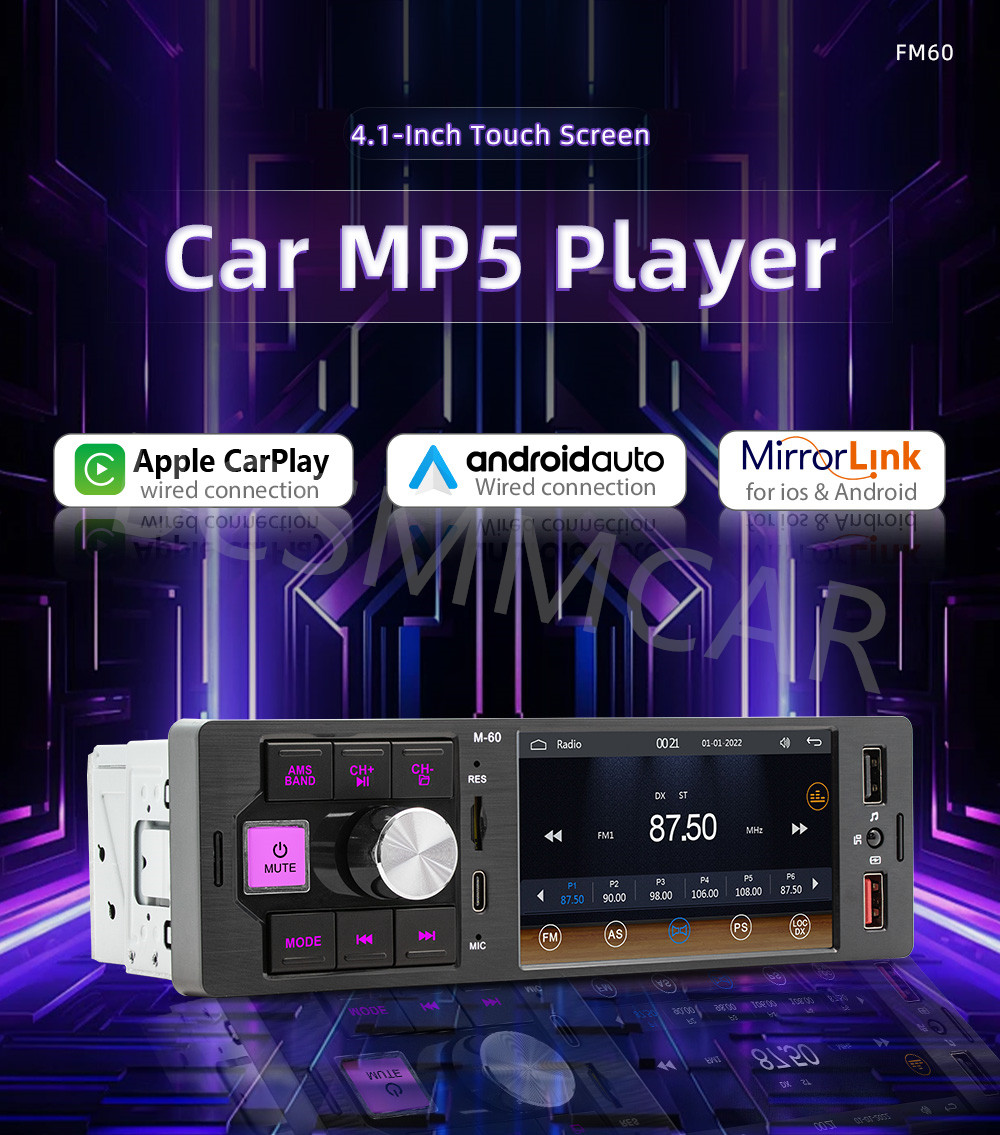
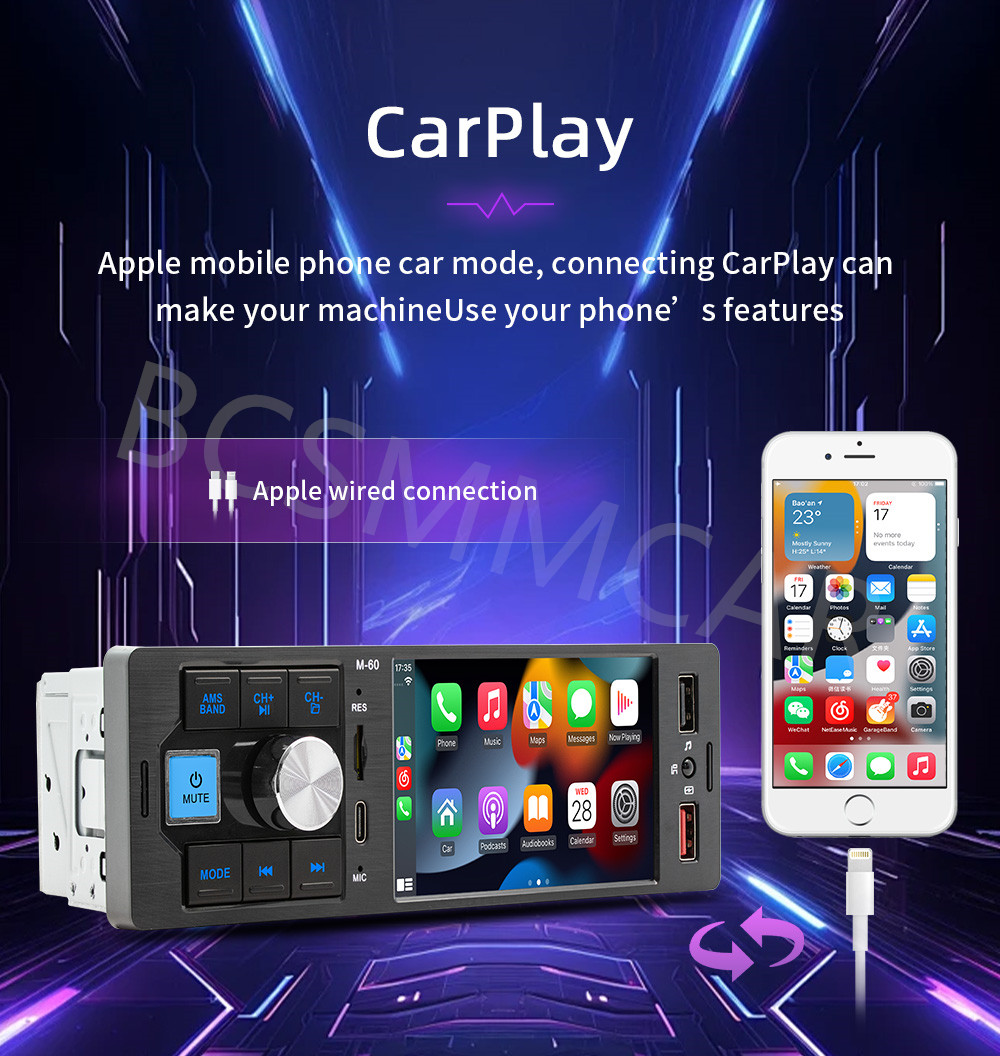
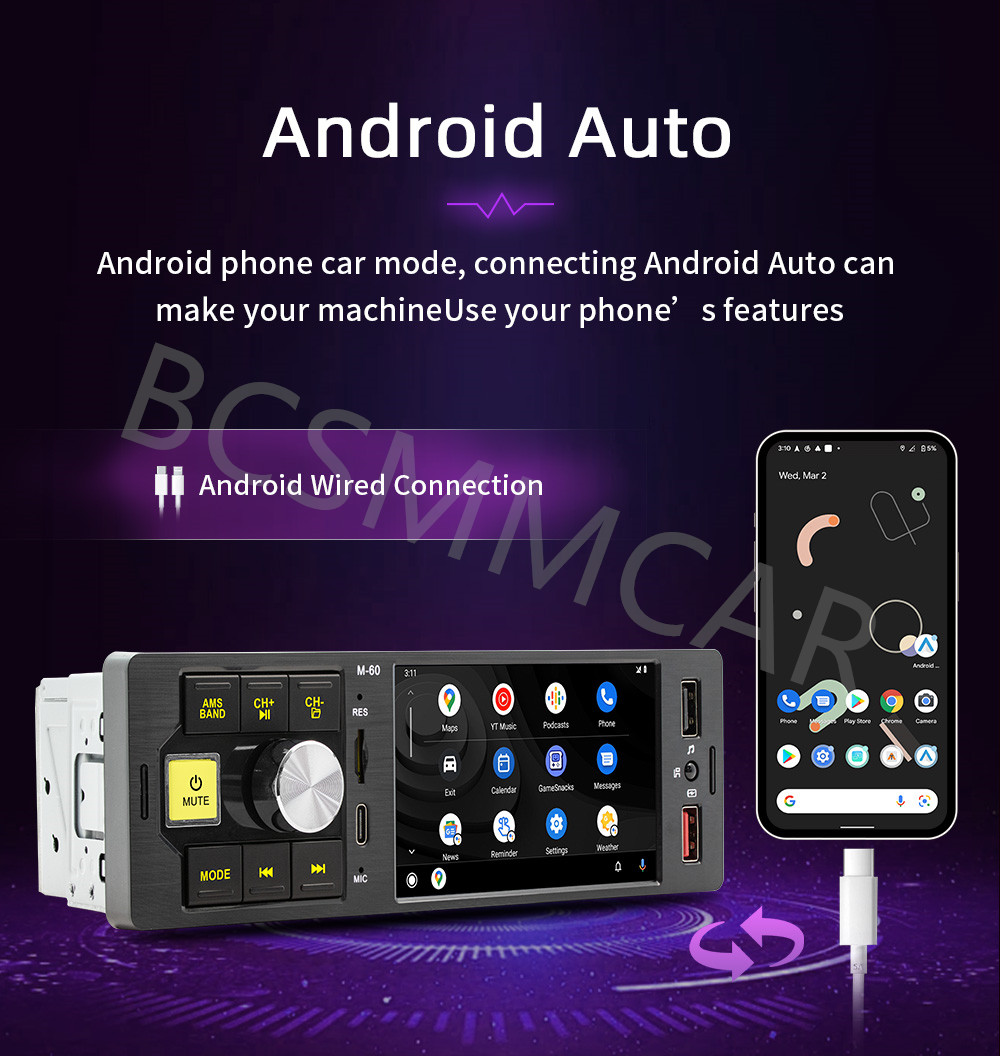
Wired Carplay+Android Auto, just connect your smartphone and you can open navigation, make calls, send and receive messages, and listen to your favorite songs. All of this is integrated into the central control display screen inside the car.
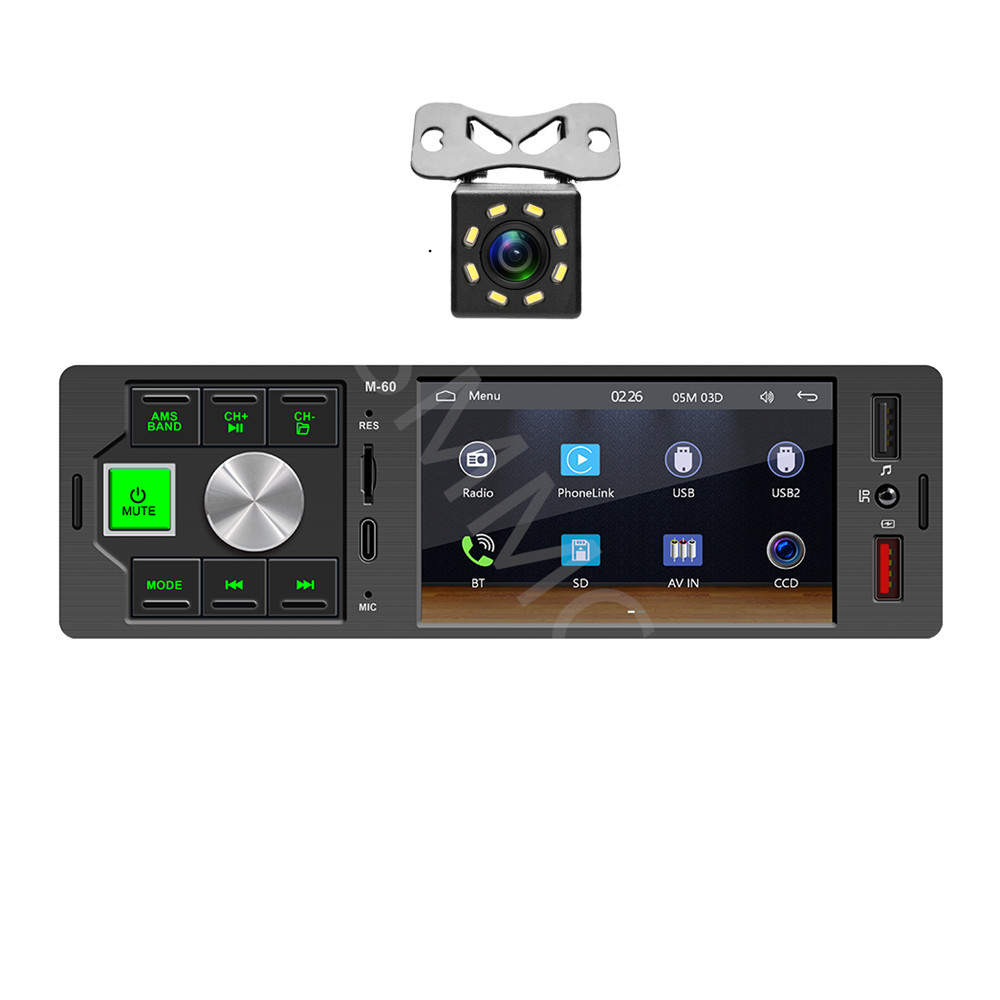
Type:Car MP5
System :wide Melis system
Software solution: F133
Radio frequency: FM 87.5~108.0MHz (can switch radio frequencies for China, America 1, America 2, Japan, Russia, Middle East, and Europe regions)
Radio IC: QN8035
Power amplifier IC: TDA7388
Output power: 60Wx4
Working voltage: 12-14.4V
Working temperature: -10~60 ℃
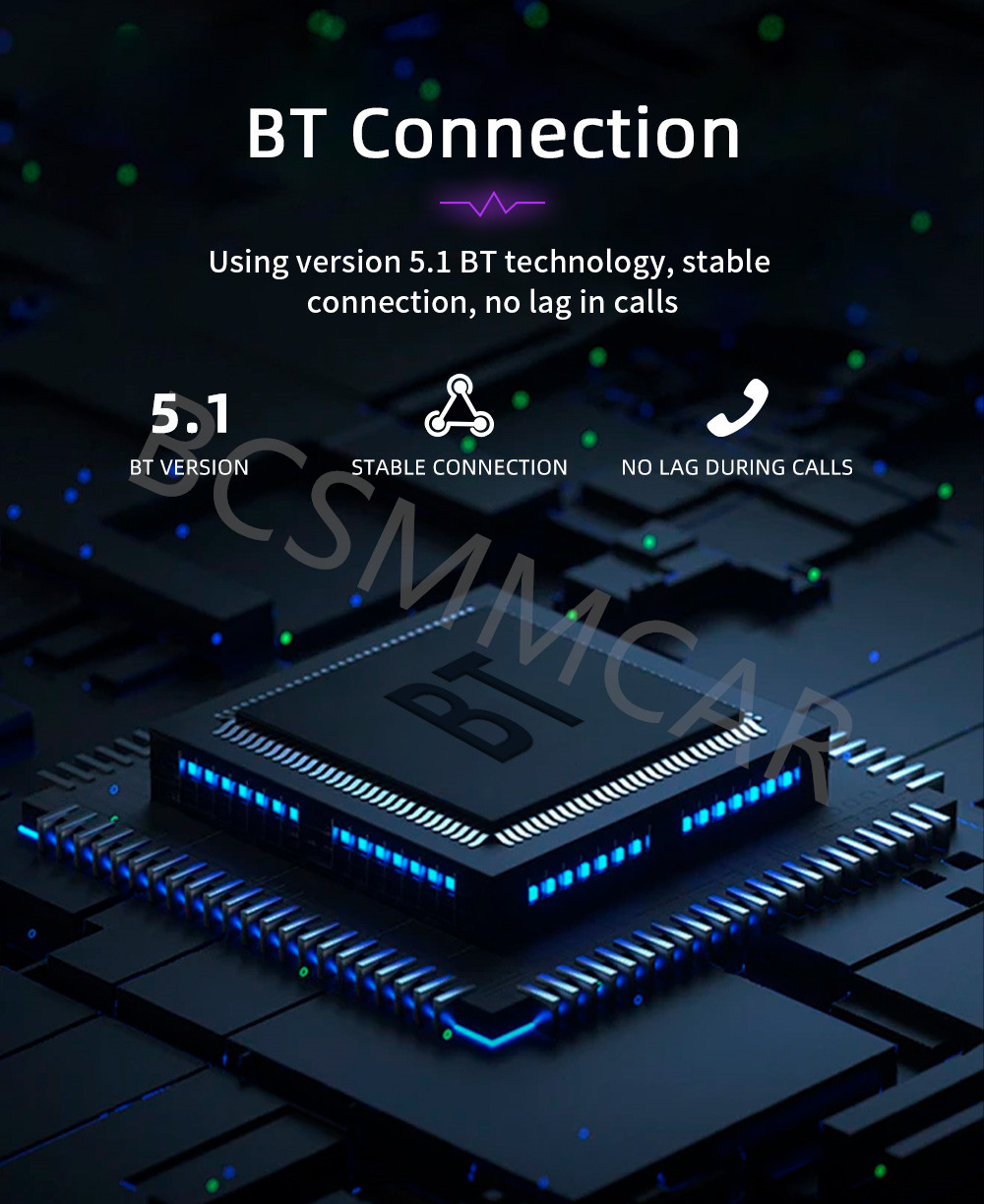
Bluetooth version: 5.1 (default name: SWL-BT)
CPU: F133
Running memory: 533M
Display resolution: 800x480 standard definition resistor screen
Screen size: 4.1 inches
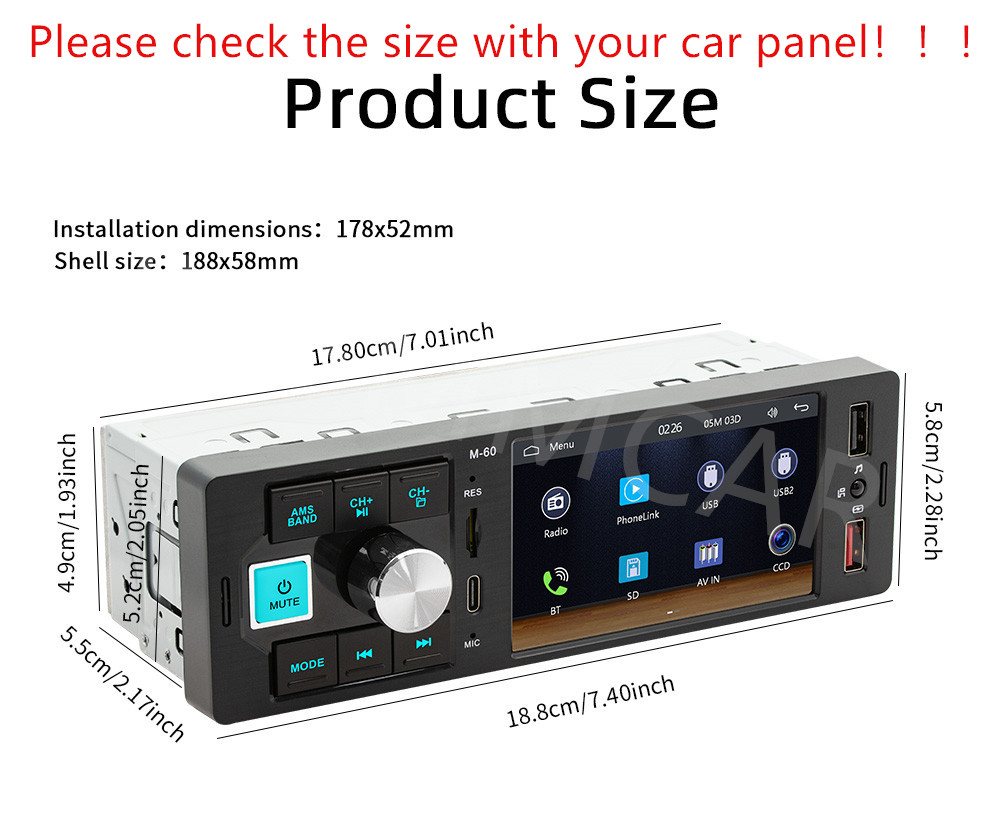
Installation size: 178x52MM
Shell size: 188x58MM)
Host depth: 55MM
Mobile internet: support
Reverse camera: support (included 8LED camera)
Video playback warning: support
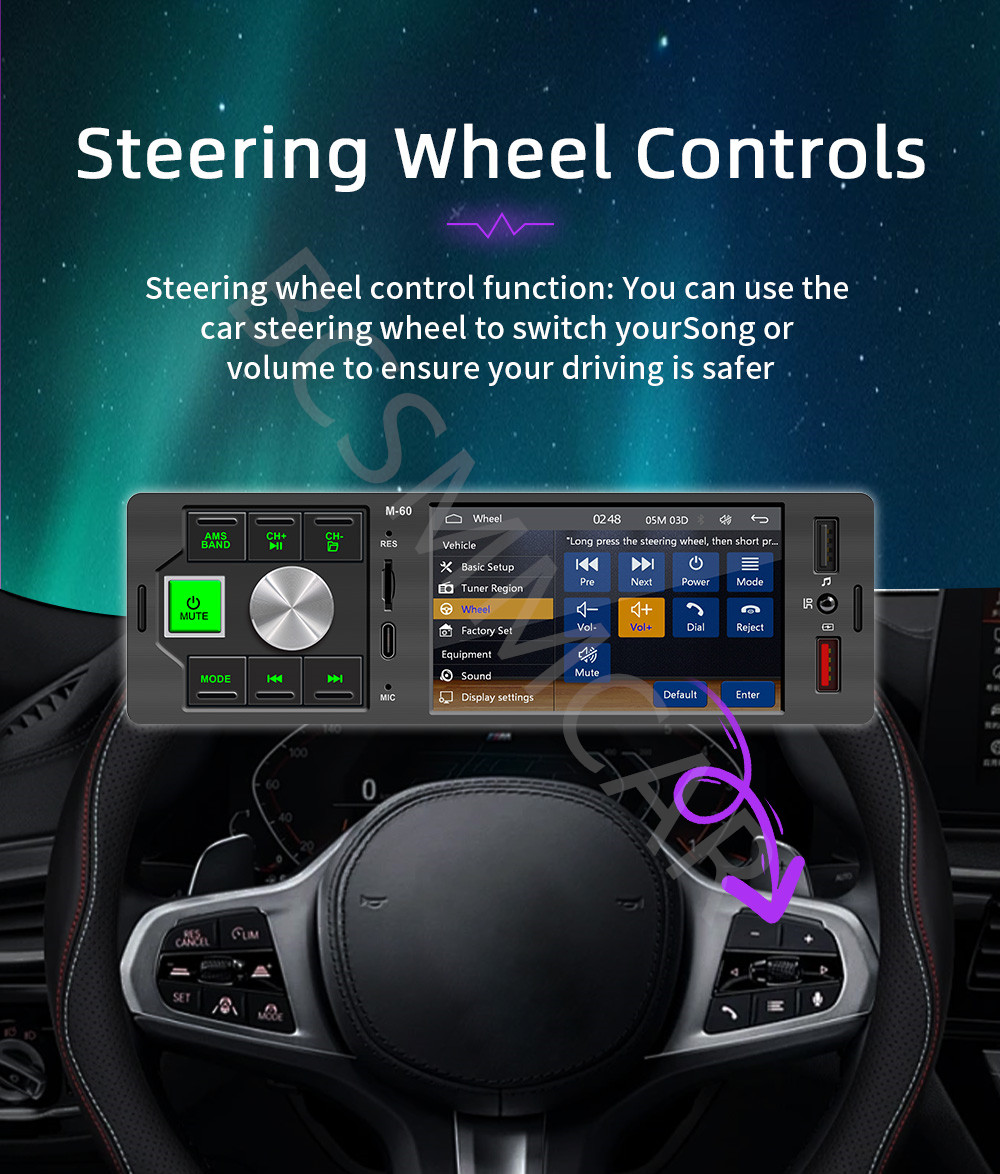
Steering wheel control: supports key learning
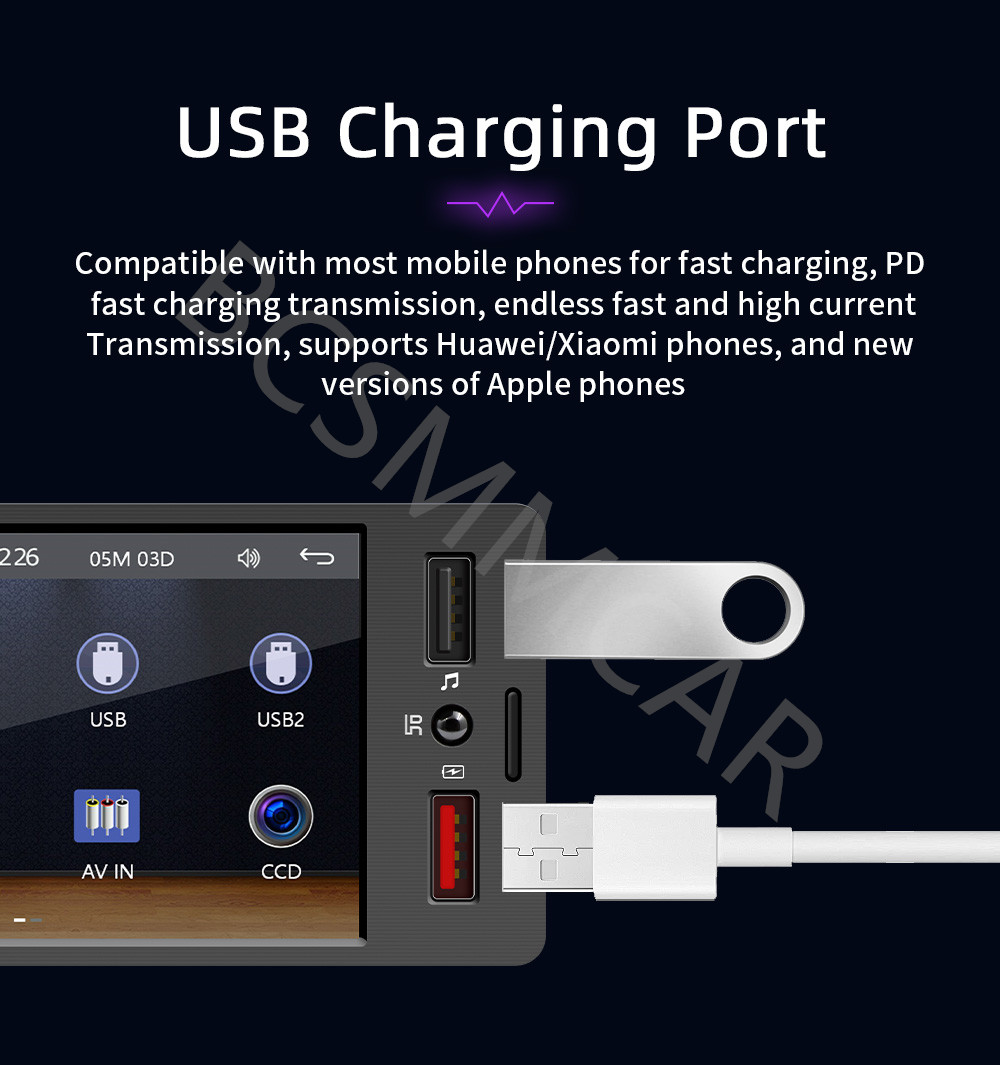
USB front: USB charging (red)+front USB 2.0 reading (black)+rear USB 2.0 reading
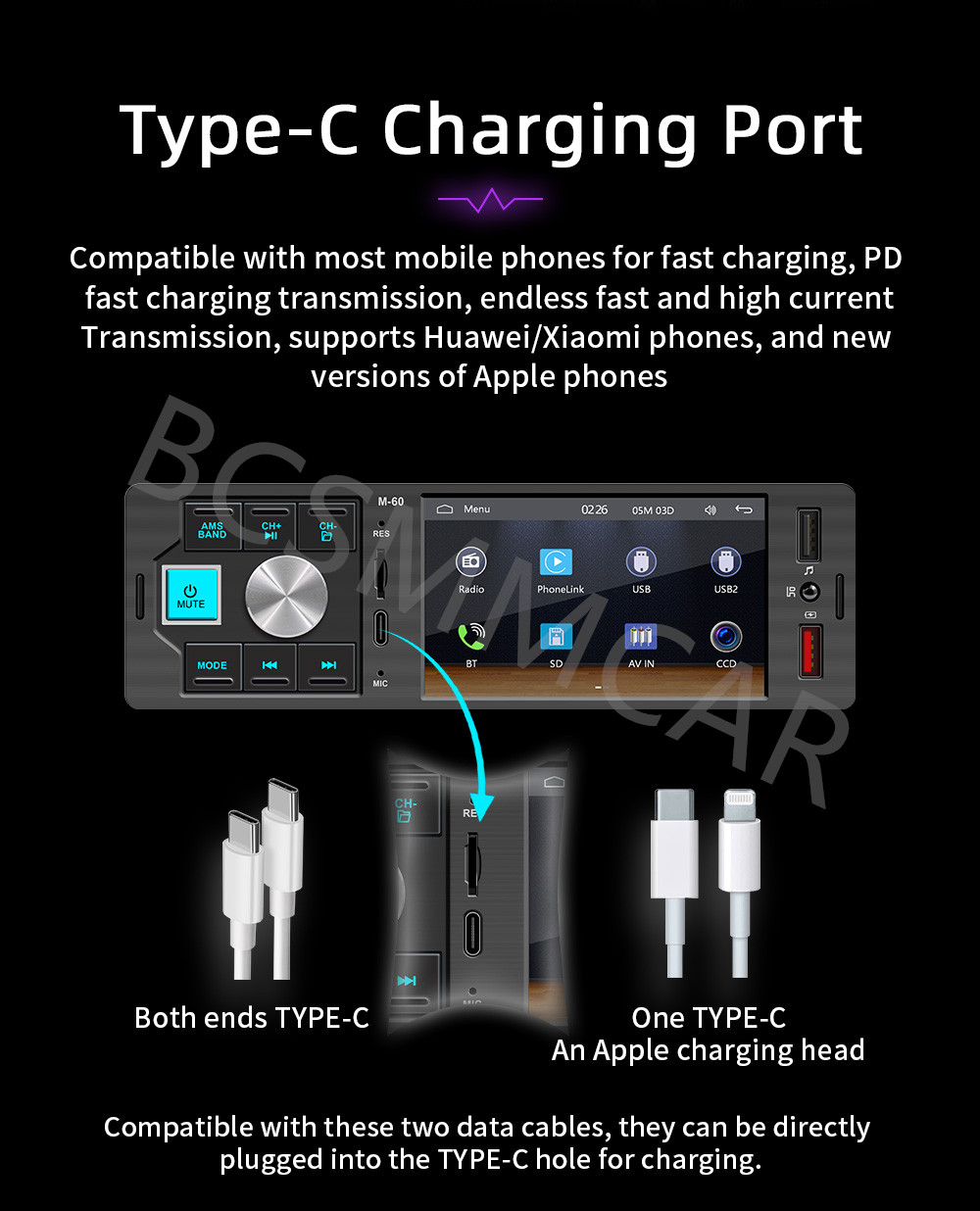
TYPE-C charging interface: support
TF card: support
Reset button: support
Audio output: 2 channels (left channel+right channel)
Video output: 2 channels
Rear external microphone input: support (optional external microphone configuration)
Video input: 1 channel
Reverse video input: 1 channel
Audio format: MP3/AAC/APE/OGG/M4A/RA/WAV
Video Format: H263/H264/H265/DIVX HD (720P 1080I 1080P) AVI/FLV/MKV/MPEG/MP4/WMV9/VC/ASF/TS/QT
Image format: JPEG/PNG/BMP/GIF/TIFF
Language parameters:English, Chinese, French, German, Arabic, Italian, Japanese, Portuguese, Russian, Spanish, Hebrew, Polish, Türkiye, Czech, Korean, Greek, Dutch
Factory Set Password: 113266
1. Host
2. Manual
3. Power cord
4. Installation key
5. Remote control (accessories, manual, and packaging may be updated from time to time, subject to actual receipt)
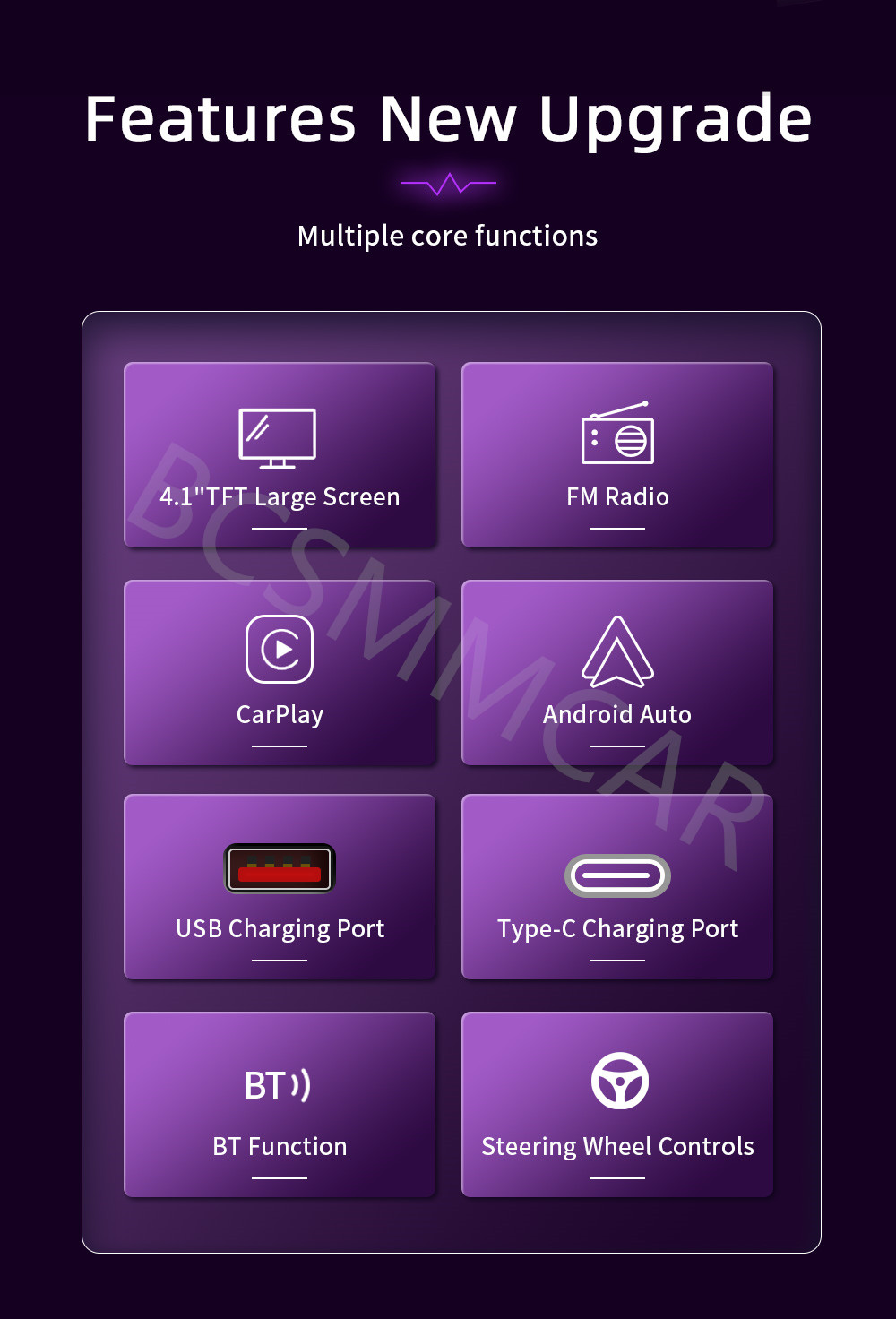
1. Radio
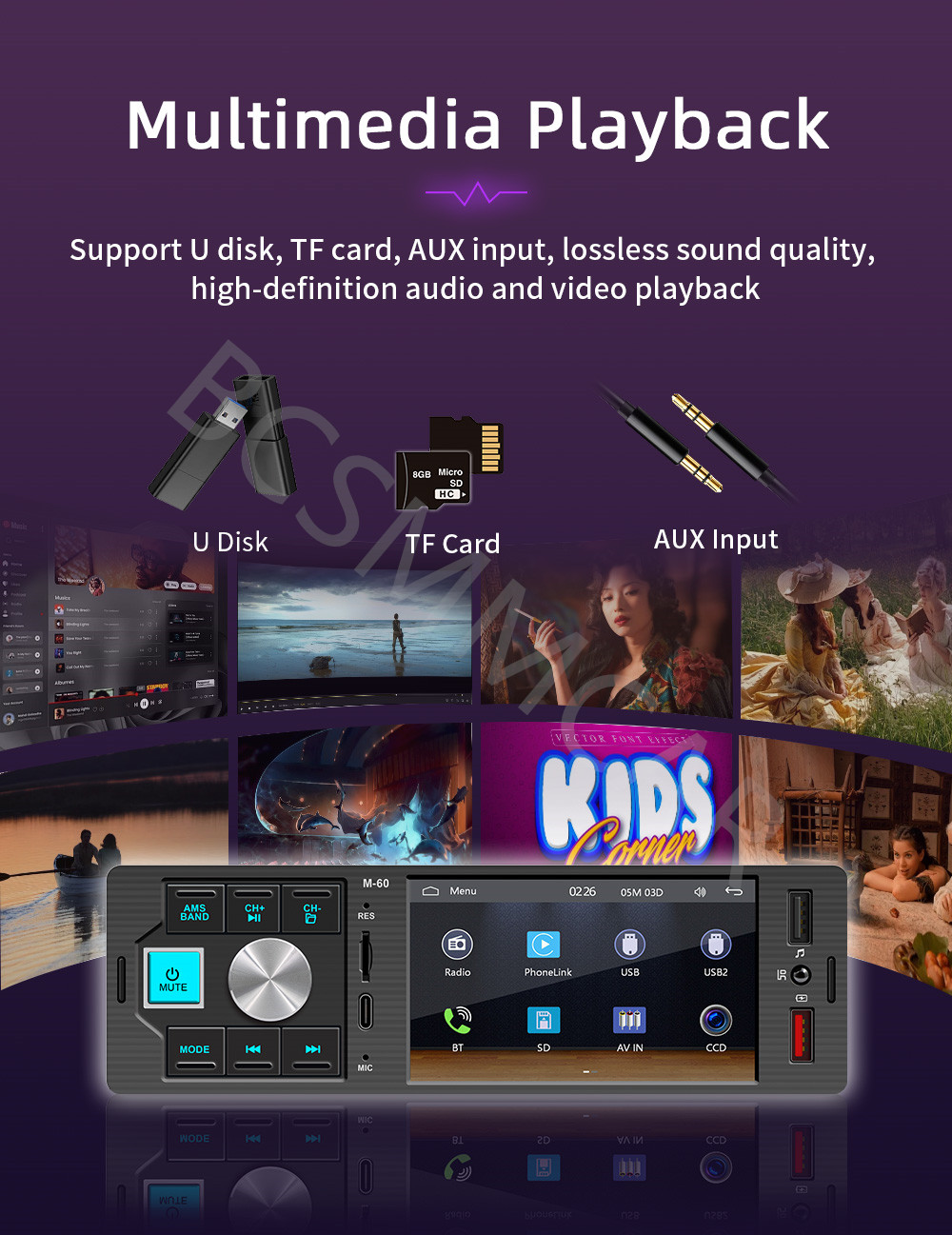
2. Read USB flash drives and SD cards (audio/video/images)
3. Bluetooth function
4. RCA audio output can be connected to a subwoofer
5. Reverse view function (optional camera)
6. Video input and output functions
7. Original car steering wheel learning function
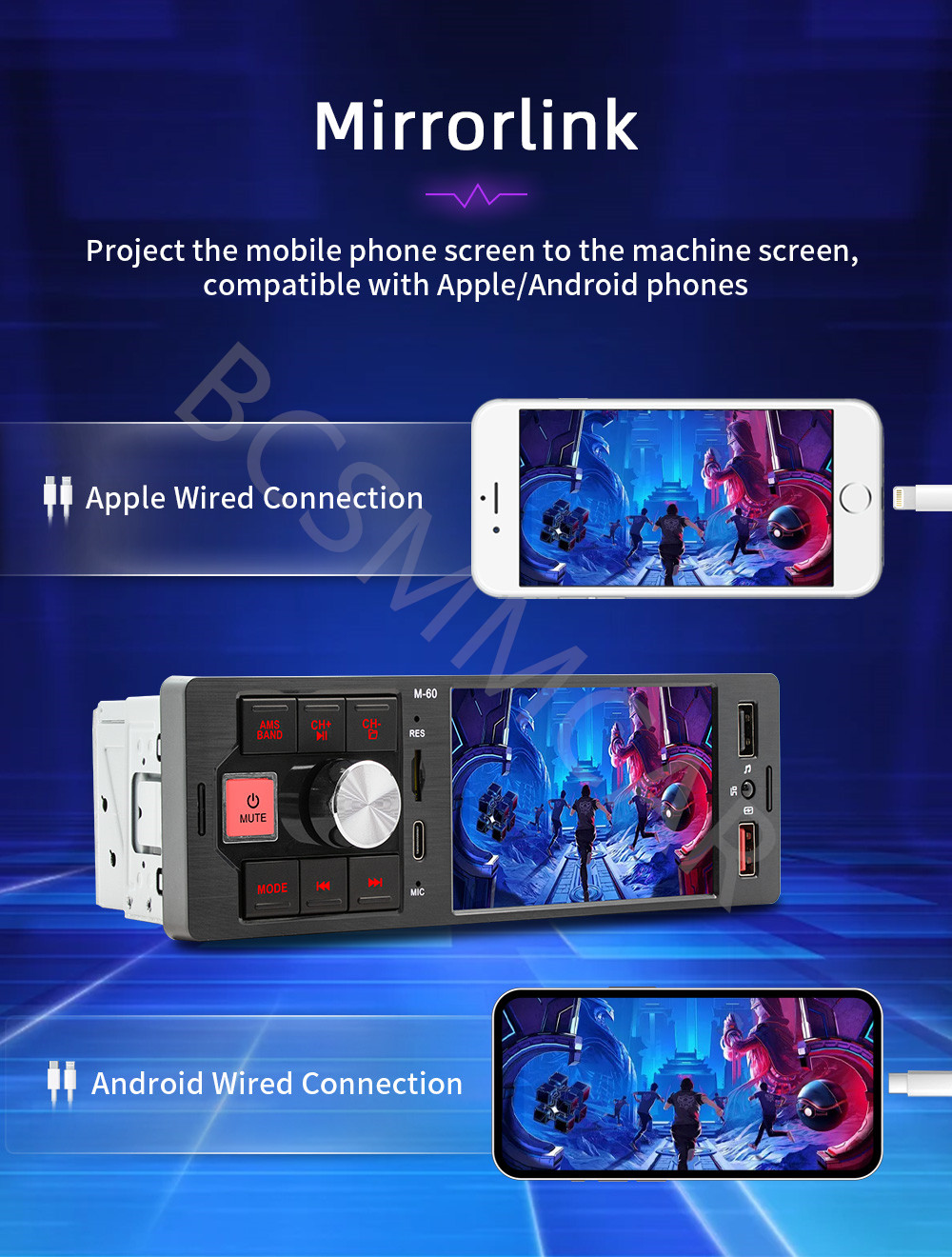
8. Wired Android AUTO/Apple CarPlay/mirrorlink
9. Colorful lighting
10. Rear USB
11. USB charging interface+TYPE-C charging interface
12. Power supply positive and negative pole reverse connection protection function (incorrect connection of power supply line positive and negative poles will not cause circuit board burning function)
A: Please check whether the power cable of the
machine is connected incorrectly or incorrectly. The normal wiring method is as
follows: the yellow wire (B+) is connected to the 12V cable that is always
active, and the red wire (ACC) is connected to the key cable of the original
car. The method of judging the key cable is as follows: the key cable is 12V
when the car is started and 0V when it is closed; Black connected with the
negative pole; Check for blown fuses at electrical outlets in cars and
machines.
A: Please check whether the horn wire of the
machine is connected correctly. Please connect the horn of the original car
strictly in accordance with the interface definition of the manual or the body
label. Otherwise, the power amplifier chip of the machine may be damaged.
you set?
A: Please check whether the red and yellow wires
are reversed. Make sure that the yellow wire (B+) is always connected to the
original car cable with 12V voltage, and the red wire (ACC) is connected to the
original car key cable. The key cable is 12V when the car is started and 0V
when it is closed.
A: Please use 8G or 16G storage card or USB flash
drive. Some large-capacity storage devices may not support it. Format the
storage device to ensure that the storage device's file system is the default
value; Partially encoded video or music may not be recognized by the machine,
please use common format media files.
A: Please use your mobile phone to search for
Bluetooth of the machine, the name is "CAR BT" or "CAR
KIT"; Delete the devices that have been paired with but are not connected
to the phone. Some Bluetooth devices that have been paired with each other may
cause the phone's Bluetooth cannot be paired with other devices or its function
is abnormal.
A: Search for the Bluetooth device "SWL-BT"
on your mobile phone. When you connect it for the first time, the mobile phone
will pop up a prompt, please click to use or trust the device.
A: Before the phone is connected, click on
phoneLink function of the device, change the automatic connection option under
the corresponding phone type to mirror, then connect the phone data cable, and
click the corresponding authorization on the phone end to connect.The following image:

Copyright © 2017 DataCaciques
Store Categories

Product View
Detail
Wired Carplay+Android Auto, just connect your smartphone and you can open navigation, make calls, send and receive messages, and listen to your favorite songs. All of this is integrated into the central control display screen inside the car.
Type:Car MP5
System :wide Melis system
Software solution: F133
Radio frequency: FM 87.5~108.0MHz (can switch radio frequencies for China, America 1, America 2, Japan, Russia, Middle East, and Europe regions)
Radio IC: QN8035
Power amplifier IC: TDA7388
Output power: 60Wx4
Working voltage: 12-14.4V
Working temperature: -10~60 ℃
Bluetooth version: 5.1 (default name: SWL-BT)
CPU: F133
Running memory: 533M
Display resolution: 800x480 standard definition resistor screen
Screen size: 4.1 inches
Installation size: 178x52MM
Shell size: 188x58MM)
Host depth: 55MM
Mobile internet: support
Reverse camera: support (included 8LED camera)
Video playback warning: support
Steering wheel control: supports key learning
USB front: USB charging (red)+front USB 2.0 reading (black)+rear USB 2.0 reading
TYPE-C charging interface: support
TF card: support
Reset button: support
Audio output: 2 channels (left channel+right channel)
Video output: 2 channels
Rear external microphone input: support (optional external microphone configuration)
Video input: 1 channel
Reverse video input: 1 channel
Audio format: MP3/AAC/APE/OGG/M4A/RA/WAV
Video Format: H263/H264/H265/DIVX HD (720P 1080I 1080P) AVI/FLV/MKV/MPEG/MP4/WMV9/VC/ASF/TS/QT
Image format: JPEG/PNG/BMP/GIF/TIFF
Language parameters:English, Chinese, French, German, Arabic, Italian, Japanese, Portuguese, Russian, Spanish, Hebrew, Polish, Türkiye, Czech, Korean, Greek, Dutch
Factory Set Password: 113266
1. Host
2. Manual
3. Power cord
4. Installation key
5. Remote control (accessories, manual, and packaging may be updated from time to time, subject to actual receipt)
1. Radio
2. Read USB flash drives and SD cards (audio/video/images)
3. Bluetooth function
4. RCA audio output can be connected to a subwoofer
5. Reverse view function (optional camera)
6. Video input and output functions
7. Original car steering wheel learning function
8. Wired Android AUTO/Apple CarPlay/mirrorlink
9. Colorful lighting
10. Rear USB
11. USB charging interface+TYPE-C charging interface
12. Power supply positive and negative pole reverse connection protection function (incorrect connection of power supply line positive and negative poles will not cause circuit board burning function)
A: Please check whether the power cable of the
machine is connected incorrectly or incorrectly. The normal wiring method is as
follows: the yellow wire (B+) is connected to the 12V cable that is always
active, and the red wire (ACC) is connected to the key cable of the original
car. The method of judging the key cable is as follows: the key cable is 12V
when the car is started and 0V when it is closed; Black connected with the
negative pole; Check for blown fuses at electrical outlets in cars and
machines.
A: Please check whether the horn wire of the
machine is connected correctly. Please connect the horn of the original car
strictly in accordance with the interface definition of the manual or the body
label. Otherwise, the power amplifier chip of the machine may be damaged.
you set?
A: Please check whether the red and yellow wires
are reversed. Make sure that the yellow wire (B+) is always connected to the
original car cable with 12V voltage, and the red wire (ACC) is connected to the
original car key cable. The key cable is 12V when the car is started and 0V
when it is closed.
A: Please use 8G or 16G storage card or USB flash
drive. Some large-capacity storage devices may not support it. Format the
storage device to ensure that the storage device's file system is the default
value; Partially encoded video or music may not be recognized by the machine,
please use common format media files.
A: Please use your mobile phone to search for
Bluetooth of the machine, the name is "CAR BT" or "CAR
KIT"; Delete the devices that have been paired with but are not connected
to the phone. Some Bluetooth devices that have been paired with each other may
cause the phone's Bluetooth cannot be paired with other devices or its function
is abnormal.
A: Search for the Bluetooth device "SWL-BT"
on your mobile phone. When you connect it for the first time, the mobile phone
will pop up a prompt, please click to use or trust the device.
A: Before the phone is connected, click on
phoneLink function of the device, change the automatic connection option under
the corresponding phone type to mirror, then connect the phone data cable, and
click the corresponding authorization on the phone end to connect.The following image:
Item will be shipped within 1 business days upon receipt of payment, excluding weekends and public holidays.
If to USA,we will ship your order by USPS,it will take about 8-12 working days to you,and you can track it on line.
If to other country,we will ship your order by China Post or Singapore Registered Air Mail,it will take about 14-21 working days to you,you aslo can track it on line.
Delivery time is about 14-28 business days and it may take up to 8 weeks.
Payment should be completed within 5 days after buyer places the order,or else an unpaid case will be opened in order to cancel the transaction. If you can not pay in time, please contact us.
e-check from PayPal will only be processed once the payment clears.
All of the items will be shipped to buyer's EBAY address,please confirm your address on Ebay before you buy.Your order will be usually shipped out the same or next business days once the payment is made and cleared.
30-day Warranty with Exchange for defective, malfunctioned, incorrect or parts-missing items. Please notify us and return the item with all parts and accessories packed and marked "FOR EXCHANGE" within 14 days of receipt.
If defective, malfunctioned or parts-missing items are no longer available, a refund may be issued.
All returning postage costs will be the responsibility of the buyers under all circumstances.
If you encounter any problems about anything, please feel free to contact us and we will do our best to assist you solve the issue. If you are not satisfied in anyway, please feel free to let us know and give us a second chance to correct it before you decide to leave any neutral or negative feedback.
Please contact us through eBay link if you have any questions. We will reply you within 24- 48 hours. Please check you spam mail if no response for 48 hours.