


Product Description:
World's First Autofocus Adapter for Canon EF lens & Fujifilm GFX camera
Improvements in the latest version firmware:
1.Improve focus accuracy on lenses
2.AF-C shooting (Further optimisation needed for certain lenses)
3.Video shooting (Further optimisation needed for certain lenses)
4.Support correct lens model number written into EXIF
5.Improve the speed to turn on the camera after image preview
6.Improve compatibility of Tamron Lenses
7.Selective removal of the pre-set 63mm lens profile.
PRODUCT HIGHLIGHTS
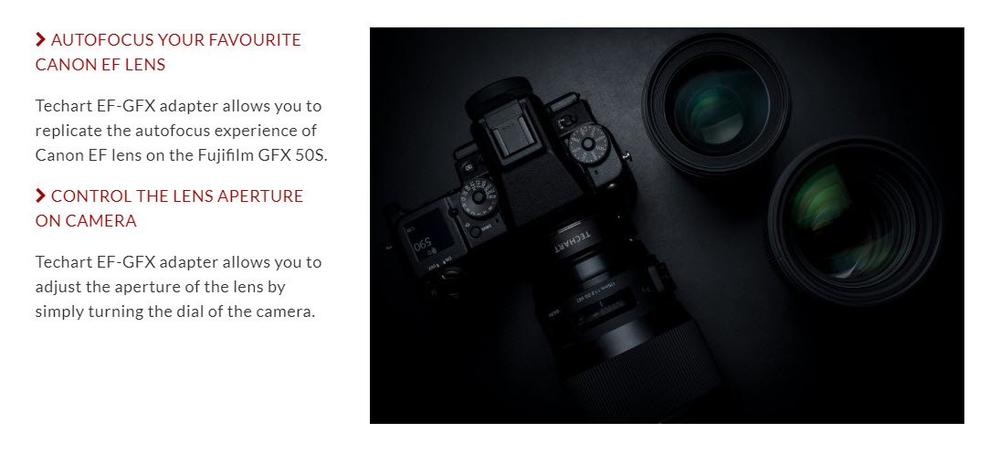
– Support Autofocus for most Canon EF & Sigma EF lenses
– Support Automatic Aperture control from Fujifilm GFX body
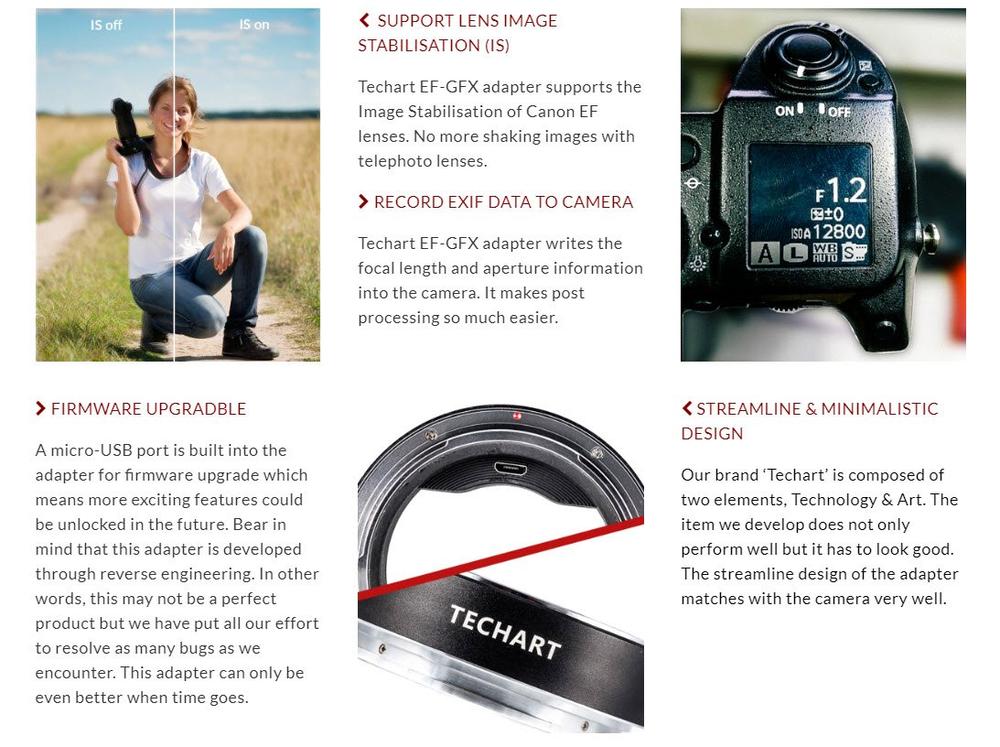
– Support Lens Image Stabilisation (IS)
– Transfer EXIF data to camera
– Firmware upgradable via Micro USB plug
– Aluminium finishing, brass bayonets and streamline design.
– Powered by camera body
Warranty: 18 Months
Package Included:
1 x Techart EF-GFX Auto-Focus Adapter(in retail box)
1 x front and rear caps
1 x user manual
(the lens and camera in the picture is not included, just for showing)
Compatible / Suit For:
Lens:
Canon EF Lenses
Cameras:
Fujifilm GFX Camera
Tested Lens List:
EF 28mm F1.8
EF 35mm F1.4L II
EF 40mm F2.8
EF 50mm F1.2L
EF 85mm F1.8
new EF 100mm F2.8L
EF 135mm L
EF 135mm SOFT
EF 200mm F2.8 L II
EF 200mm F2.0 L
EF 400mm F4.0 L DO
EF 500mm F4.0 L
TS-E 17mm F4.0
TS-E 24mm F3.5
TS-E 40mm F2.8
TS-E 90mm F2.8
SIGMA 135mm F1.8 ART
SIGMA 50mm F1.4 ART
SIGMA 85mm F1.4 ART
SIGMA 35mm F1.4 ART
OTUS 55mm F1.4
OTUS 85mm F1.4
FAQs:
Initialization of Techart EF-GFX adapter
The firmware v2.0 requires initialisation at first connection. The camera has to save the parameters of your lens in the first connection. The lens will run a full focusing from closest to infinity automatically after connected. (it normally takes less than 5 seconds). Please do not disturb or press any buttons during this initialization process. Once the camera has saved the parameters of the lens in the first connection, no further initialization is needed for the same lens. This initialization will repeat itself when a different lens is mounted onto the adapter.
Introduction of TECHART EF-GFX Adapter
https://youtu.be/TZBRbak_3b4
TECHART EF-GFX Adapter Autofocus Test
https://youtu.be/9zt5PAeHDwg
Q: What focusing mode does it support?
A: It support AF-S & MF mode. AF-C is NOT supported at this moment but we expect to support this feature in future firmware release.
Q: Which brand of lenses will it support?
A: We have tried our very best to test every lenses possible and so far all modern Canon and Sigma lenses with Canon EF mounts can work very well. Tamron lenses can work very well on firmware v2.0 or above.
Q: Why are dark corners (vignetting) appeared in the photos?
A: The image circle of full frame Canon mount lenses may not necessarily fit the full sensor of the Fujifilm GFX cameras. This has nothing to do with our adapter. You may refer to this Sigma lenses on Fujifilm GFX guide prepared by Jeffrey Poon for more information.
Q: Can the lens data be written into the camera?
A: Yes both focal length, f-stop value & lens name can be recorded into the camera. However, the focal length & f-stop value for zoom lenses may not record properly at this moment and it will be fixed in future firmware released. Metering will NOT be affected.
Q: Can I use video mode?
A: Sorry that Video mode is not supported.
Q: The focus accuracy seems to be off a bit. What can I do?
A: Please kindly update the latest firmware and follow below initialisation procedure to reset your lens record in our adapter.

