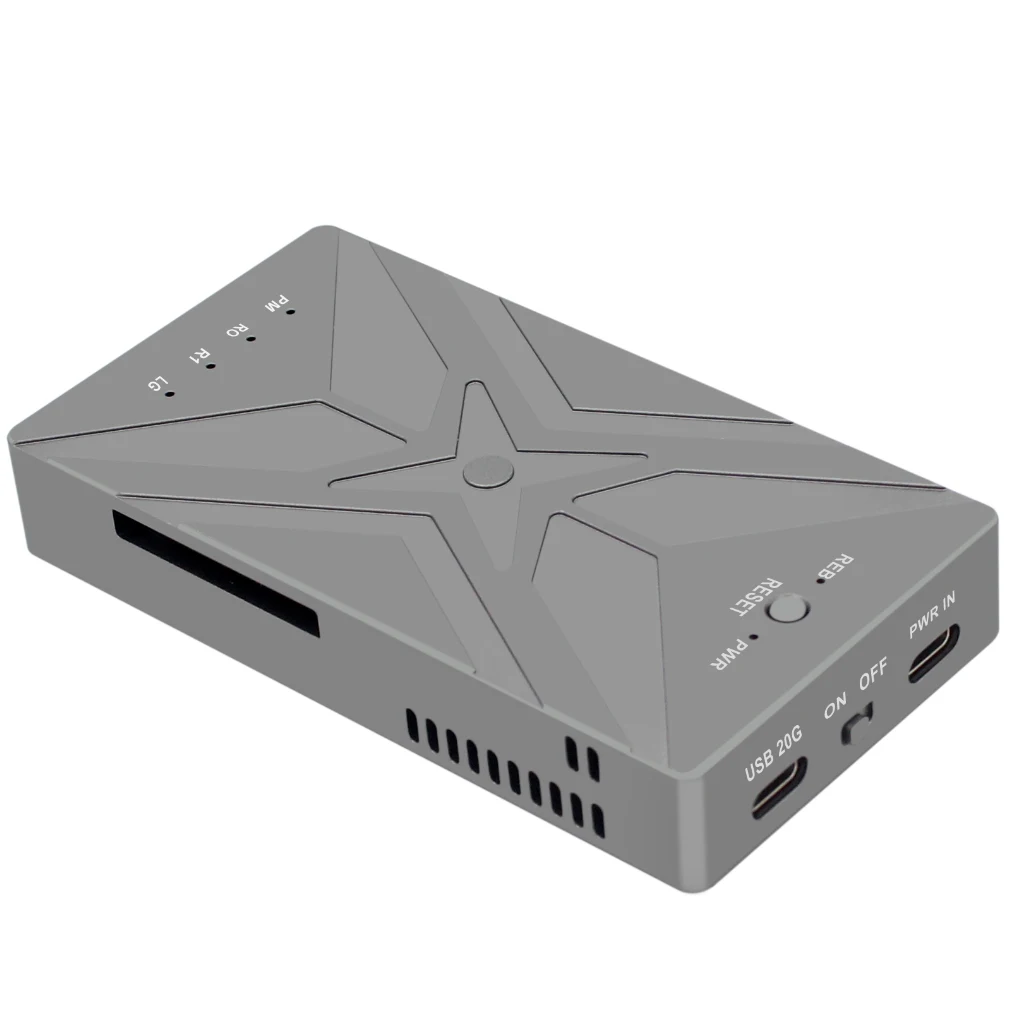
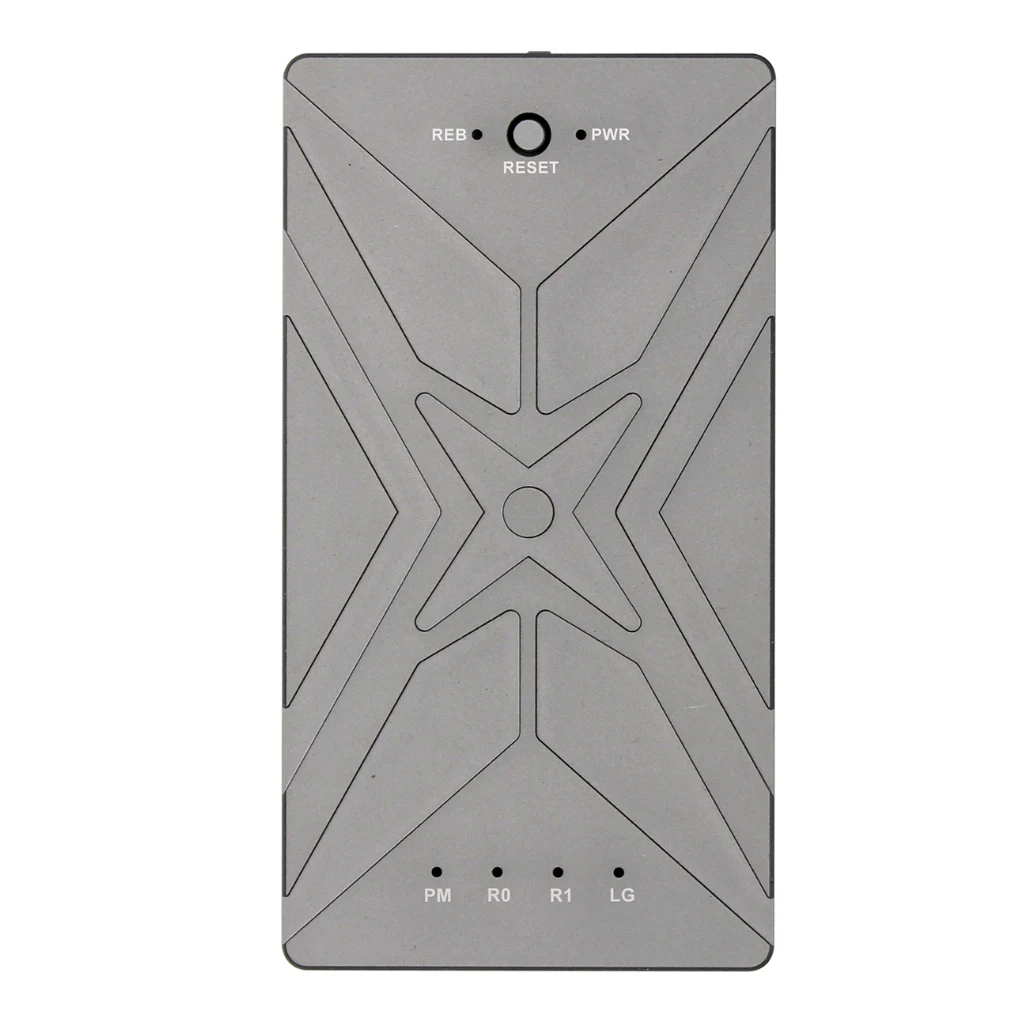
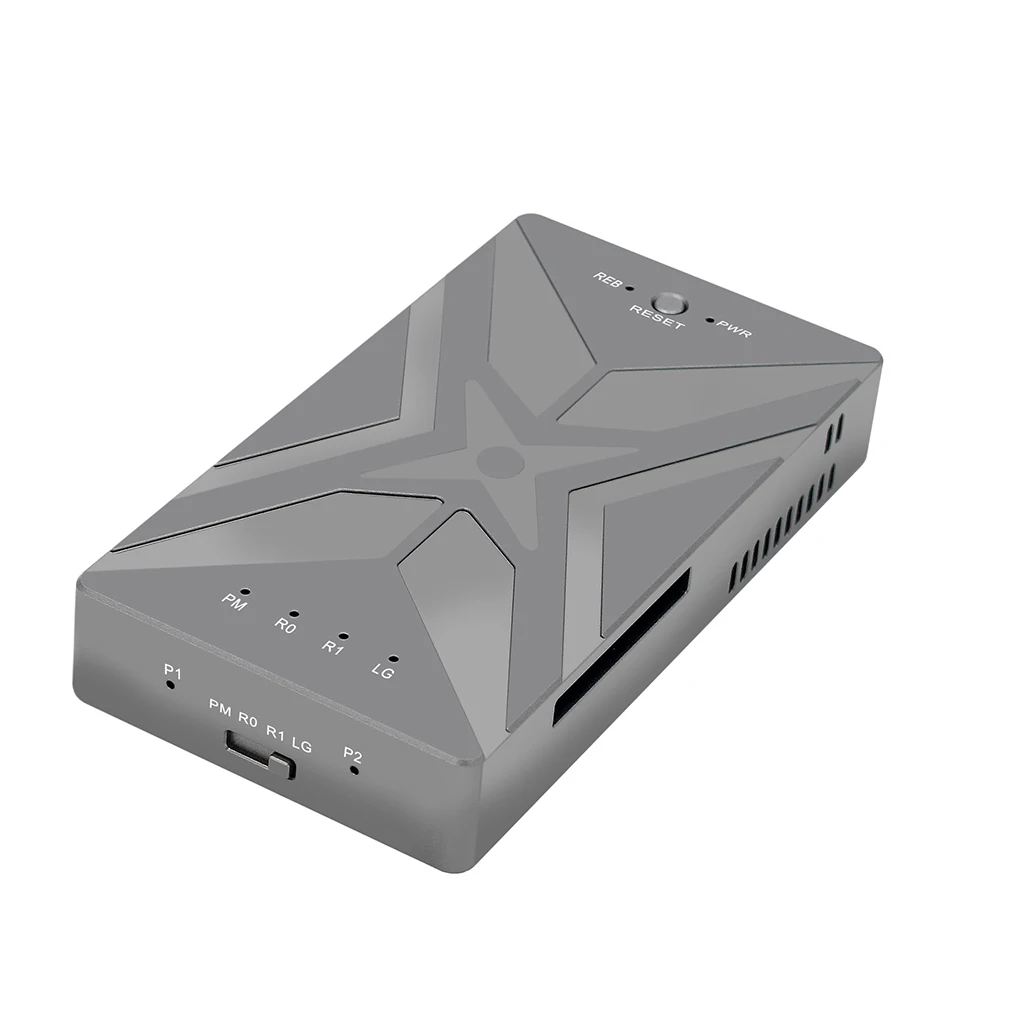
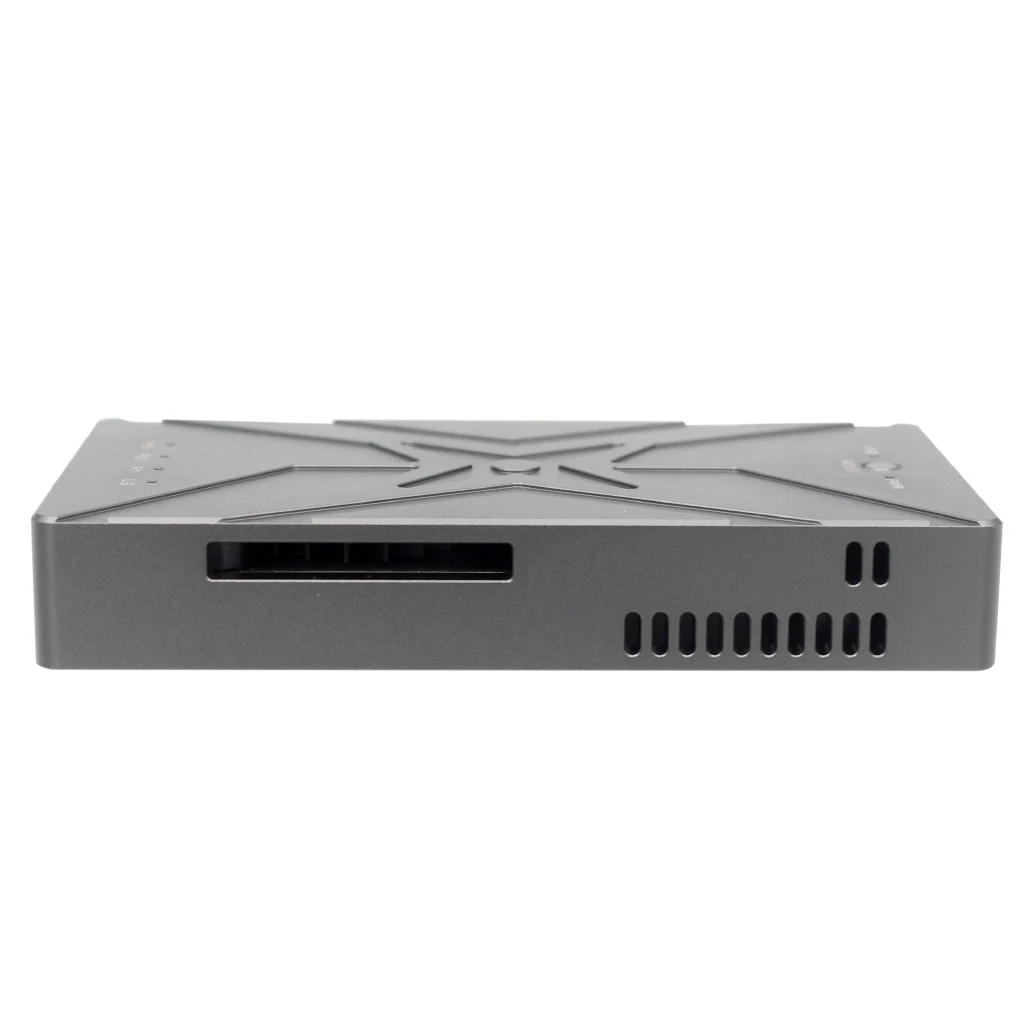
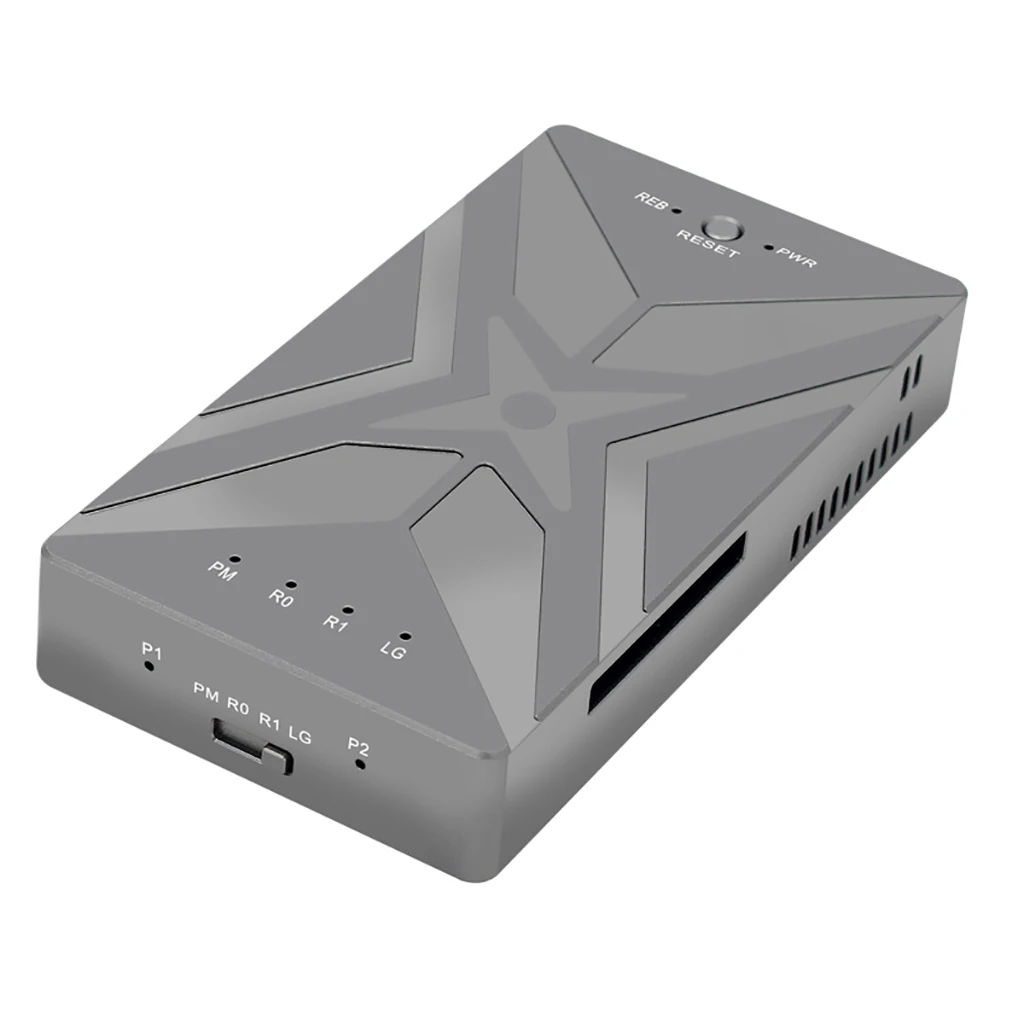
Features:
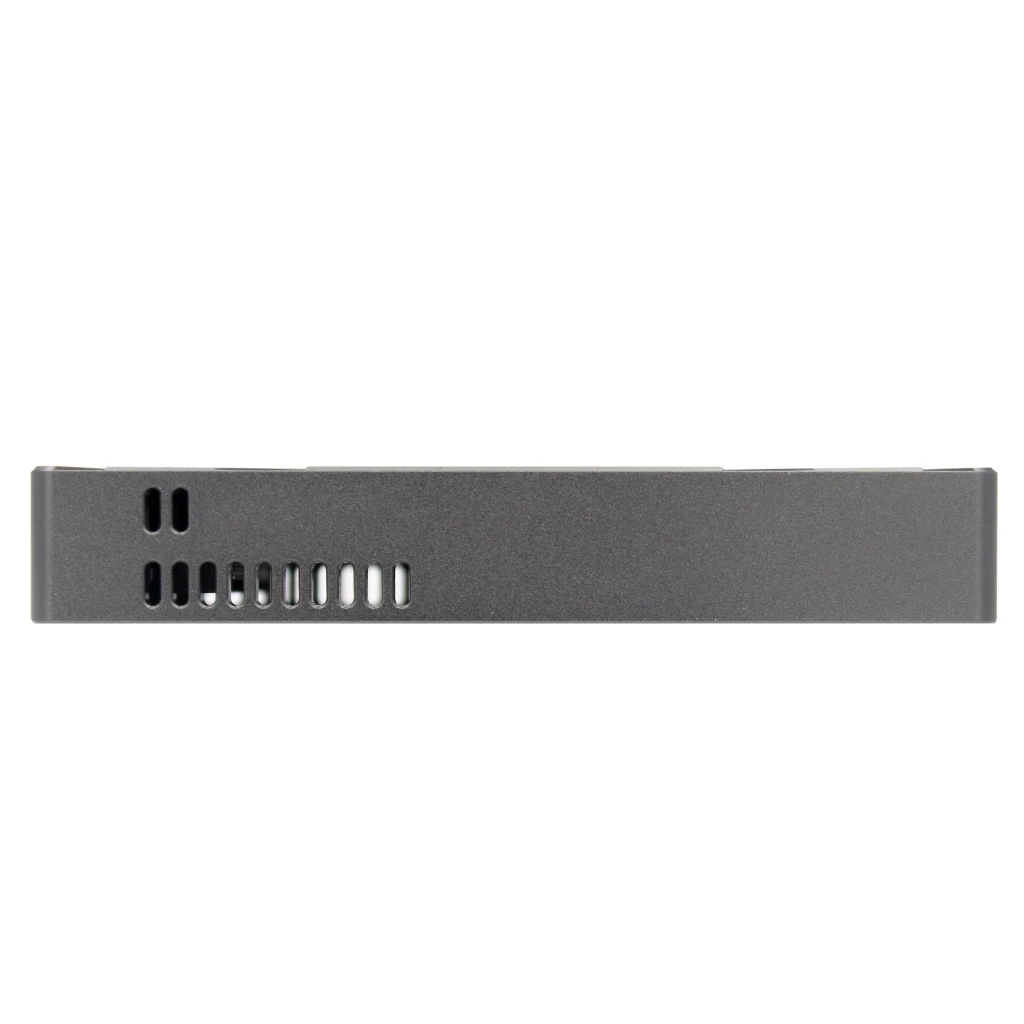
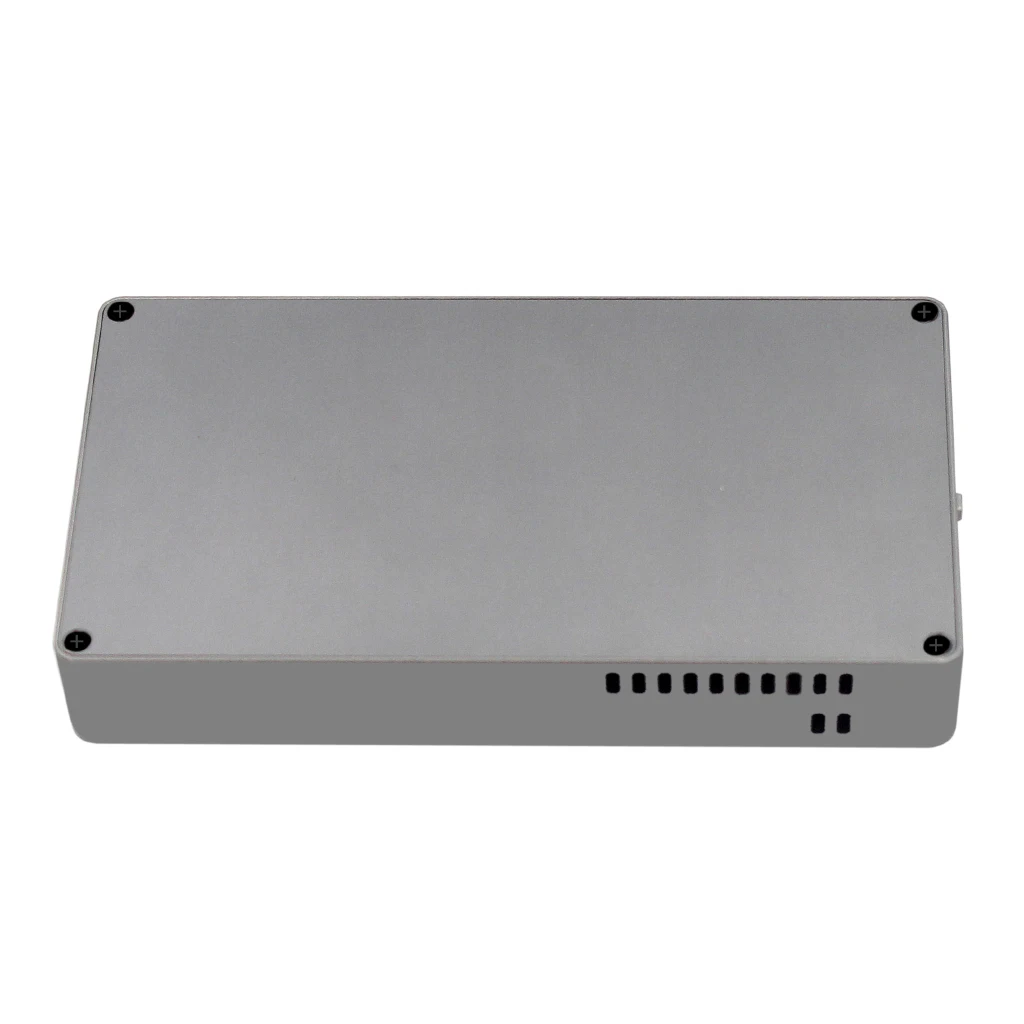
CNC process, aluminum alloy shell
M2. NVME dual bay
The array reads 4 RAID modes
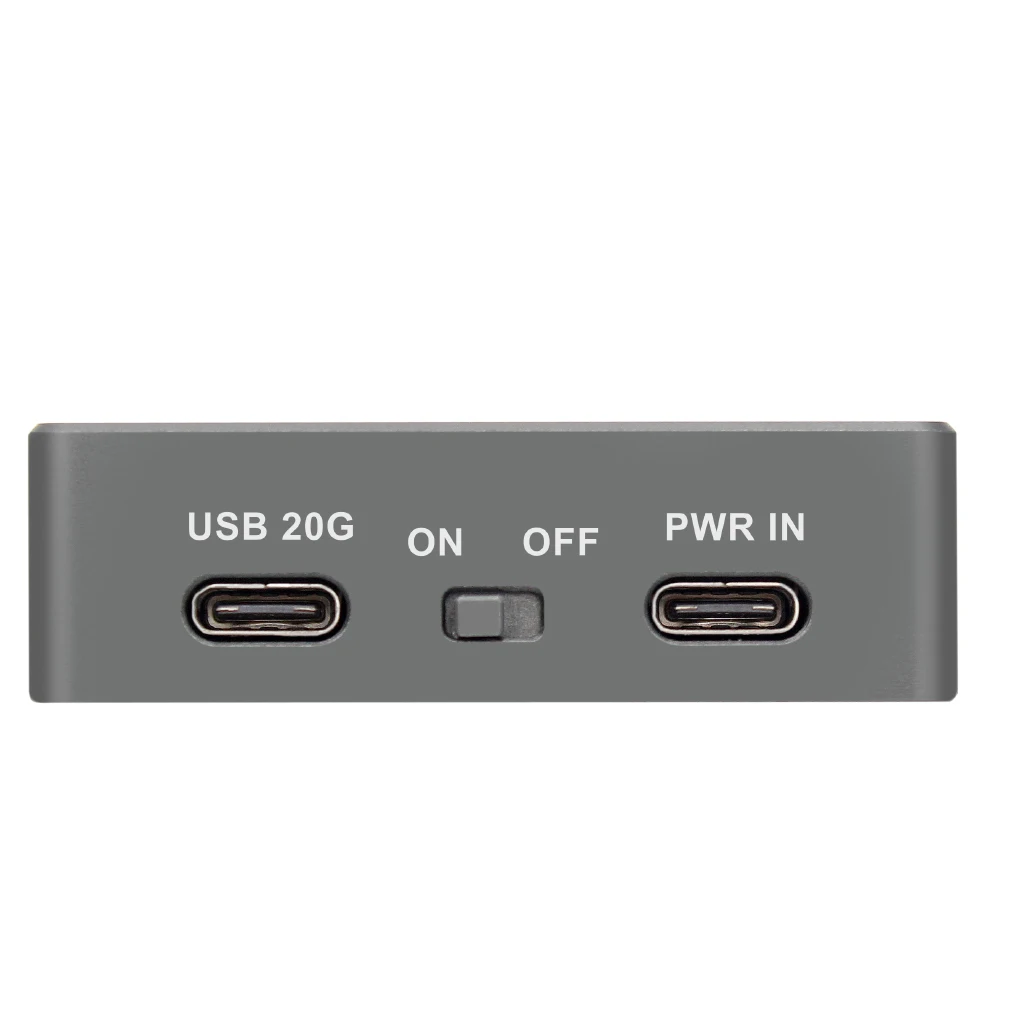
High-speed transfer of USB 20G
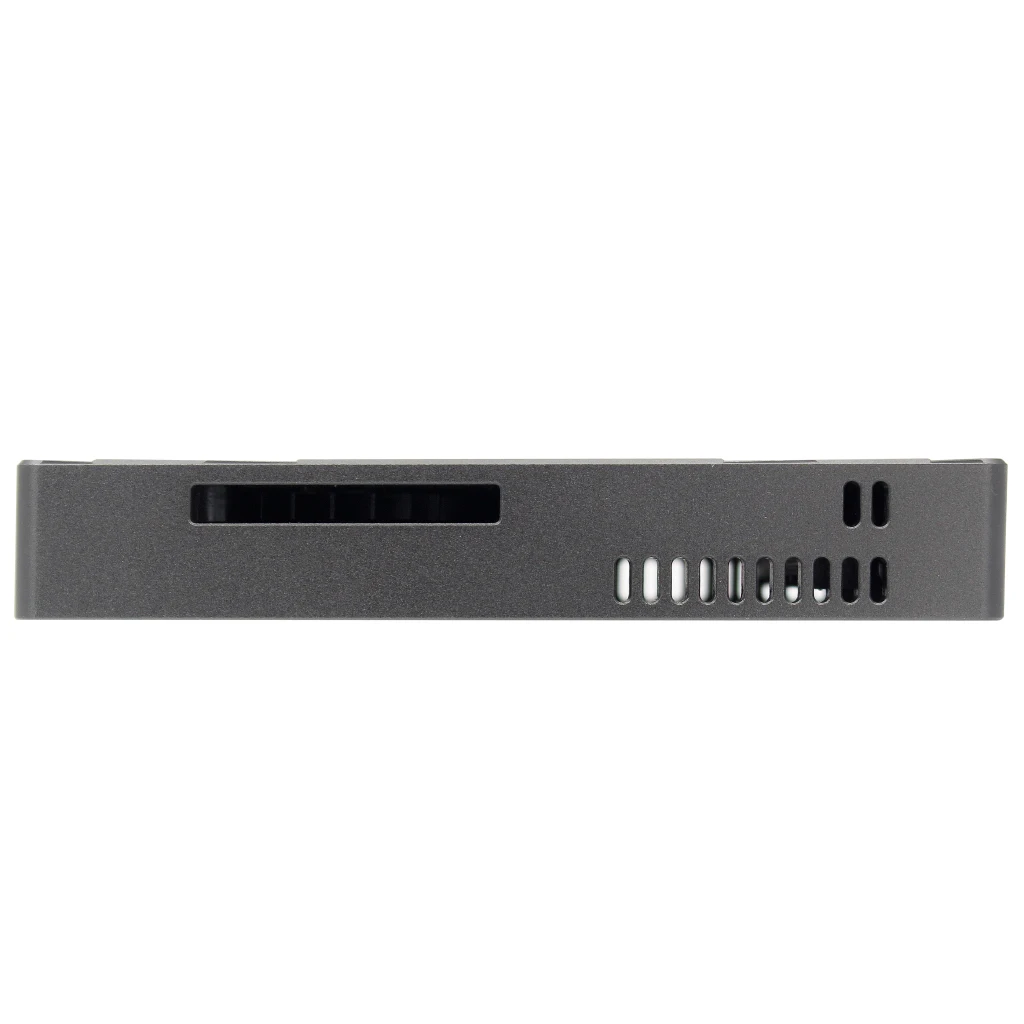
The turbofan actively dissipates heat
Specification:
Supported capacity: 4TB
Product size: 106*57*17mm
Transfer interface: USB2.0, USB3.0, USB3.1, USB3.2, USB4
Transmission speed: 20G
Main control: JMS586R
Type-C power interface: conventional TYPE-C mobile phone charger and computer charger can be used
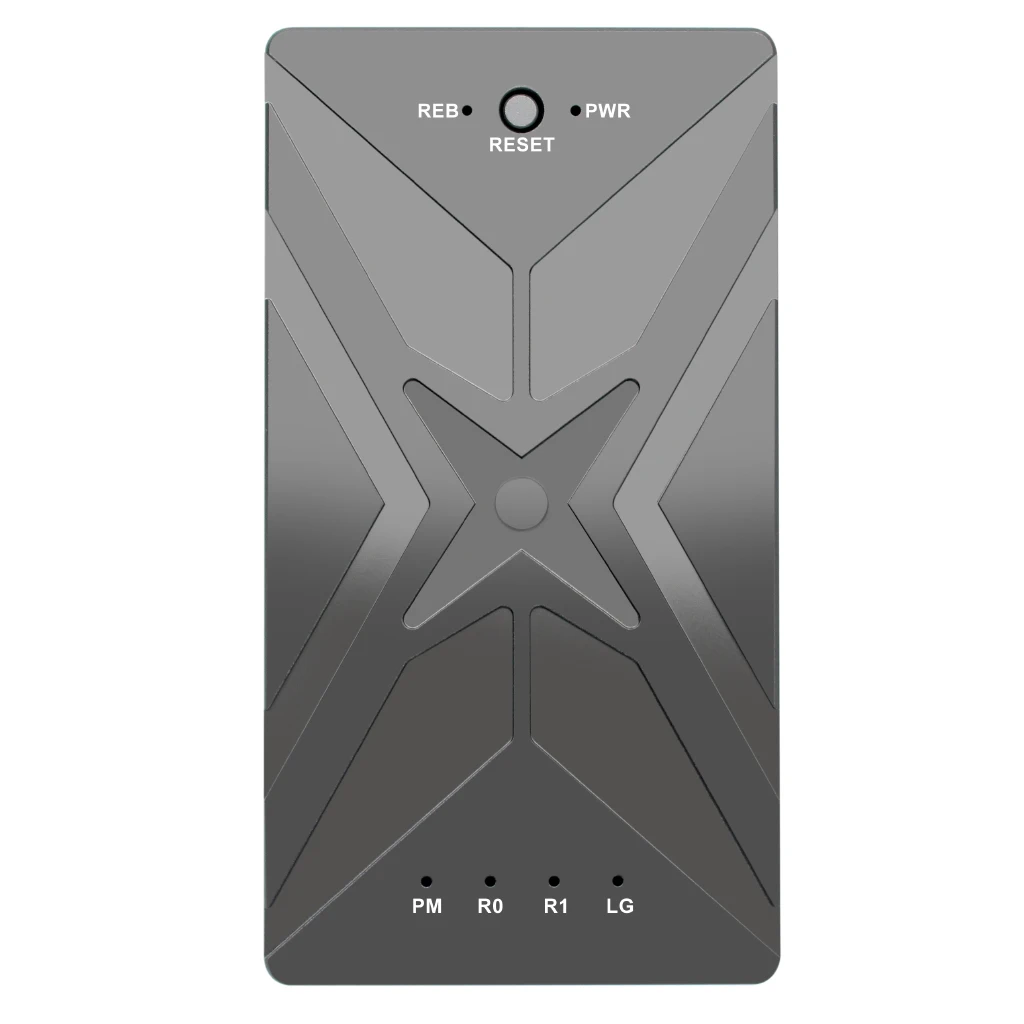
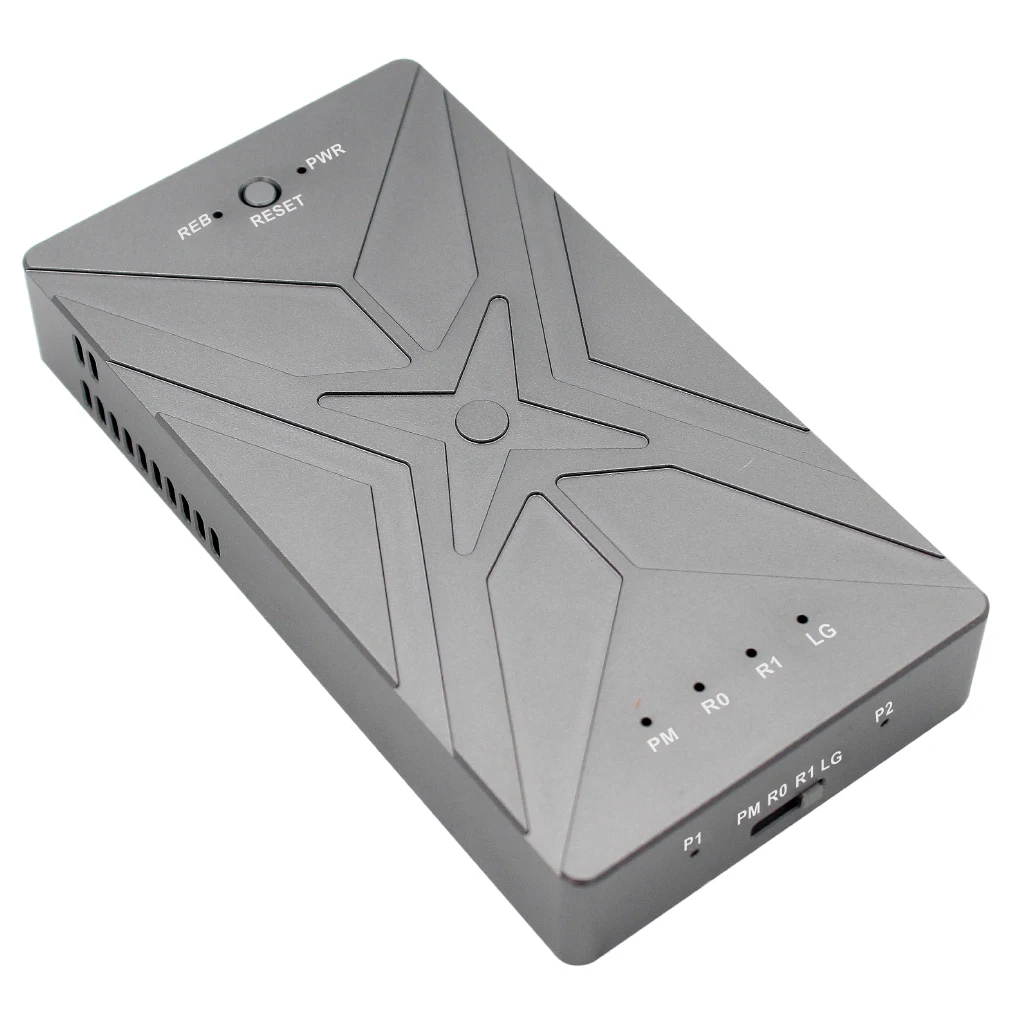
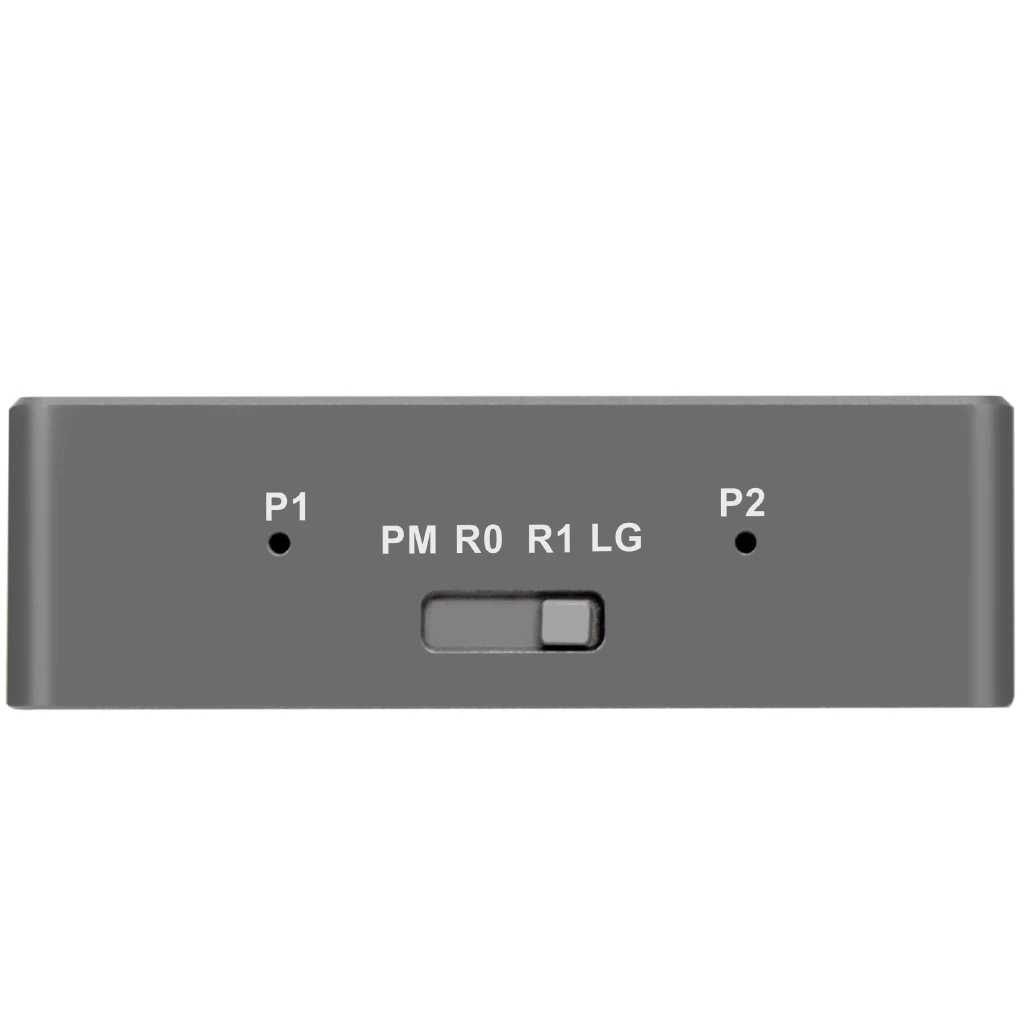
P1&P2 SSD indicator: The green light is lit when the SSD recognition is normal, and the green light flashes when reading and writing data. When the SSD fails, the red light flashes.
RAID mode introduction:
PM: Port Multiplier port doubling (2 SSDs are independent disks)
R0: RAID0 High Performance Mode (Combines 2 SSDs into One Disk) – RAID0 mode in which one of the hard drives is damaged will lose all data; RAID0 capacity: The minimum disk capacity multiplied by the number of disks
R1: RAID1 data high-security mode - the same data is stored in 2 disks at the same time; One of the disks is corrupted and the data still exists on the other disk; After the damaged disk is replaced, the device automatically performs RAID1 reorganization, and the capacity of the new disk must be greater than or equal to the capacity of the original disk; Do not perform data read and write operations during reorganization. RAID1 Capacity: Displays the minimum disk capacity.
LG: LARGE Capacity Max Mode – If one of the hard drives is damaged, all data will be lost. Capacity: The total capacity of the two disks after they are added.
RAID mode setting steps:
1. Install the SSD, plug in the data cable and power cable, and the power is turned off.
2. Dial the RAID mode gear to the desired position
3. Press and hold the "RESET" button, then turn on the power switch, and release the "RESET" after hearing the "drop" sound for three seconds.
4. After the RAID setting is completed, you need to enter Disk Manager for initialization.
Note: Switch RAID mode, data will be lost, please be cautious.
Recommendation: Before switching RAID mode, back up data.
Package Contents:
1 x M.2 NVME SSD RAID Enclosure
1 x USB TYPE-C cable
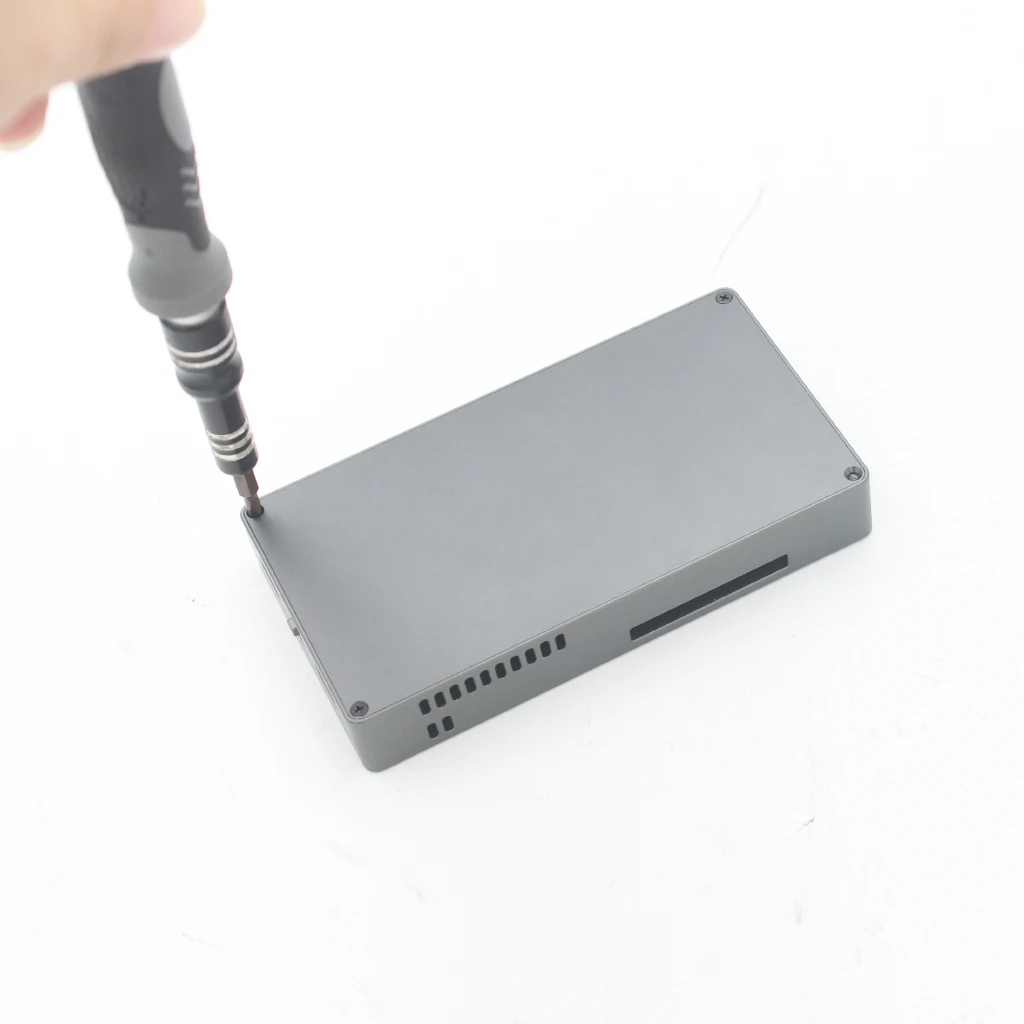
1 x screwdriver
2 x studs
2 x screws