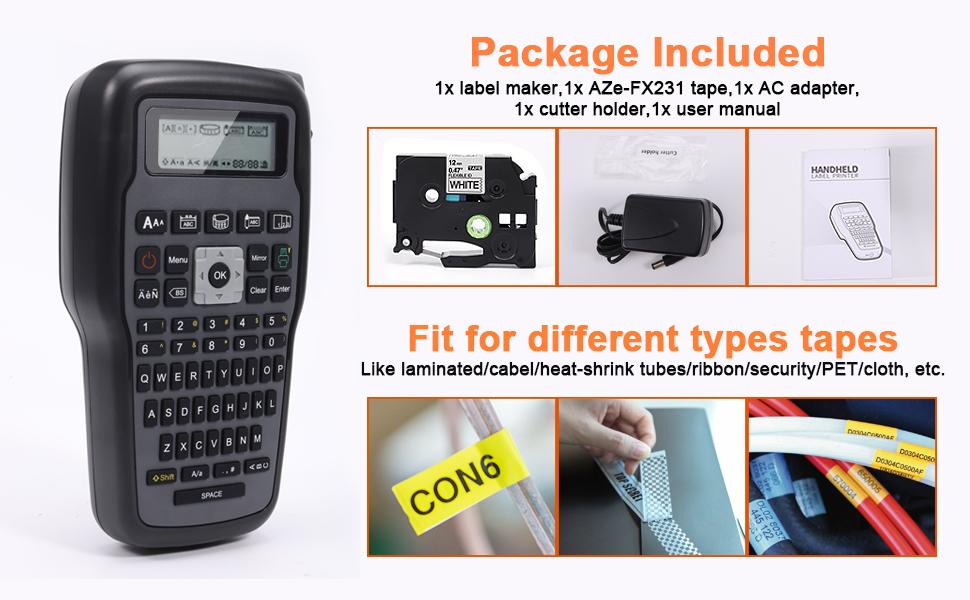
Brother E1000 Label Maker Machine compatible with Brother P Touch TZe label tapes up to 12mm in a variety of materials and colors, perfectly meet the requirements for your daily life.
Note: To prevent the label tape from jamming,
- Please make sure the extend some end of tape (about 2 to 3 cm) to the outlet of labeller before printing.
- Do not press the cutter during printing, the label maker will prompt you to cut after each print if you choose "Cutting-ON" in Setting.


1. What causes the power to turn off when trying to print?
- The batteries may be weak, please try to replace them.
- Please make sure that the batteries poles point in the correct direction to ensure normal use.
2. What should I do if there are blank horizontal lines on the printed label?
- There may be some dust on the printer head - remove the tape cassette and use a dry cotton swab to genttly wipe the printer head with an up-and-down motion.
- or insert a print head cleaning cassette to clean the printer head more easily.
On Mar 7, 2025 at 02:10:43 PST, seller added the following information: