Feature:
With SNES receiver & USB received.
Compatible system:
SNES Receiver: Super Nintendo Console (SNES System) ,Super Nintendo Entertainment System
USB Reciver: PC MAC Raspberry Pi ;Raspberry PI 2 model B ;Retro Pi OS; Retropi System
2.4 G wireless retro gamepad for SNES/SFC game console for PC MAC Raspberry Pi ;Raspberry PI 2 model B ;Retro Pi OS; Retropi System
Just plug in the unified receiver and it's ready to use.
Third-party controller is not the original SNES/NES controller, but it excels in game emulation and so on.
Wireless reception range up to 10 meters, 1.5 meters standard USB charging line, built-in 500MAH lithium-ion battery.
Standby time: 30 days.
Working time: 48 hours.
Third-party controller is not the original SNES/NES controller, but it excels in game emulation and so on.
Wireless reception range up to 10 meters, 1.5 meters standard USB charging line, built-in 500MAH lithium-ion battery.
Standby time: 30 days.
Working time: 48 hours.
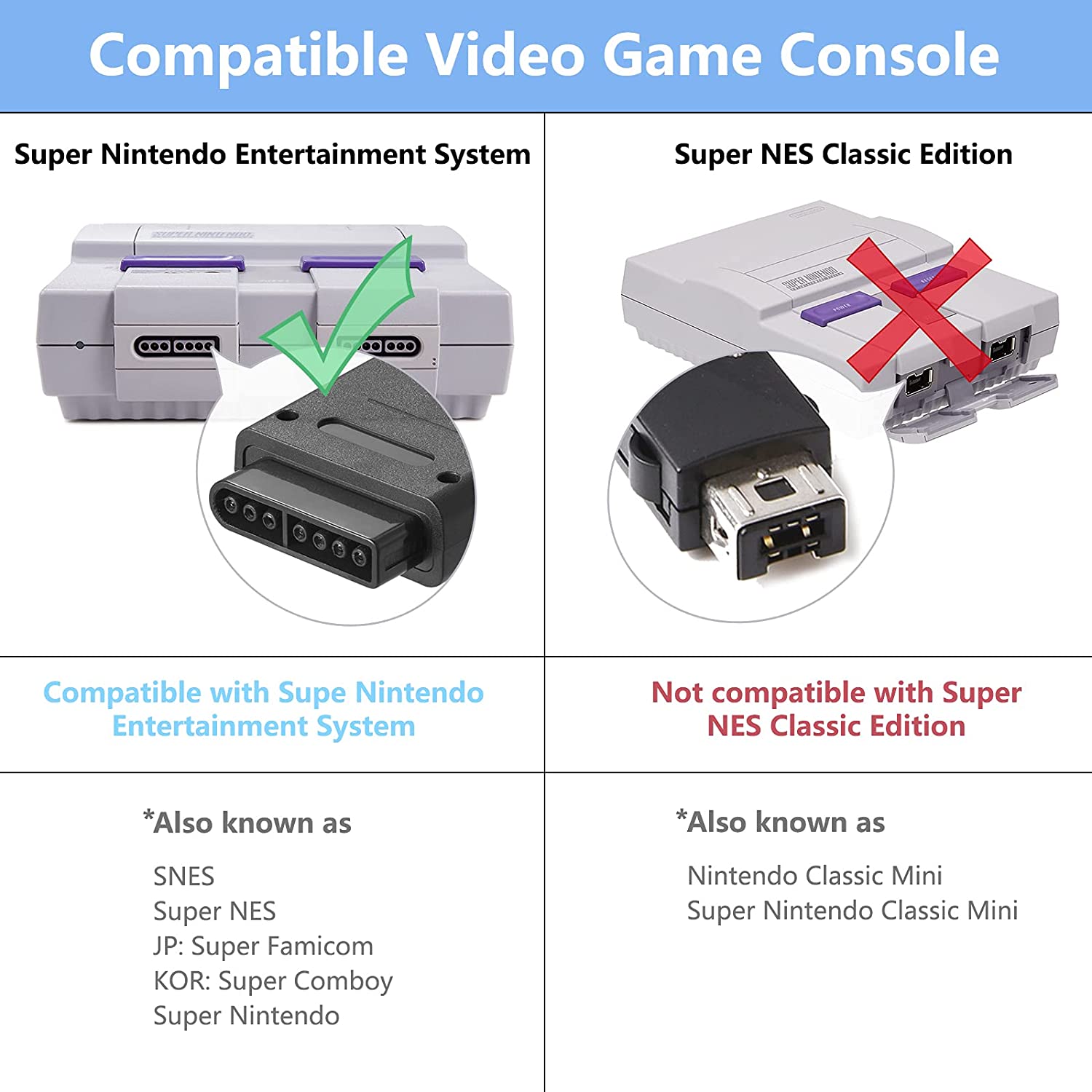
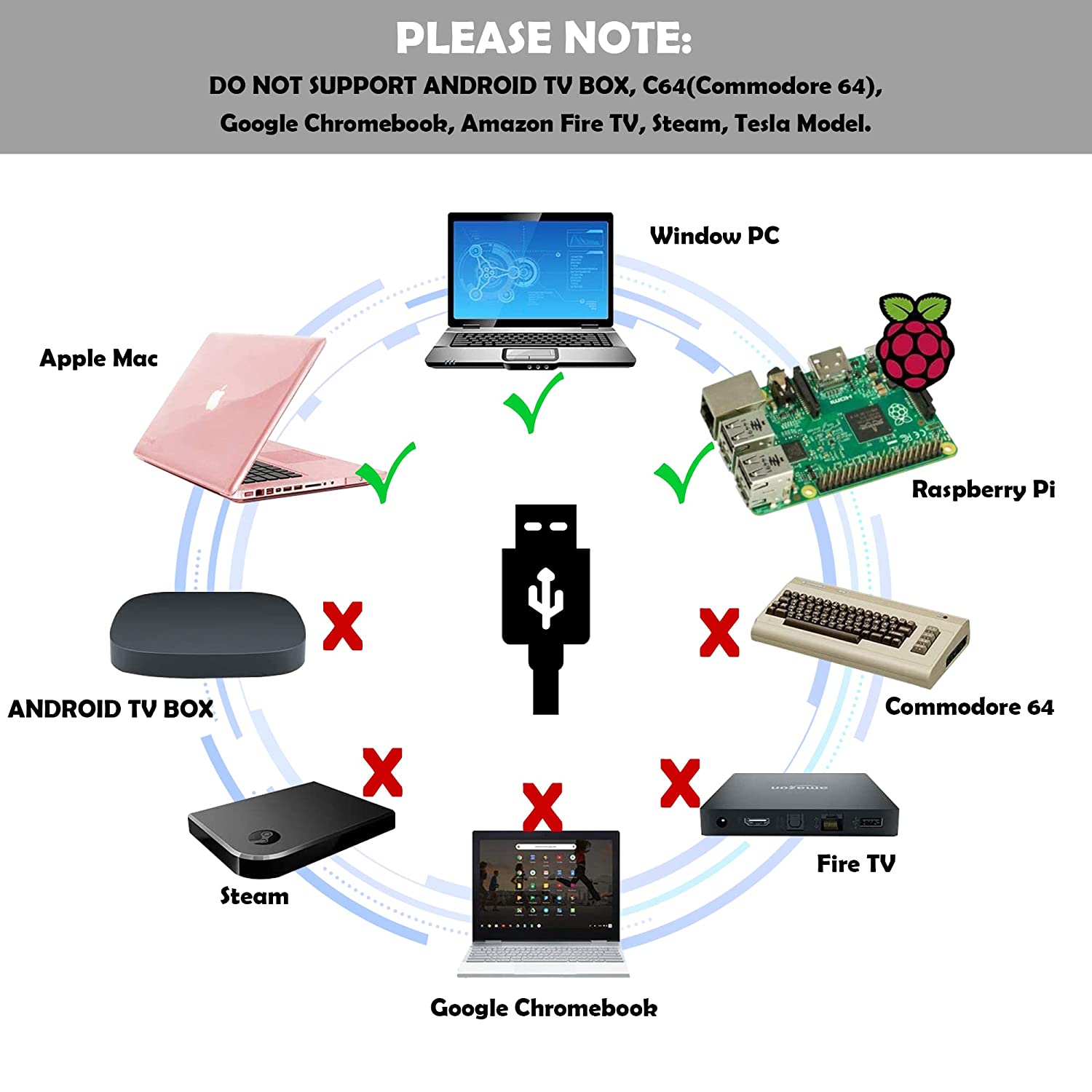
SNES game console interface pairing:
1.Insert the receiver into the body of corresponding interface.
2.When red LED of the receiver flashes, press START of transmitter gamepad until the LED flashes to enter pairing state (the LED is always on after successful pairing).
1.Insert the receiver into the body of corresponding interface.
2.When red LED of the receiver flashes, press START of transmitter gamepad until the LED flashes to enter pairing state (the LED is always on after successful pairing).
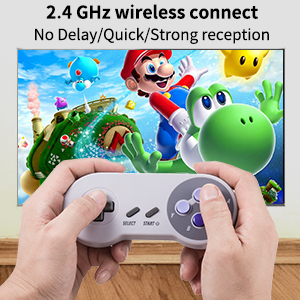
USB interface pairing:
1.Turn on the controller by pressing the START button,the red LED will blink slowly.
2.Press the START button again,the red LED will flash rapidly indicating the controller is ready to pair.
3.Plug in the USB receiver to the PC,the red LED will stay lit to indicate the controller has been paired successfully.
1.Turn on the controller by pressing the START button,the red LED will blink slowly.
2.Press the START button again,the red LED will flash rapidly indicating the controller is ready to pair.
3.Plug in the USB receiver to the PC,the red LED will stay lit to indicate the controller has been paired successfully.
LED Instructions
1. Press "START" button, and LED flashes slowly: this handle is turned on.
2. After the handle is turned on normally, press “START” button again, and LED flashes quickly: this handle is searching for the signal from the paired device.
3. LED shines continuously: this handle has been connected and paired successfully.
4. During the charging process, LED flashes every 2 seconds: this handle is being charged, and LED turns off when the handle is fully charged.
5. LED flashes quickly intermittently: This handle is lacking power and needs to be charged.
What's include
1 x 2.4 G wireless retro gamepad
1 x SNES adapters
1 x USB receivers
1 x Charging cables
1 x User Manual
1 x SNES adapters
1 x USB receivers
1 x Charging cables
1 x User Manual
