Store category
You may also like




Product Description
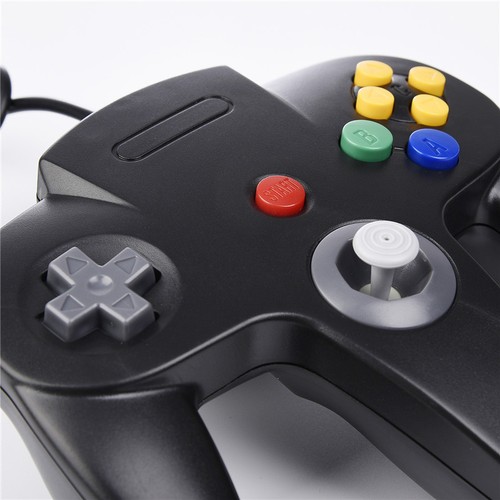
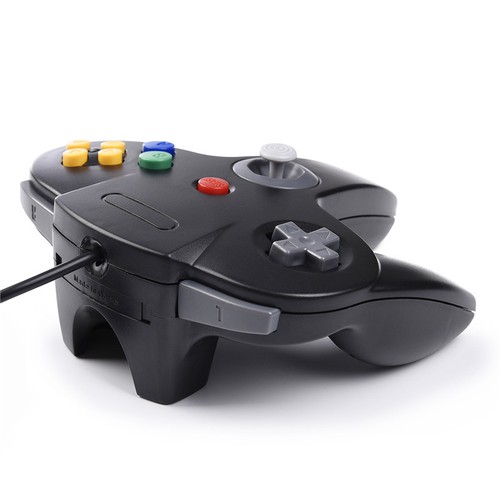
Play your computer Games with an old-school / Retro-feel! These USB controls allow you to play your favorite PC games by just plugging in your USB control! Its that simple! Grab a friend and start playing computer games like never before!
Features
-100% Brand new & High quality
-SIMPLE Plug and Play, No extra driver required,compatible with Emulator Controller
-Wroks exactly the same as the original Gamecube Controller
-Generic USB controller, only need a standard USB port on your program or application. downloap emulator and map it,then have fun with the game
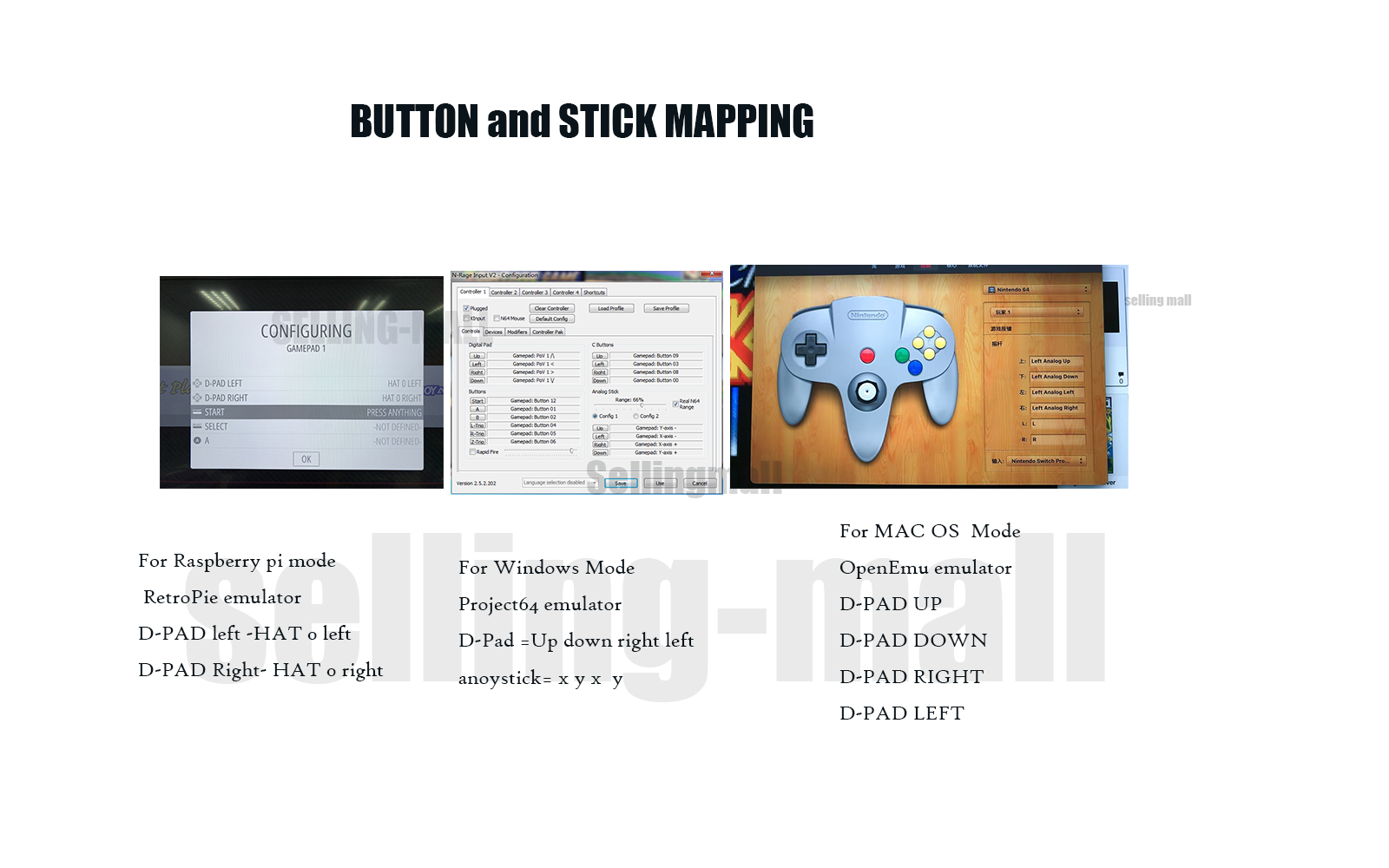
-Emulator for different device: MAC OpenEmu for Mac. Raspberry Pi 3 RetroPie,Project64 Emulator For Windows
Tight and accurate analog control,the controller features 10 function buttons (including Left and Right shoulder functions and Z-trigger). The cord is approx. 1.7 meters (6ft), standard USB 2.0 port, USB connection with durable cord and provide stable and extension of game performance.
Support Operating system
Windows 98, ME, Vista, 2000, 2003, XP, 7, 8, 8.1, 10; Linux UBUNTU, Linux Mint, Android Linux (via an USB OTG cable); Mac OS X and beyond; Retrogaming operating systems: RetroPie, Recalbox, Happi Game Center, Lakka, ChameleonPi, Piplay
Support Device (With USB storage device)-
PC, Notebook Computer, Laptop Computer; MacBook; Android Smartphone: connect via an USB OTG cable; Raspberry Pi (RPI, Raspberry pie): Raspberry Pi 1 Model B, Model A, Raspberry Pi 1 Model B+, Raspberry Pi Zero, Raspberry Pi 2, Raspberry Pi 3 Model B, Raspberry Pi 3, Retro Pie.
Emulation suggestion: MAC OpenEmu for Mac/ Raspberry Pi 3 RetroPie/Project64 on Windows
*** Note: NOT SUPPORT Android TV BOX. **
*** Third party controller, not original N64 controller, it does not work with N64 Console as it is a USB controller. But it works phenomenal with Raspberry Pi game emulation and so on. ***
BUTTON AND STICK have to map it into right position
Support game Emulator:
Project 64,OpenEmu,MegaN64,Mupen64,Mupen64Plus FZ,RetroArch,ClassicBoy and SixtyForce etc.
1)Mupen64Plus FZ is one of the newer N64 emulators.
2)RetroArch is one of the better N64 emulators
3)SixtyForce is the best option for emulating the N64 console natively in Mac OS X.
How to Map Controller Buttons on Mac for N64 Gaming
1.) Head to the official OpenEmu website to download the emulator
2.) Plug your USB controller into any available port on your Mac. macOS will automatically detect it within seconds.
3. )Open the "OpenEmu" Emulator > Preferences > Controls.
This is where you assign physical buttons to on-screen actions.
4.) Assign Your Input Device :Under "Input Device", select the option" Generic USB joystick"
5.)Redefine USB controller' buttons ( D-pad、SELECT、START、B、A、C button、Joystick -- define)- confirm, and Choose Emulator Rom file (game) -START-Play computer games.
Package includes (1 PACK):
1 x N64 USB Wired USB Game Controller


On May 24, 2026 at 03:49:40 PDT, seller added the following information: