
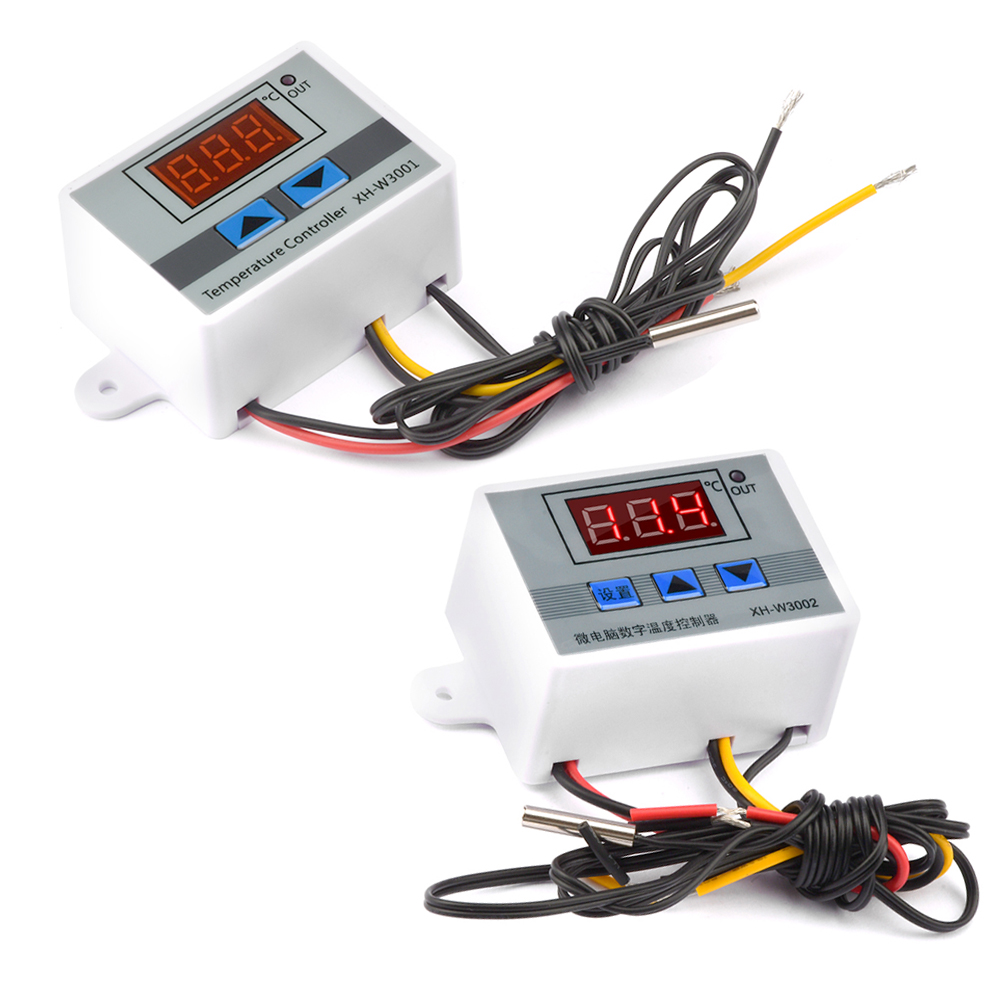
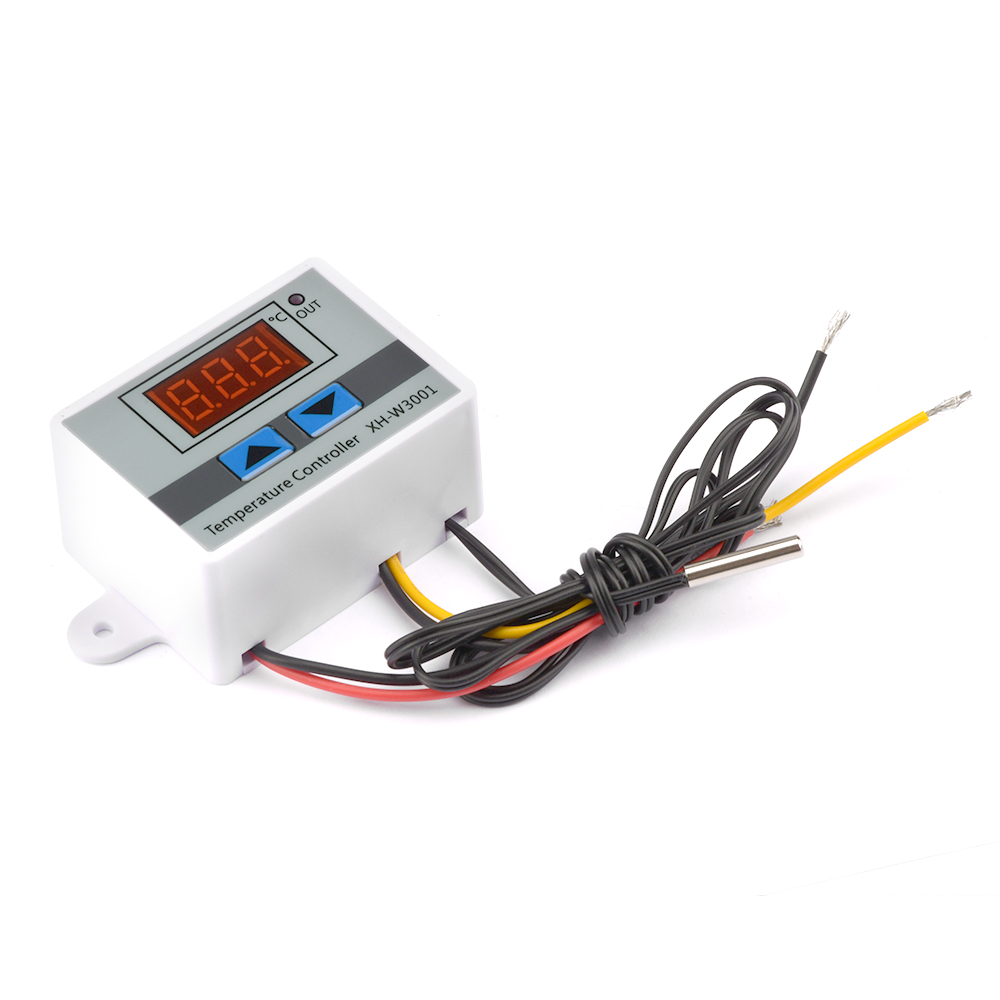
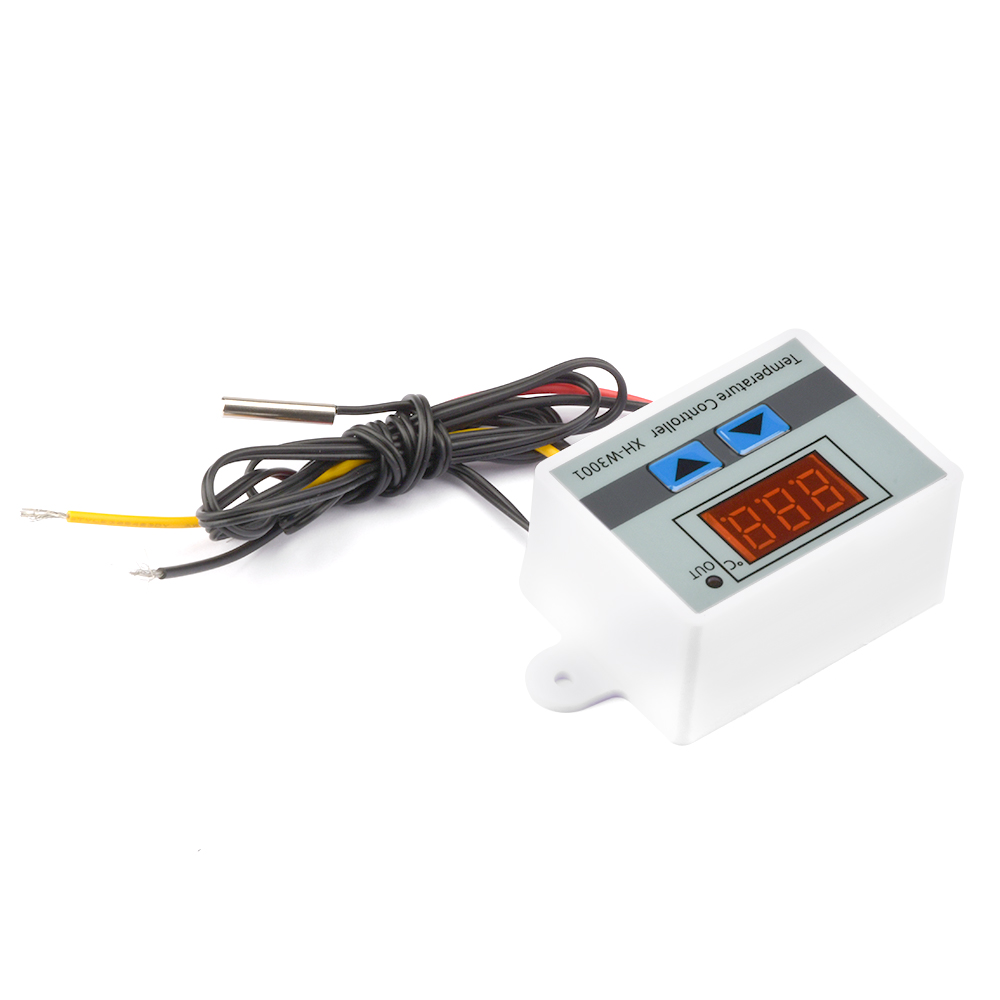
W3001 DC24V-60V
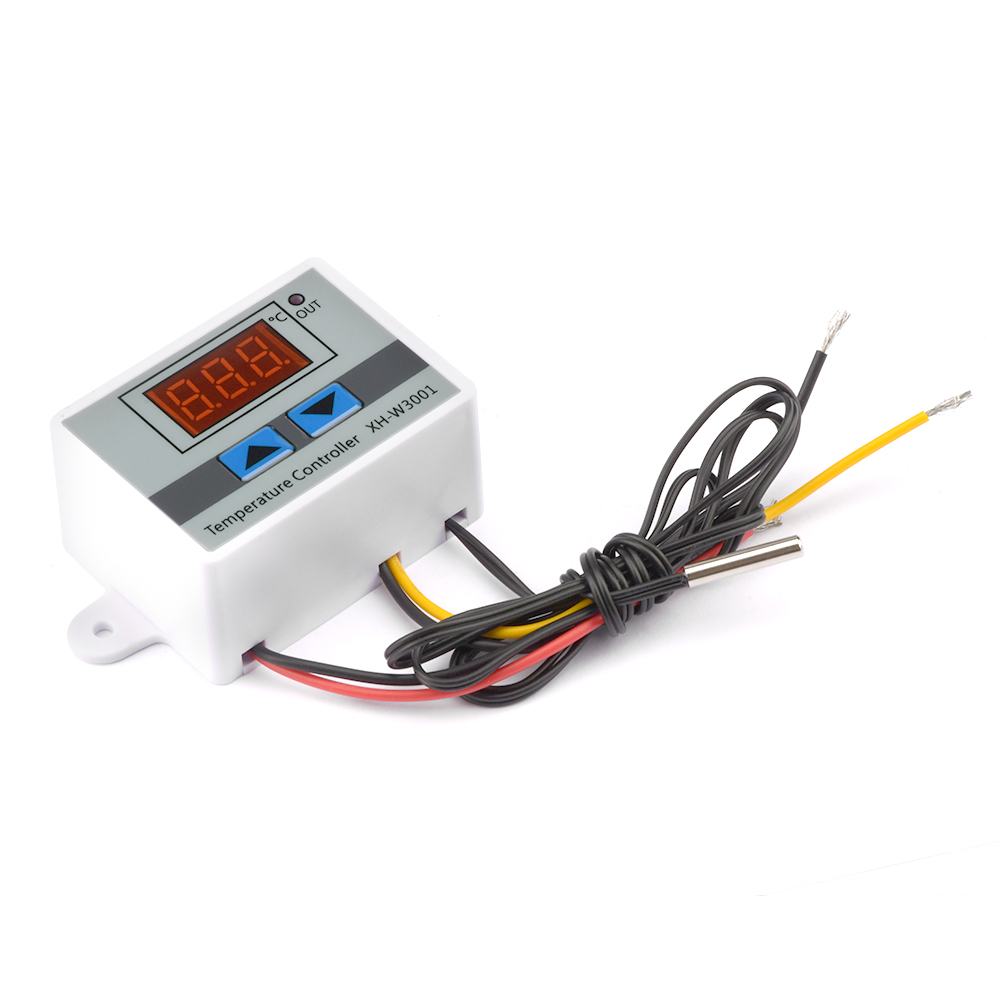
The main parameters:
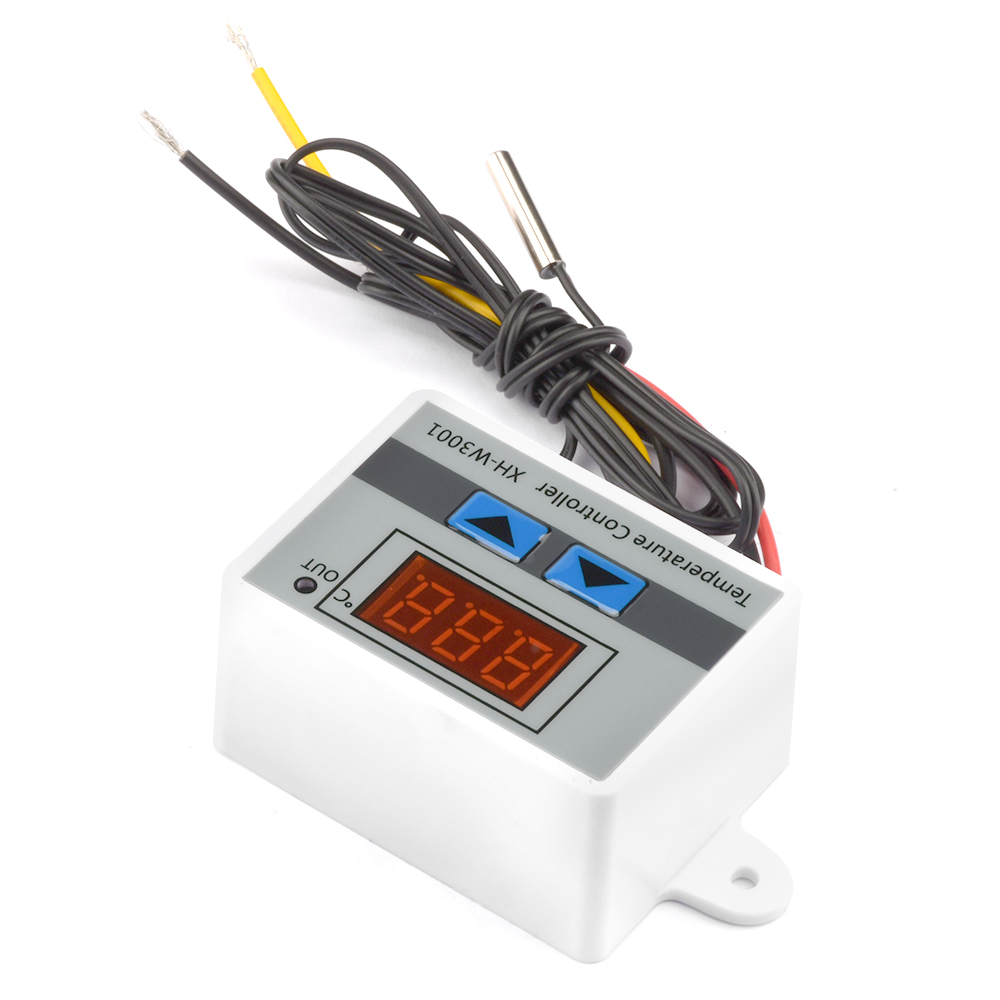
Product name: Microcomputer temperature controller
Product name: W3001
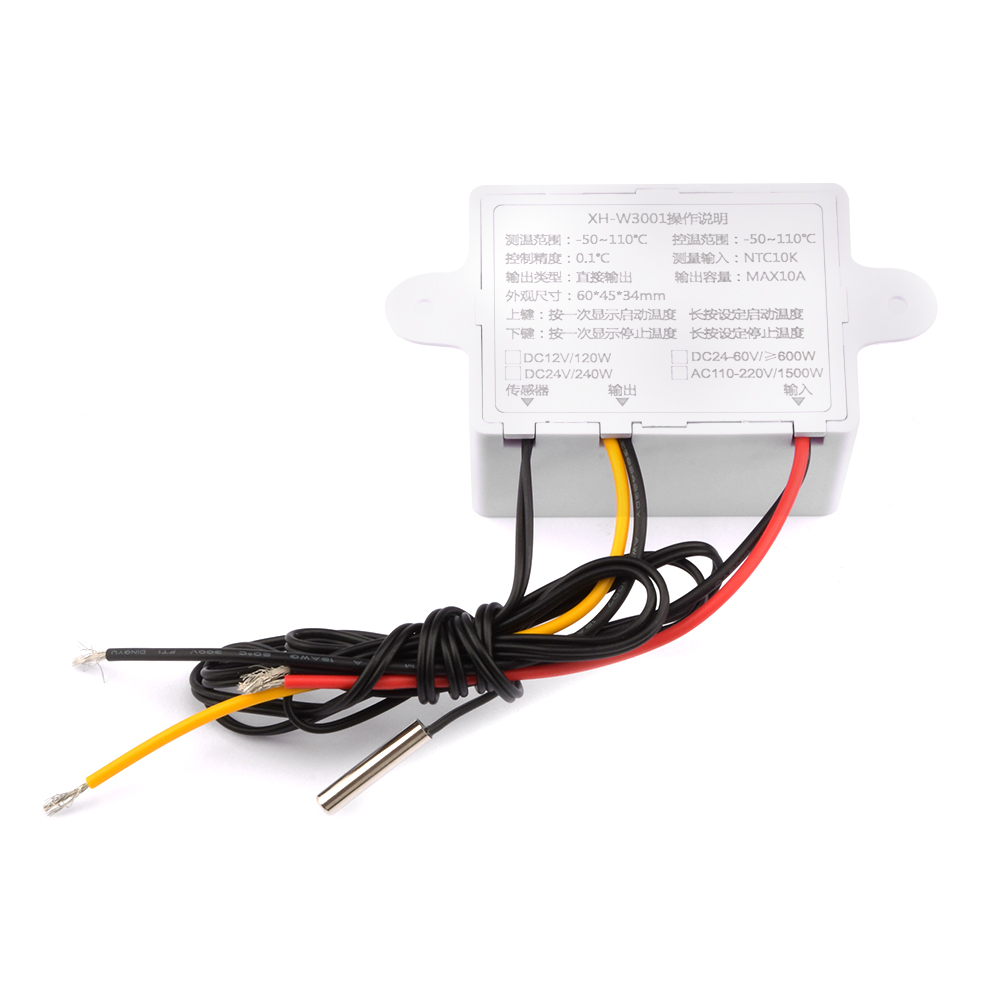
Temperature measurement range: -50-110℃
Temperature control range: -50-110℃
Temperature measurement accuracy: ±0.2℃
Temperature control accuracy: ±0.1℃
Measurement input: NTC10K L=1 meter waterproof probe
Input power: 24V-60V
Output power: 600W
Output type: direct output
Output capacity: maximum 10A
Installation hole distance: 73MM (aperture 4MM)
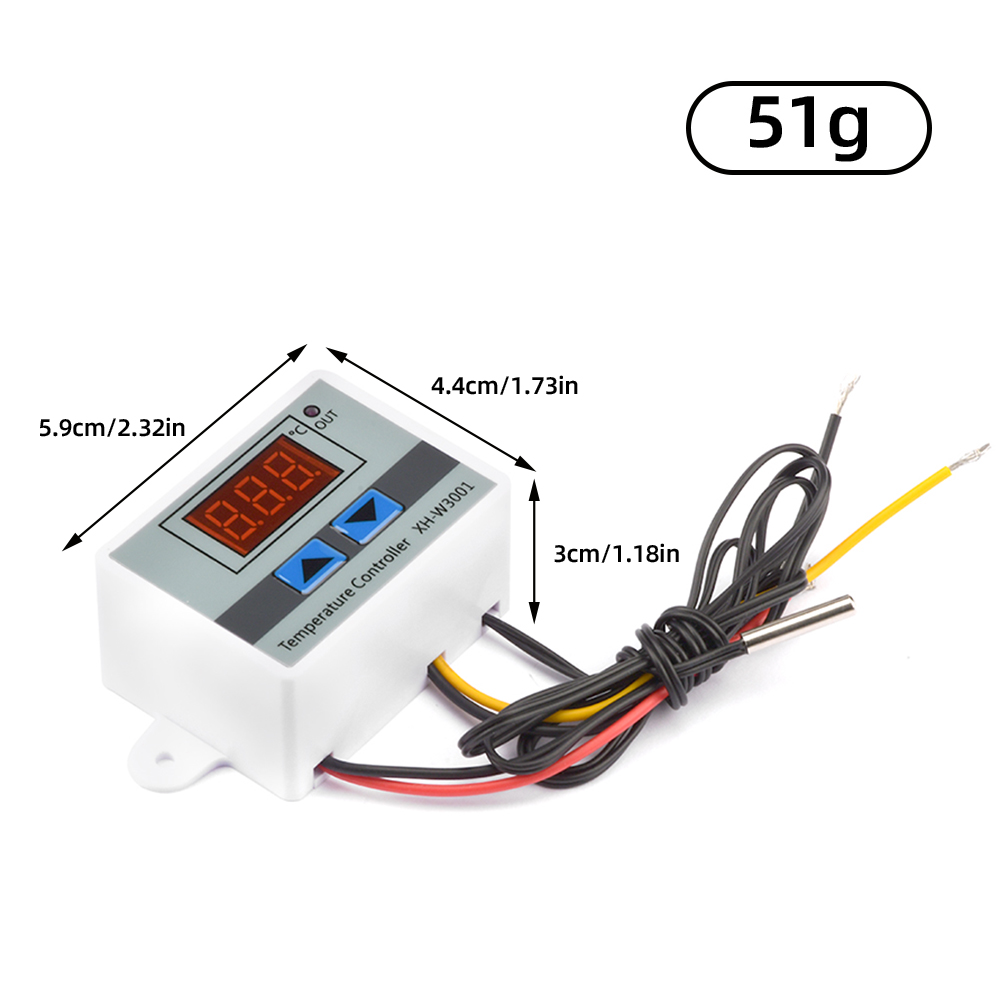
Appearance size: 60*45*31mm
Product name: Microcomputer temperature controller
Product name: W3001
Temperature measurement range: -50-110℃
Temperature control range: -50-110℃
Temperature measurement accuracy: ±0.2℃
Temperature control accuracy: ±0.1℃
Measurement input: NTC10K L=1 meter waterproof probe
Input power: 24V-60V
Output power: 600W
Output type: direct output
Output capacity: maximum 10A
Installation hole distance: 73MM (aperture 4MM)
Appearance size: 60*45*31mm
List:
Thermostat*1
Thermostat*1
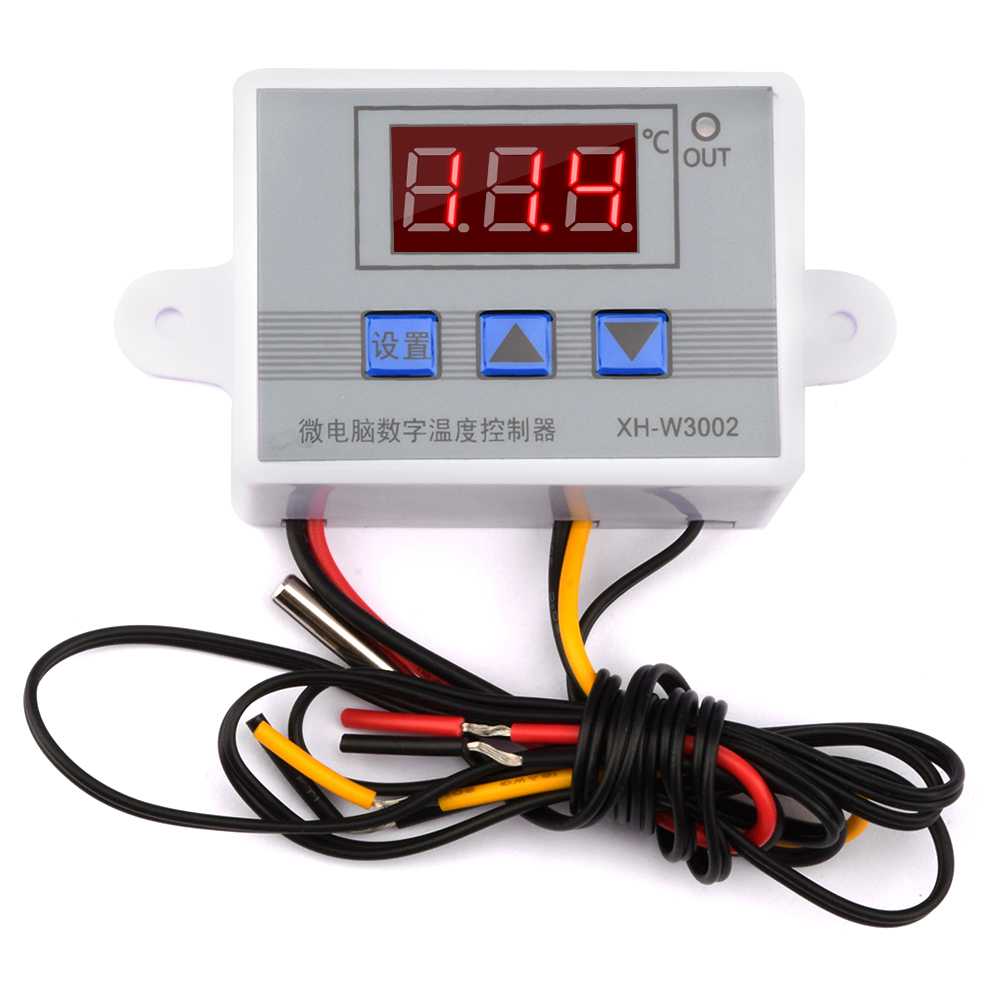
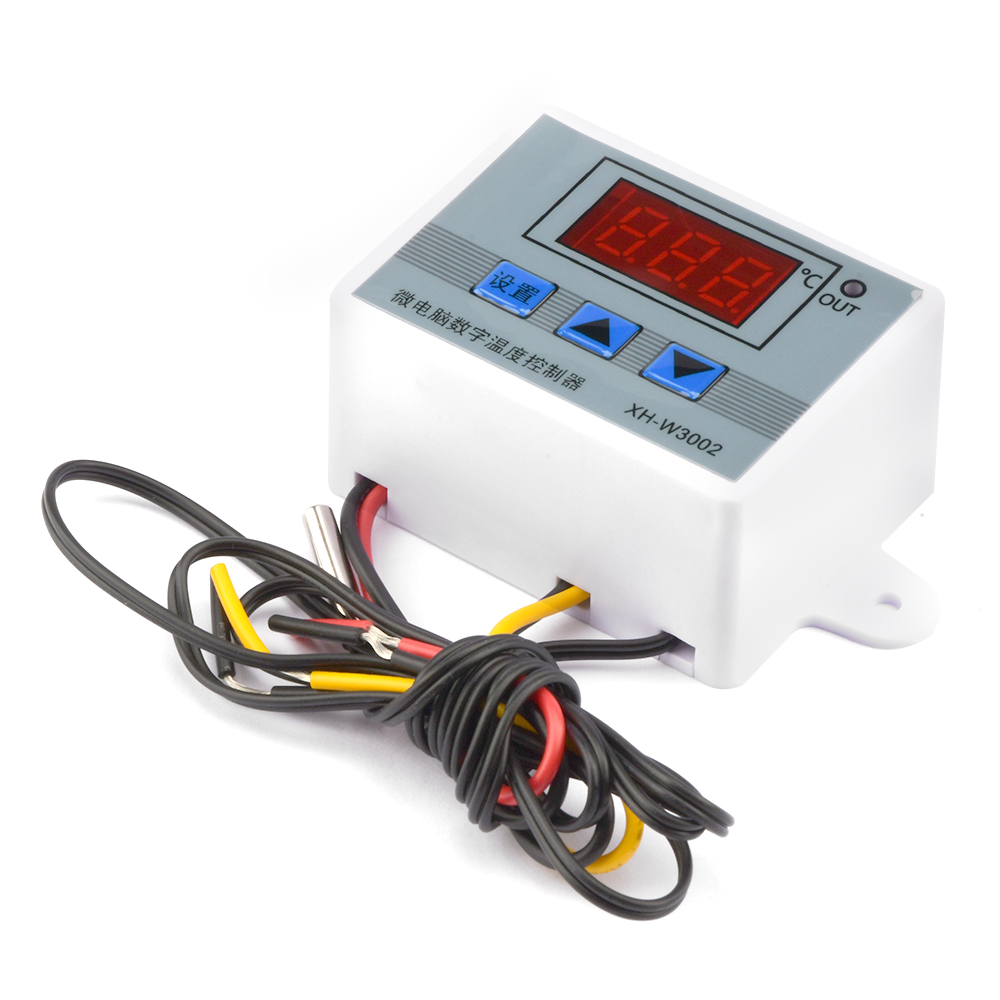
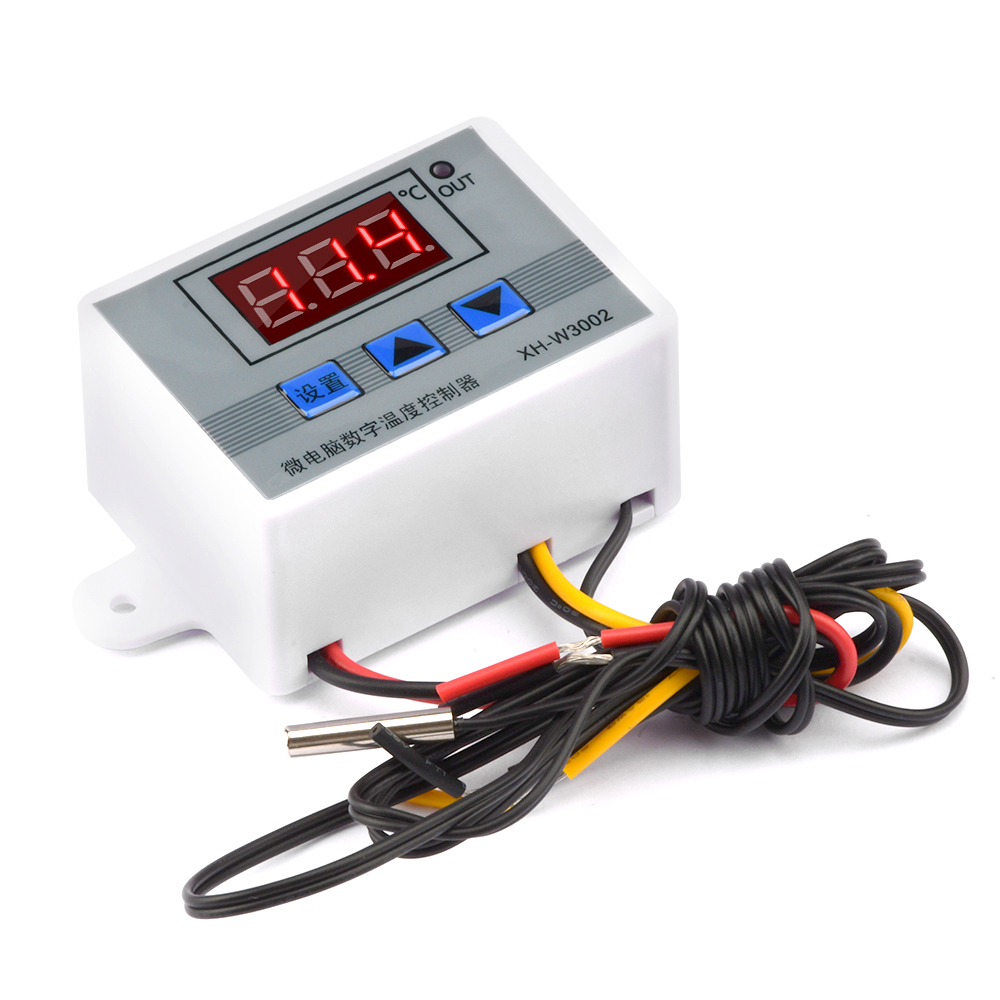
W3002 DC 24V-60V
The main parameters:
Product name: Microcomputer temperature controller
Product name: W3002
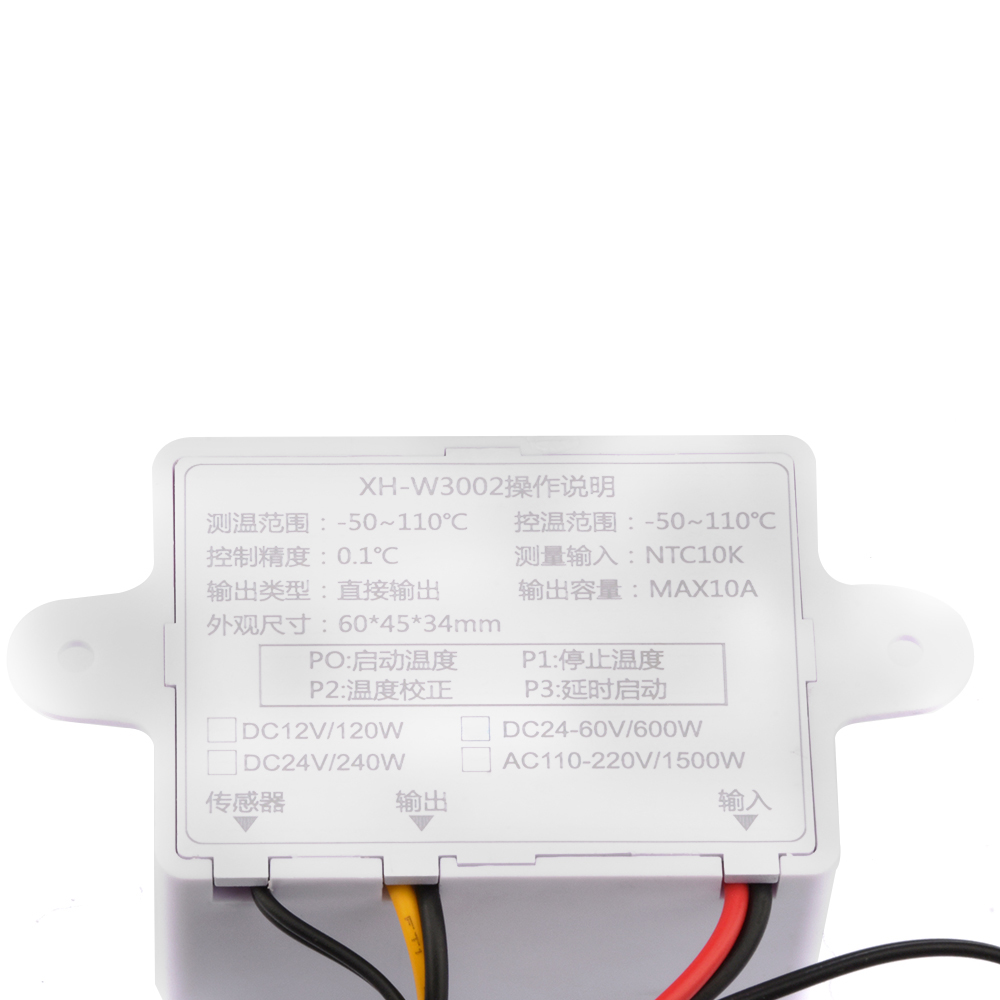
Temperature measurement range: -50-110℃
Temperature control range: -50-110℃
Temperature measurement accuracy: ±0.2℃
Temperature control accuracy: ±0.1℃
Measurement input: NTC10K L=1 meter waterproof probe
Input power: 12V-60V
Output power: 600W
Output type: direct output
Output capacity: maximum 10A
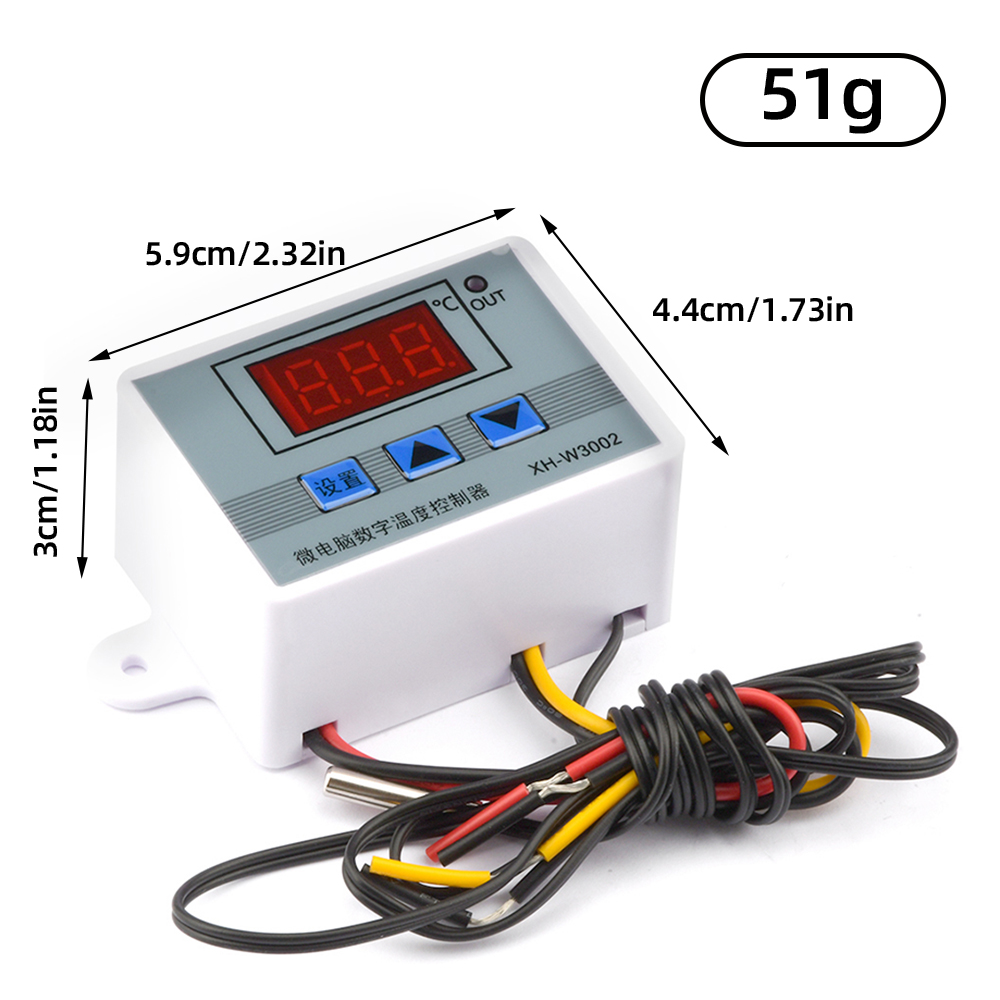
Installation hole distance: 73MM (aperture 4MM)
Appearance size: 60*45*31mm
Product name: Microcomputer temperature controller
Product name: W3002
Temperature measurement range: -50-110℃
Temperature control range: -50-110℃
Temperature measurement accuracy: ±0.2℃
Temperature control accuracy: ±0.1℃
Measurement input: NTC10K L=1 meter waterproof probe
Input power: 12V-60V
Output power: 600W
Output type: direct output
Output capacity: maximum 10A
Installation hole distance: 73MM (aperture 4MM)
Appearance size: 60*45*31mm
Code and function introduction
-PO setting start temperature
Press the setting button once to enter the internal menu, the default display is PO, press the setting button again, and set the required starting temperature through the up and down buttons.
P1 set stop temperature
Press the setting button to enter the internal menu, the digital display is 0, switch to P1 by the up and down keys, press the setting button again, and set the required stop temperature by the up and down keys
-P2 set temperature correction
Enter the internal menu in the same way, cut into P2 by pressing the up and down keys, press the setting key again, and set the required calibration temperature through the up and down keys. In the setting, if the detected temperature value is 0.5 degrees greater than the actual temperature value, then the calibration temperature that needs to be set is -0.5 degrees. If the detected temperature value is 1 degree lower than the actual temperature value, the calibration temperature that needs to be set is 1 degree, the detection temperature +corrected temperature = actual temperature
-P3 set delay start
Enter the internal menu in the same way, switch to P3 by pressing the up and down buttons, press the setting button again, and set the required delay time (in minutes) with the up and down buttons. Delayed start is generally used for compressor refrigeration. If it is used for refrigerators and freezers, this value needs to be set. The general setting value is 3-6 minutes according to the size of the compressor back pressure. If you are not used to control the compressor or do not need to delay Time function, skip this item directly.
-PO setting start temperature
Press the setting button once to enter the internal menu, the default display is PO, press the setting button again, and set the required starting temperature through the up and down buttons.
P1 set stop temperature
Press the setting button to enter the internal menu, the digital display is 0, switch to P1 by the up and down keys, press the setting button again, and set the required stop temperature by the up and down keys
-P2 set temperature correction
Enter the internal menu in the same way, cut into P2 by pressing the up and down keys, press the setting key again, and set the required calibration temperature through the up and down keys. In the setting, if the detected temperature value is 0.5 degrees greater than the actual temperature value, then the calibration temperature that needs to be set is -0.5 degrees. If the detected temperature value is 1 degree lower than the actual temperature value, the calibration temperature that needs to be set is 1 degree, the detection temperature +corrected temperature = actual temperature
-P3 set delay start
Enter the internal menu in the same way, switch to P3 by pressing the up and down buttons, press the setting button again, and set the required delay time (in minutes) with the up and down buttons. Delayed start is generally used for compressor refrigeration. If it is used for refrigerators and freezers, this value needs to be set. The general setting value is 3-6 minutes according to the size of the compressor back pressure. If you are not used to control the compressor or do not need to delay Time function, skip this item directly.
Heating mode setting method
Setting essentials: start temperature <stop temperature (the program automatically judges that the working mode is heating mode)
Setting method: press the setting key to enter the internal menu, set the start temperature by setting the PO value, and set the stop temperature by setting the P1 value
Setting essentials: start temperature <stop temperature (the program automatically judges that the working mode is heating mode)
Setting method: press the setting key to enter the internal menu, set the start temperature by setting the PO value, and set the stop temperature by setting the P1 value
Use Cases:
Control the water heater, stop heating to 50°C, and start heating again when the temperature drops to 40°C. How to set it?
Step 1: Make sure the working mode is heating mode, starting temperature <stop temperature
Step 2: Press the setting key to enter the internal menu, select P0 and press the setting key to set the value of P0 to 40℃
Step 3: Press the setting key to enter the internal menu, select P1 and press the setting key, set the value of P1 to 50℃
Cooling mode setting method
Setting essentials: start temperature>stop temperature (the program automatically judges that the working mode is cooling mode)
Setting method: press the setting key to enter the internal menu, set the start temperature by setting P0, and set the stop temperature by setting P1
Use Cases:
Control the cabinet radiator, stop the heat dissipation at 26°C, and start the radiator again when the temperature rises to 30°C. What settings are made?
Step 1: Make sure the working mode is cooling mode, starting temperature>stop temperature
Step 2: Press the set key to enter the internal menu, select P0 and press the set key to set the value of P0 to 30℃
Step 3: Press the set key to enter the internal menu, select P1 and press the set key, set the value of P1 to 26℃
Setting essentials: start temperature>stop temperature (the program automatically judges that the working mode is cooling mode)
Setting method: press the setting key to enter the internal menu, set the start temperature by setting P0, and set the stop temperature by setting P1
Use Cases:
Control the cabinet radiator, stop the heat dissipation at 26°C, and start the radiator again when the temperature rises to 30°C. What settings are made?
Step 1: Make sure the working mode is cooling mode, starting temperature>stop temperature
Step 2: Press the set key to enter the internal menu, select P0 and press the set key to set the value of P0 to 30℃
Step 3: Press the set key to enter the internal menu, select P1 and press the set key, set the value of P1 to 26℃
Common malfunctions:
When setting the heating mode, if you accidentally reverse the set temperature value setting, the output indicator will not light up and the load will not work. If the above situation occurs after the setting is completed, you can check whether the set temperature value is reversed.
How to restore factory settings:
When the power is on, press and hold the up and down keys at the same time for about 3 seconds. After the nixie tube displays 888, it will automatically jump to the detection temperature, that is, the factory setting is restored successfully.
LED display LLL:
If the digital tube displays LLL during use, it means that the sensor is faulty. Check the sensor or replace the sensor.
Digital tube display HHH:
If the digital tube displays HHH during use, it means that the temperature of the beech has exceeded the measurement range, and you can find the use environment.
When setting the heating mode, if you accidentally reverse the set temperature value setting, the output indicator will not light up and the load will not work. If the above situation occurs after the setting is completed, you can check whether the set temperature value is reversed.
How to restore factory settings:
When the power is on, press and hold the up and down keys at the same time for about 3 seconds. After the nixie tube displays 888, it will automatically jump to the detection temperature, that is, the factory setting is restored successfully.
LED display LLL:
If the digital tube displays LLL during use, it means that the sensor is faulty. Check the sensor or replace the sensor.
Digital tube display HHH:
If the digital tube displays HHH during use, it means that the temperature of the beech has exceeded the measurement range, and you can find the use environment.
List:
Thermostat*1
Thermostat*1