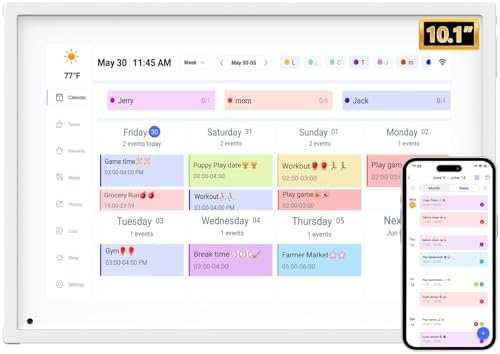
"Drowning in tasks and chaotic schedules? YENOCK Smart Scheduler simplifies your life. Effortlessly manage work, chores, kids' activities, and more. Smart coordination eliminates forgetfulness and inefficiency—reclaim control of your time."
"Drowning in tasks and chaotic schedules? YENOCK Smart Scheduler simplifies your life. Effortlessly manage work, chores, kids' activities, and more. Smart coordination eliminates forgetfulness and inefficiency—reclaim control of your time."