

LG REPLACEMENT FRIDGE FILTER |


FEATURES & BENEFITS
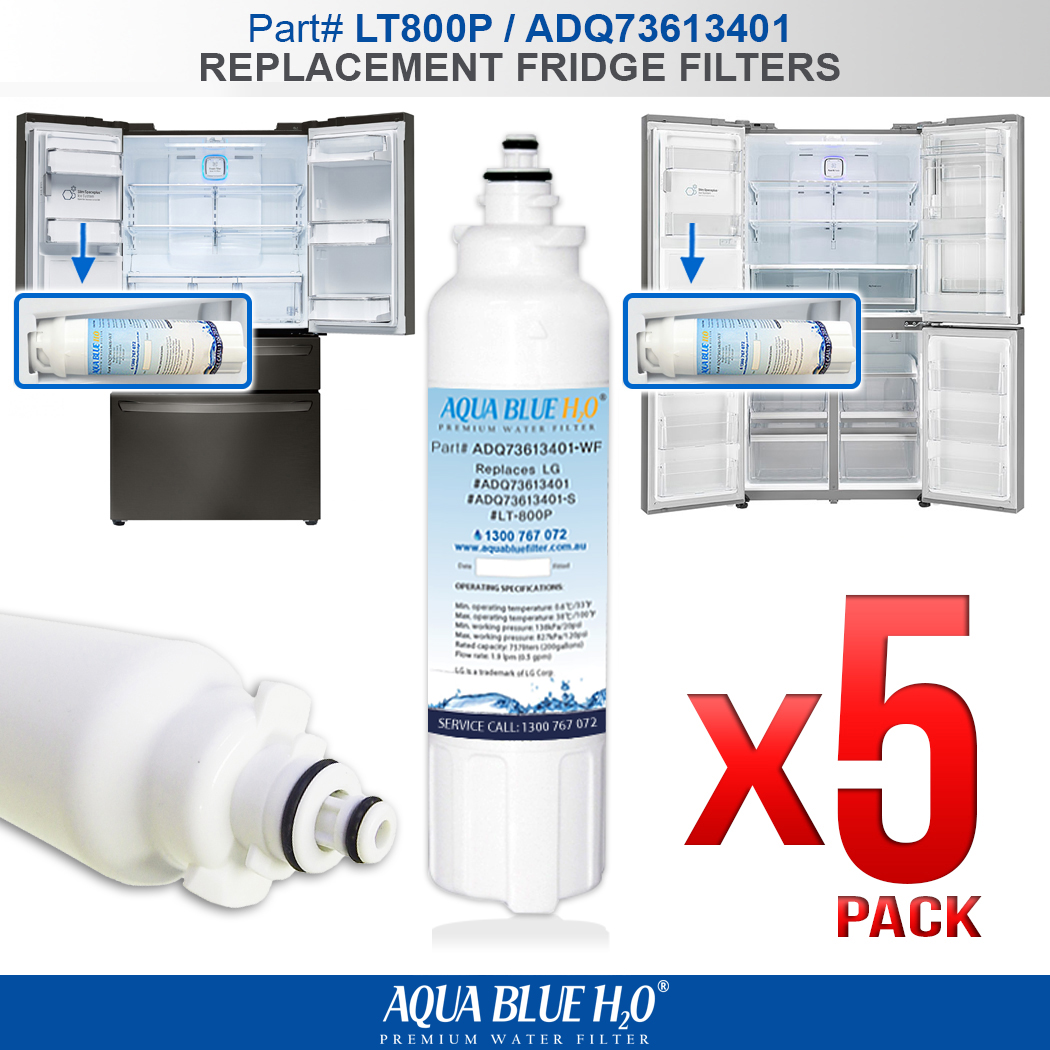
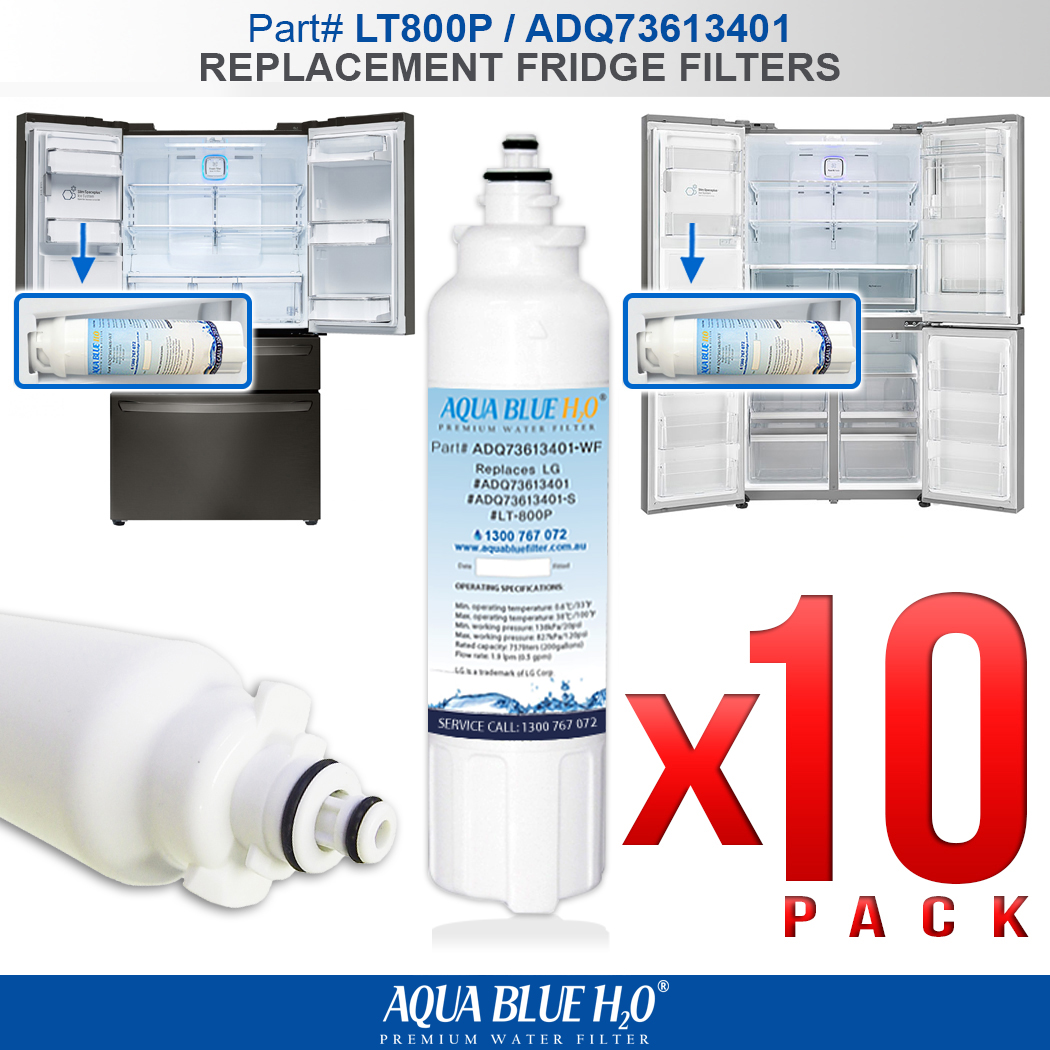
About the LT800PWF:
• Effective Filtration Performance — The revolutionized filtration technology ensures better flow rate and reduces most of the impurities in water.
• Premium High-end Material — The natural coconut shell carbon with anti-bacterial material reduces chlorine-resistant cysts and 15 other contaminants.
• Effective Filtration Performance — The revolutionized filtration technology ensures better flow rate and reduces most of the impurities in water.
• Premium High-end Material — The natural coconut shell carbon with anti-bacterial material reduces chlorine-resistant cysts and 15 other contaminants.
COMPATIBLE FILTERS & FRIDGES
The LT800PWF refrigerator/icemaker water filter is compatible with the following refrigerators:
LG
LMXS30776S, LMXS30746S, LMXC24746S
LSC22991ST, LSXS26466S, LSXS26366S, LSXS26326S, LSXS26326W, LSXS26326B, LSXS22423S,
LSXS22423W, LSXS22423B, GF-5D712SL, GF5D712SL, GL-5D712SL, GF-AD701SL, GF-AD910SL, GF-5D712SL
The LT800PWF refrigerator/icemaker water filter is compatible with the following part numbers:
LG
LT800P, LT-800P
ADQ73613401
ADQ73613401-S
| GF-5D712BSL |
| GF-5D712SL |
| GF-5D906SL |
| GF-5L712PL |
| GF-AD701BSL |
| GF-AD701SL |
| GF-AD910SL |
INSTALLATION INSTRUCTIONS

Installation and replacement procedure for the LT800PWF / ADQ73613401 fridge water filter:
1. If the top shelf, which is located below the water filter, is in the highest position, it will need to be removed.
This can be done in two simple steps:
• Tilt up the front of the shelf and lift it.
• Pull the shelf out.
2. Now, let's remove the old filter. Pull the water filter downward and turn it counterclockwise to pull it out.
Make sure to rotate the filter down completely before pulling it out of the manifold hole.
3. Take a new water filter out of its packaging and remove the protectiv cover from the o-rings.
With the filter tabs in the horizontal position, push the new filter into the manifold hole, rotate it up into place, and close the cover.
4. Now that the filter is replaced, dispense 2.5 gallons of water to remove trapped air and contaminants from the system.
Depress and release the dispenser pad for cycles of 30 seconds ON and 60 seconds OFF, rather then dispensing continuously.
If your model is equipped with a Water Filter Indicator on the display, press and hold the FILTER button or RESET button for approximately 5 seconds to reset the Filter Indicator
SPECIFICATION
The LT800PWF Water Filters Operating Specifications are as Follows:
• Flow Rate: 1.9 lpm
• Operating Temperature: min 0.6°C (33°F) / 37.8°C (100°F)
• Operating Pressure: min 20 (psi) / max 125 (psi)
• Function: Chemical and Mechanical Reduction
• Capacity: 757 litres (200 Gallons)
• Service Life: 6 months
• Dimensions approximately: 17.8cm (length) x 4.6cm (diameter)

Important: Do not use with water that is microbiologically unsafe or of unknown quality without adequate disinfection before or after the system.
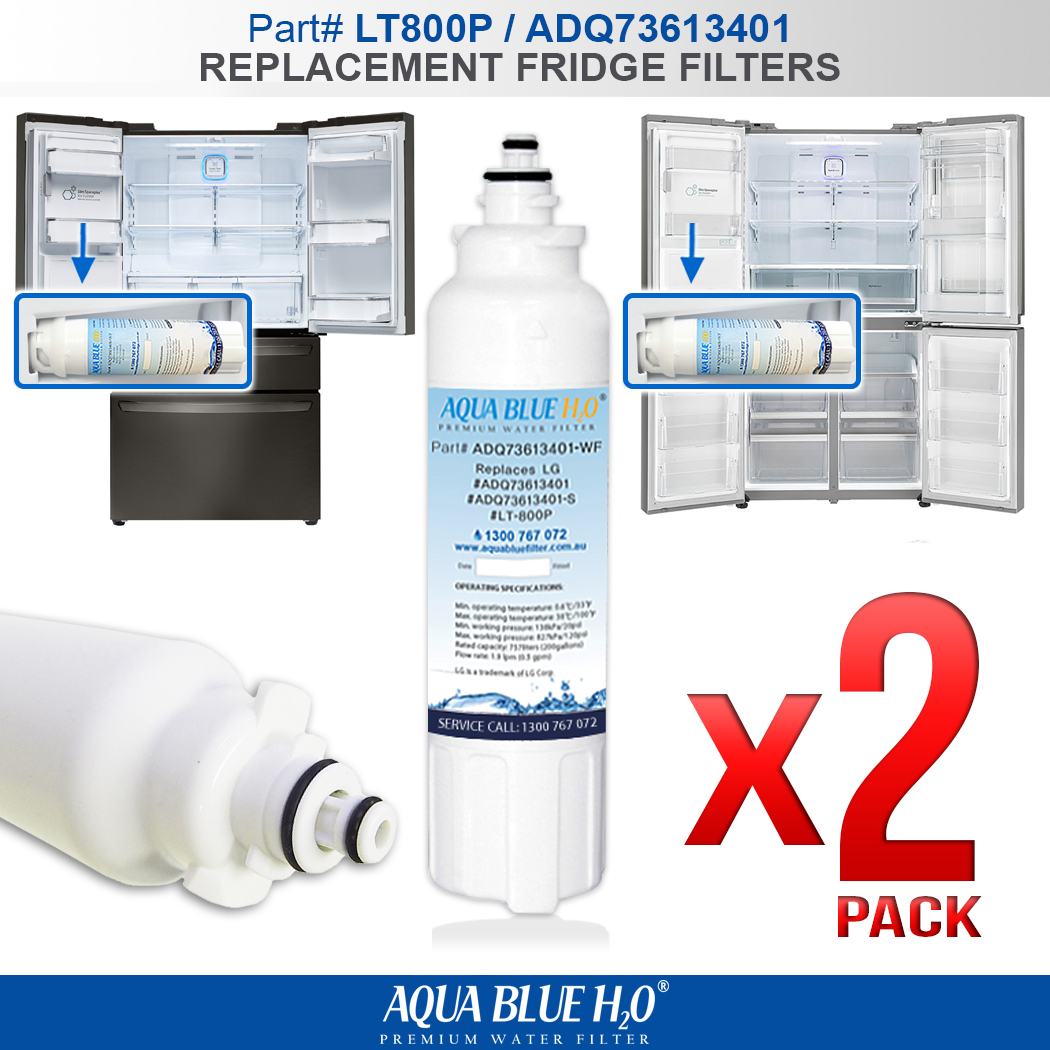
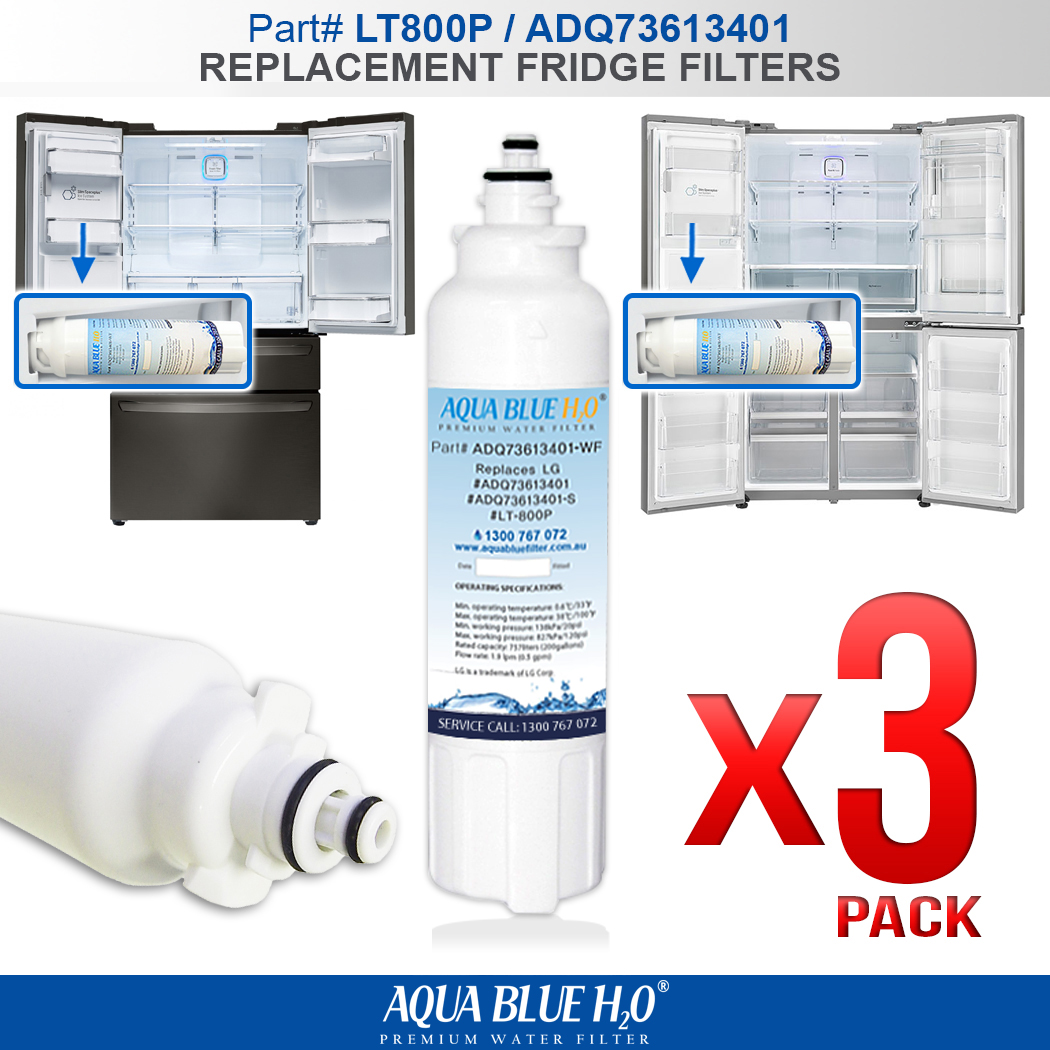
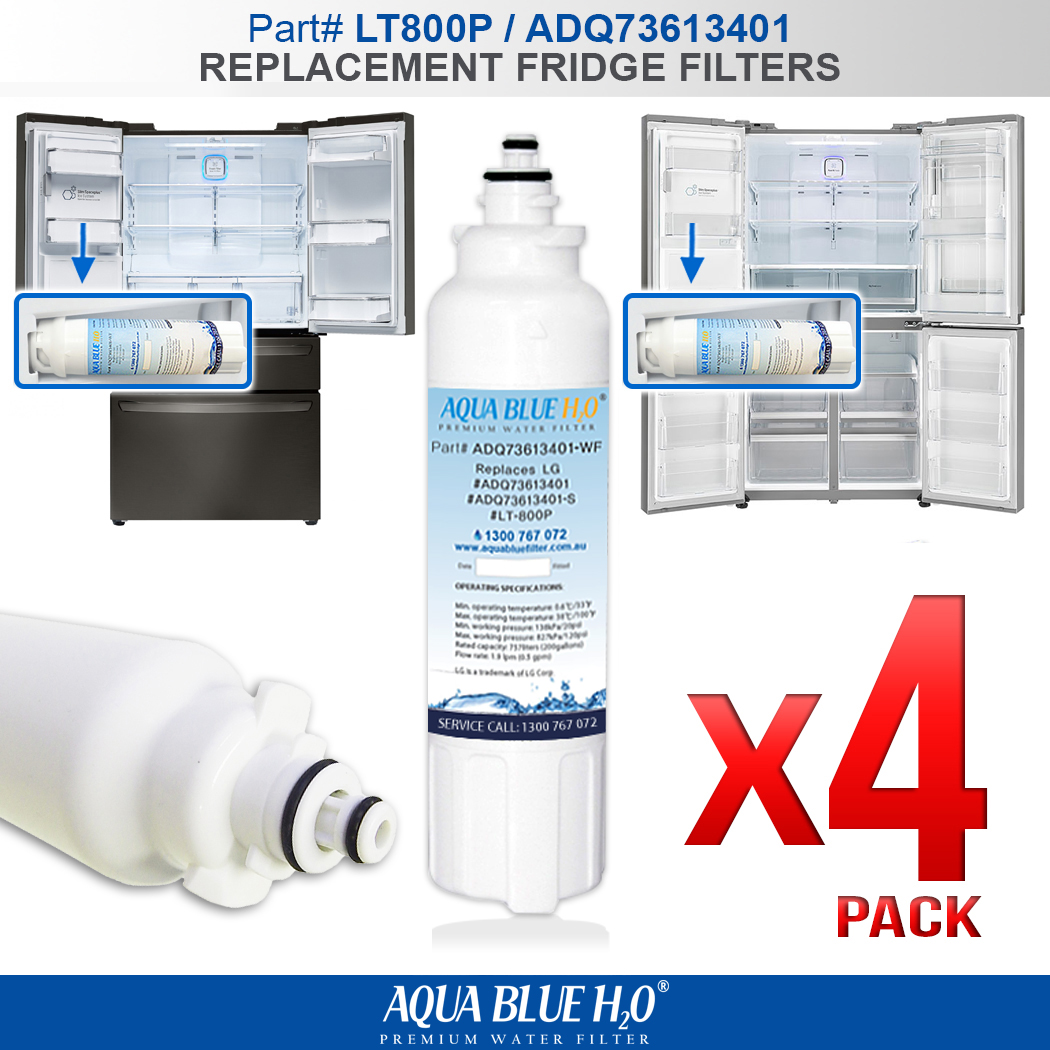
BULK BUY DISCOUNT




International buyers – please note: Import duties, taxes, and charges aren't
included in the item price or postage cost. These charges are the buyer's responsibility. Please check with
your country's customs office to
determine what these additional costs will be prior
to bidding or buying.