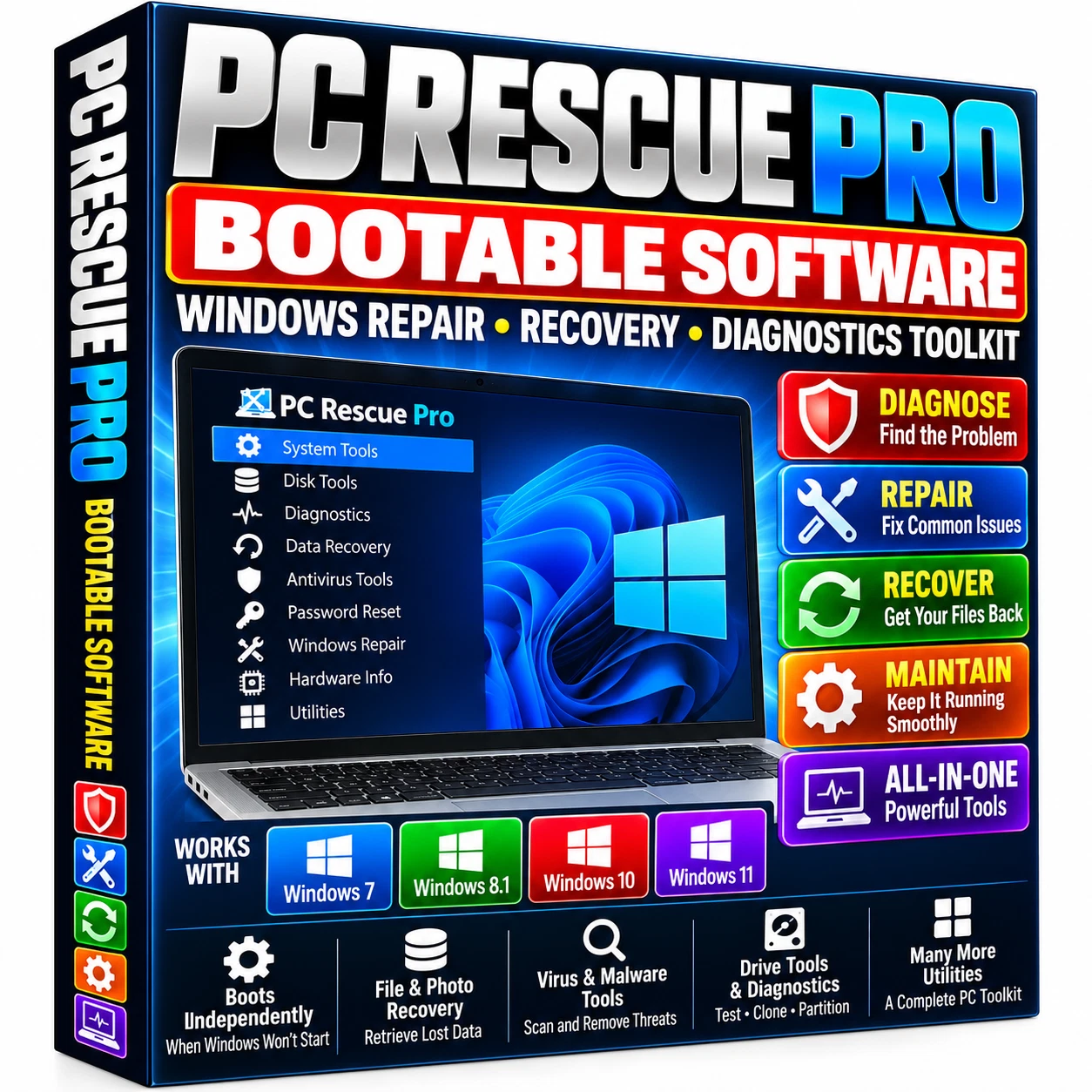
PC Rescue Pro
Bootable Software
~ Windows ~
Repair Recovery Diagnostics Toolkit
Diagnostics • System Rescue • Backup • Drive Tools • Maintenance
Ready when your PC needs attention
PC Rescue Pro brings diagnostic, recovery, backup, drive-management, and maintenance utilities together on one prepared bootable device. Start an independent repair environment on a compatible computer to investigate problems even when Windows is unstable or will not start normally.
Diagnose common Windows problems
Investigate startup failures, blue-screen errors, crashes, freezes, and slow or unstable operation. Use the available hardware and system-information tools to gather details before choosing a repair approach. Network troubleshooting, driver identification, file management, and general maintenance utilities support a range of troubleshooting tasks.
Hard drive and SSD tools
Review drive-health and SMART information, run available storage tests, manage partitions, and access imaging or cloning utilities. These tools can help assess storage problems and copy or preserve files before further work. Exact capabilities depend on the utility selected and the installed toolkit release.
File, photo, and data recovery
Recovery utilities may help locate deleted or inaccessible documents, pictures, videos, music, and other personal files. Results depend on drive condition, corruption, physical damage, and whether the original data has been overwritten. Recovery and repair results cannot be guaranteed.
Startup troubleshooting and malware scanning
Access boot-troubleshooting and scanning utilities from outside the installed Windows environment. Investigate startup configuration, storage access, and possible unwanted software. Individual tools have different capabilities; some scanning, updates, or definitions may require internet access.
Check compatibility before ordering
Intended for compatible Windows PCs and laptops capable of booting from an external device. The package is described for troubleshooting Windows 7, 8/8.1, 10, and 11 systems. Compatibility of individual utilities depends on the hardware, drivers, Windows version, and BIOS/UEFI configuration.
Designed primarily for compatible 64-bit systems. Legacy BIOS, UEFI, external boot settings, and Secure Boot configuration can affect startup. Check your computer’s boot options and the included instructions. A toolkit release number, storage capacity, and exact processor or RAM minimum are not specified in this listing.
What you receive
1 × prepared PC Rescue Pro bootable device
Repair, diagnostic, recovery, and maintenance utilities
Step-by-step PDF usage instructions
Basic setup and startup support
Physical device only — no retail software box.
Get started in six steps
1. Connect the device to a compatible PC.
2. Restart or power on the computer.
3. Open the computer’s boot menu.
4. Select the external device.
5. Launch the PC Rescue Pro environment.
6. Choose the appropriate utility for your task.
Common boot-menu keys include F2, F10, F11, F12, Esc, and Delete. The correct key depends on the manufacturer and model. Launching the bootable environment does not require installing the complete toolkit onto the internal drive.
A practical addition to your PC toolkit
Keep troubleshooting tools available for unexpected boot failures, storage problems, file recovery, and routine diagnostics. Suitable for users comfortable with PC terminology, boot menus, selecting the correct drive, and learning the functions of individual utilities. This is a toolkit rather than a one-click automatic repair service.
Use drive tools carefully
Back up important files whenever possible. Partitioning, formatting, cloning, and other system operations can modify or erase data. Verify the source and destination drives before starting. Use only on computers you own or are authorized to service. Physically failed hardware and severely damaged storage may require specialist help.
USA shipping and setup help
Your prepared device ships from the USA with tracking. See the listing’s shipping, handling, and returns sections for the applicable terms. Refer to the included PDF guide for setup and basic startup support.