For sale is a custom-designed case for the AMD BC-250 board, prioritizing effective cooling. (The BC-250 board, fan, and PSU are NOT included). The case is 3D printed(using PETG), slim and portable.
Includes:
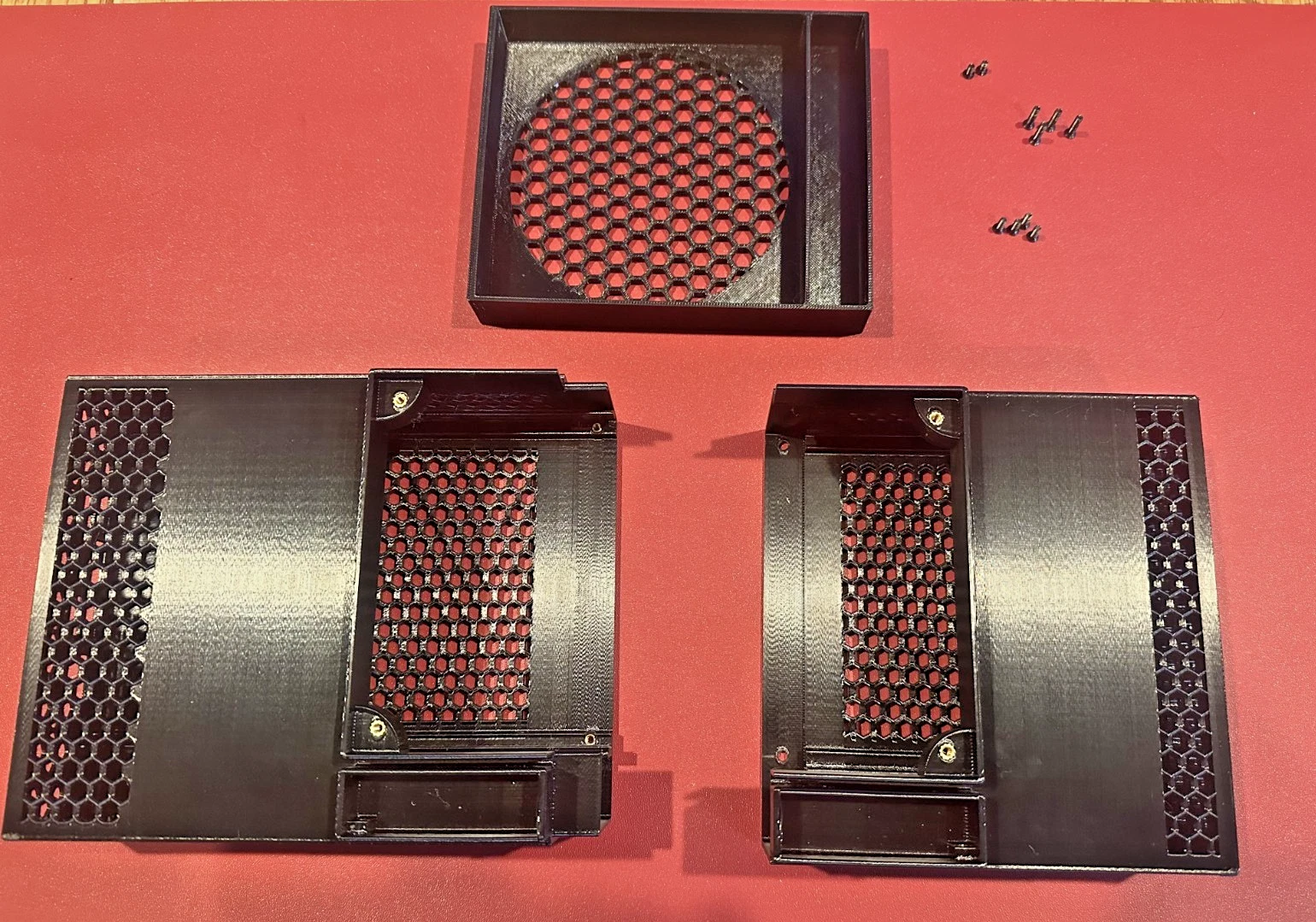
- The BC-250 case (3 parts)
- Screws
To set up the system, you will need:
- A BC-250 board (some heatsink fins may need to be opened up)
- A 120mm cooling fan (Arctic P12 Pro recommended)
- A power supply with 8-pin PCIe power output
It's easy to assemble, and the case is optimized for better cooling.
For example: My BC-250's idle temperatures are 35C-38C, depending on room temperature (fan speed at 22% or about 700RPM, very quiet). Unigine Superposition 1080P Extreme benchmark score: 4295 (see photo). YMMV(to get the best result, need to tune the system including: patch the kernel and install fan governor)
Installation Guide
Start: You will receive three case components and ten screws.
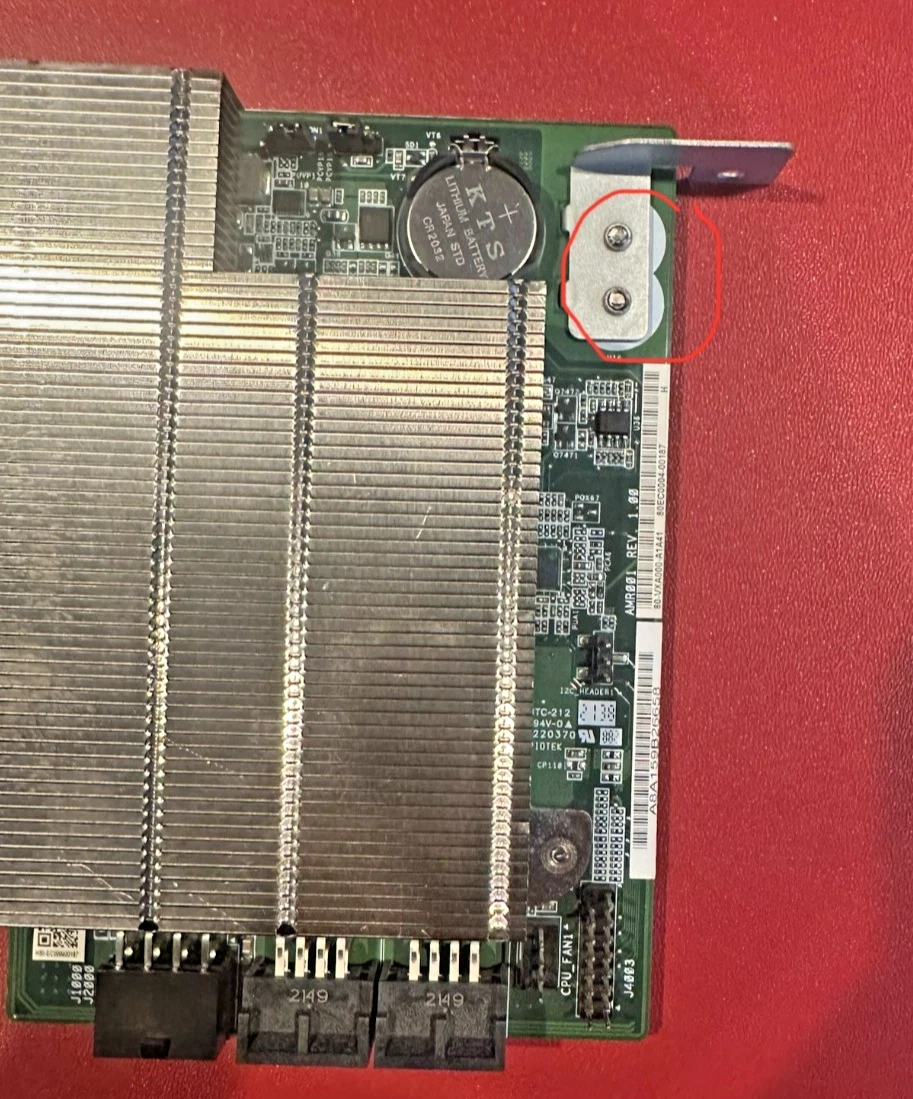
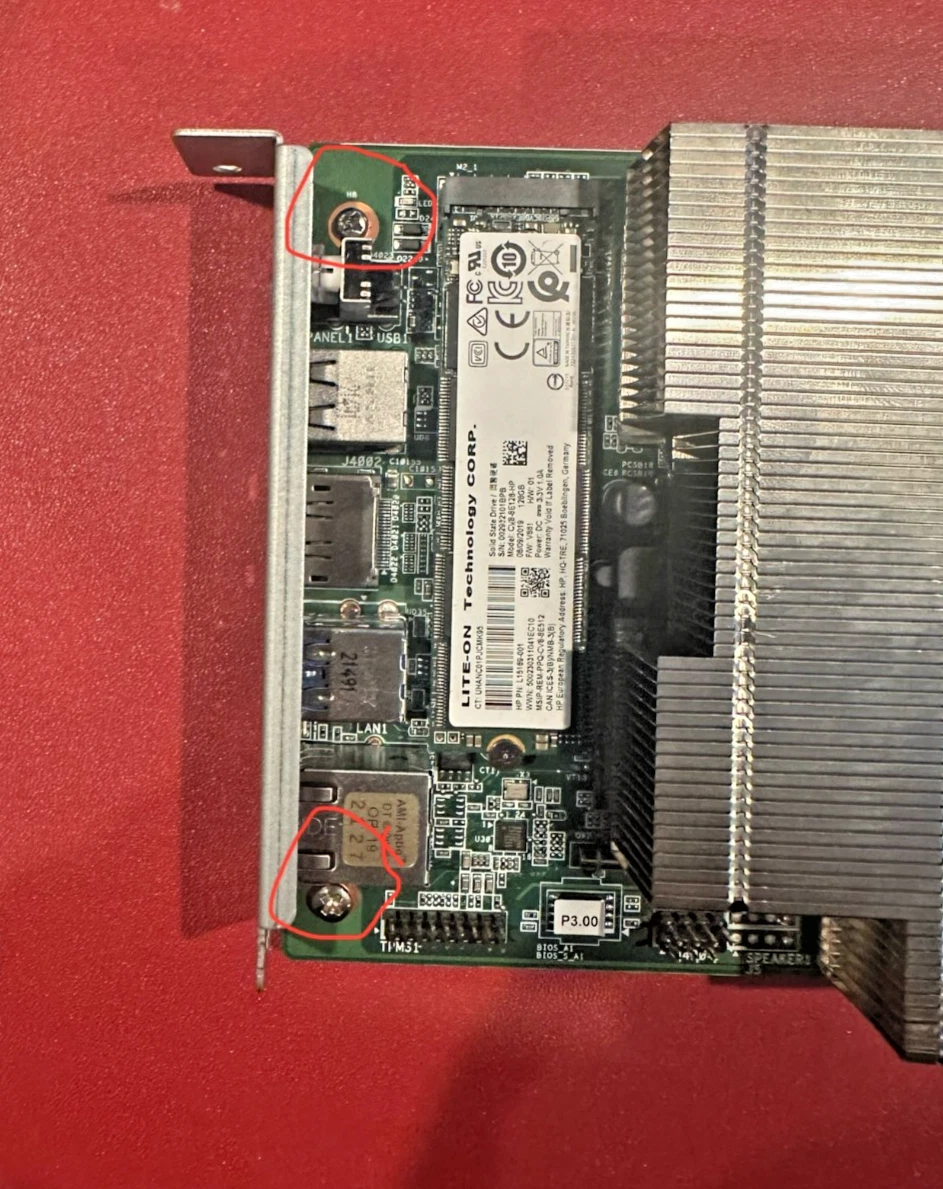
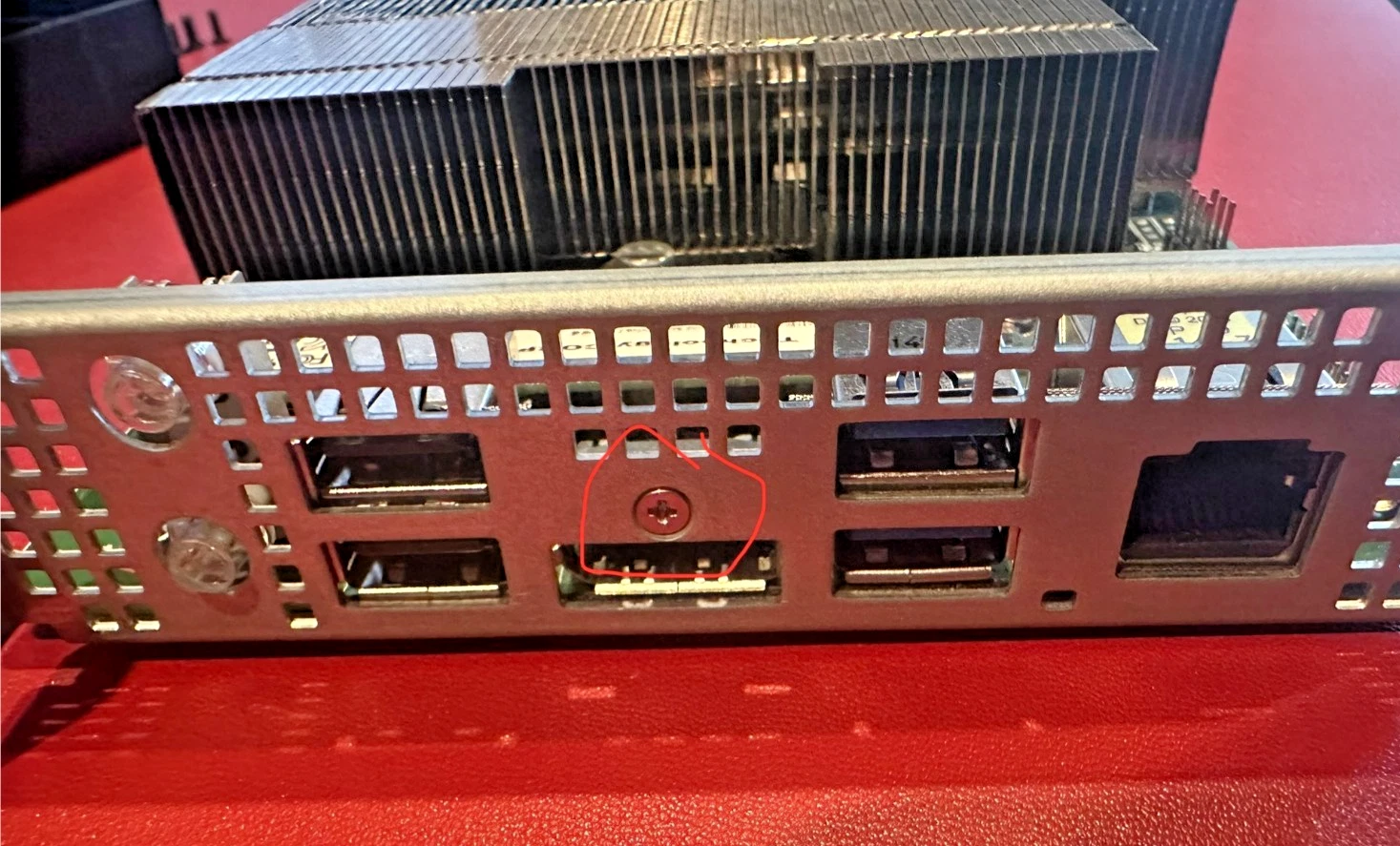
1. Before installation, remove the two baffles from the motherboard. Use a screwdriver to remove the corresponding screws.
2. Next, insert the motherboard into the case.
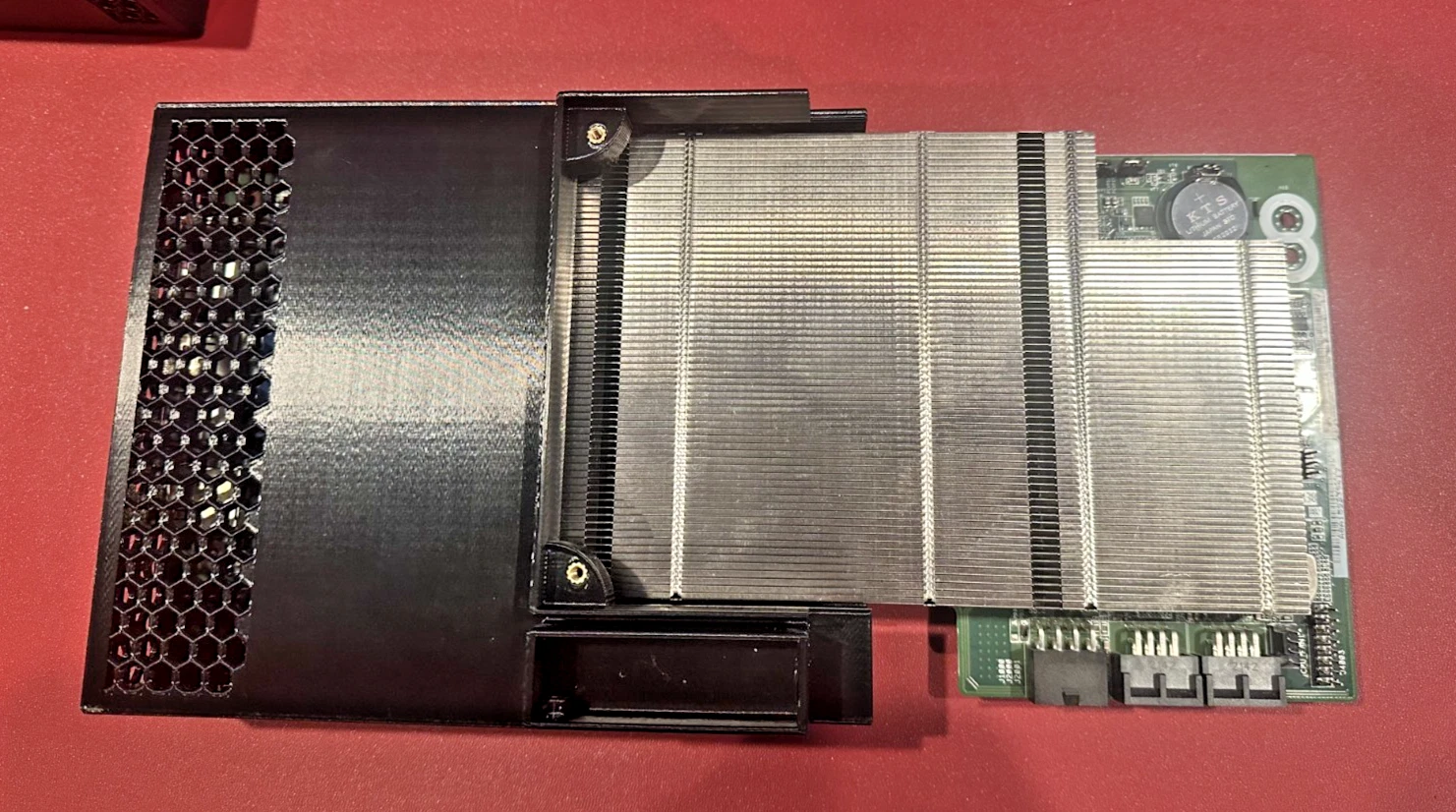
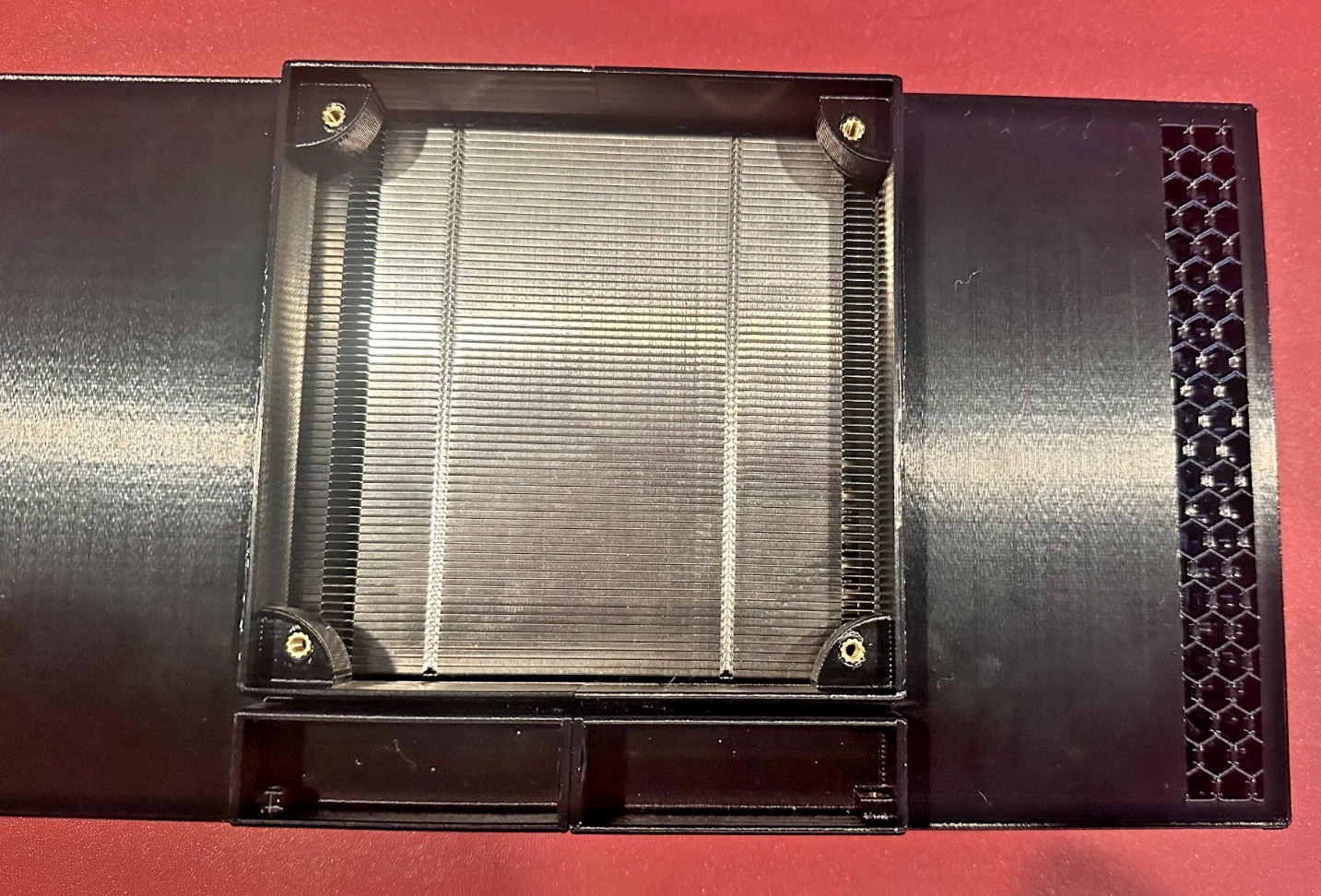
3. Use a marker to mark the area on the heatsink where fins need to be opened.
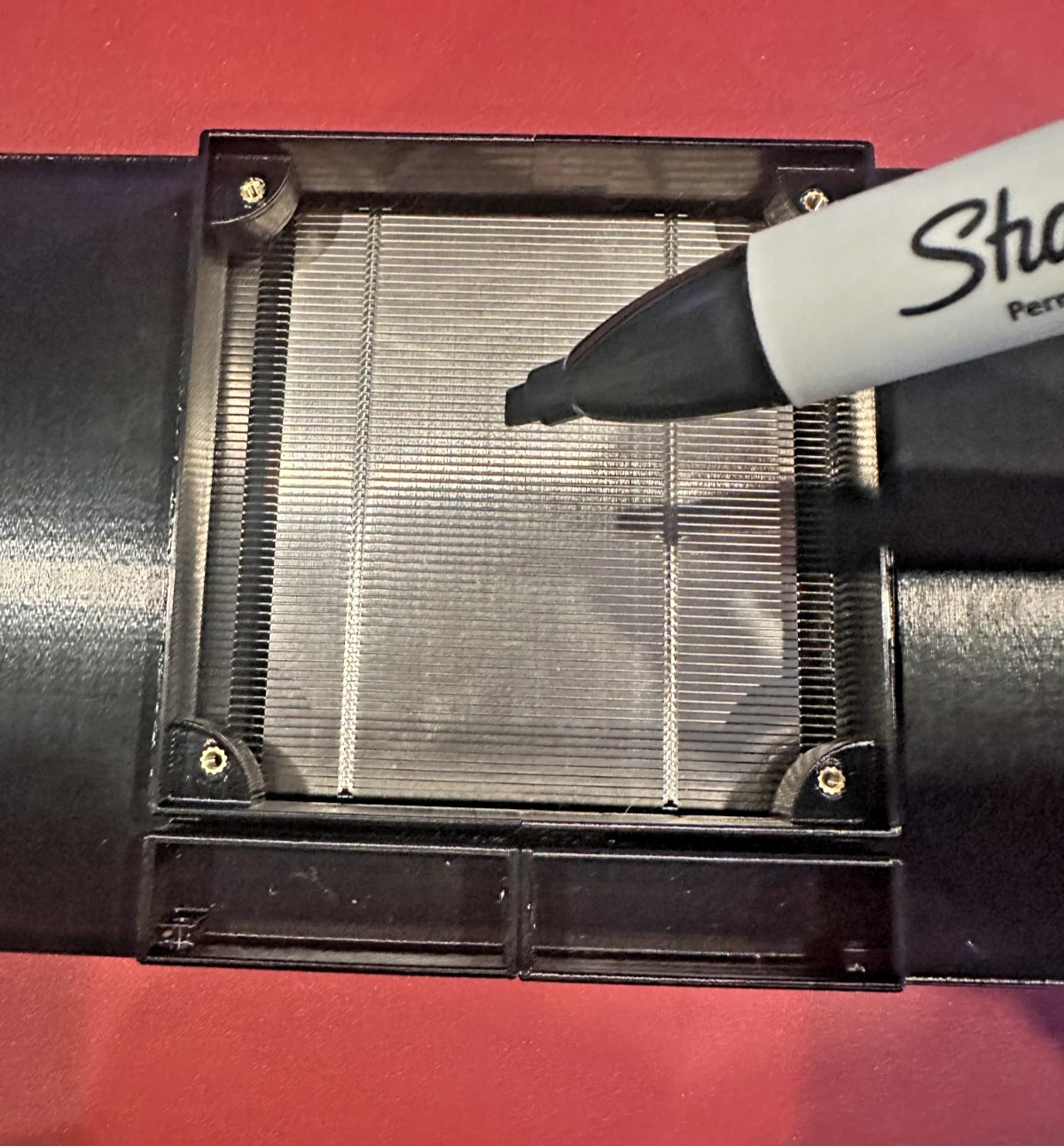
4. Then, use pliers to open the fins within the marked area.
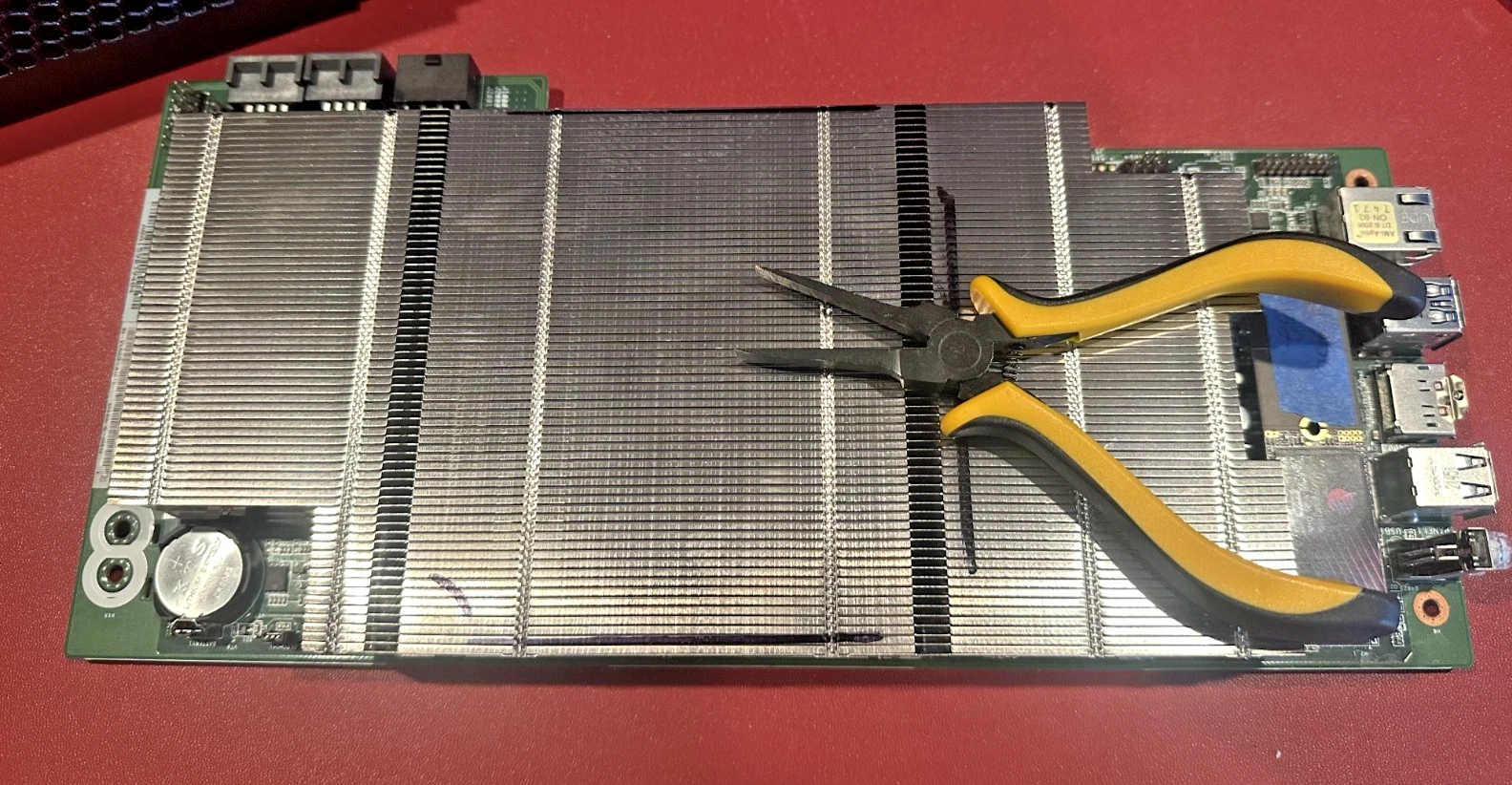
5. Insert the motherboard completely. Then, insert the 120mm fan into the 4-pin connector and slide it into place.
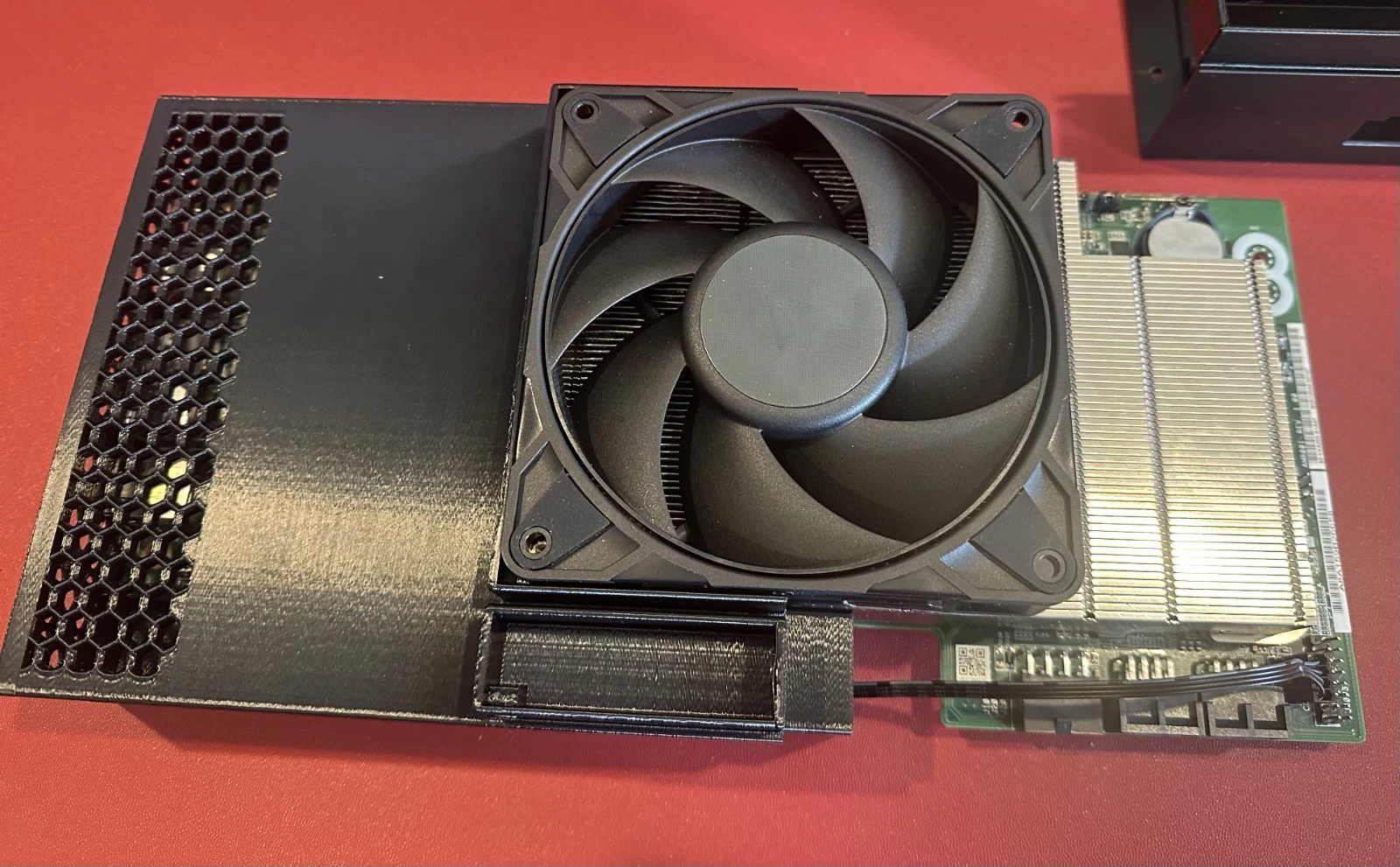
6. Install the other half of the case (the fan casing) and secure it with four long screws.
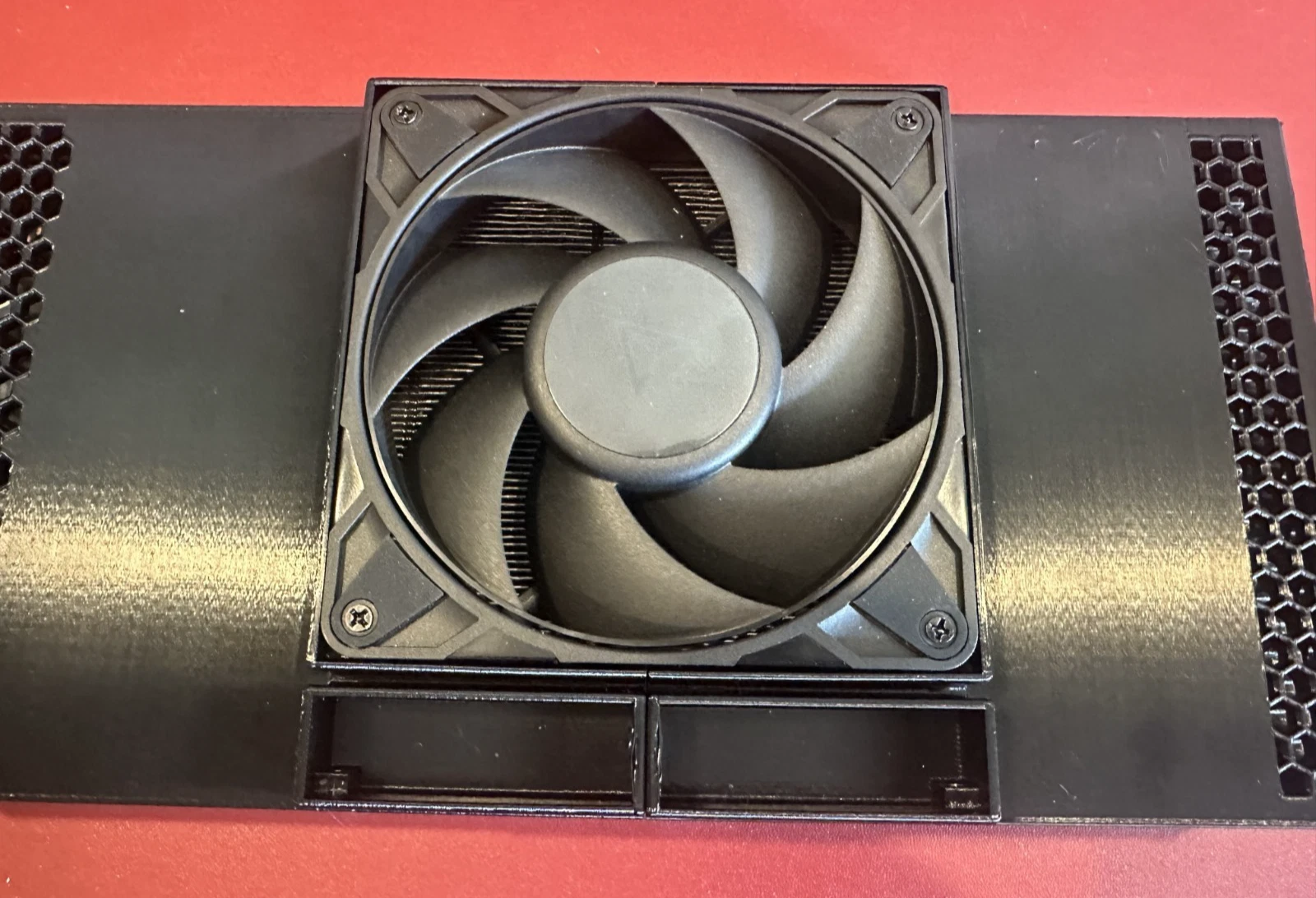
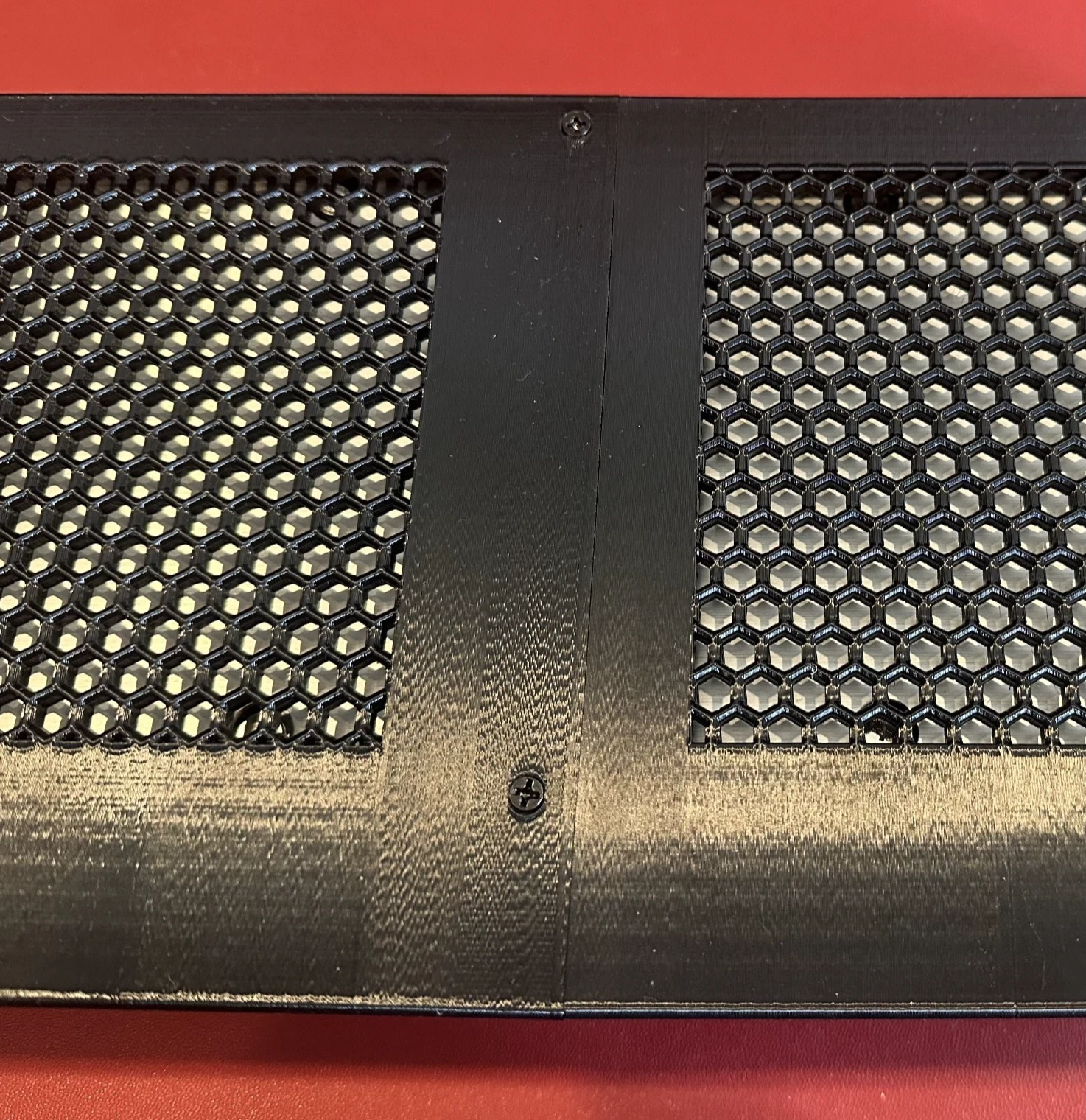
7. Flip the assembly over and secure the back of the case with two short screws.
8. Finally, attach the fan cover with four medium-length screws.
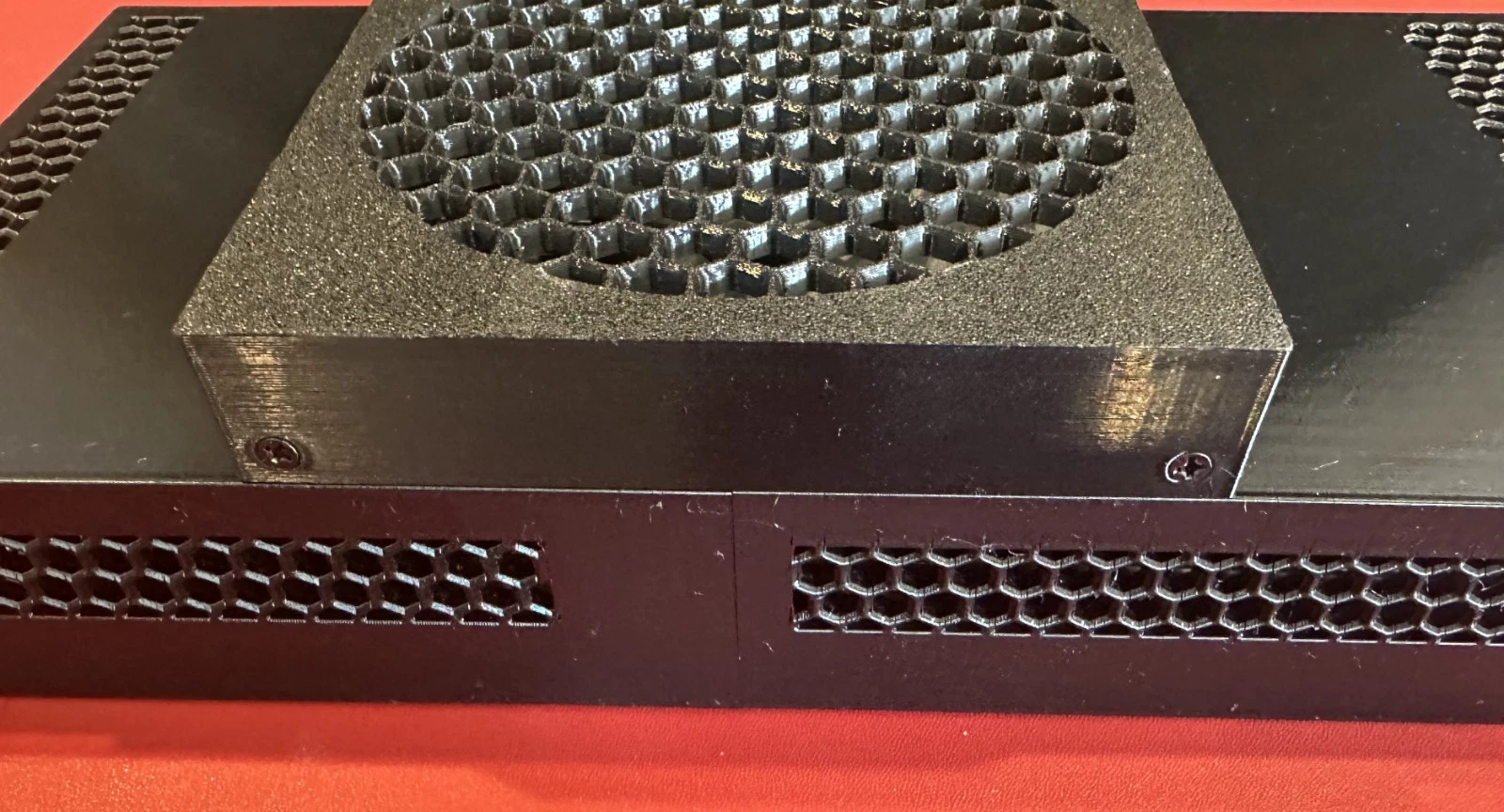
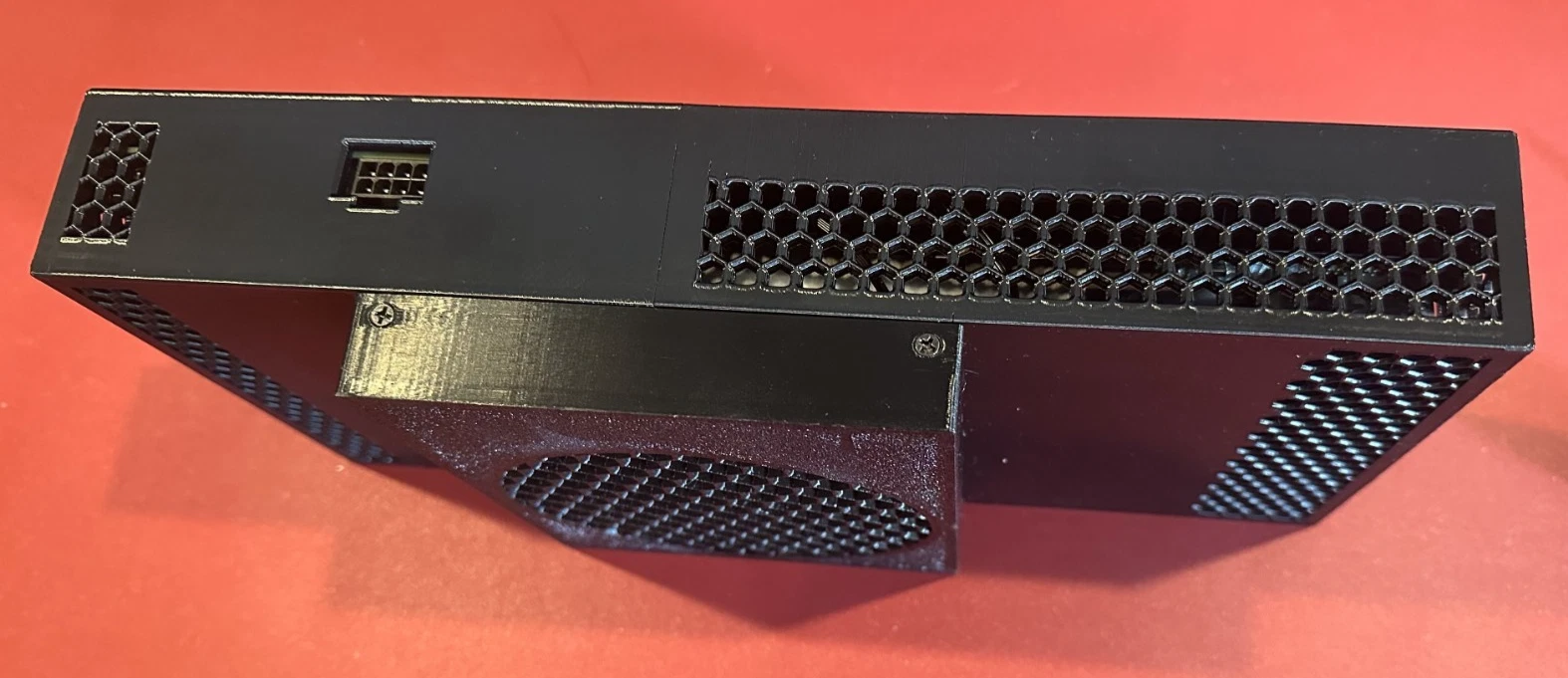
🎉 The installation is now complete!