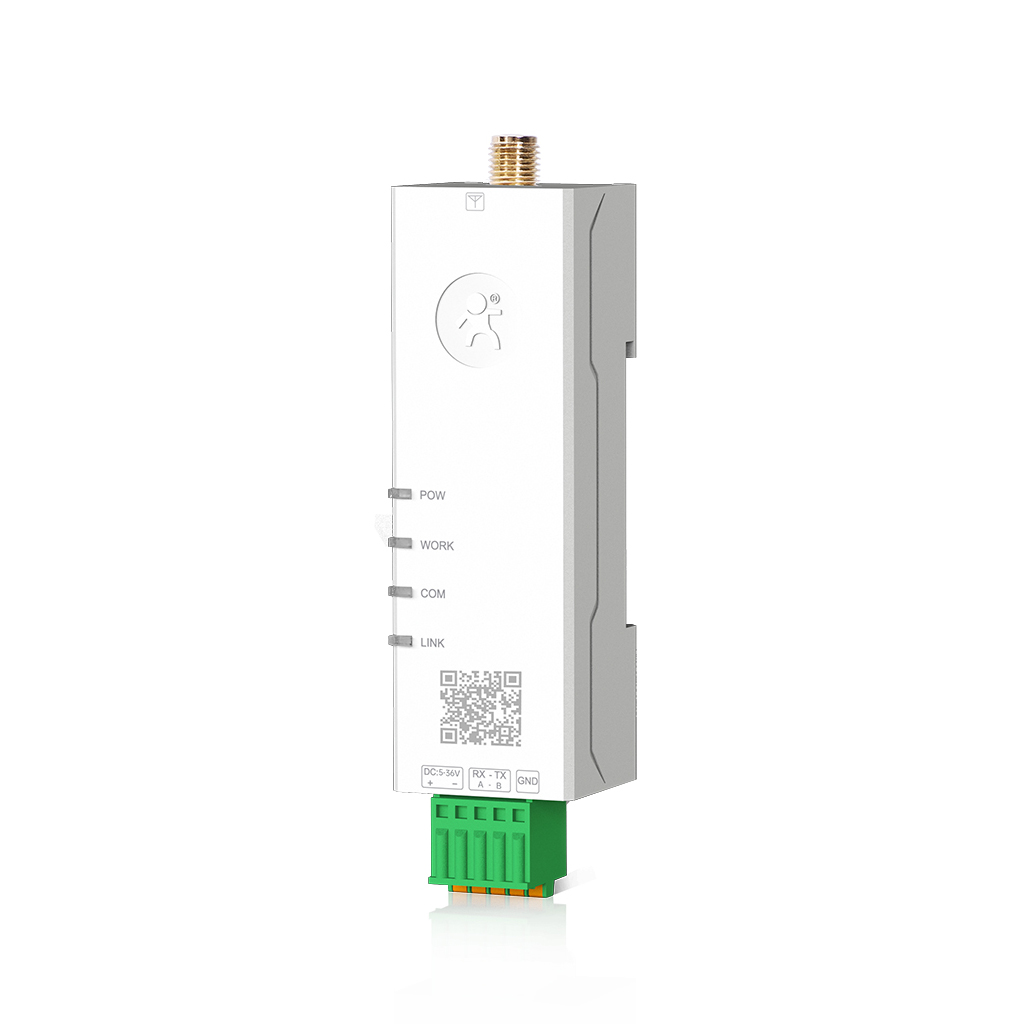
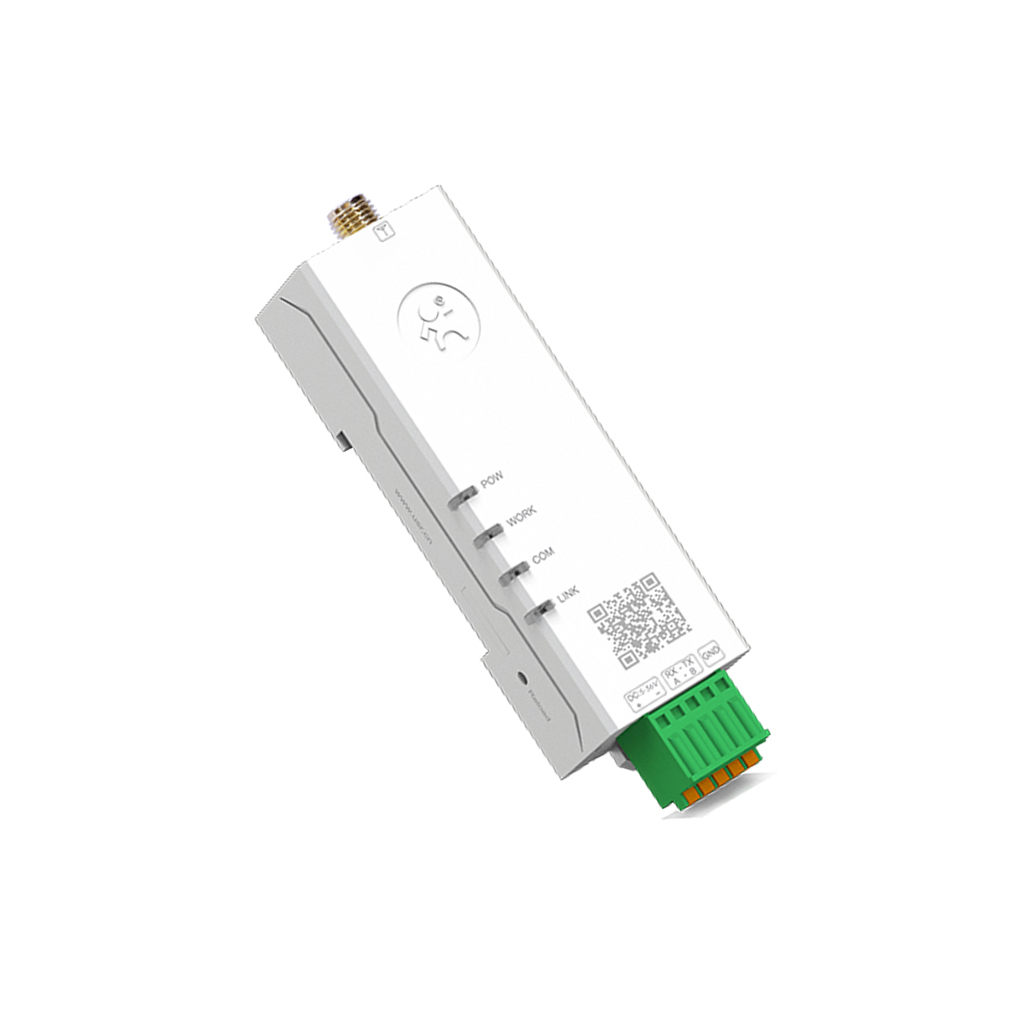
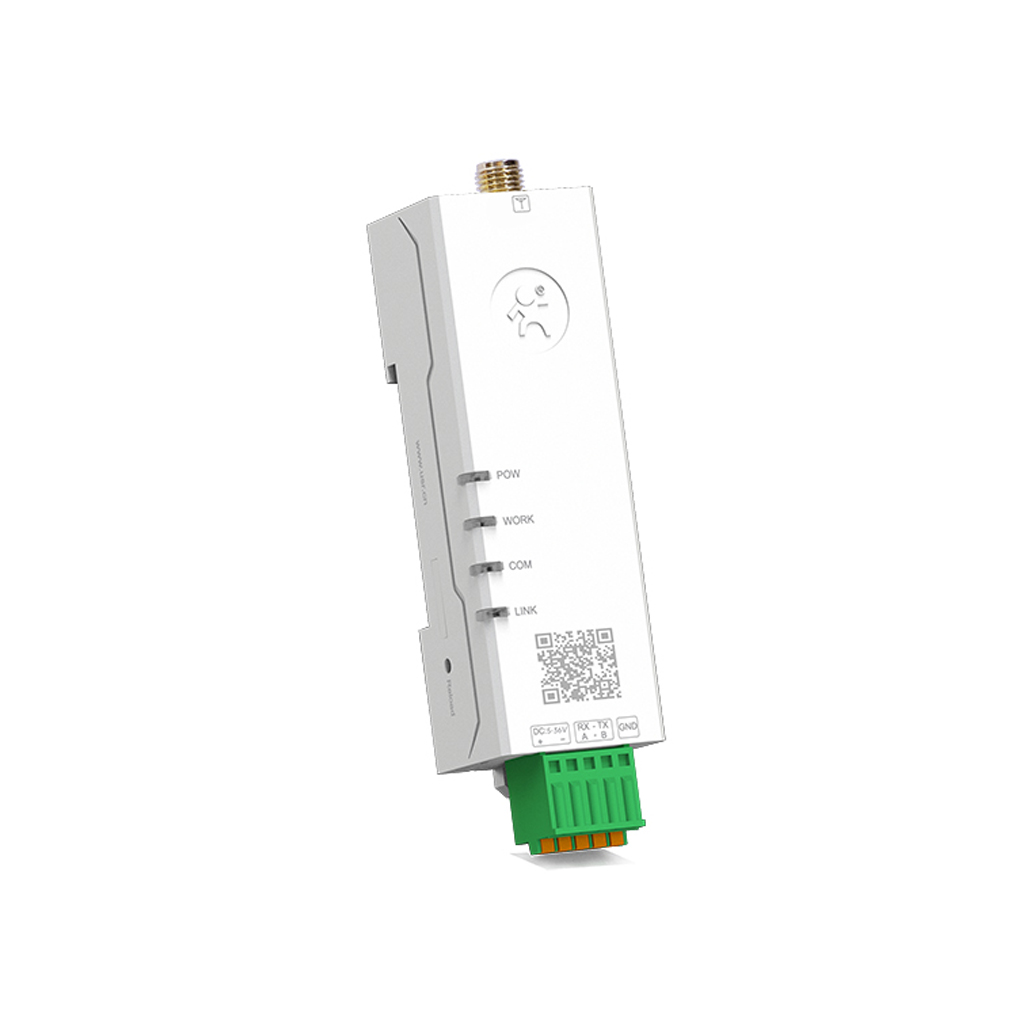
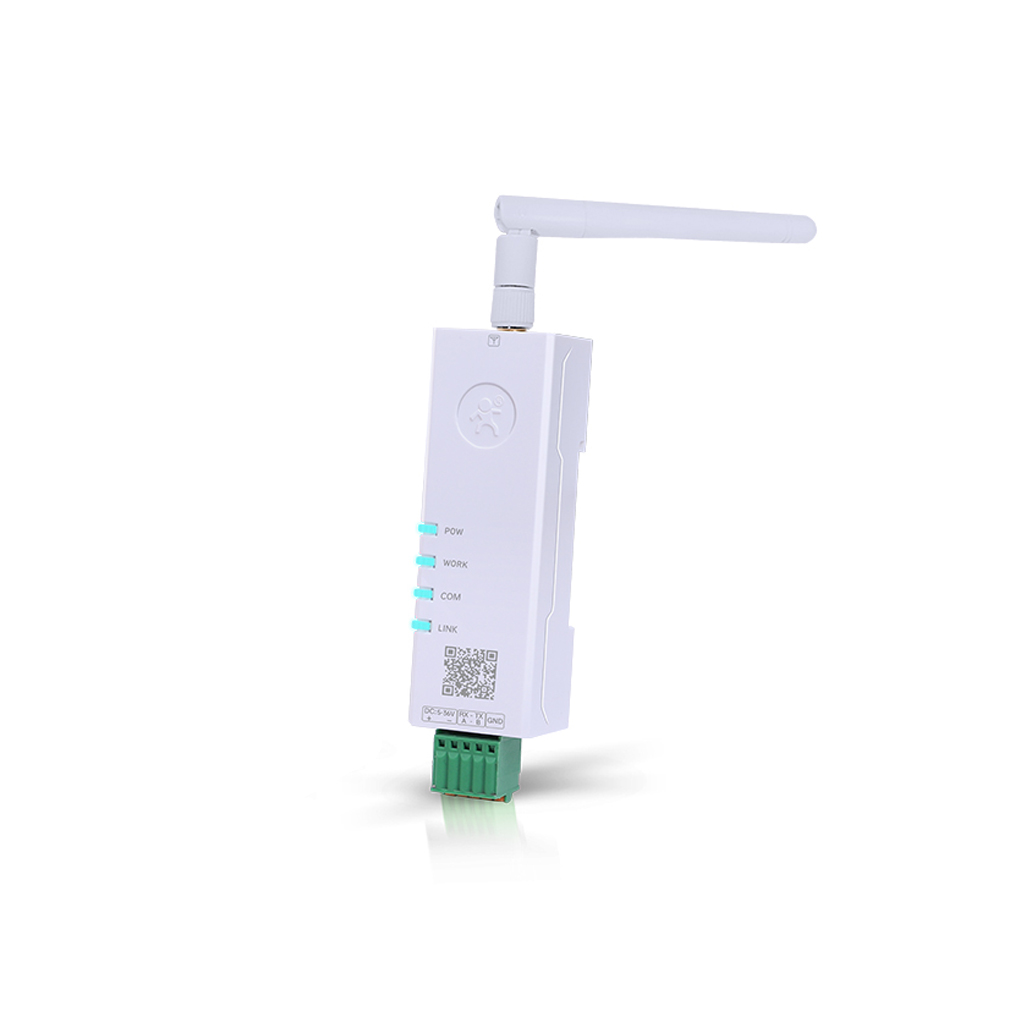
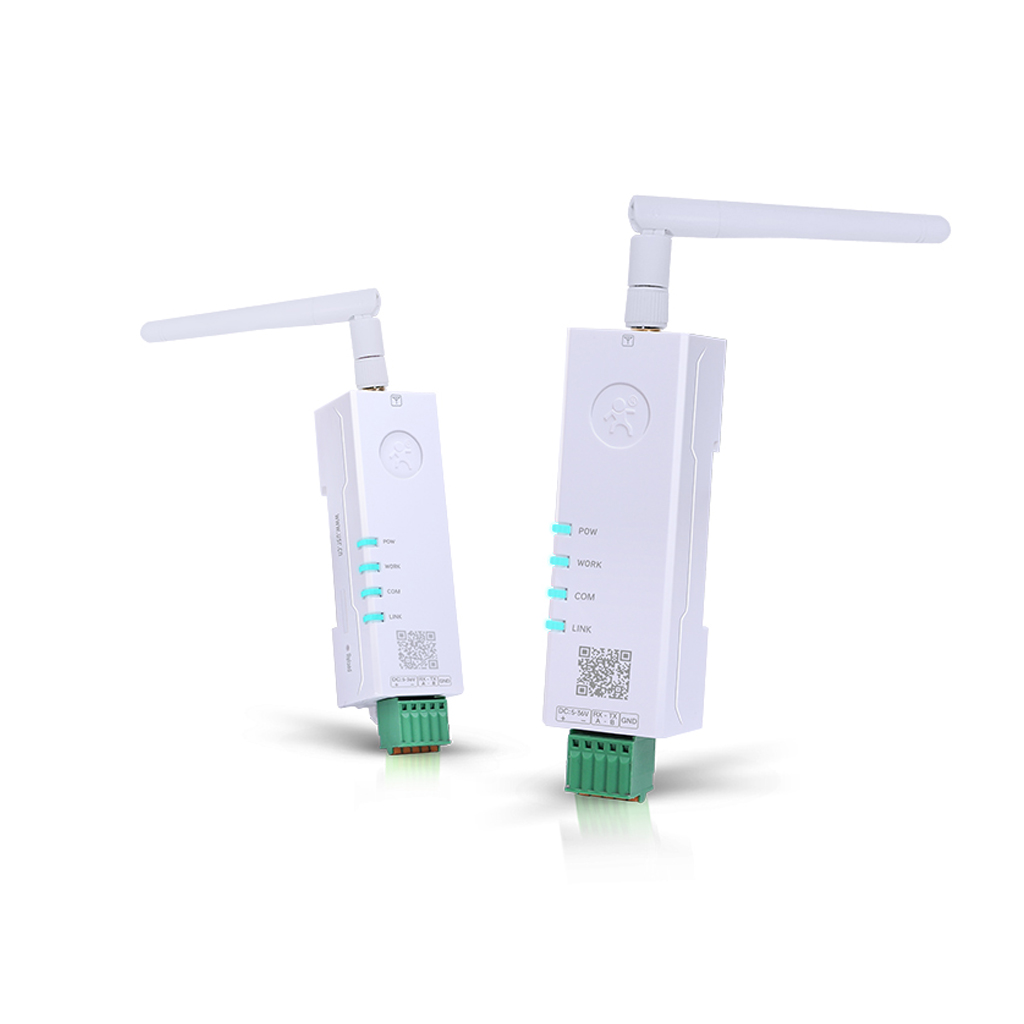
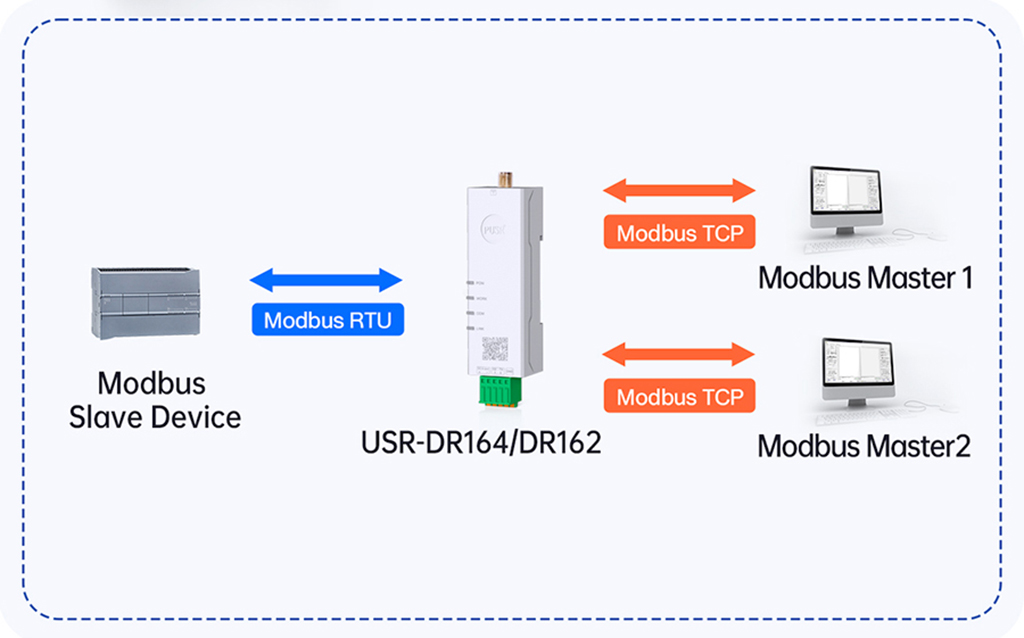
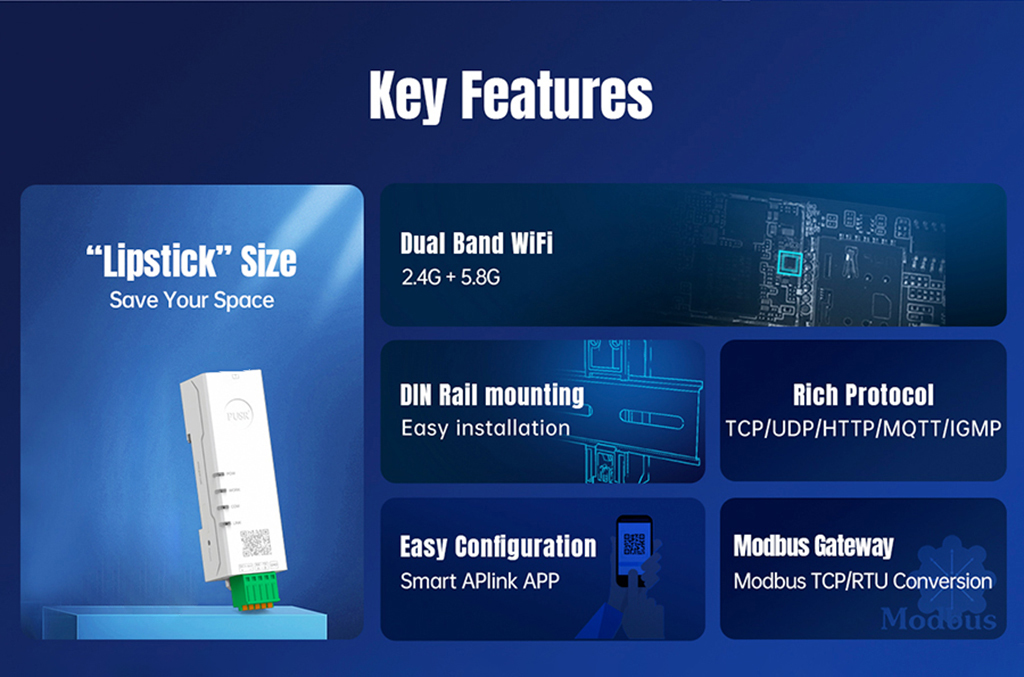
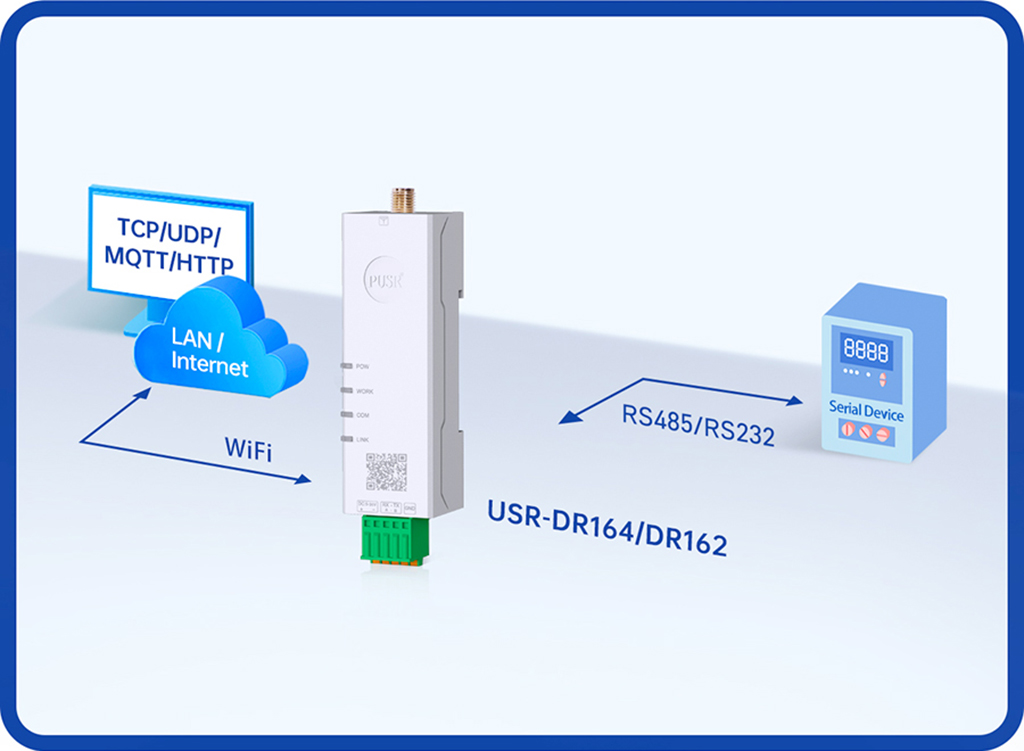
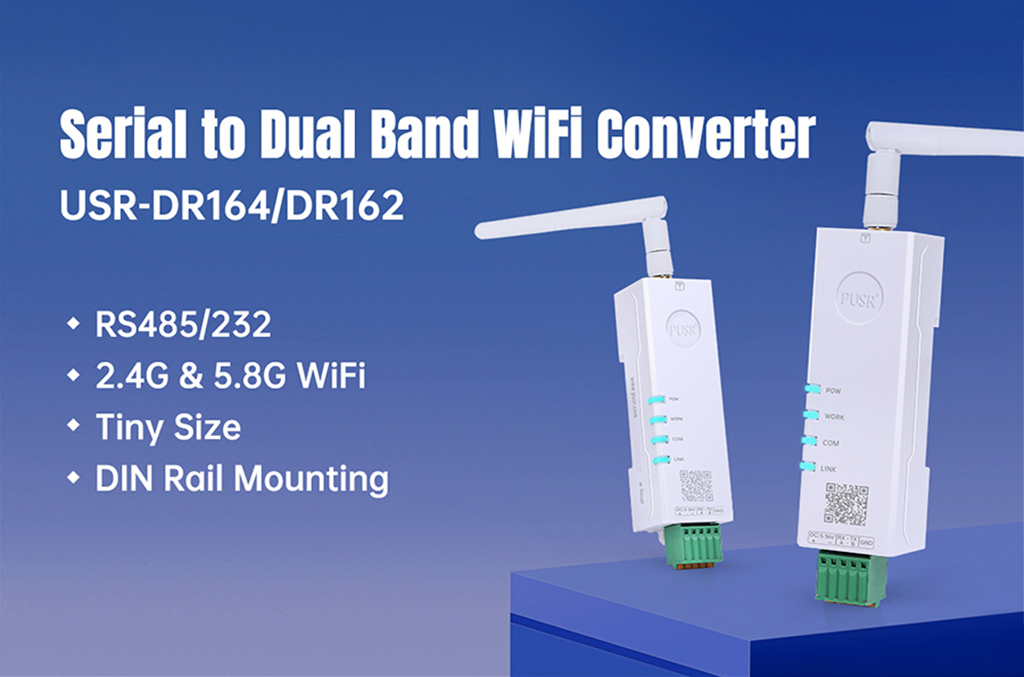
USR-DR164/162 Ultra-small Size Serial RS232/RS485 to Dual Band WiFi Converter 2.4G & 5.8G WiFi Support Modbus TCP/RTU conversion
| Items | Description |
| Power Supply | DC: 5-36V, 2-pin push-type connector |
| Working Current | 170-350mA@5V |
| Serial port | |
| No. | USR-DR164:1 x RS485, USR-DR162:1 x RS232, 3-pin push-type connector. |
| Baud rates | 1200-460800 bps |
| Data bits | 5, 6, 7, 8 |
| Stop bits | 1, 2 |
| Parity | NONE, ODD, EVEN, Mark, Space |
| Packaging Interval | Range: 10 ~ 1000ms, default: 20ms |
| Packaging Length | Range: 32 ~ 1400 bytes, default: 1400 bytes |
| Pull-up Resistor | 2.2 KΩ(Only USR-DR164) |
| Protection | ESD, EFT, over-voltage protection |
| Wi-Fi | |
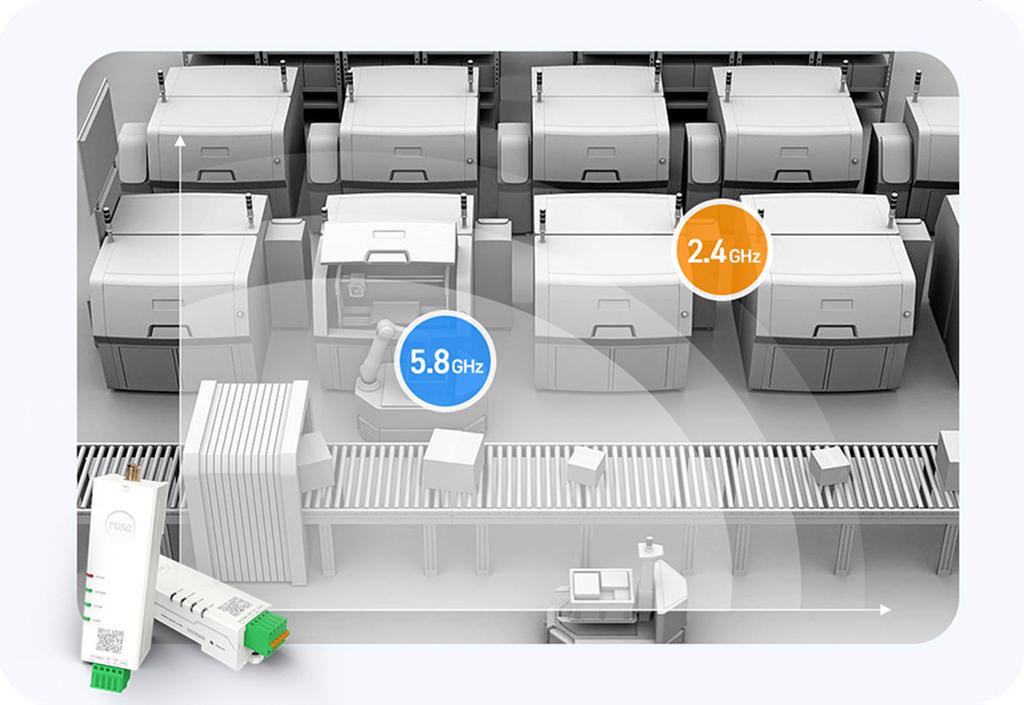
| Standards & Frequency | IEEE 802.11a/b/g/n 2.4G: 2.412GHz-2.484GHz 5.8G: 5.17GHz-5.25GHz, 5.725GHz-5.835GHz |
| Working Mode | AP/STA/AP+STA |
| Tx power | 2.4G: 802.11b: +17±1.5dBm(@11Mbps) 802.11g: +14±1.5dBm(@54Mbps) 802.11n: +14±1.5dBm(@HT20, MCS7) 5.8G: 15±1.5dBm (OFDM 6Mbps) 13±1.5dBm (OFDM 54Mbps) 12±1.5dBm (HT20 MCS7) 12±1.5dBm (HT40 MCS7) |
| Receive sensitivity | 2.4G: 802.11b:-95 dBm (@1Mbps ,CCK) 802.11b:-85 dBm (@11Mbps ,CCK) 802.11g:-72 dBm (@54Mbps, OFDM) 802.11n:-70dBm (@HT20, MCS7) 802.11n:-67dBm (@HT40, MCS7) 5.8G: -90dBm (@6Mbps ,OFDM) -73dBm (@54Mbps ,OFDM) -70 dBm (HT20,MCS7) -67 dBm (HT40,MCS7) |
| Antenna | SMA female connector |
| Physical Property | |
| Casing material | ABS, V0 rating |
| Dimensions | 92 * 24 *22mm(including terminal block connector) |
| Installation | DIN rail mounting |
| Operating temperature | -40℃~+85℃ |
| Storage temperature | -40℃~+125℃ |
| Operating humidity | 5% ~ 95% RH, non-condensing |
| Storage humidity | 1% ~ 95% RH, non-condensing |
| Software Function | |
| Work mode | TCP Client, TCP server, UDP client, UDP server, HTTP client, MQTT client, IGMP |
| Modbus Gateway | Modbus RTU/TCP protocol conversion |
| IP | DHCP/StaticIP |
| Registration packet | √ |
| Heartbeat packet | √ |
| WiFi Encryption | WEP/WPA-PSK/WPA2-PSK |
| Encryption Methods | WEP64/WEP128/TKIP/AES |
| IOT PLATFORMS | PUSR cloud |
| User Configuring | Web console(HTTP), AT command, SmartAPLink |
| Others | |
| Reset | Reset button 1>Press and hold for 4~15 to reset to factory settings 2>Quickly ouble-tap to enter SmartAPLink for networking |
| Indicators | Power, Work, COM, LINK |
| APPROVALS | |
| Regulatory | CE/RED*, RoHS*, WEEE*, FCC* |