 |
 |
 |
 |  |
|
|
 |
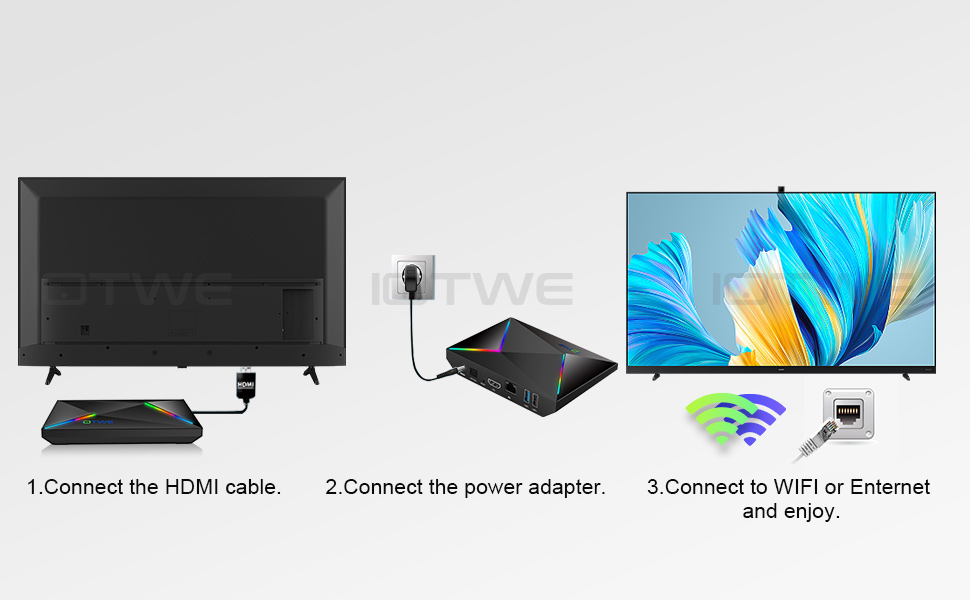 |

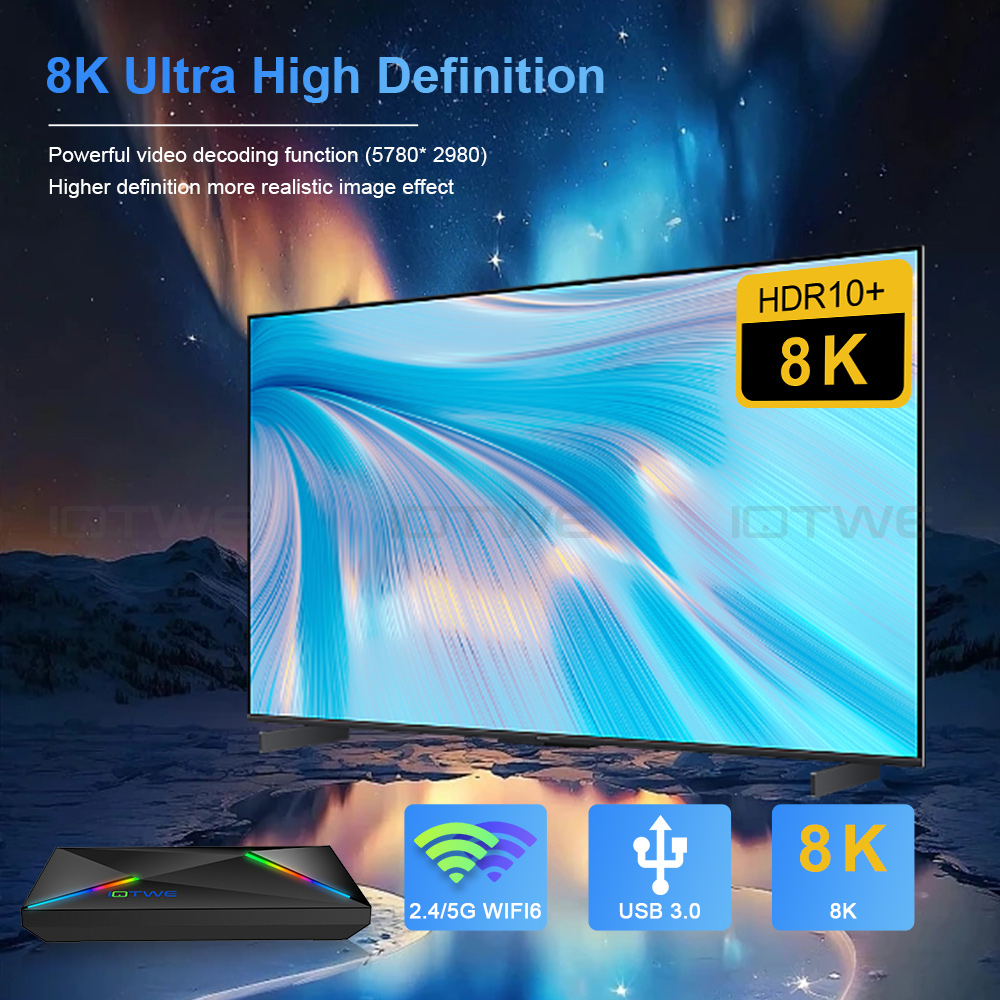
| Question: Cannot boot/open for the first time? A. Connect the charger to the TV box and the power outlet B. Connect the HDMI cable between the TV box and the TV set C. Set your TV to HDMI mode. Please check if you have connected the cables properly. 2. Check if there is a red or blue light on, or no light at all, and report to me. | Question: How to solve the video blur of the TV box? Answer: Wenn es in einigen von ihnen passiert ist, kann es das Problem für die Videoqualität, ist es nicht auf die Box abhängen, können Sie versuchen, die Auflösung auf max (1080P oder mehr), dann prüfen, ob es gut funktioniert.Oder Sie können es in anderen app.If it happened in some of them, it may be the problem for the video quality, it is not depend on the box, you can try to set the resolution to max (1080P or more), then check if it works well.Or you can set it in other app. | |
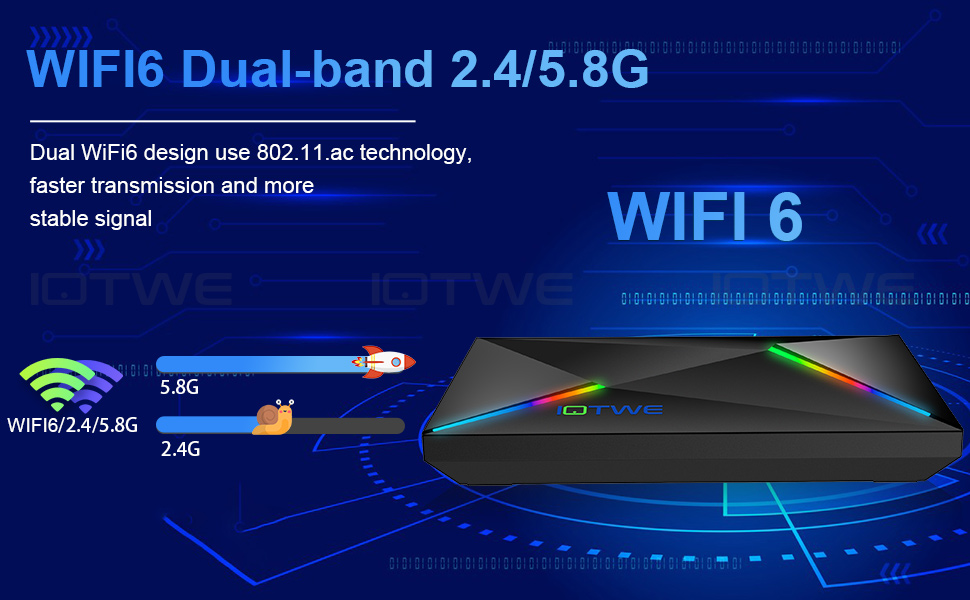
Question: Problems with WiFi setting or connection? Answer: 1. please try to reset the device:2.Please check if you have successfully connected the device to your wireless router and if the signal is strong? If the signal is very weak or it is out of range, then try to use it near your wireless router; if it is unable to connect, then please check your wireless router setting and also try to connect to another router. 3. Could you please plug your network cable directly into the RJ45 port to see if it can work. | Question: How can I set the language of the IOTWE TV Box? 2.If it still can't work, please do as follows: A:Press : Setting - Backup & Reset ---- Reset Factory Data ----- Reset TV Box ---- Clear All (or:Settings--other--more Settings-- Backup & Reset ---- Factory Data Reset ----- TV Box Reset ---- Clear All ) B: and then when you turn on the power for the first time, please choose the language you want. 3 You can also enter in the apps, and there is an icon like a compass, please click it to change the language. |