TP-Link TL-SG105, 5 Port Gigabit Unmanaged Ethernet Switch, Network Hub, Ethernet Splitter, Plug & Play, Fanless Metal Design, Shielded Ports, Traffic Optimization,Navy Blue


Gigabit Ports for More Reliable Speeds
Increase the reliability of your connected devices with the TL-SG105 5-port Gigabit desktop switch. 5x non-blocking gigabit ports enable instant transferring of large, bandwidth-intensive files without interference.

Multiple User Scenarios
The TL-SG105 Desktop Switch provides an easy way to increase the reliability of your network server connections. Whether needed for your home or office network, TL-SG105 helps you get business done easily.

A Switch Made to Connect
TL-SG105 can easily expand your network in a number of ways. Simply connect it to a WiFi device, such as a router or range extender, and transmit reliable internet to up to four connected devices to experience better performance.

Premium Quality. Longer Life.
TL-SG105 features a durable and sleek high-quality casing, innovative green technology to save energy, and shielded ports to prevent static interference when transferring files.

Advanced Features for Better Experiences
Administrators can use QoS to designate the priority of traffic. For example, prioritize your cameras or IP-phones to ensure that voice and video applications remain clear and lag-free.
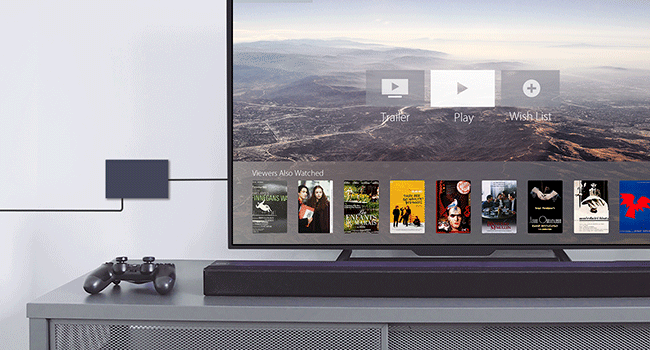
IGMP Snooping for Multicast Optimization
IGMP Snooping optimizes multimedia traffic delivery to ensure a better network experience, especially for applications like IPTV.
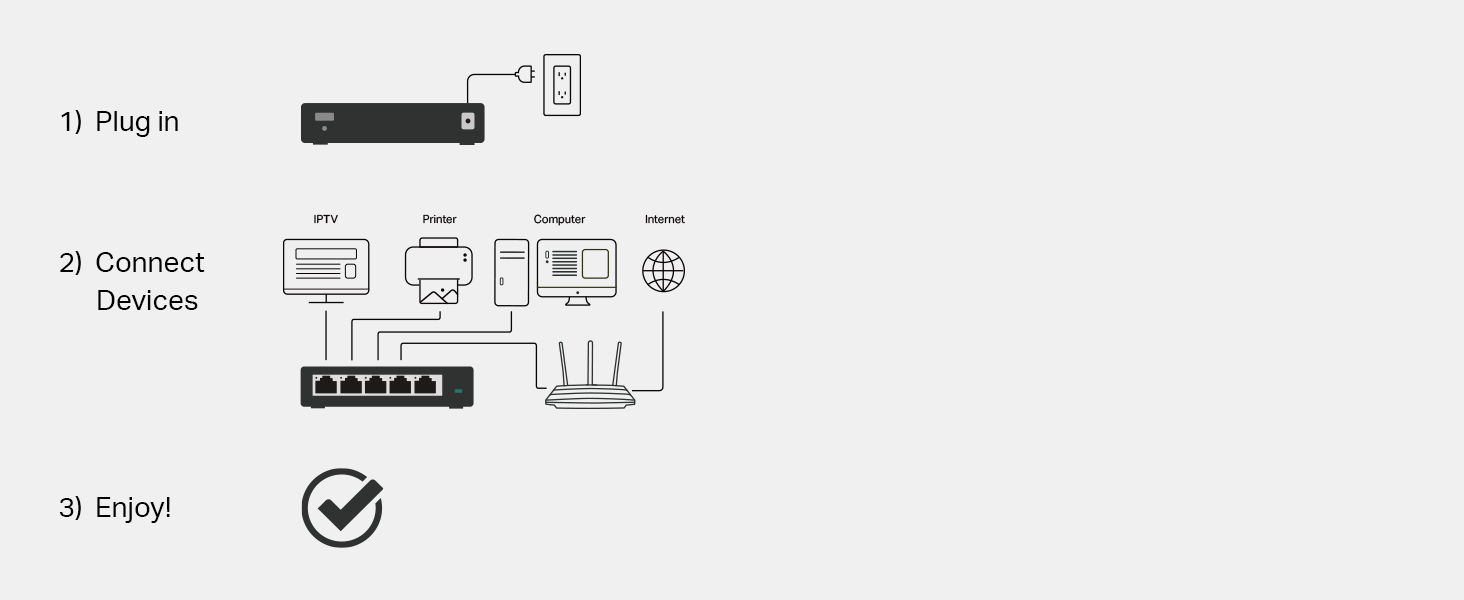
Plug and Play
The plug and play design makes set up easier than ever before, no IT professional required. Each port features the auto-negotiation feature to sense the link speed of a network device and intelligently adjust to ensure compatibility and the best performance.