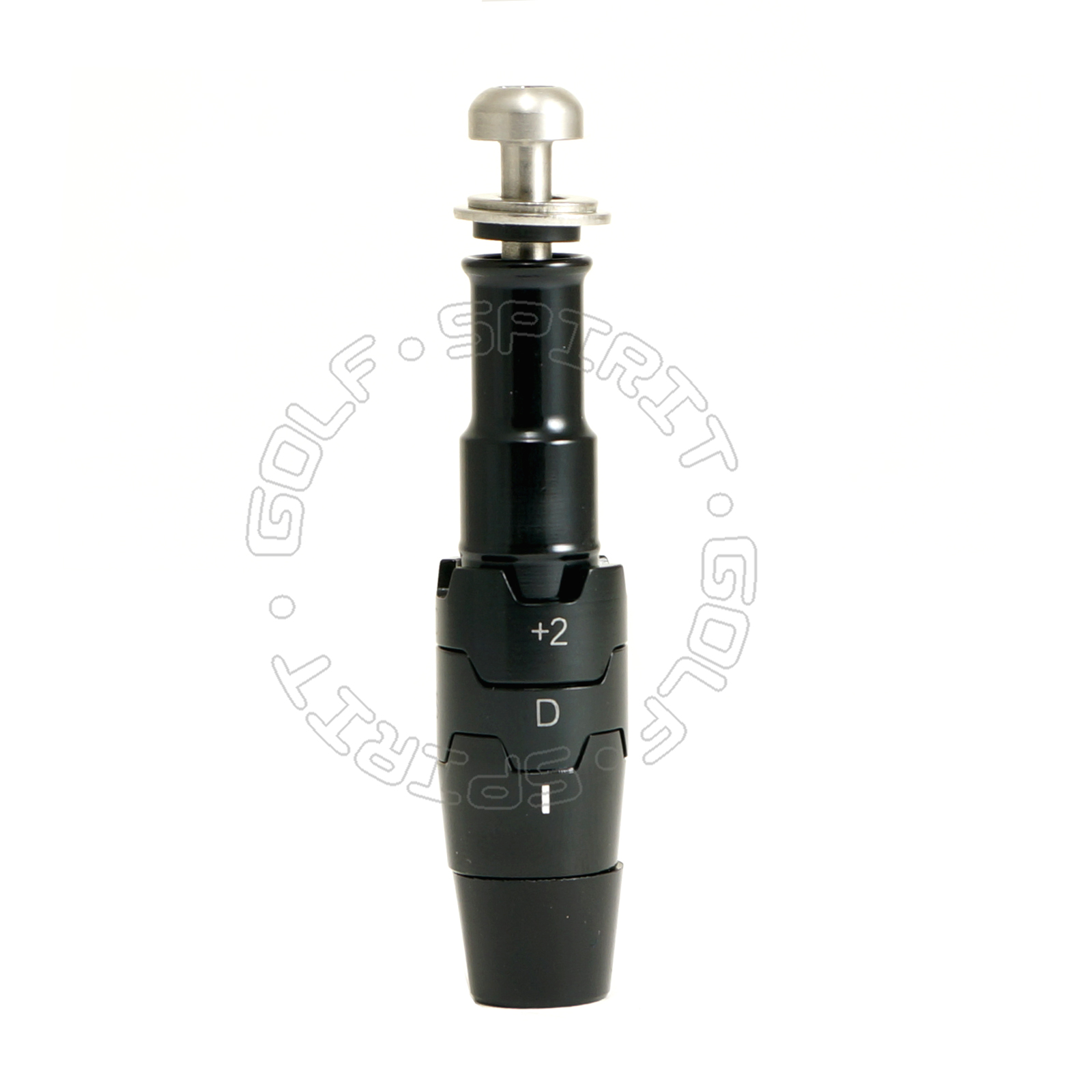
- Will Fit Callaway
- Epic Flash Drivers
- Epic Flash Sub Zero Drivers
- Rogue Draw Drivers
- GBB Epic Drivers
- GBB Epic Sub Zero Drivers
- Big Bertha Fusion Drives
- XR 16 Drivers
- Big Bertha Alpha 816 Drivers
- Big Bertha Alpha 815 Drivers
- Includes Ferrule, washer and Screw
- This adapter is for Right Handed clubs and shafts with a .335" TIP
Here are all the ways you can make adjustments to your Epic, Big Bertha Drivers
We recommend that you make adjustments in the order below.
1. LOFT options
• stated loft (S)
• stated plus one degree (+1)
• stated plus two degrees (+2)
• stated minus one degree (-1)
The loft helps you adjust launch angle and backspin to influence trajectory. The club comes set in the stated “S” position. To change the loft, loosen the screw at the bottom of the shaft and rotate both cogs until the loft setting you want is aligned with the white hash mark on the shaft and the stated loft marked on the driver. Tighten the screw until you hear a click.
Note: Your desired loft may appear on the upper or lower cog, depending on loft and lie angle combination.
2. LIE options
• Neutral (N)
• Draw (D)
Once the loft has been determined, hold that cog in place while you rotate the other cog between Draw “D” and Neutral “N”. This will change the lie angle and influence the starting direction of your shots.
If you want to minimize a slice or enhance a draw, rotate the lie cog to the Draw “D” position, which will make the lie angle more upright. If you want to work the ball both ways, for either a fade or a draw, rotate the cog to the “N” position.
Remember that this designation could appear on the upper or lower cog, and make sure the desired setting is aligned with the white hash mark on the shaft.
Always tighten the screw until you hear a click.
|