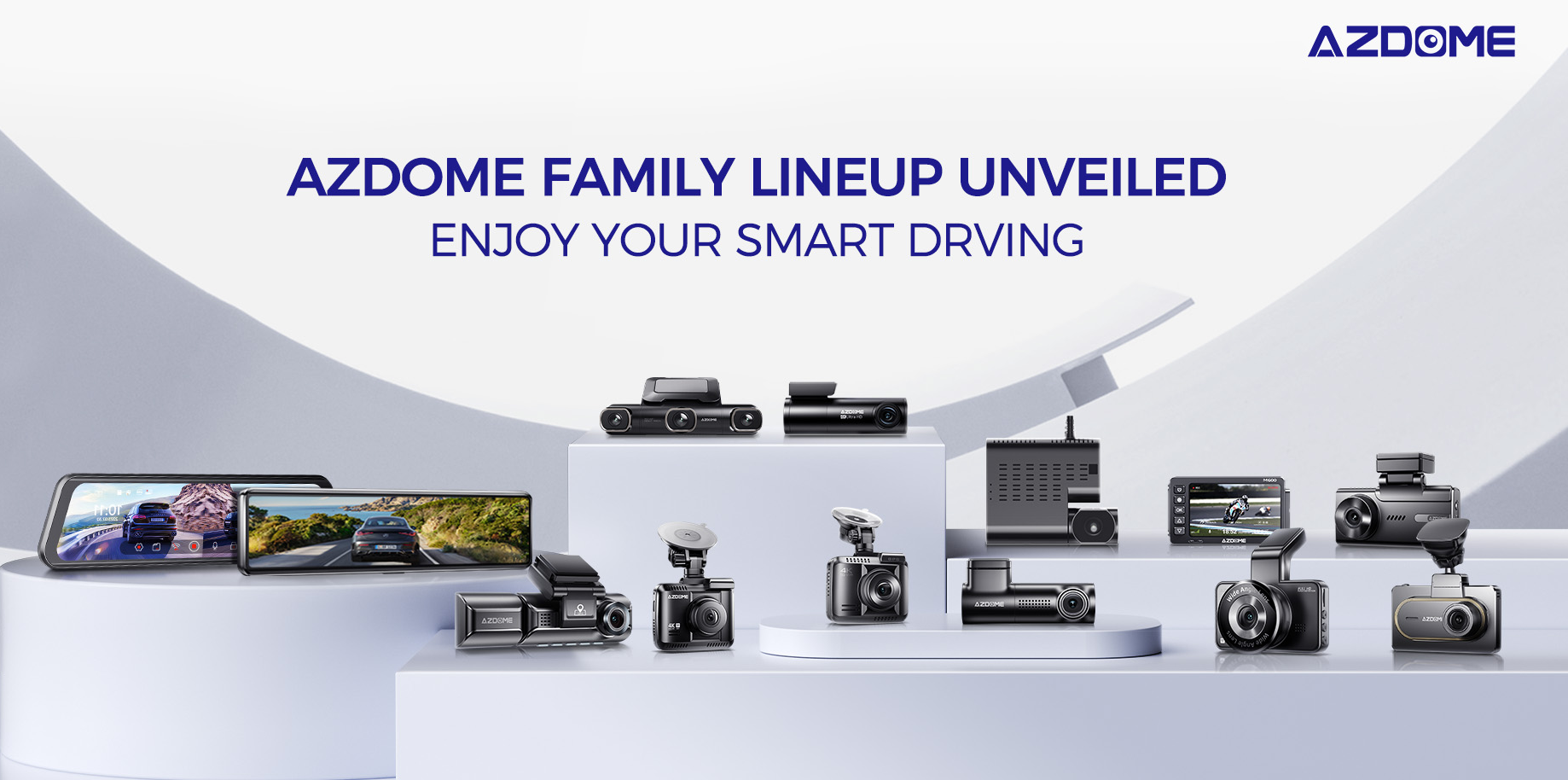
AZDOME M300-335R WiFi Dash Cam, 1296P FHD Front Dash Camera for Cars, 0.96" Screen Car Camera with WDR Night Vision, 24H Parking Mode G-Sensor Loop Recording Time-Lapse, Screen Save, Driving Fatigue Alert Easy to Install
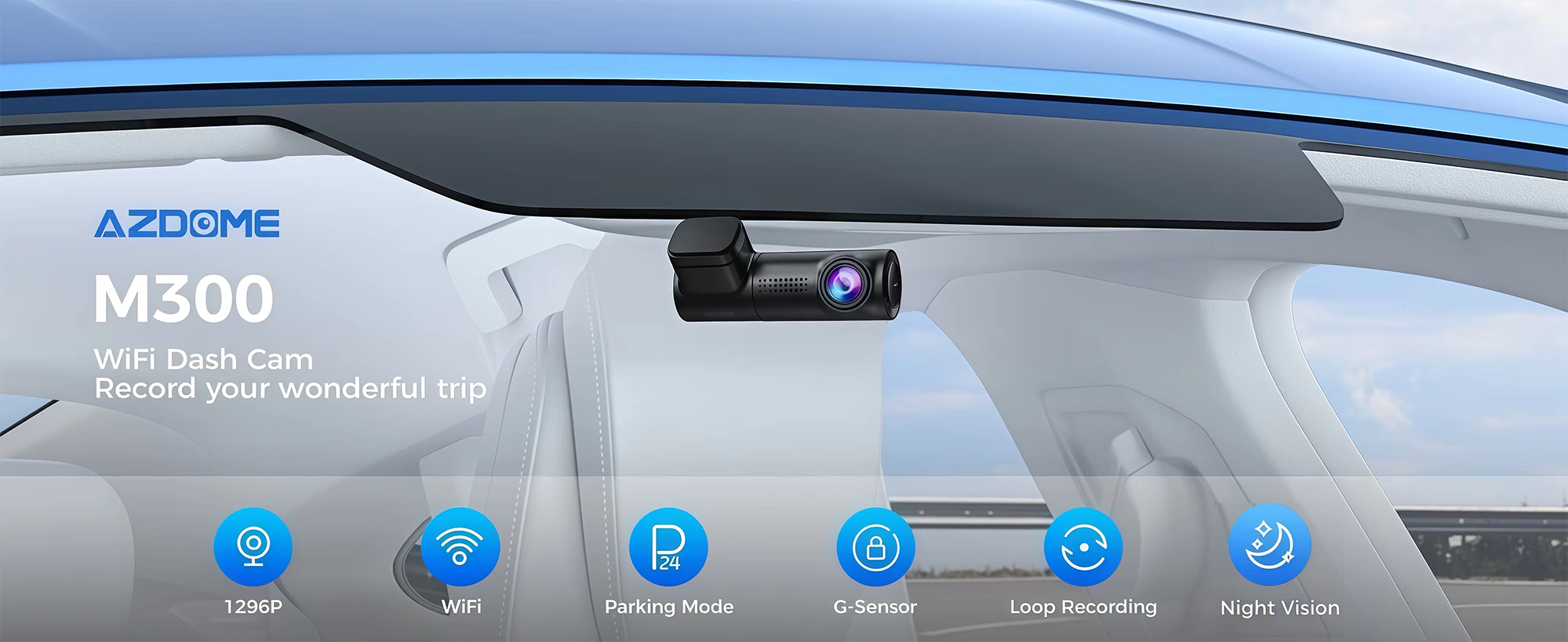
About this item
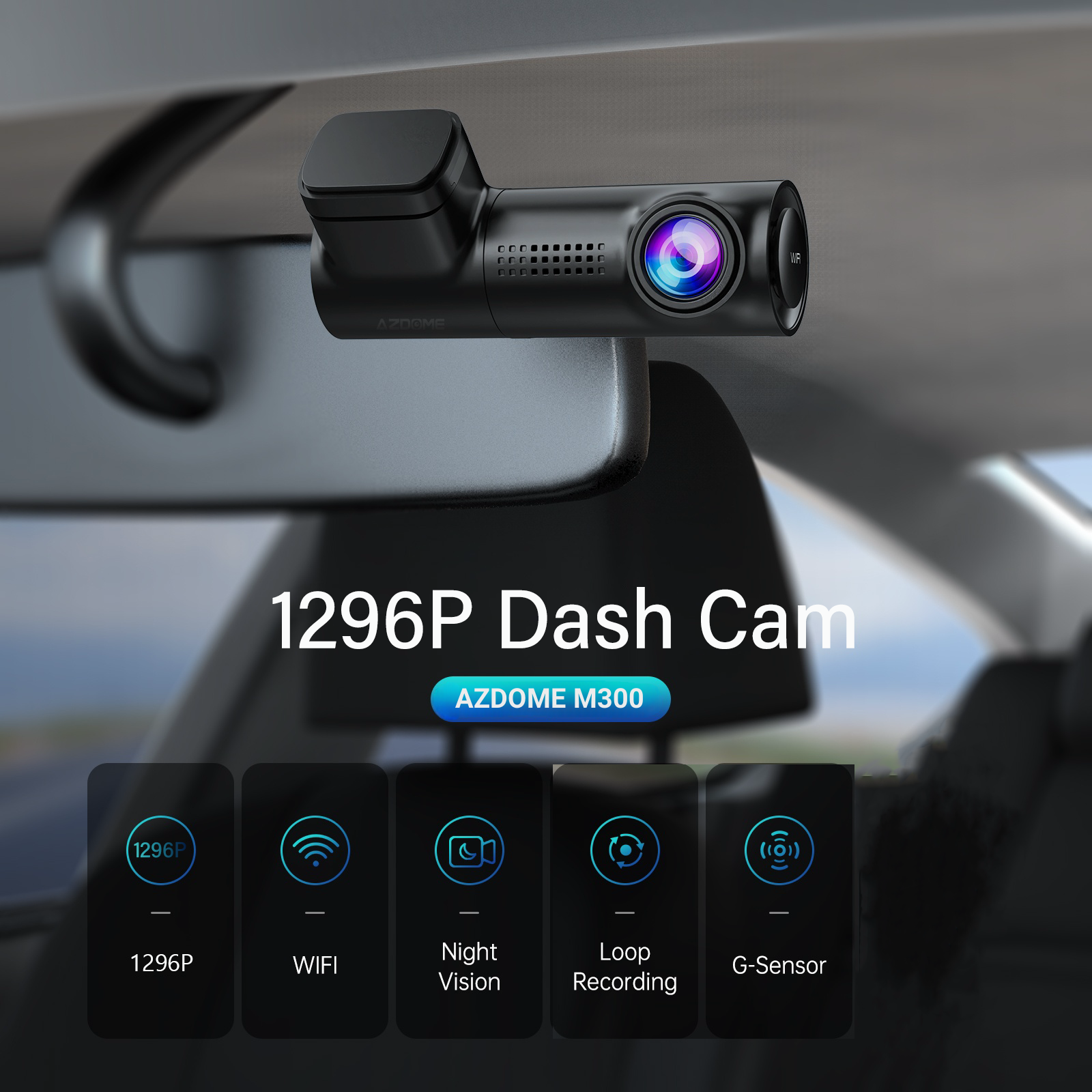
【1296P Front Dash Cam】
1296P resolution provides more pixels to make the recording video screen clearer and delicate. Small elements such as details and text can be displayed more clearly, which is very important for us to capture the license plate or event details. 1296P can also provide better picture quality at night or low light conditions.
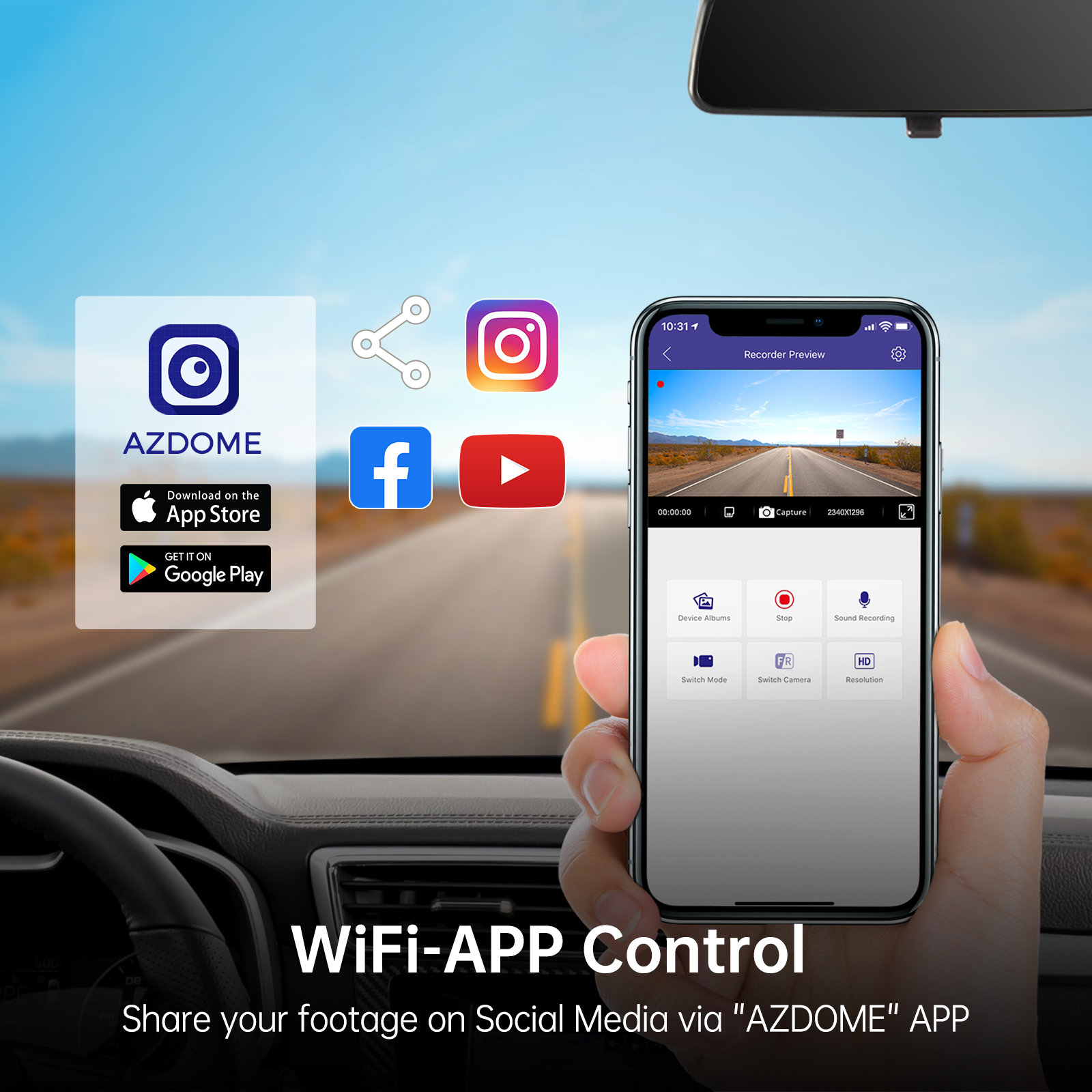
【Built‒In WiFi With Free AZDOME App】
With the AZDOME APP, you can: View Live Video streaming within 10-ft of the camera, View your previously recorded videos, Download any recorded videos, Play the video and watch the video as the tracker on google maps simultaneously. Share any of those videos with friends and family on social media such as YouTube, Facebook, Instagram, Twitter, Pinterest, TikTok, and many more. You can even change settings easily from the AZDOME App.
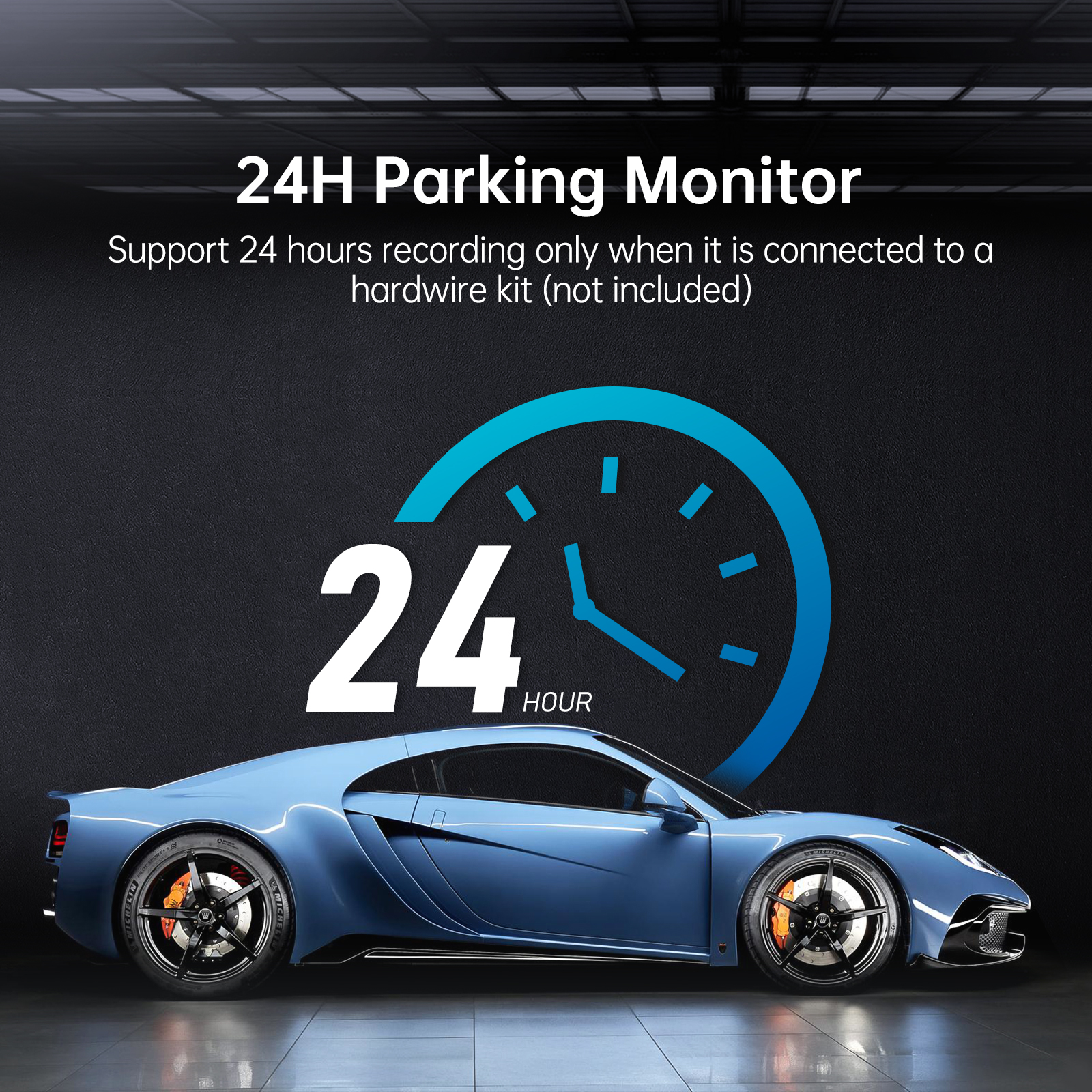
【24-Hour Parking Monitoring】
AZDOME M300-335R dash camera offers 2 parking modes:
1. Collision detection parking mode, G-sensor can detect the collision and lock the video.
2. Time-Lapse parking mode, the dash cam can record continuously for 24 hours.
(In order to avoid fire, our product does not have a high capacity battery installed. So if you want it to work even when the car is parked, you need to install a cable set, you can buy it from this link: https://www.ebay.com/itm/256487986659 or https://www.ebay.com/itm/256004133341 ).
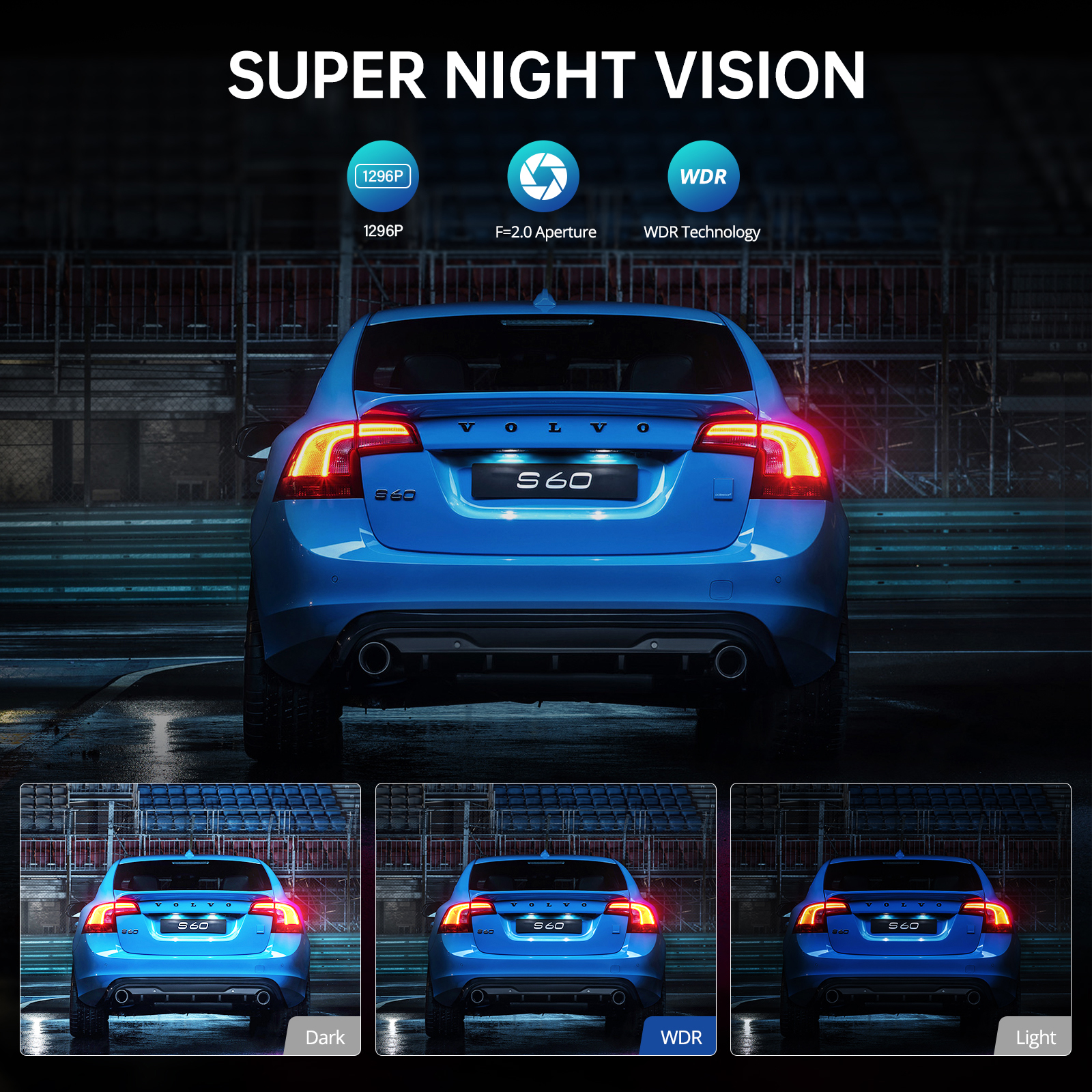
【WDR Ultra Clear Night Vision】
Dash camera uses Wide Dynamic Range technology to enhance visibility during nighttime driving. WDR night vision improves recording details in low light conditions.
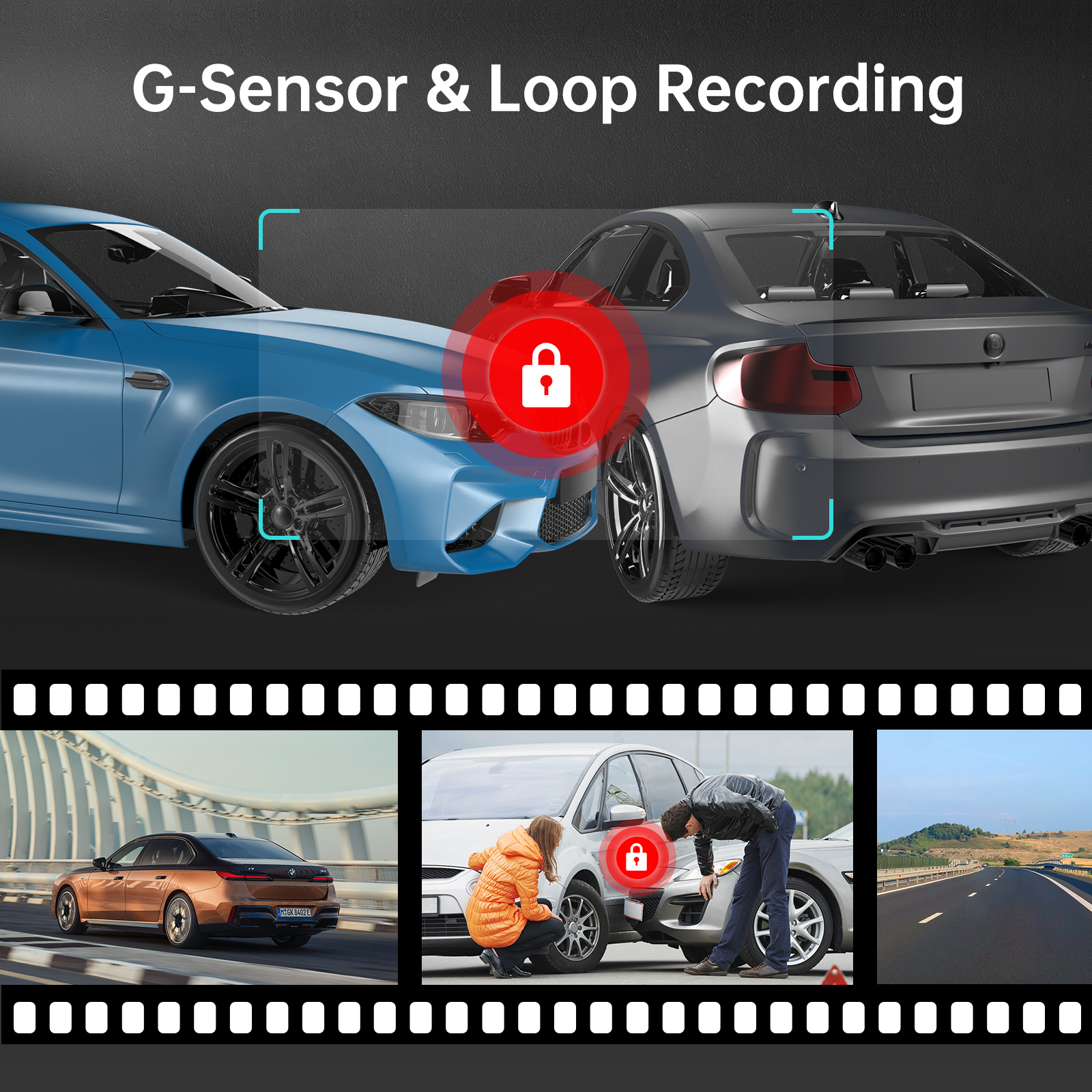
【Loop Recording & G-sensor】
Seamless Loop Recording overwrites the oldest footage with the newest upon filling a card to capacity; to make your safety and legal rights be always under protection, the built-in G-Sensor monitors and detects unusual impacts or vibration and automatically triggers the Emegency Video Protection, locking the footage to EMR folder to prevent the video from being overwritten.
Loop Recording:Currently only 1 minute recording is supported, 1/3/5 minutes recording time can be selected after software update.
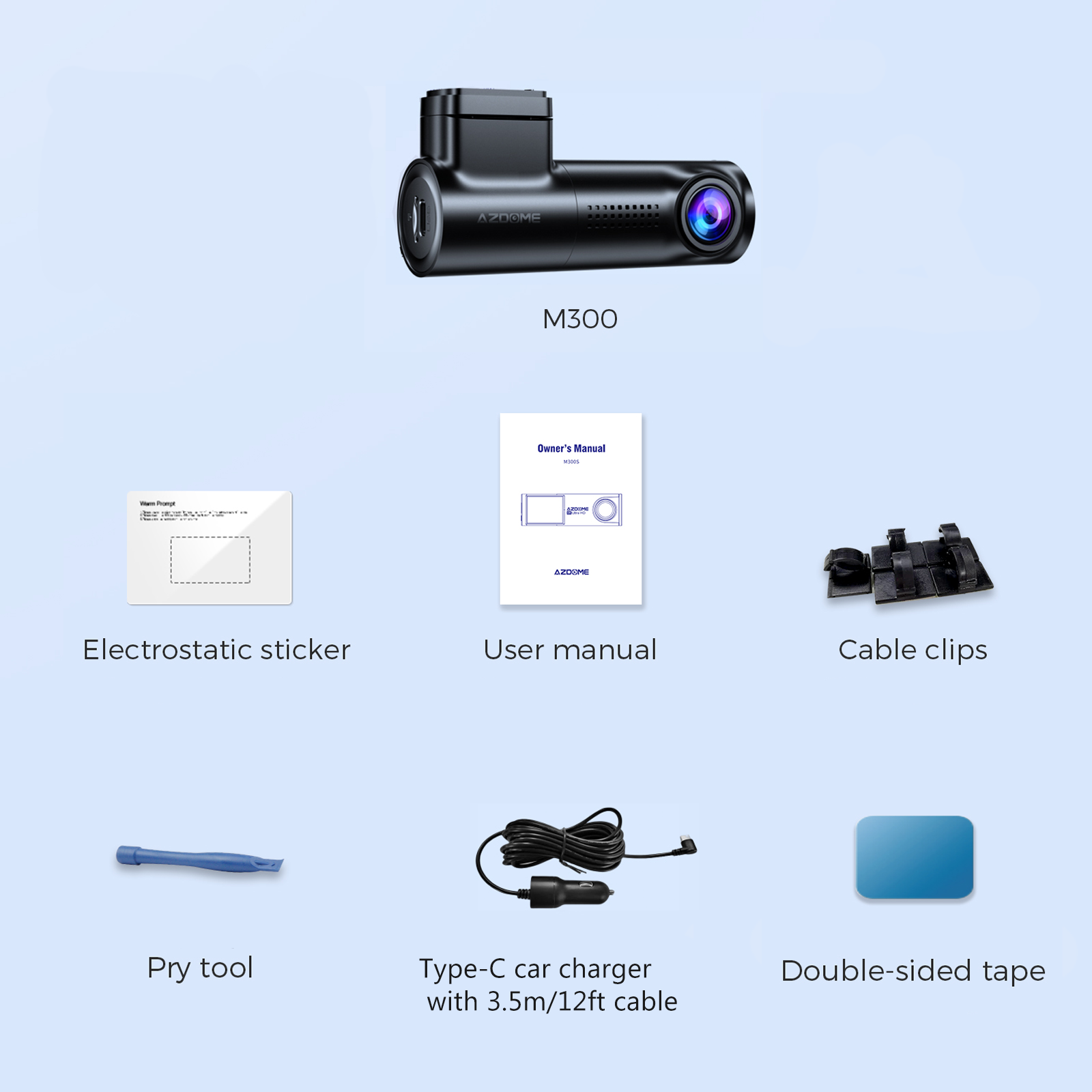
【M300-335R Standard Packaging List】
M300-335R Dash Camera x1
Pry tool x5
Type-C car charger with 3.5m/12ft cable x1
Double-sided tape x1
Electrostatic sticker x2
User manual x1
Cable clips x1
Specification
| Model | M300-335R | Video format | MP4 |
| Hersteller | AZDOME | Video Resolution | 1296P |
| Number of Cameras | 1 | Type: | Dash Camera |
| Screen Size | 0.96" Screen | Wi-Fi | Support |
| Aperture | F=1.8 | Memory card | Max supports 128GB (Not Included) |
| G-Sensor | Support | Warranty | 1 Year |
| Product Dimensions | 5.51"D x 2.36"W x 4.72"H | Item Weight | 10 ounces |
| Wide angle lens | 170° | Working temperature | -20°C to 70°C |
| Picture format | JPG | Storage temperature | -30~75℃ |
Warm Tips
2. Be sure to format your SD card with your car dash cam for the first time use, and we recommend to reformat it Monthly. Max Support: 128GB(not including), for reliable performance, we recommend AZDOME brand class 10 or U3 above micro SD card. If you want to buy SD card, please visit this link: https://www.ebay.com/itm/256057831845 .
3. At AZDOME, our goal is to keep working hard to make innovative hardware & software of the camera to give you that personalized experience. We provide updates for Camera Firmware, Software, iOS & Android App Improvements periodically for FREE.
4. This dash camera for cars is backed by full 1-YEAR WARRANTY. You can text us for (Faster Response) or Email our customer service and we will answer all your questions and resolve any issues quickly. If you are having any doubts, it comes with a FULL REFUND within 30 DAYS.
5. About the loop recording function, it only supports 1 minute recording at present, you can choose 1/3/5 minutes recording time after the software update. If you have any questions, you can contact our customer service, we will solve it for you.
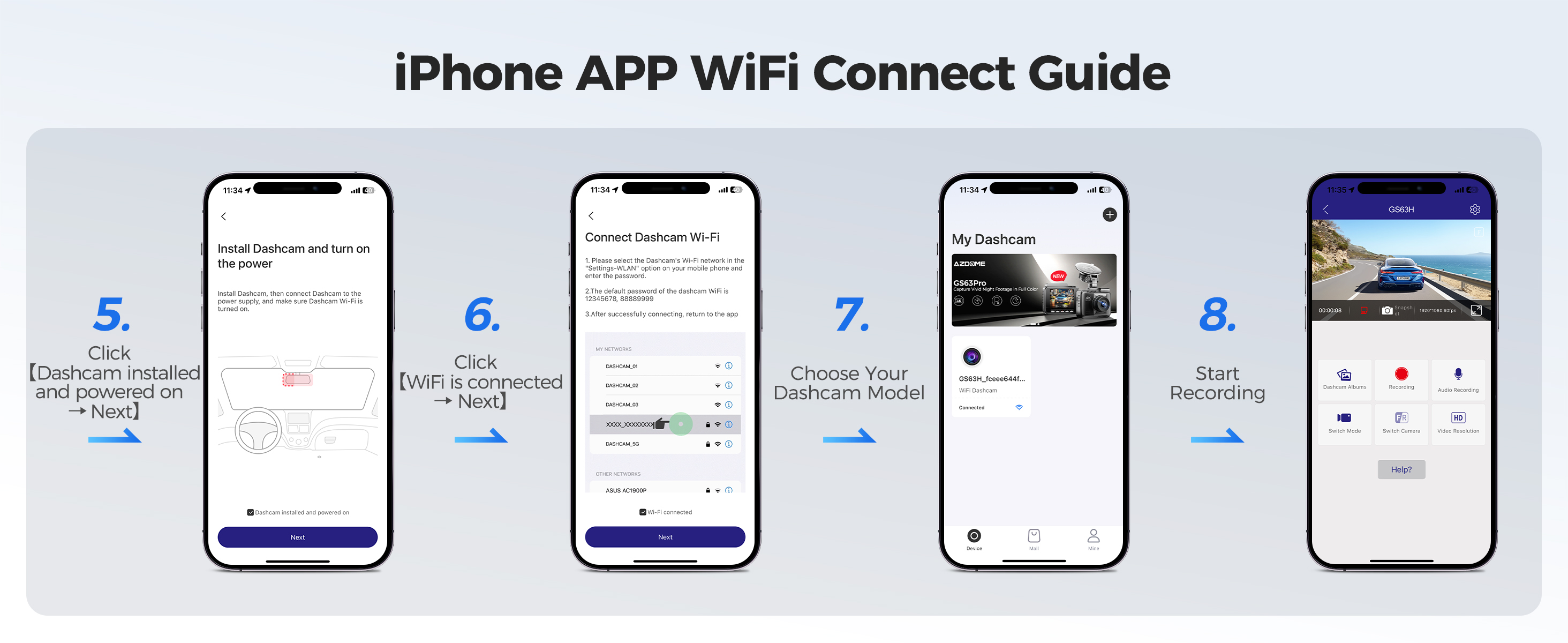
How to connect to WiFi?
The content of the following two pictures and videos can help you to connect the WIFI of the car recorder, if there are more questions about this step, please contact customer service, thank you!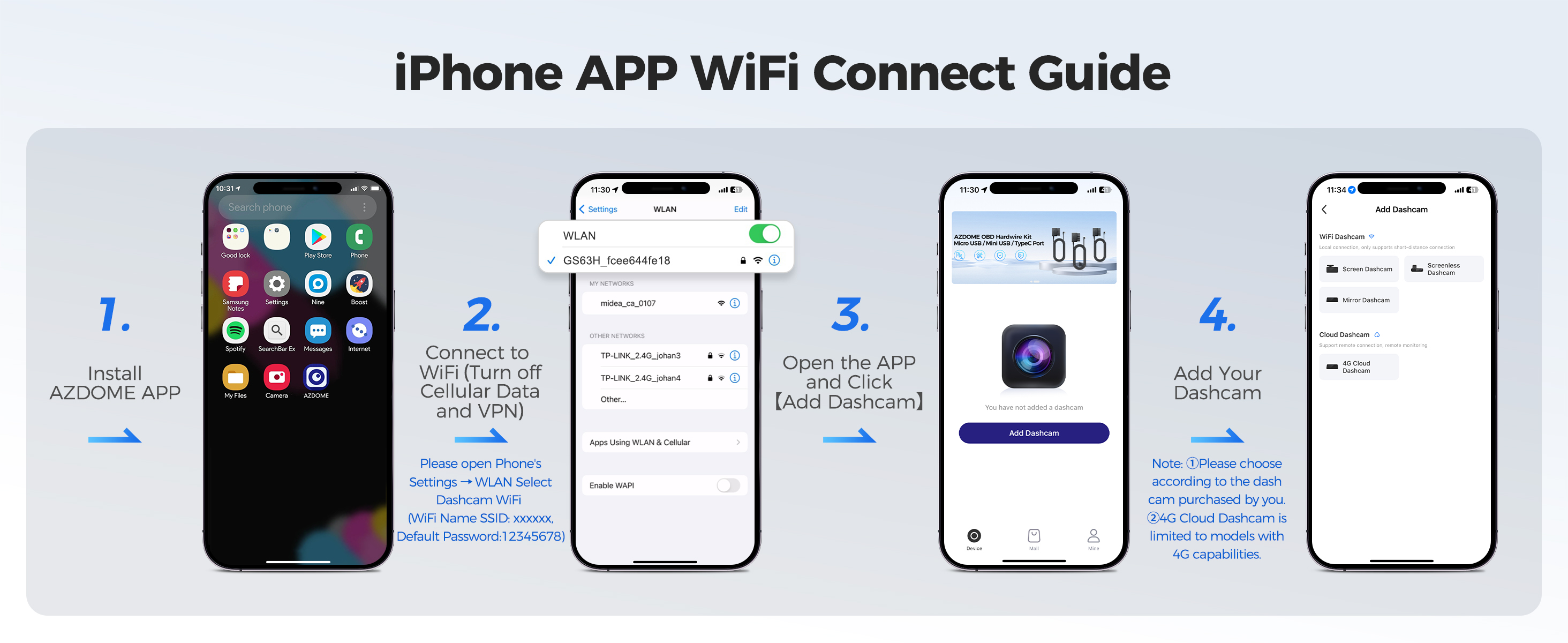
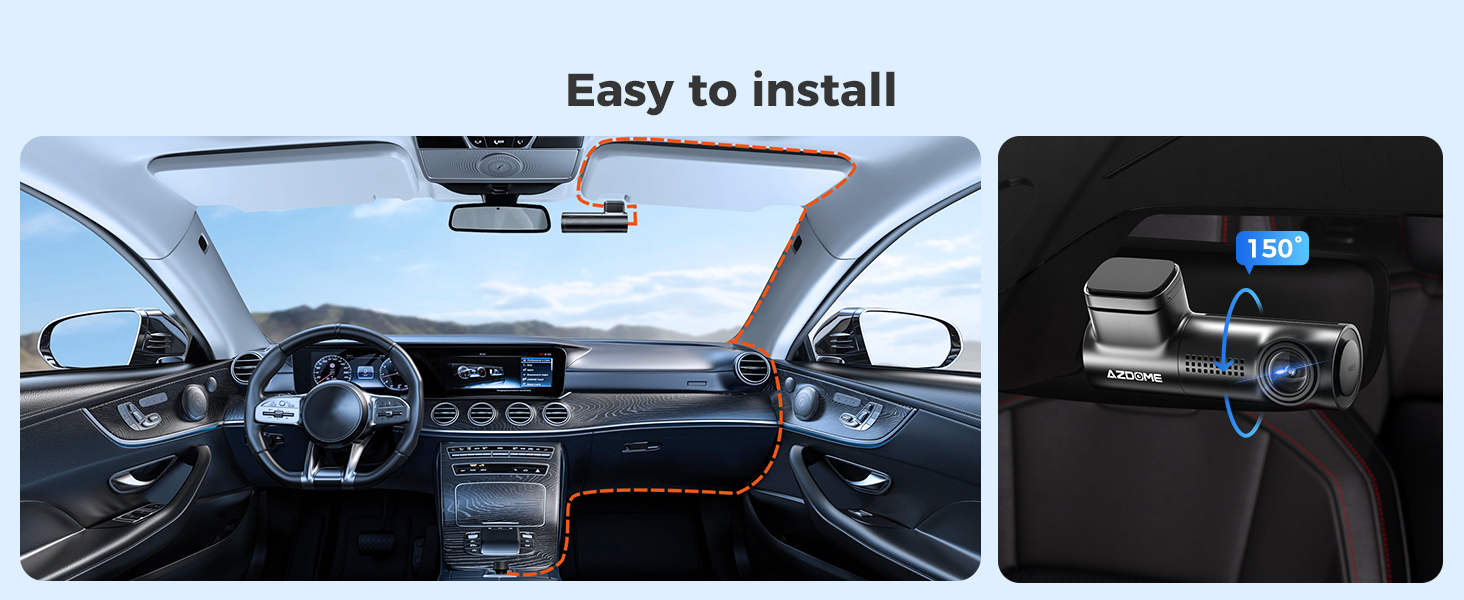
Easy to install
You can install it yourself without hiring a professional, which can save you installation costs.
Customer questions & answers
Q1: Camera turns on/off automatically?
A:Ensure that the output current can reach 5V/1A and use our car charger.
Q2: The video image is blurry?
A:Remove the lens protective film, clean the lens and make sure the windshield is clean and free of grease, dirt and debris.
Q3: Camera gets HOT?
A:It is normal for your camera to get slightly hot. Since videos are recorded at high speed, the dash cam may get hot during use. (No more than 158°F/70°C).
Q4: Video Files cannot be played on my computer?
A:The cigarette lighter cable is not working. Check the fuse in the car power cable plug. If the fuse is blown, check the power cable for any damage that may have caused the fuse to blow.
Q5: Video has no sound?
A:Ensure that ‘Audio Recording’ setting is turned ON.
Q6: Video is blurred?
A:The Dash Cam has a minimum focal range of around 2 meters. Objects closer than this are likely to become blurred.
Q7: Voice prompt Memory Error?
A:Using unqualified SD or third party cards can affect dashcam's performance and in some cases, force the dashcam to reboot randomly during recording. If it still can not work normally, it should be that the TF card is unqualified and can not meet the recording requirements of the dash cam. Please contact us to get a new memory card.
Brand History