Please Note:
a) Import duties,
taxes and charges are not included in the item price or shipping
charges. These charges are the buyer’s responsibility.
b) Please check with your country’s customs office to determine what these additional costs will be prior to bidding/buying.
TLK1:
Reuse lo-cked for Toyota/for Lexus smart key, support type: 8A-AA BA B9 B8
TLK2:
Reuse lo-cked for Toyota/for Lexus smart key, support type: T: 4A-AA BA
TLK3:
Unlo-ck Aftermarket for Toyota / for Lexus / for Subaru smart keys;
Read car key frequency sequences and chip type;
Capture signals from vehicle's ignition coil to identify the key frequency sequence, and chip type.
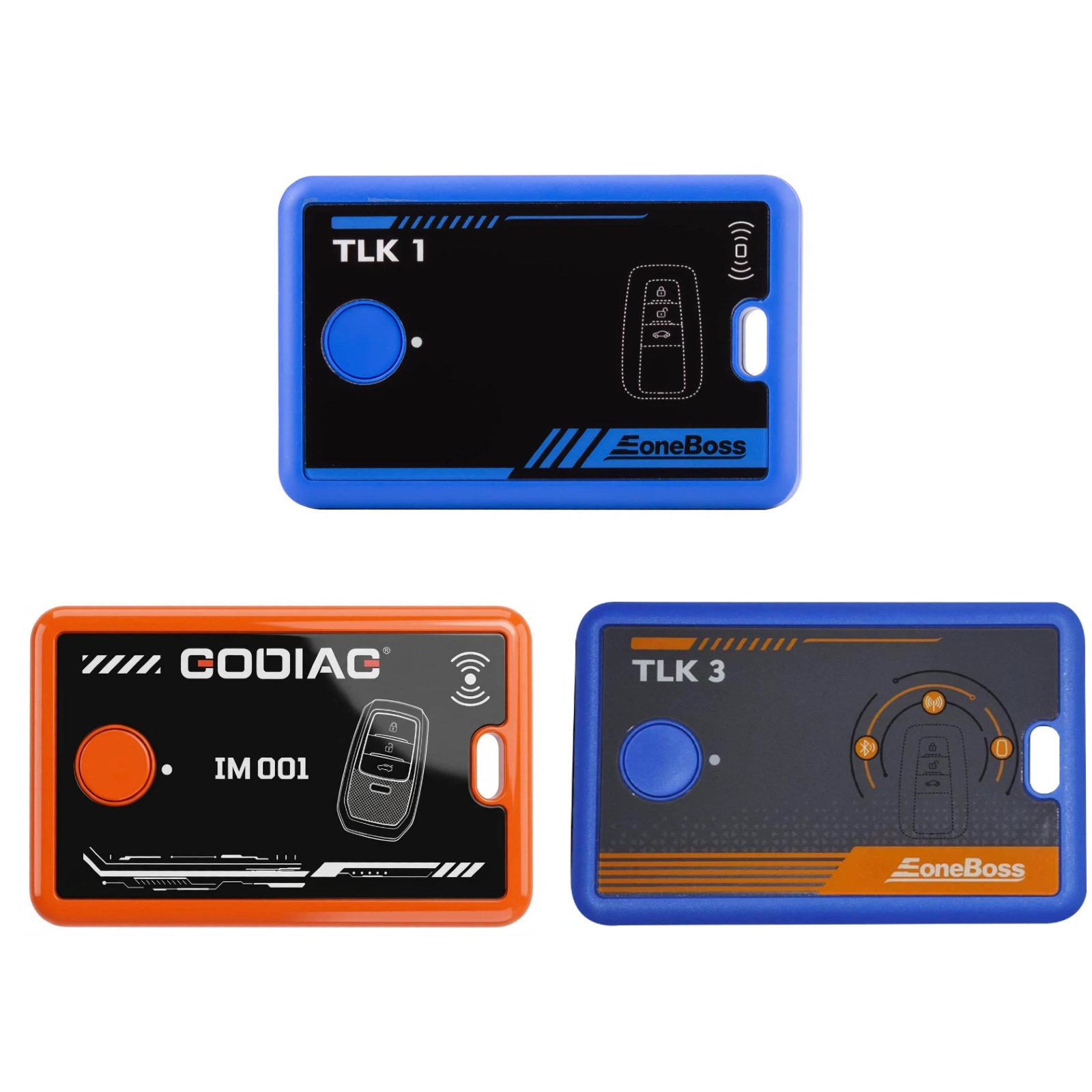
Note: TLK1, GODIAG IM001 and TLK3 devices are not compatible with each other.
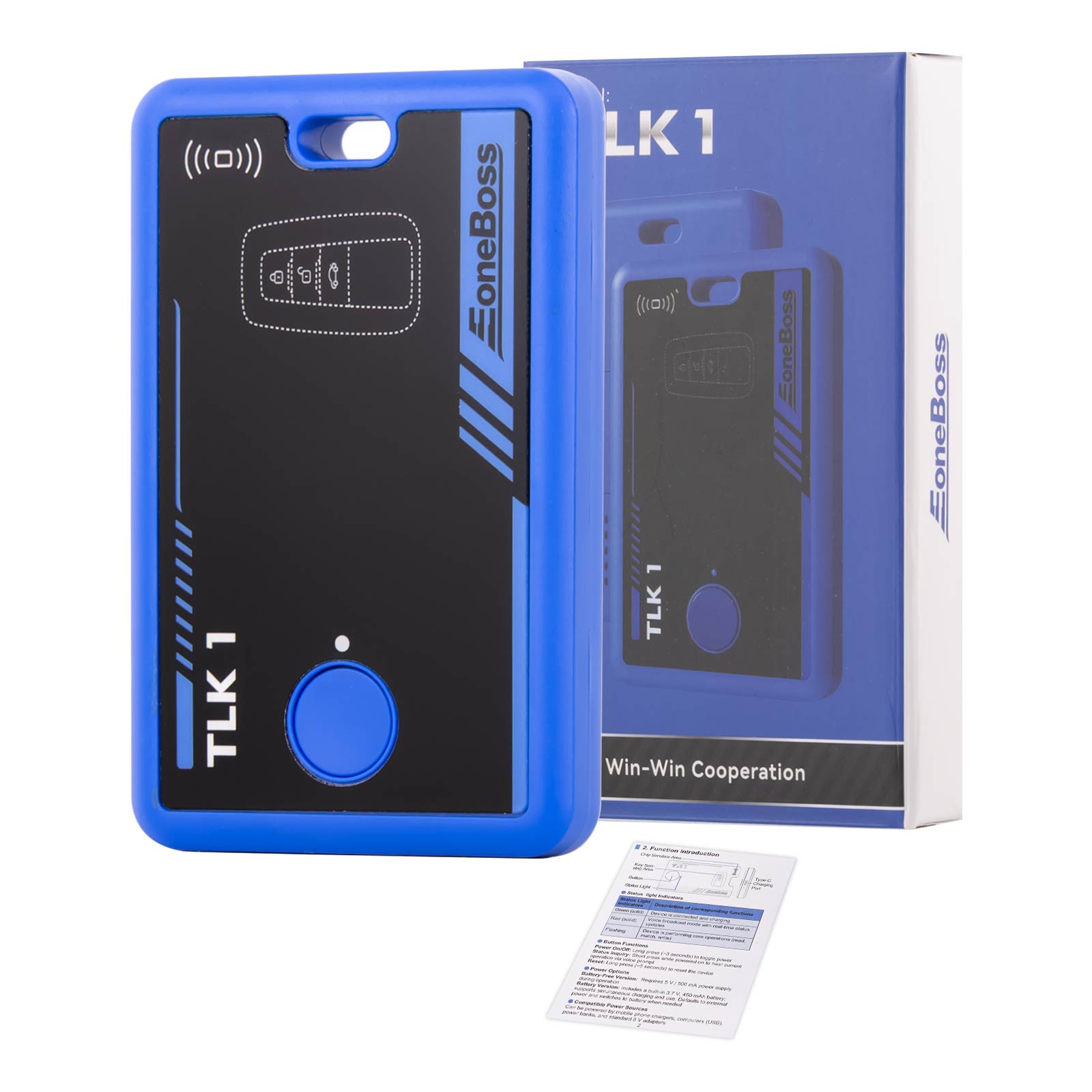
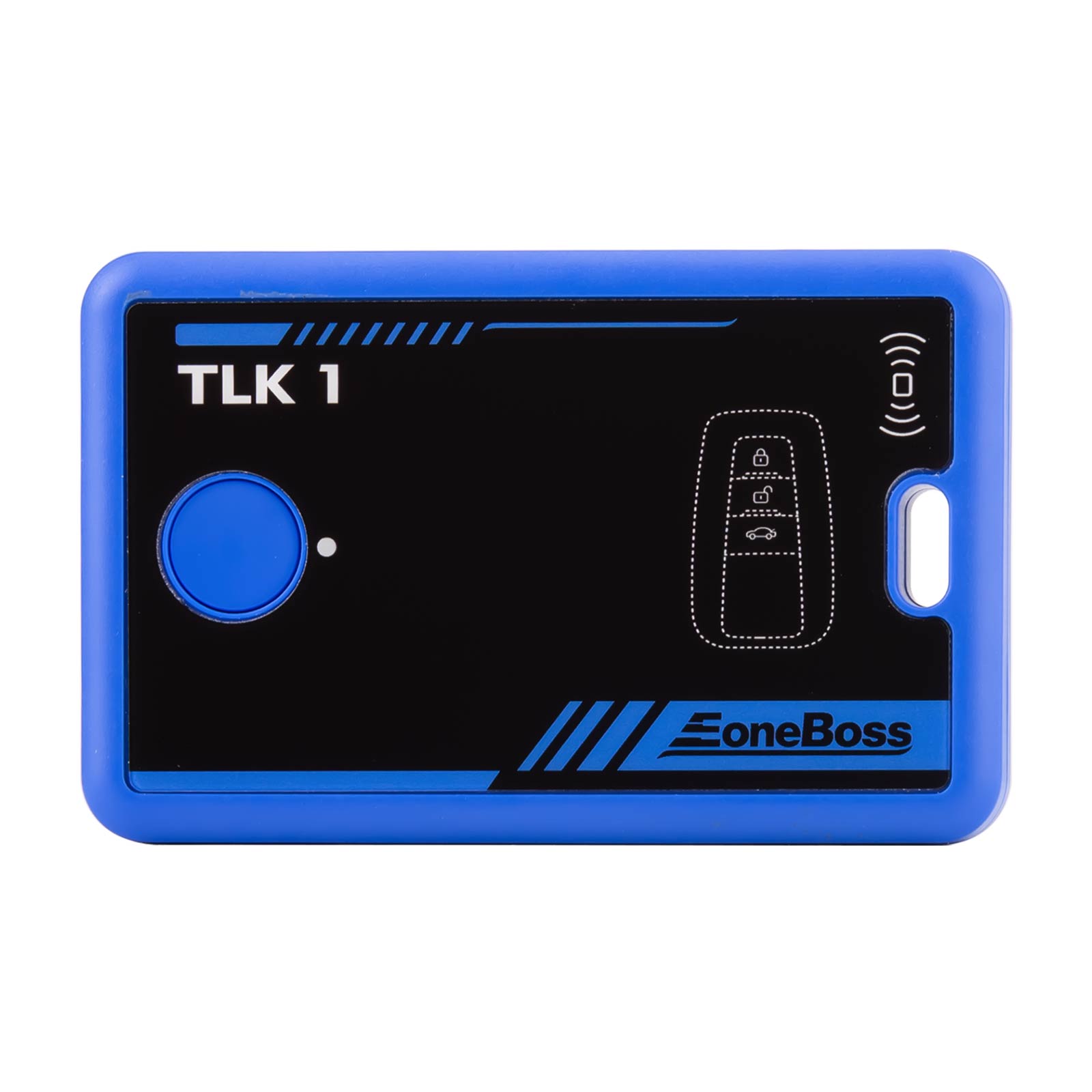
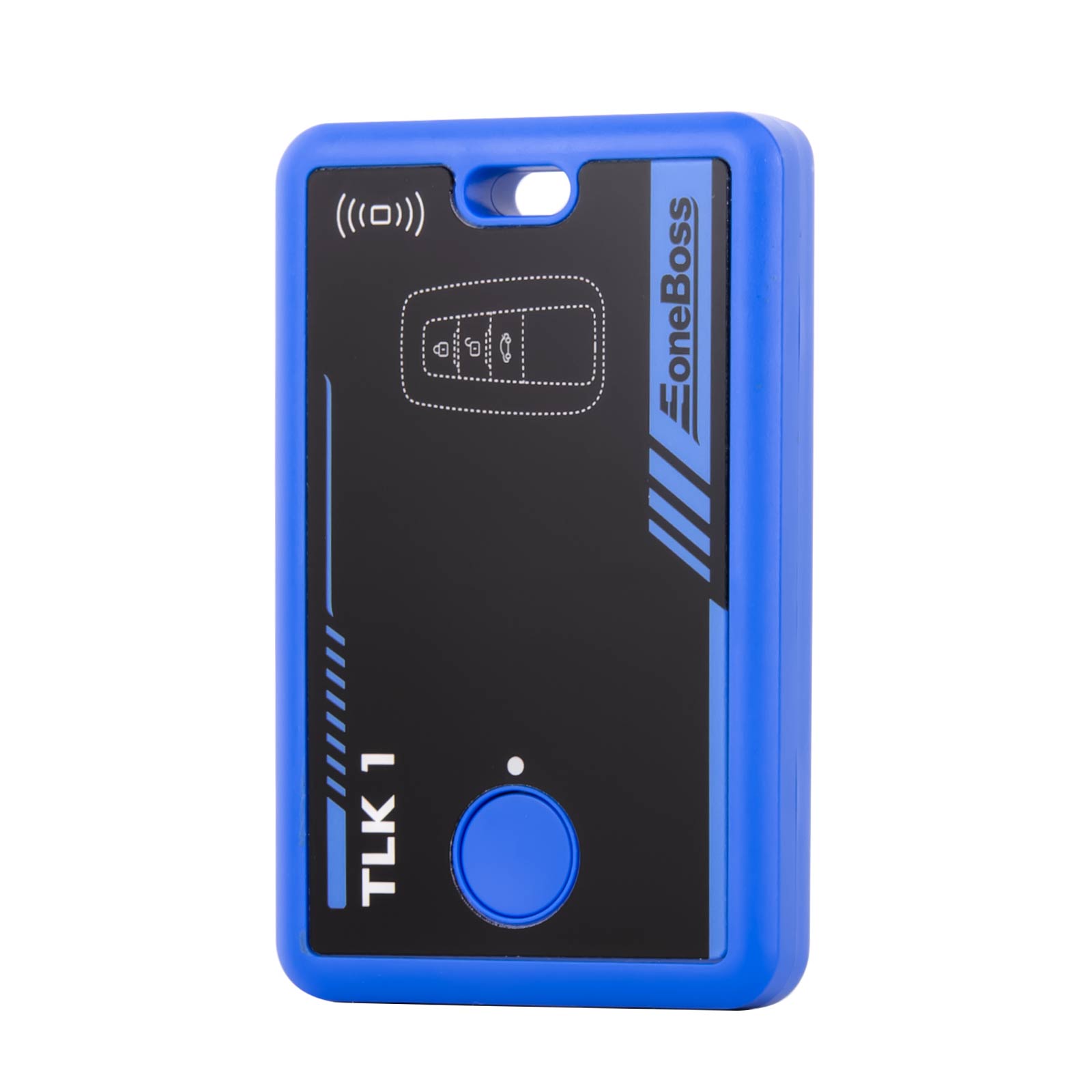
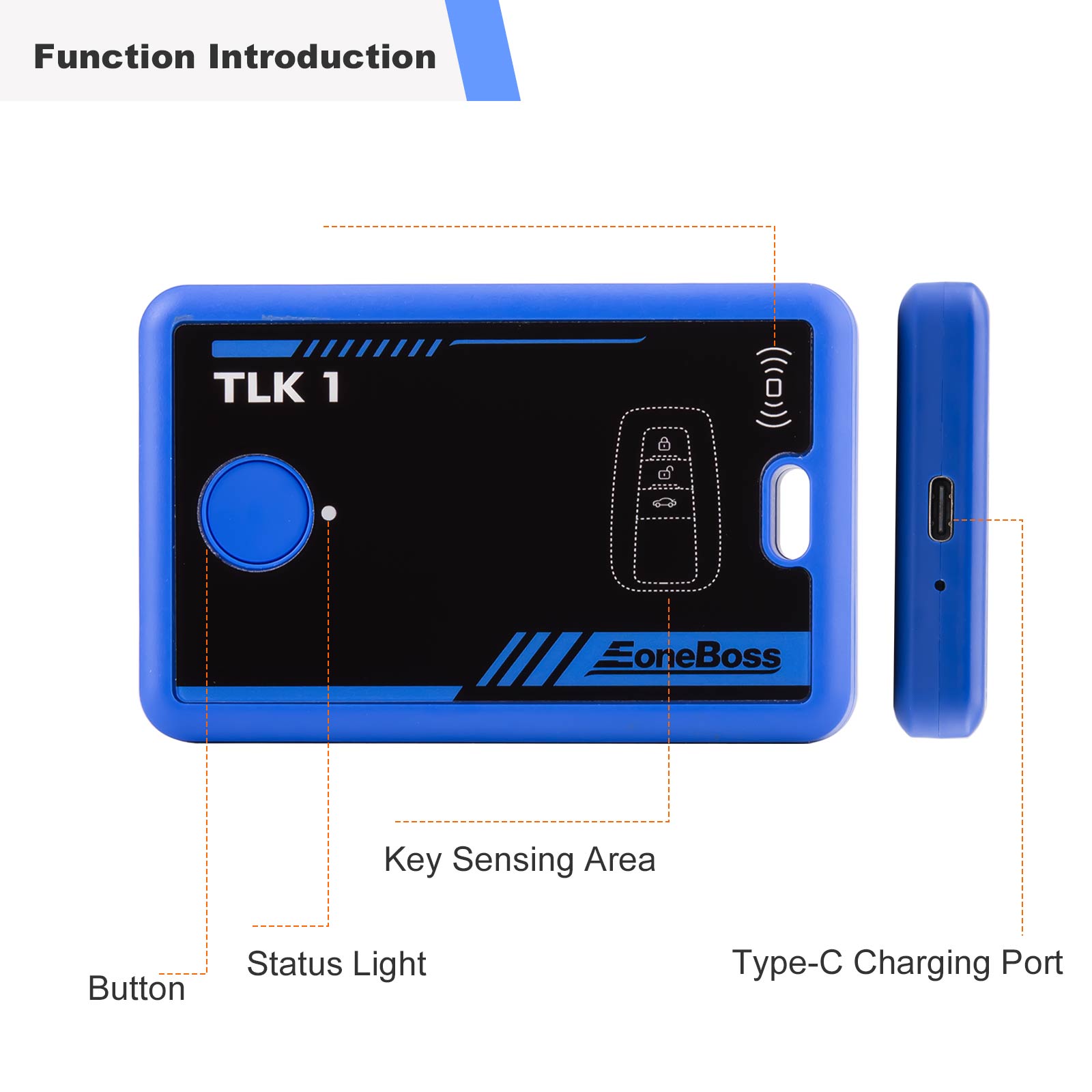
ITEM 1:EONEBOSS TLK 1 Key Unl-o-c-king Device for Toyota/Lexus 8A Keys
Introduction:
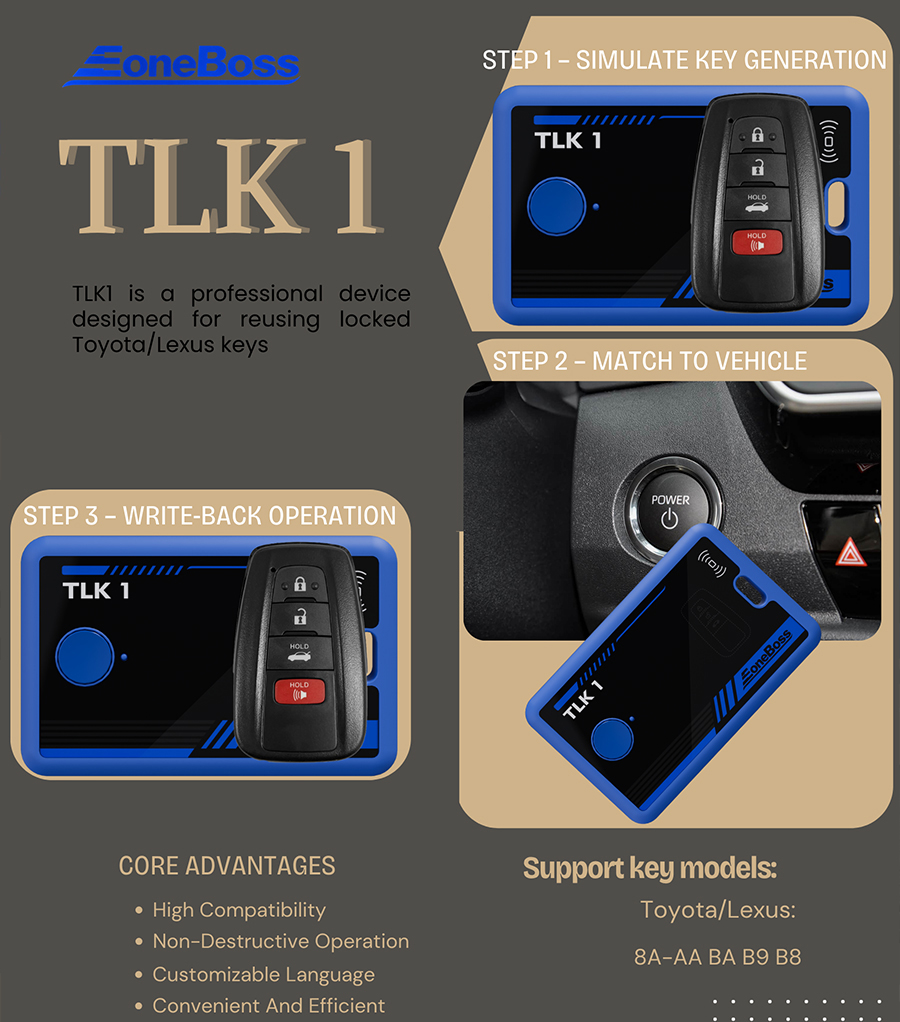
EONEBOSS TLK 1 is a professional device designed for reusing l-o-c-ked for Toyota/for Lexus keys. The TLK1 is a professional device dedicated to key reuse. It uses innovative technology to enable direct matching of used keys without unl-o-c-king them, effectively improving key reuse efficiency and reducing operating costs.
Development Background:
When reusing an original key, the standard process requires first performing an unl-o-c-k and refresh operation to restore it to a blank state. However, due to the unique encryption mechanism of some for Toyota models, this flashing process is not supported. The TLK device successfully solves this problem.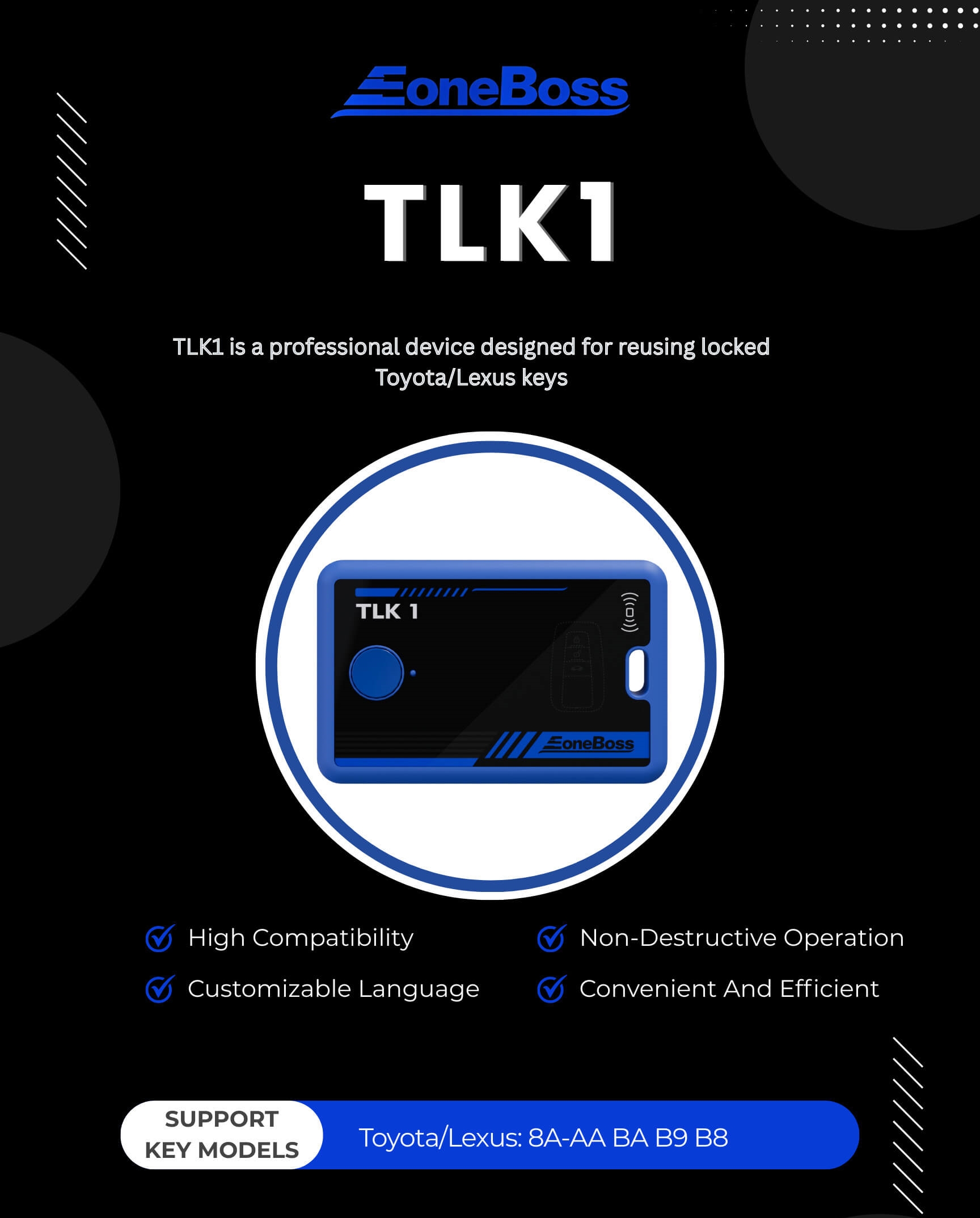
Core Advantages:
Strong Compatibility: It works with any brand and model of device on the market, regardless of hardware limitations.
Non-Destructive Operation: Using non-invasive technology, there is no need for destructive actions such as opening the key cover, soldering, or unl-o-c-king, thereby maximizing key integrity.
Convenient and Efficient: Standardized operating procedures significantly reduce operational complexity, allowing for quick adoption without extensive technical training.
Language: English only
Easy to Use
Step 1: Simulate key generation
Step 2: Match to vehicle
Step 3: Write back operation
Supported Key Models:
for Toyota/for Lexus: 8A-AA BA B9 B8
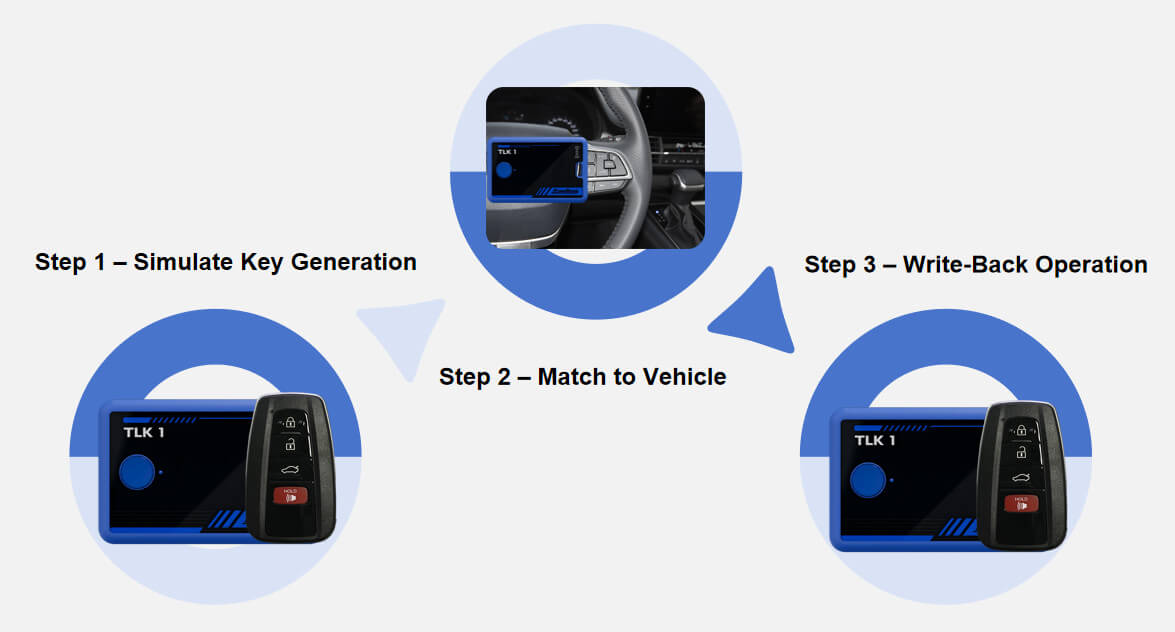
Step 1 – Simulate Key Generation Place the accidentally deleted or lo-cked key in the TLK1 sensing area and press the button. TLK1 will read the secure identifier (e.g., key ID) and simulate a matching key using internal data.
Step 2 – Match to Vehicle Use the TLK1 as a replacement key during the vehicle matching process. The device writes key ID and other information into the vehicle’s system while storing key-related data such as passwords.
Step 3 – Write-Back Operation After successfully retrieving the data, TLK1 writes the complete key information back to the original lo-cked key, reactivating it.
Step 4 – Final Confirmation Once the update is complete, test the key to ensure all functions are working. Progarmming is now complete.
Product Specifications:
Material: Eco-friendly ABS
Screen: No
Input port: Type-C
Input Voltage: 5V 500mA
Battery Capacity: 3.7V 450mAh
Bluetooth: BLE 5.0
Operating Temperature: -10°C to 50°C
Storage Temperature: -20°C to 70°C
Package includes:
1pc x EONEBOSS TLK 1 Key Unl-o-c-king Device for Toyota/for Lexus 8A Keys
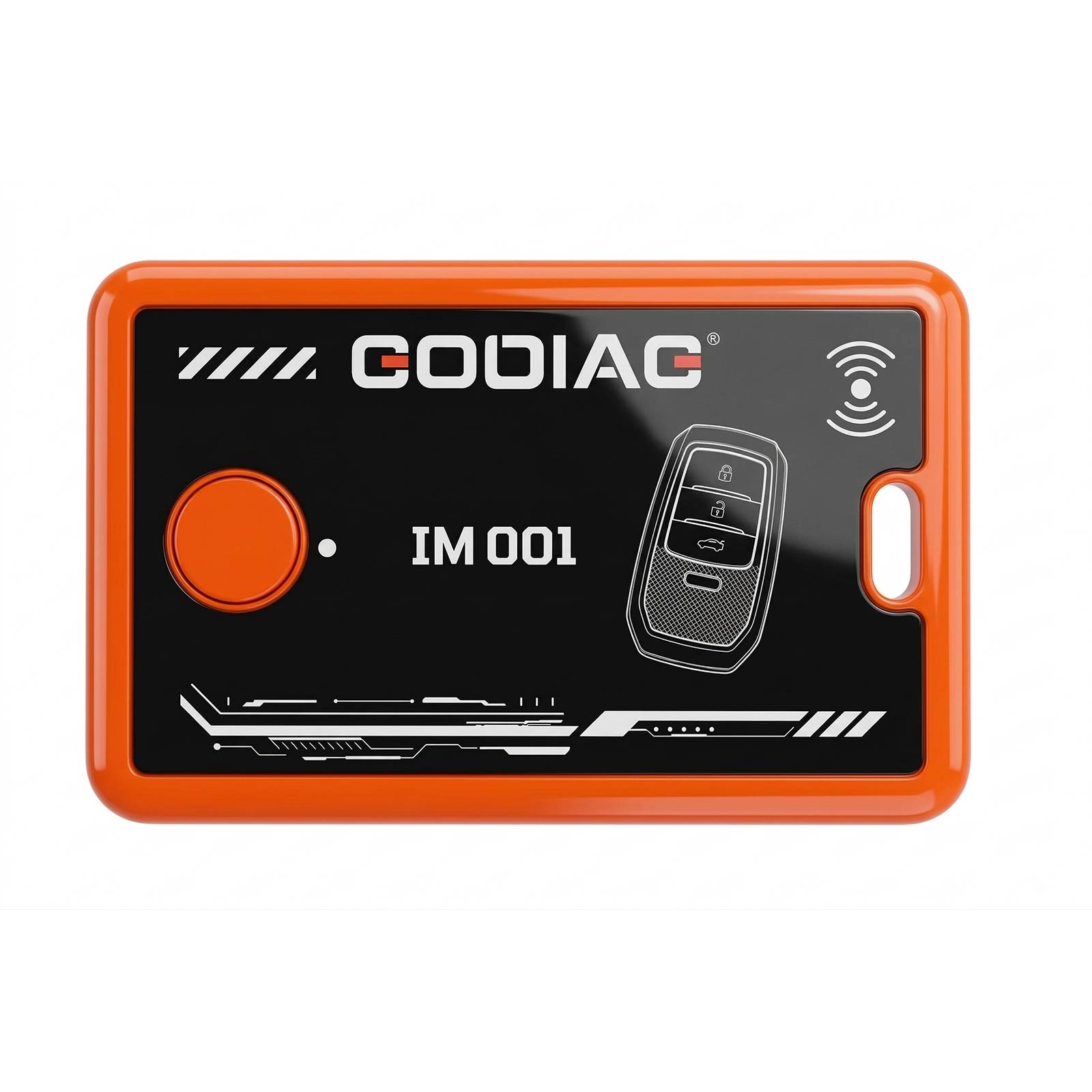
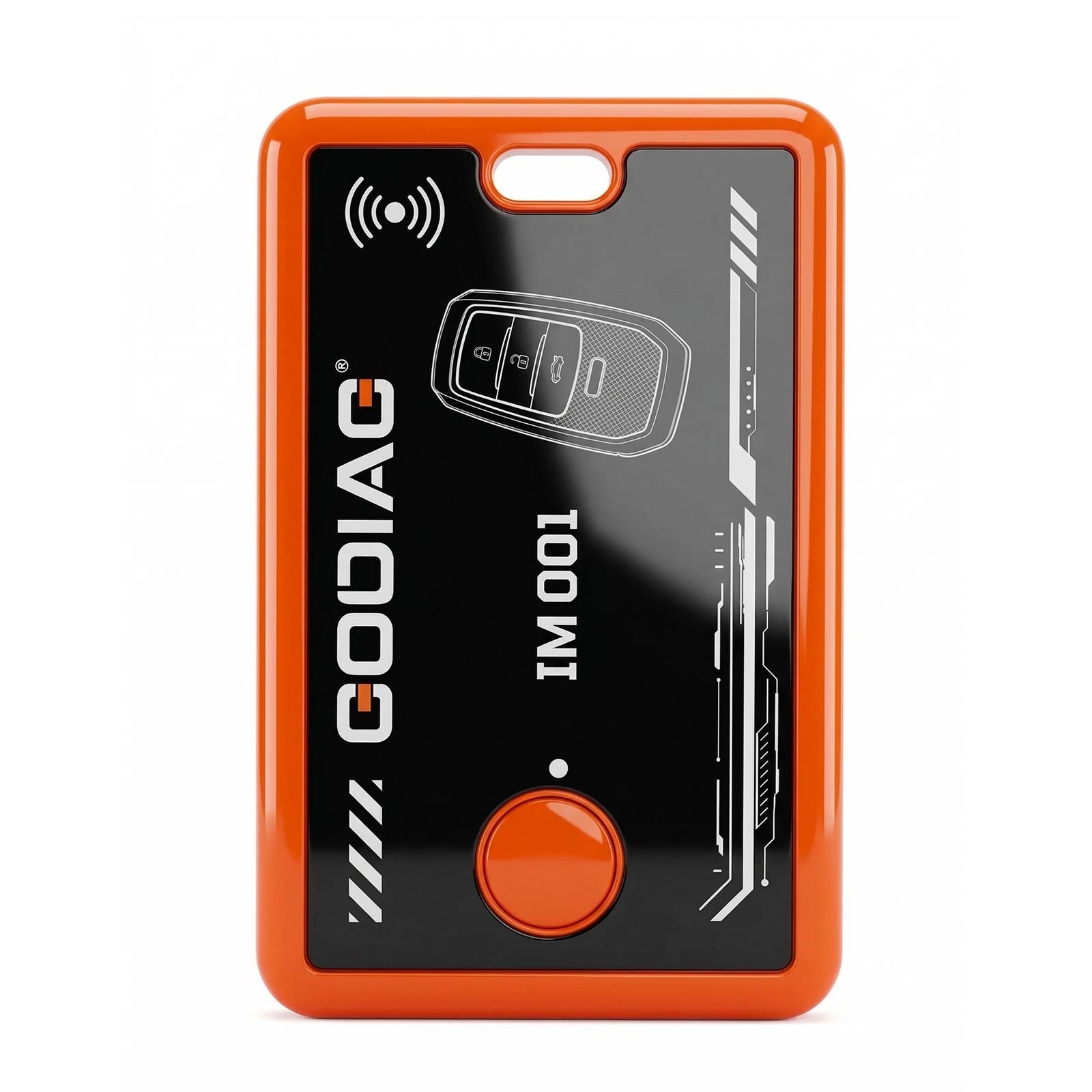
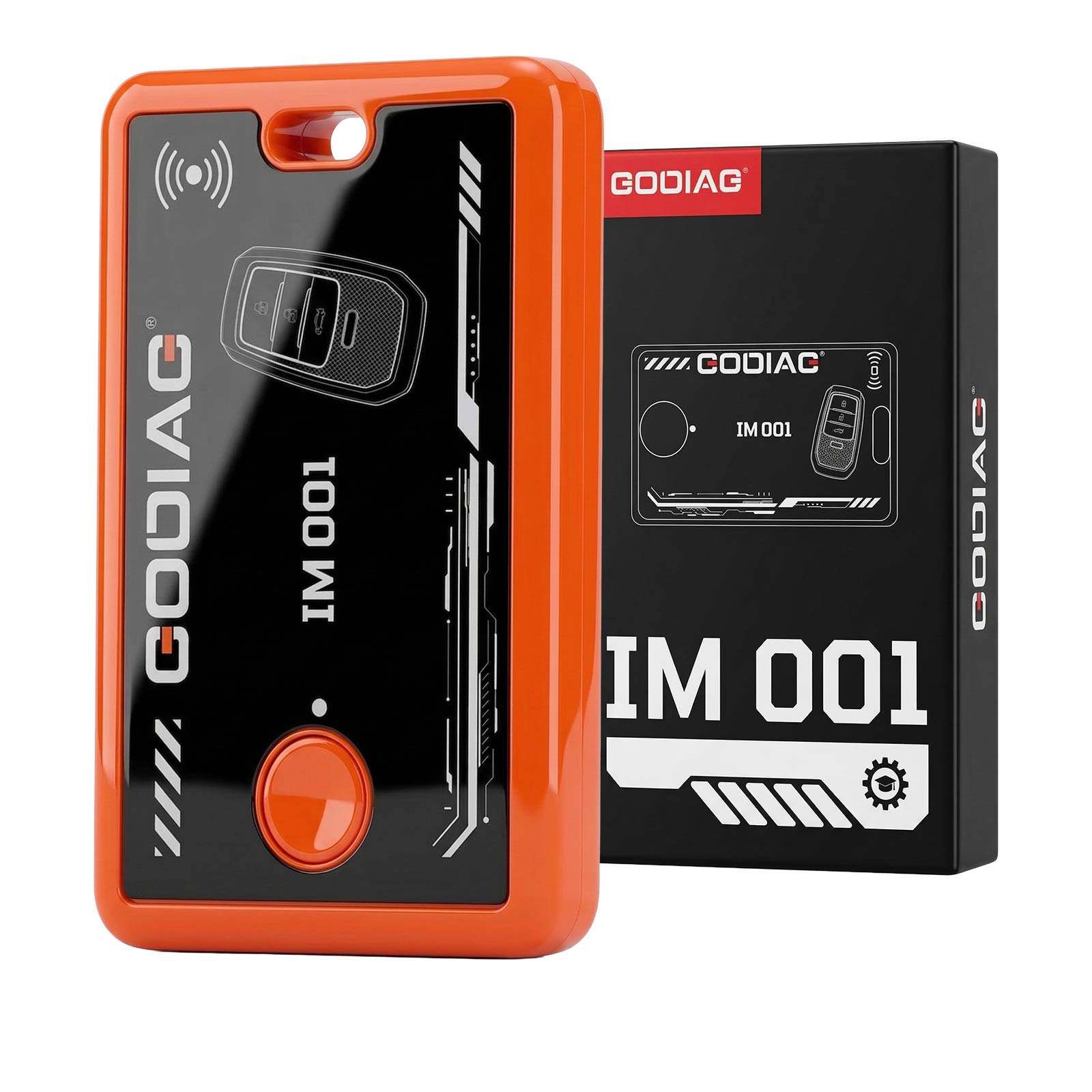
ITEM 2: GODIAG IM001 Lo-cked Key Re-use Tool for Toyota/Lexus Support 4A-AA BA
Stop worrying about lo-cked For Toyota 4A-AA/BA keys! GODIAG IM001 offers the ultimate solution to breathe second life into original k-eys.
Core Highlights:
High Compatibility: Specifically engineered for Toyota 4A-AA BA original lo-cked keys.
Non-Destructive: 100% preserve original key integrity—no dismantling required.
Convenient & Efficient: A streamlined 3-step operation designed for speed.
Global Ready: User-friendly interface with customizable language support for international markets.
How to Use? The Simple 3-Step Process:
Step1: Simulate Ke-y Generation: IM001 reads the secure identifier (Ke-y ID) and simulates a matching key using smart internal data.
Step2: Match to Vehicle: Use the IM001 device as the replacement ke-y during the vehicle matching process.
Step3: Write-Back Operation: IM001 writes the complete data back to the original lo-cked key, reactivating it perfectly.
Package includes:
1pc x Main unit
1pc x User manual
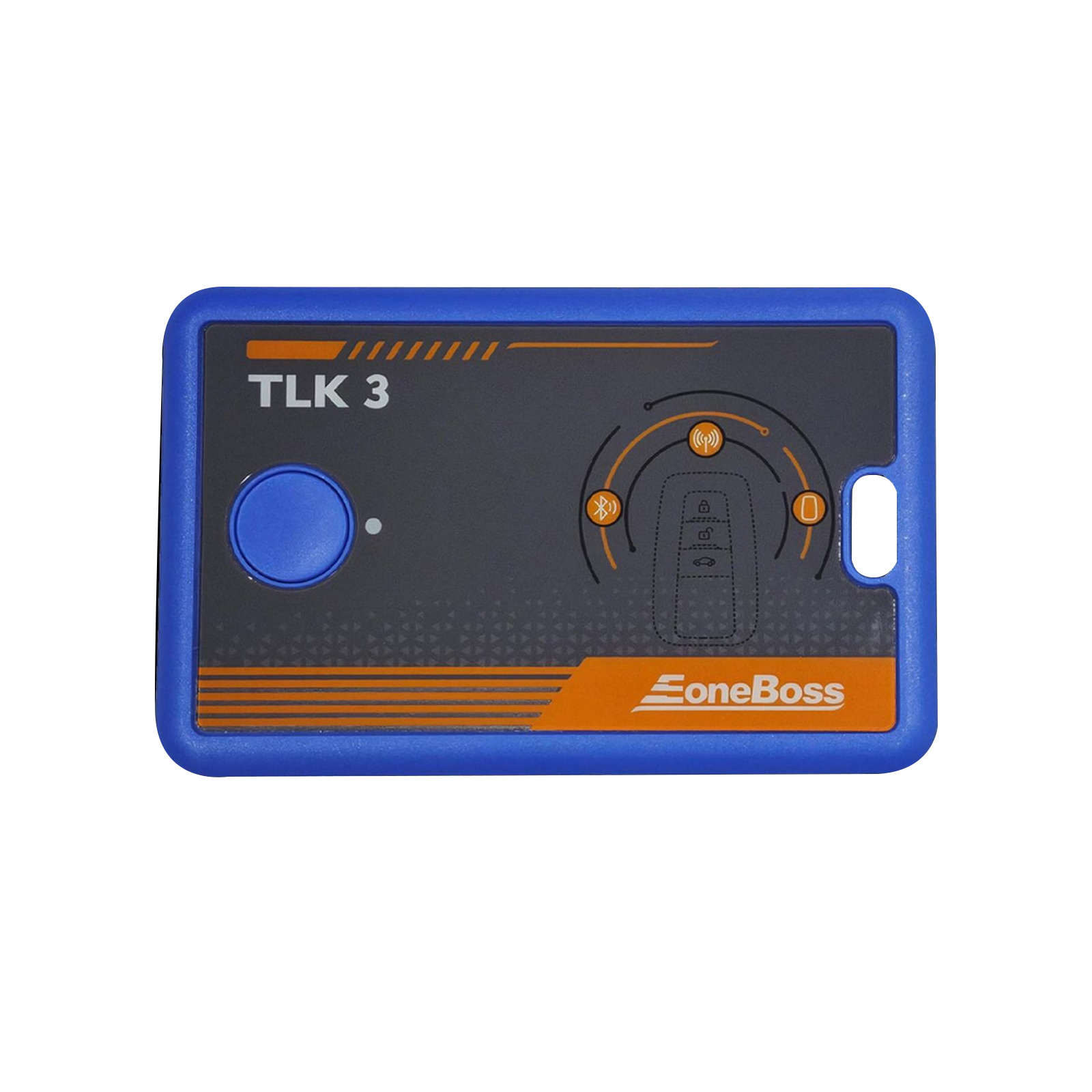
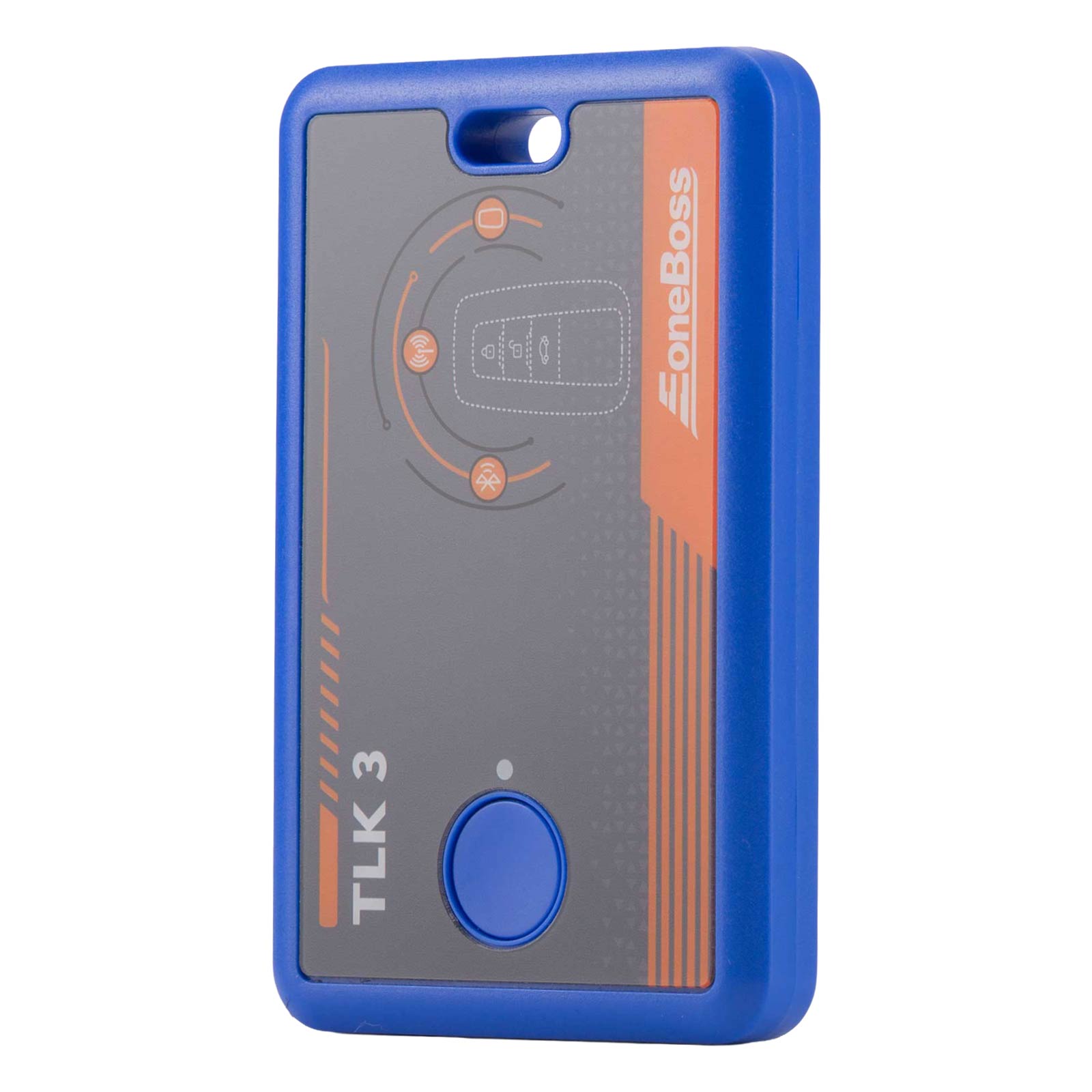
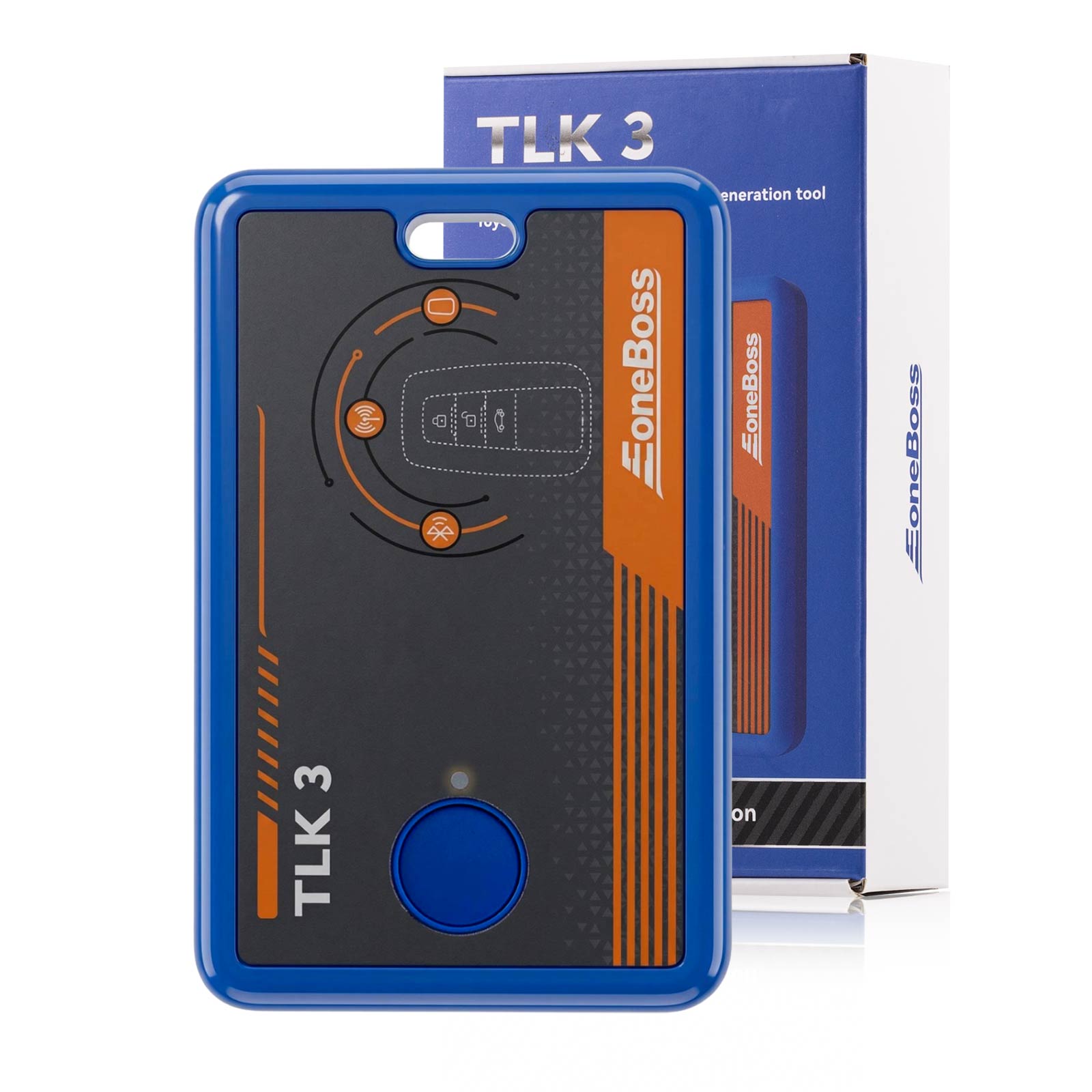
ITEM 3: EONEBOSS TLK3 Supports Data Reading Automatic Frequency/ Vehicle Brand/ Chip Type Detection
Are you tired of the complications when generating Toyota keys?
We know the struggle every l-o-cks-m-ith faces:
“Which option do I select?”
“Is the frequency sequence correct?”
“Did I pick the right chip type?”
Stop wasting time.
It’s time to streamline your workflow with the all-new EoneBoss TLK3!
The Ultimate Solution for Toyota Key Generation
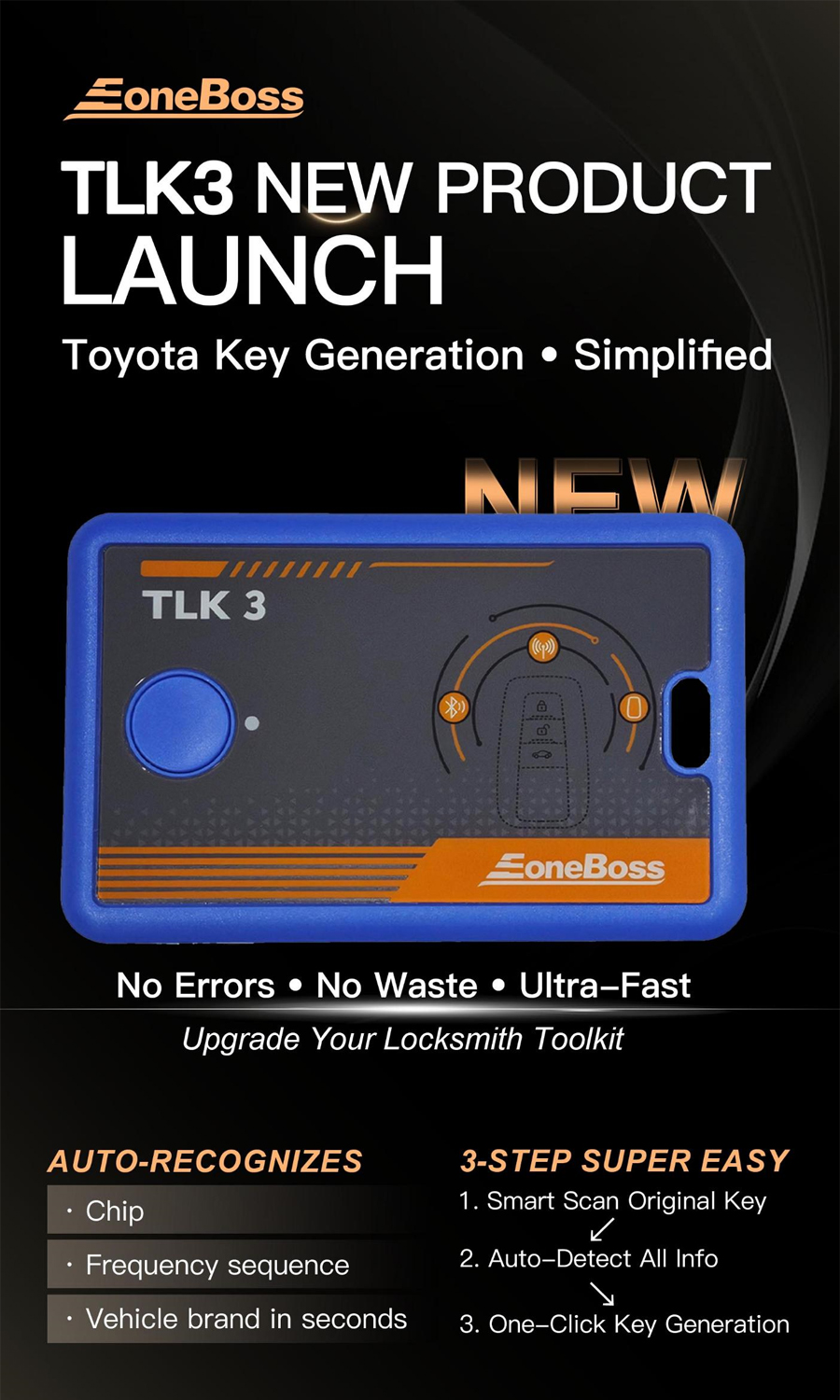
The TLK3 is designed to eliminate confusion. It directly reads data from the original key to automatically identify the Vehicle Brand, Chip Type, and Correct Frequency Sequence in seconds.
Why choose the TLK3?
✅ Smart Identification: 100% accuracy in identifying key frequency, sequence, and chip type.
✅ All-Keys-Lost (AKL) Capture: Direct ignition coil signal capture—no more guessing.
✅ Aftermarket Unlo-cking: Effortlessly reset lo-cked keys to "Virgin/Unlo-cked" status. No wiring, no disassembly!
Support for Toyota / for Lexus / for Subaru Smart Keys:
Smart Key Identification:
With just a few simple steps, the TLK3 can automatically identify and capture the current key's frequency, frequency sequence, and chip type. Once the data is read, you can generate a corresponding smart key using an ET Key, or select other third-party smart key based on the information.
All Keys Lost (AKL) Data Capture:
The TLK3 can directly capture signals from the vehicle's ignition coil to identify the actual key frequency, frequency sequence, and chip type. After reading the data, you can proceed to generate a corresponding smart key using an ET Key, or select other third-party smart keys based on the captured information.
Aftermarket Keys Unlo-cking:
No disassembly or wiring required. Lo-cked aftermarket keys can be directly reset to an unlo-cked (virgin) state. Once unlo-cked, the key can be programmed to the vehicle normally via OBD matching.
Operating Instructions
1.App Download
Scan the QR code on the right to download and install the EoneBoss APP.
2.Connecting TLK3
· Press and hold the Power Button for 3 seconds to turn on the device. Ensure your phone's Bluetooth is enabled.
· Open the EoneBoss App and navigate to the corresponding function interface. Follow the on-screen instructions to complete the setup.
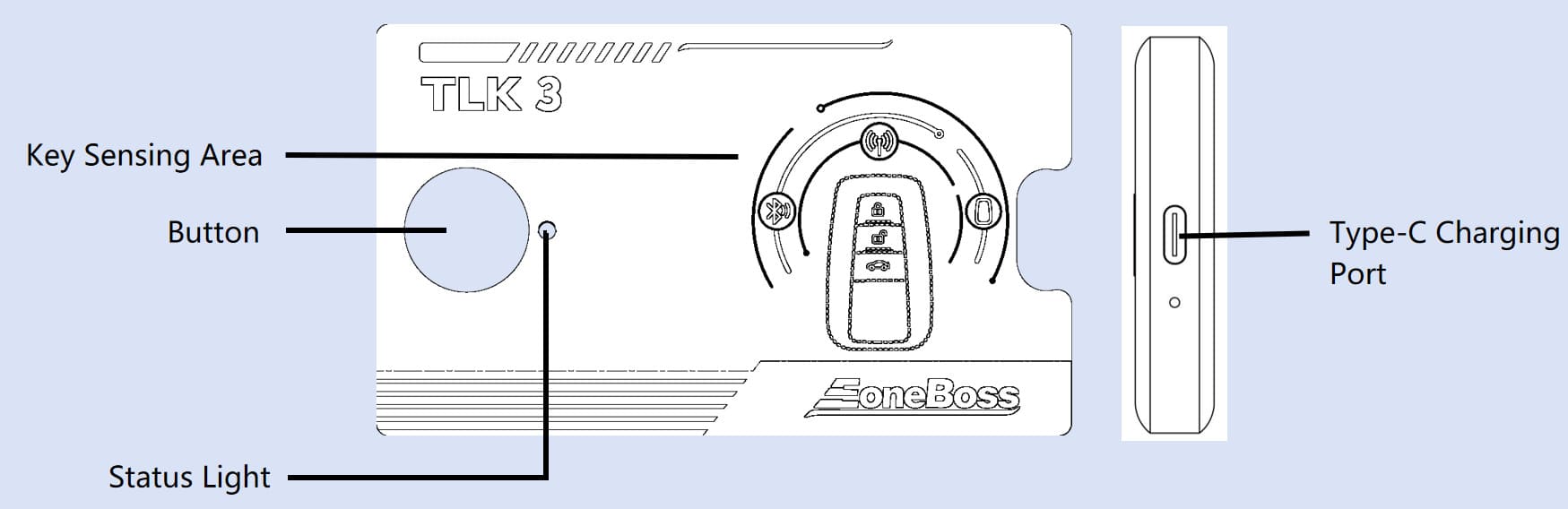
✅ Status Light Indicators Description of corresponding functions
Green : The device Function indicator light
Red: The device is currently charging
Blue: The device Bluetooth indicator light
✅ Button Functions
·Power On: Press and hold for 1s(one beep)
· Power Off: Press and hold for 2s(one beep)
· Forced Power Off: Press and hold for 5s(No beep)
✅ Power Options
Includes a built-in 3.7 V, 450 mAh battery; supports simultaneous charging and use. Defaults to external power and switches to battery when needed
✅ Compatible Power Sources
Can be powered by mobile phone chargers, computers (USB), power banks, and standard 5 V adapters
✅ Low Battery Warning
When the battery is low, the device will beep 3 times and automatically power off. Please charge it promptly.
Package includes:
