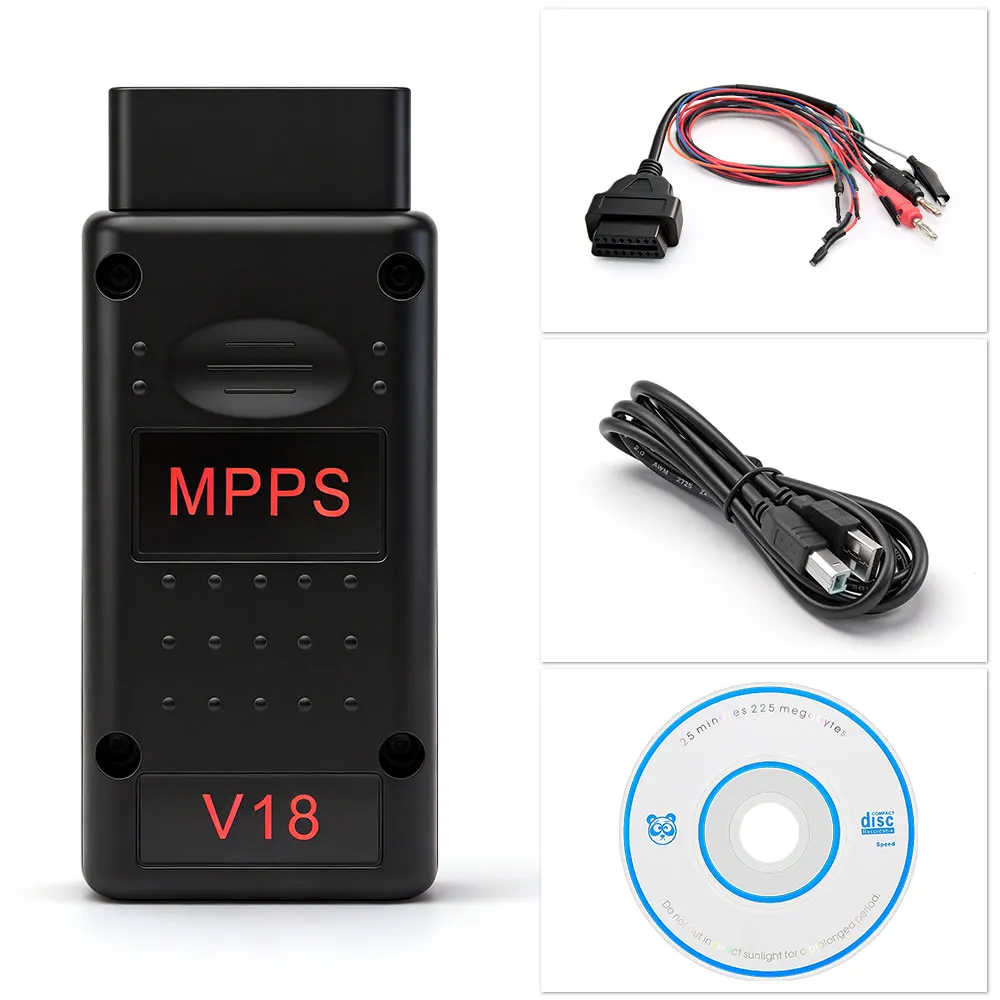
MPPS V18 Unlock Version ECU Chip Tuning OBD2 Auto Diagnostic Tool
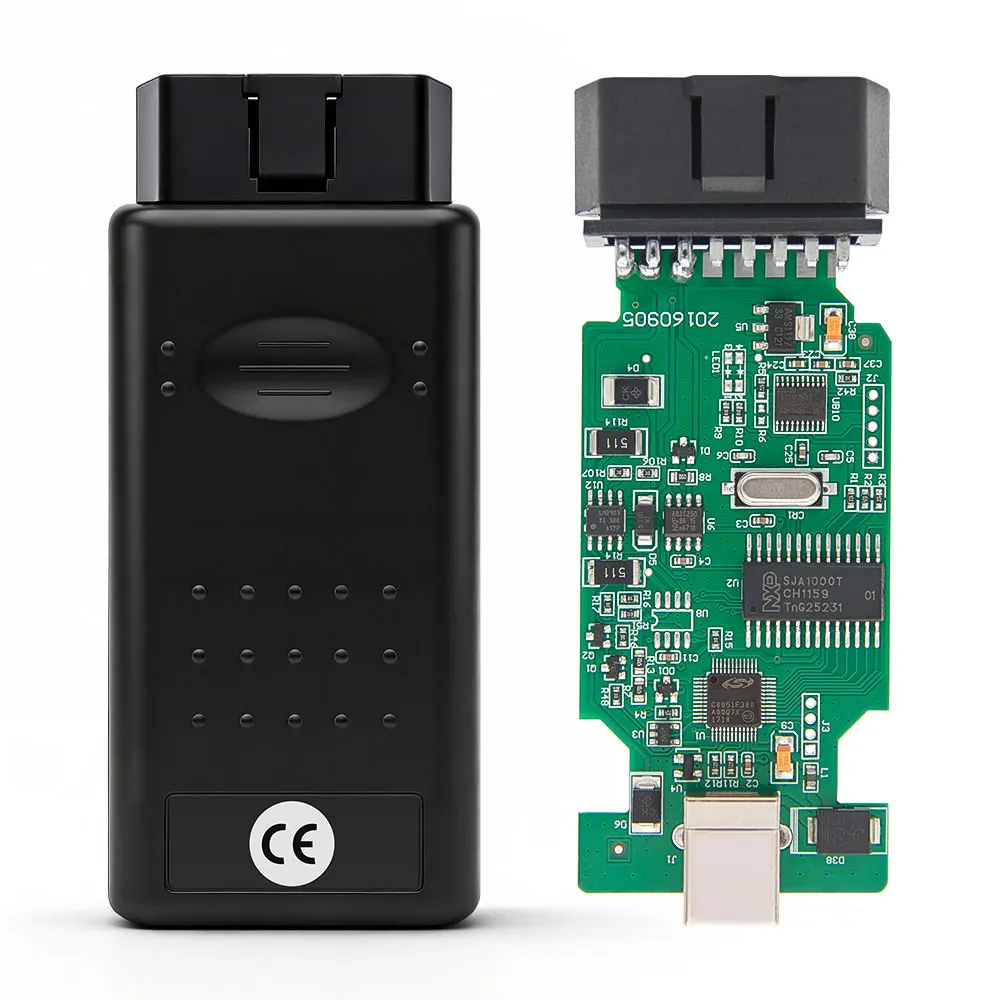
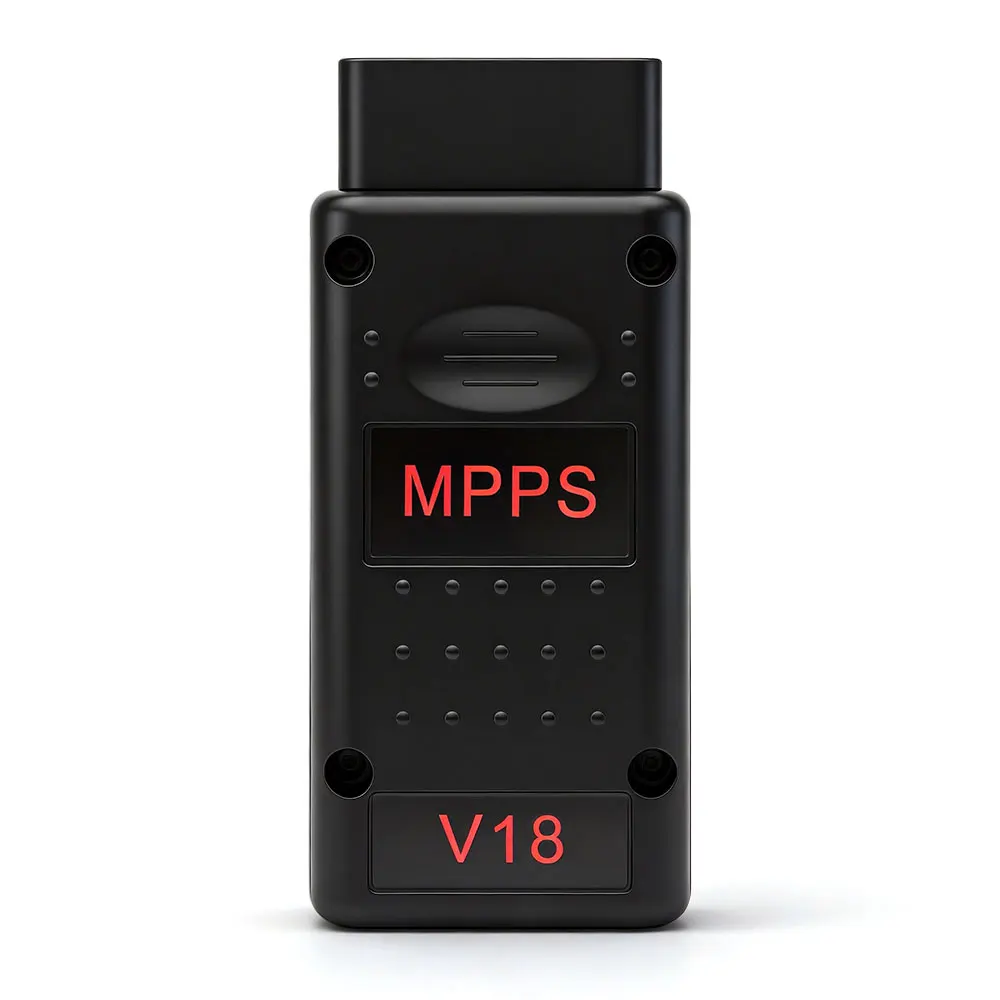
The MPPS V18 is a powerful ECU chip tuning tool designed for automotive professionals and enthusiasts. This tool enables efficient remapping and diagnostics for various ECU types, including EDC15, EDC16, and EDC17.
Key Benefits
- Advanced ECU tuning capabilities for enhanced vehicle performance.
- Read and write data without the need for a BDM programmer.
- Supports multiple ECU types for versatile applications.
- Easy to use with a straightforward installation process.
- Compact design for portability and convenience.
Specifications / Details
- Model: MPPS V18
- Compatibility: EDC15, EDC16, EDC17, and various Fiat models.
- Connection: OBD2 interface for easy vehicle connectivity.
- Software Requirements: Windows 7 (32-bit and 64-bit) English version.
- Driver: Must use the driver included on the CD provided.
- Features: Full read/write capabilities for Micro, Flash, and EEPROM.
What's Included
- MPPS V18 Diagnostic Tool
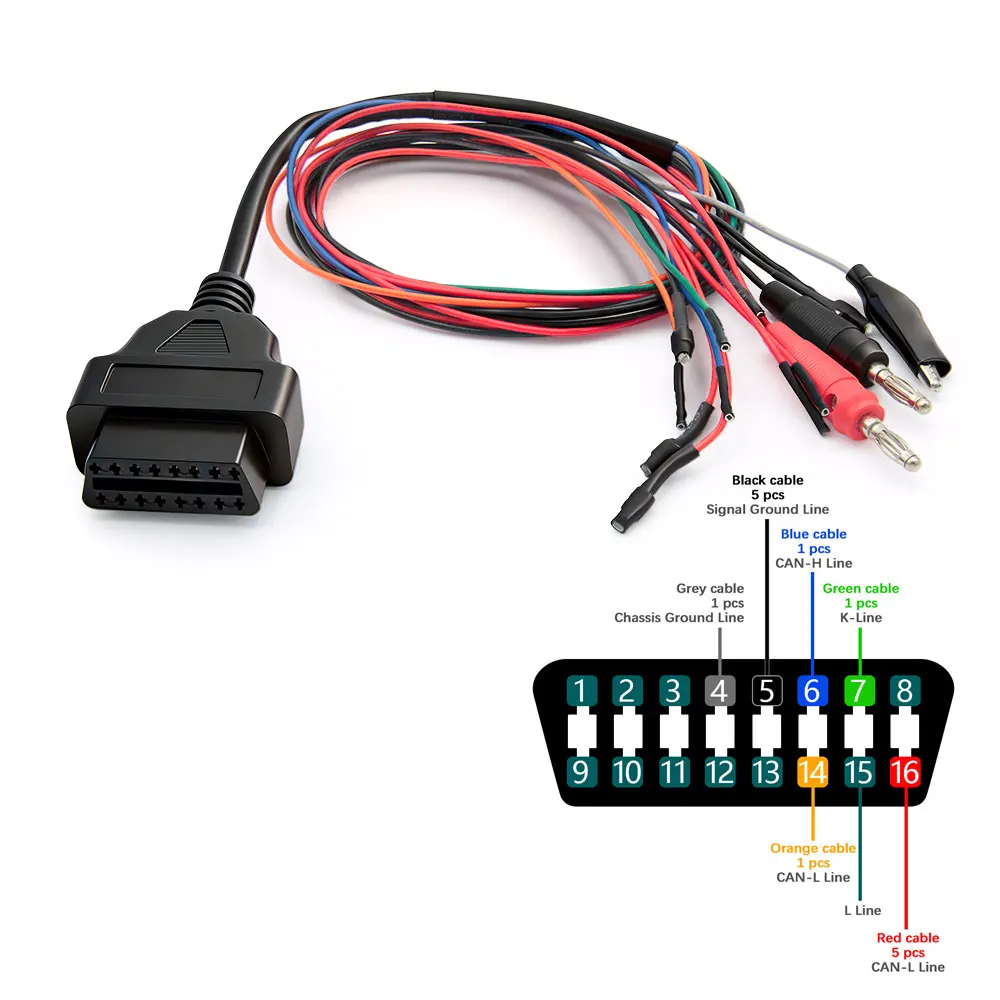
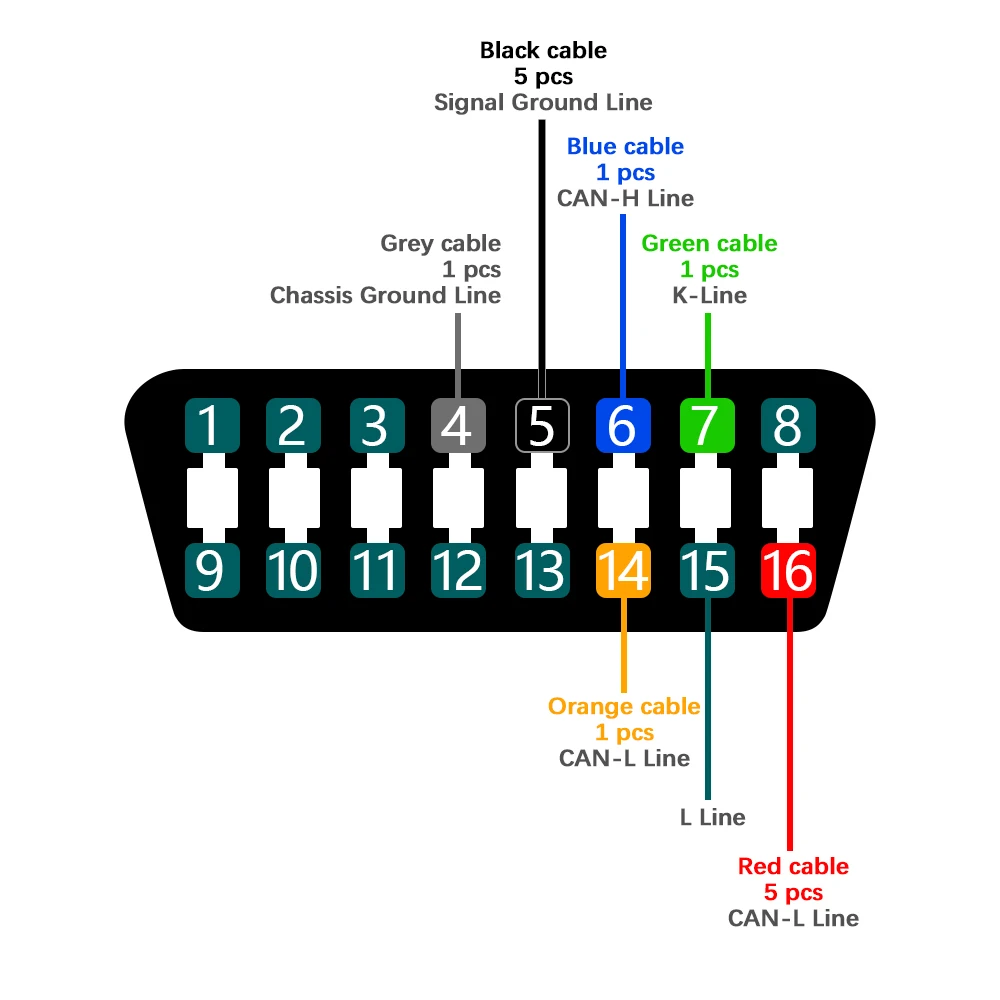
- Tricore Breakout Cable
- USB Cable
- Driver CD
Usage & Tips
- Ensure the software is installed correctly before connecting to the vehicle.
- Always use the driver provided to avoid compatibility issues.
- Keep the tool updated for optimal performance.
- Refer to the user manual for detailed instructions on specific ECU types.
- Handle the device with care to maintain its longevity.
Customer Support & FeedbackYour satisfaction is our priority. If you have any issue with your order, please contact our support team first — we’re here to help and will resolve it quickly. If you’re happy with your purchase, we’d really appreciate a 5-star rating and positive feedback. Your support helps our small business grow. Thank you!
Your satisfaction is our priority. If you have any issue with your order, please contact our support team first — we’re here to help and will resolve it quickly. If you’re happy with your purchase, we’d really appreciate a 5-star rating and positive feedback. Your support helps our small business grow. Thank you!
FAQs
- What vehicles are compatible with the MPPS V18? The MPPS V18 is compatible with various ECU types, including those from Fiat, Marelli, Delphi, and Siemens.
- Can I use this tool for diagnostics? Yes, it is designed for both tuning and diagnostic purposes.
- Is it easy to install? Yes, follow the provided instructions for a smooth installation process.
- Do I need additional software? No, the necessary software is included with the tool.
- What should I do if the software doesn't open? Ensure the correct driver is installed from the provided CD.