Notice:Please choose the variation you want before place order,you will get what you choose!
Three Mode :1 x Remote (only) ,1 x Nunchunk (only), 1 x Remote & Nunchunk,2 x Remote & 2 Nunchunk
Remoter Controller= 1x motion plus wii remote (not with nunchuck)
Nunchuck= 1 x nunchuck alone
Remote+Nunchuck = 1 x motion plus wii remote + 1 x nunchuck
Remote + Nunchuck(Black+White) =2 x motion plus wii remote + 2 x nunchuck
Features:
- Newest Version,More stable
- Material: Premium ABS plastic
- Connection: Bluetooth
- Wireless connection distance: About 8 meters
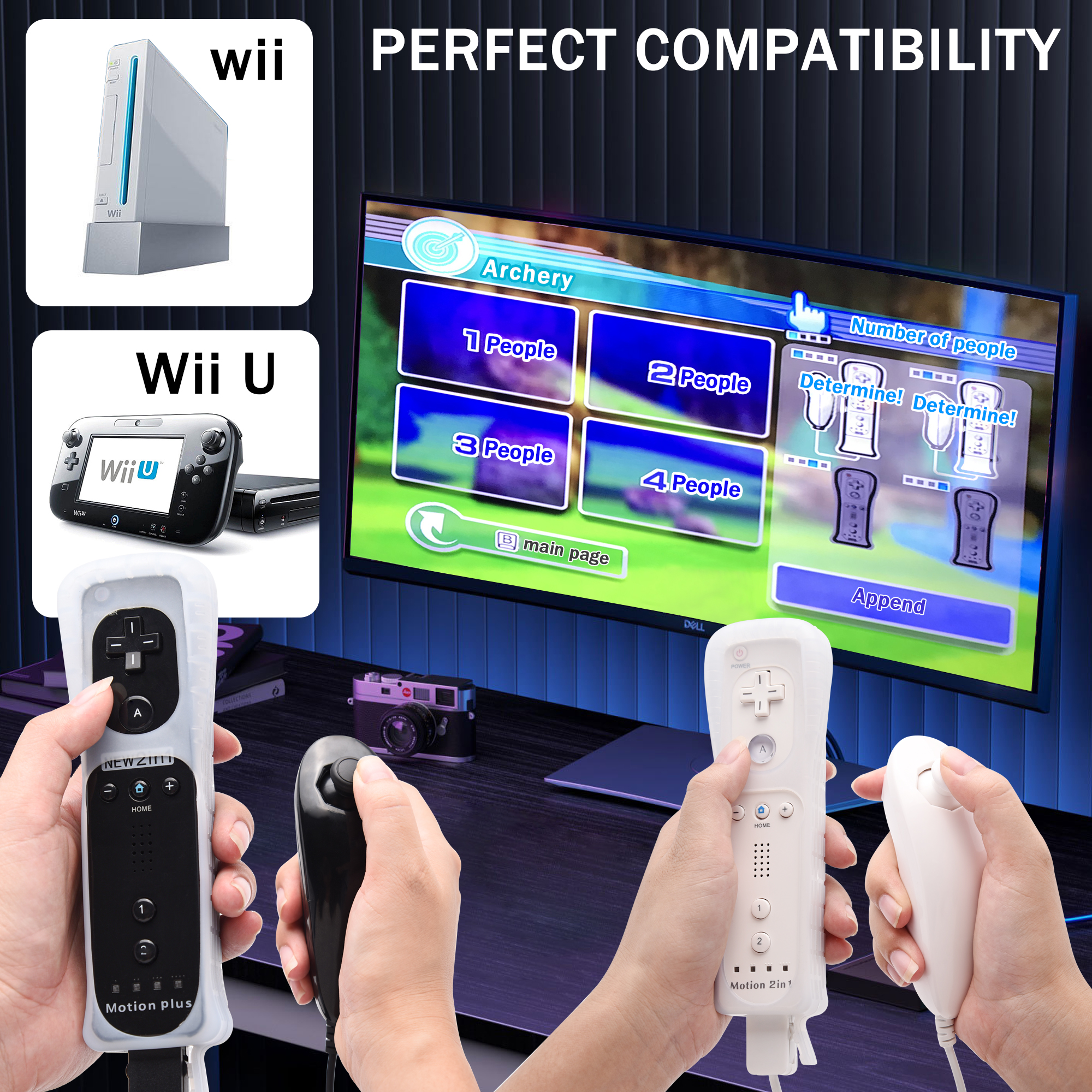
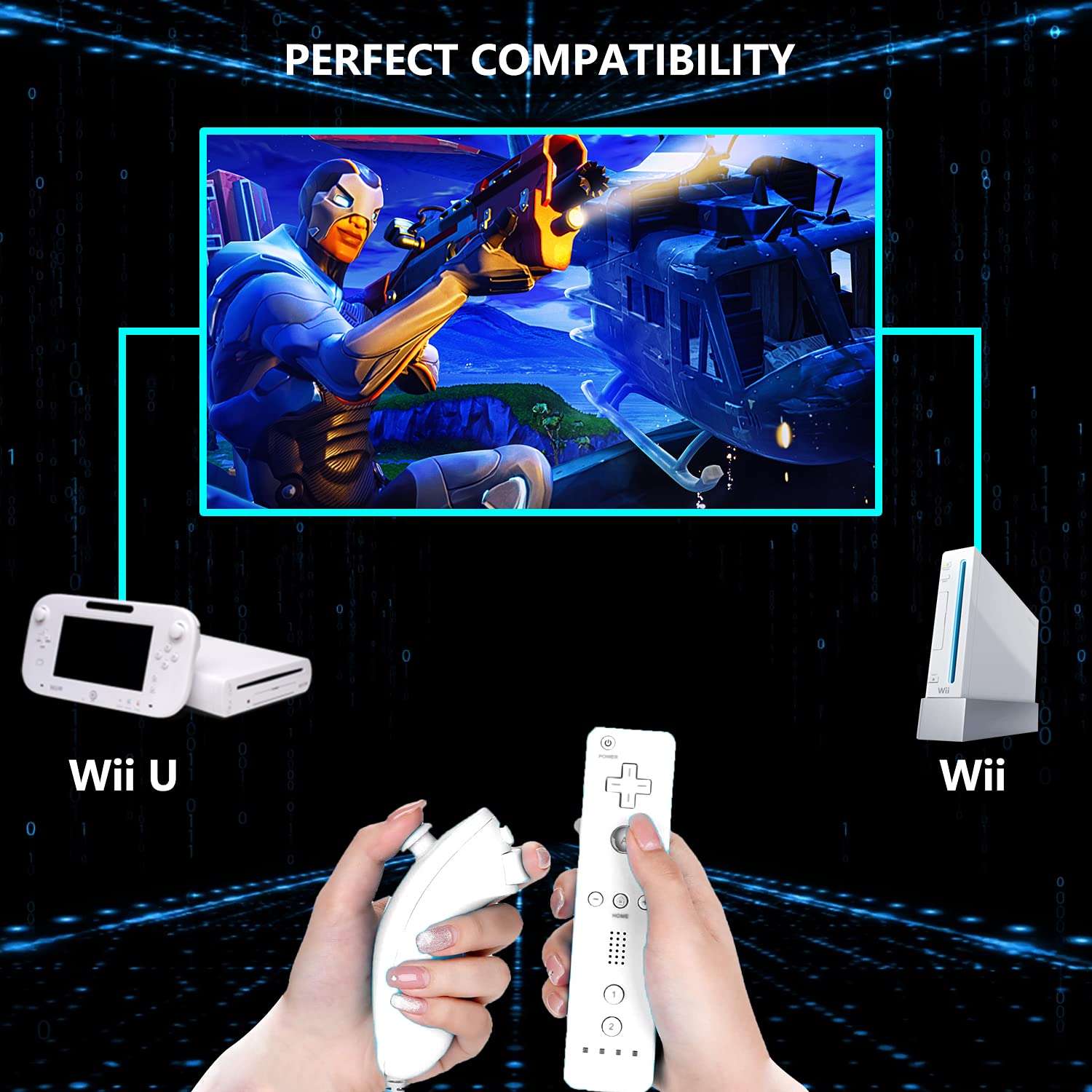
- Compatible: For Wii / wii u console (NOT Pair to PC)
- Battery Properties: 2 AA batteries (not included)
- Cable length of wired Nunchunk: 100cm
- Third party product
For Remote:
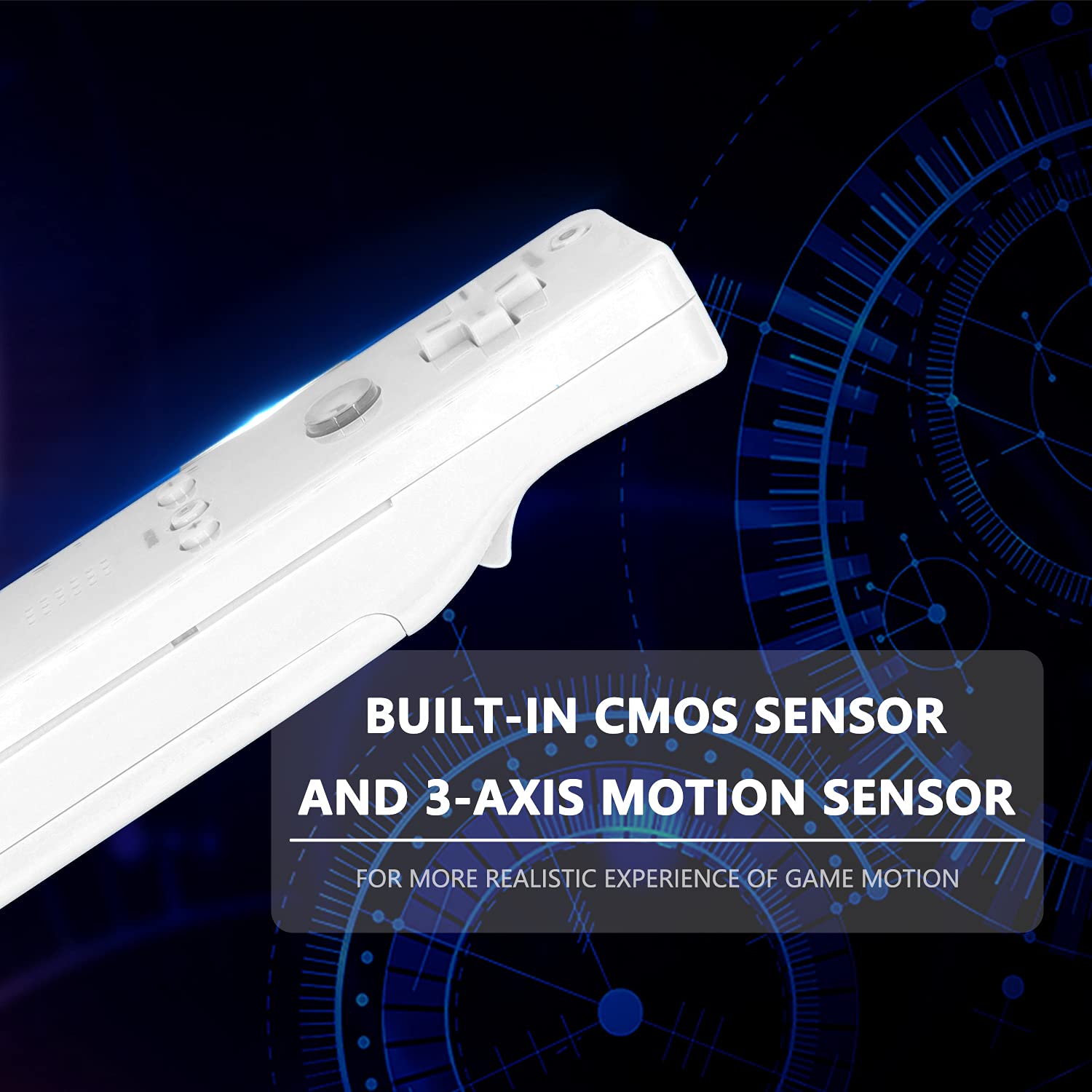
Motion Plus Built-in,don't need to buy Motion Plus separately
Our wii controller makes the motion plus invisible inside the remote, and when the wii and wii u games requires for, it can proceed to the next and no need to attach extra motion plus.
Our wii controller makes the motion plus invisible inside the remote, and when the wii and wii u games requires for, it can proceed to the next and no need to attach extra motion plus.
- All buttons are accurate and precise to the clicks
- Motion Plus/Sensor included. (Rumble features)- you can play Sport resort and other Motion games. Sports resorts include golf, entertainment, tennis, table tennis, etc.
- EASY SYNC STEPS -- Push the small button on the controller (where the batteries go) then push the red button on the Wii console (under the little door), then you’re able to synchronize with Nintendo Wii.
- sensitivity can be adjusted
- LED indicators -- LED lights will indicate which player you're.
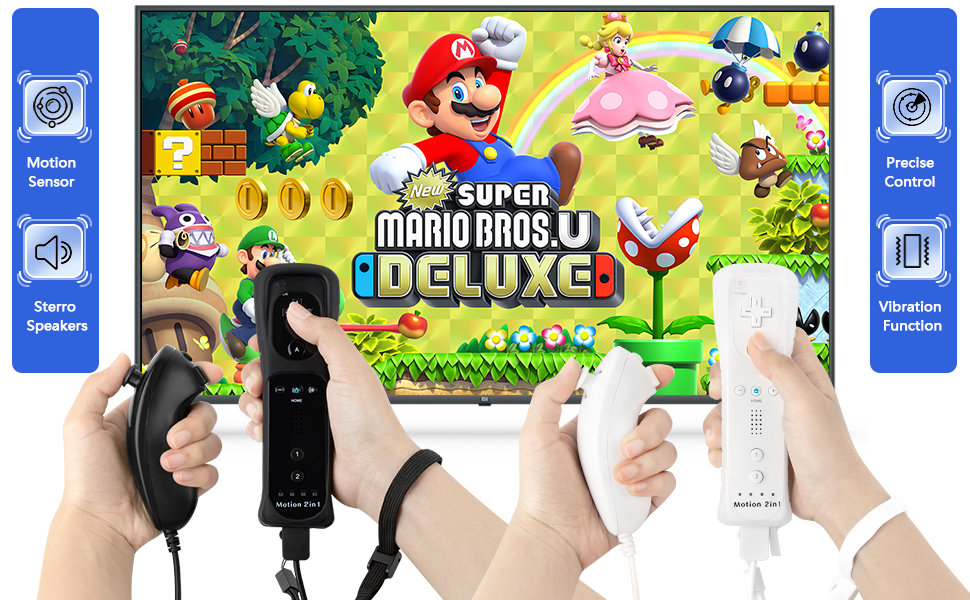
- Wii remote controller comes with built in motion plus ,silicone case cover and hand straps.(batteries not included)
Silicone Protection--Wii Remote Control with Silicone Case, Ergonomic Design, Dustproof and Comfortable to Hold. Wearing a wrist strap provides extra security. Provide security for your gaming experience.
- Each wii remote comes with a motion plus. The Wii Plus Remote is available in black, white, blue, and pink,dark blue,red
- The Wii Plus Remote requires two AA batteries to operate (not included,suggest energizer,Duracell Alkaline AA Battery). It is recommended that you use only high-quality alkaline batteries for the best gaming performance and longer battery life.(do not use recheagable battery and battery pack)
- pairing:1 x install energizer,Duracell Alkaline AA Battery(not included),enter into HOME Menu ,then press sync button on wii remote and wii controller,sometimes it need to press 2-3 times on wii console to pair with,wait 15-20seconds to pair until one led keeps on,the second set must do the same pairing step
- If have a connection issue or other problem,just feel free to contact us,we will privode a solution,minor mistake on pairing step will lead to fail connection,please let us know if you have issue with it
Specifications:
Third party product
For Remote:
Compatible with Wii & Wii u console
1. Color: Black, White,Red,light Blue,dark blue,Red,Hot Pink
2. Connection: Bluetooth
3. Control distance: Approx. 5m
4. Size of remote controller: 14.8*3.5*3cm / 5.8*1.4*1.2in
5. Weight of remote controller: 80g / 2.82oz
Powered by 2 AA batteries(batteries not included)
Equipped with silicone case and wrist strap
For Nunchuck
Compatible with Wii remote to play on wii/wii u console
Cable length of wired Nunchunk: 100cm
Weight of wired Nunchunk: 66g / 2.32oz
Easy and convenient to operate
The wired Nunchunk has the function of thumb stick and triggers. Plug it into the remote controller when using
The Nunchuk is an accessory for the Wii Remote that allows you to control compatible games
By connecting the Nunchuk to the Wii Remote via a cable, you gain access to additional buttons, a directional stick, and additional motion-based controls.
Notice: please plug into the wii remote,then to turn wii or wii console to pair
Package List:
For Remote
1 x Remote controller with motion plus
1 x Silicone case for remote
1 x Wrist strap
1 x Silicone case for remote
1 x Wrist strap
For Remote + Nunchuck
1 x Remote controller with motion plus
1 x Silicone case for remote
1 x Wrist strap
1 x Silicone case for remote
1 x Wrist strap
1 x Nunchuck
For Nunchuck
1 x Nunchuck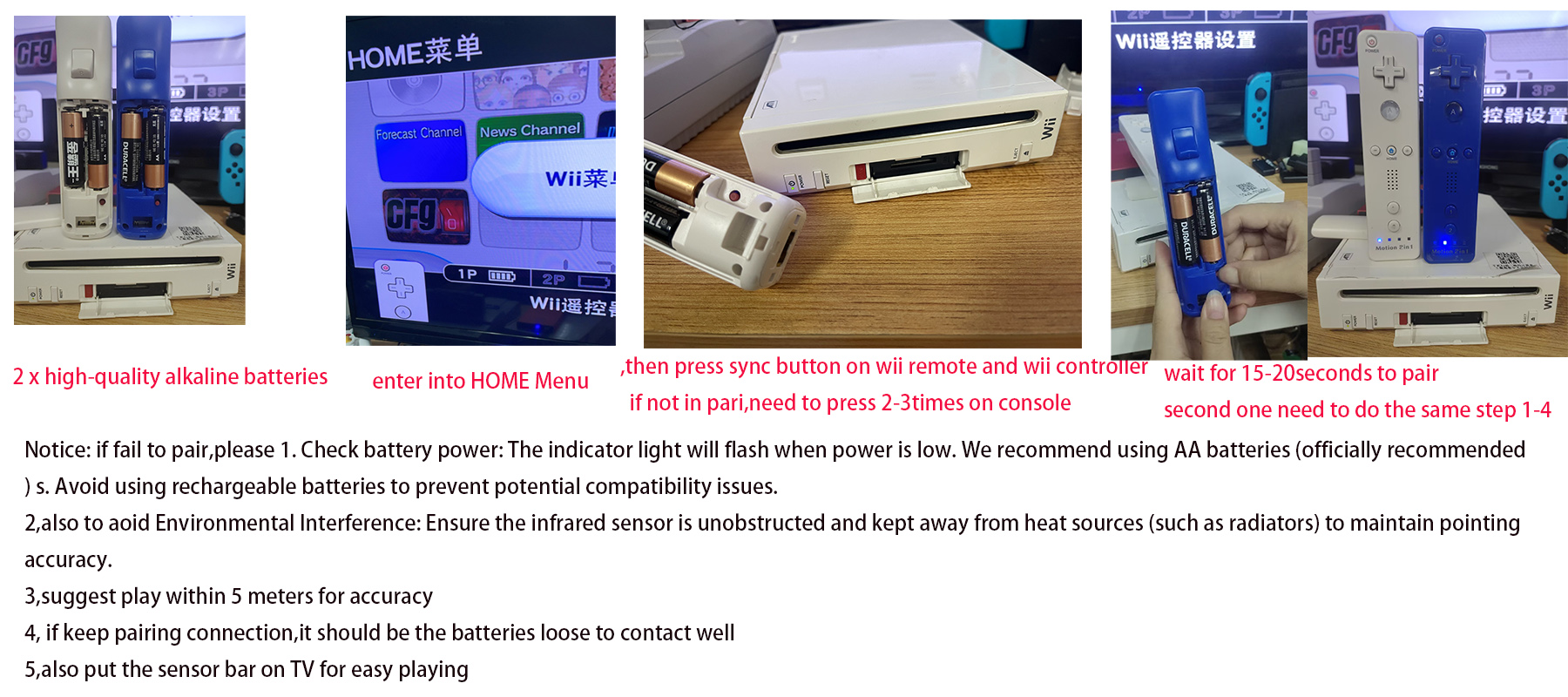

❤Connecting instruction:
❤If the connection is lost, please check:
1. If the battery voltage is below 2.3V, the connection may be broken. Please change to new batteries;
2. The batteries could be loose;
3. Please do not place the controller too close or too far from the Wii host. Keep the distance within 196 inchs.
4. You can try holding down the red button on the back of the controller (SYNC button) and the SYNC button on the Wii console once again.
❤Tips:
Low-power instructions: The connection indicator flashes quickly.
Please replace the new batteries in time when the low voltage alarm occurs.
How do I pair with the console?
- 1.Open the back cover of the remote controller handle and put into 2 AA batteries. You will find a small red SYNC button beside the battery slot.
- 2.Press the red button near the battery slot to pair with the host. Atthis time, the four LEDs will flash rapidly.
- 3. Open the SD slot on the console, you will find a red sync button next to the SD slot. Then press this sync button.
- 4:Wait a few seconds, and when the pairing is complete, the LED light on the remote controller will stop flashing and stay on.The LED light indicates the player number of the controller currently in use.
❤If the connection is lost, please check:
1. If the battery voltage is below 2.3V, the connection may be broken. Please change to new batteries;
2. The batteries could be loose;
3. Please do not place the controller too close or too far from the Wii host. Keep the distance within 196 inchs.
4. You can try holding down the red button on the back of the controller (SYNC button) and the SYNC button on the Wii console once again.
❤Tips:
Low-power instructions: The connection indicator flashes quickly.
Please replace the new batteries in time when the low voltage alarm occurs.
Q&A
Can't connect with wii console?
❤Try to reset the remotes firstly.
Then, there might be too many BT links in your main engine, if it doesn't connect, please kindly try to delete all of them and connect our remote, it'll work.
Can't connect with wii console?
❤Try to reset the remotes firstly.
Then, there might be too many BT links in your main engine, if it doesn't connect, please kindly try to delete all of them and connect our remote, it'll work.
❤Put the sensor bar On TV or in front of TV,otherwise it will fail to feel the sensor
Glitches or flash back and forth on screen?
❤Press the red button on the battery cover and the start botton on your main machine at the same time.
Work, then stop working, can't continue for long time?
❤Time to do ZERO CLEARING to your main engine, just press its red button, then connect with the remote.
Glitches or flash back and forth on screen?
❤Press the red button on the battery cover and the start botton on your main machine at the same time.
Work, then stop working, can't continue for long time?
❤Time to do ZERO CLEARING to your main engine, just press its red button, then connect with the remote.
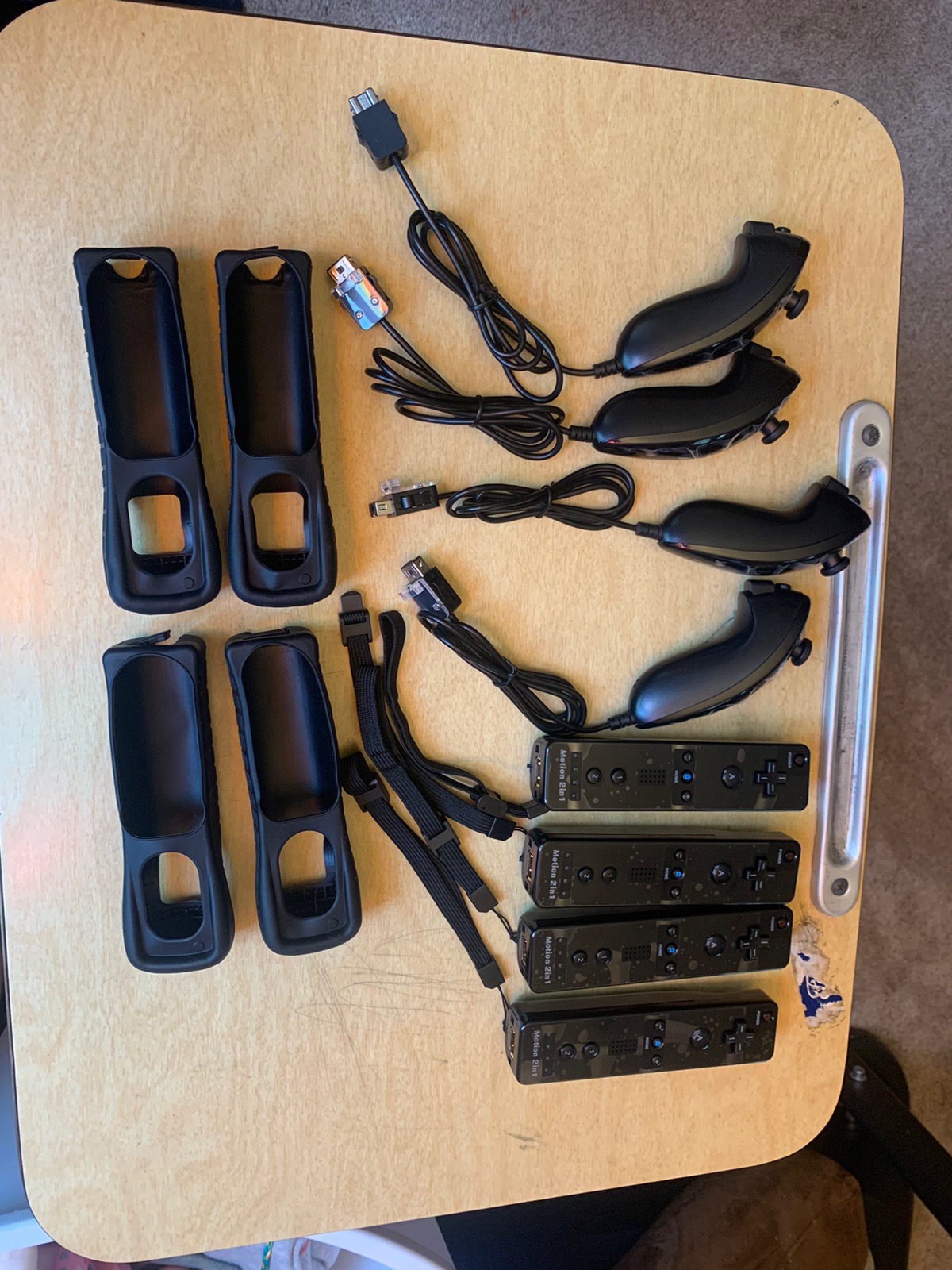
real picture:
❤Connecting instruction:
Step 1: Insert 2 AA batteries- Duracell、Energizer AA Alkaline Batteries (not included)
Step 2: enter into Wii HOME MENU to pair, press the sync button in the wii console
Step 1: Insert 2 AA batteries- Duracell、Energizer AA Alkaline Batteries (not included)
Step 2: enter into Wii HOME MENU to pair, press the sync button in the wii console
Step 3 : press SYNC button in the remote controller.
4,Connection is successful when only 1 light are on after 15-20s pairing (press "reset" in wii console if 4 lights do not stop flashing, repeat steps 1 and 2).
5,pair the second one,do the same steps as the first one!!!
IF take 2-4 set,it also need to pair in the same way
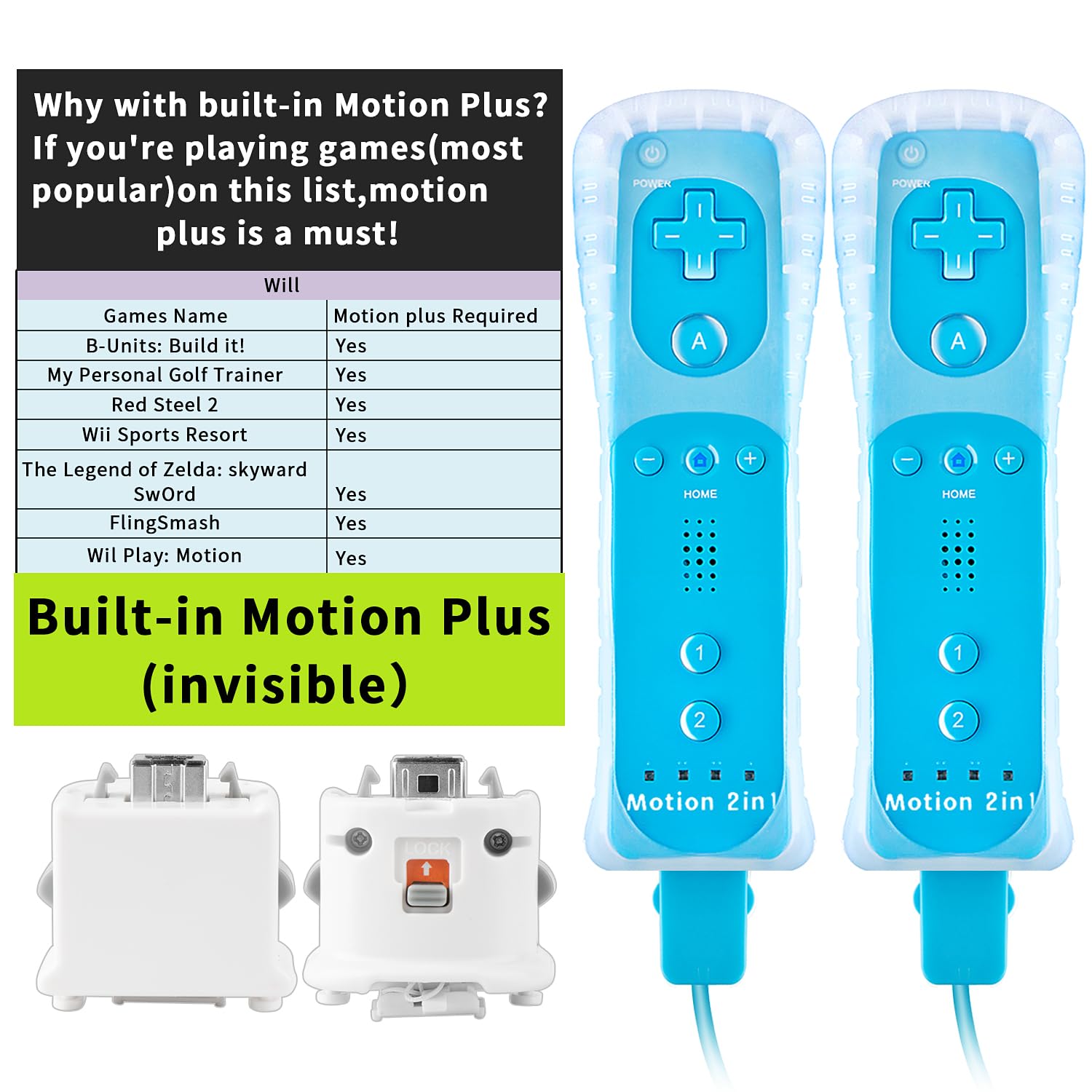
Why need a Motion plus Wii controller?
1.A variety of colors are available for you to choose from, favorite color motion plus remote controller will make you happier when playing games.
2.High specs for a better experience of the most popular games!


