
AZDOME V600-2CH 1080P+1080P Dual Dash Cam Front and Rear, 3" Dash Camera for Cars, Screen Saver, Night Vision, 24H Parking Mode Loop Recording and Time-Lapse, Easy to install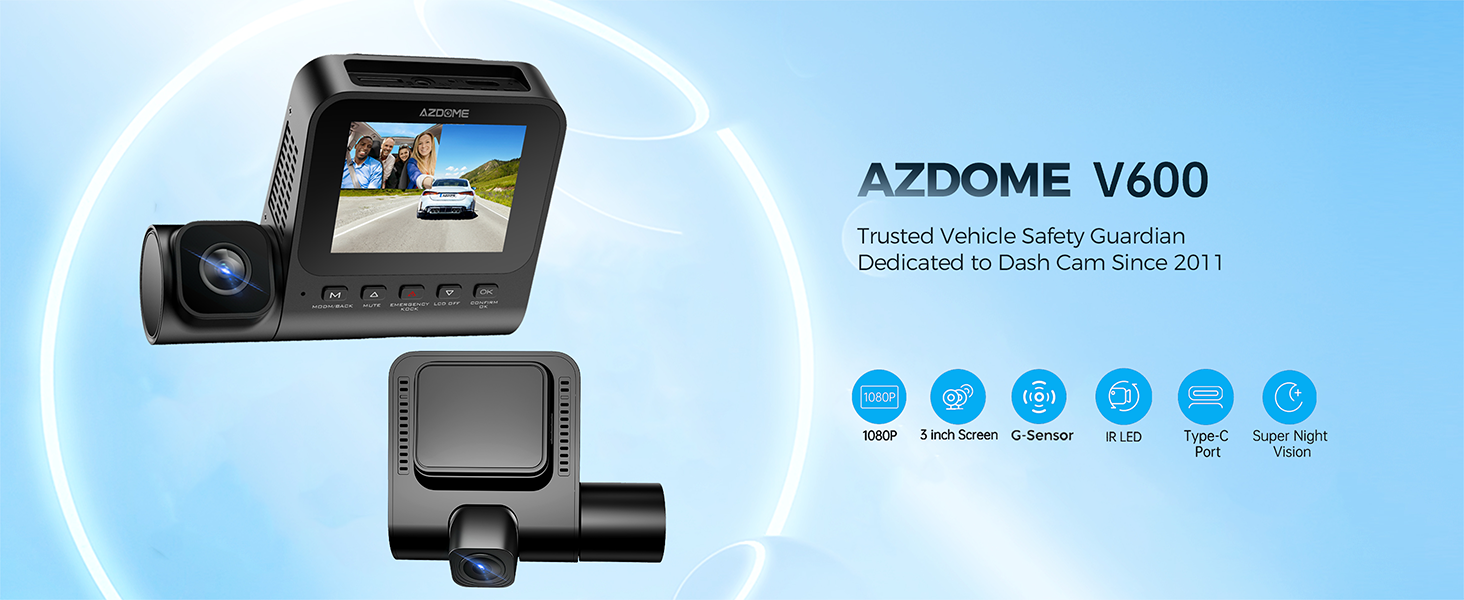
About this item
【Dual Channel Dash Cam 1080P + 1080P】
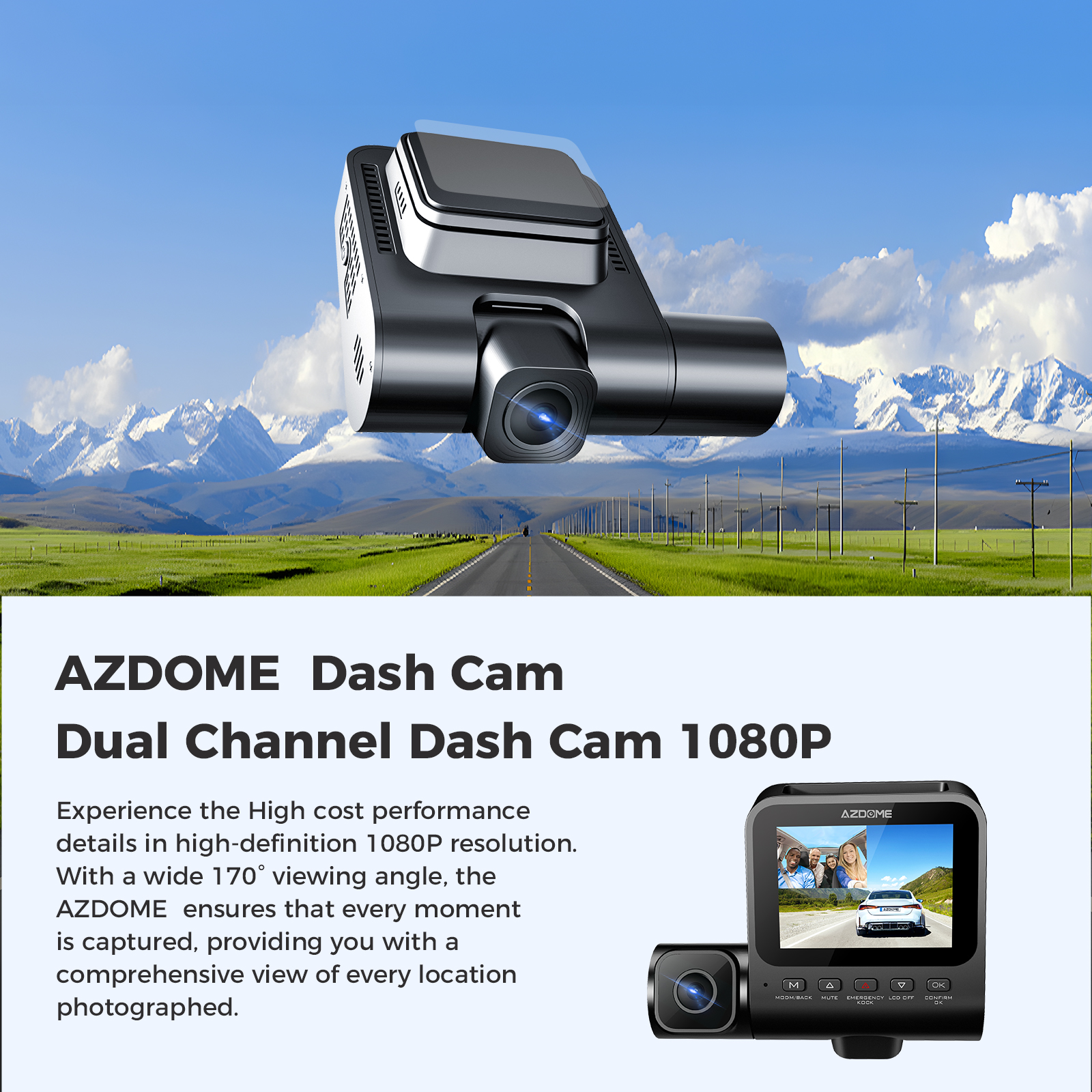
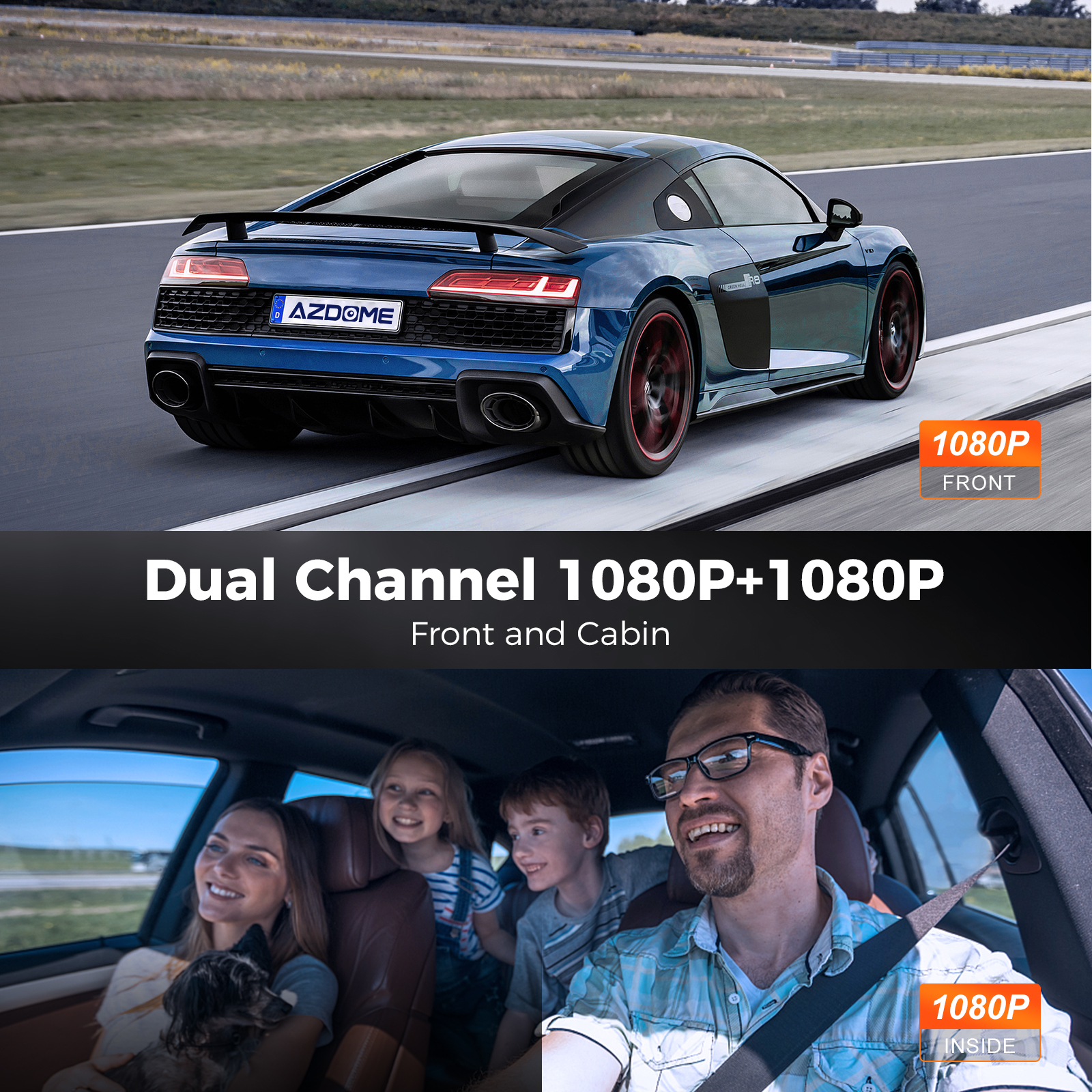
1080P resolution provides more pixels to make the recording video screen clearer and delicate. Small elements such as details and text can be displayed more clearly. V600-2CH Dual Dash Cam can record videos with two front and back perspectives at the same time, providing more comprehensive records. You can capture the traffic conditions in front and rear at the same time to ensure that you have more comprehensive driving records.
 |  |
【24-Hour Parking Monitoring】
AZDOME V600-2CH Dual dash cam offers 2 parking modes:
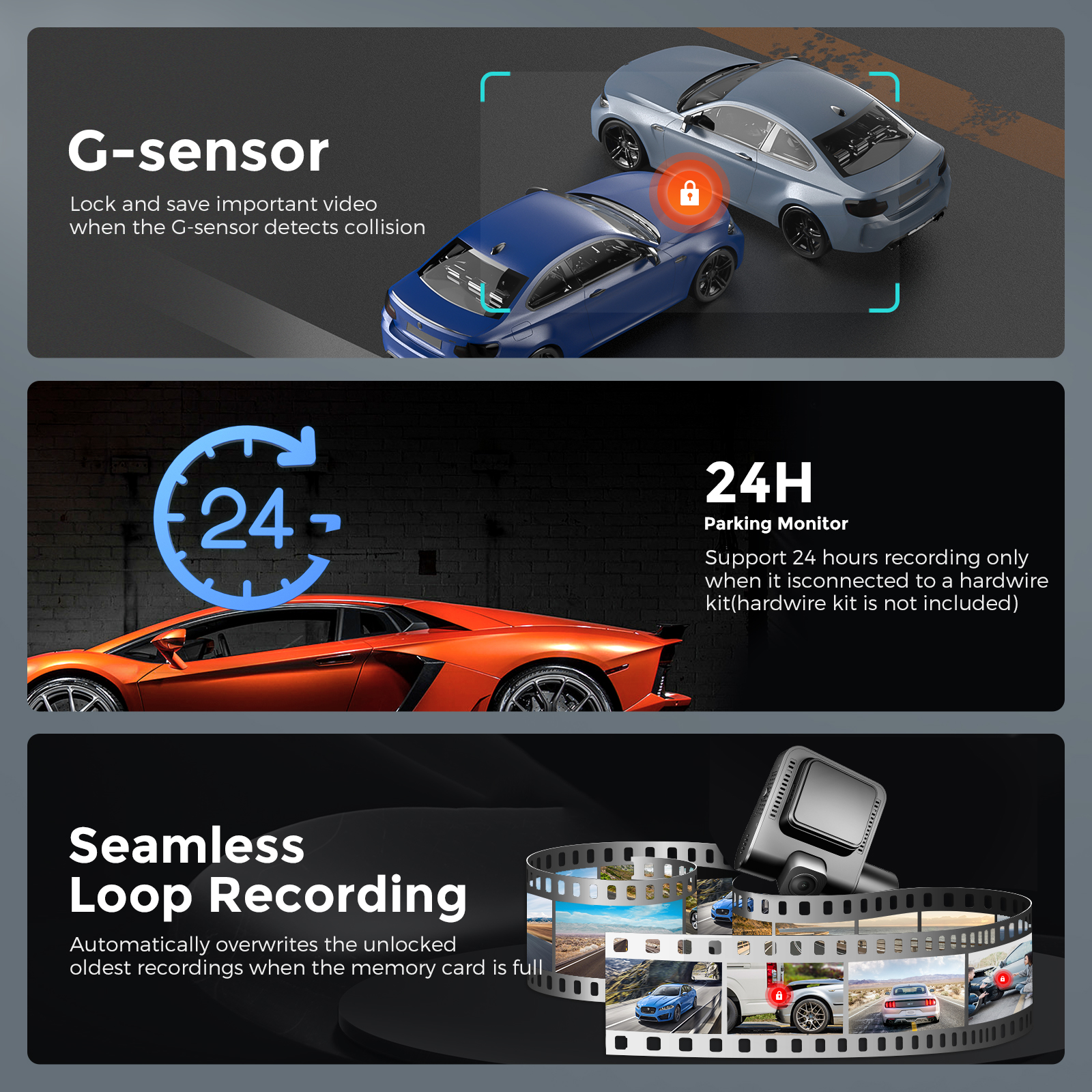
1. Collision Detection Parking Mode:If the dashboard camera's G-Sensor detects a collision or a hard hit to the vehicle, and the impact force reaches the set G-Sensor level, the camera turns on > then starts recording continuous video, and saves and locks the video in the EMR folder > then the camera turns off.
2. Time-Lapse Parking Mode:If someone hits your car, and the impact force reaches the set G-Sensor level, the camera starts locking the current loop of the time-lapse video clip, and saves and locks the video in the EMR folder > then returns to the time-lapse 1fps recording mode.
(To avoid fire, our product does not install a large capacity battery, so if you want it to work for you when the car is parked, you need to install a hard wiring kit. If you need it, you can buy it from this link: https://www.ebay.com/itm/256487986659 or https://www.ebay.com/itm/256004133341 ).
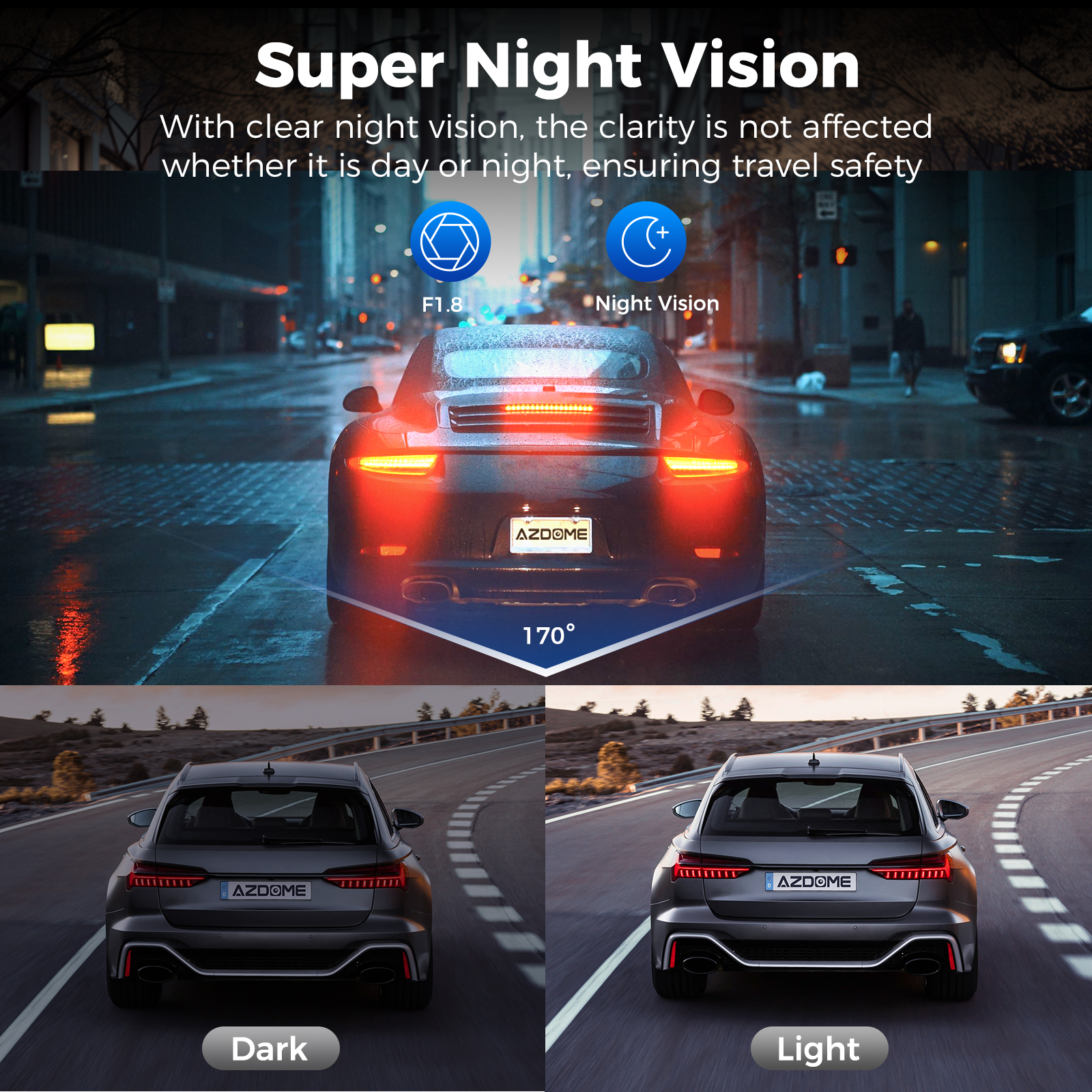
【Super Night Vision】
Equipped with a 6-element glass lens with an F1.8 aperture, the V600-2CH dash cam observes the road and automatically increases exposure to capture clear video footage in dark environments. It is a reliable guardian of your car, day or night.
 |  |
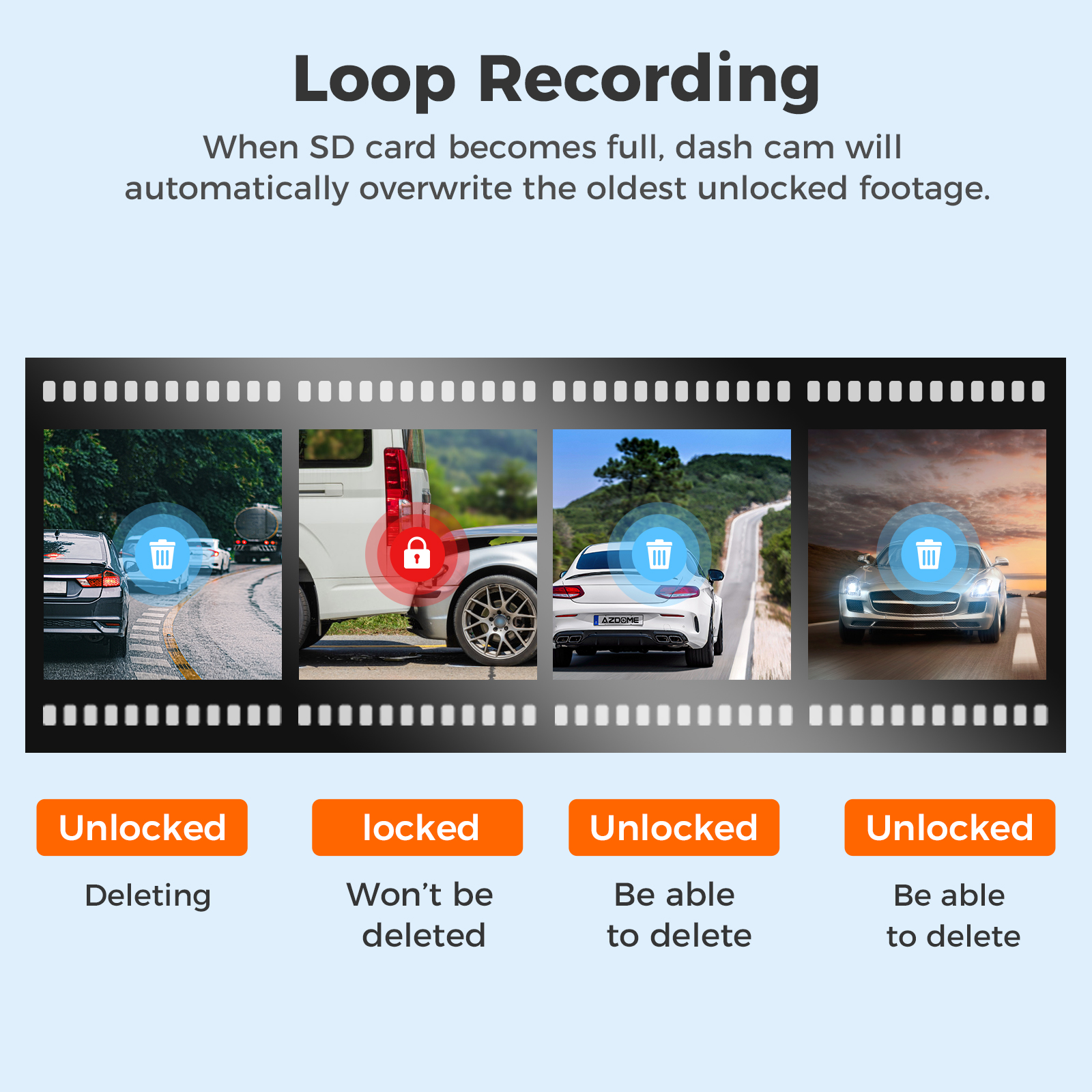
【Loop Recording—Off/1min(Default)/ 3mins/ 5mins】
Allow the dashcam to continuously record. Please notice: the dashcam will keep deleting the oldest files automatically when memory card gets full so that it can keep recording overand over. Here select the length of video file for the loop recording. You can choose the recording period according to your needs(1/3/5min).
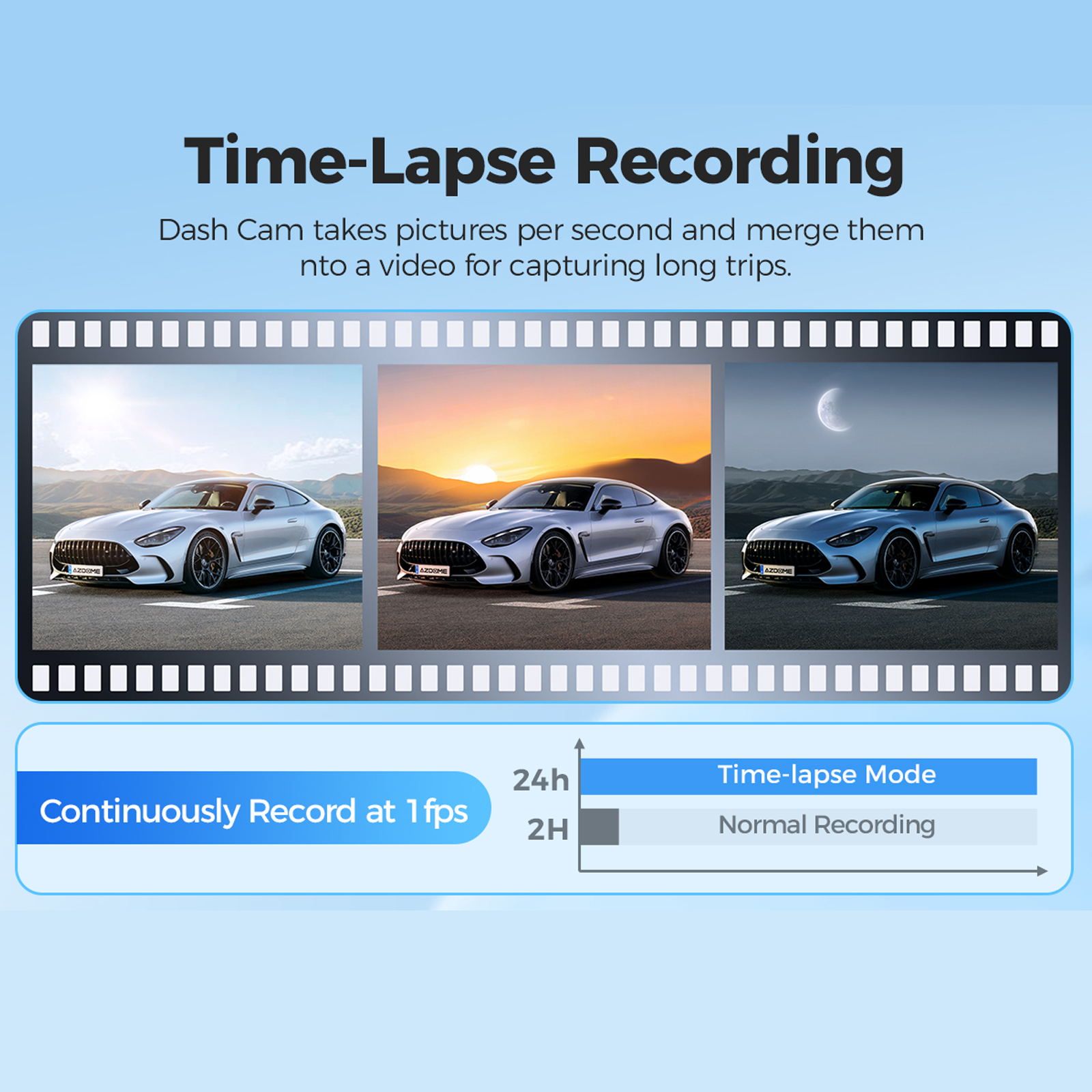
【Time-Lapse Recording】
When you turn OFF the car's engine and turn the key to the lock position. Then the camera will STOP the continuous video recording and it will go into the timelapse 1fps recording mode automatically. Time-Lapse Video allows you to capture specific images per second at a much lower rate. So when you combine and play those images at the normal rate, everything seems to be moving faster in time lapse.
 |  |
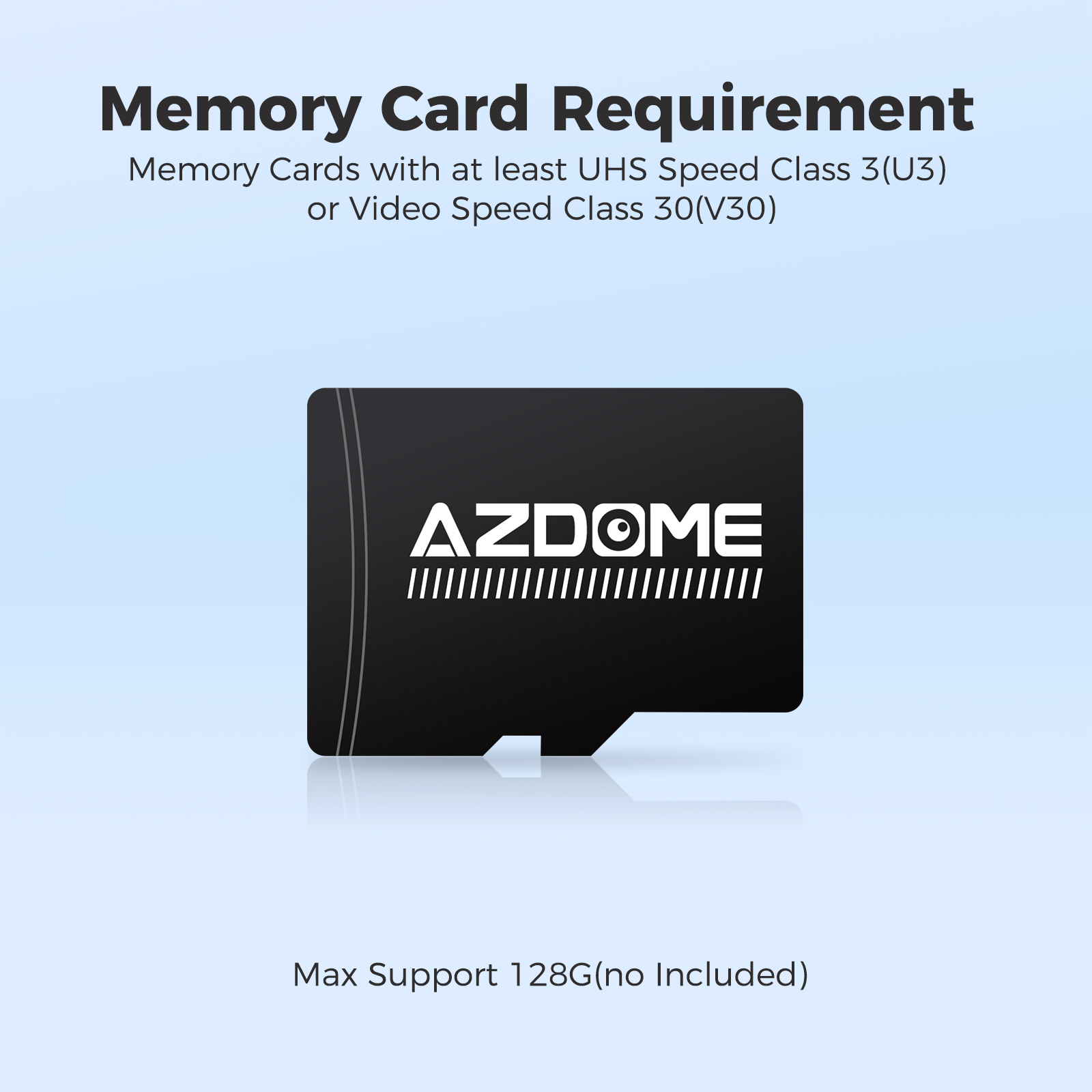
【Memory Card Requirement】
Be sure to format your SD card with your car dash cam for the first time use, and we recommend to reformat it Monthly. Max Support: 128GB(not including), for reliable performance, we recommend AZDOME brand class 10 or U3 above micro SD card. If you want to buy SD card, please visit this link: https://www.ebay.com/itm/256057831845 .
 | 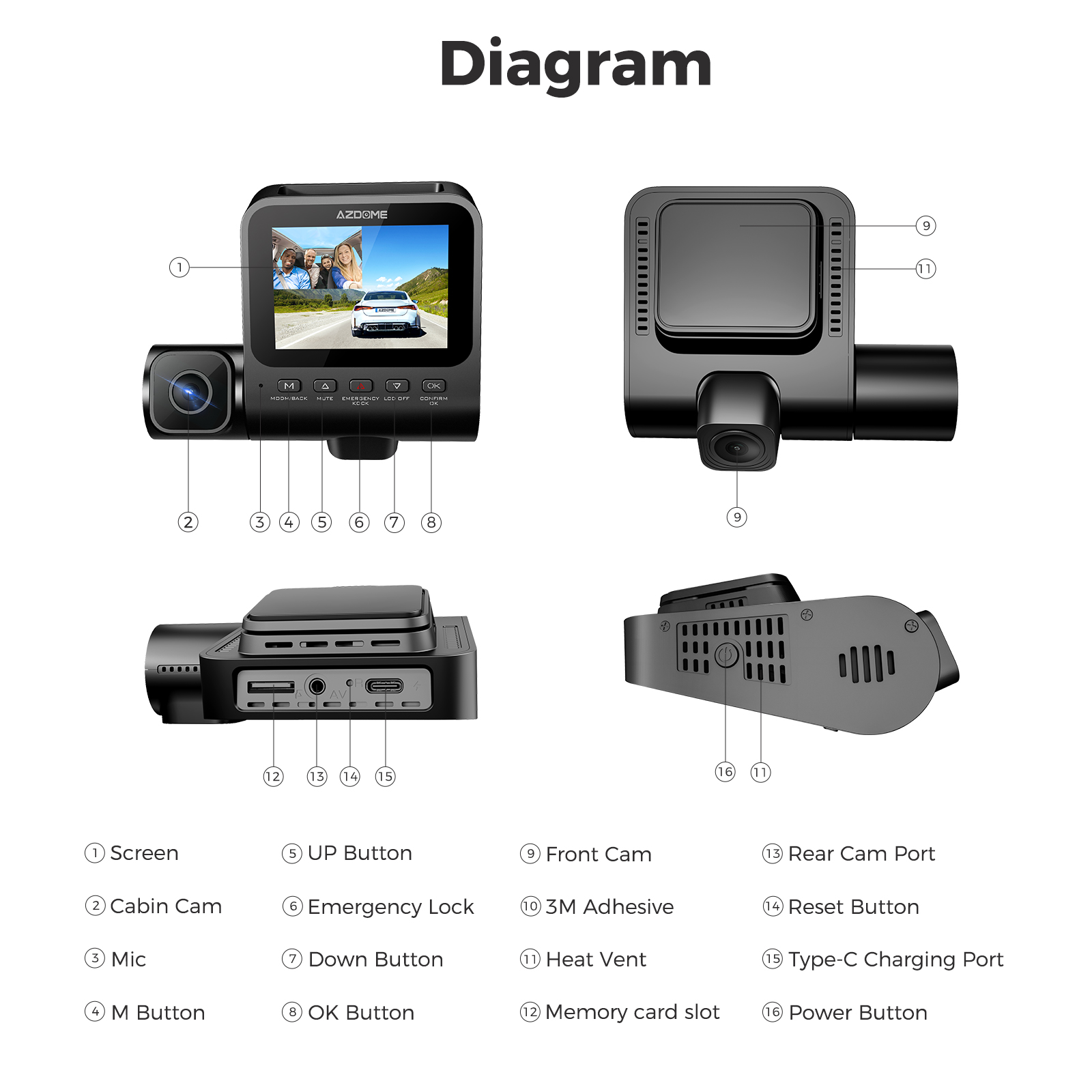 |
Specifications:
| Model | V600-2CH | WiFi & GPS | Unsupported |
| Hersteller | AZDOME | Video Resolution | 1080P+1080P |
| Number of Cameras | 2 (Front+Rear) | Power Interface | 5V/1.5A |
| Screen Saver | Support | Screen Size | 3 inch IPS Screen |
| Aperture | F=1.8 | Max External Memory | 128GB (Class 10,U3 Speed, Not Included) |
| G-Sensor | Support | Microphone | Support |
| Color | Black | Speaker | Support |
| Language | English/日本語/ Deutsch /Français/EspaÃol / Italiano/ Pyccknn.etc | Loop Recording | 1 Minutes(Default)/3 Minutes/5 Minutes |
| File Format | MP4/JPG | Working temperature | -20℃ to 70°C |
Warm Tips
1. Battery is mainly used to save files in emergency. Please always connect Dash Cam to external power while it is in use.
2. If no activity is detected within 1 minute, the device will enter screen saver mode. Pressing any button will reactivate the screen. You can disable this function by turning off the backlight setting.
3. This dash camera for cars is backed by full 1-YEAR WARRANTY. You can text us for (Faster Response) or Email our customer service and we will answer all your questions and resolve any issues quickly. If you are having any doubts, it comes with a FULL REFUND within 30 DAYS.
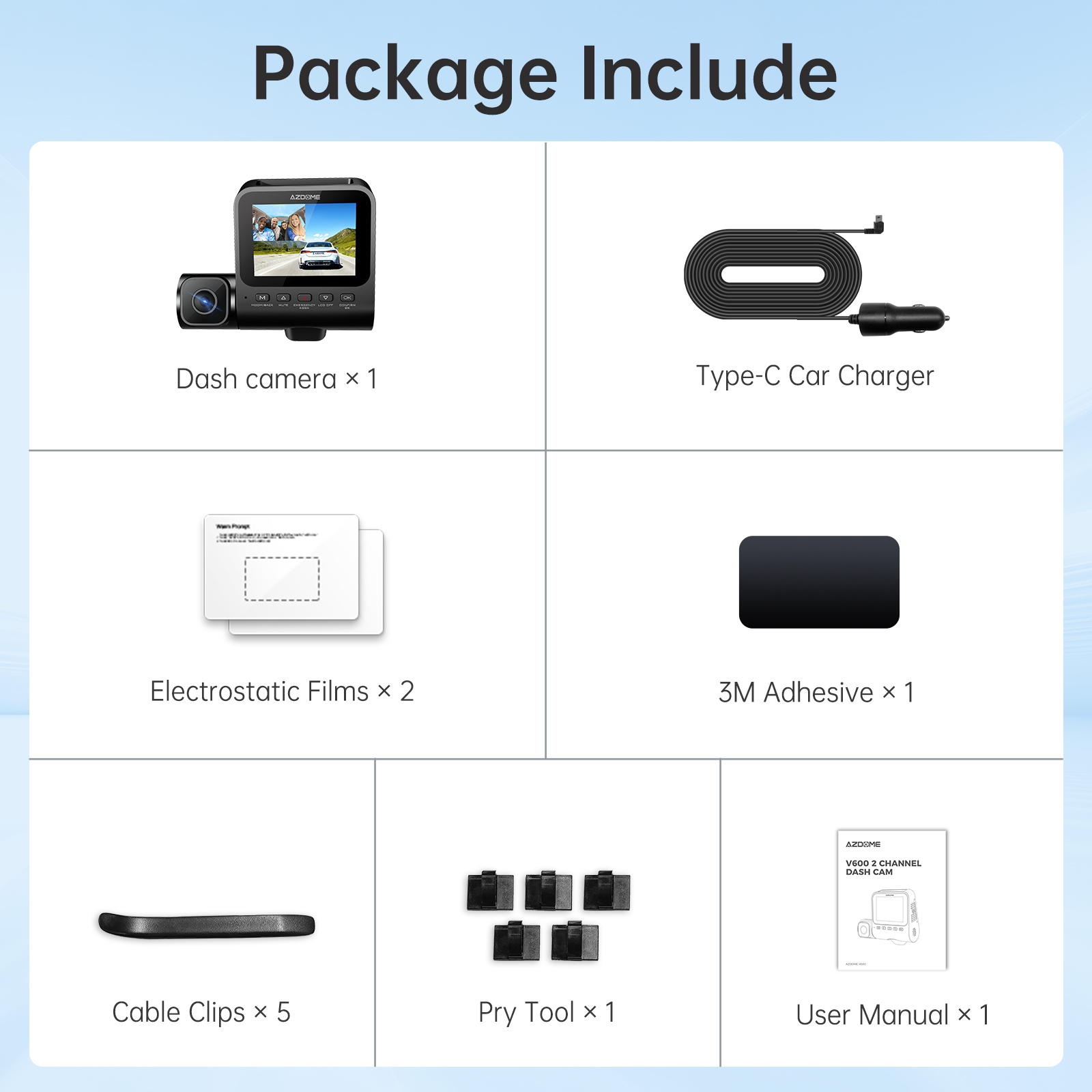
V600-2CH Standard Packaging List:
🎁 Dash camera x1
🎁 Type-C Car Charger x1
🎁 Electrostatic Films x2
🎁 3M Adhesive x1
🎁 Cable Clips x5
🎁 Pry Tool x1
🎁 User Manual x1
Questions and Answers
Q1: Camera turns ON/ OFF automatically?
A: To ensure optimal performance. please use our car charger and confirm that the output current reaches 5V/ 1.5A. Additionally, make sure to correctly connect both the cabin camera for improved stability. Note that if different cameras are detected. the dashcam will automatically reboot once to maintain consistency.
Q2: What is the maximum capacity of SD card supported?
A: V600 dash cam supports memory cards of up to 128GB. We recommend using a Class 10, U3, A2 Speed Micro-SD memory card. Unqualified memory cards may cause the machine to restart repeatedly or incomplete recordings. Please format your memory card before first use to ensure better recording.
Q3: Camera gets HOT?
A: It is normal for your camera to run slightly hot. Due to video being recorded at high speed, the dash cam may be hot during using. (No more than 158°F/ 70°C).
Q4: No power to my dash cam but it works upon my computer?
A: The cigarette power cable is not working. Inspect the fuse in the Car Power Cable plug. If the fuse is found to be blown, inspect the power cable for damage which may have caused the fuse to blow.
Q5: The sound is not synchronised with video during playback?
A: The Codecs upon your PC may not be compatible or the latest standard. We recommend VLC Media player. You can get it by contacting us.
Q6: Video files cannot be played on my computer?
A: The dashcam's video files are in MP4 format and may not be compatible with your computer if the appropriate playback software is not installed.
Q7: Video has no sound?
A: Ensure that 'Record Audio' setting is turned ON within the Setup Menu. And ensure that 'Timelapse Record' setting is turned OFF within the Setup Menu.
Q8: I can not delete files on my dash cam?
A: Check to see if these files are 'Protected' . If so please follow instructions to 'Un-lock'.
