 |
|
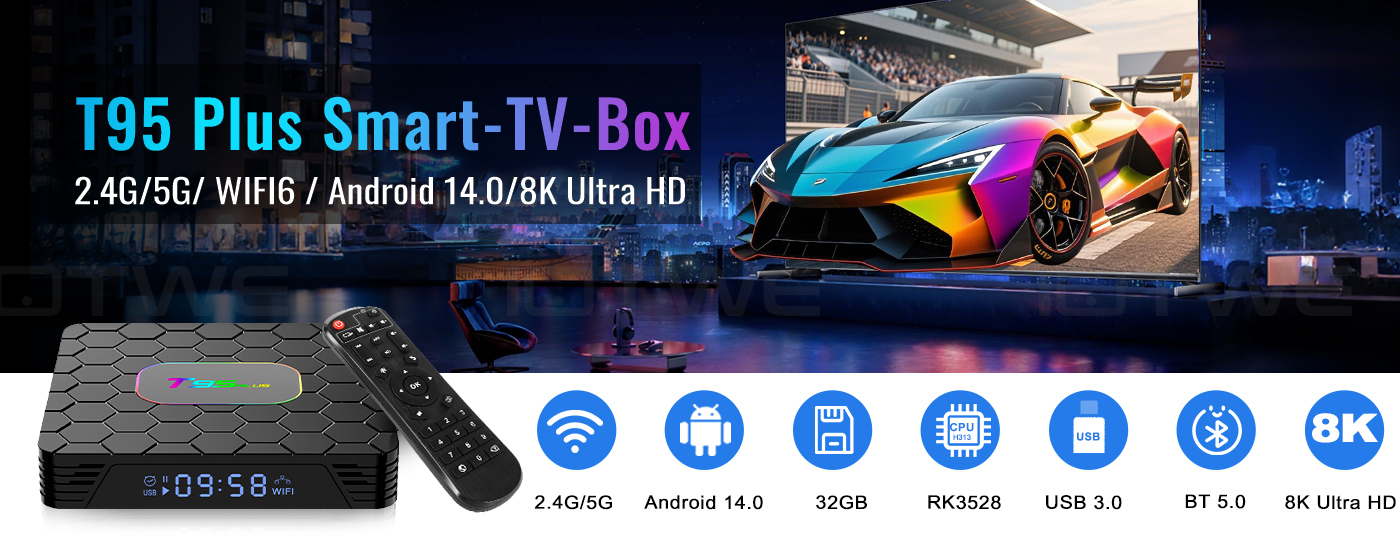
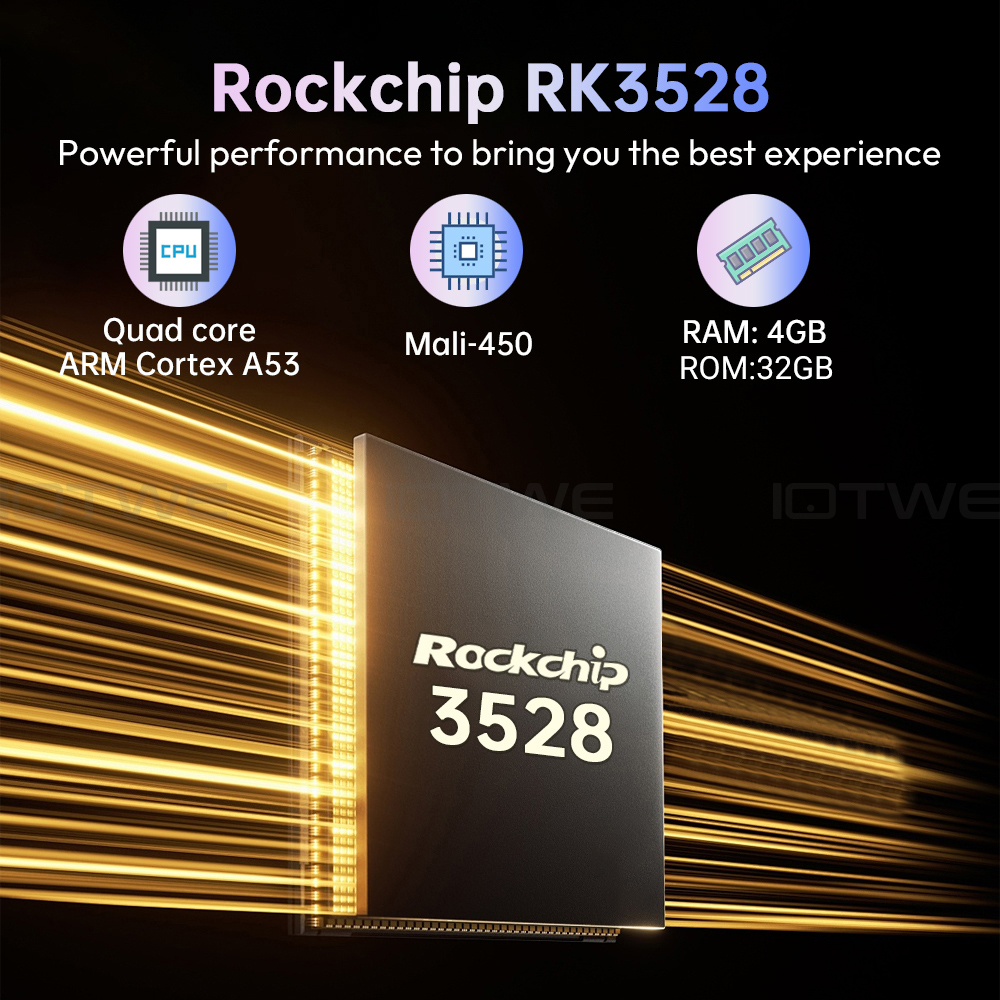
【Android 14.0】 The Android TV box with Android 14.0 ensures stability and smooth loading of movies, pictures, and games without buffering. Experience improved performance and usability with a smooth and stable interface. With the powerful RK3528 quad-core processor and advanced image processing technology, you'll enjoy an outstanding experience with fast running speed and professional picture quality. 【4 GB RAM / 32/64/128 GB ROM】 The Android 14.0 TV box offers impressive performance with 32/64/128 GB ROM to ensure a smooth operating system and enable faster running speeds without buffering or crashes. It also offers ample storage for apps, games, and more. You can also expand the memory via the micro SD card slot, so you'll never run out of space. 【4 GB RAM / 32/64/128 GB ROM】 【2.4G/5G Wi-Fi 6 and Bluetooth 5.0】 The smart TV box offers a fast and stable 2.4G/5G Wi-Fi 6 connection with transfer rates of up to 9.6 Gbps. With the new Wi-Fi 6, you can enjoy a fast and stable network and seamless streaming, gaming, and more. It also features HDMI 2.0, 10/100M Ethernet LAN, and Bluetooth 5.0 for multiple connectivity options and enhanced wireless audio transmission. 【8K + 3D and H.265】 The TV box supports playback of all common audio and video formats, allowing you to enjoy 8K HD videos with clearer resolution than 4K. Experience thousands of Android games on a spacious 8K screen and benefit from a smooth gaming experience with less buffering. In addition, the Android 14.0 TV box also offers 3D support for an impressive visual feast. (*Note: 8K and 3D features also require compatible devices.) 【Convenience and Convenience】 The T95 PLUS is the ideal solution for those who don't own a smart TV or don't want to spend a lot of money on an expensive TV. Connect your smartphone wirelessly to the TV and enjoy pictures and sound on the big screen. With the Android 14.0 TV box, you can use a web browser, use social networking apps, play music, videos, photos, and much more. Turn your TV into a versatile entertainment hub with the T95 PLUS. |
|
|
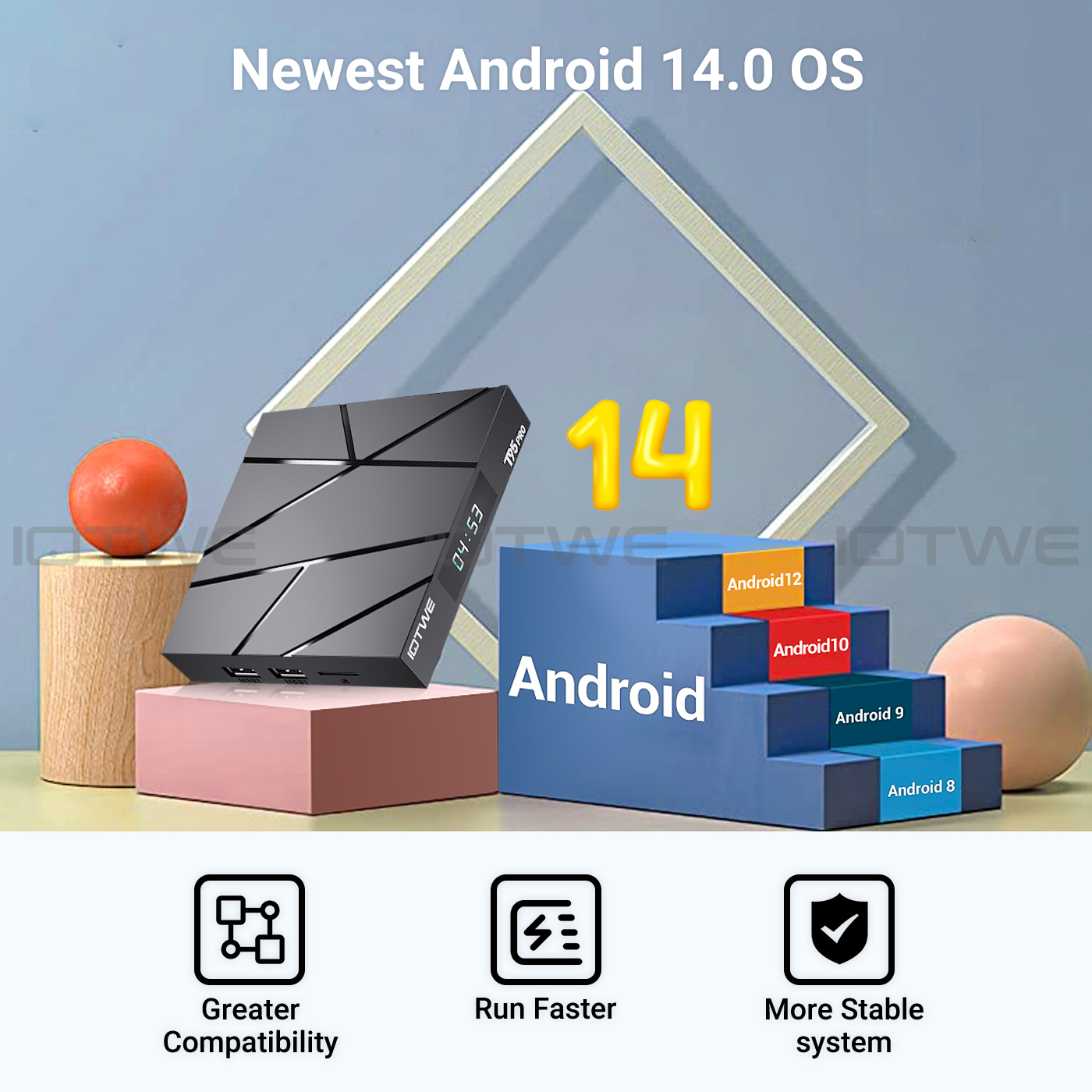
| • The T95 PLUS Smart TV Box with Android 14.0 OS offers you an improved operating system compared to Android 13.0. Enjoy the benefits of a faster, more stable system, improved software compatibility, and a streamlined user interface and experience. Experience better games, apps, and overall improved performance with the T95 PLUS Android 14.0 TV Box. |
 |
 |
 |
|
• The Android 14.0 TV box is equipped with the powerful quad-core Cortex-A53 RK3528 CPU chip, ensuring smooth and lag-free performance. And with 128GB ROM, it offers ample storage for your apps and content. You can also expand the storage, with a maximum expansion capacity of 64GB (*without SD card). Ensure ample storage for downloading and playing videos and games in crystal-clear quality. |
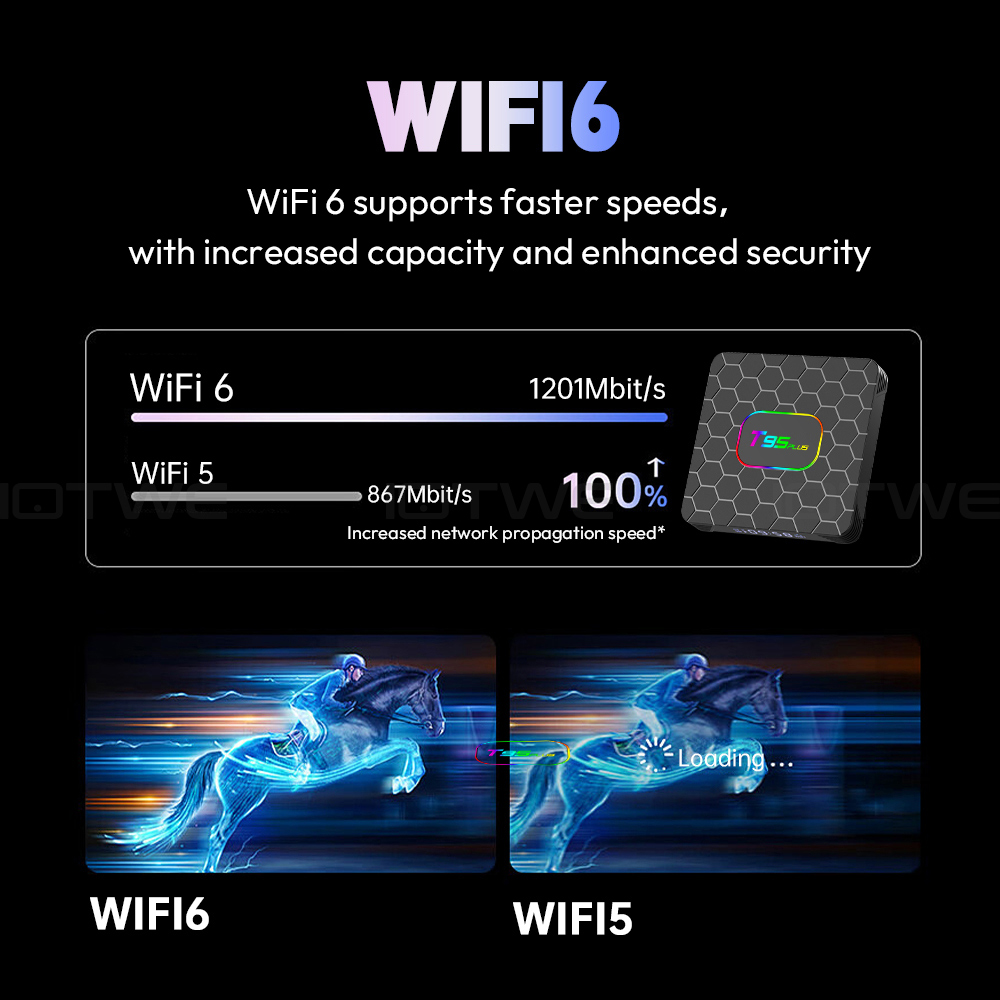
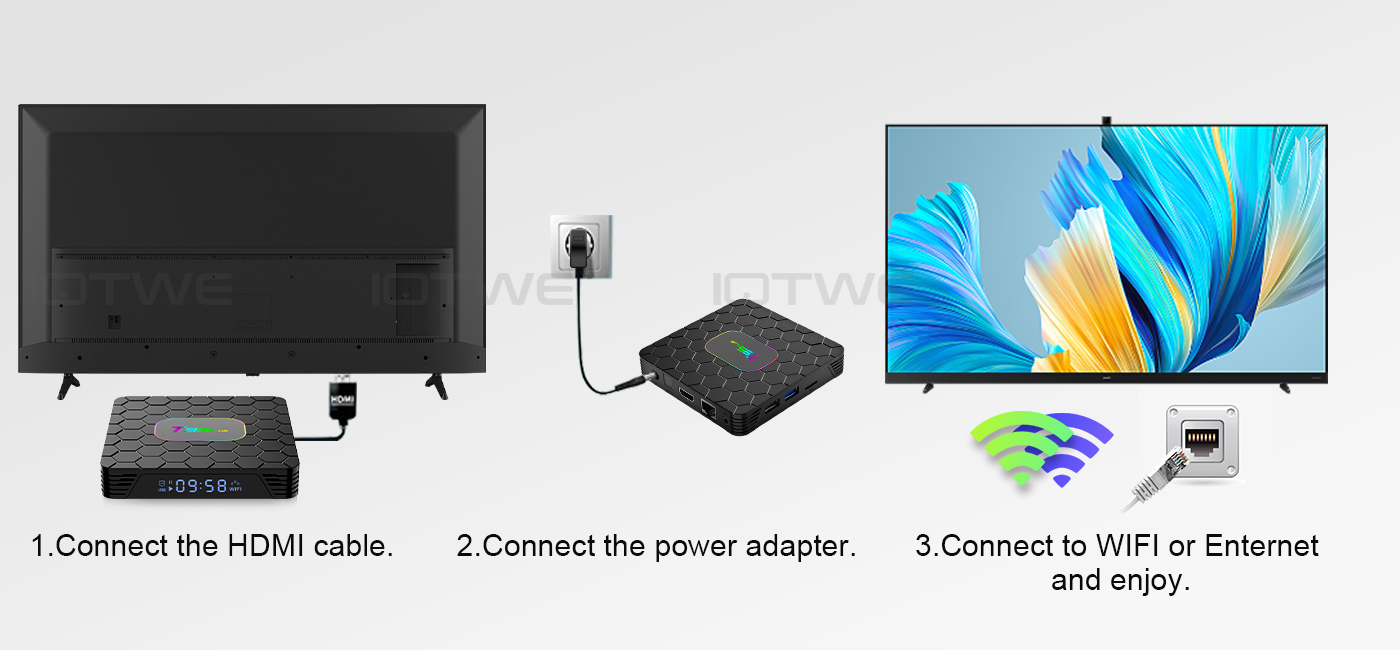
• Powered by Android 14.0, the TV box supports 2.4G/5G WiFi 6 and BT 5.0, making it more convenient to use a mini keyboard and headphones. With WiFi 6, you can enjoy up to 12 simultaneous data streams on both the 2.4GHz and 5GHz bands, compared to the 8 streams offered by WiFi 5 in a dual-band configuration. Use the app and watch movies. Simply plug the network cable into the appropriate jack, and you're ready to go. |
• With this Android TV box, you can easily stream a wide variety of content, including videos, music, games, and documents, to your TV screen without complicated cable installation. The connection allows you to realize on-screen interactions across multiple devices, elevating your user experience to a higher level. |
 |
|
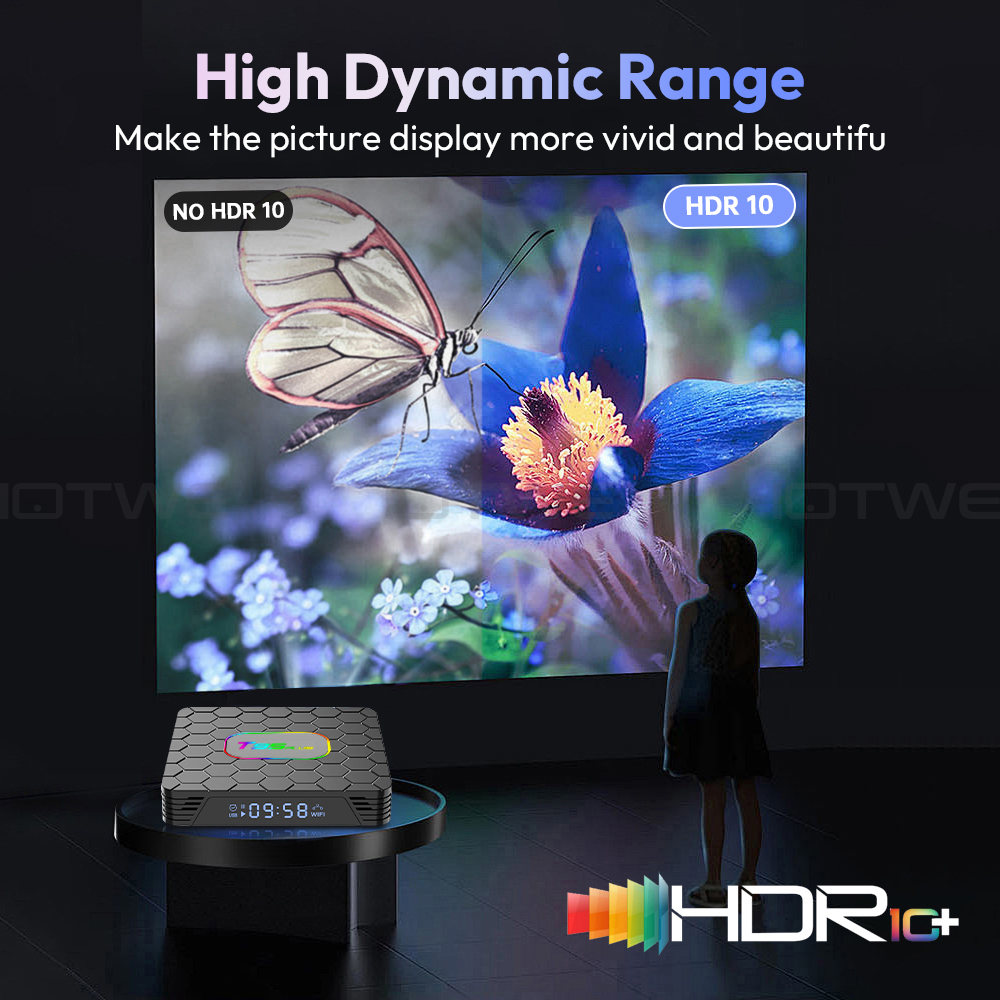
Android TV box with 8K HD resolution. Colors are more vivid and vibrant on the HDR10+ display. Ultra HD picture quality ensures the ultimate viewing experience, allowing you to watch blockbuster movies every day. The Android box supports decoding and displaying all video and audio formats. |
 |
|
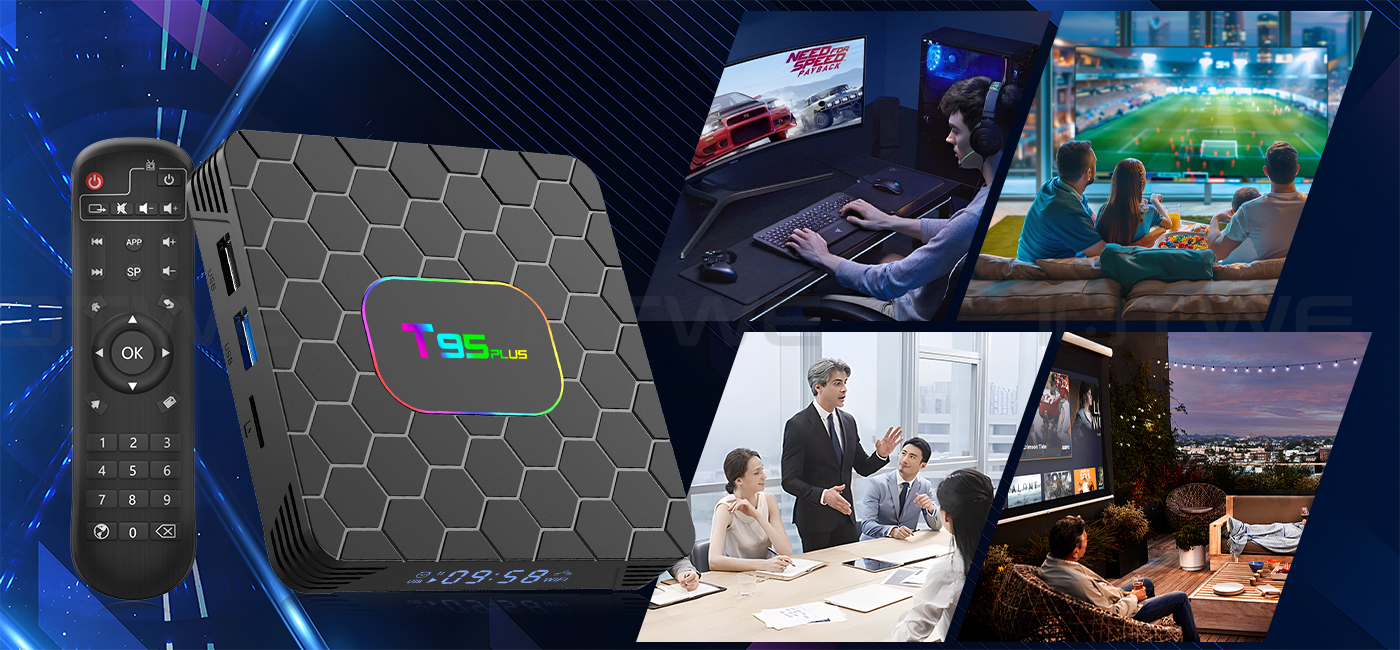
The T95 PLUS Android 14.0 TV BOX offers excellent performance and functionality, along with an easy-to-use, user-friendly interface. Connect it to your TV or monitor and enjoy browsing apps, watching movies, playing games, and more. |
|
|

|
Question: Can't boot/open for the first time? Answer: Our QC team has thoroughly tested the item before shipping, so I believe we can solve the problem together. In this situation, please try the following: 1. Here are the steps for setting up the TV box: A. Connect the charger to the TV box and the power outlet. B. Connect the HDMI cable between the TV box and the TV. C. Set your TV to HDMI mode. Please check if you have connected the cables correctly. 2. Check if a red or blue light is lit, or if there is no light at all, and get back to me. |
|
Question: How do I fix the TV box's video blur? Answer: If it happens in some of them, it may be the video quality issue. It doesn't depend on the box. You can try setting the resolution to max (1080p or higher) and see if it works well. Or you can try it in other apps. 1. If it happens in all videos, here are the steps: A. If you have a different HDMI cable, could you please try a different HDMI cable? B. Connect the TV to the TV box correctly using the AV-Out cable (there are different color ports. Please check and set them correctly), or you can choose to use the HDMI cable to connect it as well. C. If the issue persists, please try restoring the factory settings as follows: Press Settings - Backup & Reset ---- Factory Data Reset ----- Reset TV Box ---- Erase Everything. D. Set the TV box's resolution to 1080P. Here's the step: Settings--Display--Disable Auto Resolution--Set the resolution to 1080P.
|
|
Question: Are you having problems with your Wi-Fi settings or connection? Answer: 1. Please try resetting the device: (Settings)-(Backup & Reset)----(Factory Data Reset)-----(Reset Device)----(Erase All) 2. Please check if you have successfully connected the device to your Wi-Fi router and if the signal is strong. If the signal is very weak or out of range, try using it near your Wi-Fi router. If it is unable to connect, please check your Wi-Fi router settings and also try connecting to a different router. 3. Could you please plug your network cable directly into the RJ45 port to see if it can work. |
|
Question: How can I set the language on the XGODY TV Box? Answer: 1. In this case, please check the settings /Setting-Language/Language-English/English 2. If it still doesn't work, please follow these steps: A: Press: Settings - Backup & Reset ---- Factory Data Reset ----- TV Box Reset ---- Erase All (or: Settings - Other - More Settings - Backup & Reset ---- Factory Data Reset ----- TV Box Reset ---- Erase All) B: Then, when you turn on the device for the first time, select the desired language. 3. You can also enter the language in the app. There will be a compass-like icon; click on it to change the language. |
 |
【Android 14.0 & H618】 The Android TV box, equipped with Android 14.0, guarantees a stable and seamless loading of films, images, and games without any buffering. It offers an enhanced performance and usability, presenting a smooth and steady interface. Powered by the robust Allwinner H618 quad-core processor and advanced image processing technology, you can relish an extraordinary experience with rapid operation speed and professional-grade image quality. 【4GB RAM 32/64/128GB ROM】 The Android 14.0 TV Box delivers remarkable performance, furnished with 32/64/128GB ROM. This not only ensures the seamless operation of the system but also enables a swifter running speed, free from buffering or crashes. There is ample storage space available for various applications, games, and other content. Moreover, the micro SD card slot allows for storage expansion, ensuring that you will never face a shortage of storage space.【5G Wi-Fi 6 & Bluetooth 5.0】 The state-of-the-art smart TV box provides rapid and reliable 5G WiFi 6 connections, boasting a remarkable transfer rate of up to 9.6 Gbit/s. This enables users to relish in seamless streaming experiences and engaging gaming sessions with ease. In addition, it is equipped with HDMI 2.0, a 10/100M Ethernet LAN port, and Bluetooth 5.0, presenting a wide array of versatile connectivity alternatives and enhancing the quality of wireless audio transmission for a more immersive audiovisual encounter. 【6K HD & H.265】 The TV box is engineered to support the playback of all prevalent audio and video formats, affording you the pleasure of indulging in 6K HD videos that possess a far sharper resolution compared to 4K. Immerse yourself in a vast array of thousands of Android games on an expansive 6K screen, savoring a fluid gaming experience with minimal buffering. Additionally, the Android 14.0 TV box extends 3D support, thereby creating a truly captivating and impressive visual extravaganza. (*Please note: The full utilization of 6K and 3D features is contingent upon the use of compatible devices.) 【Comfort and convenience】 The T95 Pro presents an ideal solution for individuals who either lack a Smart TV or are reluctant to make a significant investment in an expensive television. Seamlessly connect your smartphone wirelessly to the TV and relish images and sound on the expansive big screen. Powered by the Android 13.0 TV box, you can effortlessly navigate a web browser, engage with social network applications, play music, stream videos, view photos, and perform a multitude of other functions. Transform your ordinary TV into a multifaceted and highly versatile entertainment hub with the remarkable T95 Pro. |
|
• The T95 Pro emerges as an optimal choice for those who are devoid of a Smart TV BOX or have an aversion to splurging on a costly television set. It enables you to wirelessly couple your smartphone with the TV, thereby allowing you to luxuriate in vivid images and immersive sound on the capacious large screen. Thanks to the Android 14.0 TV box, you can fluidly operate a web browser, interact with social network apps, stream music and videos, peruse photos, and engage in a plethora of other activities. With the T95 Pro, you can metamorphose your mundane TV into a comprehensive and highly adaptable entertainment nexus. |
 |
|
|
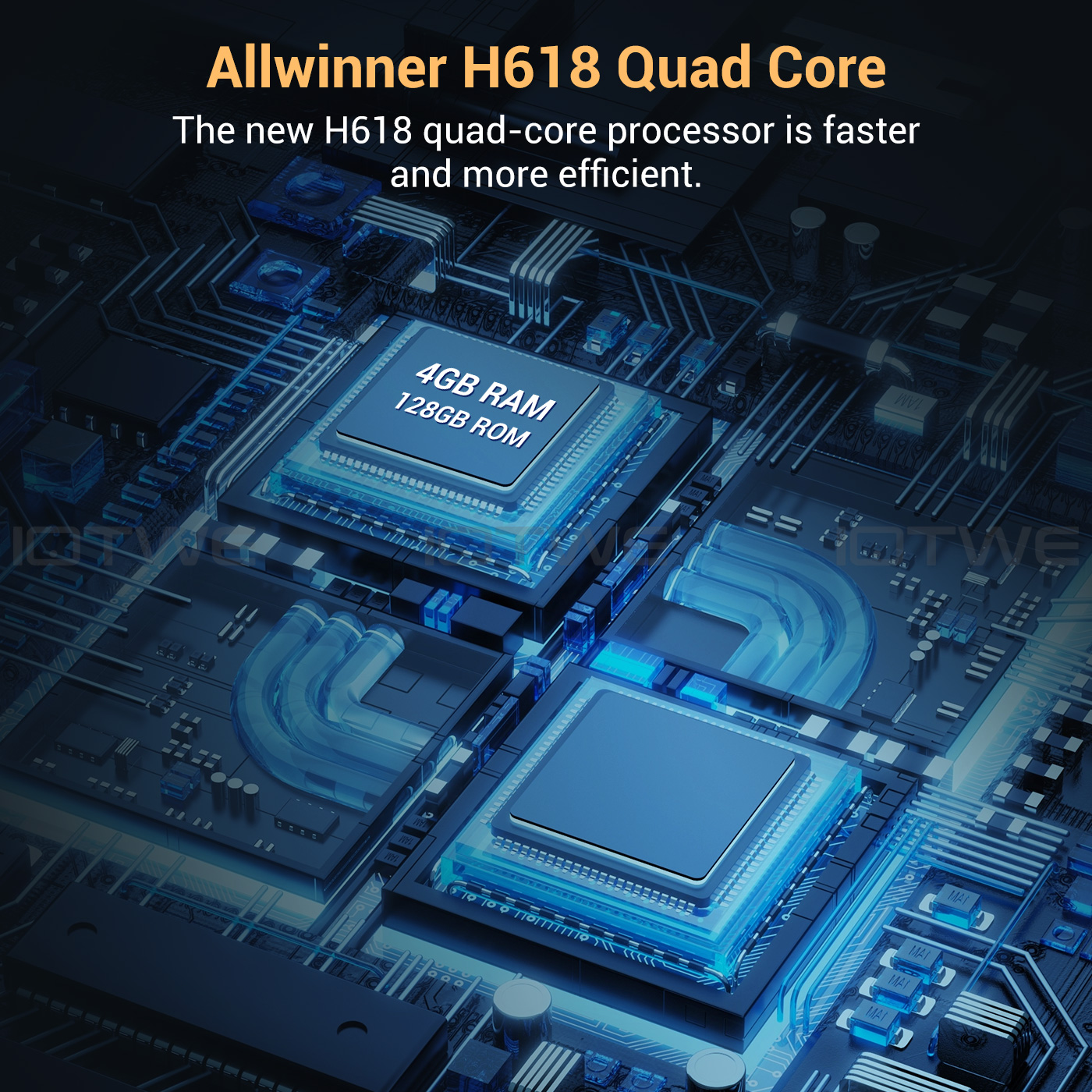
• The Android 14.0 TV Box is outfitted with the robust Allwinner H618 quad-core Cortex-A53 CPU chip, which guarantees seamless and lag-free operation. Boasting 16/32/64/128 GB of ROM, the T95 Pro Smart TV Box affords copious storage space for your various applications and content. In the event that this capacity still falls short of your requirements, you have the option to expand the storage space up to a maximum of 64GB (*SD card not provided). Revel in the pleasure of downloading and playing high-definition videos and engaging games with the abundant ROM storage at your disposal. |
|
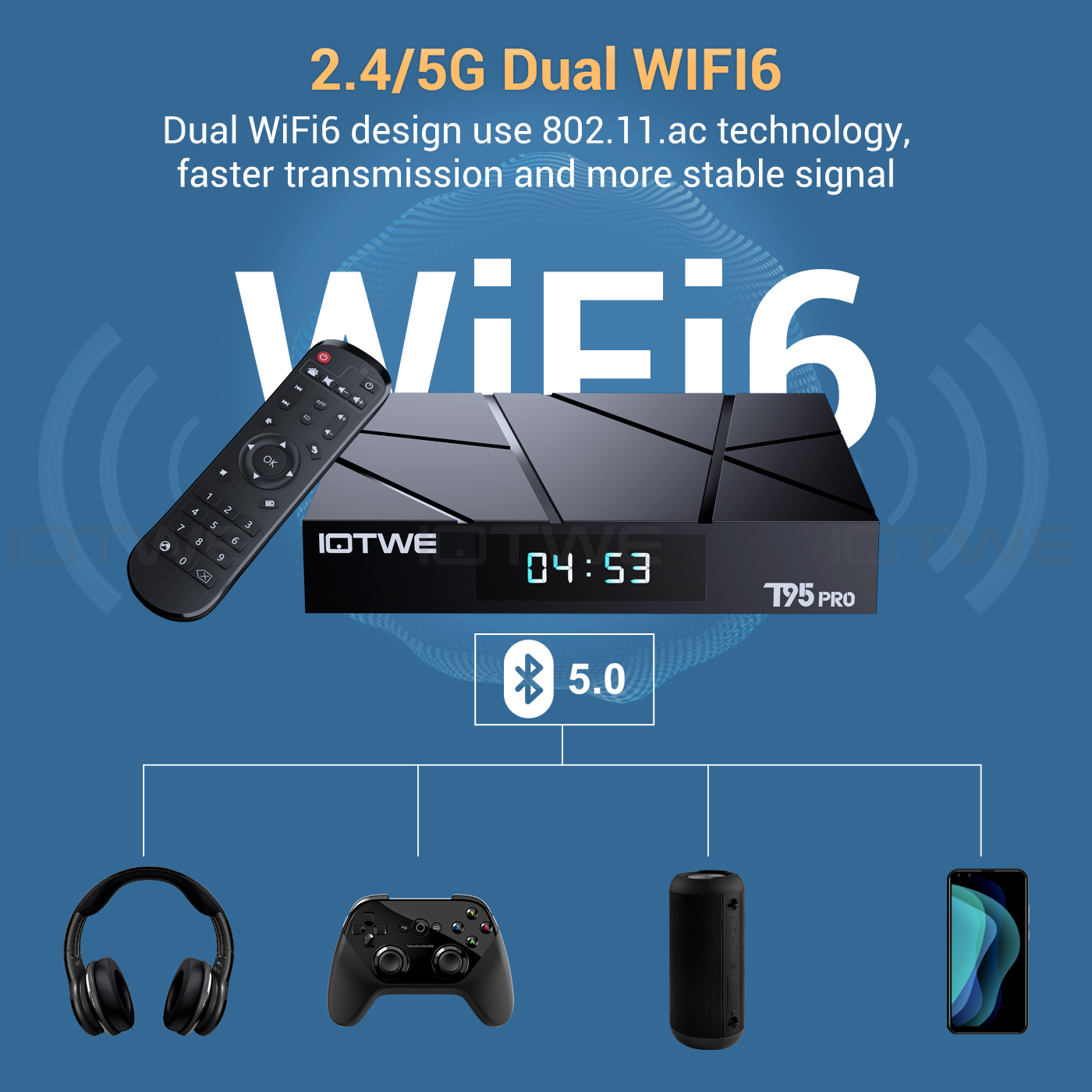
• The Android 14.0 TV Box is engineered to support 2.4G/5G WiFi 6 and BT 5.0, thereby enhancing the user experience when paired with mini keyboards and headphones. With the adoption of WiFi 6, a significant advantage is reaped as it permits an augmented number of up to 12 concurrent streams within both the 2.4 and 5 GHz frequency bands, in contrast to the mere 8 streams that WiFi 5 could manage in a dual-band setup. Indulge in a rapid and top-notch WiFi 6 signal, which bestows upon you an elevated quality during web browsing, gaming escapades, application executions, and movie viewings. |
|
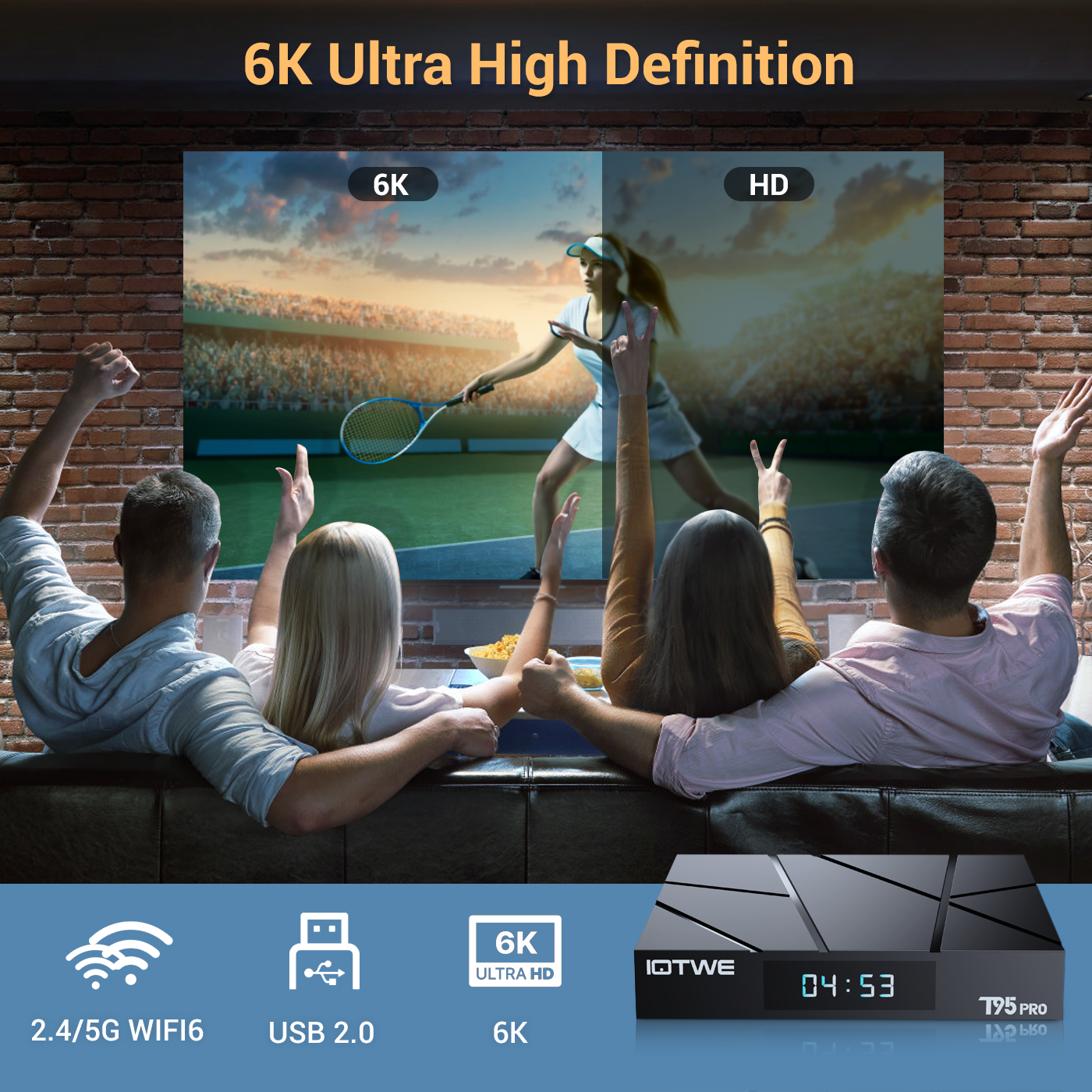 |
• The T95 Android TV Box empowers users with the ability to decode and play back nearly all prevalent audio and video formats. Immerse yourself in the vividness of crisp 6K HD videos, which flaunt a resolution that surpasses even that of 4K. Engage in playing thousands of Android games on a generously sized 6K screen, and relish a top-notch experience with negligible buffering. Moreover, this remarkable TV box extends support for 3D playback, presenting you with a sumptuous visual extravaganza. (*Kindly note that for a seamless 6K and 3D experience, your other associated devices must also possess corresponding support capabilities.) |
|
|
|
|
|
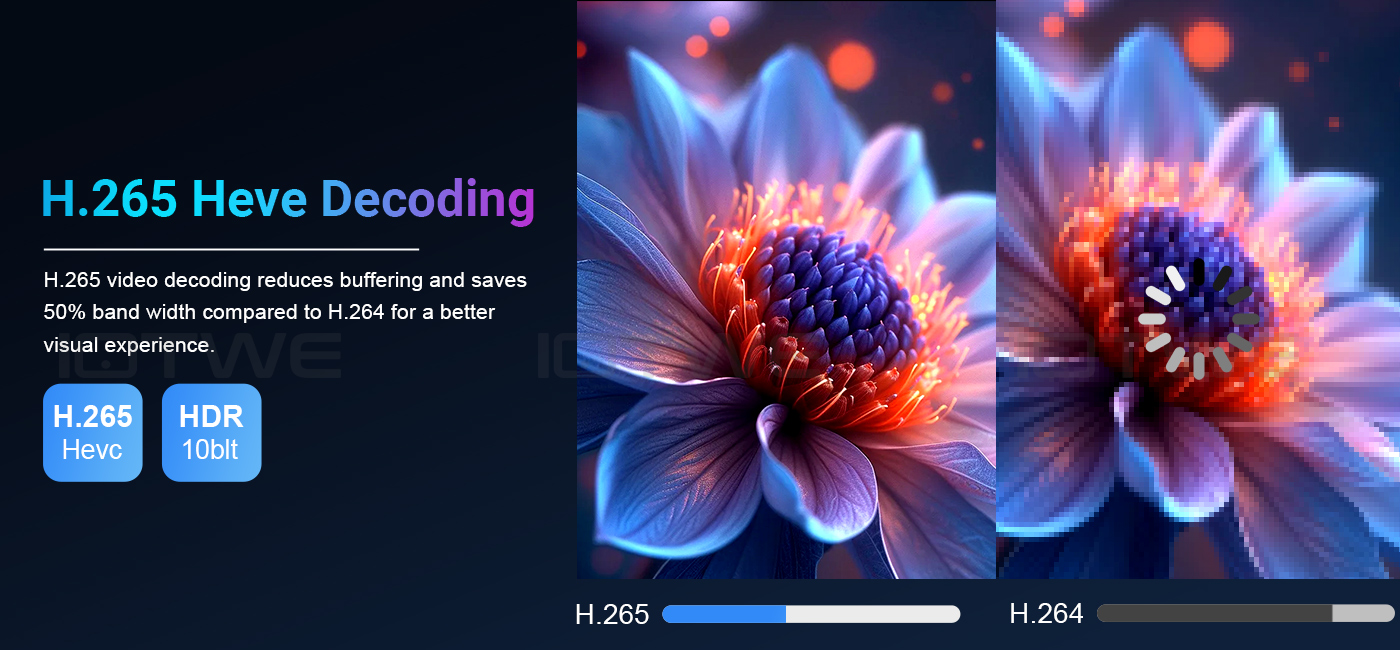
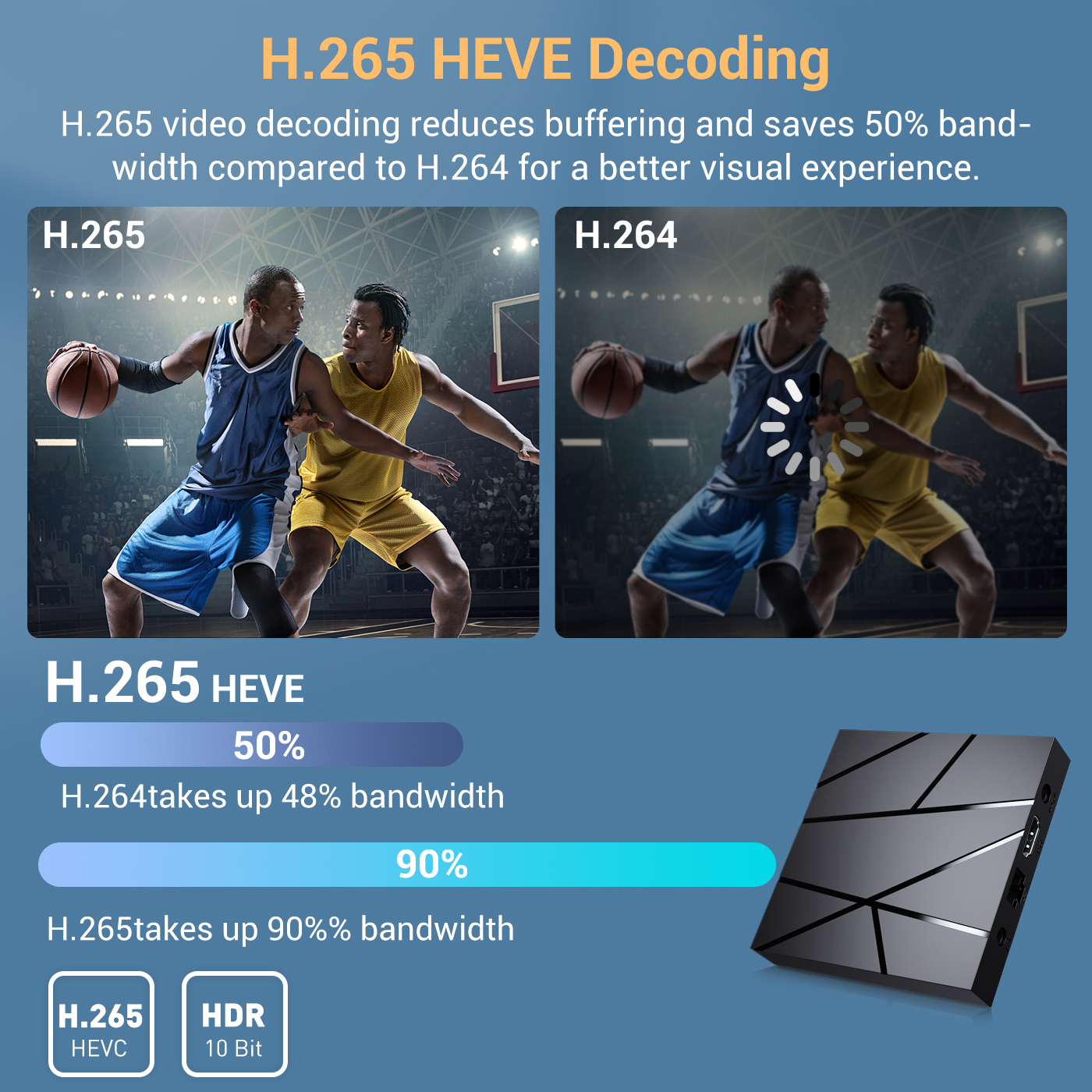
•The device receives signals via H.265 video decoding, thereby outputting remarkably realistic 6K image quality and promptly restoring every minute detail of the image. It not only endows you with a more seamless HD video experience but also economizes 50% of broadband resources, ensuring an optimal combination of visual excellence and efficient data utilization. |
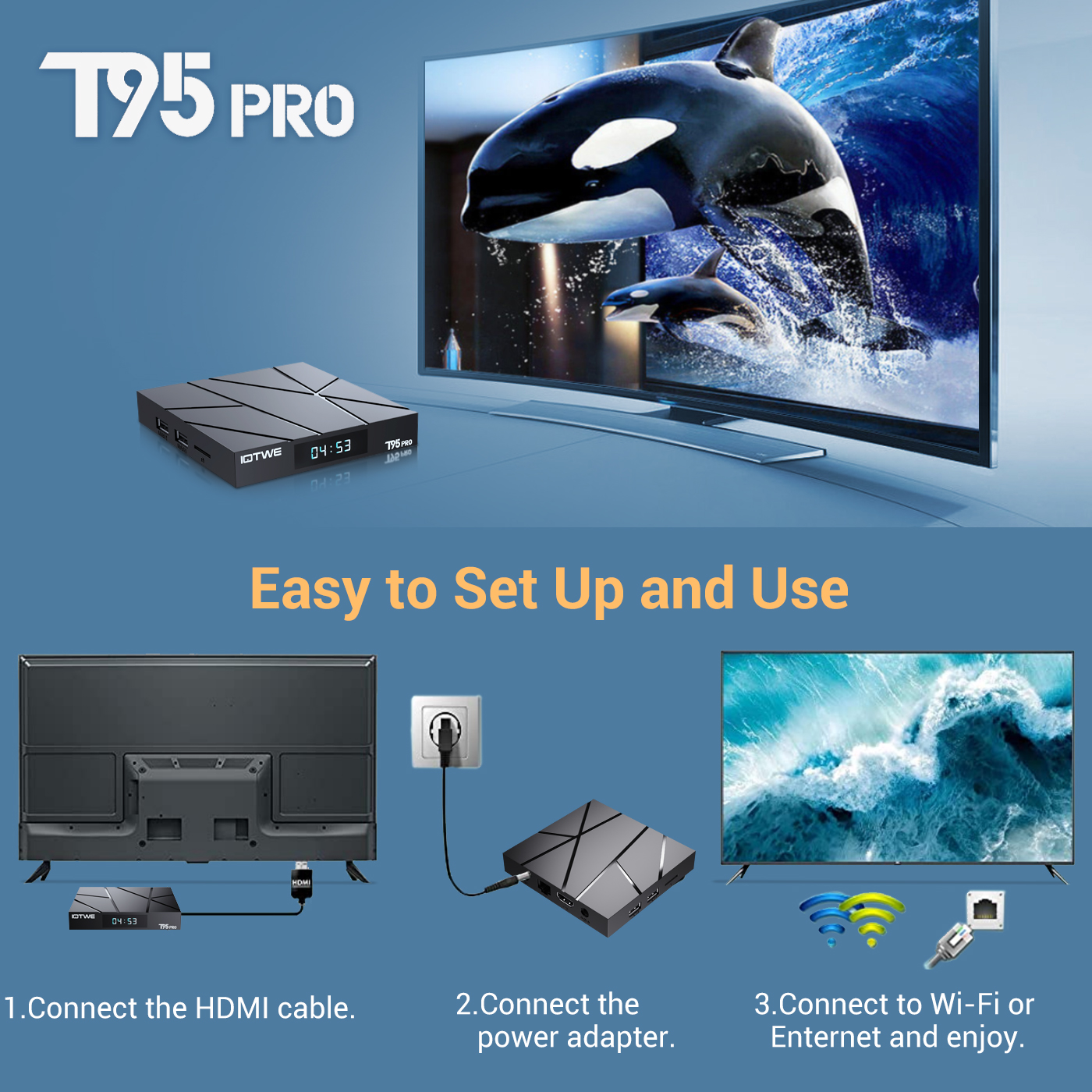
• The T95 Pro Android 14.0 TV BOX delivers outstanding performance and a diverse range of functionalities, accompanied by an intuitive and user-friendly interface. Simply connect it to your TV or monitor, and you can relish the pleasures of exploring various apps, indulging in movie marathons, engaging in immersive gaming sessions, and so much more. |
 |
|
• Dating • Music • Games • Match |

|
Question: Unable to boot/Open for the first time? Answer: Our QC team has tested the product in detail before we shipped it, so I believe we can solve the problem together. In this situation, please try the following: 1.Here are the steps on how to set up the TV box:A. Connect the power adapter to the TV box and then to the power socket. B. Connect the HDMI cable between the TV box and the TV. C. Set your TV to the HDMI mode.Please check whether you have connected the cables properly. 2. Check whether a red or blue light is on,or whether there is no light on at all, and then let me know. |
Question:How do you solve the video blurriness of a TV box? Answer: If it has happened in some of them, it might be the problem regarding the video quality. It doesn't depend on the box. You can try setting the resolution to the maximum (1080P or higher), and then check whether it works well. Or you can try it in other apps.If it happens to all the videos, here are the steps: A.If you have another HDMI cable, could you please try using a different HDMI cable?B.Connect the TV to the TV box properly using the AV-Out cable (there are different colored ports. Please check and set them correctly), or you can choose to use the HDMI cable to connect them as well. C.If the problem still persists, please try restoring the factory settings as follows: Press "Settings" - "Backup & Reset" ---- "Reset factory data" ----- "Reset TV box" ---- "Erase everything". D.Set the resolution of the TV box to 1080P. Here are the steps: "Settings"--"Display"--"Turn off automatic resolution"--"Set resolution to 1080P". |
|
|
Question: Problems with WiFi settings or connection. Answer: 2. Please check whether your TV box has been successfully connected to your Wi-Fi router and whether the signal is strong. If the signal is very weak or it is out of range, then try using it near your Wi-Fi router; if it is unable to establish a connection, then please check your Wi-Fi router settings and also try to connect to another router. 3. Could you please plug your networkcable directly into the RJ45 port to see if it can work. |
Question: How can I set the language of the XGODY TV Box? Answer: 2.If it still doesn't work, please follow these steps:A: Press: "Settings - Backup & Reset" ---- "Reset factory data" ----- "Reset TV box" ---- "Erase everything" (Or: "Settings - Other - More Settings - Backup & Reset" ---- "Reset factory data" ----- "Reset TV box" ---- "Erase everything") B: And then when you turn on the device for the first time, please choose the desired language. 3.You can also enter the apps,and there is a symbol like a compass. Please click on it to change the language. |