AZDOME 2K+1080P WiFi Dual Dash Cam Front and Rear with 64GB Card, 3" IPS Screen 3K Video Recorder for Cars, Built-in ADAS G-Sensor 24H Parking Mode and Night Vision, Loop Recording and Time-Lapse, 1080P Waterproof Rear Camera Fitigue Warn, Easy to Install
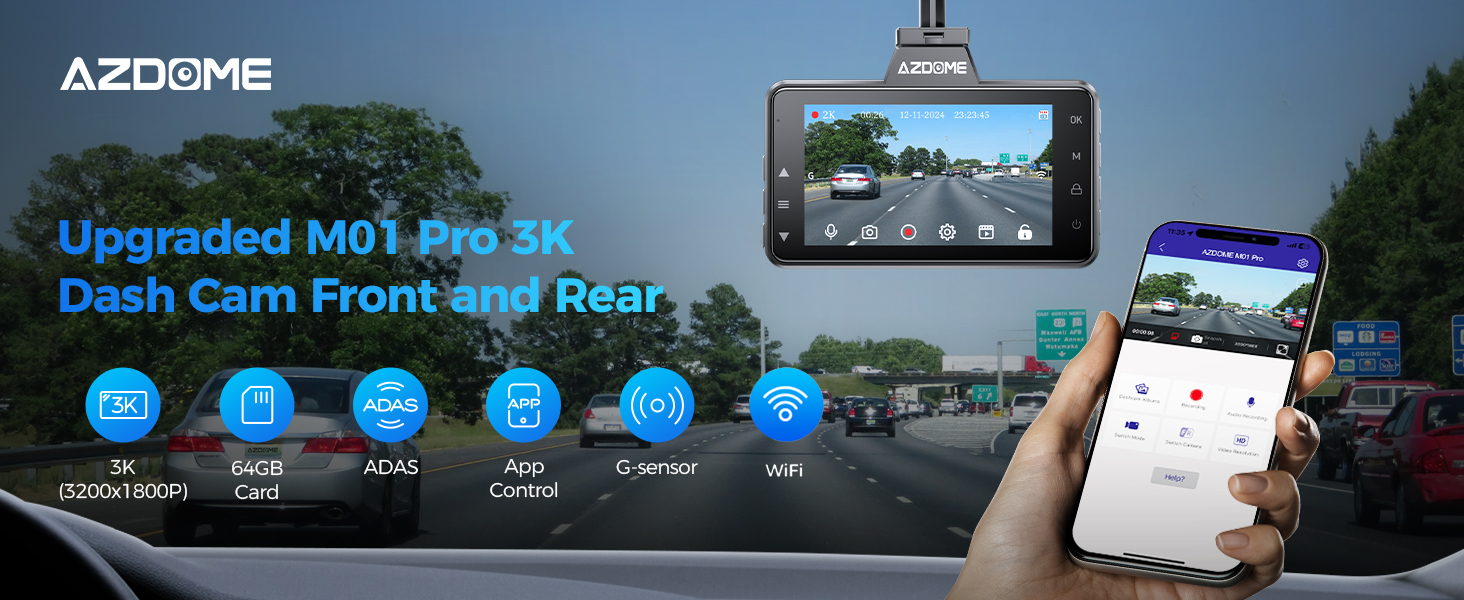
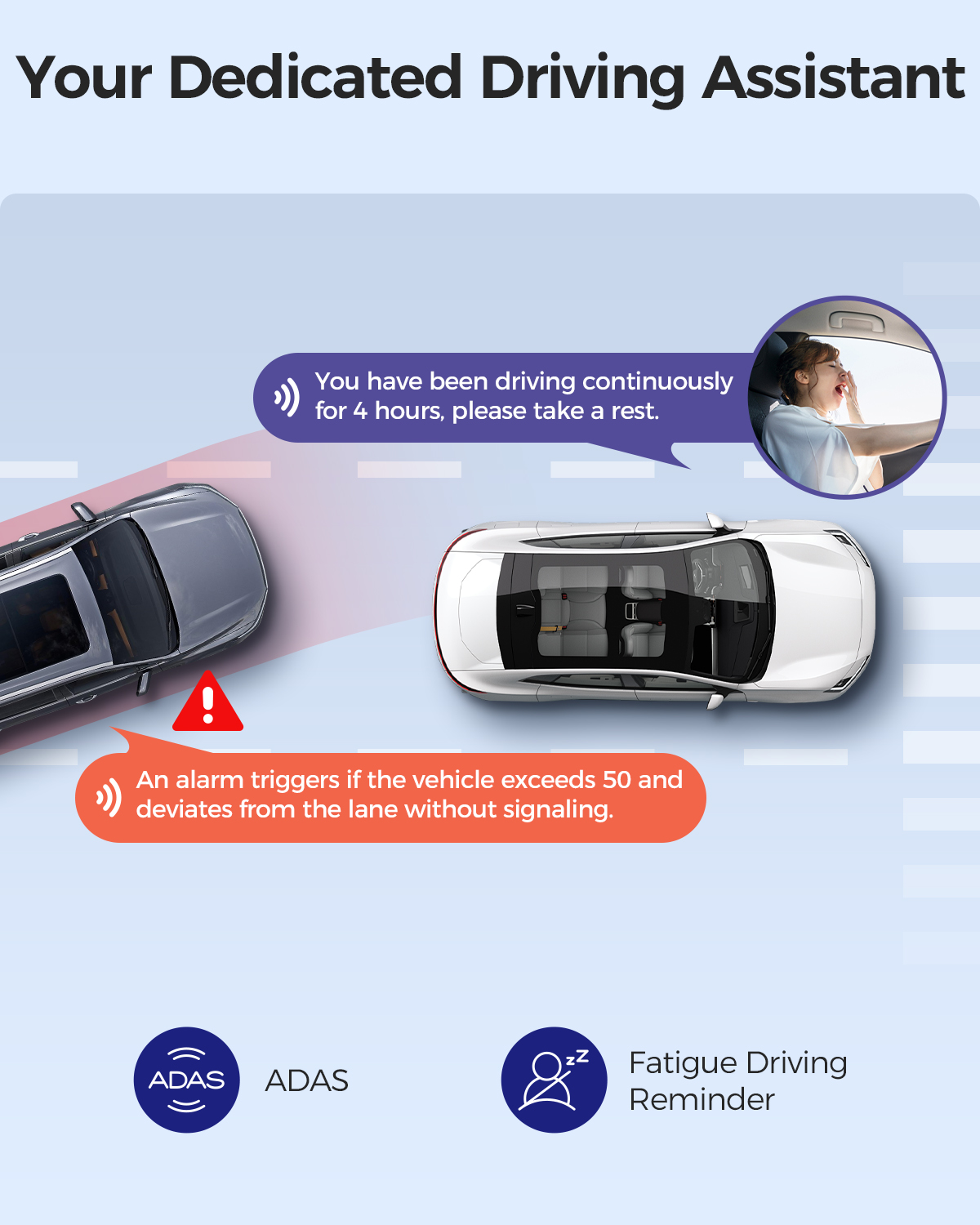
M01 Pro (2CH) Functional Overview:
AZDOME is involved in the entire field of automotive Intelligent Electronics Products And In A Leading Position In The Global Market. We have a team of experienced and imaginative engineers who are committed to building a reliable and trustworthy automotive supplies brand.
Warm Tips:
Please always connect Dash Cam to external power while it is in use, the output current needs to reach 5V/1.5A.
AZDOME M01 Pro (2CH) dash camera for cars is backed by full 1-YEAR WARRANTY. You can text us for (Faster Response) or Email our customer service and we will answer all your questions and resolve any issues quickly. If you are having any doubts, it comes with a FULL REFUND within 30 DAYS.
AZDOME offers updates for dashcam firmware and camera accessories. If you need it, AZDOME will help you.
Specifications:
- Model: M01 Pro (2CH)
Video Resolution: Front : 3K;Front+Rear : 2K+1080P
Hersteller: AZDOME
Charging port: Type-C port
- Screen Size: 3.0 Inch IPS Screen
- Number of lenses: 2 (Front+Rear)
- Aperture: F=1.8
- Loop Recording: 1 Minutes/3 Minutes(Default)/5 Minutes
- Power interface: 5V 1.5A
- Warranty: 1 Year
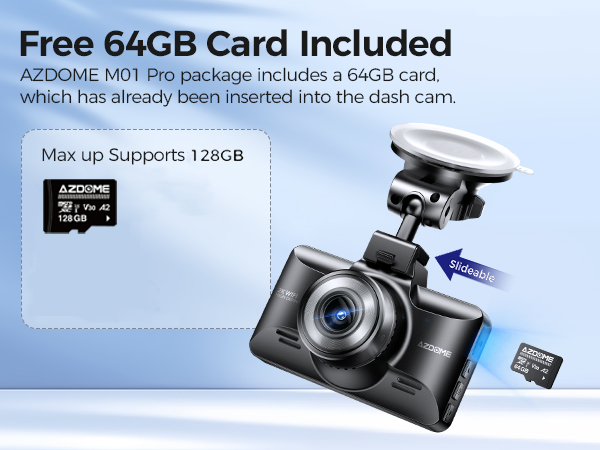
Max External Memory:128GB (Class10,U3 Speed. Included 64 GB SD Card)
Working Temperature:-20℃ to 70°C
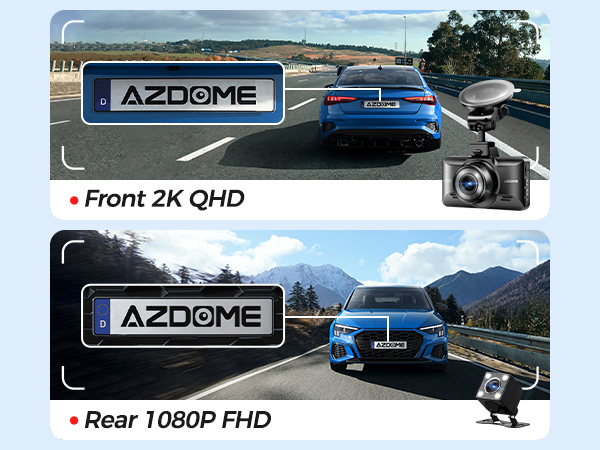 | 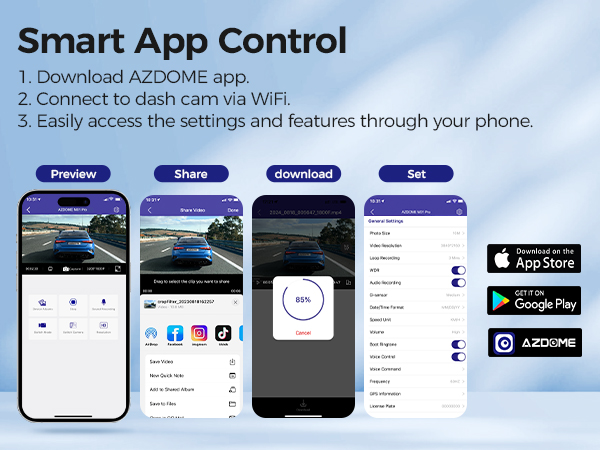 |  |
Crystal Clear 3K Resolution Single front camera resolution: 3K. Front and rear camera resolution: 2K+1080P. You can choose the desired video resolution, and the M01 Pro Dual Dash Cam can record both front and rear views at the same time to provide a more comprehensive record. You can capture both front and rear traffic at the same time to ensure you have a more comprehensive driving record. | With WiFi-Convenient App Control
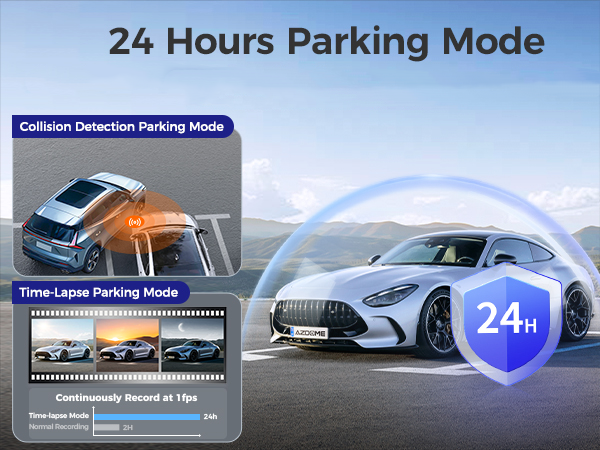
| 24-Hour Parking Monitoring AZDOME M01 Pro Dual dash cam offers 2 parking modes: 1. Collision detection parking mode, G-sensor can detect the collision and lock the video. 2. Time-Lapse parking mode, the dash cam can record continuously for 24 hours. (To avoid fire, our product does not install a large capacity battery, so if you want it to work for you when the car is parked, you need to install a hard wiring kit. If you need it, you can buy it from this link: https://www.ebay.com/itm/256487986659 or https://www.ebay.com/itm/256004133341 ) |
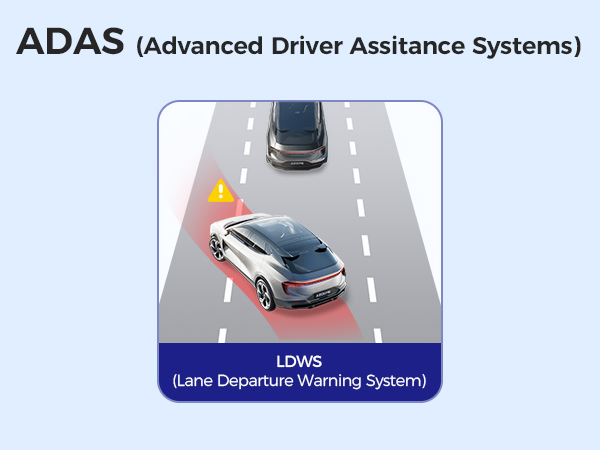 |  |  |
ADAS Intelligent Driving Assistance—Off(Default)
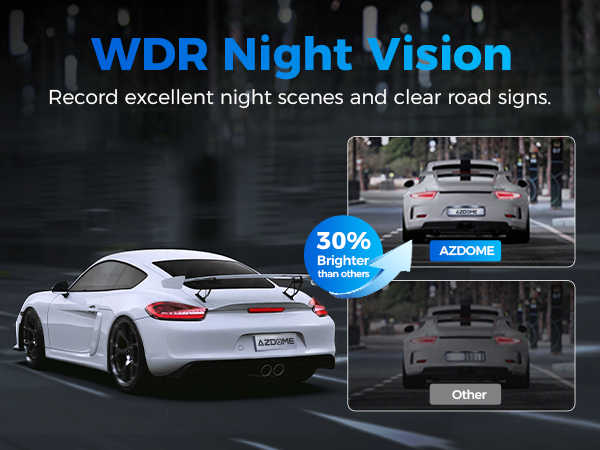
| WDR Night Vision
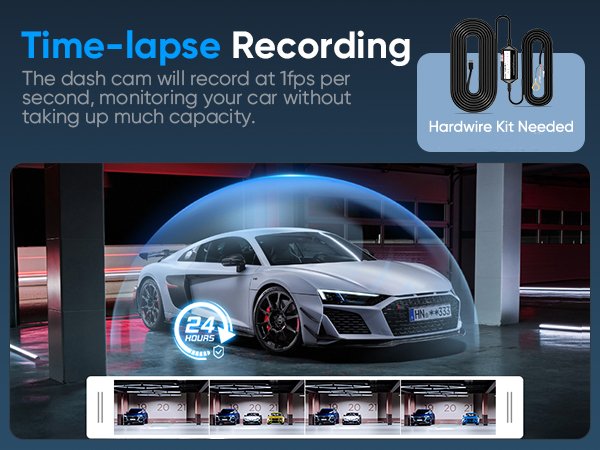
| Time-Lapse Video Time-lapse video allows you to record certain images per second at a much slower speed. So when you combine these images with the normal speed and play them back, everything seems to move faster in time-lapse. When this option is activated, the camera records video images at a specific time interval and compresses them into a time-lapse video. |
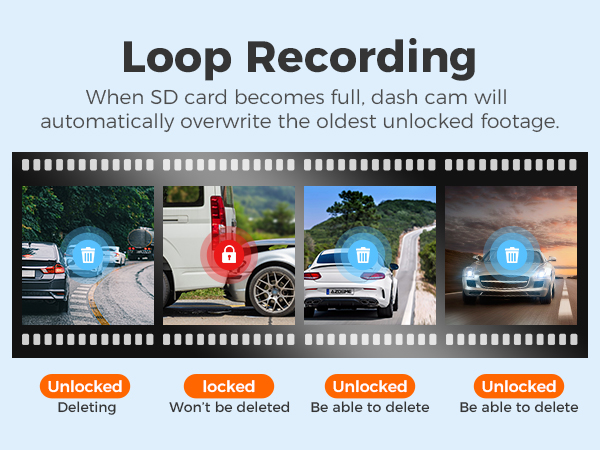 |  |  |
Loop Recording - 1 minute/3 minutes(Standard)/5 minutes
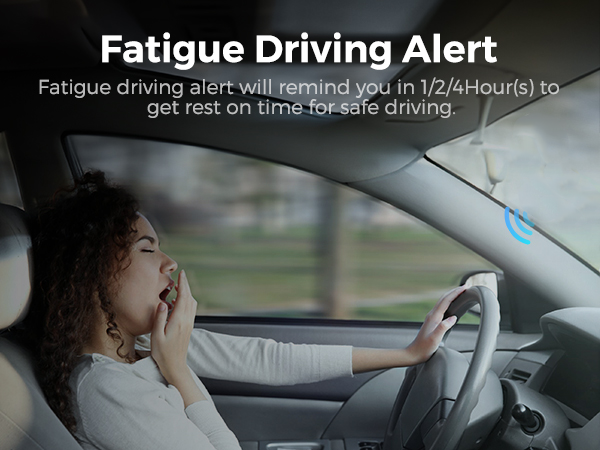
| Fatigue Driving Alert
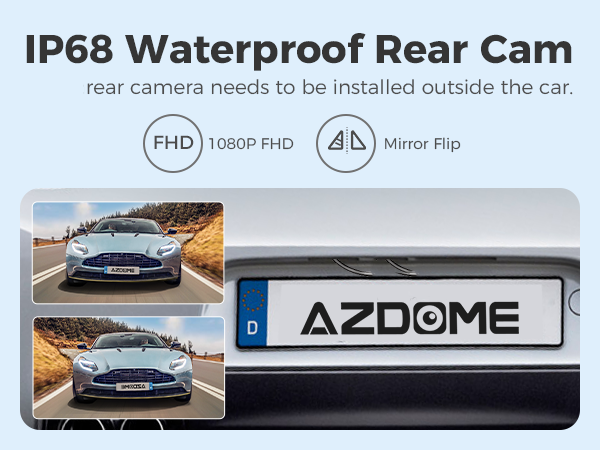
| Waterproof Rear View Camera This dual dashcam has a waterproof rear view camera with 4 LED lights so that you can see and film what is happening behind your car even at night. |
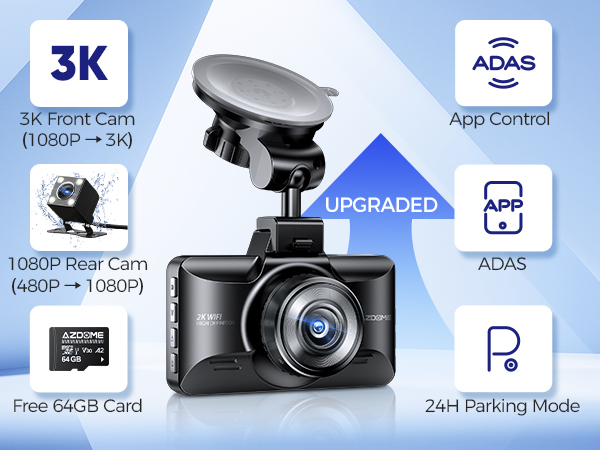 |  |  |
Upgraded M01 Pro 3K
| Free 64 GB SD card
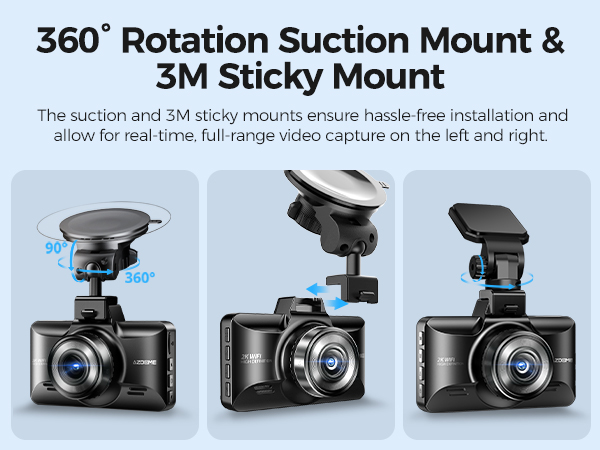
| Adjustable Rotating Lens The suction and 3M sticky mounts ensure hassle-free installation and allow for real-time, full-range video capture on the left and right. |
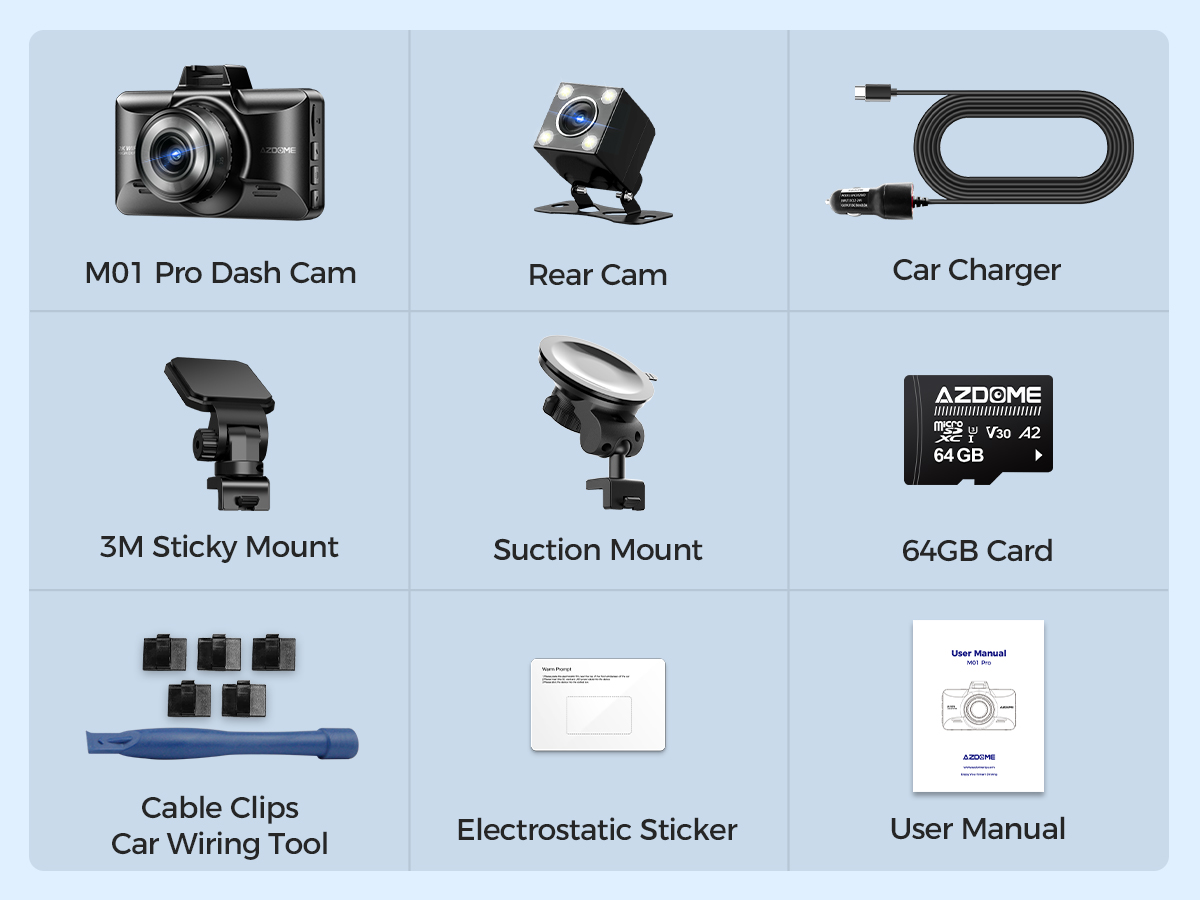
M01 Pro (2CH) Standard Packaging List:
🎁 Packing Box
🎁 M01 Pro Dash Cam
🎁 Rear Camera
🎁 Car Charger
🎁 USB Cable
🎁 Suction Mount
🎁 Cable Clips
🎁 3M Sticky Mount
🎁 64GB Card
🎁 Electrostatic Film
🎁 User Manual
🎁 Car Wiring Tool
Questions and Answers
Q1: What is a WiFi Feature?
A:The WiFi feature has been designed so you can pair your dash camera wirelessly with your smartphone and access your recording instantly from the dash cam. Here you can view, download and share your videos easily with your friends and family. Just like how you would connect your Bluetooth speaker to your smartphone for wireless music play, the same way dash cameras use WiFi signal (instead of a Bluetooth) to pair your smartphone with AZDOME M01 Pro.
Q2: Can I watch the videos around my car remotely?
A:NO.AZDOME dash cam is NOT made to broadcast footage over the cloud or internet. It is NOT a cloud or an IP camera and it is NOT meant to do that. You can get live video and footage on AZDOME dash cam's APP as long as you stay within the 10FT range from the dashcam.
Q3: What is the WiFi Range?
A:The WiFi signal range is about 10FT when there are NO obstructions in the middle. Please NOTE that just like your home WiFi network, you don't have WiFi signal outside your home, the same way, WiFi range is 10FT from this small device.
Q4: Camera does not turn ON?
A:1.Use the different Type-C Cable & your smart phone's USB charger. Now plug it into your home's 110V wall outlet.
2.When you plug it in, the camera should turn ON. If NOT, then press the Power Button Once to see if it turns ON? If it still does NOT turn ON, then remove the memory card.
3.Keep the camera plugged in. Now Press the RESET bution (Located at the botiom) ONCE with a pen's tip or a paper clip. Now the camera should turn ON. If it still doesn't turn ON, then please CONTACT US.
Q5: Camera turns ON / OFF frequently automatically?
A:Please reset your camera. Try updating the firmware again to see if this fixes the issue.
If still having issue, please reach out to customer care.
Q6: Camera gets HOT?
A:It is normal for your camera to run slightly hot. Due to the dual lens recording, the dash cam may be hot during using. (no more than 140°F/70ºC)
Q7: Video is fuzzy?
A:Please make sure the lens of camera is clean and there is no dirt on windshield .
Q8: Camera Freezing/Lagging or Crashing?
A: Please make sure you are only using class 10 or above Micro SD memory card.
Insert paper clip into reset. Restart with another Micro SD card and try again.
Q9: Camera Locks many videos automatically?
A: Please make sure you change your G-sensor setting. If you choose higher setting then it can trigger even with smaller bump. This setting depends on type of car or truck you are driving and how much vibration your car/truck is creating based on suspensions and road condition.
Q10: Camera showing "Memory Error" or "Please Insert Micro SD Card" even though memory card is already installed into the camera?
A: 1. Please make sure memory card is at least Class 10, U3 and purchased from trusted vendor such as Walmart, target, best buy, Ship & Sold by Amazon" etc. (there are many fake cards out there Online, remember if it's cheap, its fake.)
2. Now go to camera's system settings and FORMAT your memory card. After formatting memory card, please press and hold power button to turn the camera off. Now unplug power cable, and re-plug the power cable, camera should now turn ON automatically and start recording.
Shipping Information:
1. Items will be shipped within 1 business day on payment received.
2. Item are shipped from Warehouse of US, Estimated Delivery Time: About 1-5 working days.

1.Our office hours are 9:00 a.m to 6:00 p.m (GMT +8) of Monday to Saturday.
2.And our Office is closed on Sunday and public holidays.
3.We apologize for the late reply during the holidays.