
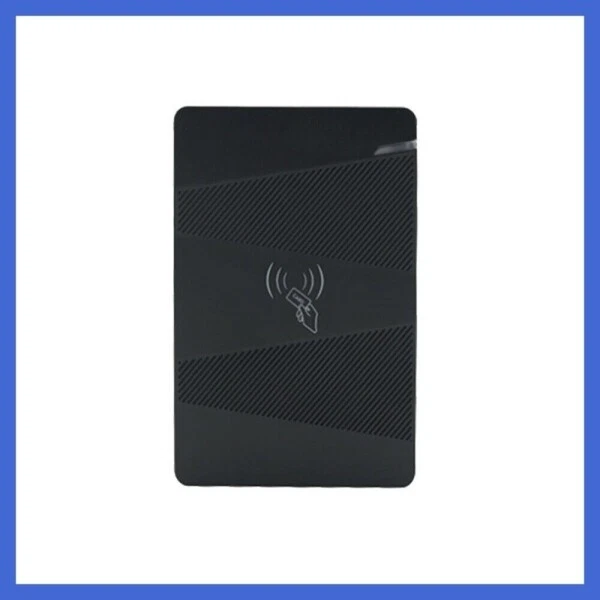
1.Technical parameters:
NO | Item | Value |
1 | Operating voltage | DC 12V±10% |
2 | Operating current | < 100mA |
3 | Ambient temperature | -20℃—70℃ |
4 | Storage | 15000users |
5 | Card type (alternative) | EM(ID) card(IC card for options) |
6 | Card reading distance | 1-15CM |
2、How to set Management Card – MAC&MDC
Step1、Turn off power and connect“GND”and“OPEN”。
Step2、Turn on power and buzzer gives 3 long buzz with green light flash fast, now read two empty cards first one as Manager Add
Card(MAC) and Second one
as Manager Delete Card(MDC) with red light flashing .
Step3、Turn off power, disconnect“GND”and“OPEN”。Turn on power again.
3、 How to use Management Card
To add a card user in standby mode: 1、 read MAC 2、read new cards 3、read MAC
To delete a card user in standby mode: 1、read MDC 2、read registered 3、cards read MDC
To delete all users in standby mode: 1、read MDC 2、read MAC 3、read MDC
Remark: User cards can be added or deleted continuously.
4、How to change Open time
Relay work 5 second when open the bottom cap and connect Jumper S2 to “5S” pin.
Relay work 1 second when connect Jumper S2 to “1S” pin.
5、Installations Guide:
NO | Mark | Color | Function |
1 | 12V | Red | DC 12V |
2 | GND | Black | Power GND |
3 | OPEN | Brown | Connect EXIT button |
4 | D0 | Green | WG26 signal D0 |
5 | D1 | White | WG26 signal D1 |
6 | NO | Yellow | Relay NO |
7 | COM | Blue | Public connector |
8 | NC | Grey | Relay NC |
Package:
- 1x EM Standalone access controller
- 1x Cable
- 1x Manual