




You may also like
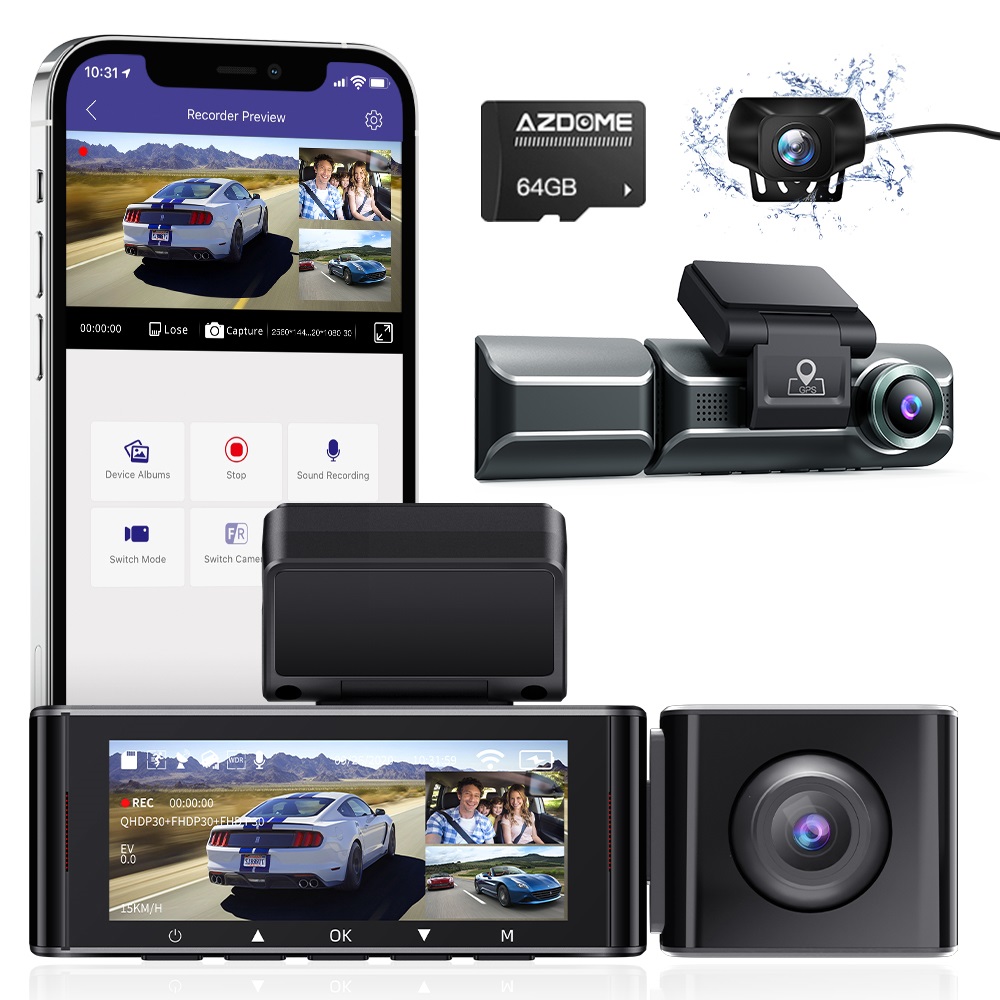
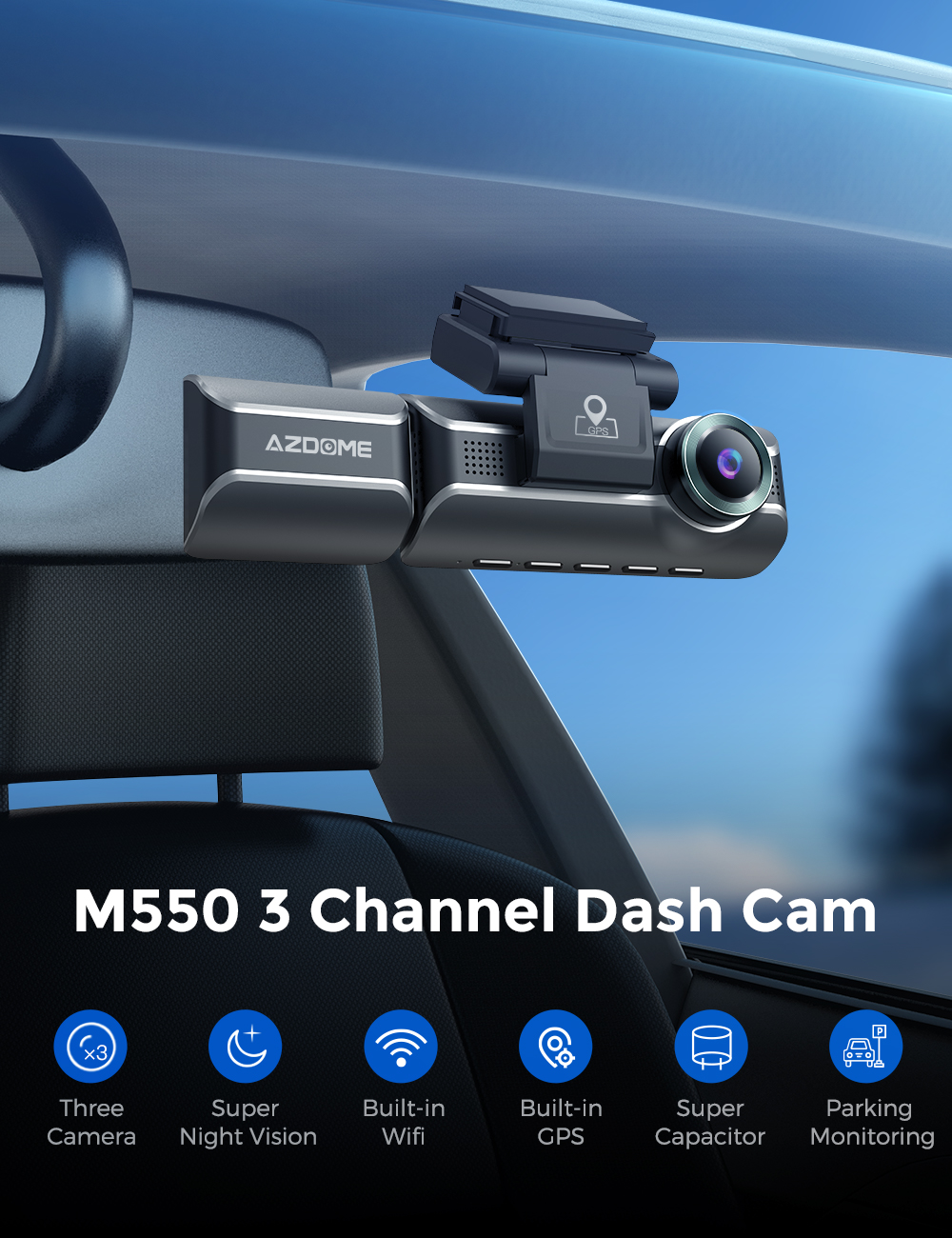
AZDOME M550 4K WiFi 3 Channel On Dash Cam, Front and Rear Inside for Car 2.5K+1080P+2.5K Free 64GB Card, Built-in GPS Motion Detection IR Night Vision WDR 3.19" IPS, IP68 Waterproof Easy to Install
Product Information:
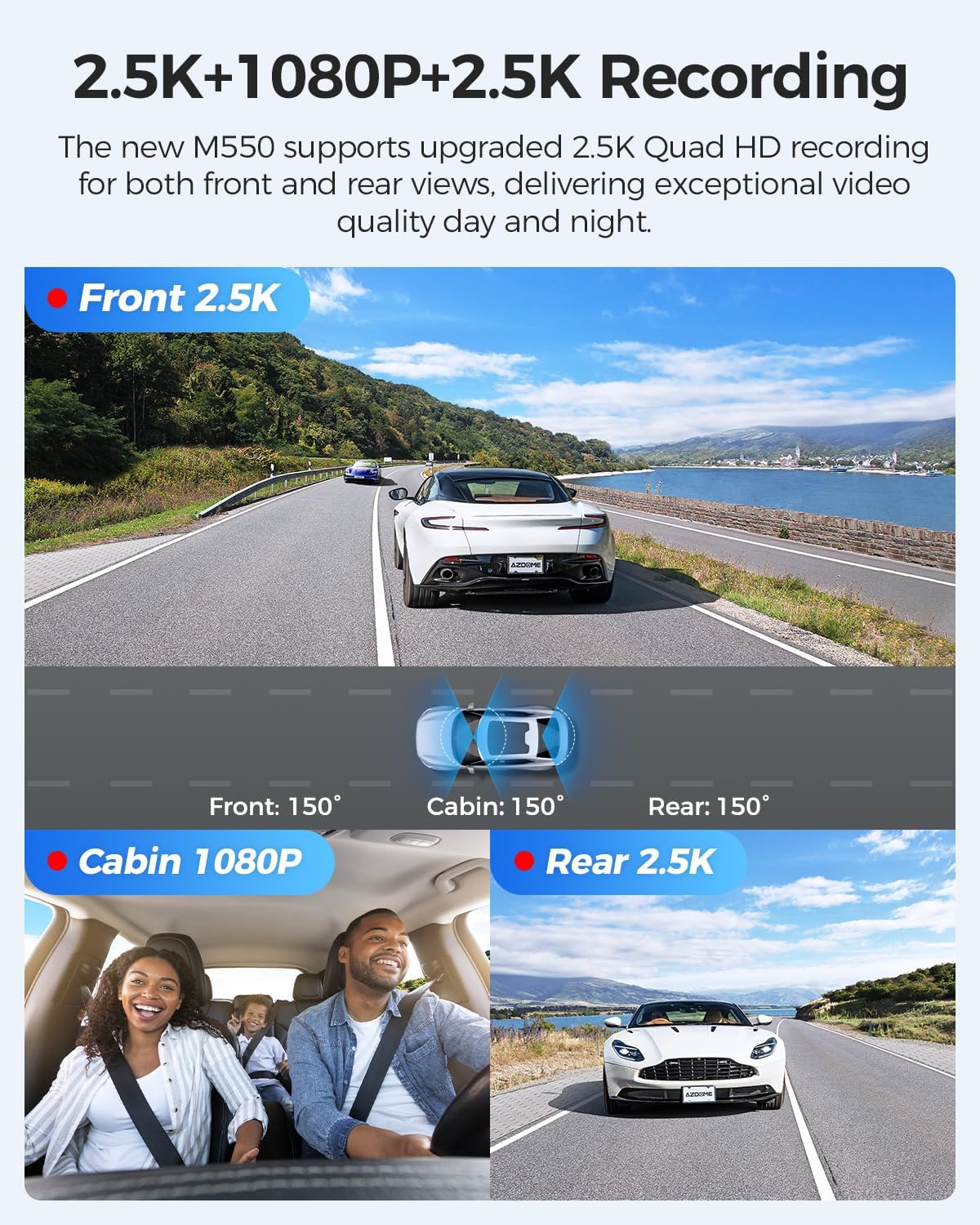
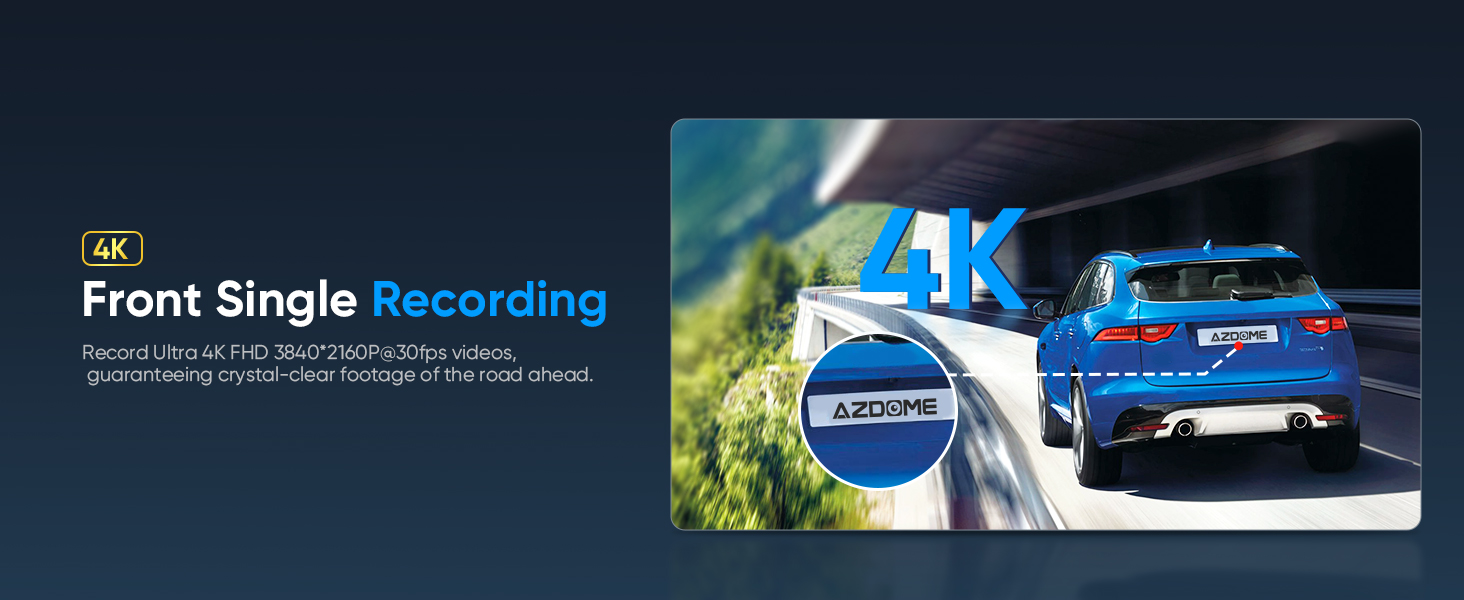
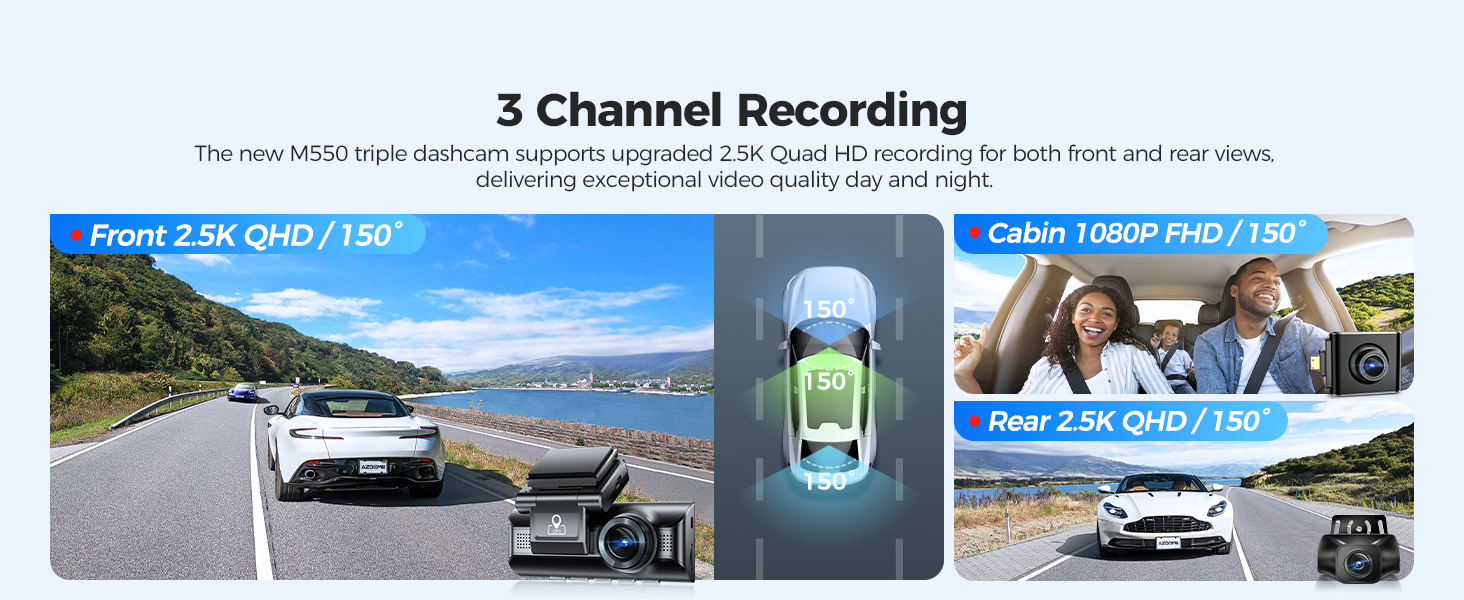
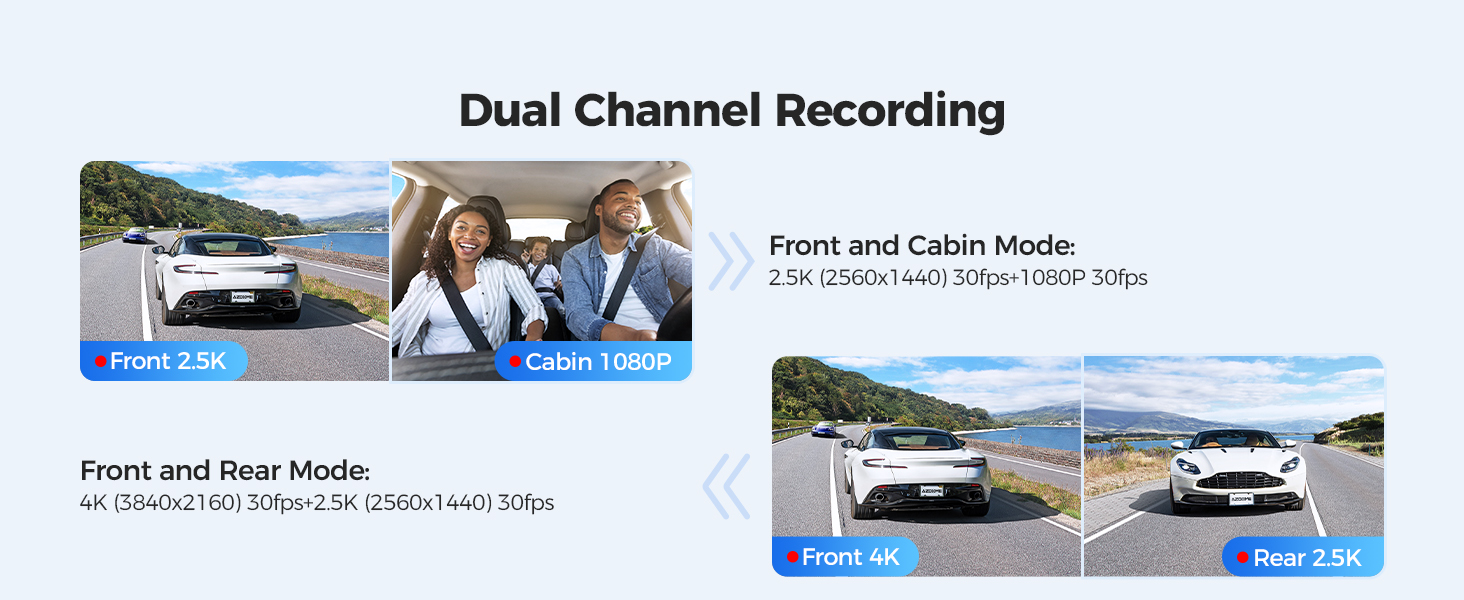
3 Channel Crystal Clear 4K Recording: Experience next level recording with 4K UHD videos at 3840x2160p, backed by Novatek NT96670 Processor and a best-in-class GC4653 & Sony IMX307 & GC2053 Ultra-low light capture sensor. The ultra-wide-angle lens allows 150° field of view that easily covers four lanes and captures distortion-free images.
Only Front:4K(3840x2160p@30fps)
Front + Rear:4K+2.5K
Front + Cabin:2.5K(1440P)+1080P
Front + Cabin + Rear:2.5K(1440P)+1080P+2.5K
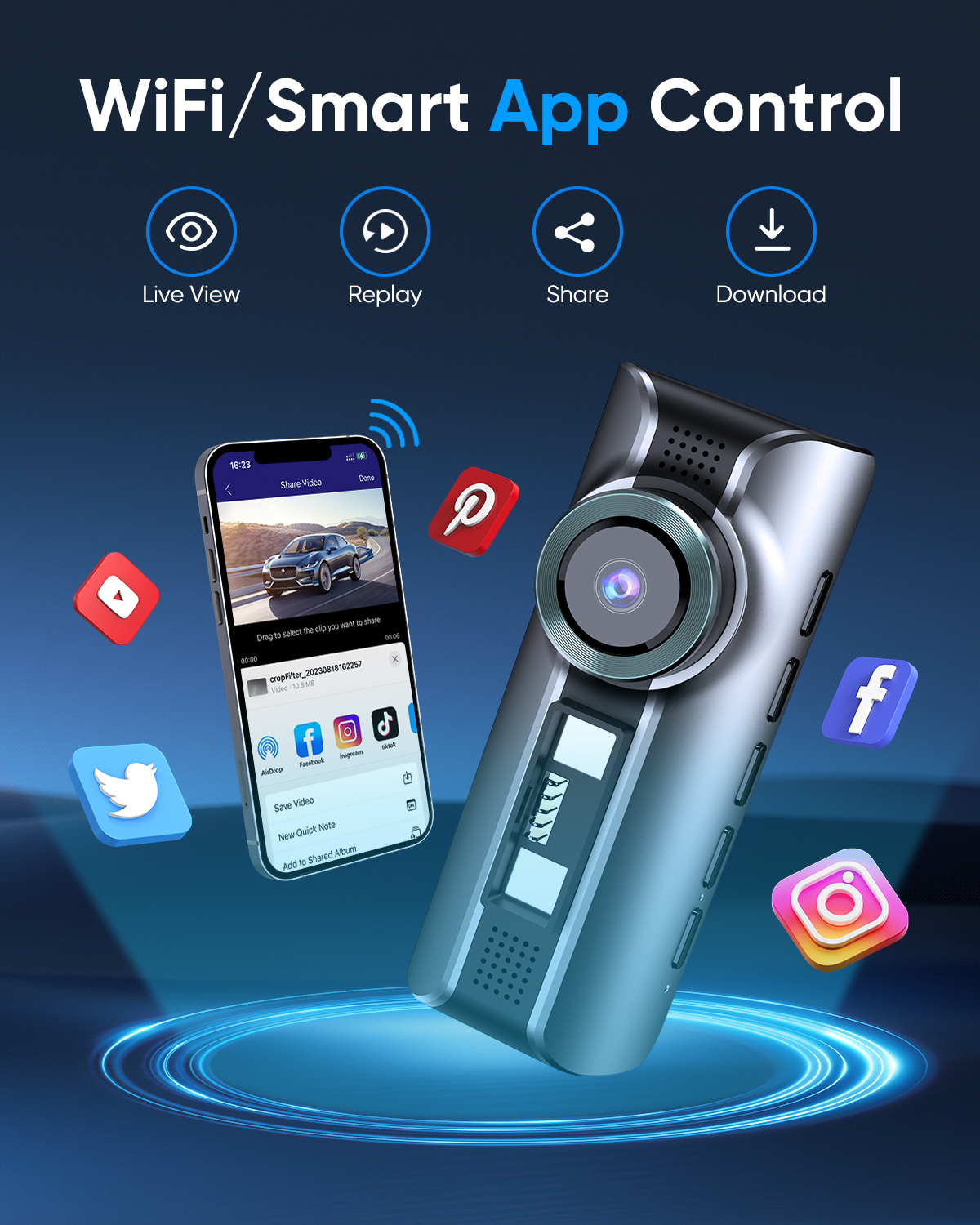
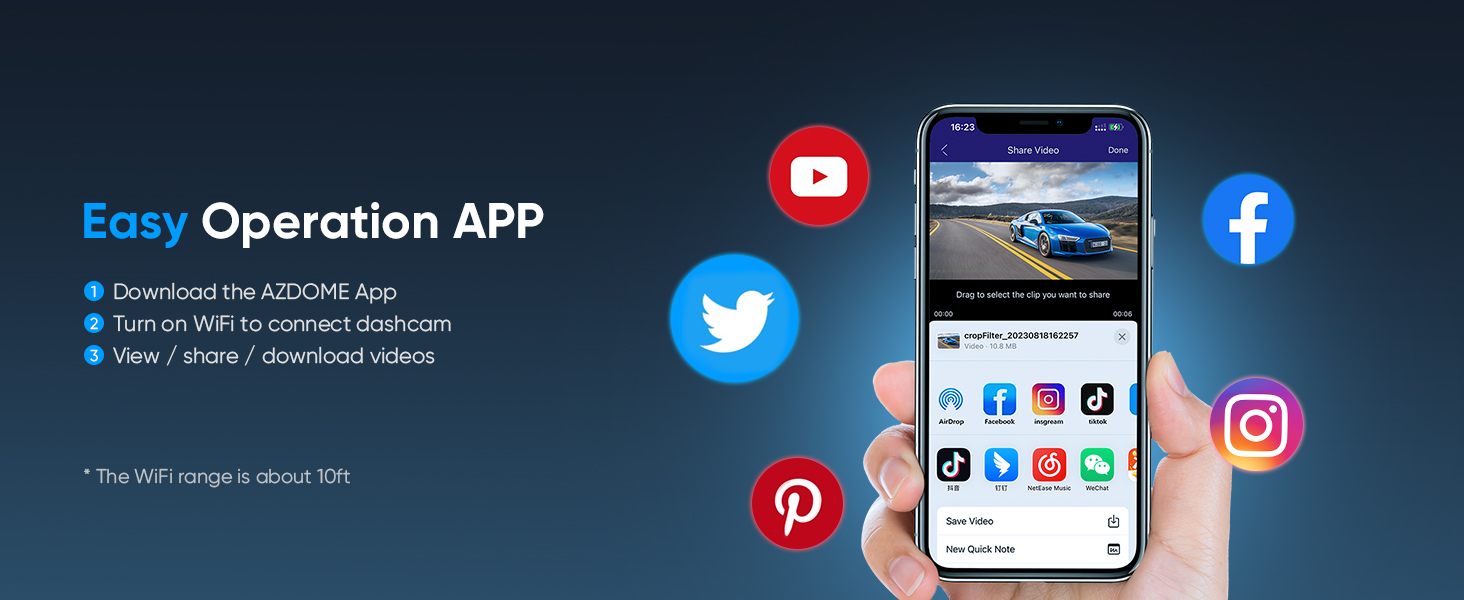
Built-in WiFi:User could connect car WiFi driving recorder to 'AZDOME App' on iOS or Android devices. WiFi dash camera could support video playback, download and management. User could share travel landscapes and moment with friends and family.
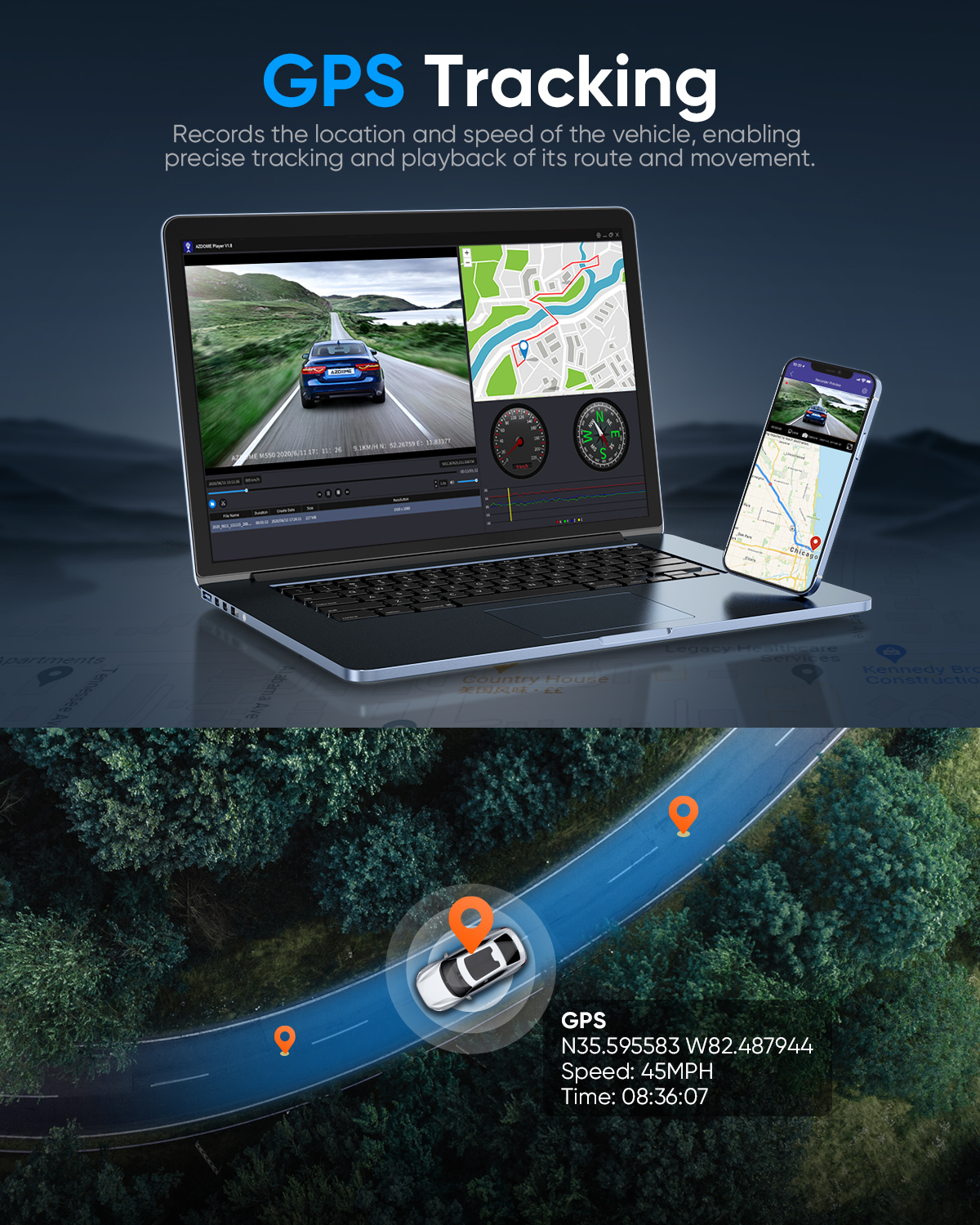
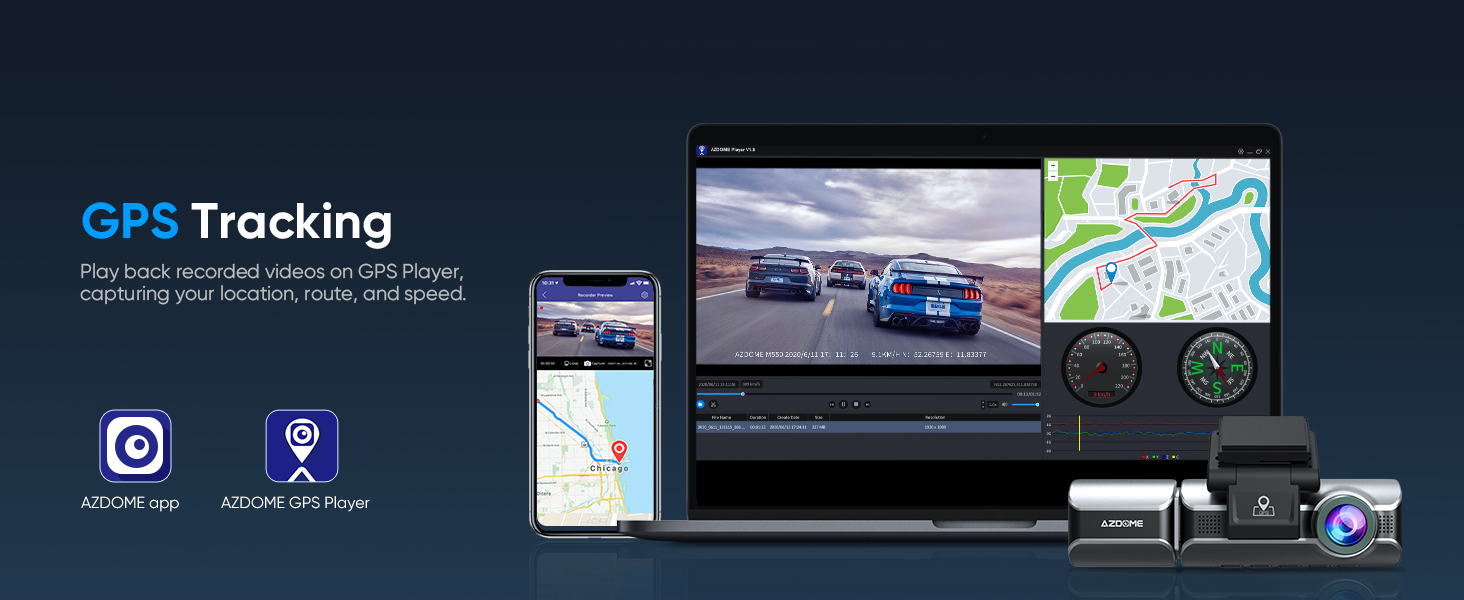
Built-in GPS:AZDOME GPS Player could view the speed route latitude and longitude of the recorded video. M550-3CH dash camera provides evidence during emergencies. Car camera could completely record the driving route data.
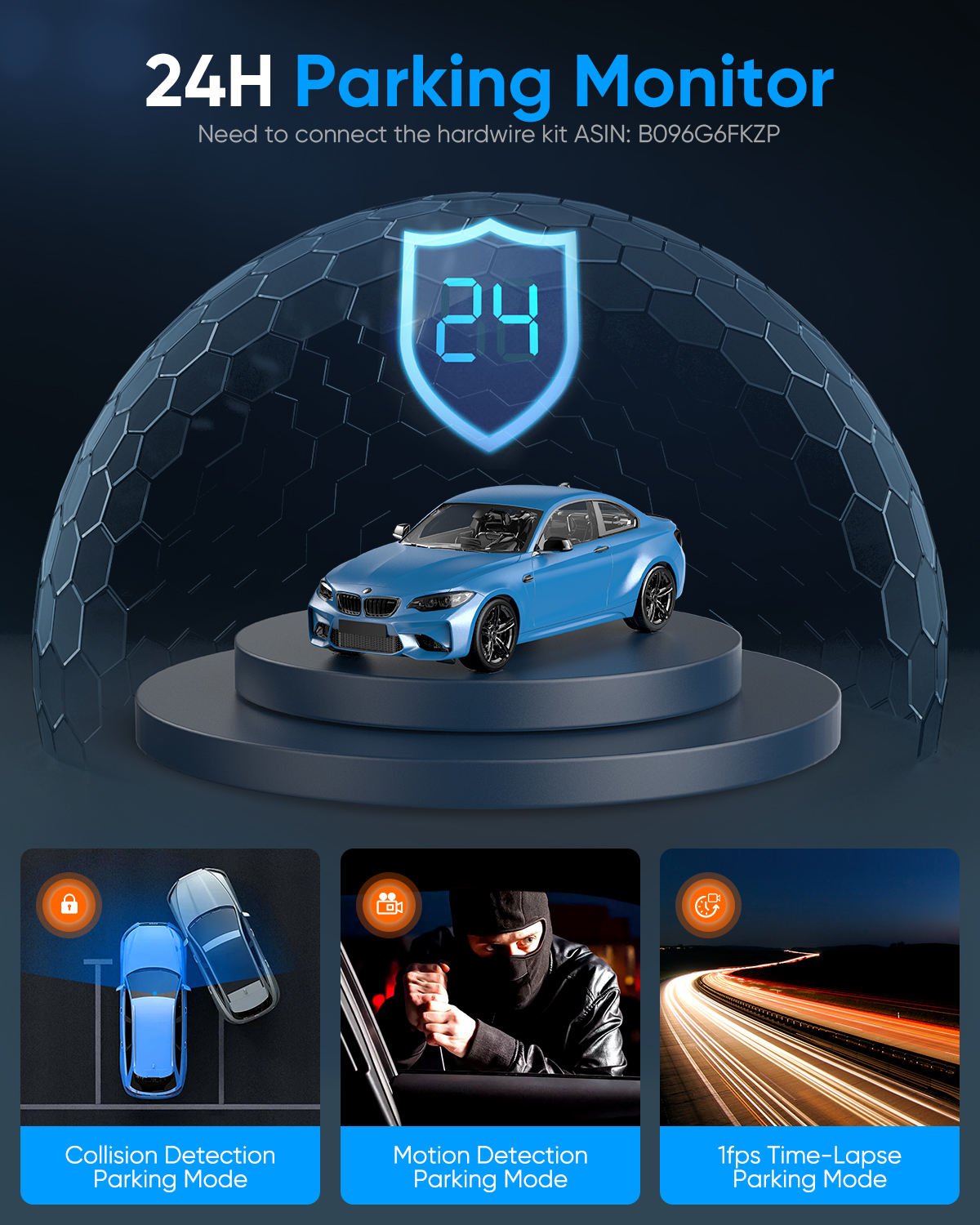
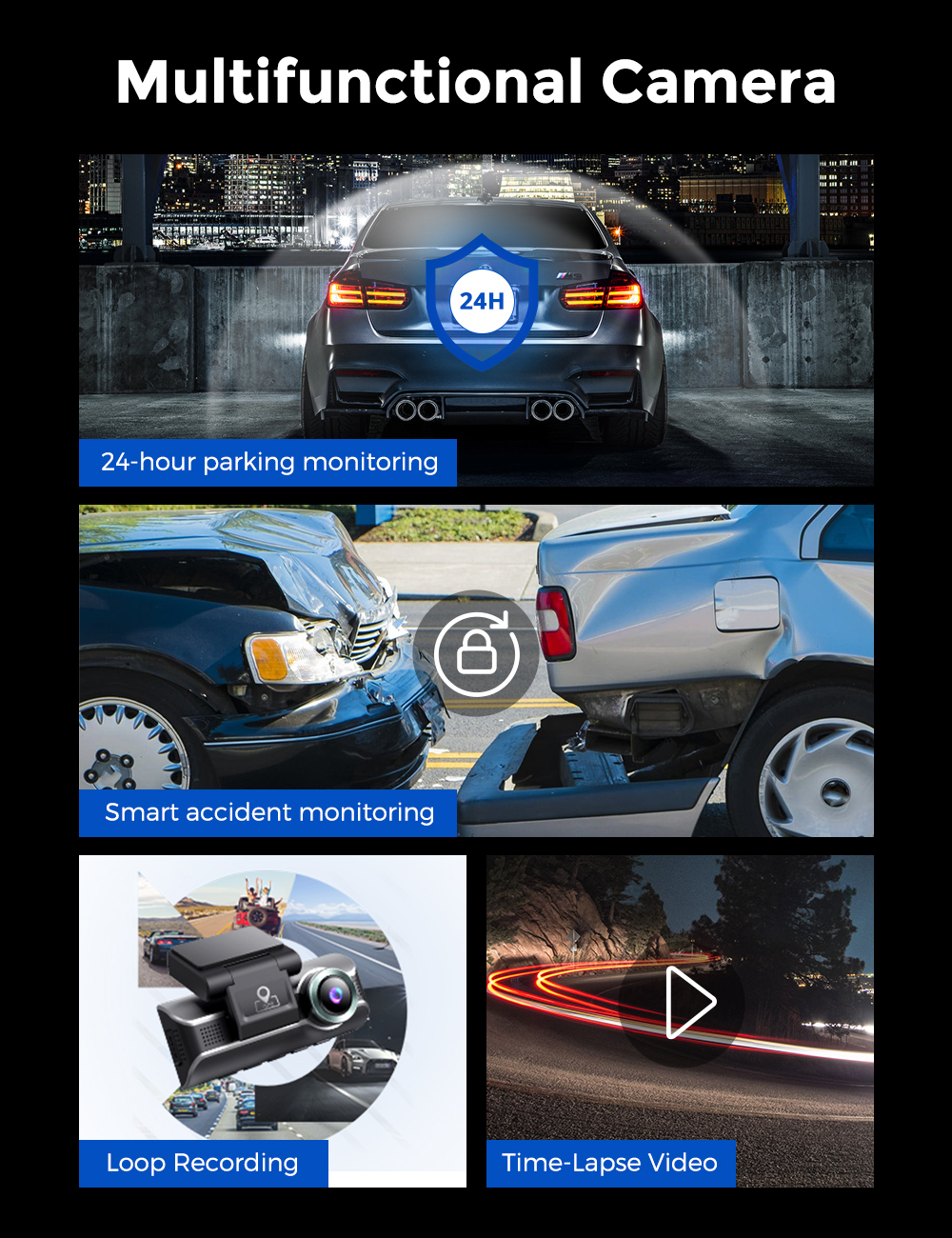
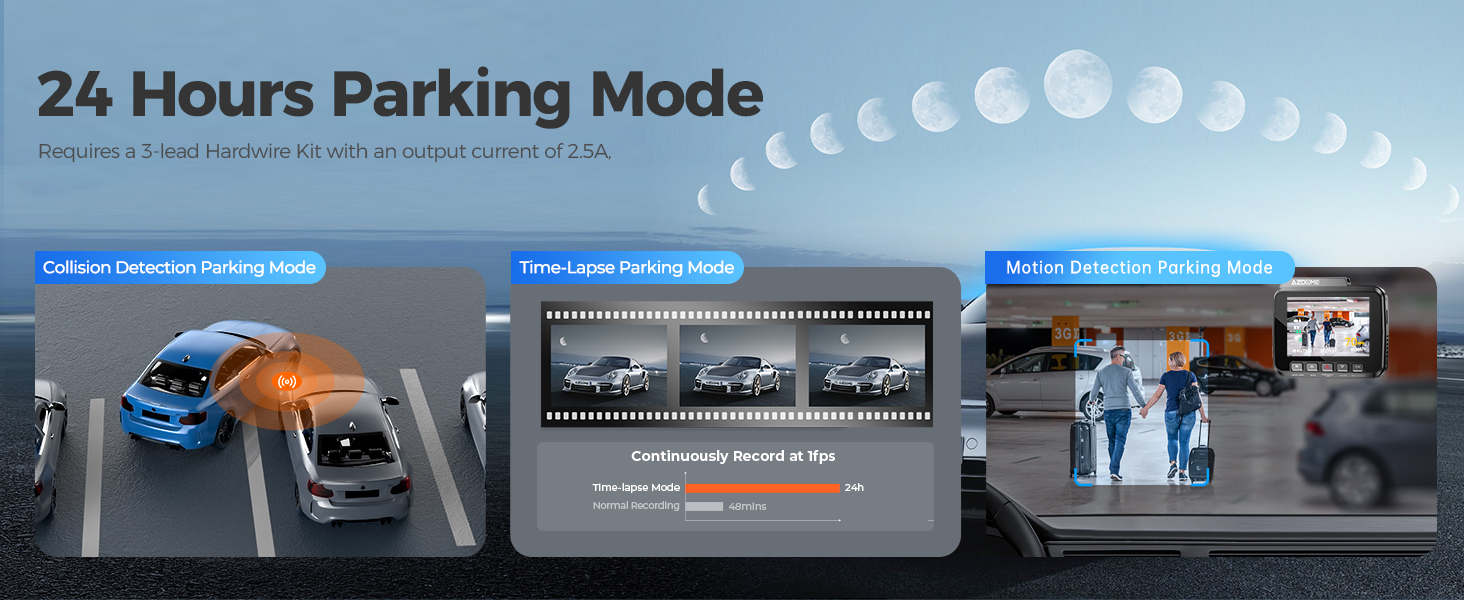
24h Parking Monitoring:
AZDOME M550-3CH dash camera offers 3 parking modes:
1、Collision Detection Parking Mode:If the dashboard camera's G-Sensor detects a collision or a hard hit to the vehicle, and the impact force reaches the set G-Sensor level, the camera turns on > then starts recording 1 minute of continuous video, and saves and locks the video in the EMR folder > then the camera turns off.
2、Time-Lapse Parking Mode:If someone hits your car, and the impact force reaches the set G-Sensor level, the camera starts locking the current loop of the time-lapse video clip, and saves and locks the video in the EMR folder > then returns to the time-lapse 1fps recording mode.
3、Motion Detection Parking Mode:When the vehicle is parked, the dashboard camera monitors the surrounding movement. If a person or object is detected approaching the vehicle, it will automatically start recording to capture potential threats or events. This mode helps protect the vehicle from theft or vandalism.
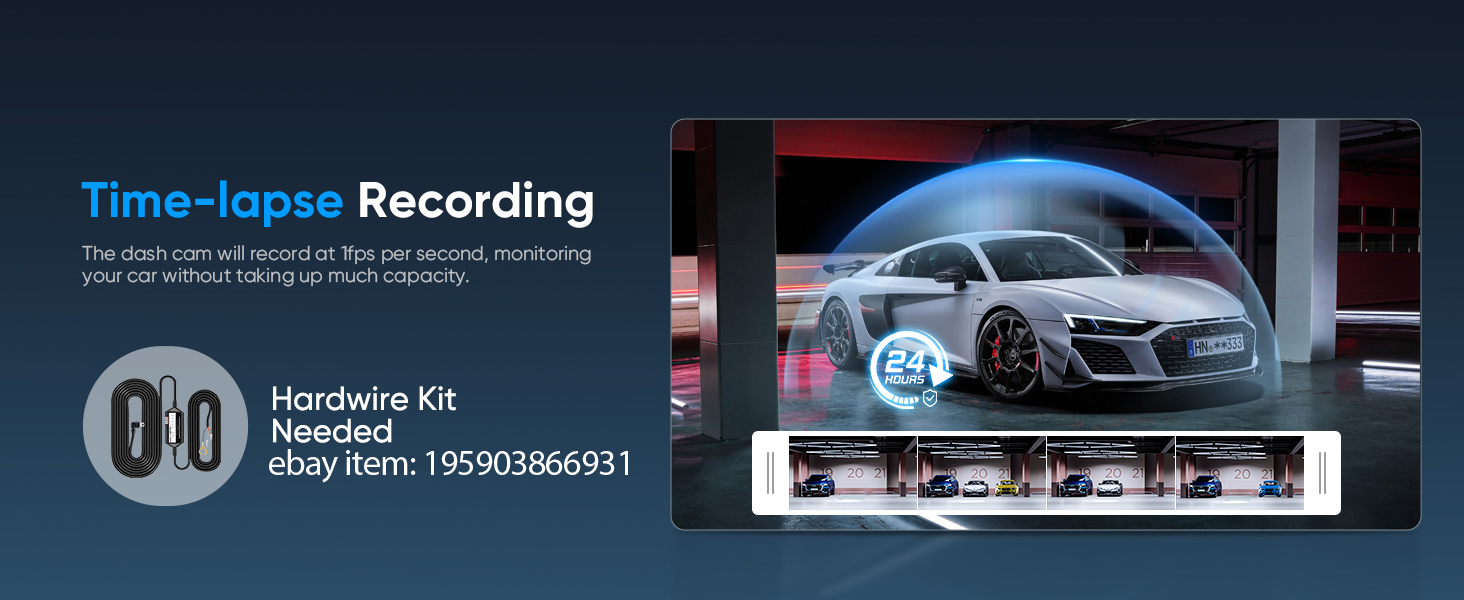
(In order to avoid fire, our product does not have a high capacity battery installed. So if you want it to work even when the car is parked, you need to install a cable set, you can buy it from this link: https://www.ebay.com/itm/256487986659 or https://www.ebay.com/itm/256004133341 )
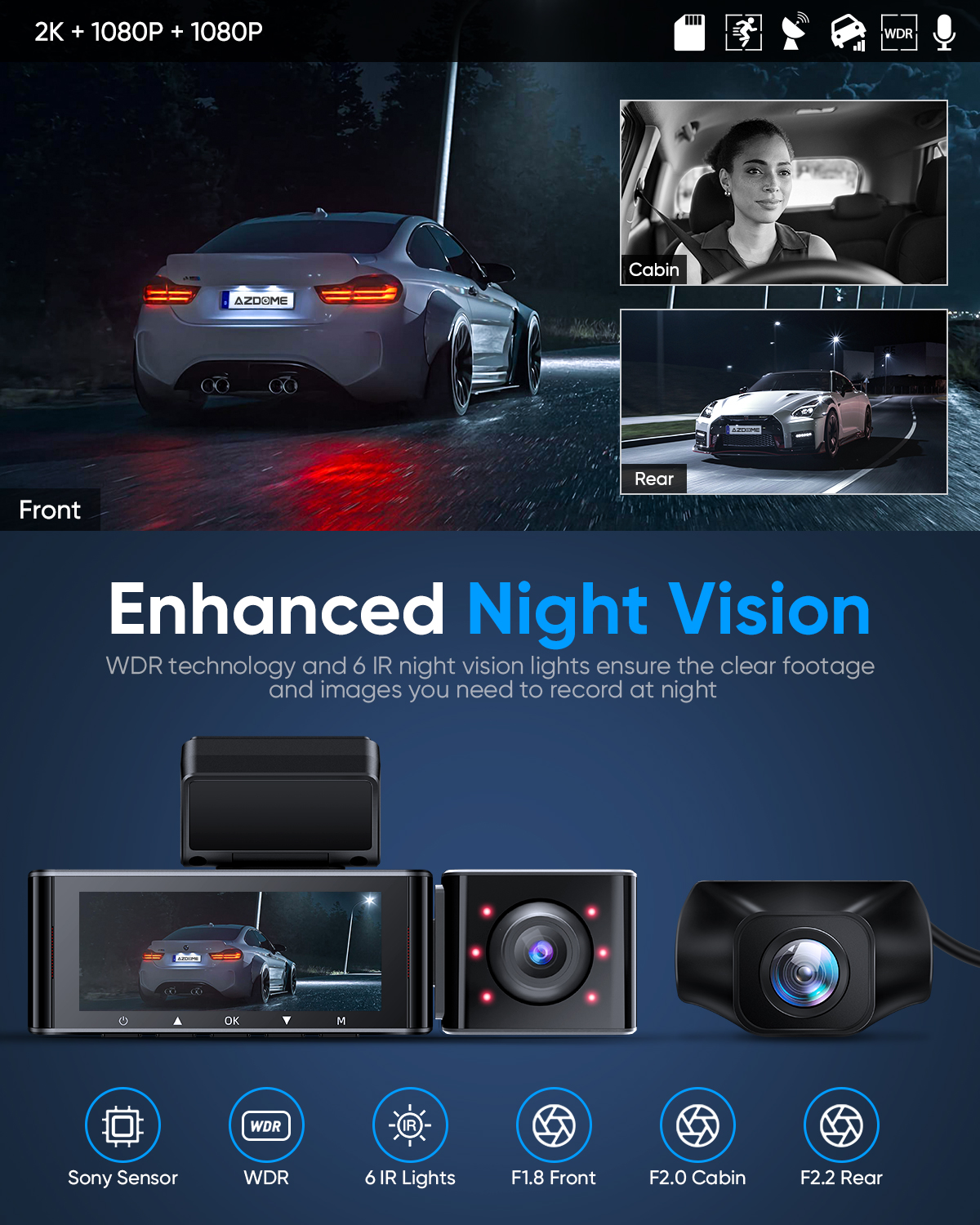
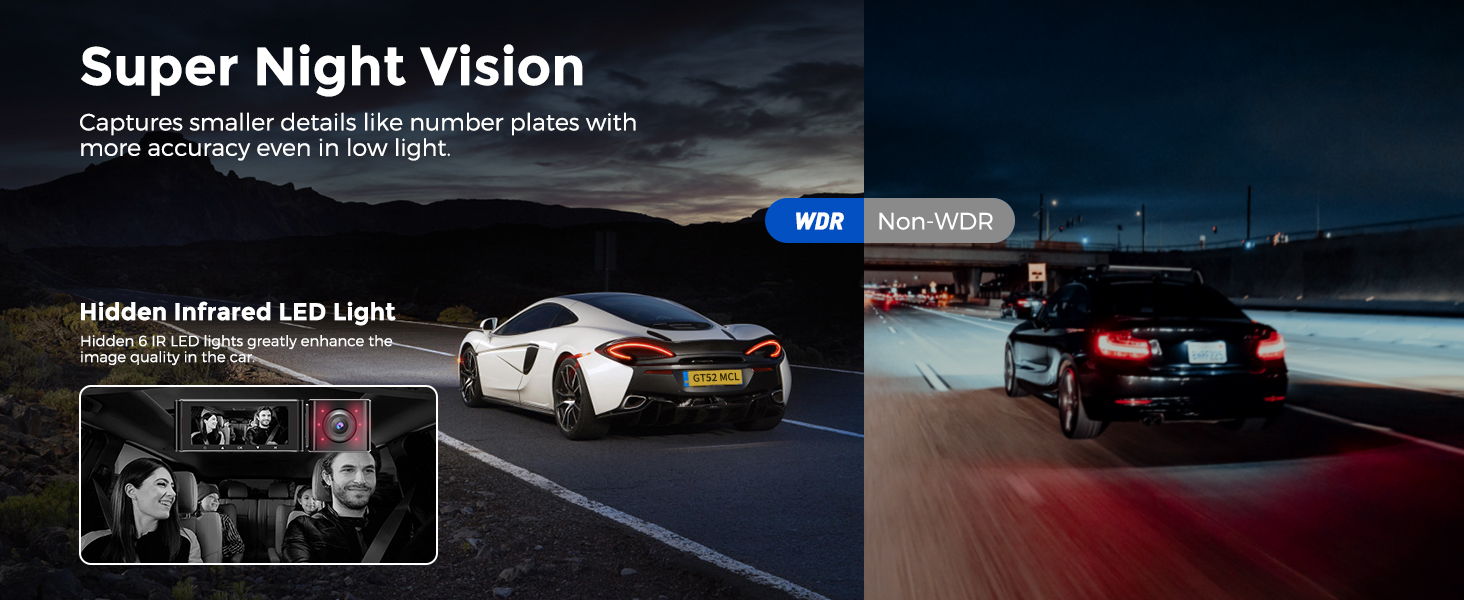
IR Night Vision:M550-3CH dashcam delivers super night vision. Dash cam backs with Novatek NT96670 Processor, GC4653, the Sony IMX307 and GC2053 sensor. Night vision dash cam could clearly record day and night evironment.
Time Lapse Recording:Time-Lapse Video allows you to capture specific images per second at a much lower rate. So when you combine and play those images at the normal rate, everything seems to be moving faster in time lapse.
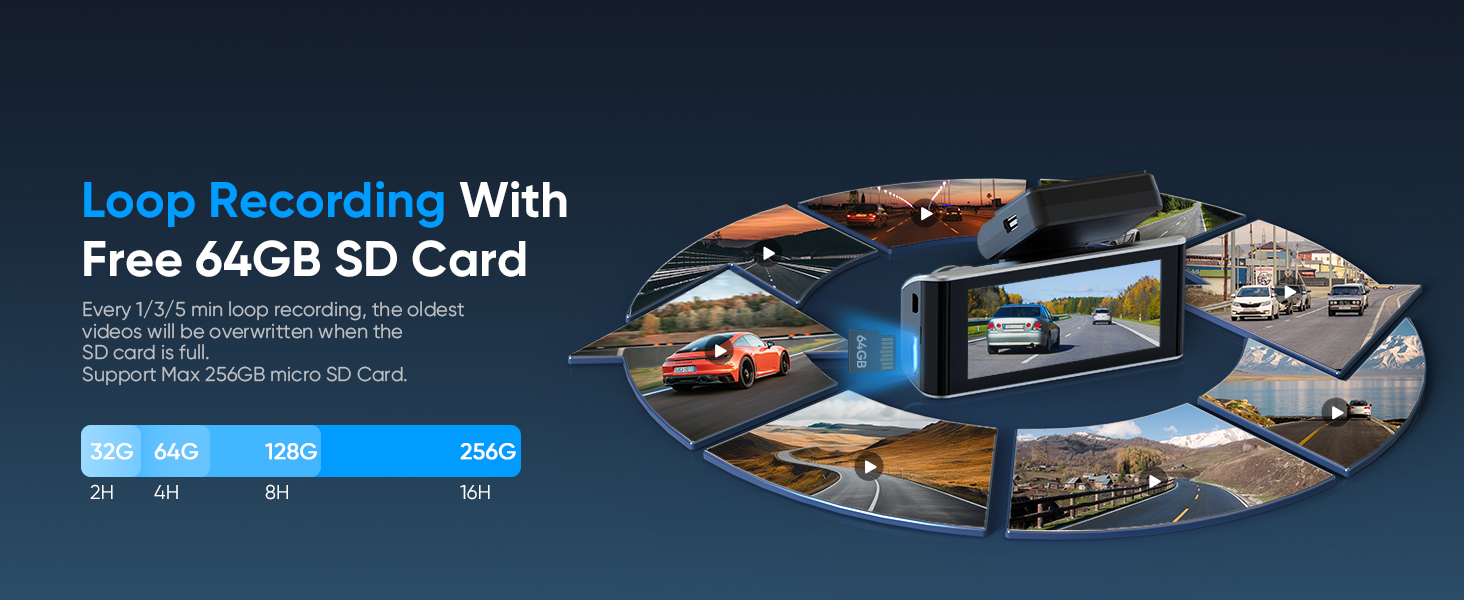
Loop Recording—Off/1min/ 3mins(Default)/ 5mins:Loop recording has the functions of continuous recording, space saving and convenient management. You can choose the recording period according to your needs(1/3/5min). By continuously overwriting old recordings, loop recording can effectively use the storage space and reduce the waste of memory card capacity. Loop recording ensures that the dash cam continuously records and saves the latest driving footage without the need to manually clean up the storage space or replace the memory card.
G-Sensor — OFF/ High/ Middle(Default)/ Low:The sensor used by Dashcam is a 3 -axis impact gravity acceleration meter used to detect the physical and gravity effects of the camera. Once the G-sensor is triggered, the current video file will be locked as an emergency file to ensure that it will not be deleted by the recording function.
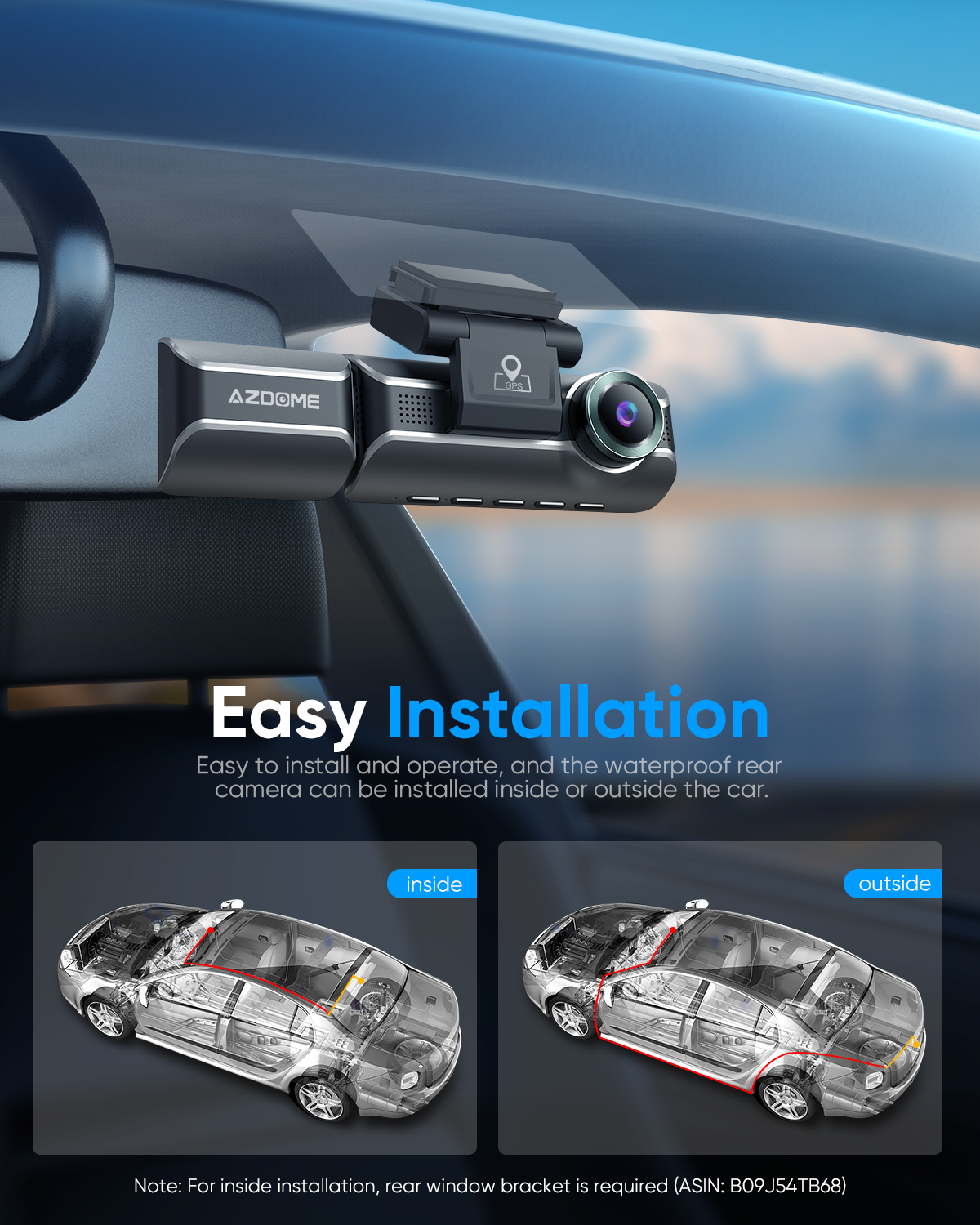
IP68 Waterproof Rear Cam:AZDOME M550-3CH rear camera needs to be installed outside the car. Equipped with an IP68 waterproof rear camera, it is extremely durable and enhances overall driving safety and monitoring capabilities.
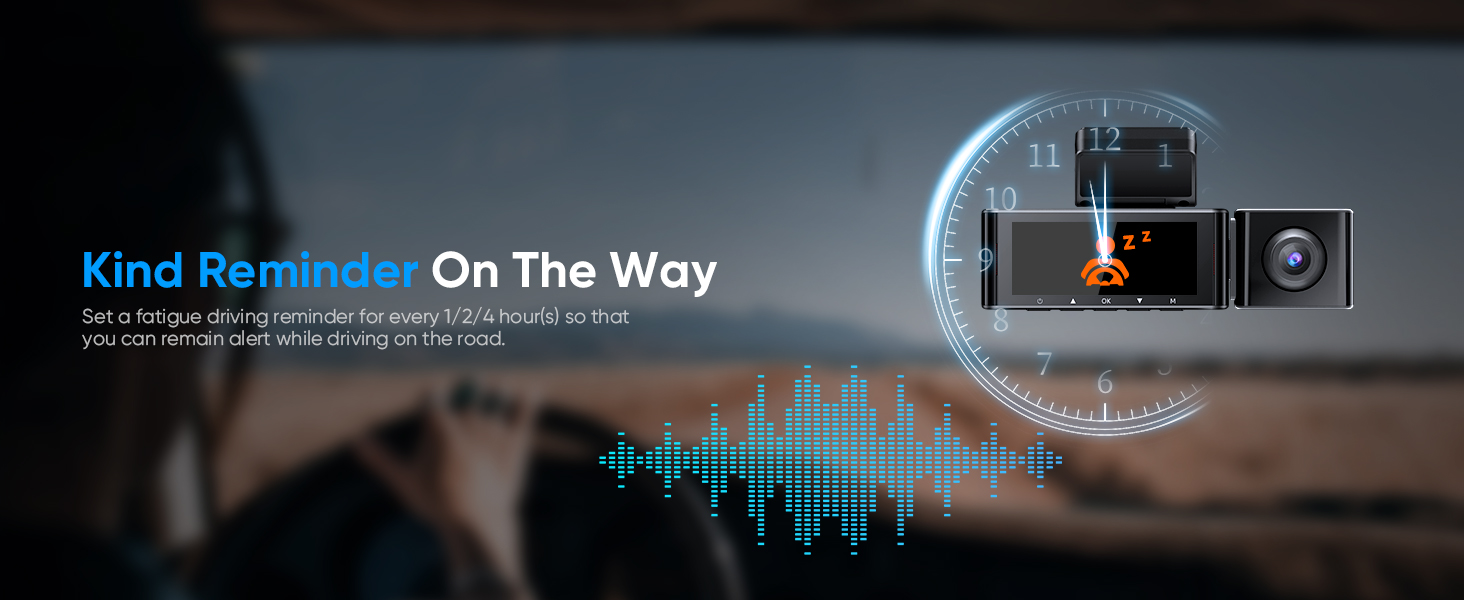
Driving Fatigue Alert:When dashcam working for 1/2/4 hours, a sound will be made to remind you to be awake. This function aims to warn you to take a break to ensure driving safety. Please note that continuous driving may cause fatigue for a long time, so it is recommended to stop and rest at the appropriate time to maintain alertness and safety.
Free 64GB SD Card:AZDOME 64GB card has already been inserted into the dash cam.Users do not have to purchase SD card separately. Dash camera for car supports up to 128GB SD card. Please format 64GB SD card at first time using for your dash cam.
Warranty:Azdome M550-3CH offers a 12-month warranty and 24/7 technical support. Please contact us by email if you encounter any problems after purchase. Azdome development team will try to reply you within 24 hours on working days.
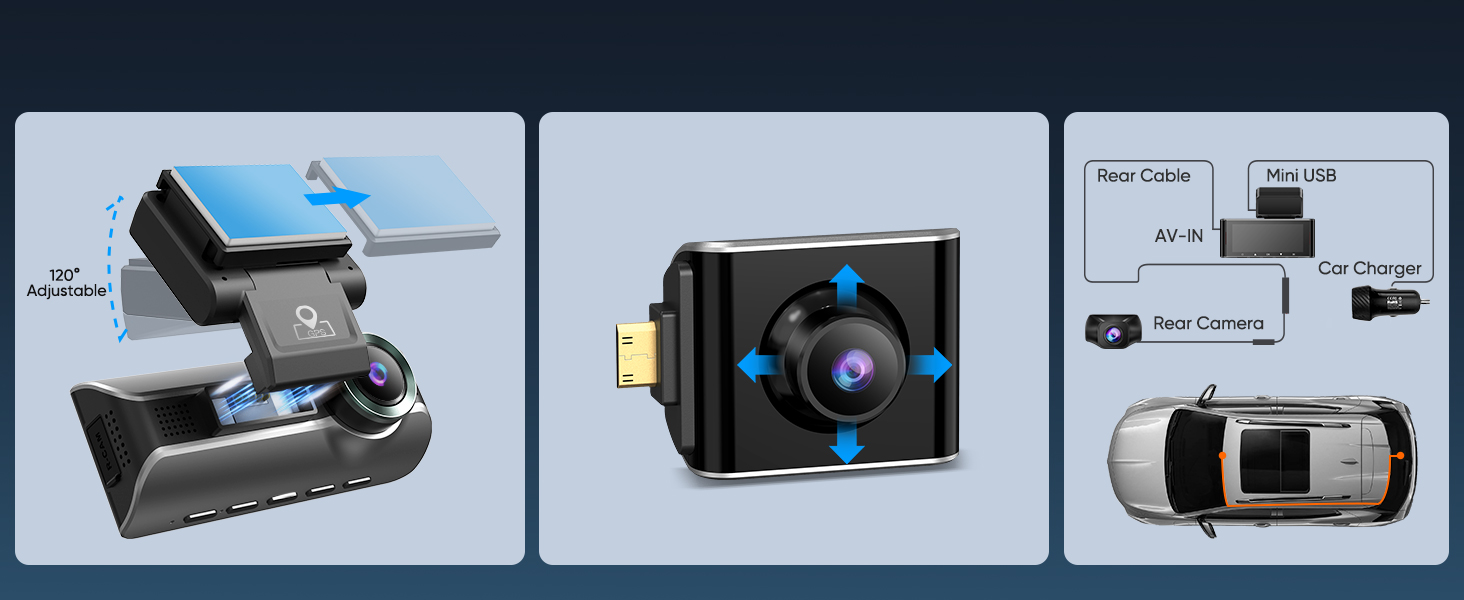
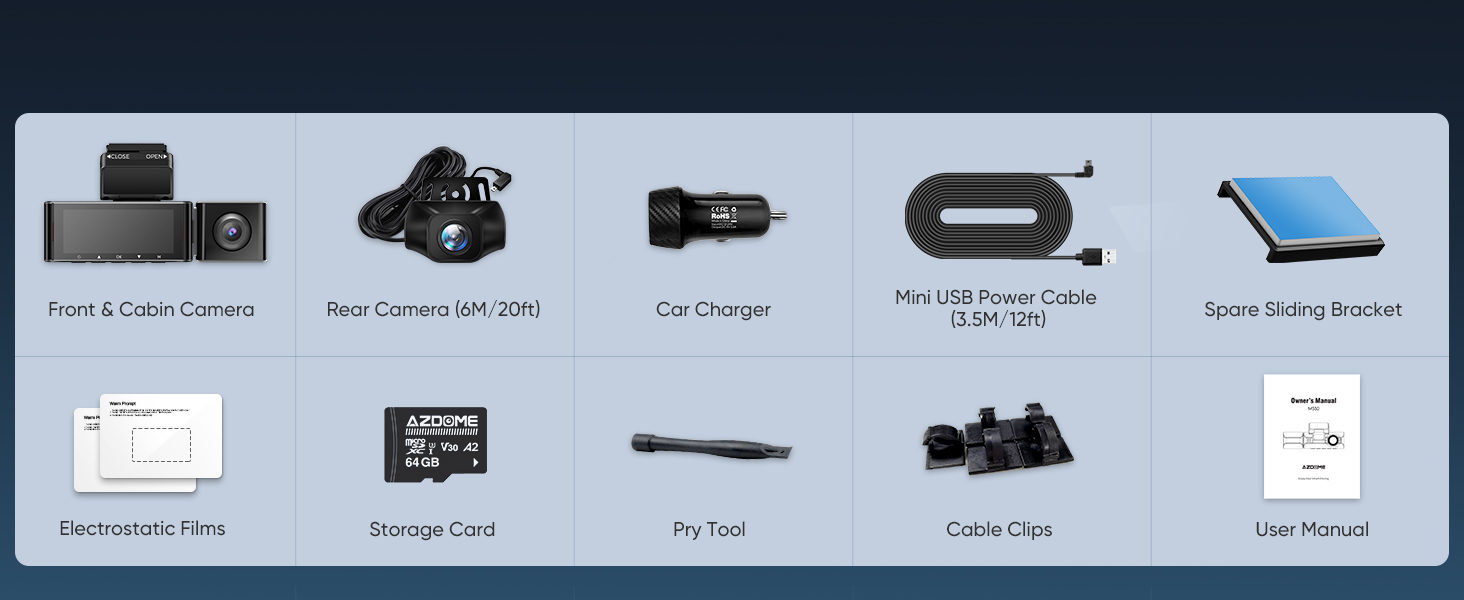
M550-3CH Standard Packing List
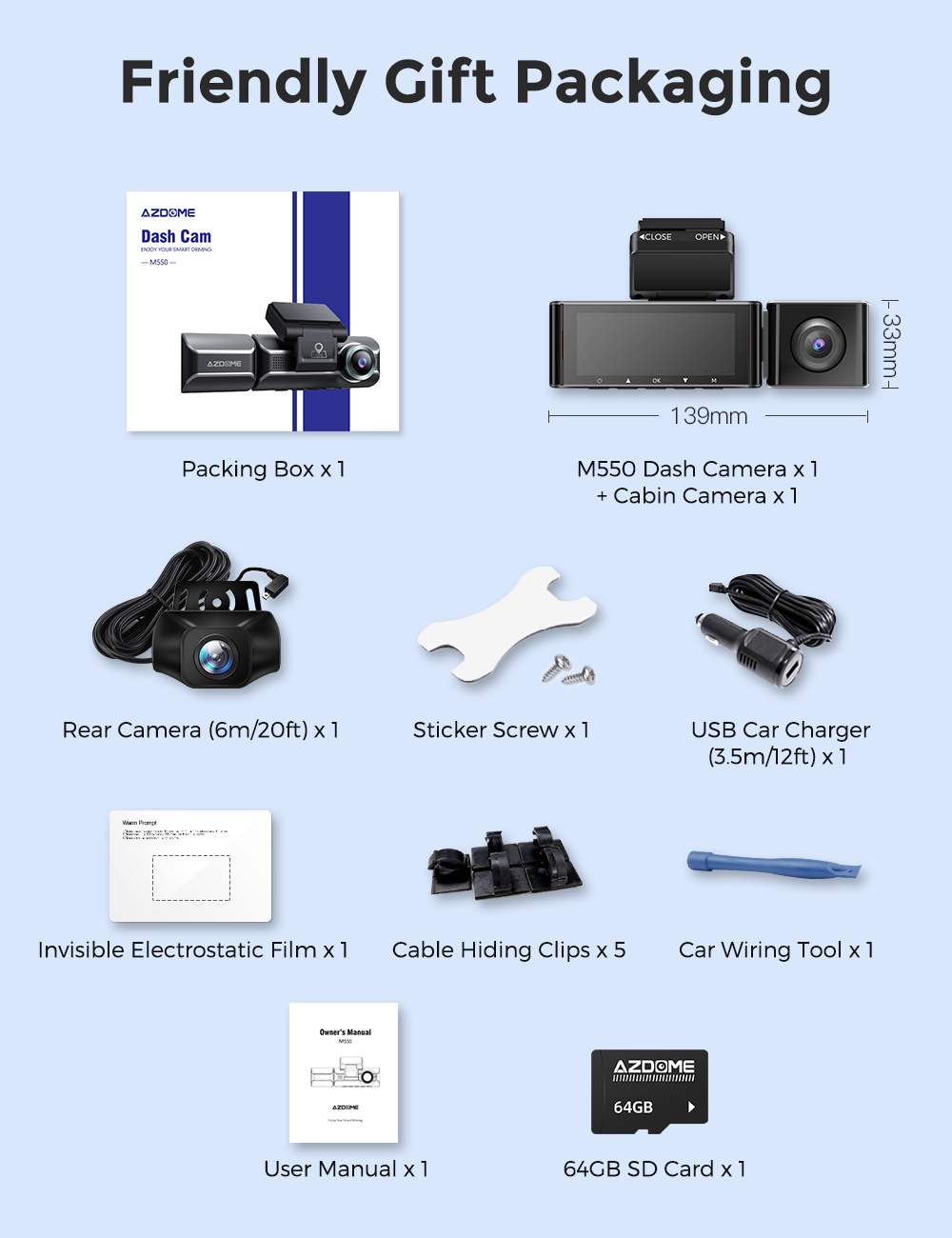
1 x Front Camera
1 x Cabin Camera
1 x Rear Camera (6M/20ft)
1 x Car Charger
1 x Mini USB Power Cable (3.5M/12ft)
1 x Adhesive Bracket
1 x Electrostatic Films
1 x 64GB TF Card
1 x Pry Tool & Cable Clips
1 x User Manual
Specifications
| Product Dimensions | 1.18 x 5.47 x 1.3 inches |
|---|---|
| Item Weight | 1.59 pounds |
| Item model number | AZDOME M550-3CH |
| Batteries | 1 Lithium Metal batteries required. (included) |
| Connectivity technologies | Wi-Fi |
| GPS | Matching GPS Stamps to Geotags |
| Special features | 3 Channel Front and Rear Inside Dash Cam, Built-in WiFi, GPS Tracking, 24 Hours Parking Mode, G-sensor, Loop Recording, Time-lapse, Infrared Night Vision, 64GB Card |
| Color | Black |
| Manufacturer | AZDOME |
| Country of Origin | China |
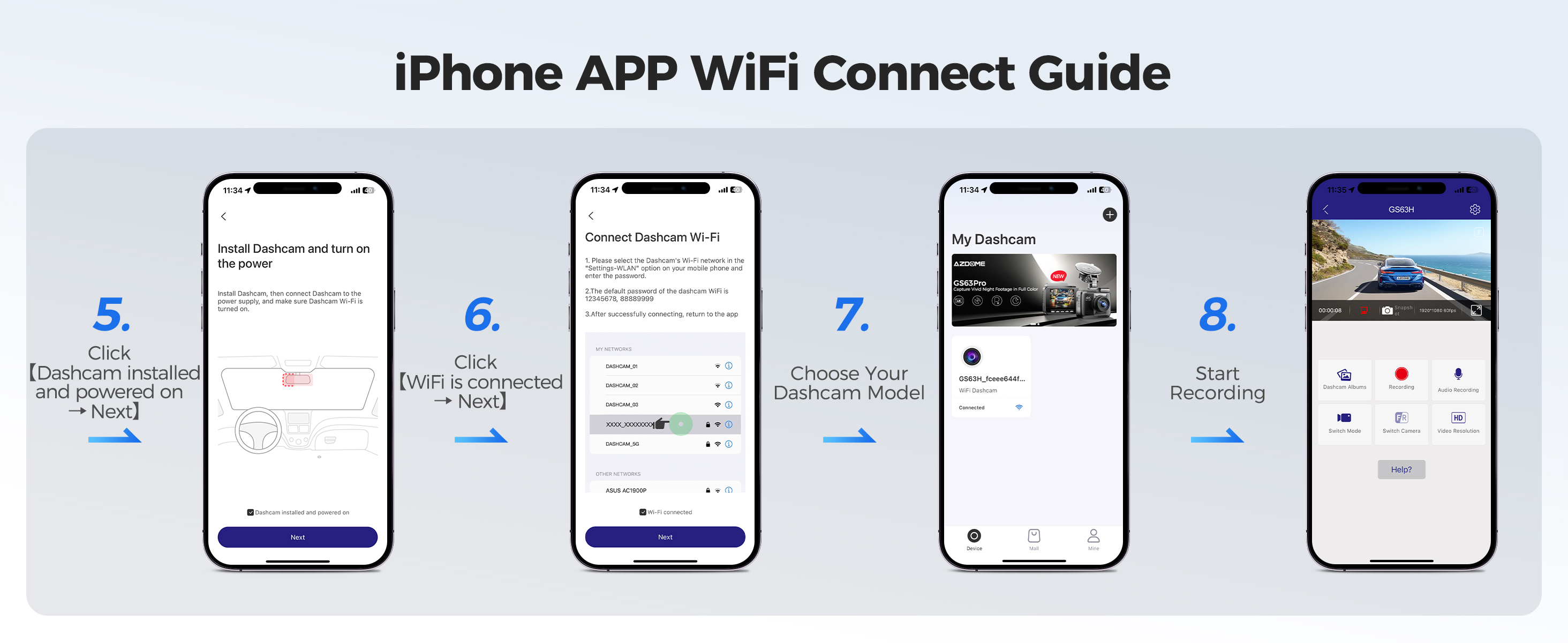
How to connect to WiFi?
The content of the following two pictures and videos can help you to connect the WIFI of the car recorder, if there are more questions about this step, please contact customer service, thank you!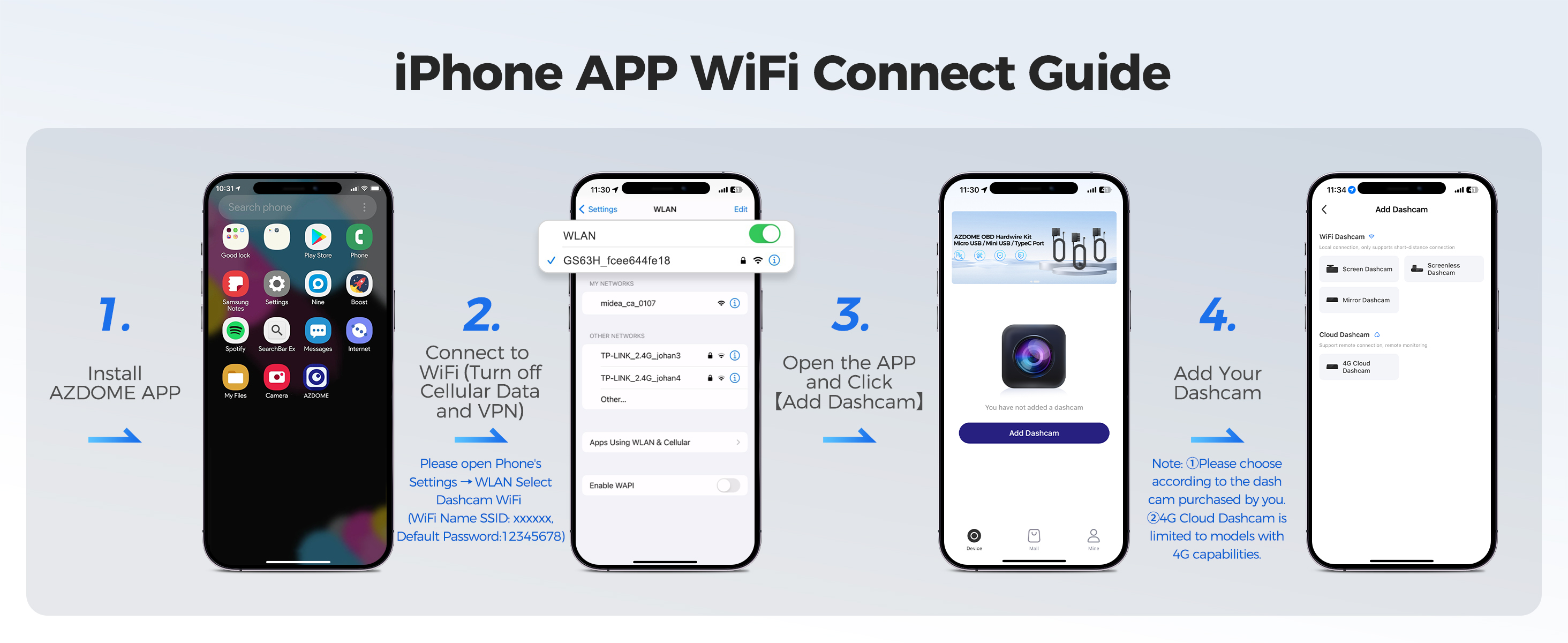
Warm Tips
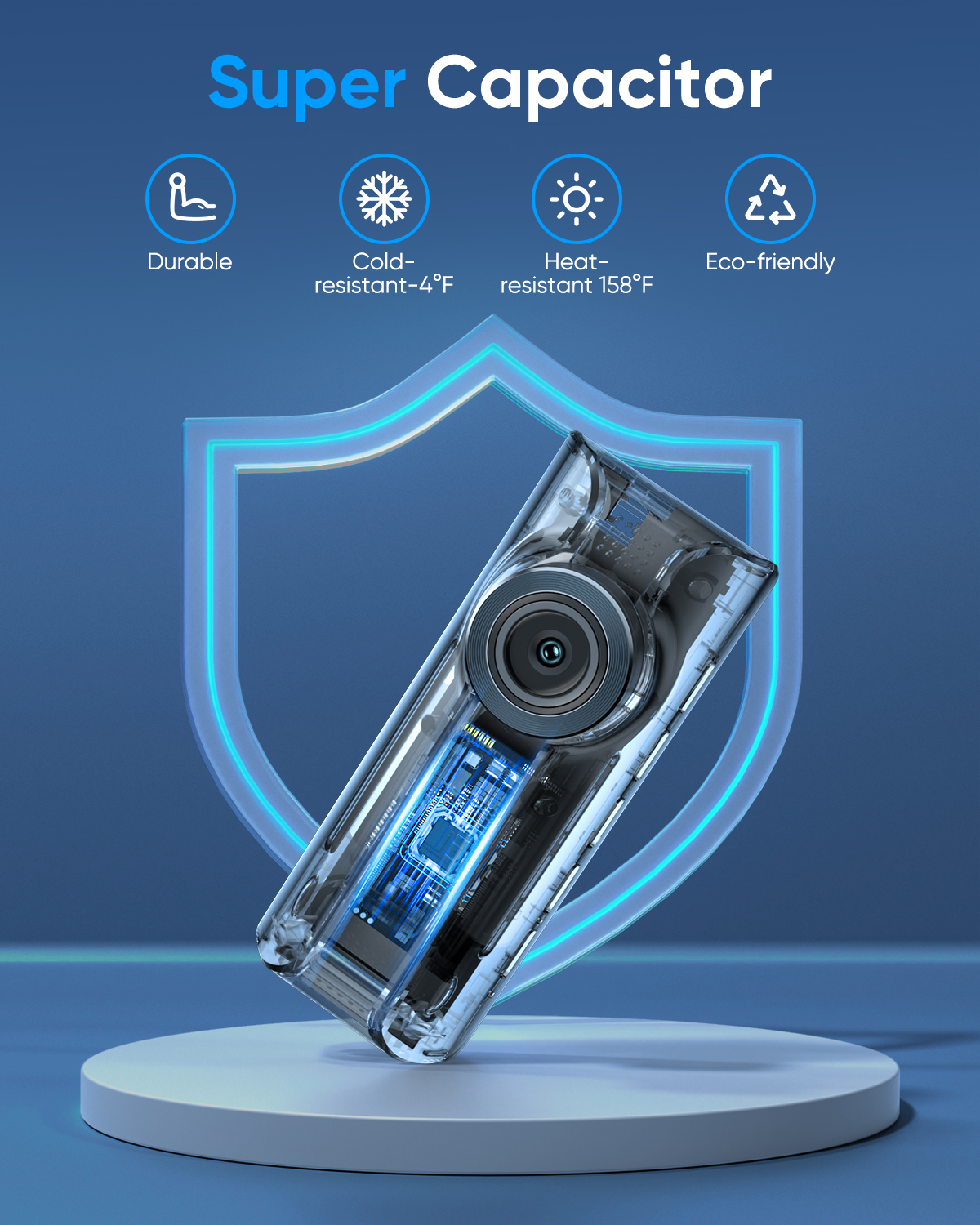
1.It is on a super capacitor. Please always connect Dash Cam to external power while it is in use.
2.Requires 8 - 128 GB Class 10 or above micro SD card, INCLUDE 64GB SD CARD. Avoid fake memory card.If you want to use 64G or 128G card in this dash cam, please format TF card to "FAT32" Edition. Please download the “formatting tool” from your computer to format it.
3.Be sure to format your TF card with your dash cam for the first time use, short press M button twice to find "Format" option to format it.
4.If no activity is detected within 1 minute, the device will enter screen saver mode. Pressing any button will reactivate the screen. You can disable this function by turning off the* backlight setting.
5.Please do not activate any motion detection function while driving, as this may cause the device to turn on and off automatically.