Product Features:
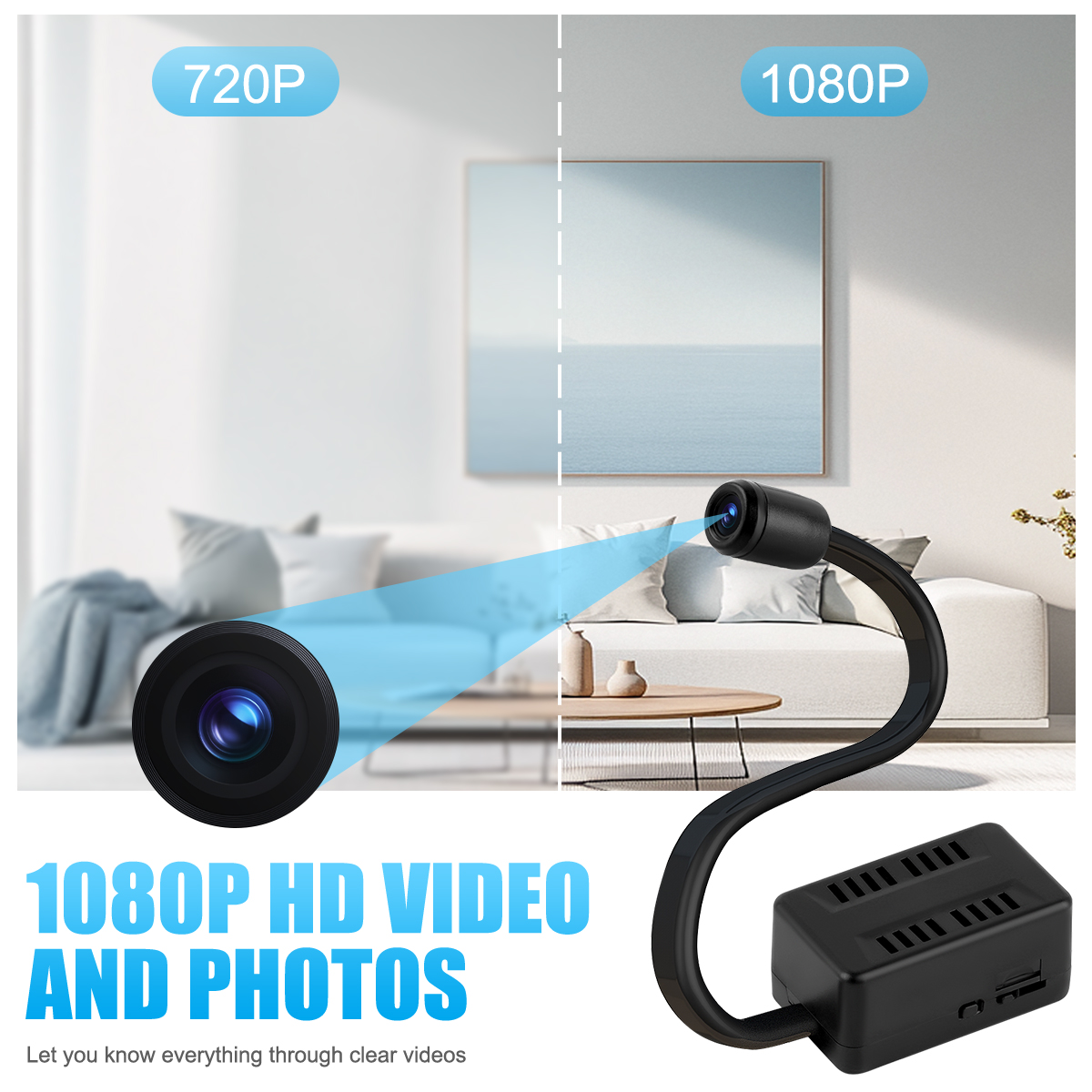
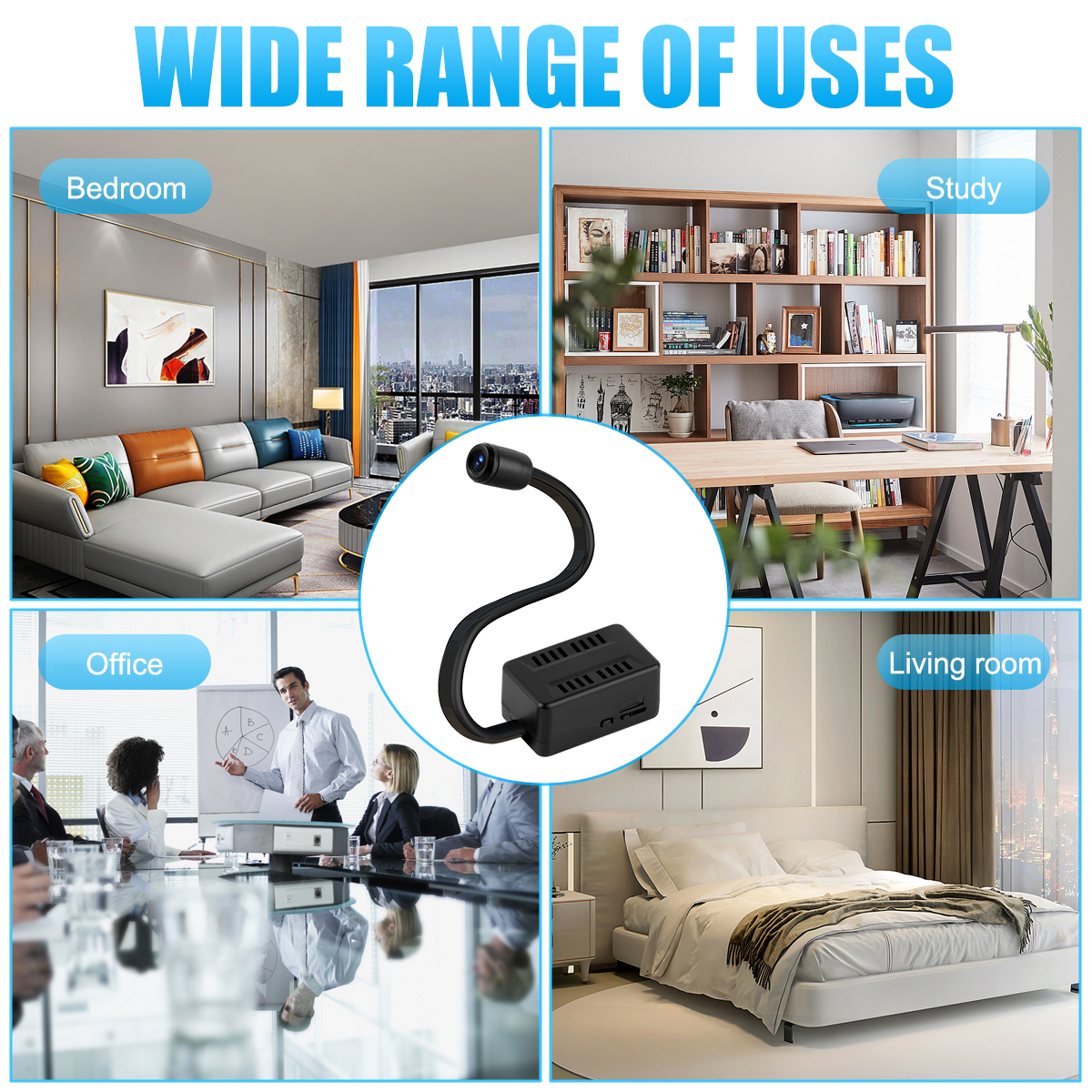
Extended lens design, the lens hose can be freely adjusted angle, suitable for a variety of venues placed for use;
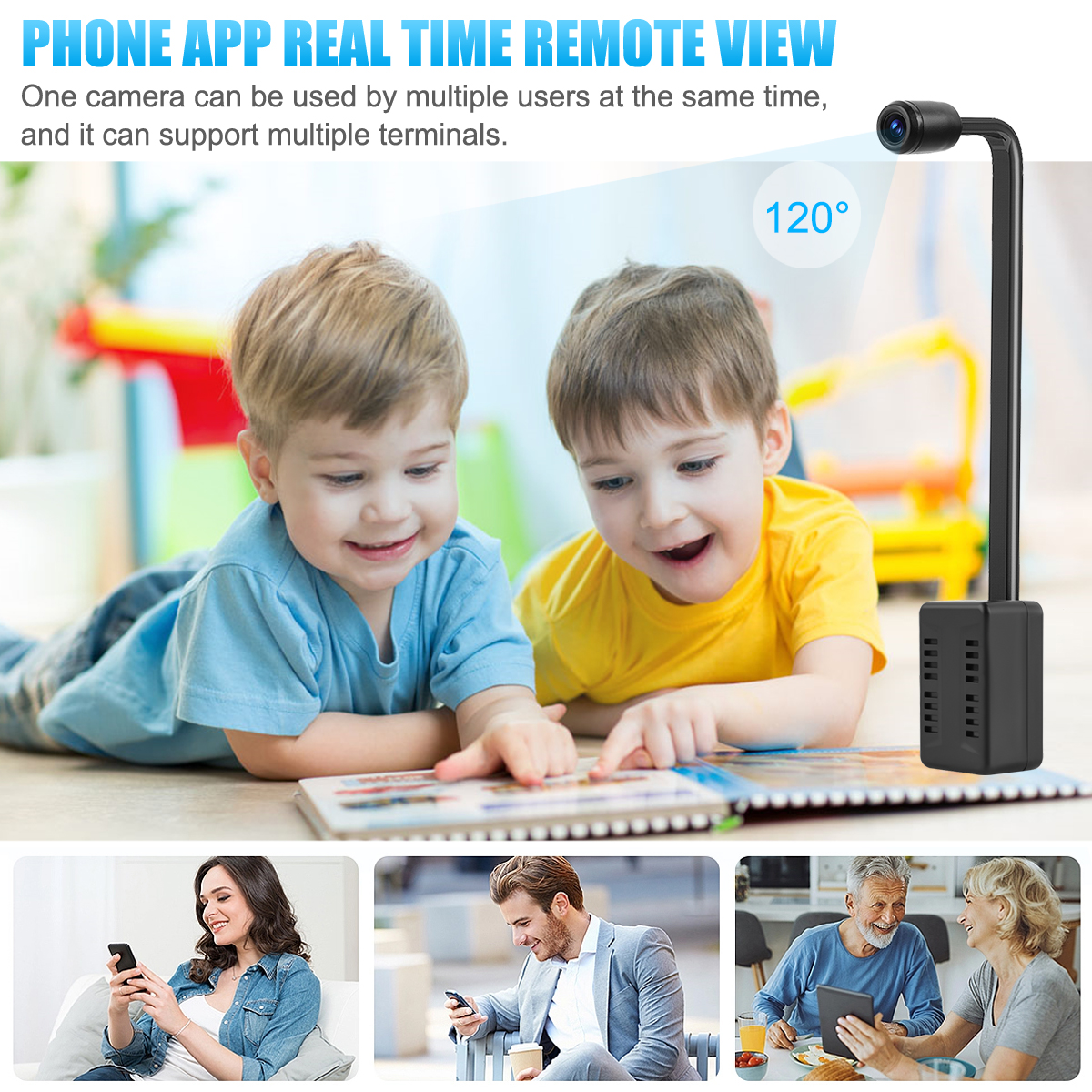
HD WiFi monitoring, APP remote view real-time monitoring;
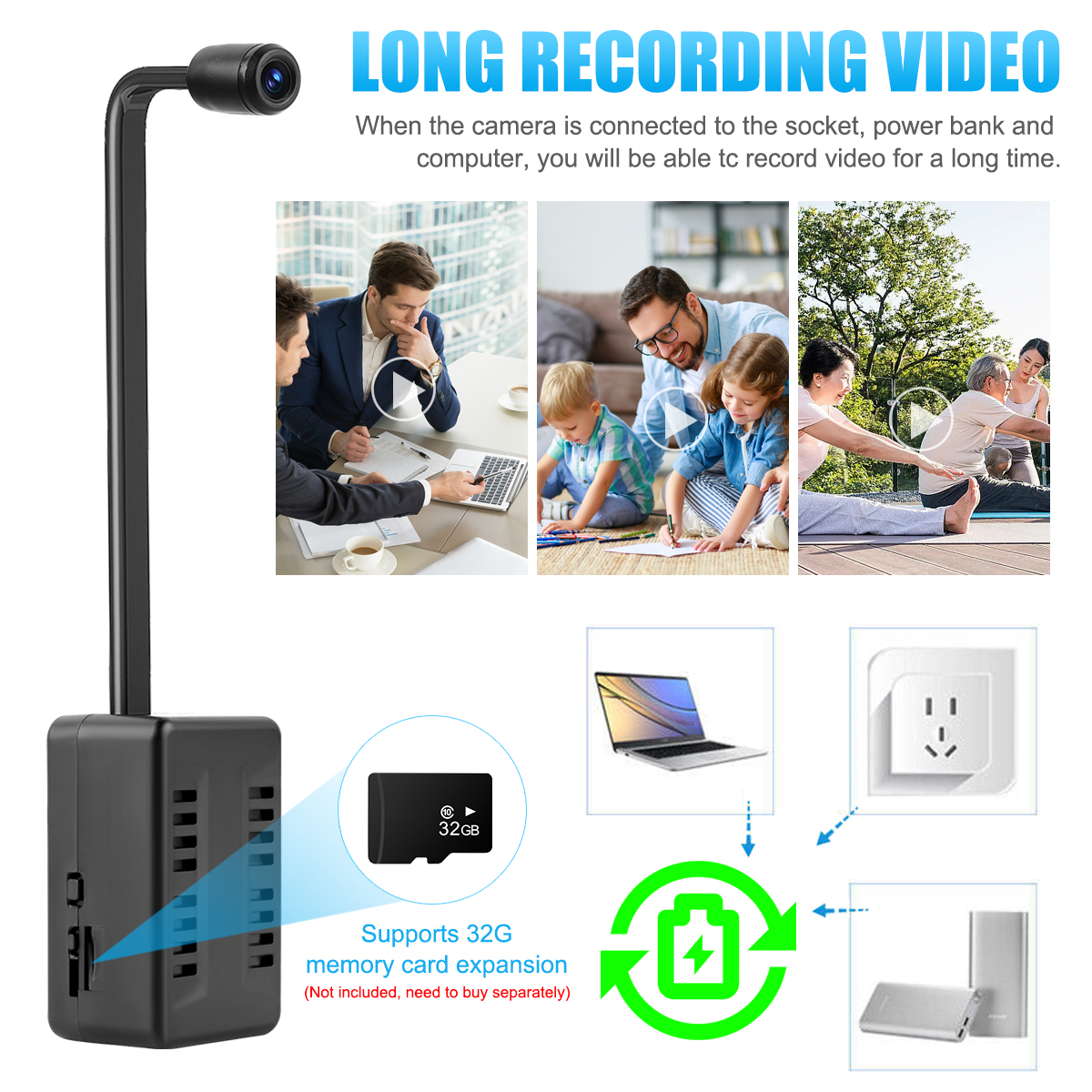
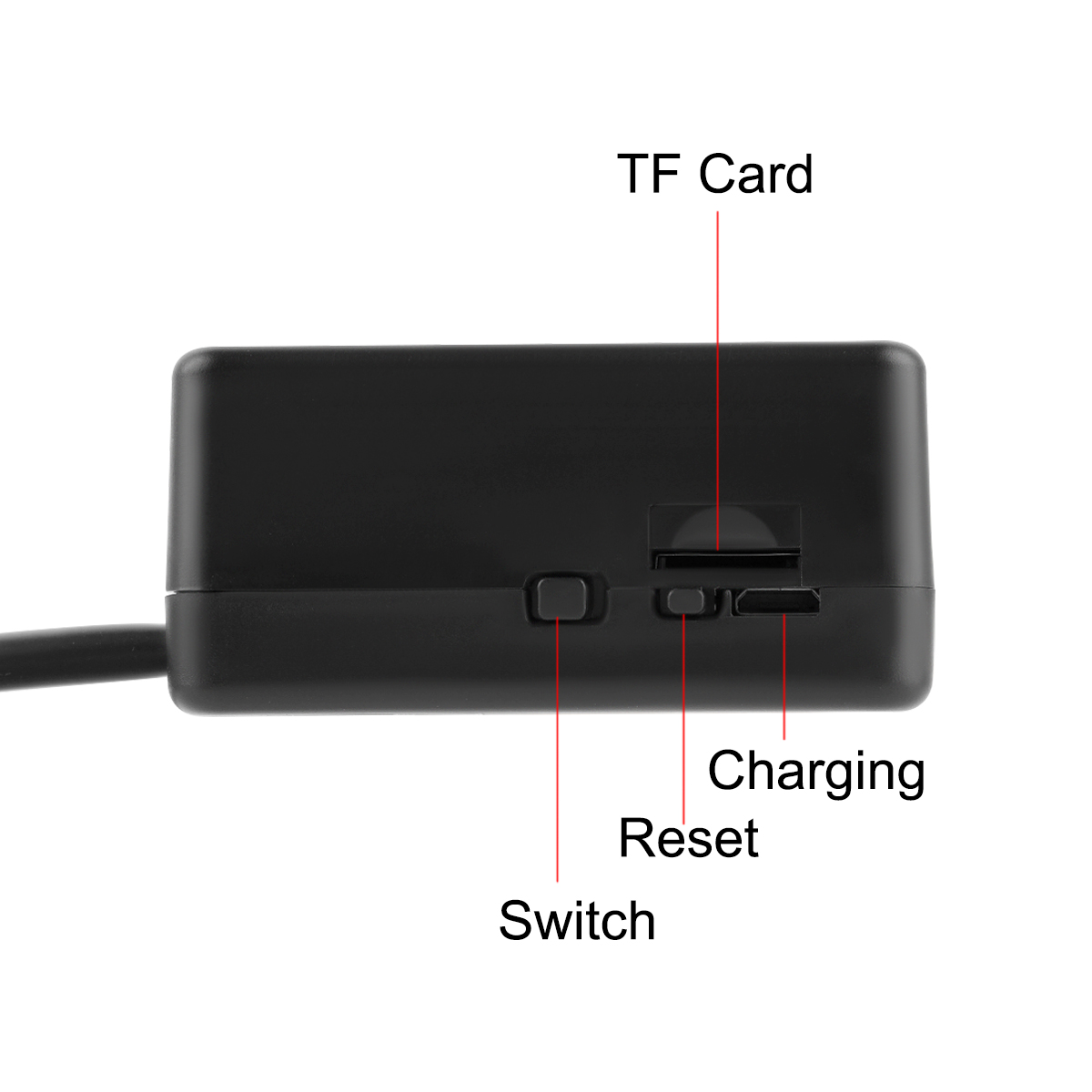
Support memory card expansion, playback video content;
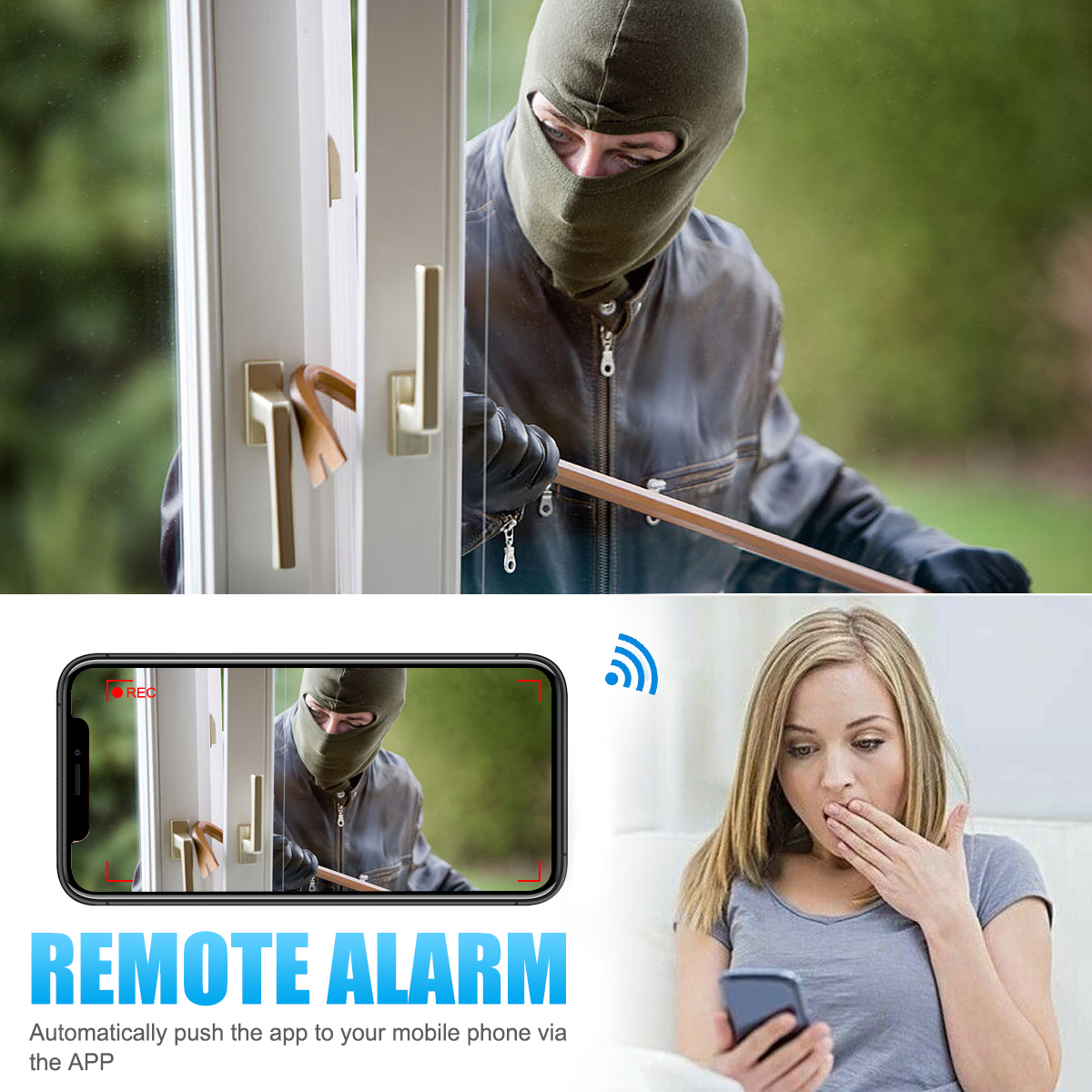
With motion detection function, detecting the movement of people can push notification;
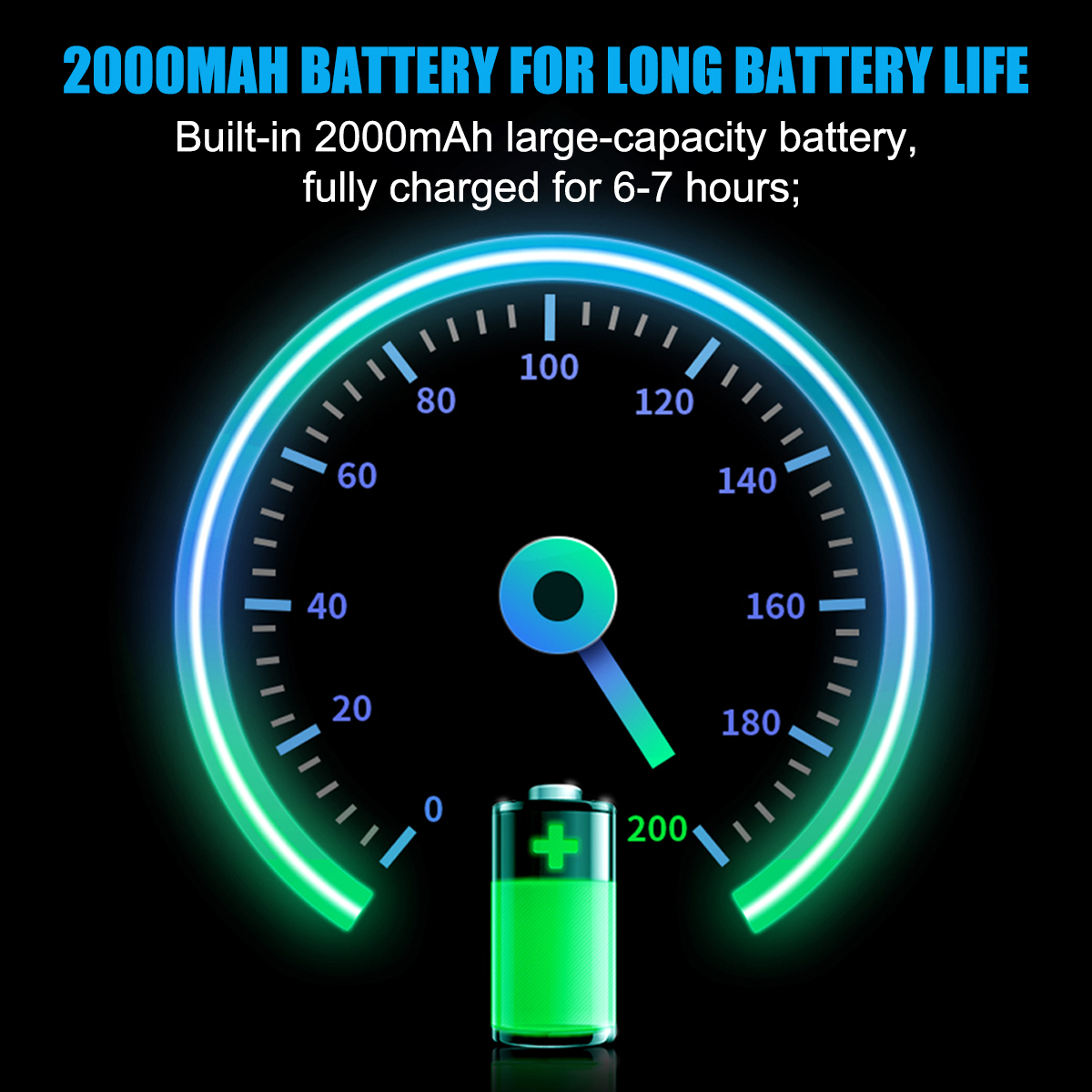
Built-in 2000mAh high-capacity battery, fully charged for 6-7 hours;
Simple connection, quick operation to get started, no need for complex settings.
Product parameters:
Material: plastic Silicone
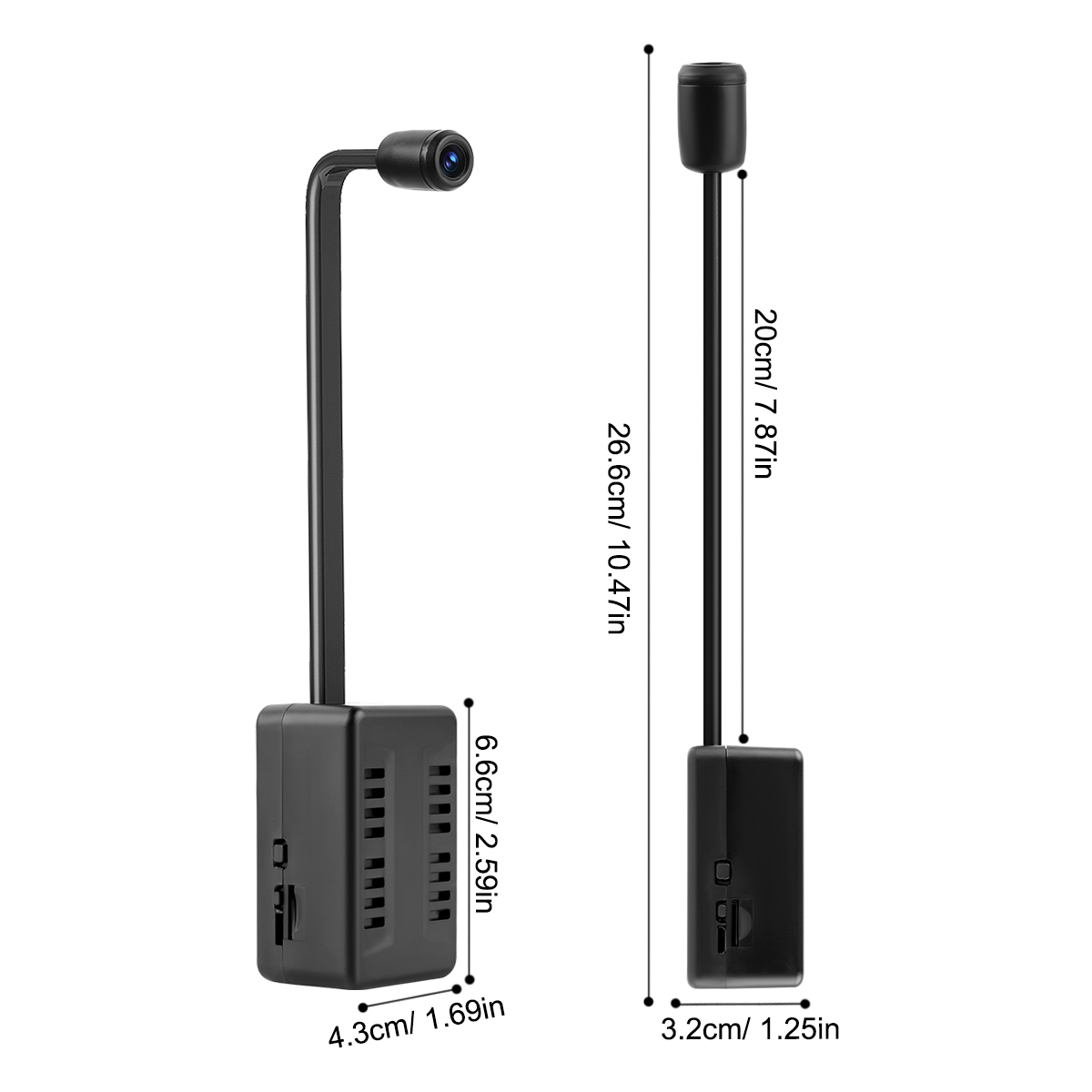
Main body size: 6.6*4.3*3.2cm
Hose length: 20cm
Total length: 26.6cm
Function: security monitoring, video playback
Advantage: Extra-long lens hose Extra-large battery
Connectivity: 2.4G WiFi
Motion monitoring notification: Yes
Night vision function: No
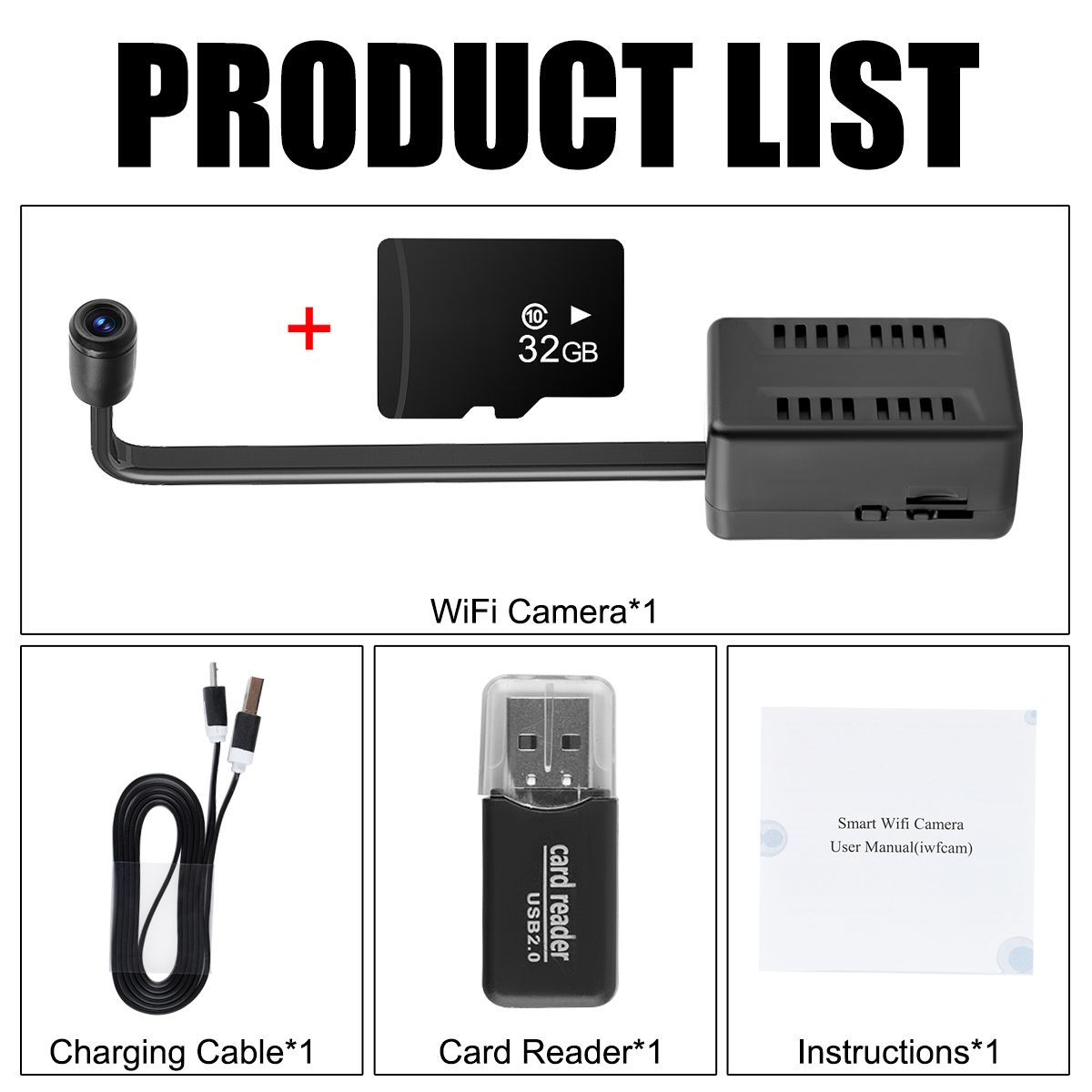
Storage: Support 32G TF card (not included)
Built-in battery: 2000mAh
Battery life: about 6-7 hours
Charging time: 12 hours
Charging indicator: charging yellow light on, full of green light on (charging on, off then no light)
Use (networking) steps:
Insert the formatted memory card, download the adapted APP on your phone (get it from the user manual) --- Turn on the camera after it is fully charged --- The camera starts up successfully, the red light is always on, and the blue light is blinking --- Find the camera's WiFi hotspot signal (starting with BK ---) in the phone's Settings - WiFi list, click on it and connect to it --- Open the adapted APP, drop down and refresh it, and the camera will be automatically added to the APP --- you can modify the camera password according to the prompts (make sure to remember after modification) --- click Settings, WiFi settings for networking --- find your own 2.4G WiFi (does not support 5G nor dual-band WiFi), enter the password to confirm and wait for the connection --- the camera reboots, the blue light flashes when connected --- the camera is successfully networked, and the blue light is always on --- the camera will be connected to a hotspot (starting with BK ---), the camera will be automatically added to the APP. The blue indicator light is always on----set other functions in the settings.
Frequently Asked Questions:
1 Cannot recognize the memory card--Please make sure to use a memory card of 32G and below capacity, and format it on the computer before inserting it into the camera. If it is not recognized at one time, you can plug and unplug it several times, and it can be recognized normally.
2 Camera can not be networked - after the operation of the networking steps appear camera networking failure, no change in the indicator light, please make sure that the camera is fully charged, it is recommended to fully charged or connected to the charging cable power supply and then try again; may also be the cause of WiFi, you need to make sure that it is a 2.4G WiFi and the password entered correctly, the camera is close to the router to use.
3 Can't view the monitor after the cell phone disconnected from WiFi - Please check the permission settings of the APP, make sure the APP mobile data permission is turned on (APP can access the network under the mobile network).
4 About the charging indicator - when the camera is on and connected to the charging cable, it will light up the yellow indicator, and light up the green indicator when it is fully charged, if the camera is turned off while charging, there will be no indicator, but the camera will be charged normally.
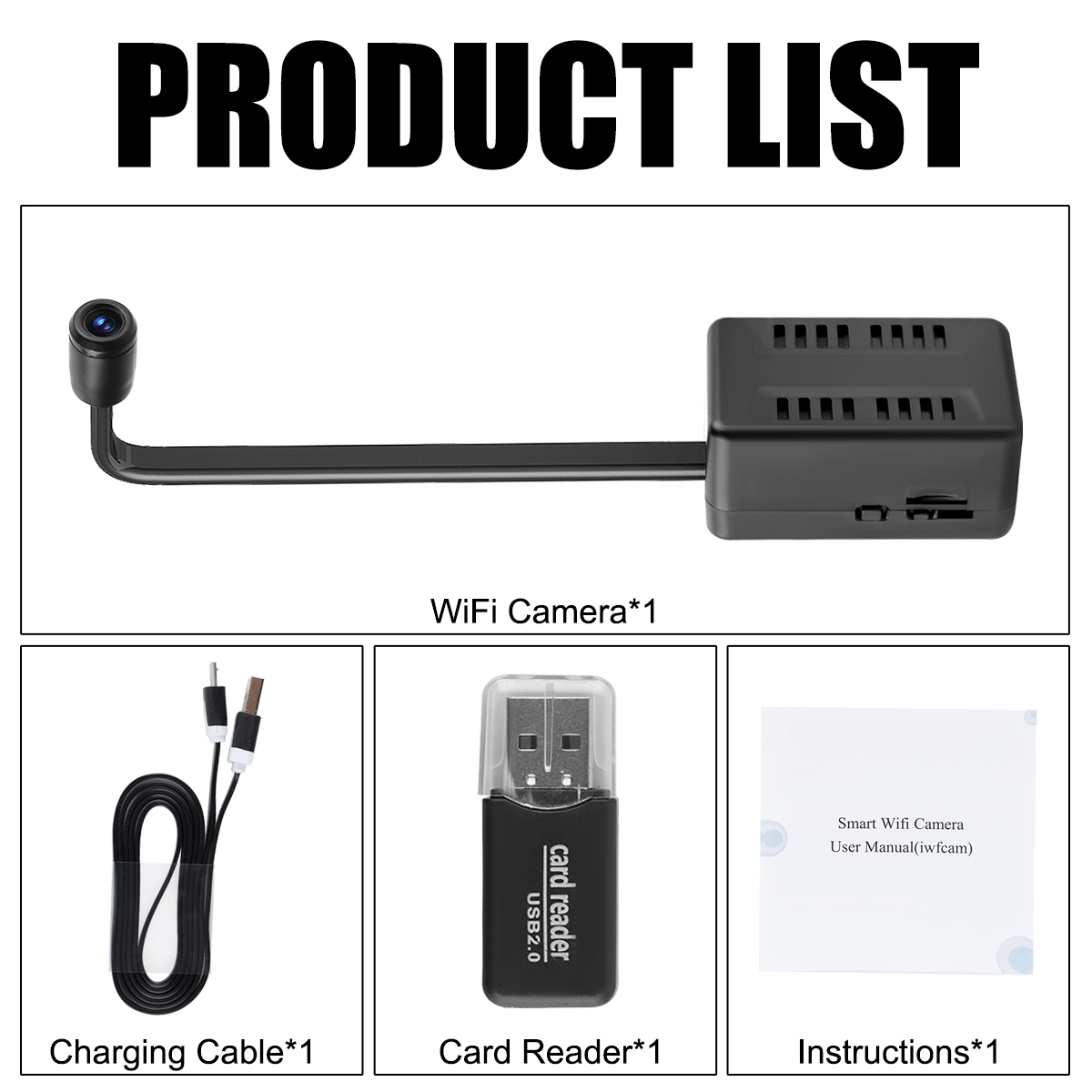
Packing list:
WiFi camera x1
USB charging cable x1
Instruction manual x1
Card reader x1
