


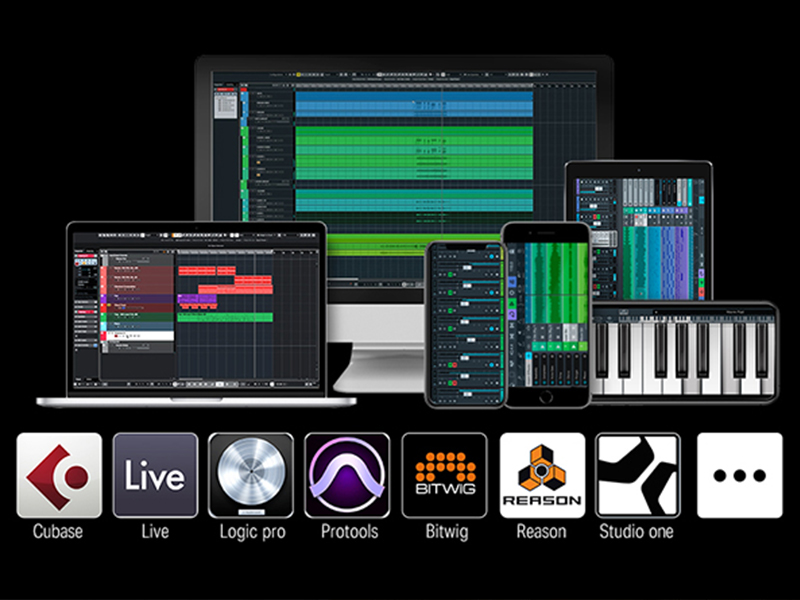
Wie erhältst du den Code für Kurse oder Software?
>>>40 Kurse & DAW-Software
Das MIDI-Pad benötigt eine DAW-Software zur Klangerzeugung und ist mit Computern sowie Mobilgeräten kompatibel. Installiere eine für dein System geeignete Software. Einen Code für Melodics oder das Cubase Kit erhältst du über unser Serviceteam auf der Bestellseite.
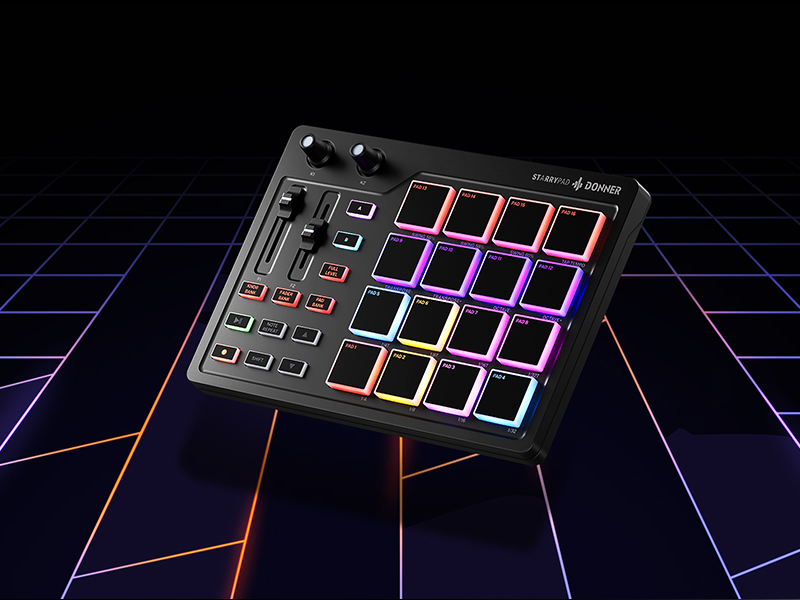
STARRYPAD verwenden — Verbindung mit der Software
Hinweis: Für die Verbindung mit einem iPhone oder iPad wird ein passendes OTG-Kabel benötigt.
Schritt 1: Verbinde den USB-C-Anschluss mit deinem Computer oder Mobilgerät. Schritt 2: Installiere und konfiguriere die Software. Folge dem Kompatibilitätsleitfaden (PDF) auf der Produktseite, um die passende Software herunterzuladen. Schritt 3: Lass deiner Kreativität freien Lauf und beginne mit der Musikproduktion.
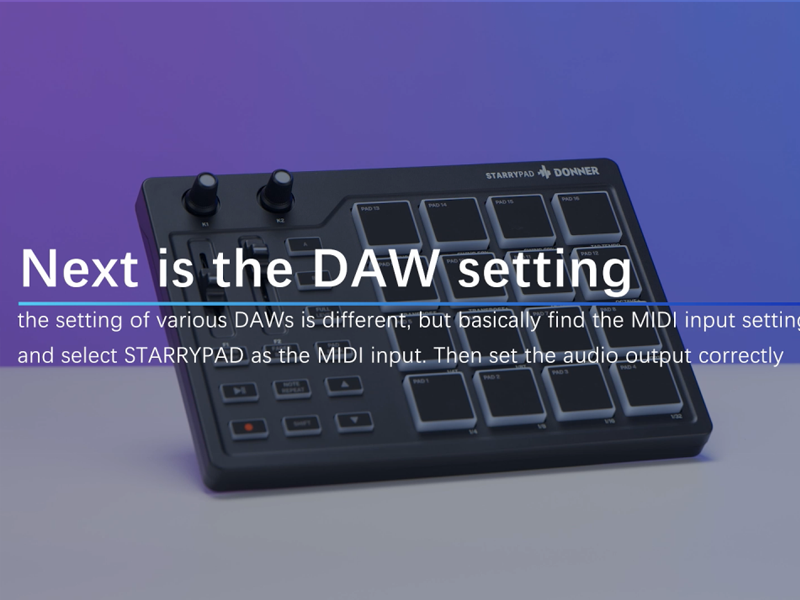
DAW-Einrichtungsanleitung — Teil 1
Beispiel: Cubase
1. Verbinde das Gerät mit dem PC und nutze das Video oder den Kompatibilitätsleitfaden (PDF) unter PRODUKTHANDBÜCHER UND DOKUMENTE zur DAW-Einrichtung. 2. Die MIDI-Drum-Machine erzeugt allein keinen Ton und benötigt eine DAW-Software. 3. Codes für Software oder Kurse erhältst du über die Bestellseite.
DAW-Einrichtungsanleitung — Teil 2
Beispiel: Cubase
Technische Daten: Größe: 21,3 × 14,9 × 3,3 cm / Gewicht: 468 g / Lieferumfang: 1 × Donner STARRYPAD, 1 × USB-Kabel, 1 × MIDI-Kabel, 1 × USB-C-Adapter, 1 × Bedienungsanleitung
 STARRYPAD Weiß |
 STARRYPAD Schwarz |
 STARRYPAD MINI |
 MEDO |
 D1 Beat Machine |
 B1 Sequencer |
 DMK-25 PRO |
|
|---|---|---|---|---|---|---|---|
| Produkttyp | Beat-Controller | Beat-Controller | Beat-Controller | Handinstrument | Synthesizer | Synthesizer | MIDI-Keyboard |
| Anzahl Tasten/Pads | 16 Beat-Pads & 2 Fader | 16 Beat-Pads & 2 Fader | 16 Beat-Pads | 16 RGB-Tasten | 16 Beat-Pads & 4 Fader | 26 RGB-Pads | 25 Tasten & 8 Drum-Pads |
| Anschlusstyp | USB Typ-C | USB Typ-C | USB Typ-C | USB Typ-C | USB Typ-C | USB Typ-C | USB Typ-C |
| Stromversorgung | Kabelgebunden | Kabelgebunden | Kabelgebunden | Batteriebetrieben | Kabelgebunden | Kabelgebunden | Kabelgebunden |
| Kompatible Software | DAW(Cubase/Live/Wavelab...) | DAW(Cubase/Live/Wavelab...) | DAW(Cubase/Wavelab...) | Donner Play/Medo Synth | Loopmasters/Donner Control | Donner Control | DAW(Cubase/Live/Wavelab...) |
Warum ist kein Ton zu hören?
Warum scheint das Gerät nicht mit meinem Tablet oder Smartphone kompatibel zu sein?
Welche Betriebssysteme sind mit dem Produkt kompatibel?
Warum reagiert das Gerät nach der Verbindung mit meiner DAW nicht?
Ein oder mehrere Pads erzeugen keinen Ton.
- 16 anschlagdynamische Pads: Reaktionsschnelle RGB-beleuchtete Pads mit Aftertouch für ausdrucksstarkes Spielen
- Anpassbare RGB-Beleuchtung: 16 zuweisbare Farben pro Pad für individuelle Lichtkonfigurationen
- Akkord- und Skalenmodi: Integrierter Akkordgenerator und Skalenmodi für melodische Kreativität
- Kompakt und mobil: Stromversorgung über USB, passend für jeden Arbeitsplatz und ideal für Studio sowie Live-Auftritte
| Anzahl der Tasten | 16 |
| Anschluss | USB-C |
| Farbe | Weiß |
| Kompatible Geräte | Windows, macOS, iOS, Android |
| Marke | Donner |
| Modell | STARRYPAD |
| Abmessungen | 6.73"D x 11.18"W x 1.65"H |
| Material | Silicone |
| Stromversorgung | USB-Bus-Stromversorgung |
| Artikelgewicht | 1.54 lbs |
| Herkunftsland | China |
| Hardwareschnittstelle | USB-C |
| Anzahl der Pads | 16 |
| Pad-Typ | Anschlagdynamisch, RGB |
| Aftertouch | Ja |
| Enthaltene Software | Donner Control, Cubase LE |
| DAW-Kompatibilität | Ableton Live, FL Studio, Logic Pro, Cubase |
| MIDI-Zuweisung | Vollständig zuweisbar |
| Akkordmodi | Integriert |
| Skalenmodi | Integriert |
| Display | Nein |
| Integrierter Lautsprecher | Nein |
| Arpeggiator | Nein |
Am 13.08.2026 hat der Verkäufer die folgenden Angaben hinzugefügt: