JEYI M.2 SSD Heavy Duty Heatsink 🔥Professional-Grade Aluminum Cooling with 38 Large Fins 🚀 Key Features65x More Surface AreaMassive heat dissipation performance — up to 65 times larger surface area than traditional heatsinks for superior cooling efficiency 38 Large Cooling FinsEngineered with 38 precision-machined aluminum fins to maximize airflow and carry away more heat from your M.2 SSD 10-40°C Temperature ReductionProven cooling results: reduces SSD temperatures by 10-40°C depending on environment — perfect for high-performance Samsung 980 EVO and similar drives Universal M.2 SupportCompatible with all M.2 SSD types — NVME and NGFF SATA protocols. Screw-fixed frame ensures secure installation with included thermal pads 📊 Technical Specifications
📦 What's IncludedStandard Package (Godfins Gen 1): • 1x JEYI Godfins Gen 1 aluminum heatsink RGB Version: Includes RGB lighting (requires SATA 15-pin or 5V 3-pin power supply — not included) 🖼️ Product Images  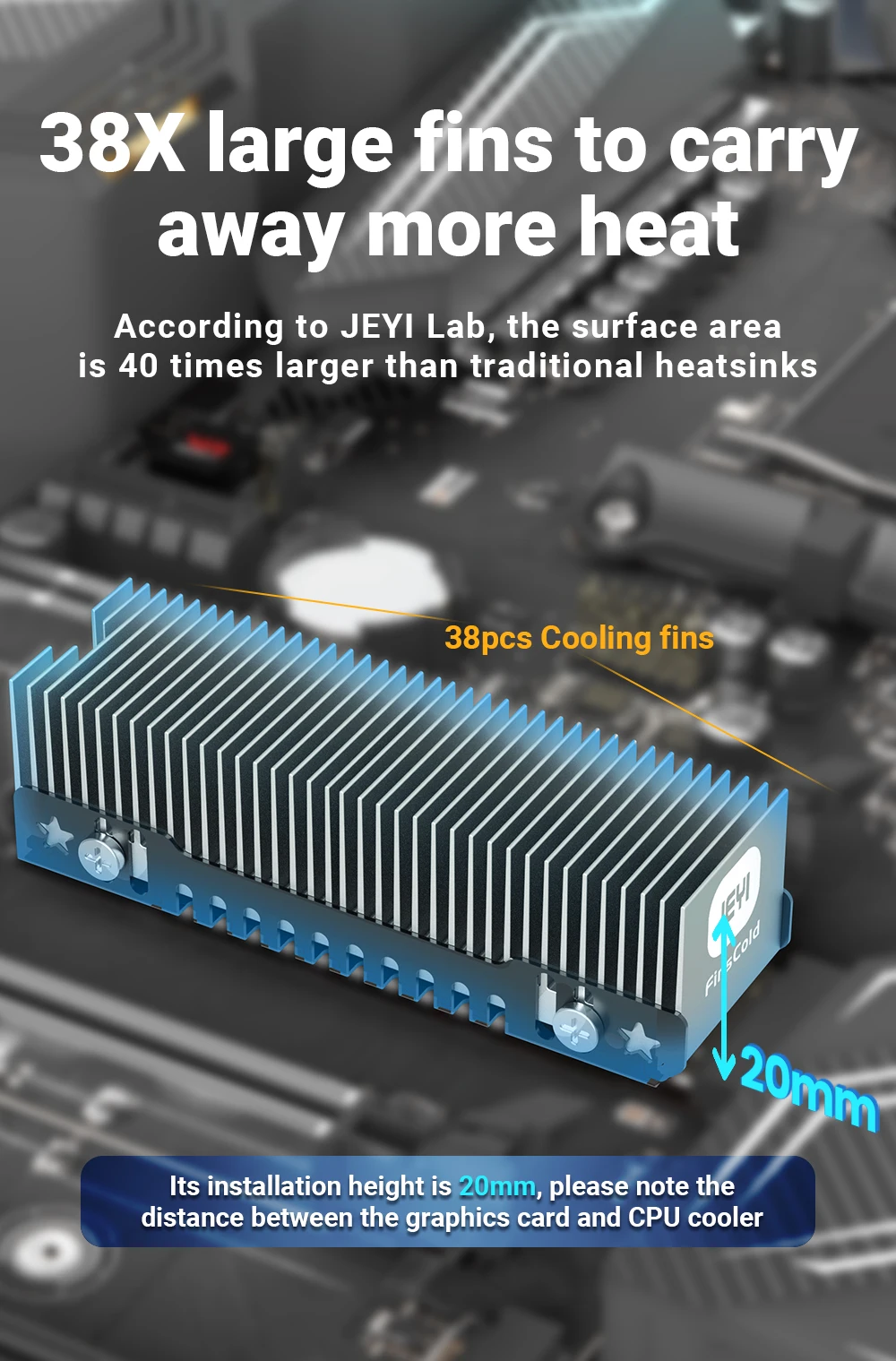    ❓ Frequently Asked QuestionsQ: Will this fit in my PC case?A: After installation, the heatsink is 23mm wide and 20mm tall. It typically won't interfere with CPU coolers or graphics cards, but please verify your motherboard has adequate clearance before purchasing. Q: Does this work with Samsung 980 EVO SSDs?A: Yes! This heatsink is specifically tested with Samsung 980 EVO drives, which run hot. JEYI's testing shows temperature reductions of 10-40°C with proper installation. Q: What's the difference between Gen 1 and Gen 1 RGB?A: The RGB version includes integrated lighting and requires external power via SATA 15-pin or 5V 3-pin connector. The standard Gen 1 is passive cooling with no power required. Q: How do I install this heatsink?A: Apply the included thermal pads to your SSD chips (front and back), place the heatsink over the drive, and secure with the included screws. The soft pads fill contact gaps without damaging the SSD. |