1. What does the E1 error code mean?
E1 indicates failed stroke calibration. The test must be performed with the device installed on the valve; or press with your finger to simulate the pin, allowing the device to complete stroke calibration normally.
2. Display shows “LA” and is inoperable
First install the device on the valve, then insert the battery. Wait one minute for the thermostat to perform automatic calibration. Once the screen displays the temperature, adjust it to “OF” and press and hold the button for 5 seconds. The WiFi icon will flash, indicating entry into network pairing mode.
Repeatedly reinstalling the battery can resolve the “LA” issue.

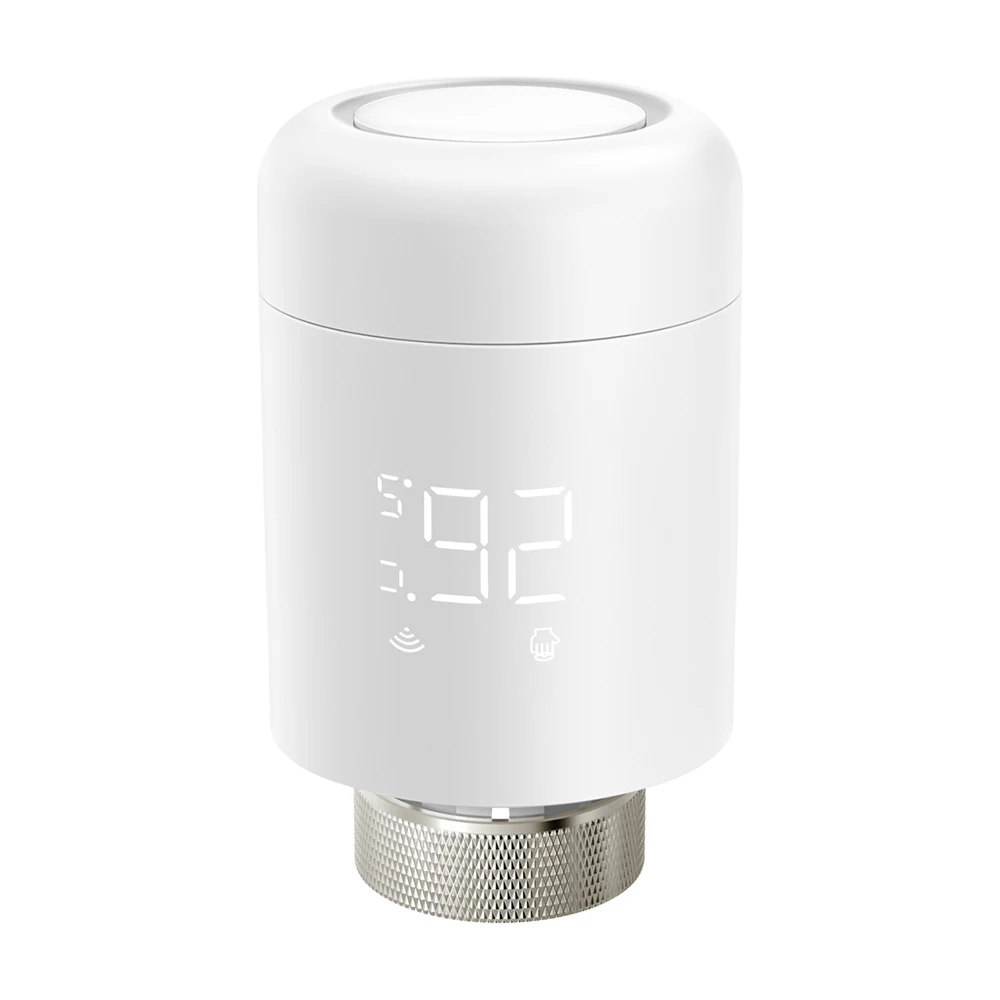
WiFi Smart TRV Controller
Does not require any central controller, can be directly connected
Installation Method
1.Install the battery; 2. Install on the valve;3. APP for pairing

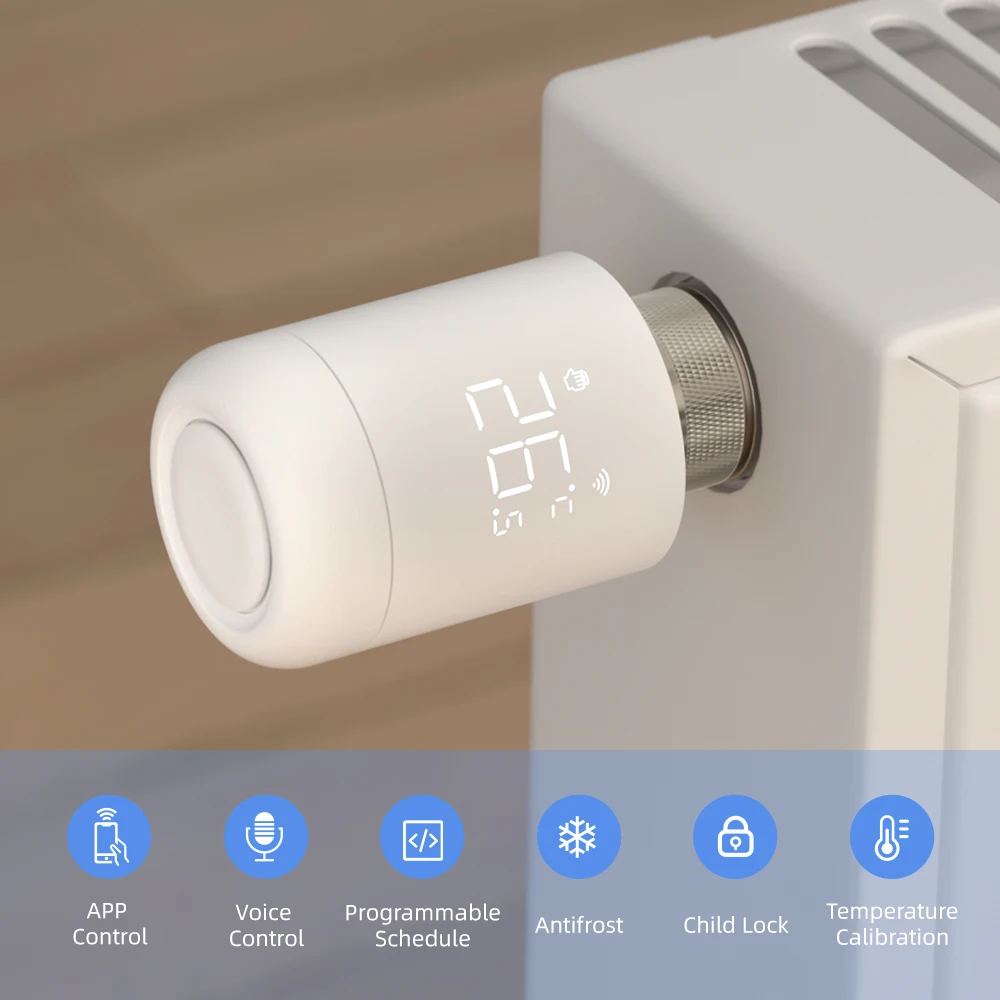
APP/Voice Control
Smart life/Tuya app remote control from anywhere, anytime Work with Alexa and Google home

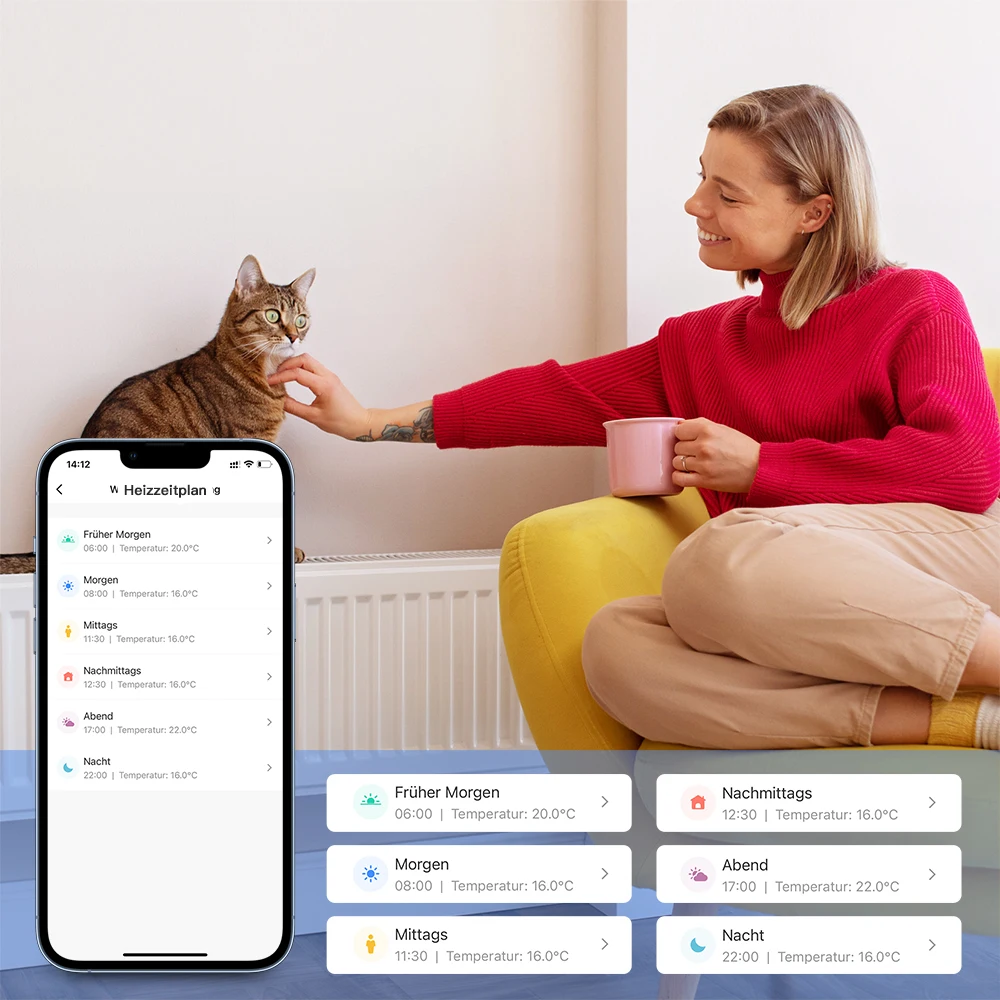
Programmable Weekly Schedule & Time Period
7day programmable weekly schedule, 6 time period/day can be setting on app
Child Lock Function
Make sure your home in smart and safe status

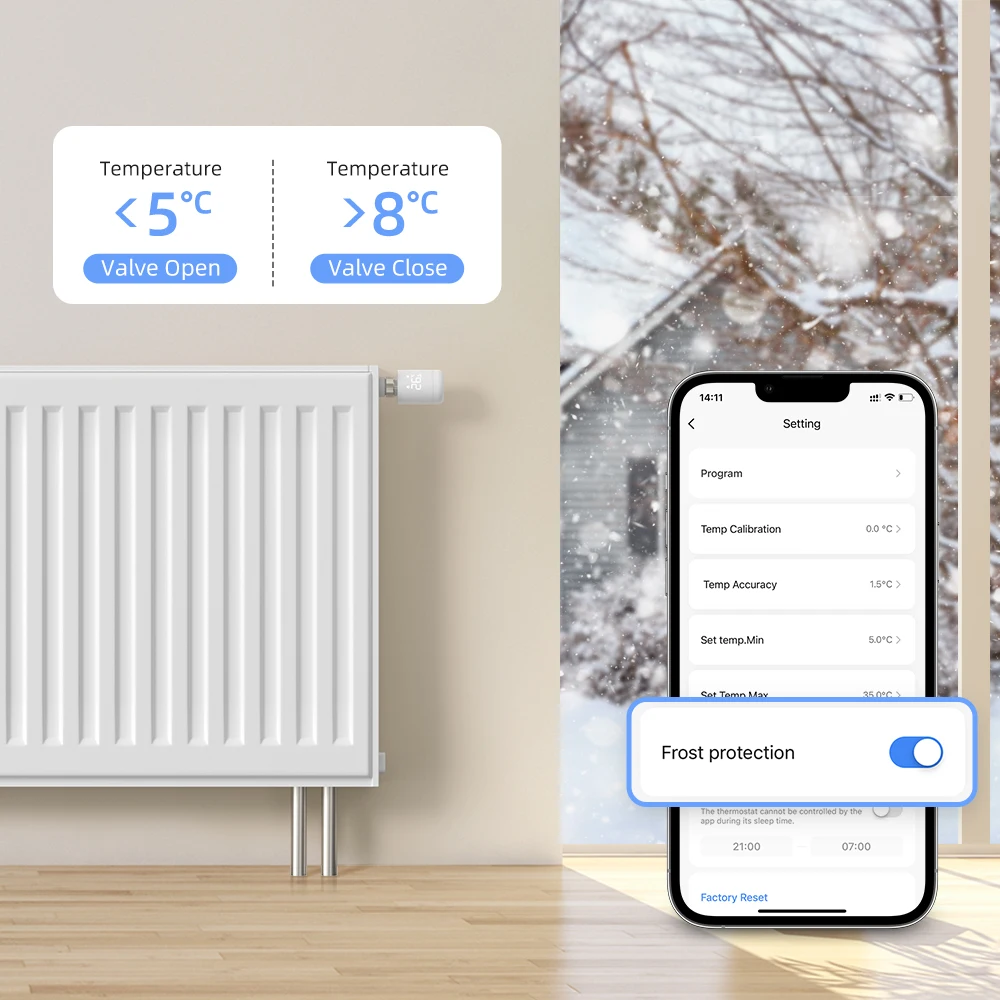
Anti-Freezing Function
Under Off status, temperature <5°C- valve open, temperature >8C-valve close
Family Share Function
You can share the TRV to your family with the limited right,
create a smart home together with your family member

Group-Control Function
Realize group control TRV in different room in special scene

Bidirektionaler Bildschirm
Adjust the temperature to 35℃, long press the knob, the display will switch

Product Parameter
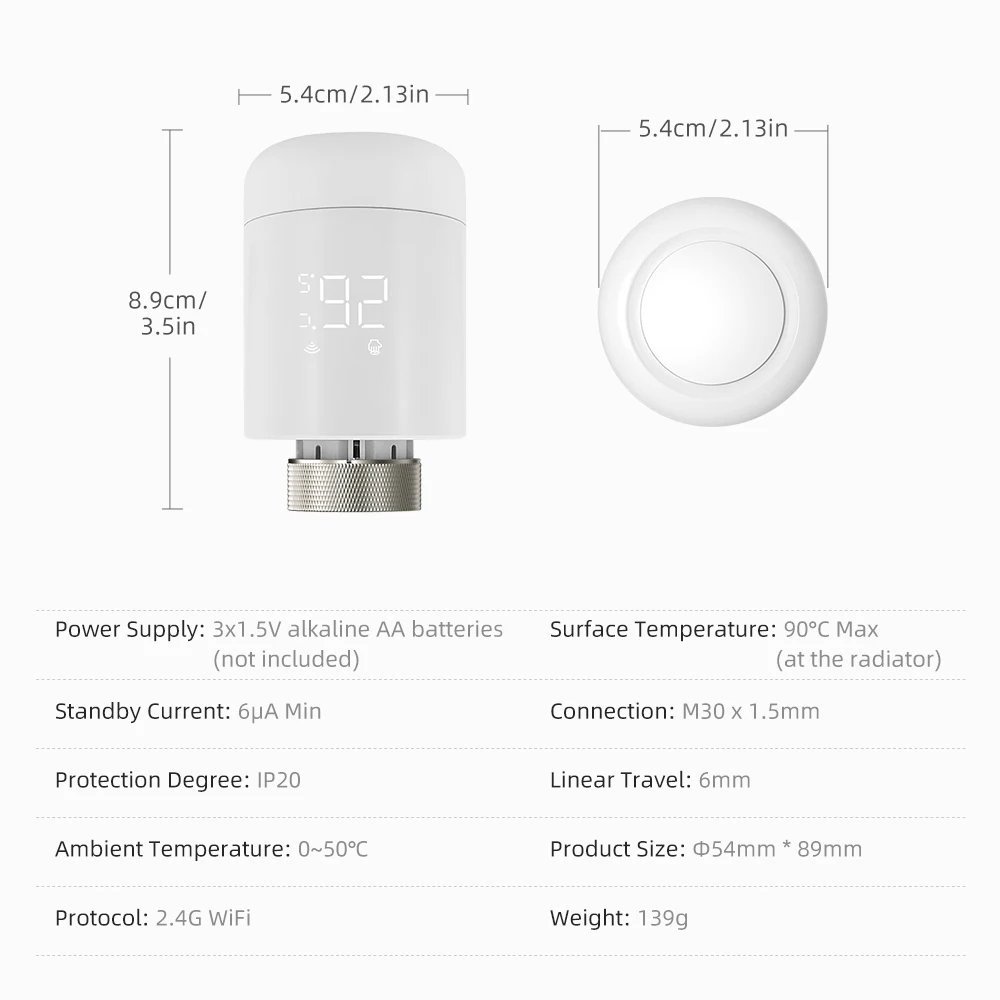
Device Overview