Smart Airtag Air tag Card GPS Tracker Works With Apple Find My Anti-Lost Wireless Wallet Tracking Card Key Finder
Description
Main functions of products:
When the device exceeds the Bluetooth distance from the phone,the device not connect.
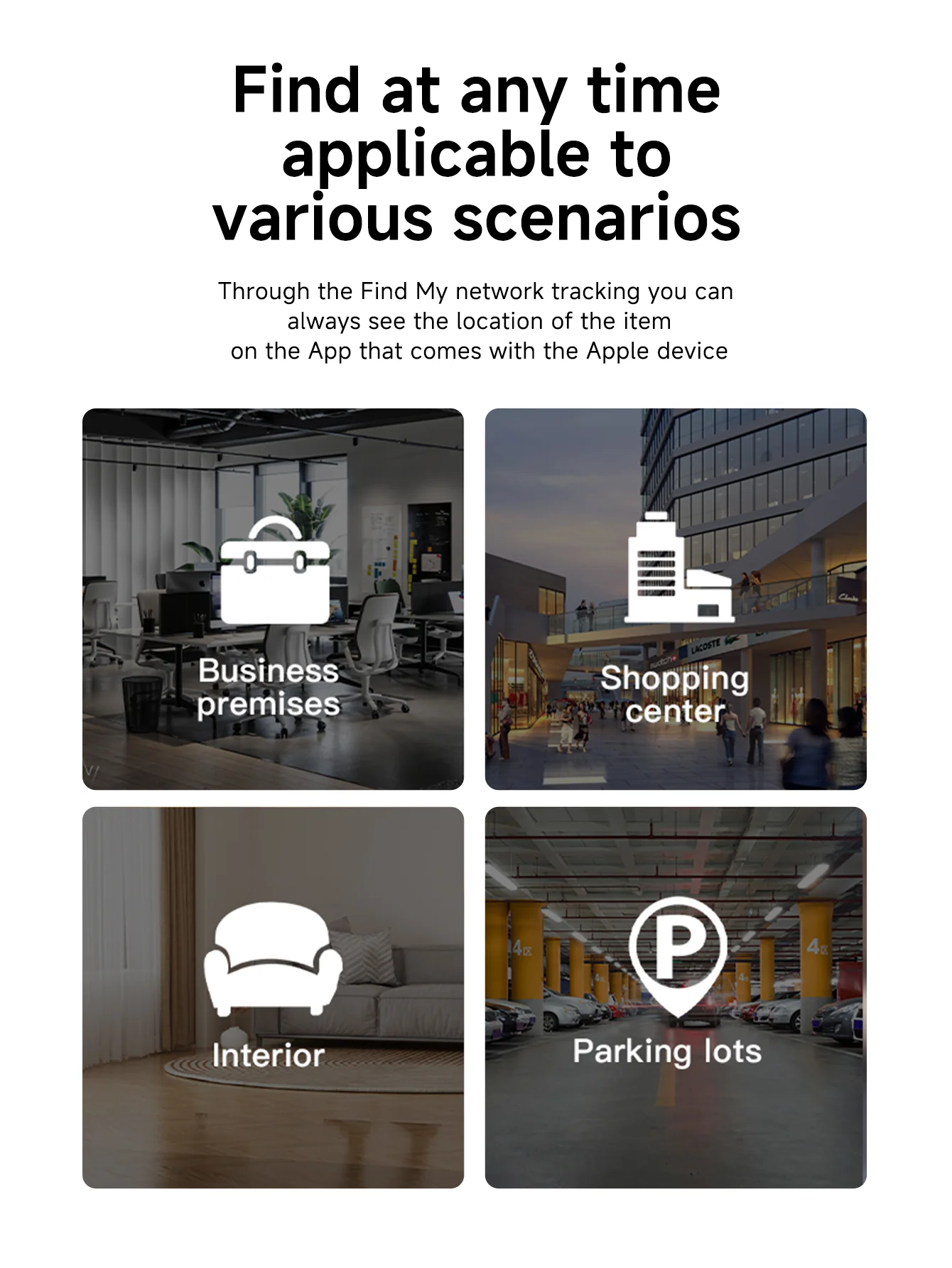
1. " Find My " the network location:
be connected in the search App.Select : Lost Mode - Enabled. Enter your contact phone number, etc. If the device has been disconnected from your phone for more than a while, and there is another Aple device near the device,you will receive notifications and the latest location of the smart tag
2.Play the sound:
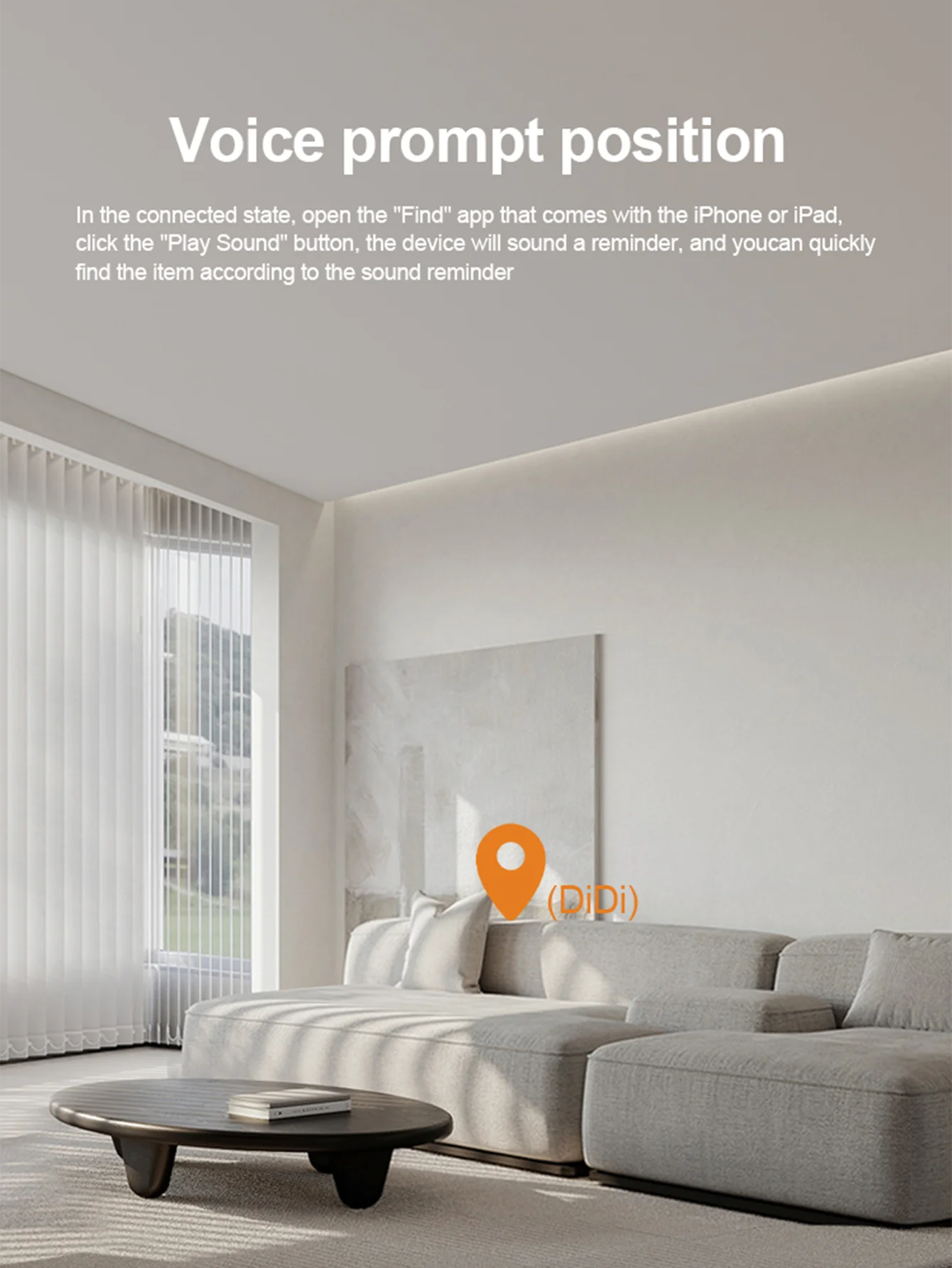
Mobile phone and device in the BLE model domestic(generally about 20 meters),in the " Find My" App, click, play the sound,the device will issue a prompt sound, help you quickly find the near by smart tag.
Quick instructions:
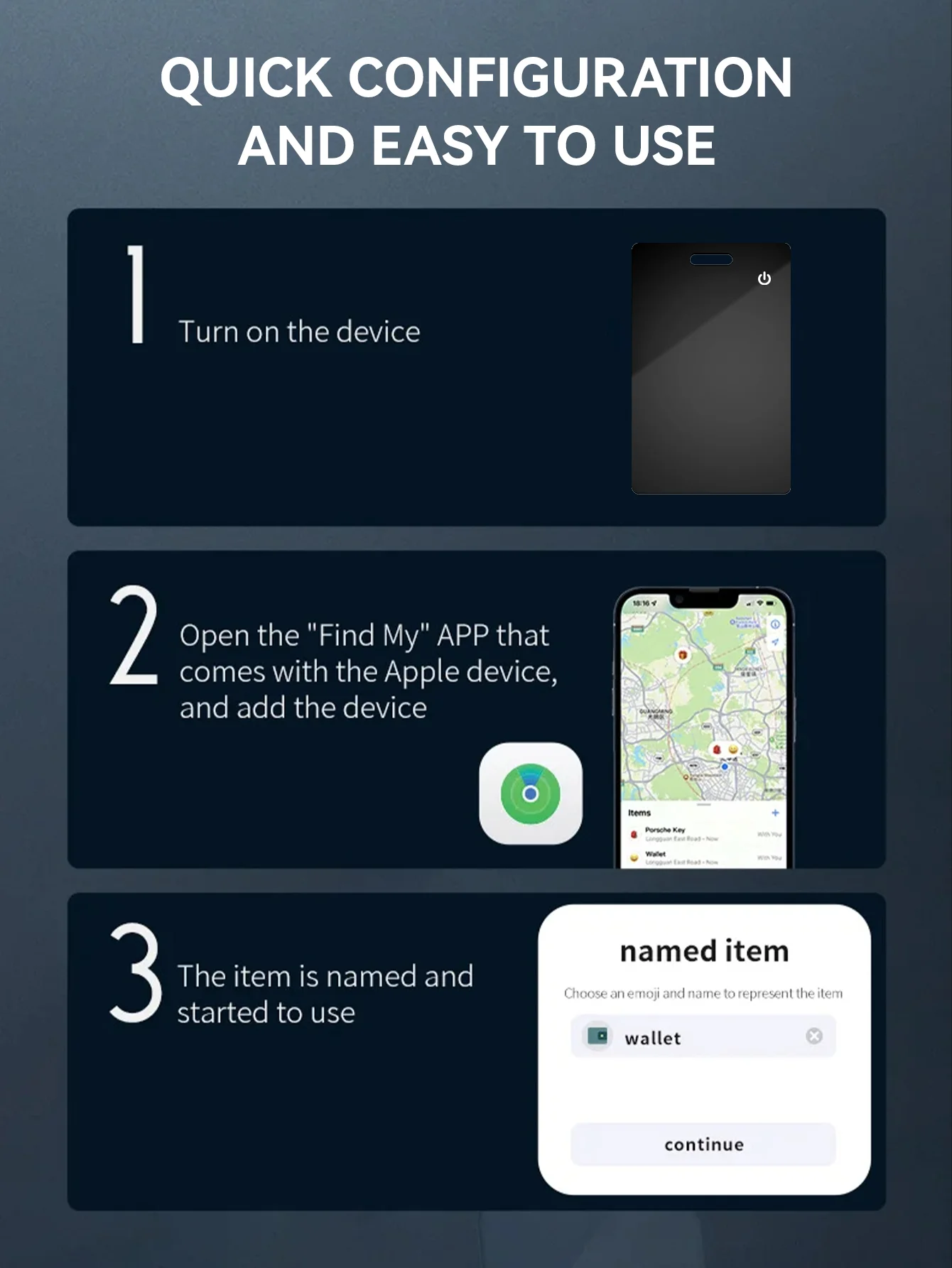
1.Start up the equipment and enter thematching state,Click the product once,and the product is started and prompted to enter the matching state.
2.Pair the device:
Open Aple's own "Find My" App.( Phone, Pad, Pod touch all support "Find My" App )Bring the device close to your Phone, Pador Pod touch, tap the "item" tab for the "Find My" the App, Select Add New Items and click on Other Supported Items.The App displays the word smart tag deviceand click "Connect"Fill in the
custom name, to name your device and select anemoji.Agree to register the device to your Aple ID.Tap "Finish" binding successfully.
3.Enable the Lost Mode mode:
click Enable again to complete the setting Open Aple's own "Find My" App,click on the "item"at the bottom of the screen,and then click on the name of the item. Below Lost Mode,click Enable
Follow the screen instructions, click "Continue", and enter the contact phone number or email address. After clicking Next to check the information.
4.Remove equipment:
Open Aple's own "Find My" App,click on the "device" at the bottom of the screen,and then click on the name of the device.Find "Remove Items" at the bottom of the list and click the "Remove" button.
Note:After deleting the device, if you want to match the device,
you can use the "Find My" App to pair directly with in 3 minutes. If
it and then click on the name of the device.Find "Remove Items" at the bottom of the list and click the "Remove"exceeds 3 minutes, click the product once and start theproduct with a ring prompt.At this time,the device enters the pairing state again and can be paired with the App.
Specification:
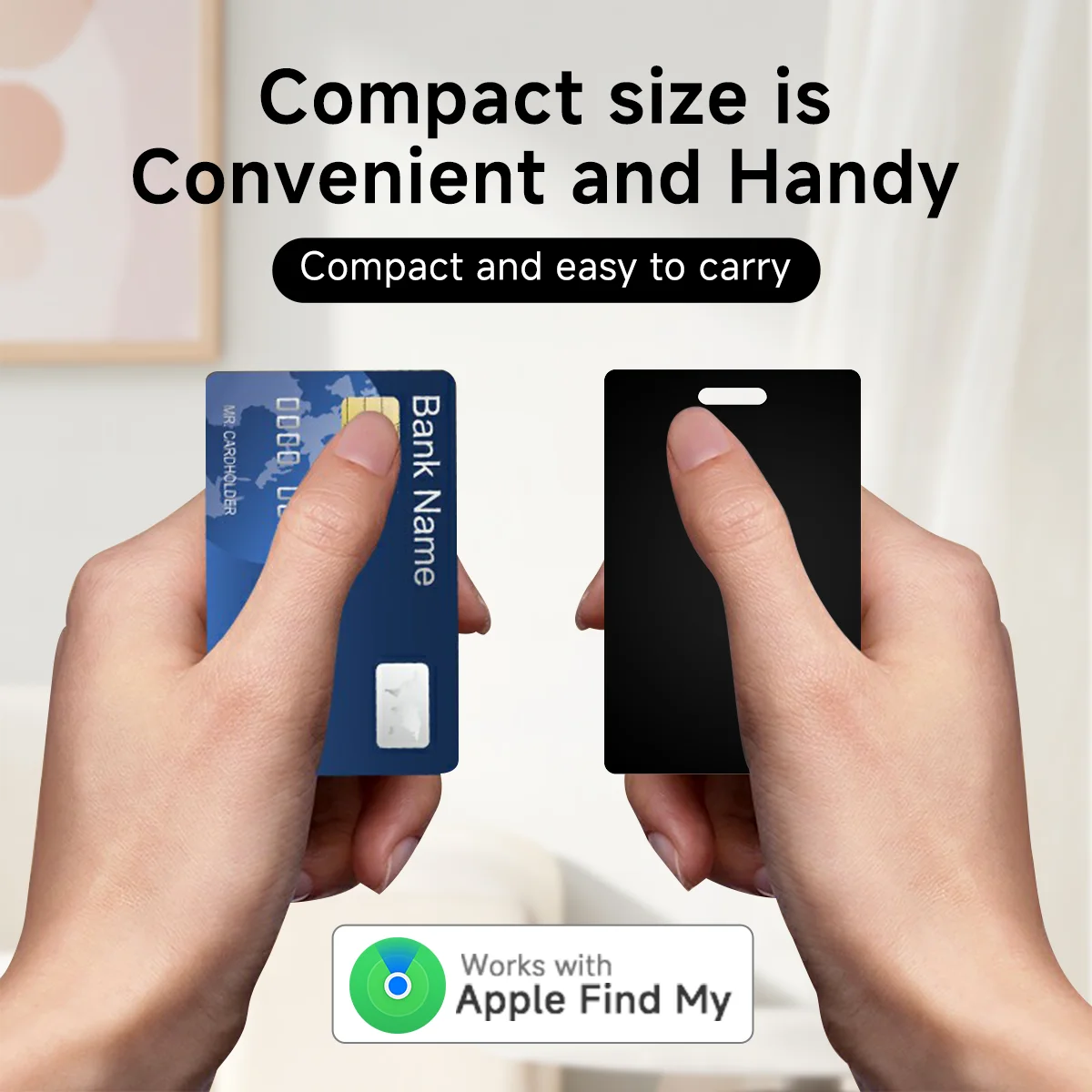
size: 54*85.5*27mm
weight : 11g / 0.39 oz
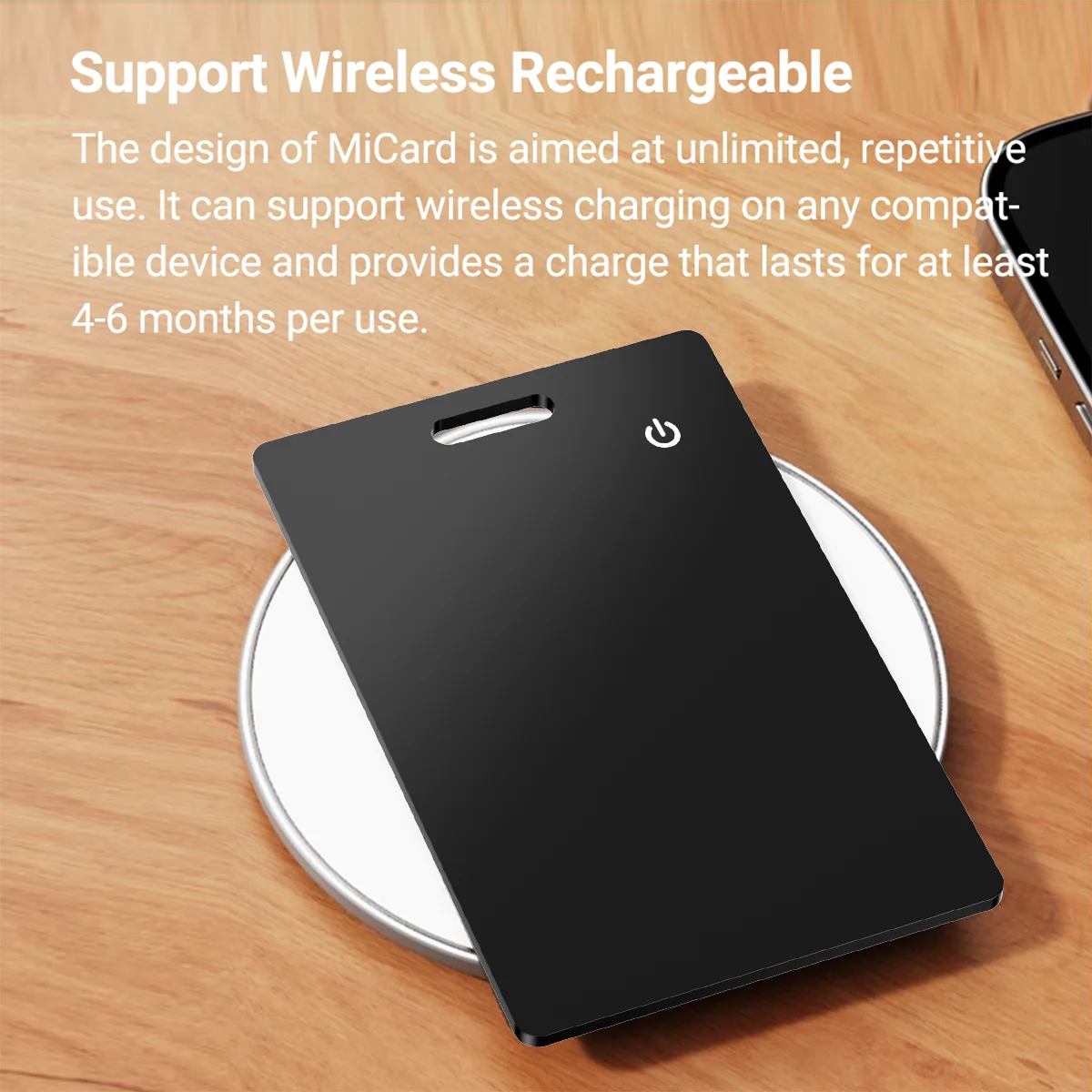
Battery : GN CP124653A
Voltage : 3.0V
Current : 550MAh
Wireless: BLE 5.1
Wireless transmissiondi stance: ≥40m (Line-of-sight)
buzzer: Built-in ≥75db (in 10cm)
working temperature: -5°C to 45°C(23°F to 113°F)
Working humidity : 95%(no condensation)
Getting Started: ON/OFF by one button
Use APP: Aple Find My app (iOS14.5 or later)
Material: ABS Plastic
Color: Black/White