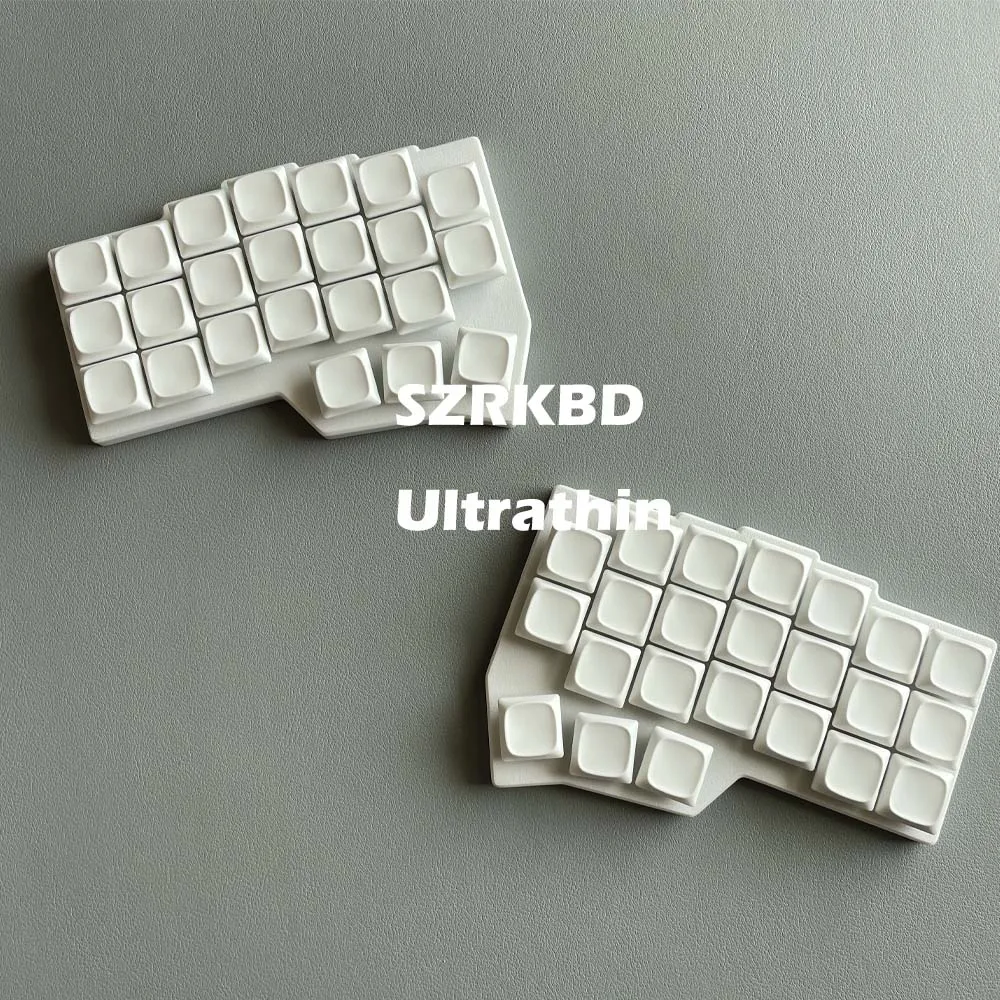
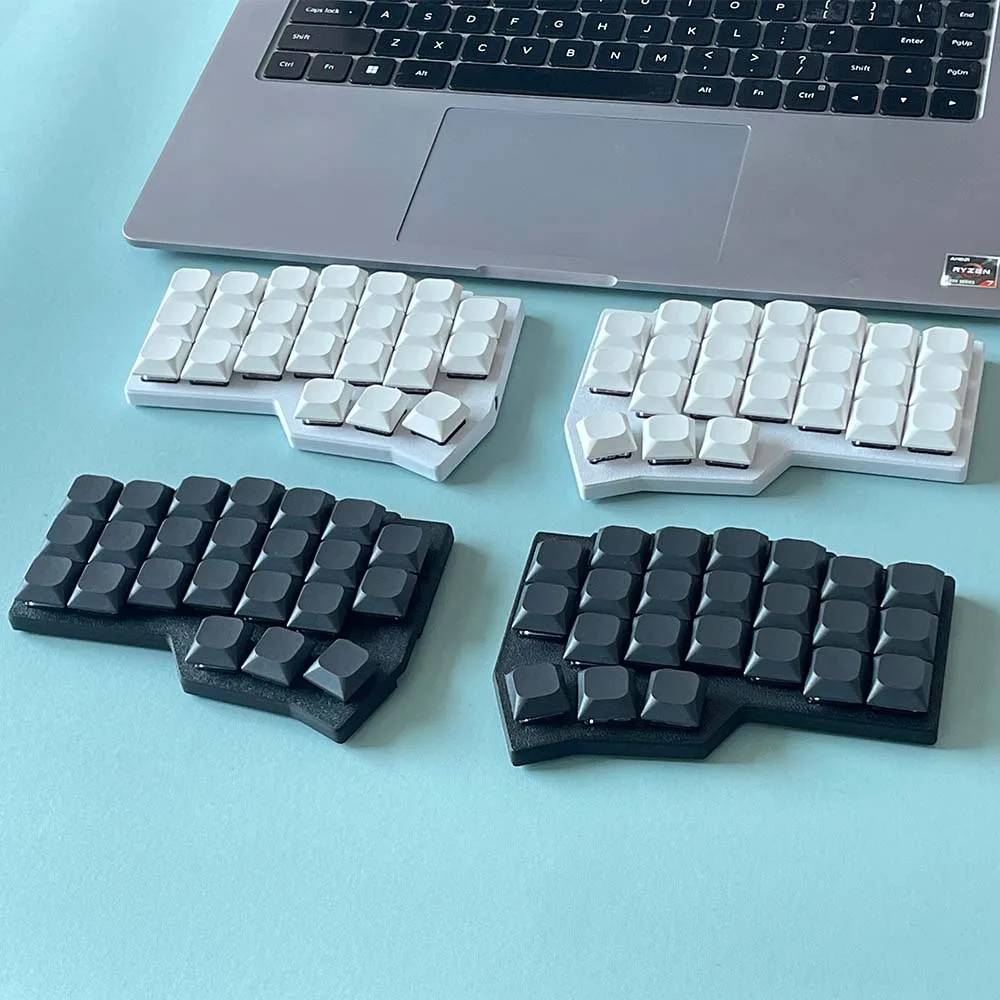
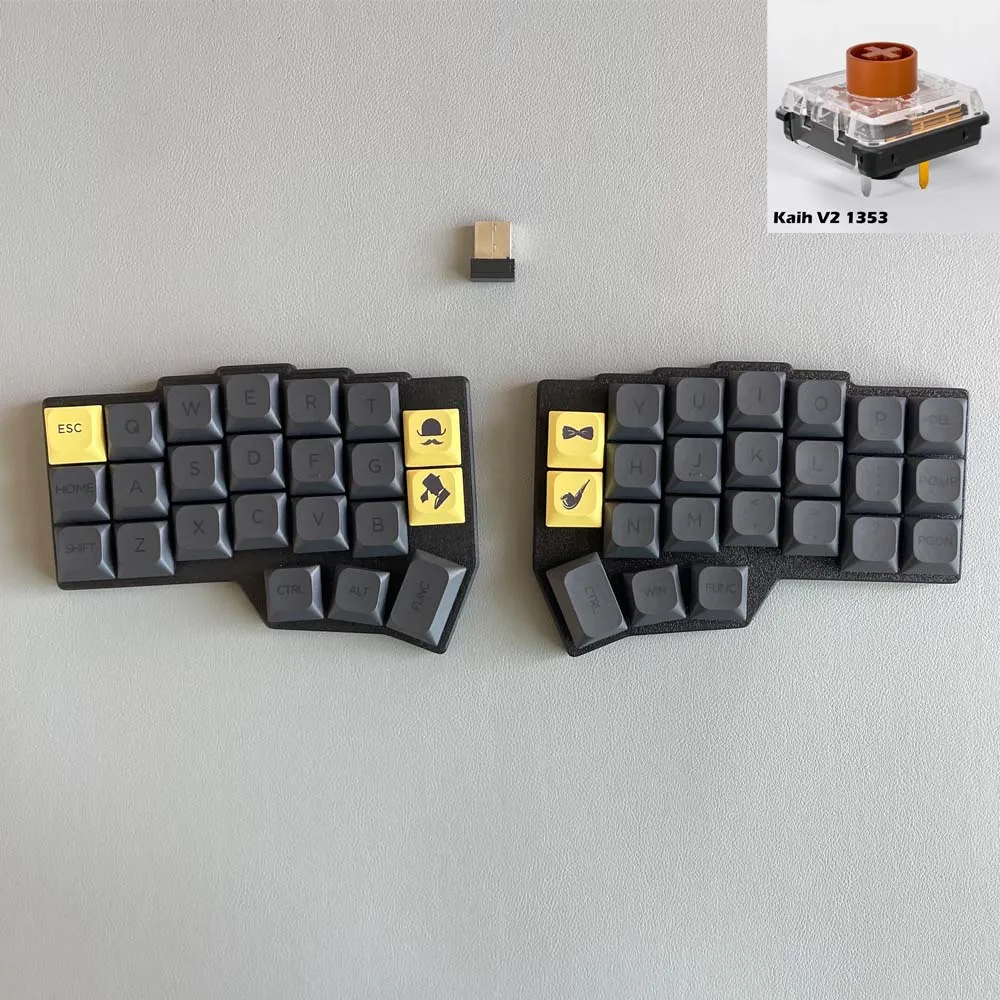
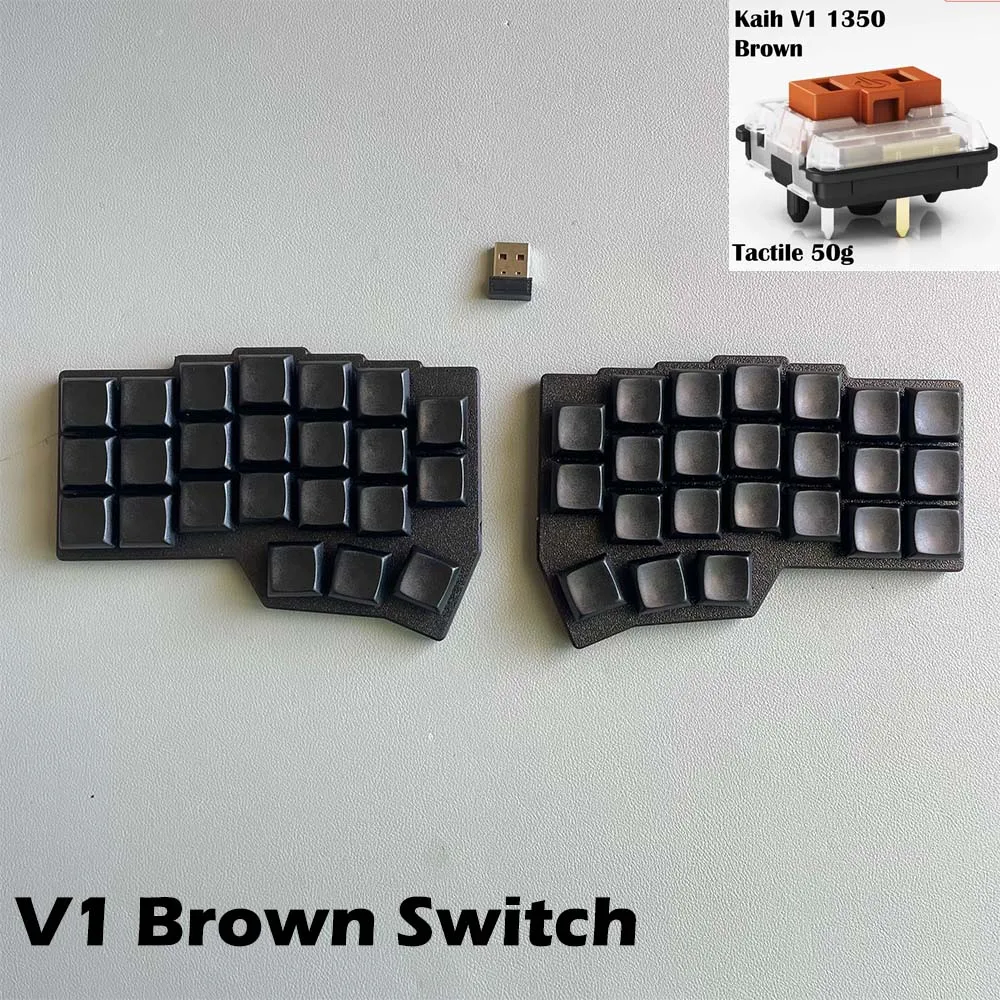
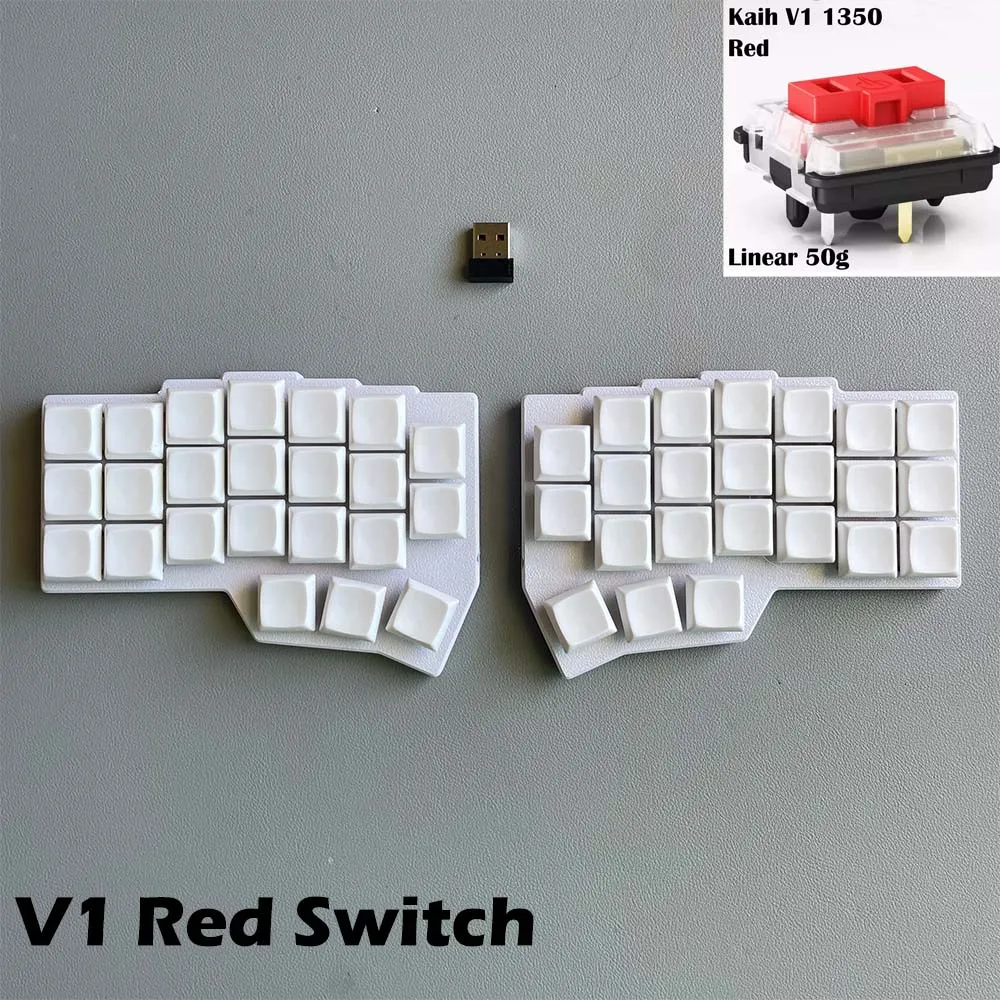
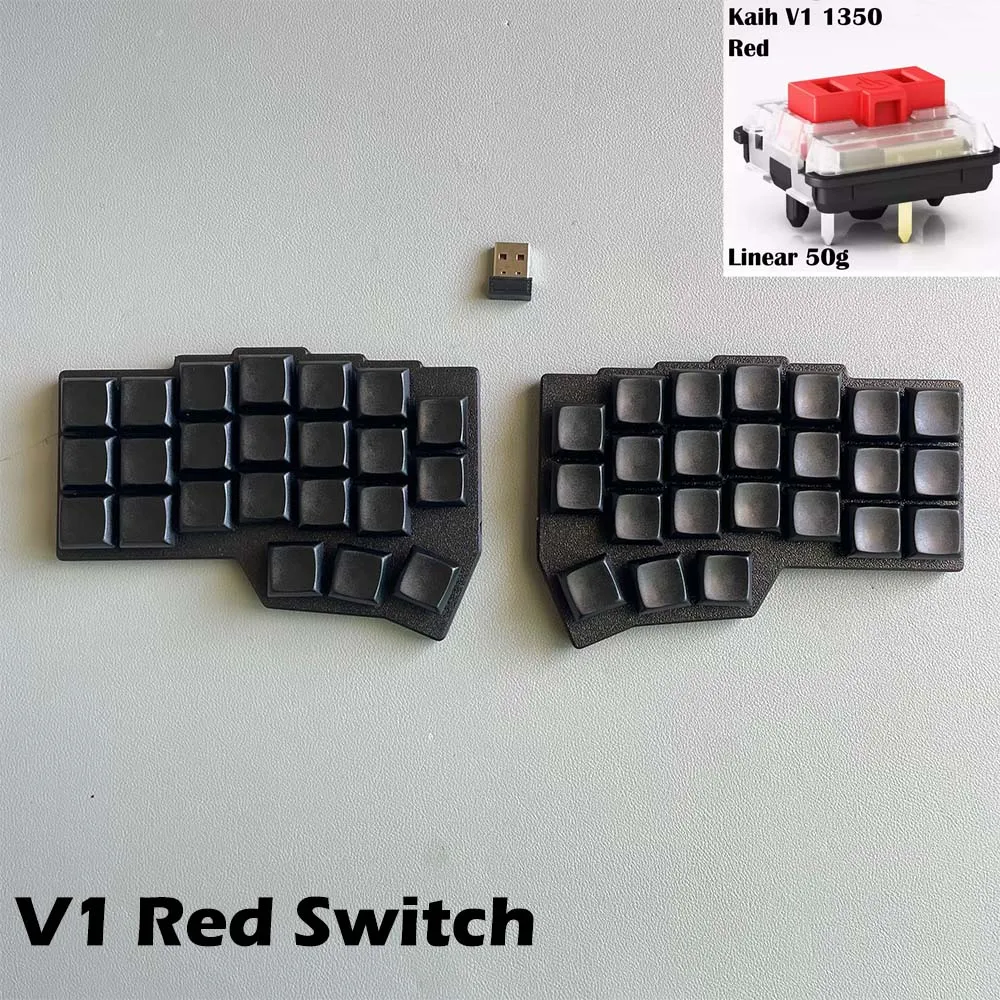
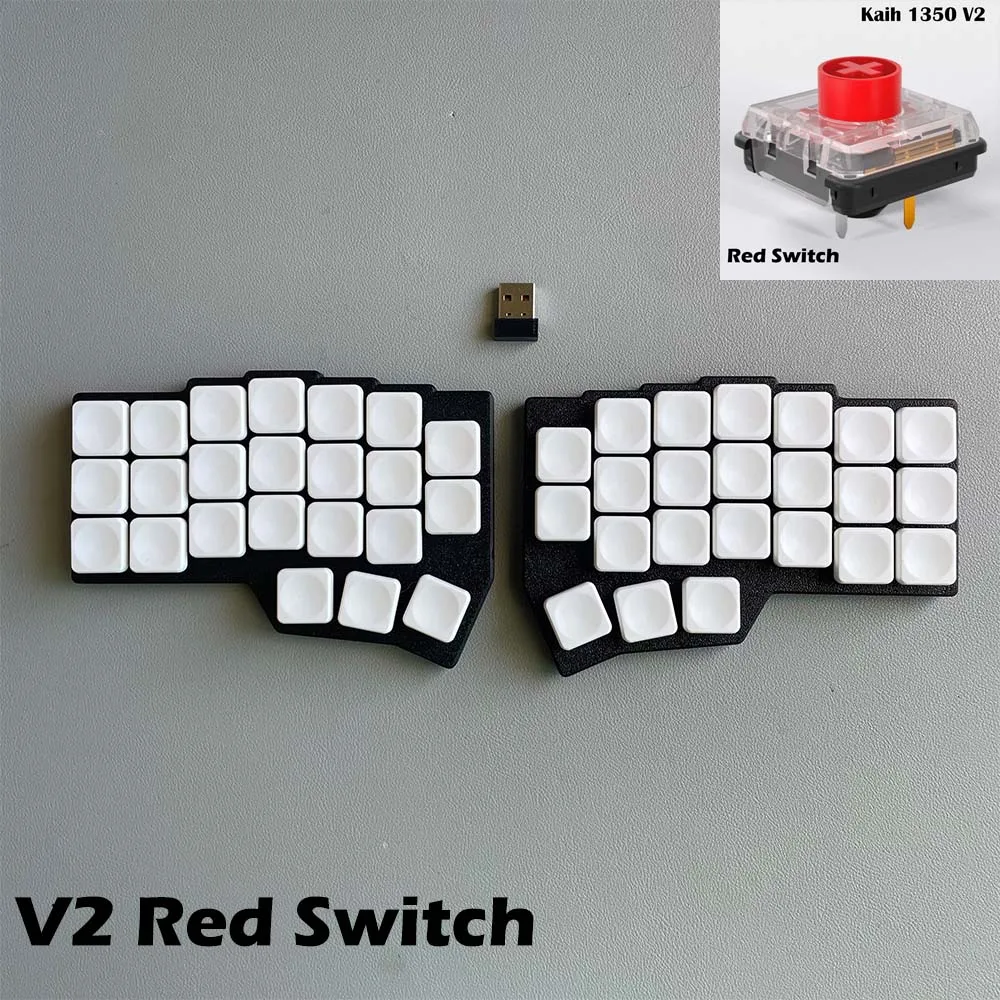
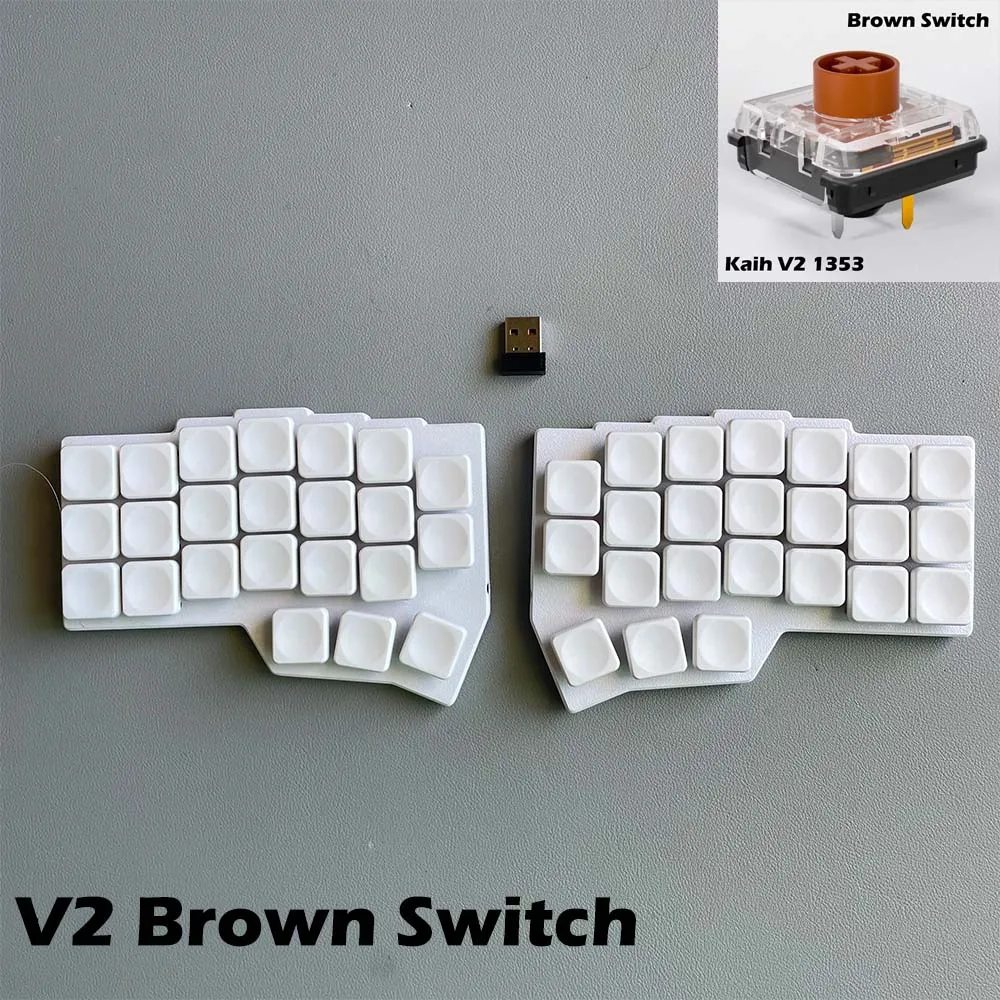
⌨️ CHOC Corne V4.1 Split Mechanical Keyboard ⌨️
🚀 Ultra-Thin 14mm • 2.4G Wireless • Hot-Swap • VIAL Programmable • Low Profile 🚀
🎯 Key Features
2.4G Wireless
Dedicated wireless connection with USB receiver
Dedicated wireless connection with USB receiver
Hot-Swap Compatible
Supports Kaihua low profile V1/V2 switches
Supports Kaihua low profile V1/V2 switches
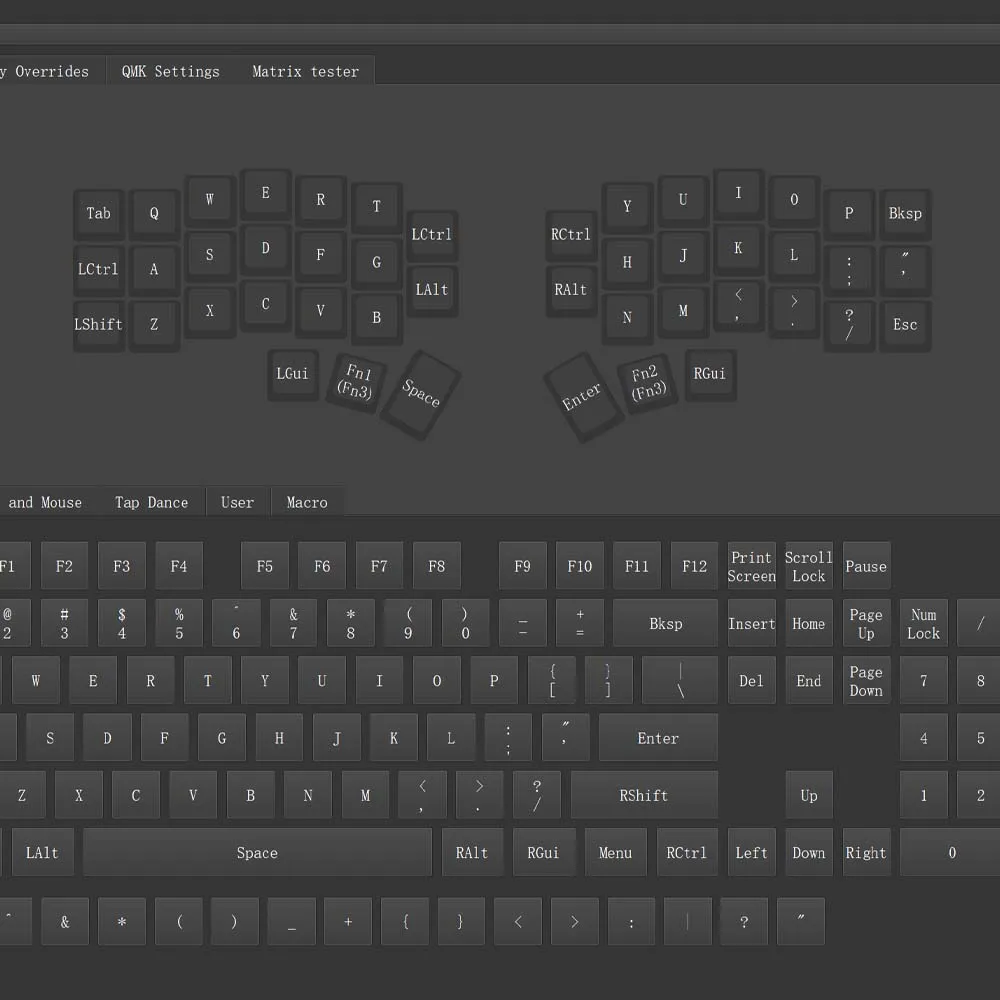
VIAL Programmable
Custom key mapping and macro support
Custom key mapping and macro support
Ultra-Thin Design
Only 14mm thickness for portability
Only 14mm thickness for portability
📋 Technical Specifications
| Feature | Specification |
|---|---|
| Model | CHOC Corne V4.1 |
| Layout | Split 42-key ergonomic design |
| Connection | 2.4G Wireless (USB receiver required) |
| Thickness | 14mm ultra-thin profile |
| Switch Compatibility | Kaihua Choc V1/V2 Low Profile switches only |
| Hot-Swap | Yes - tool-free switch replacement |
| Programming | VIAL software (pre-installed firmware) |
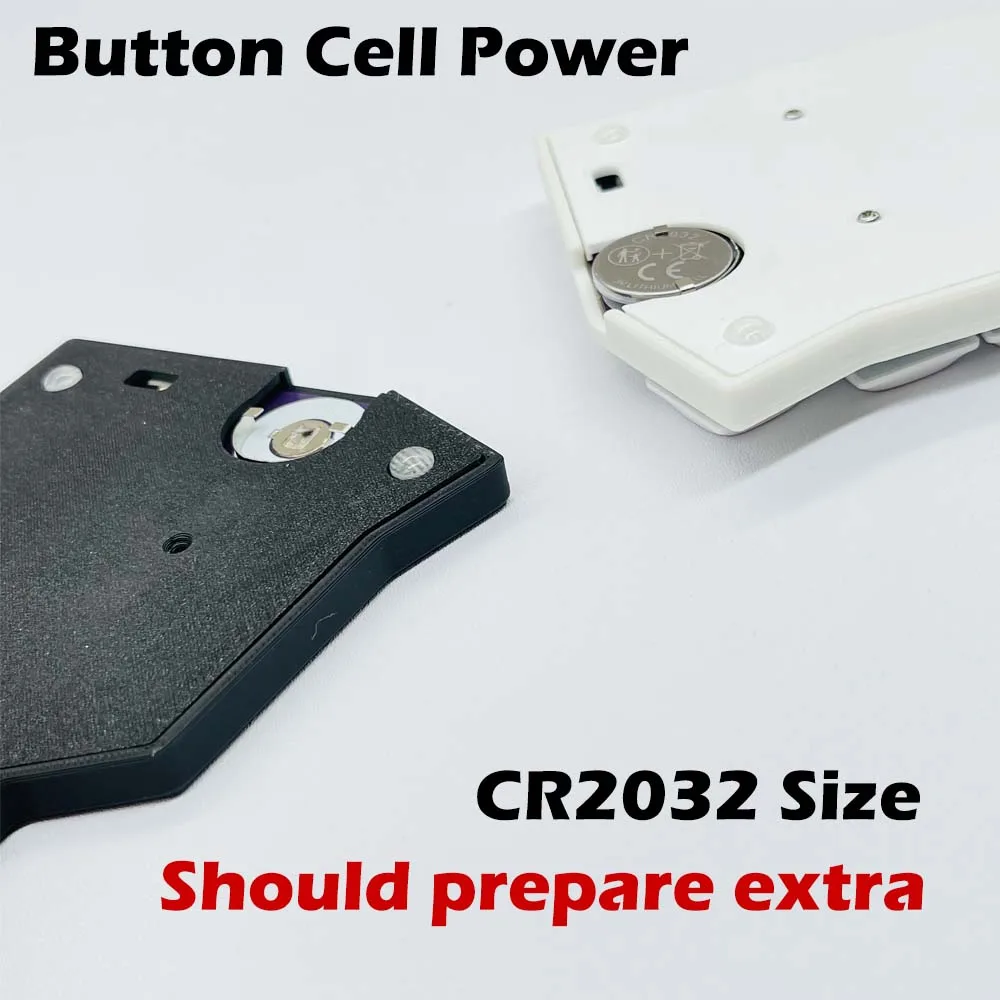
| Battery | CR2032 button cell (not included) |
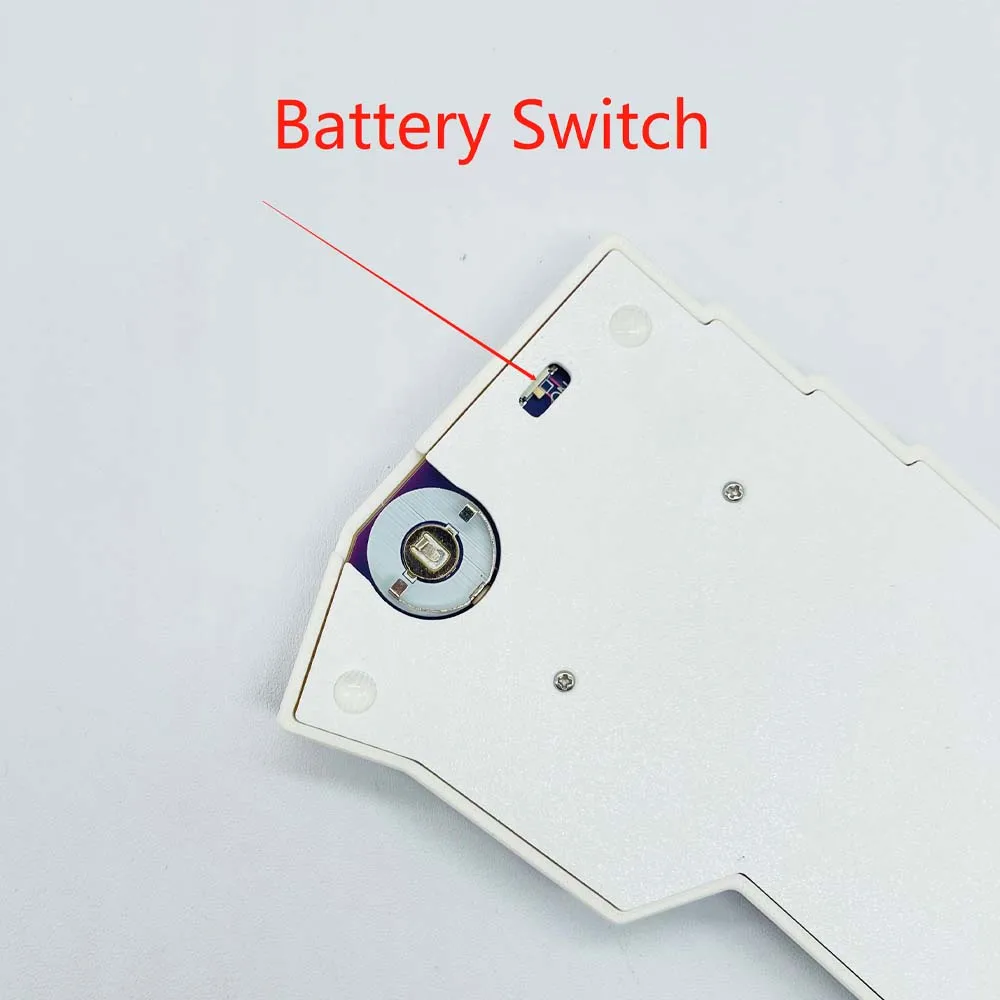
| Battery Switch | Integrated on/off switch for each half |
🛒 Available Configurations
DIY Kits (White/Black): PCB only - requires separate switches and keycaps ($99.58)
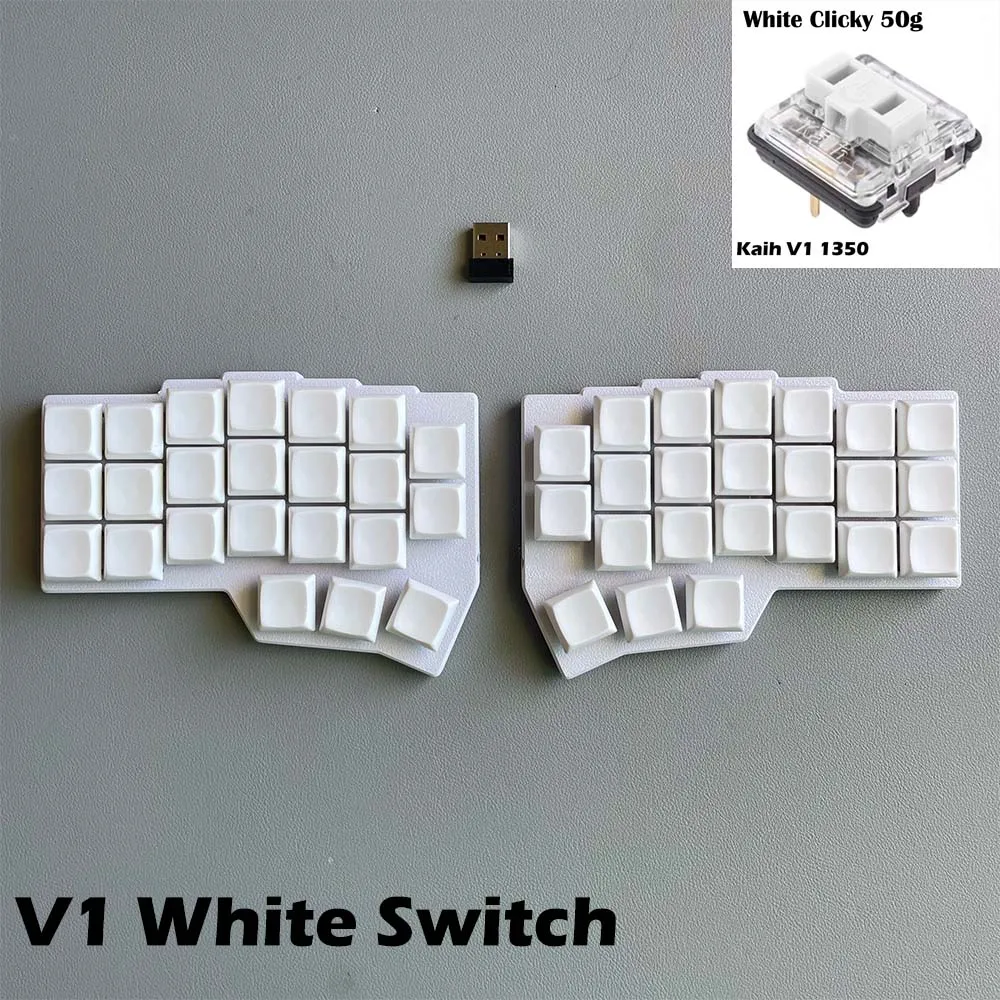
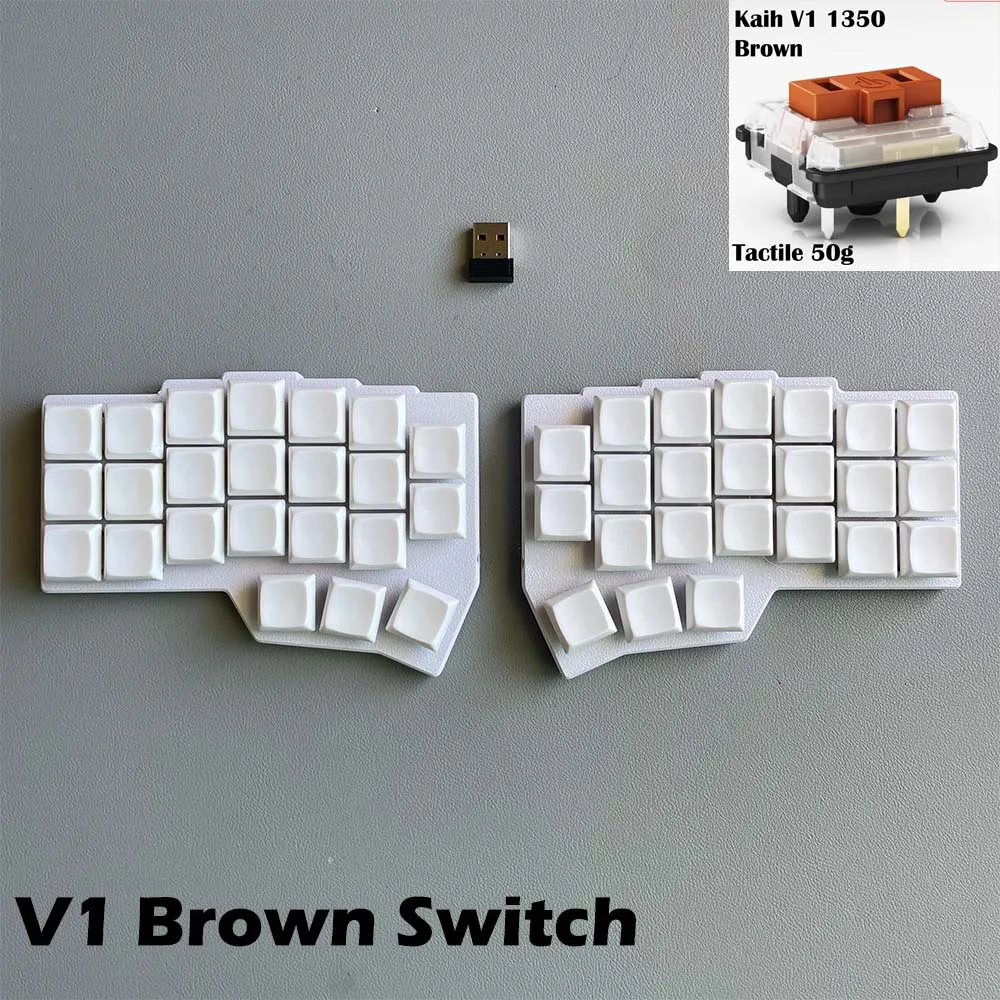
V1 Finished Models: Complete with V1 switches and keycaps - Red, White, Brown options ($134.23)
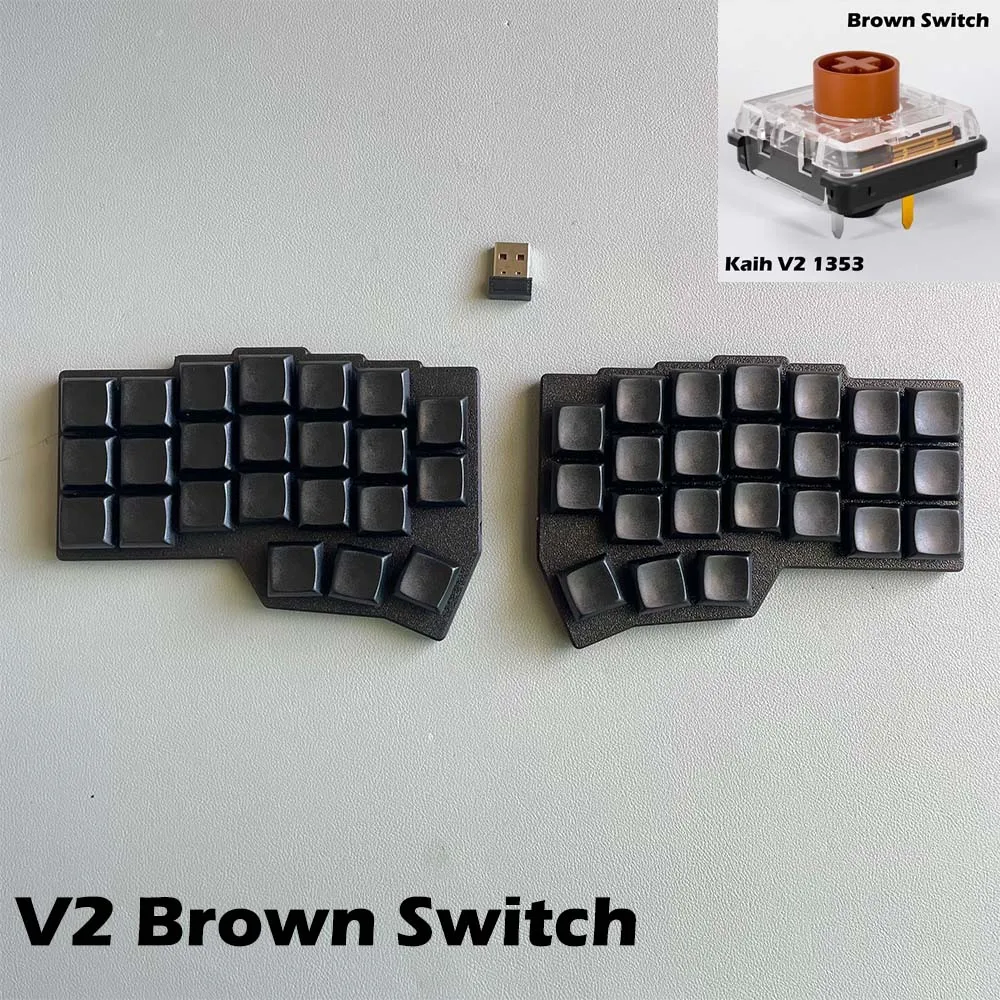
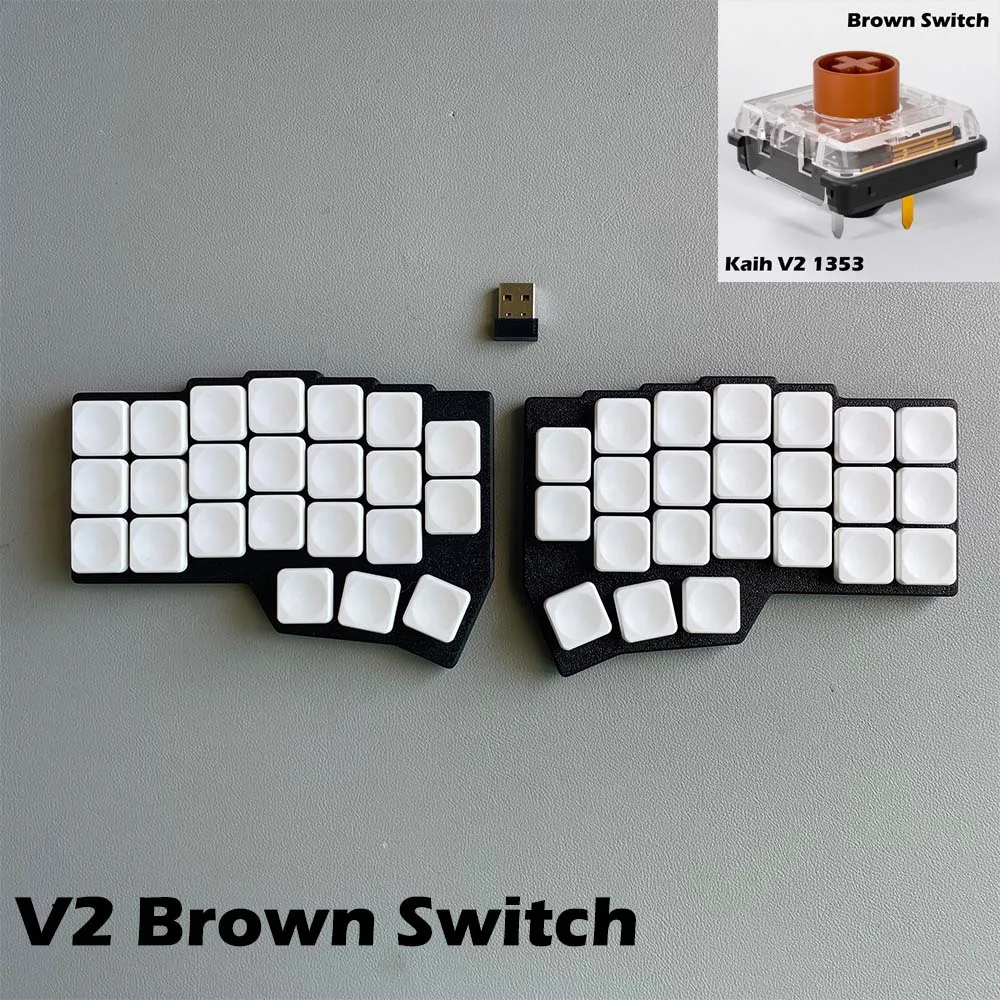
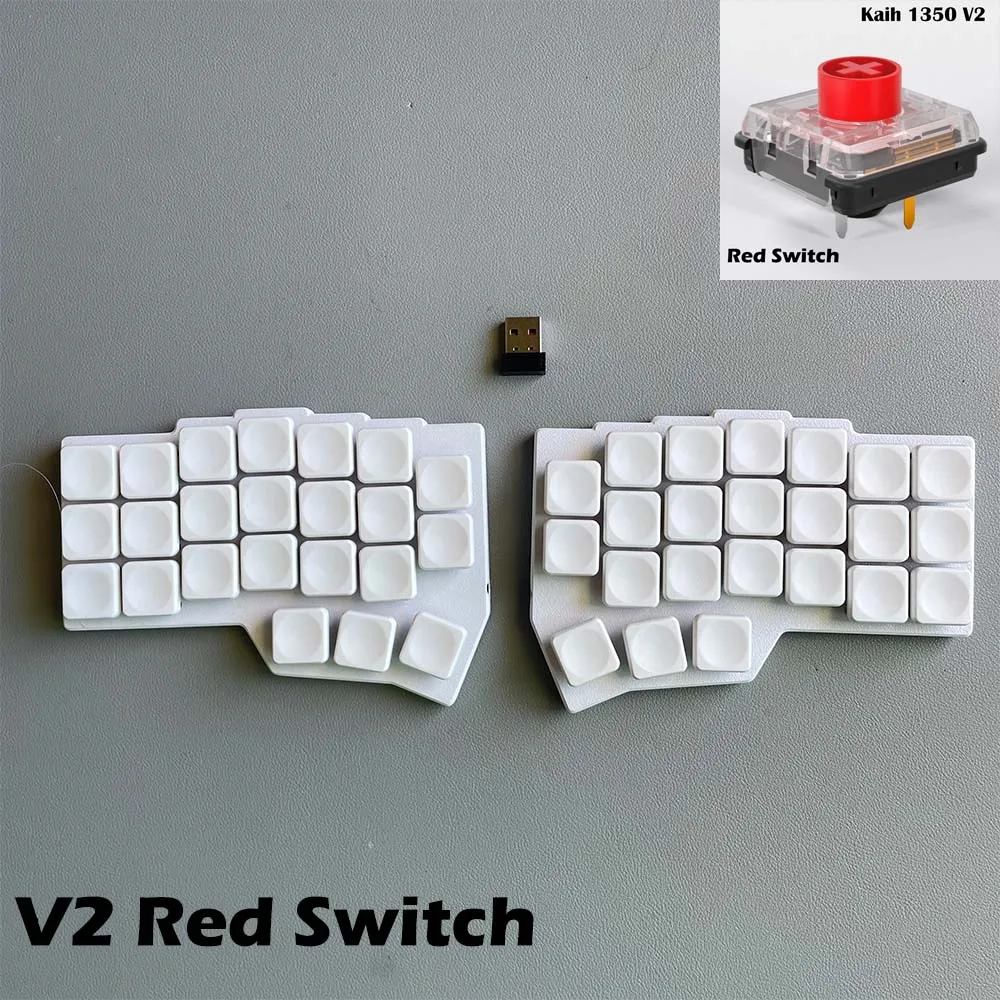
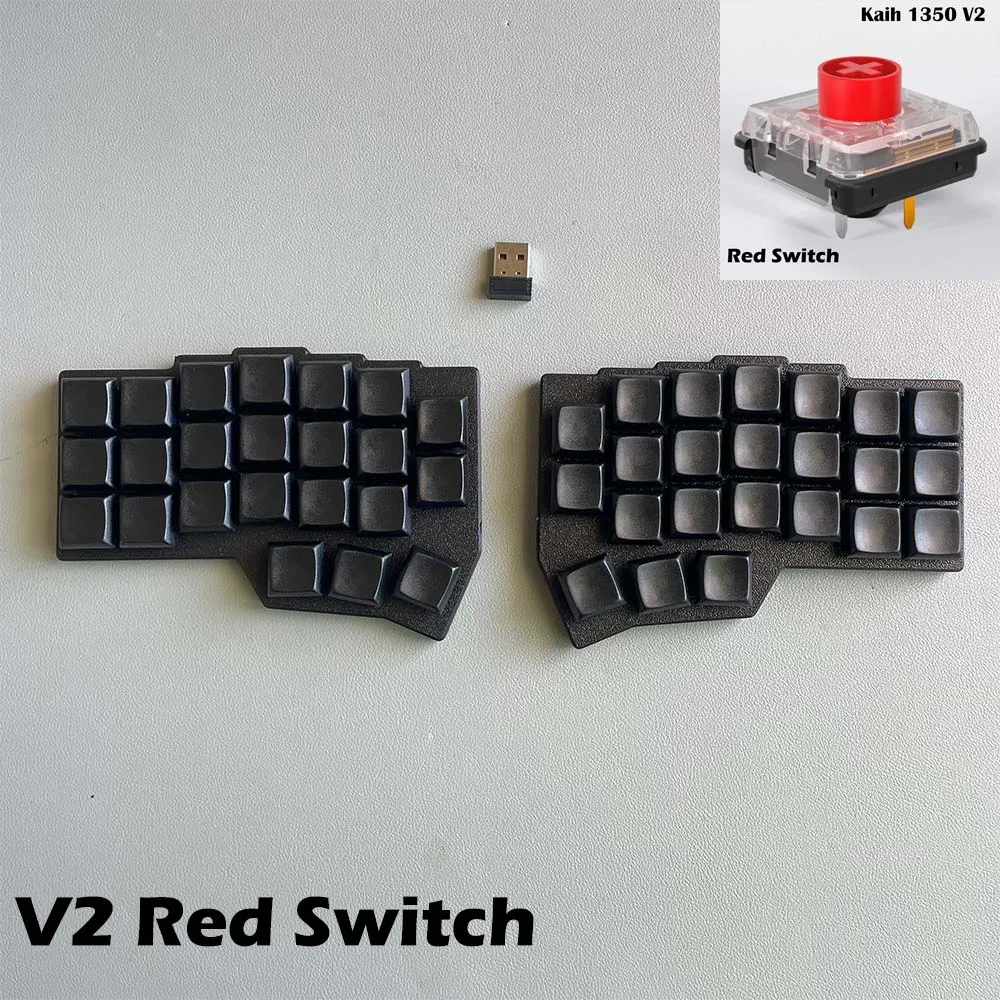
V2 Finished Models: Complete with V2 switches and keycaps - Red, Brown, White options ($134.23-$142.90)
Premium Gentleman Series: Premium finish with Brown or Red switches ($151.55)
⚠️ Important Configuration Notes
Kit vs Finished: "Kit" configurations include PCB ONLY - you must provide your own Kaihua Choc switches and keycaps. "Finished" models include everything needed for immediate use. Battery (CR2032) not included due to shipping regulations - purchase locally.🚫 VIAL Firmware Limitation
Critical Note: This wireless version comes with pre-installed VIAL firmware that CANNOT be updated or reinstalled. The firmware is permanently configured for 2.4G wireless operation. Key remapping works normally, but firmware updates are not possible.🎛️ Switch Options Explained
- Kaihua V1 Switches - Original low profile design, reliable tactile/linear options
- Kaihua V2 Switches - Improved design with enhanced feel and durability
- Red Switches - Linear, smooth keypress without tactile bump
- Brown Switches - Tactile with subtle bump for typing feedback
- White Switches - Clicky switches with audible and tactile feedback
🔧 Setup Instructions
A
Connect USB Receiver: Plug 2.4G receiver directly into computer (avoid USB hubs for best reception)B
Install Batteries: Insert CR2032 batteries in both halves and turn ON the battery switchesC
Test Connection: If keyboard not detected, toggle battery switch OFF/ON to reconnectD
Remap Keys: Use VIAL software to customize layout (keys may appear chaotic initially)💡 Professional Applications
- Ergonomic Computing - Split design reduces wrist strain during extended use
- Programming & Development - Customizable layout optimized for coding
- Mobile Workstation - Ultra-thin profile perfect for laptop users
- Gaming Setup - Programmable macros and custom key layouts
- Presentation & Travel - Wireless freedom with compact form factor
📶 Wireless Performance Tips
Optimal Setup: Keep USB receiver close to keyboard for best signal strength. Avoid connecting through USB hubs as they can interfere with wireless reception. If connection drops, toggle battery switch to reconnect. The 2.4G connection provides low latency compared to Bluetooth.🔋 Battery Requirements
Power Management: Each keyboard half requires one CR2032 battery (sold separately due to shipping restrictions). Battery life varies with usage - turn off switches when not in use to extend battery life. LED indicators show connection status.🎹 Switch Compatibility
Important: This keyboard ONLY supports Kaihua Choc low profile switches or compatible switches with identical pin layout. Standard MX switches will NOT work. Hot-swap sockets allow easy switch replacement without soldering.