🖴 ORICO Multi-Bay HDD/SSD Docking StationProfessional Storage Expansion with 10Gbps USB 3.2 Gen2 Type-C Why Choose This Docking Station?Enterprise-level storage solution supporting up to 110TB capacity with hot-swap capability and daisy chain expansion. Perfect for content creators, photographers, video editors, and data professionals who need reliable high-speed storage access. ✨ Key Features⚡ Ultra-Fast 10Gbps SpeedUSB 3.2 Gen2 Type-C interface delivers blazing transfer speeds up to 10Gbps for efficient data workflows 🔗 Daisy Chain ExpansionConnect up to 3 devices for massive 330TB total storage capacity - modular data management made easy 🔄 Hot-Swap ReadyIndependent disk slots with eject function - swap drives without interrupting other slots or rebooting ❄️ Superior Cooling SystemAluminum alloy construction with 80mm cooling fan and front/rear airflow design for stable operation 📊 Technical Specifications
🎯 Perfect ForContent Creators: Video editors managing large 4K/8K footage libraries 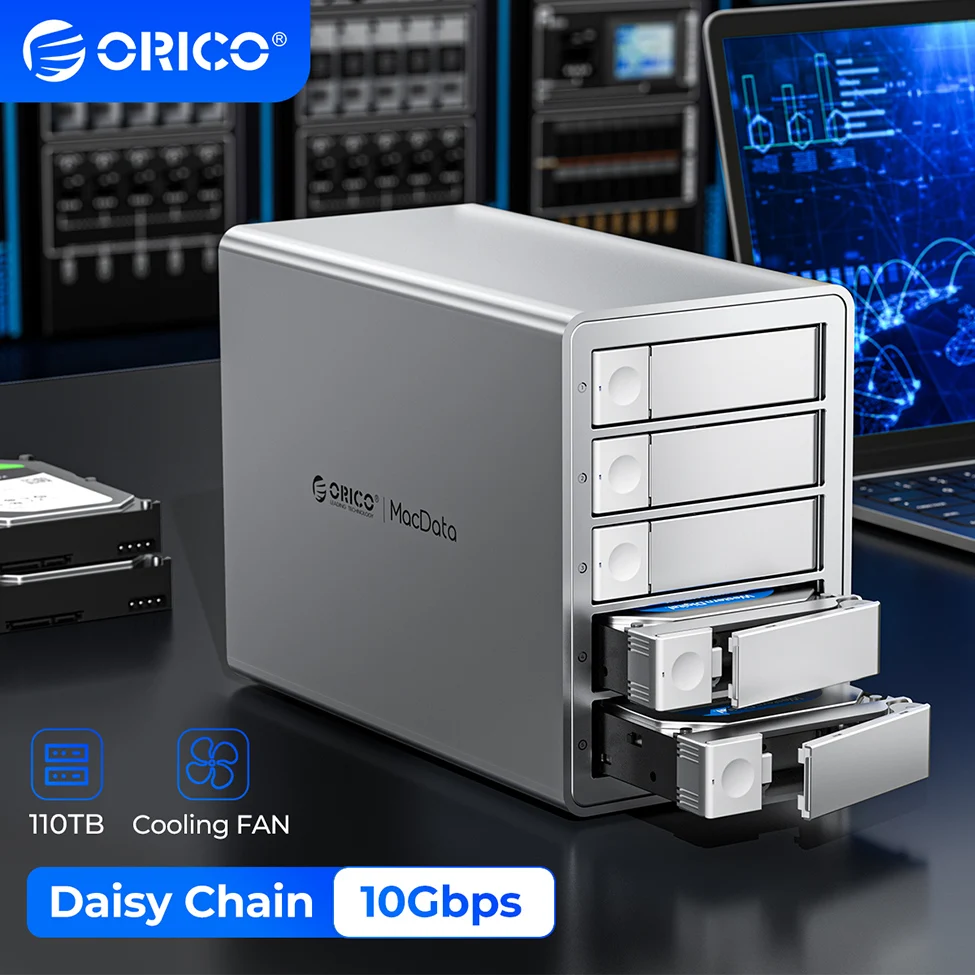 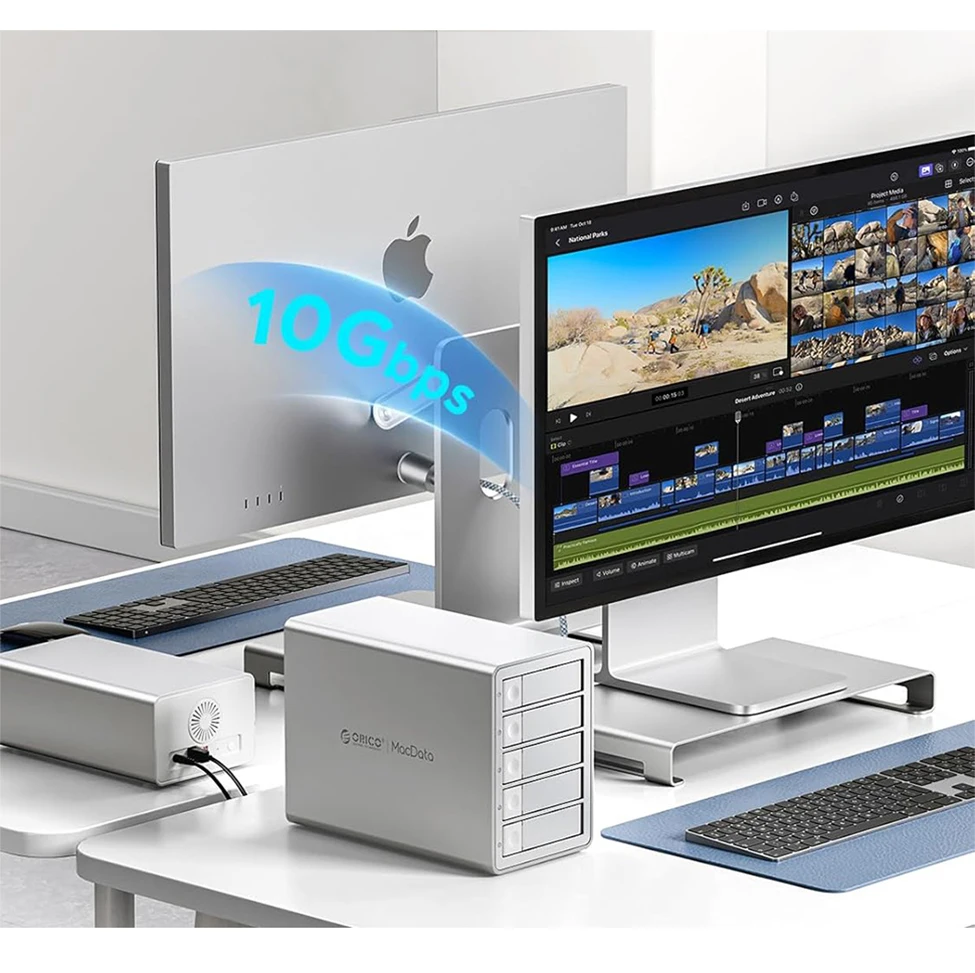 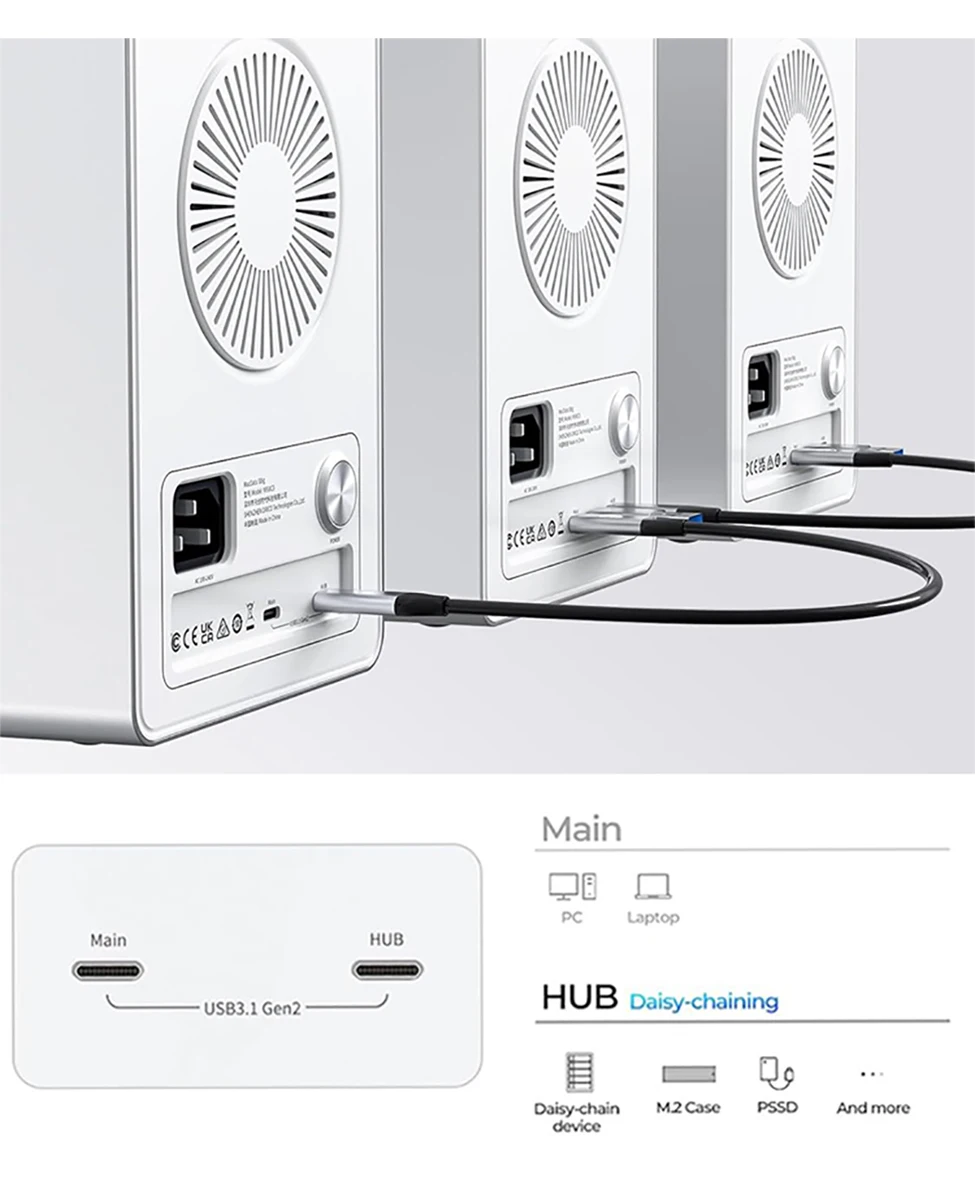 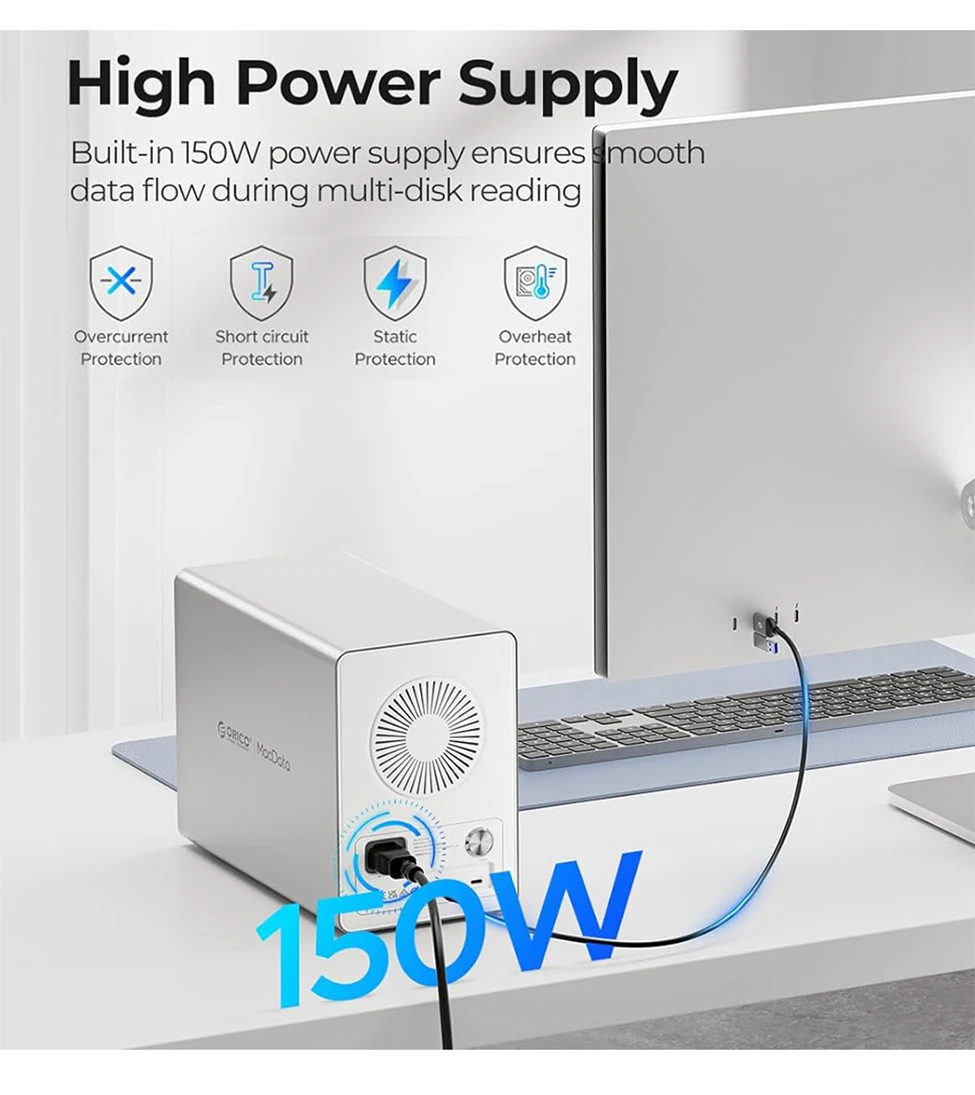 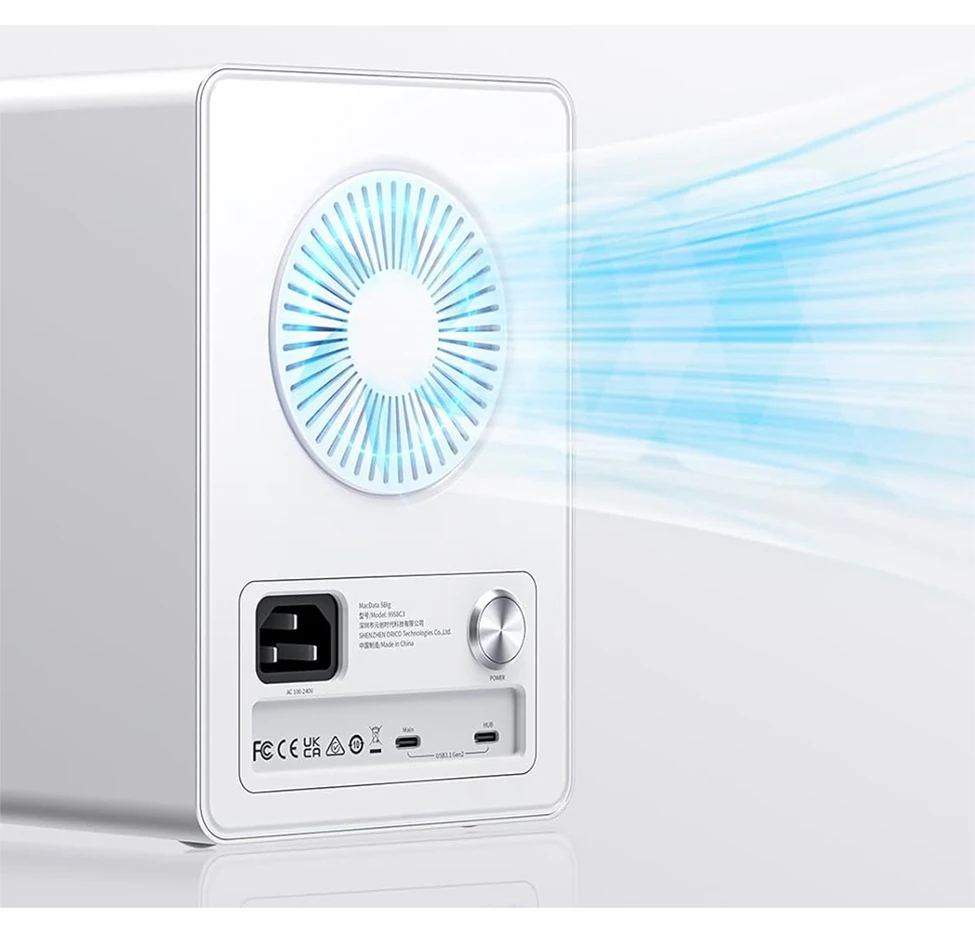  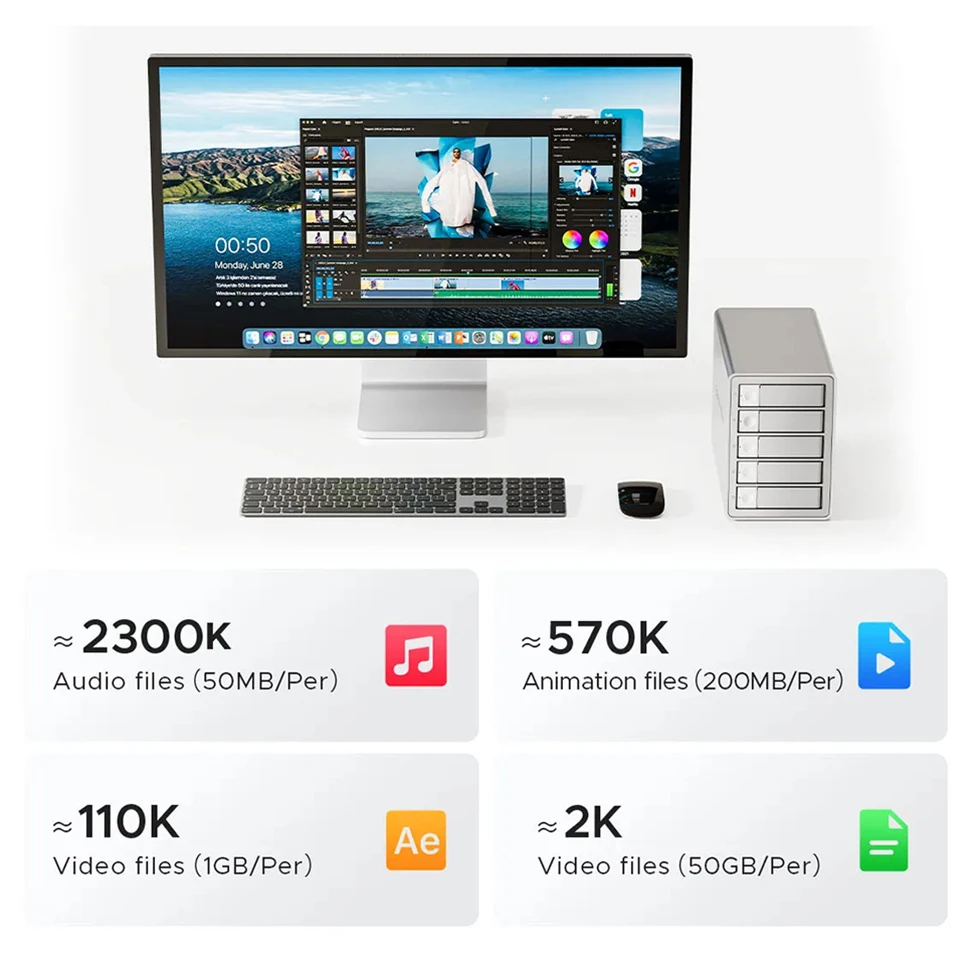 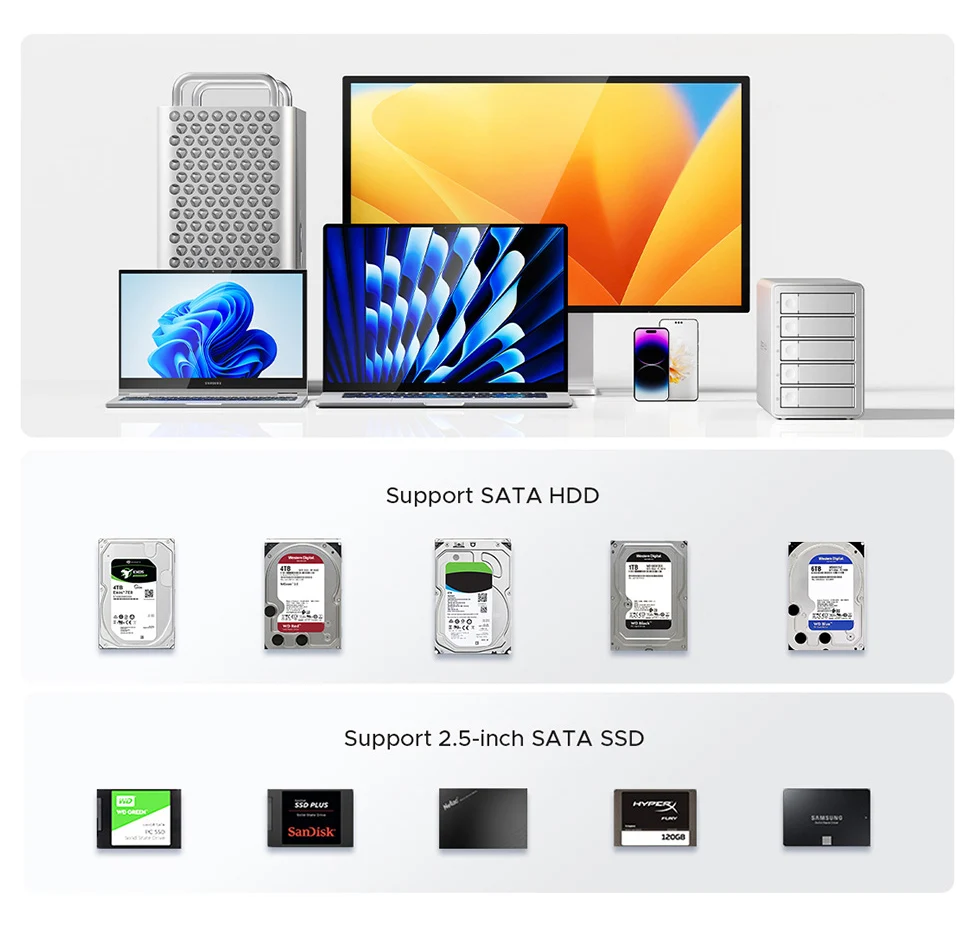 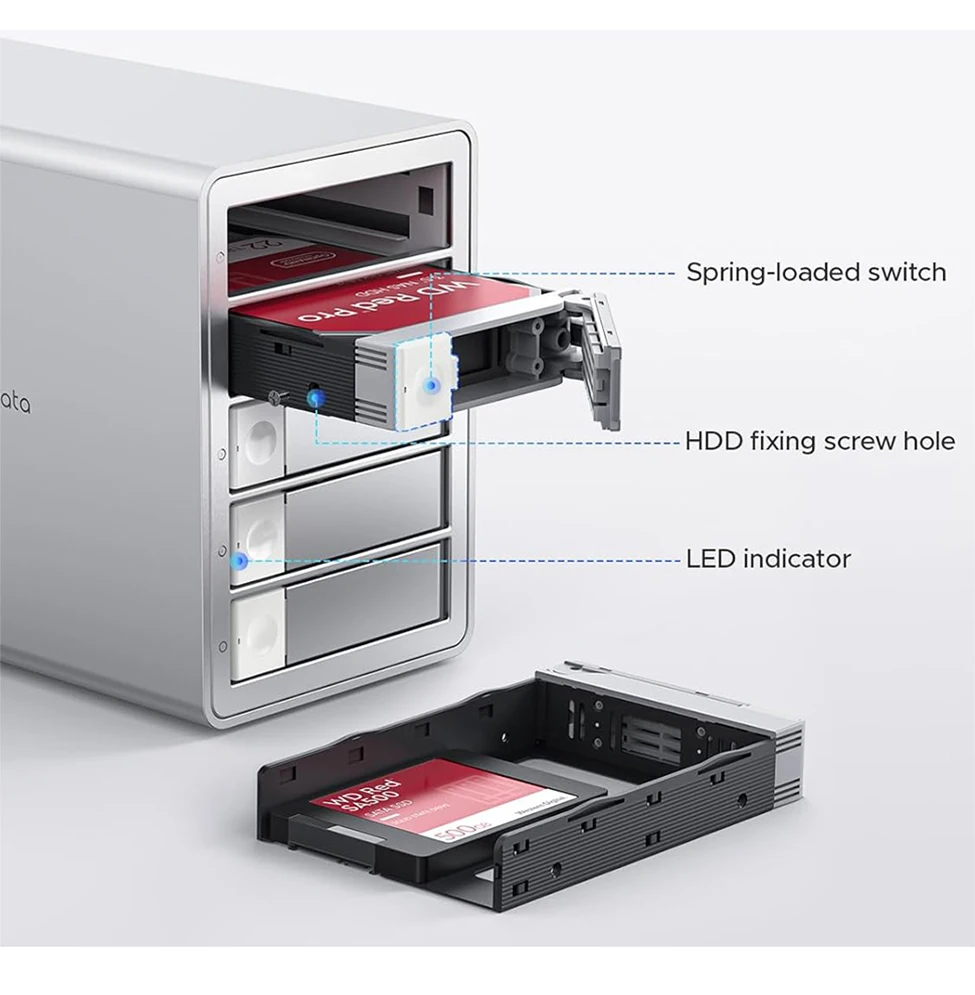 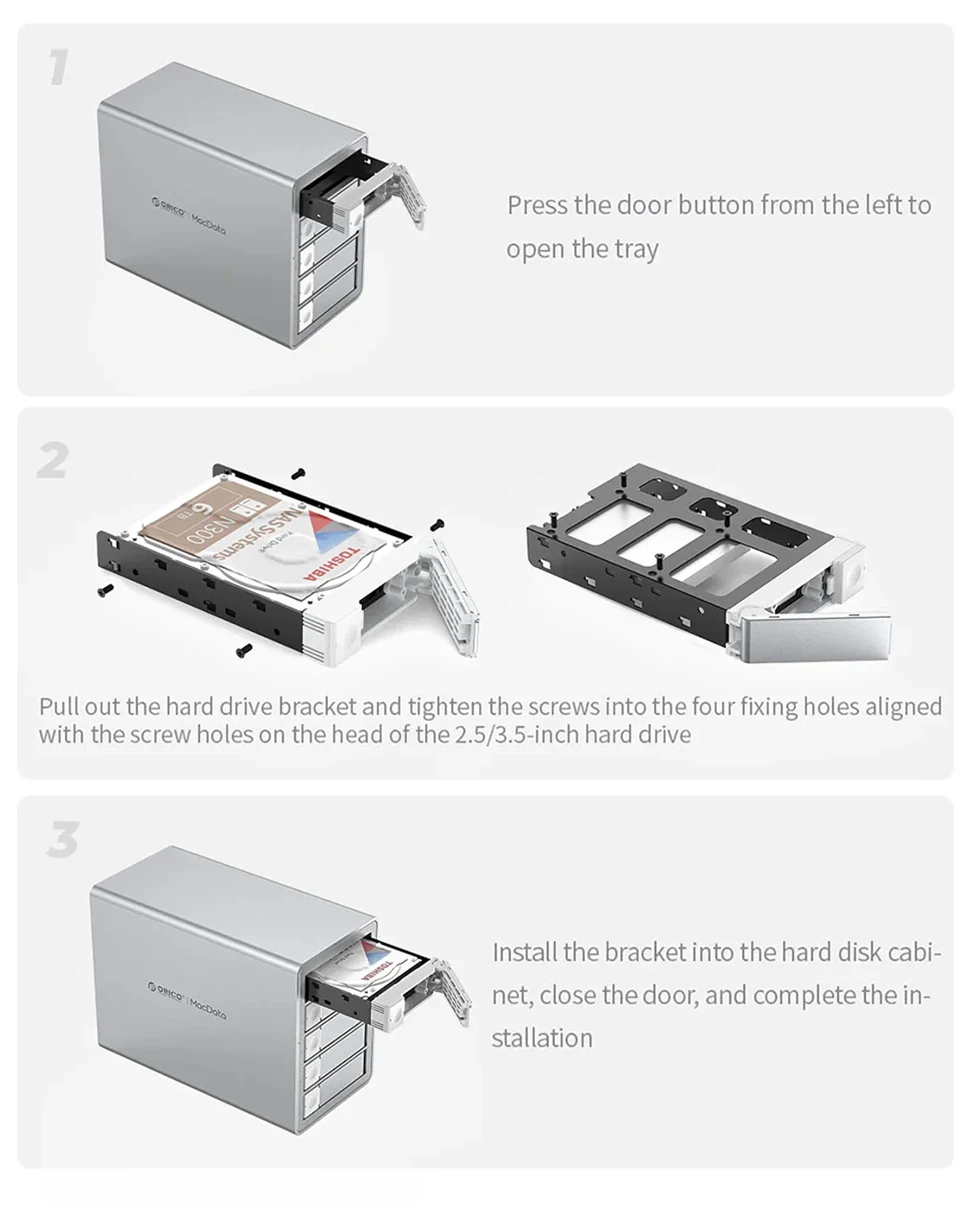 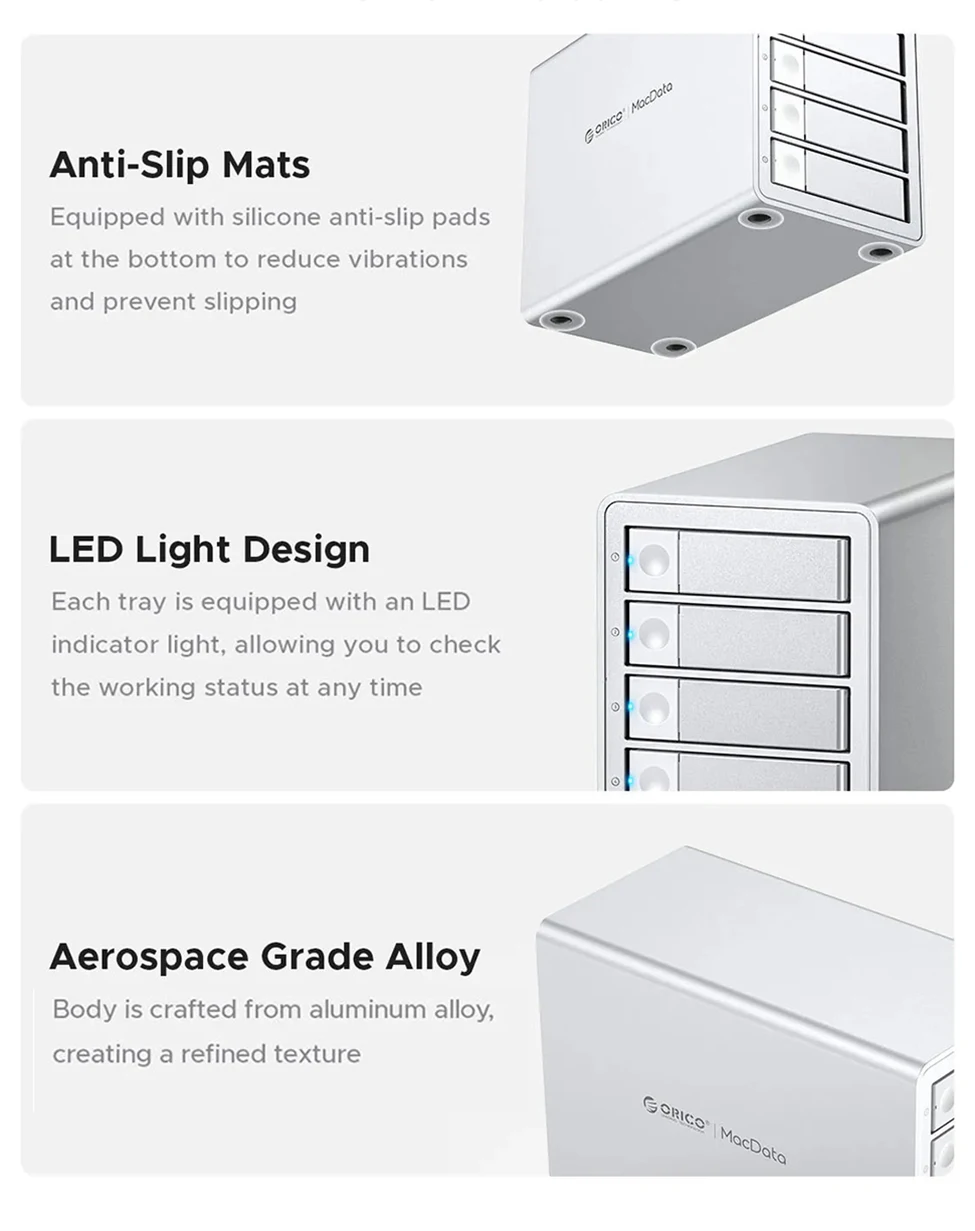 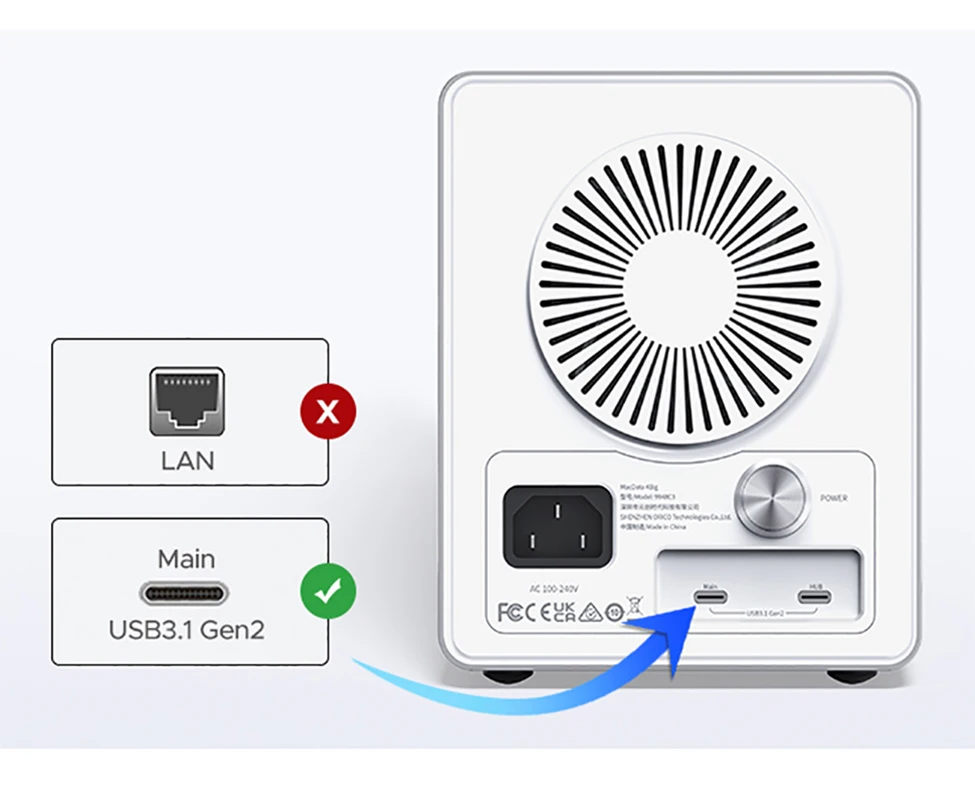 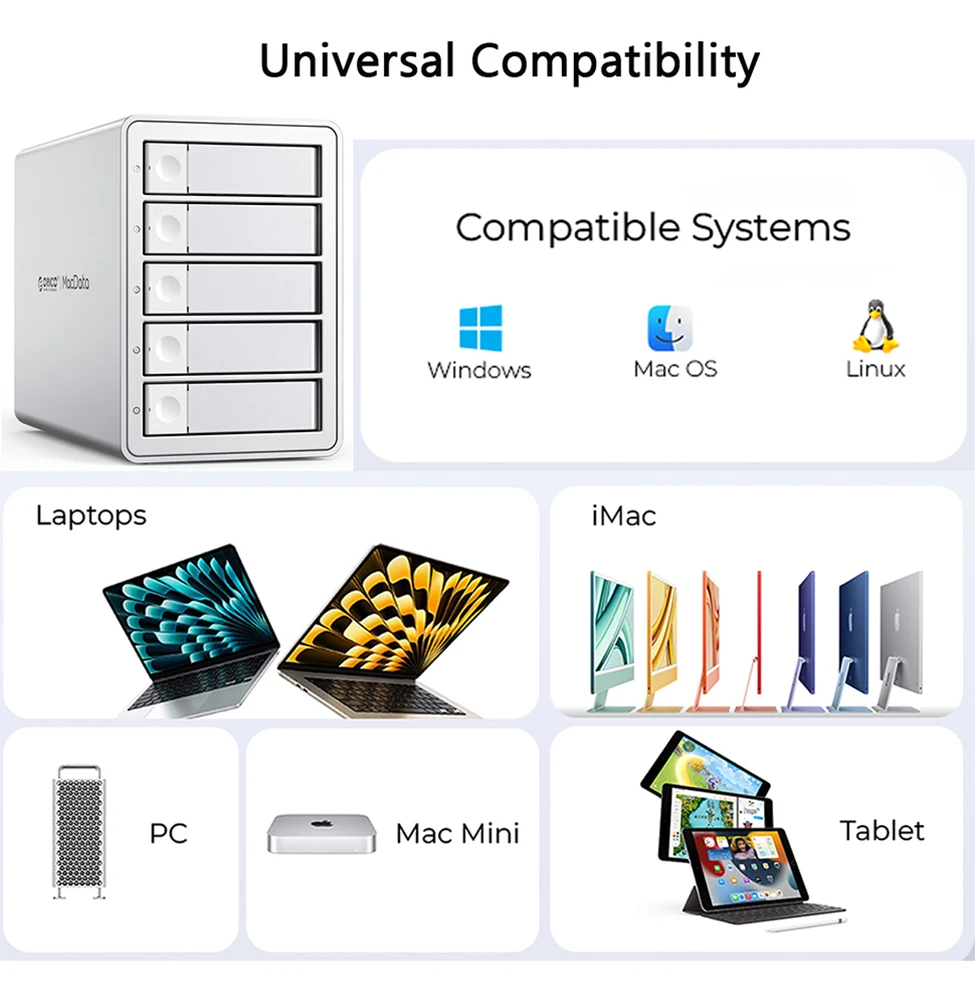 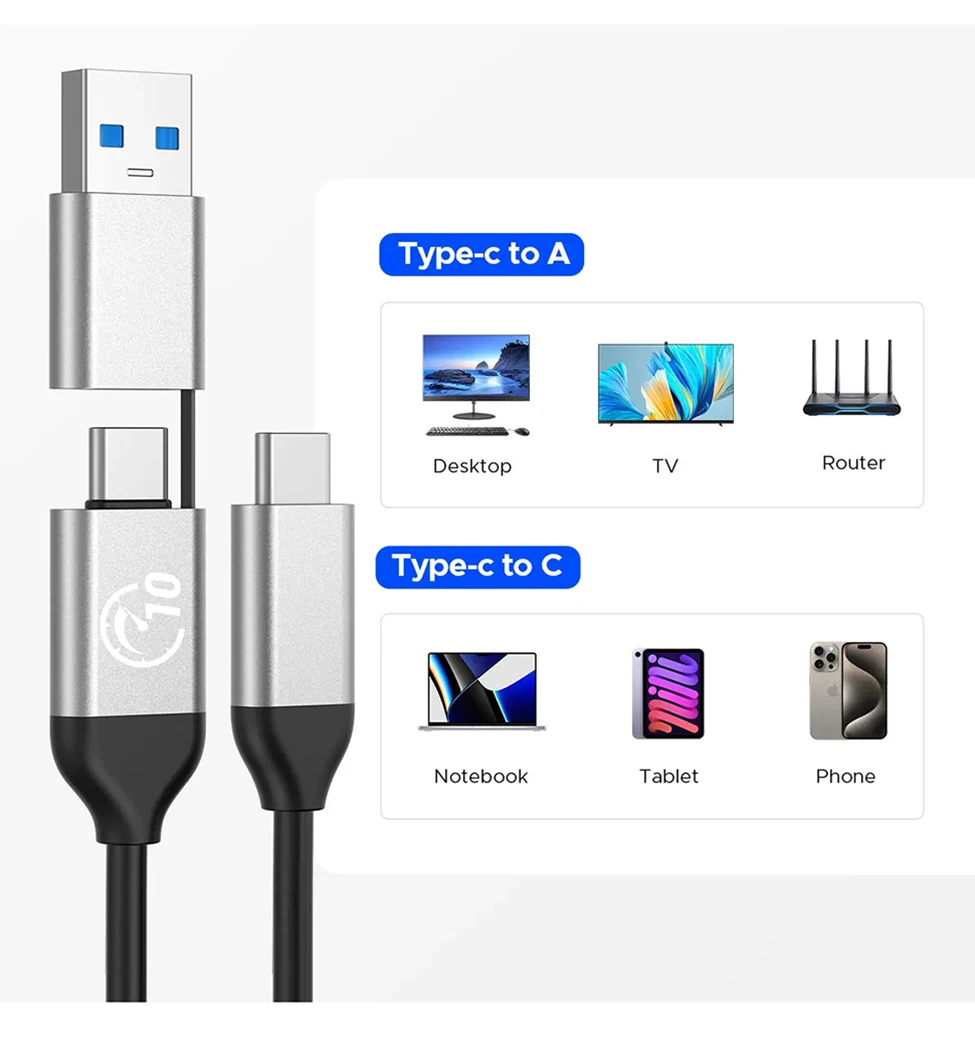 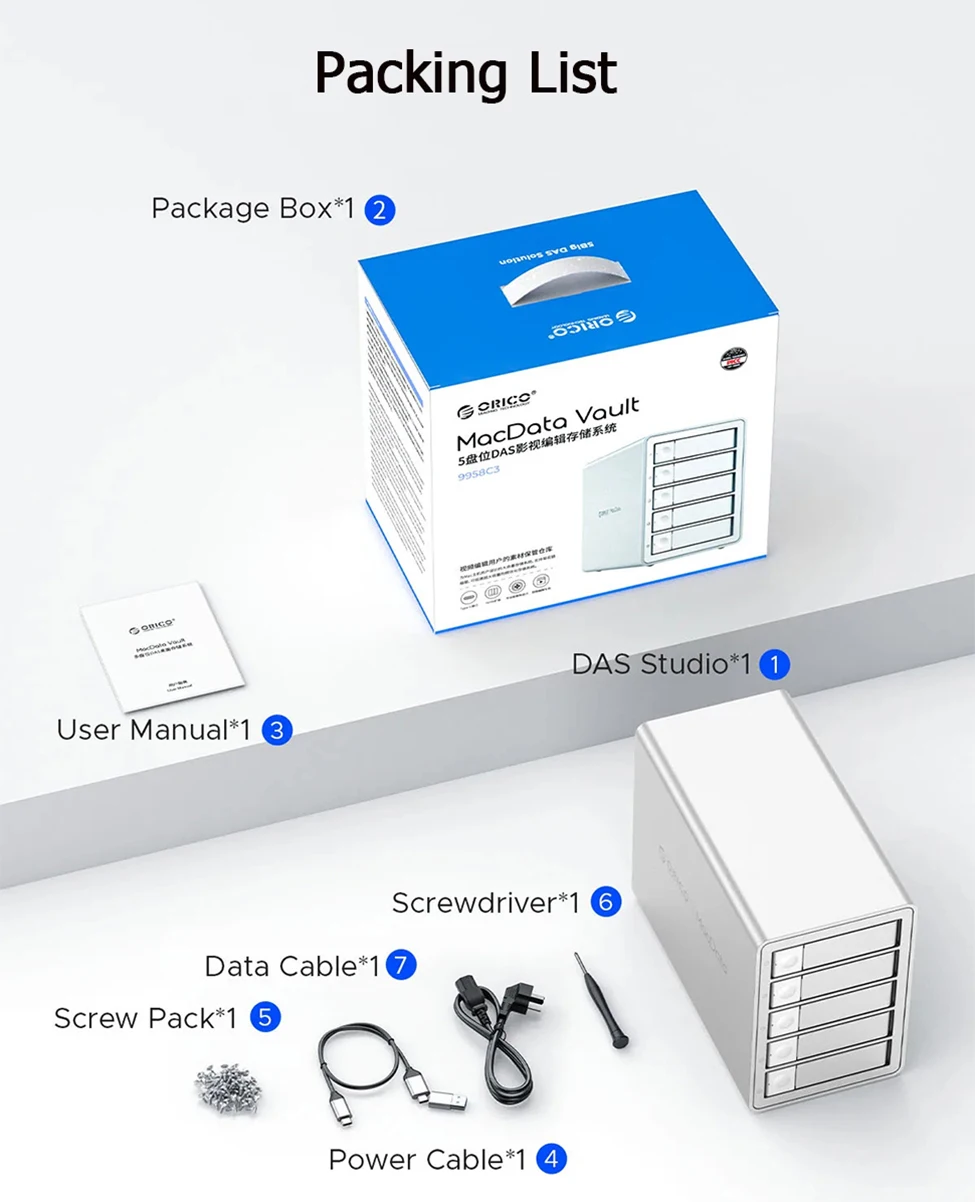 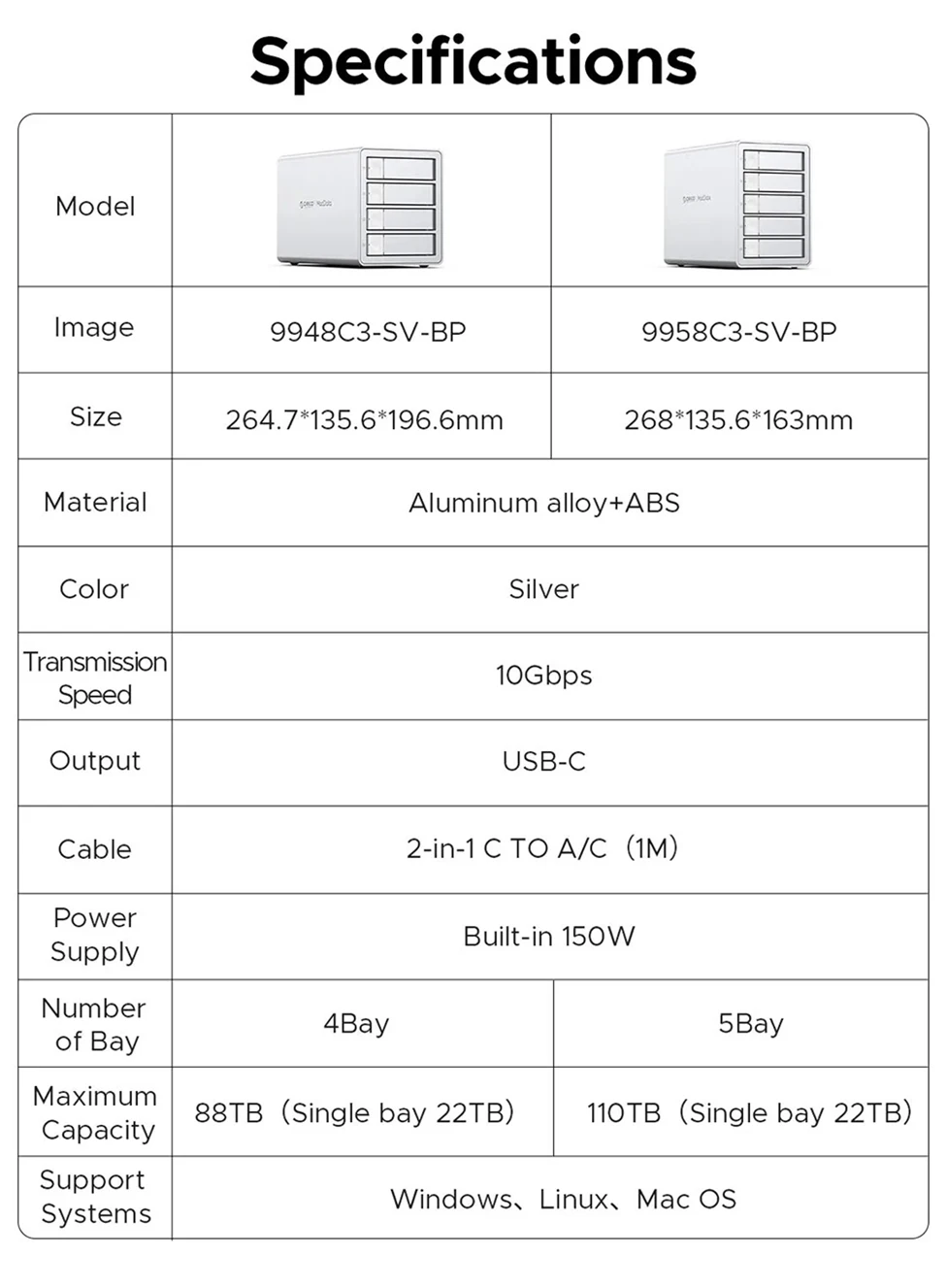 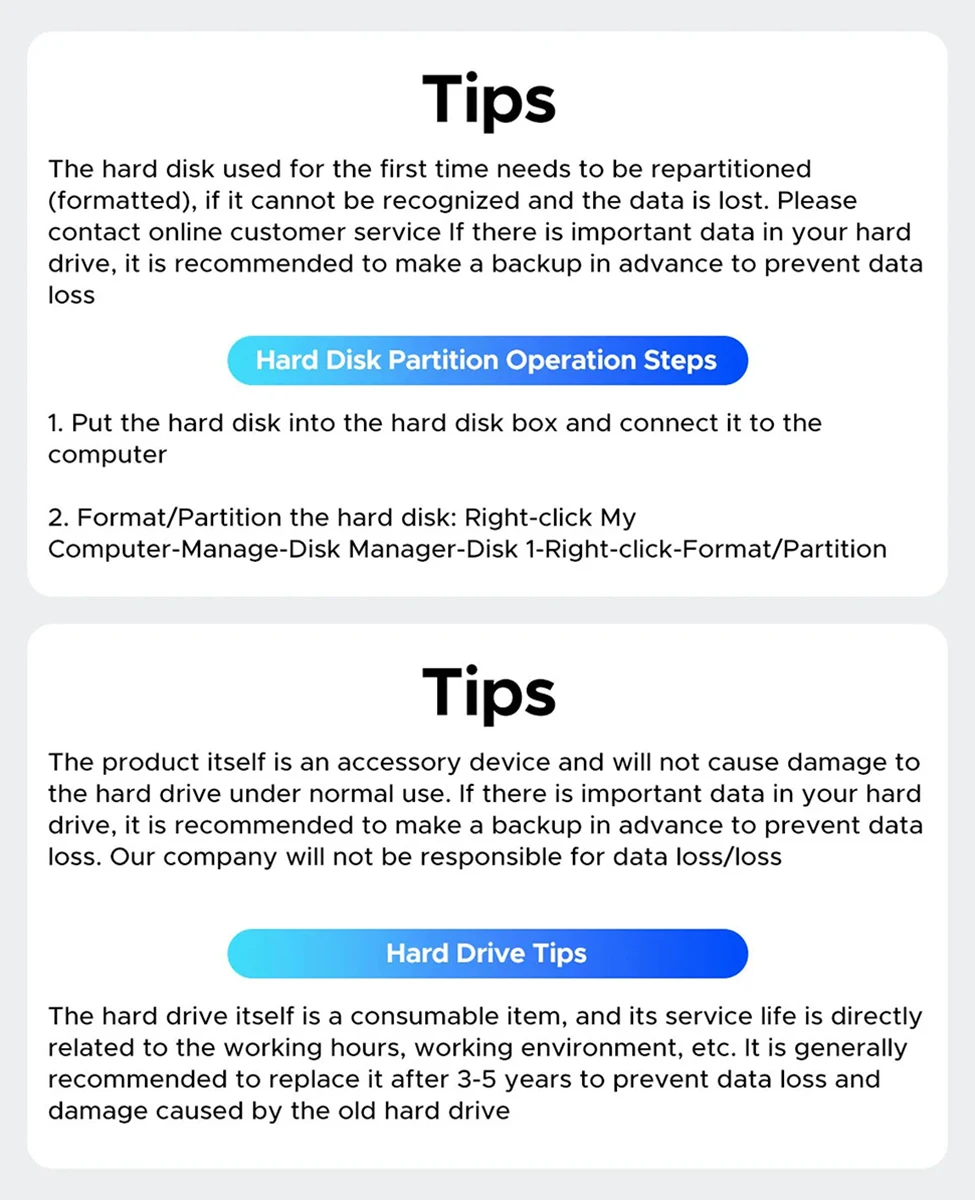 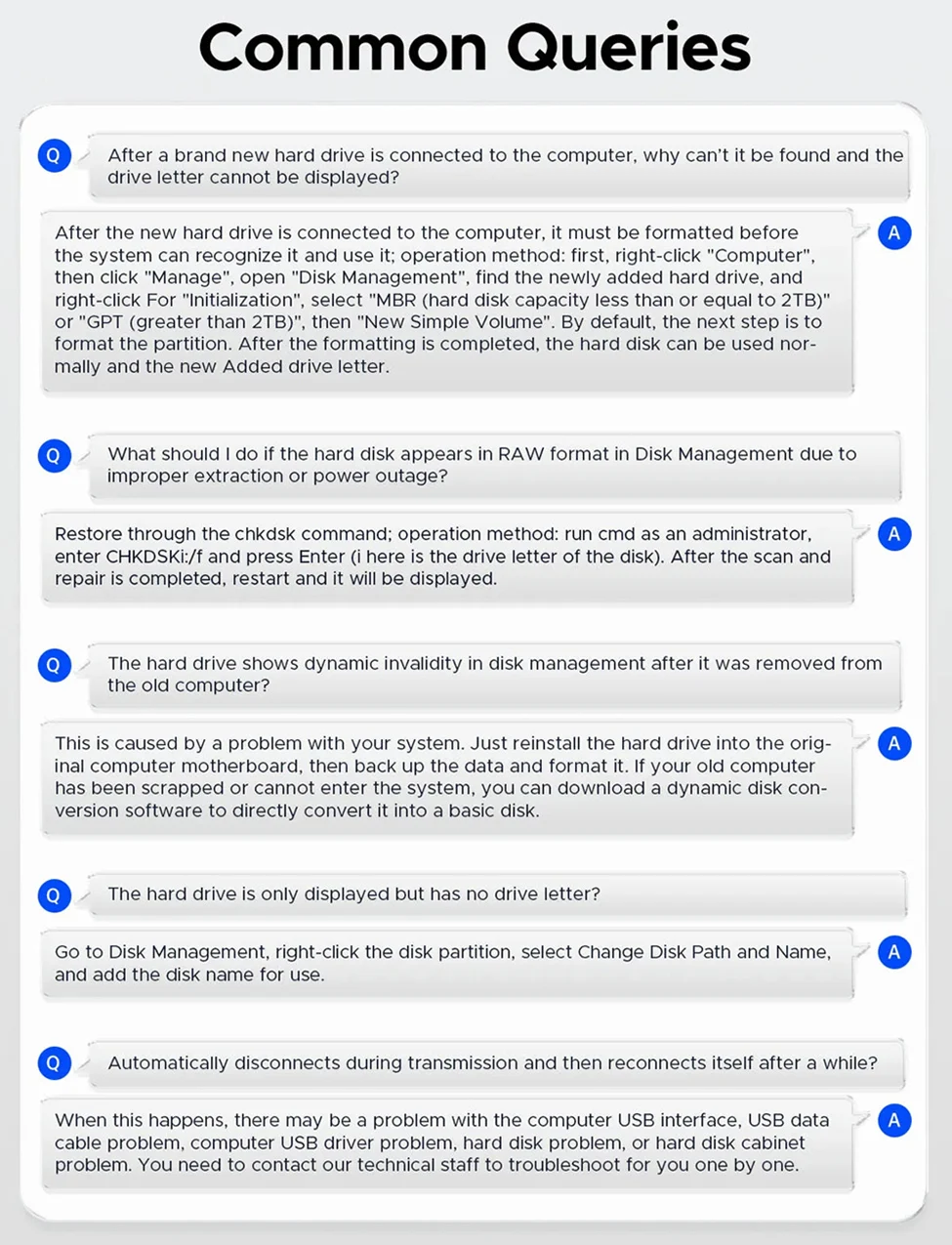 ❓ Frequently Asked QuestionsQ: Is this a NAS (Network Attached Storage)?A: No, this is a DAS (Direct Attached Storage) device. It connects directly to your computer via USB Type-C and does not have a LAN/network port. It functions as external drives connected to your system. Q: Can I replace individual drives without affecting others?A: Yes! Each bay operates independently with hot-swap capability. You can eject and replace drives in any slot without interrupting other drives or rebooting your computer. Q: What's the difference between 4-bay and 5-bay models?A: The 4-bay supports up to 88TB total capacity (4 × 22TB drives), while the 5-bay supports up to 110TB (5 × 22TB drives). Both offer the same 10Gbps speed and features. Q: Does it require drivers or special software?A: No drivers needed! It's completely plug-and-play on Windows, Mac OS, and Linux. The drives will appear as individual volumes on your system immediately after connection. Q: How does the daisy chain expansion work?A: You can connect up to 3 units together using USB Type-C cables, giving you up to 15 drive bays (5+5+5) for a maximum 330TB capacity managed from a single computer connection. Q: Can I disable the auto-sleep feature?A: Yes, the 10-minute auto-sleep can be adjusted or disabled using firmware updates or third-party disk management software compatible with your operating system. Q: Which power plug version should I choose?A: Select the plug type that matches your region: EU (Europe), US (North America), UK (United Kingdom), AU (Australia), or KR (South Korea). All versions deliver the same 150W power. |