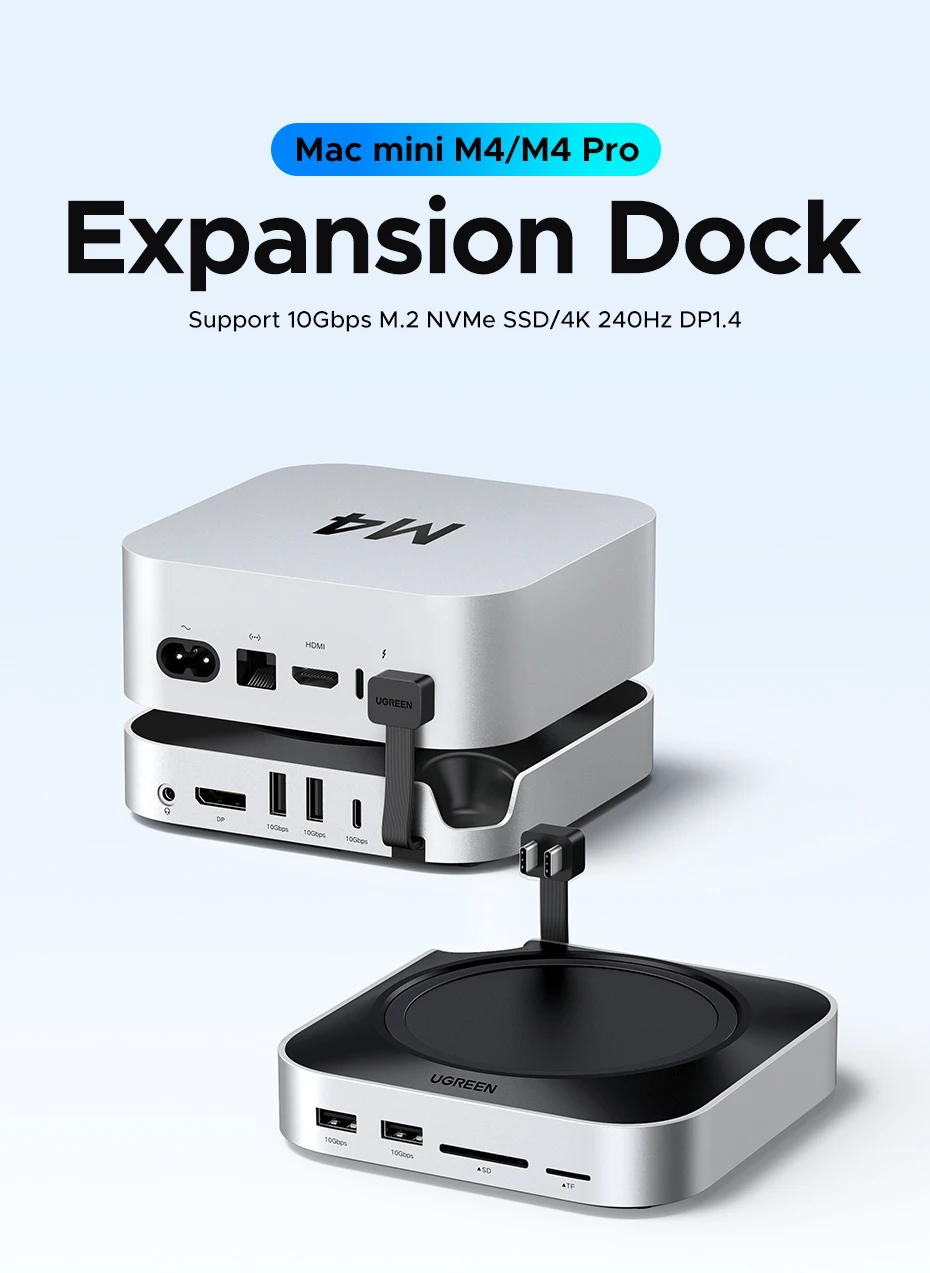
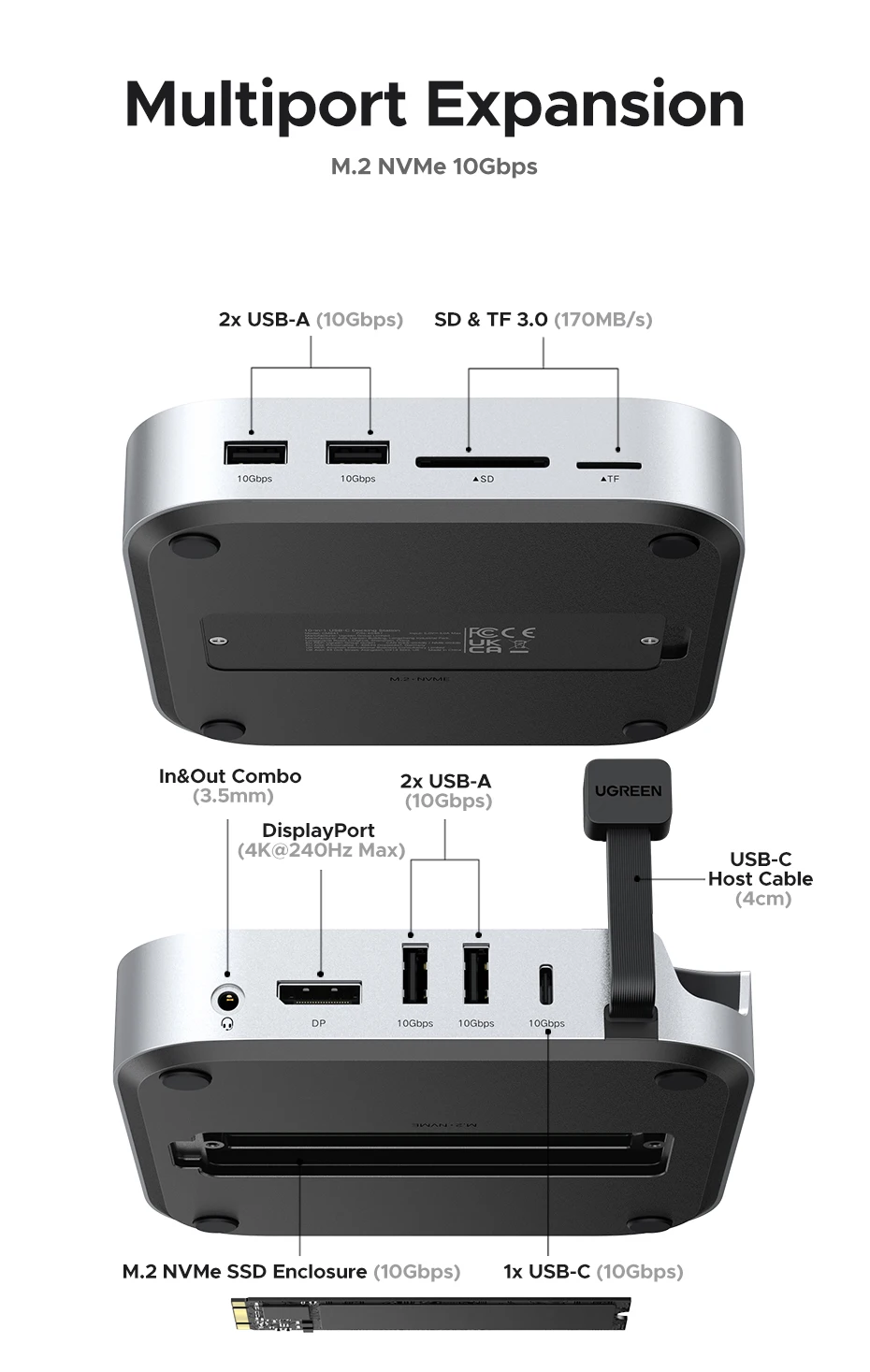
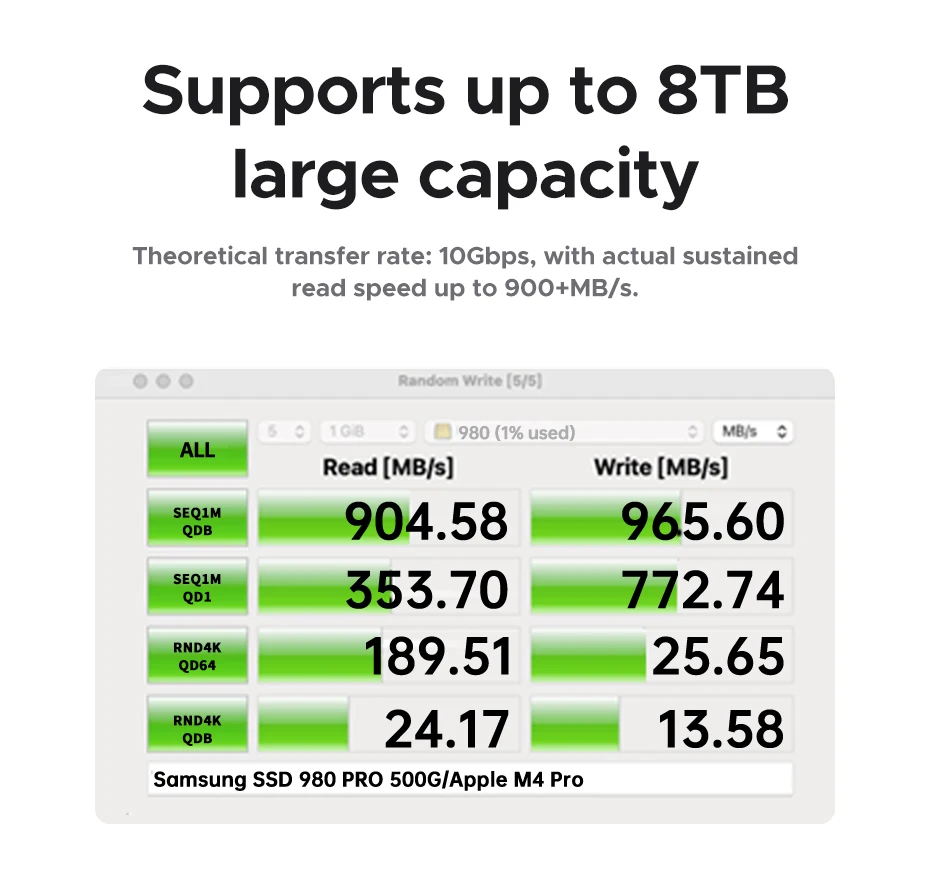
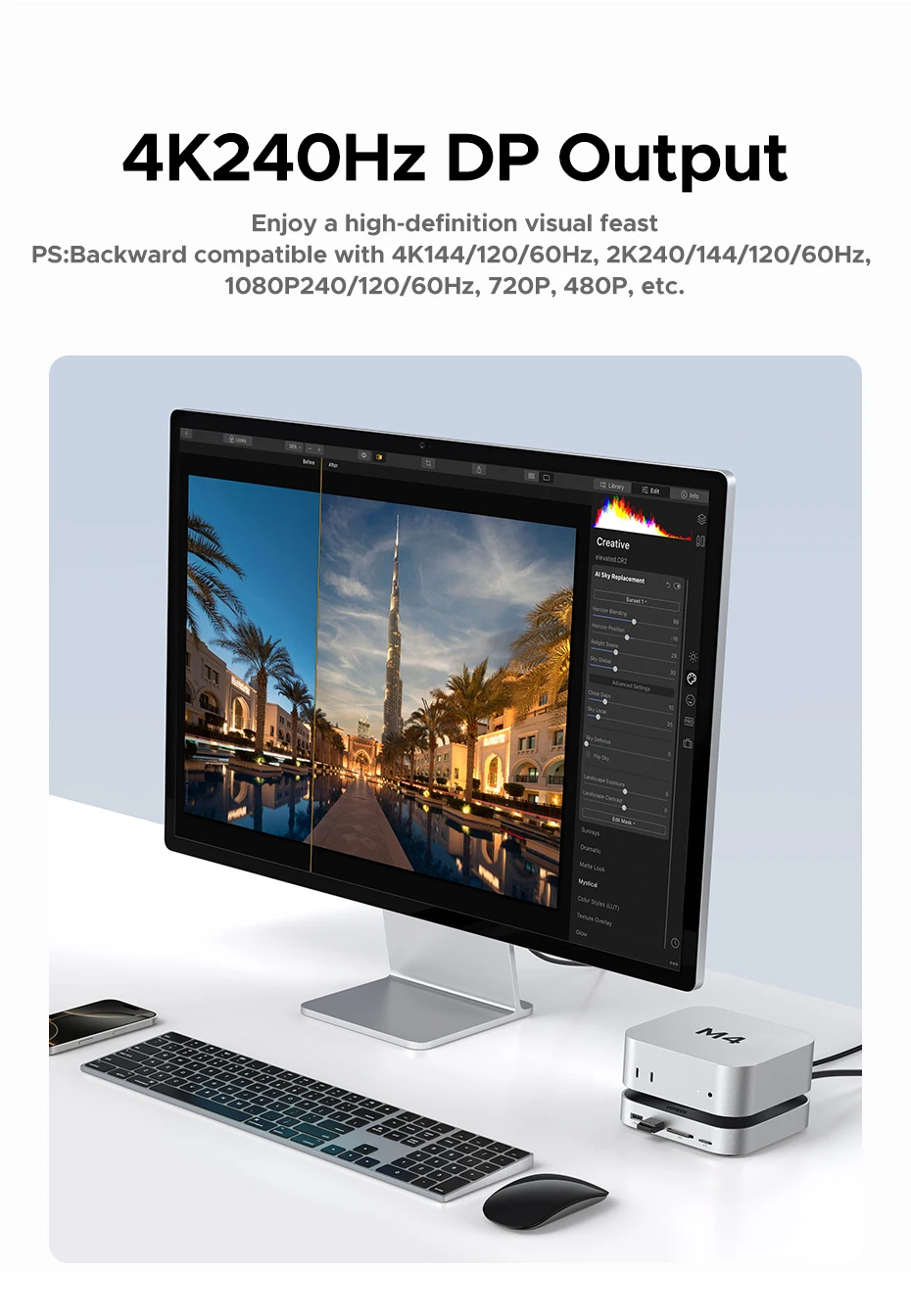
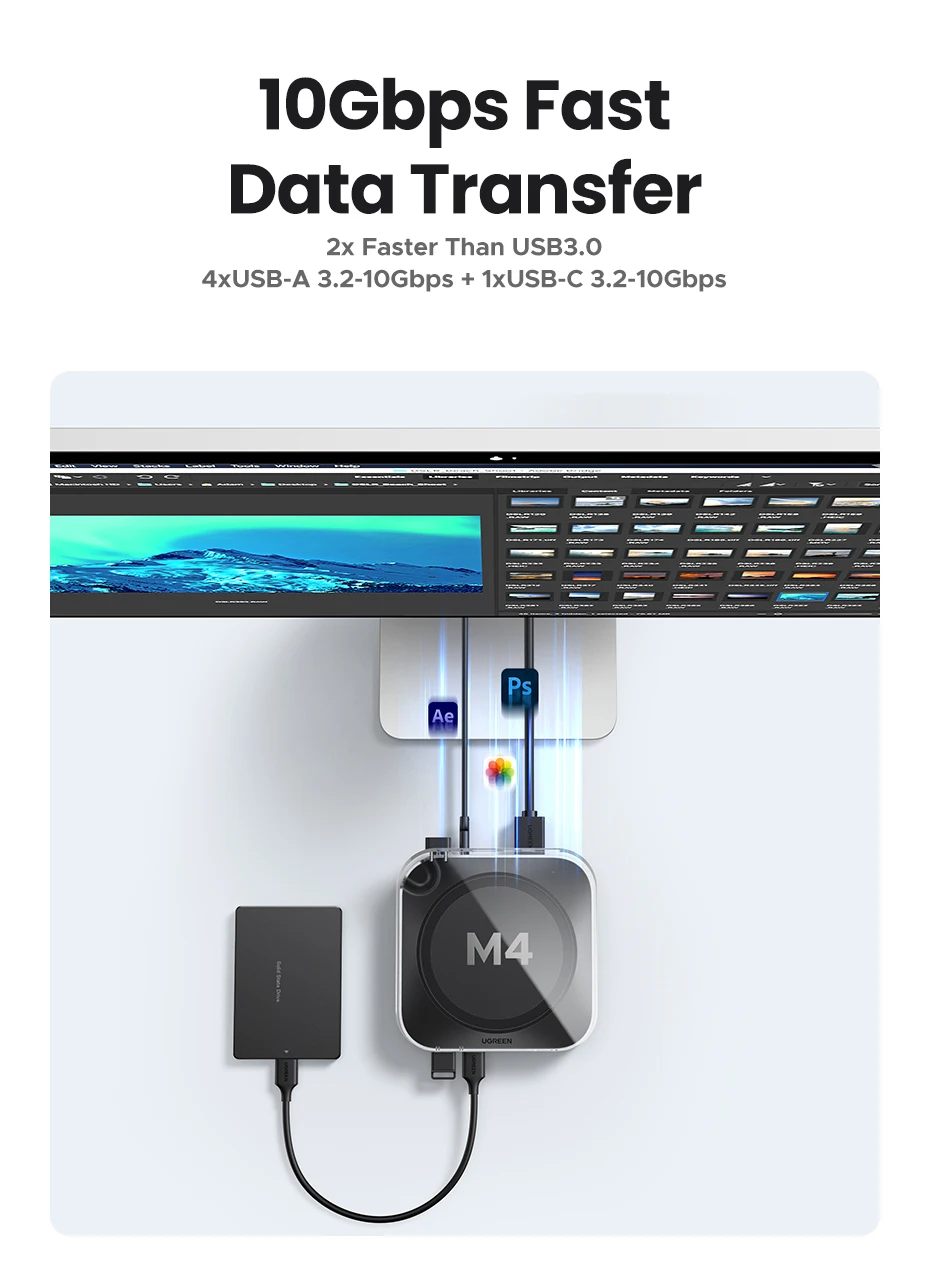
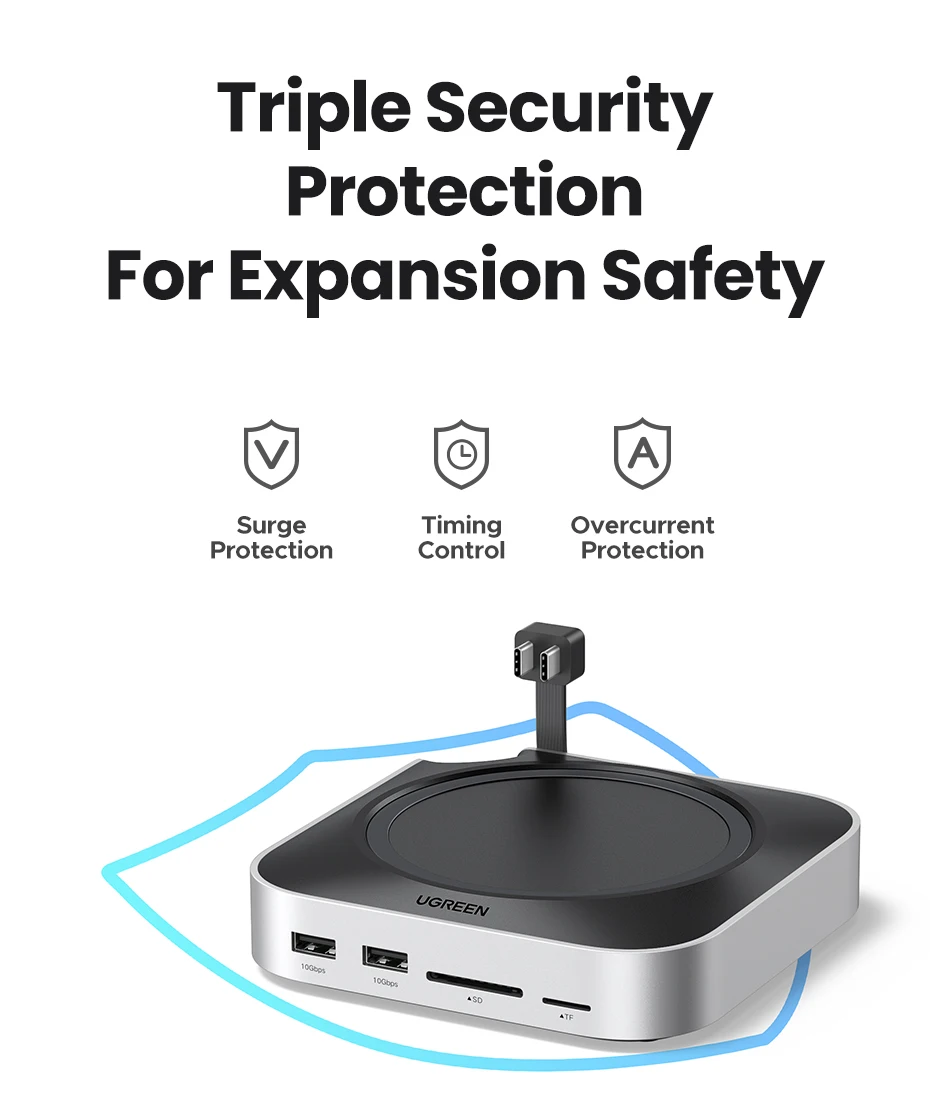
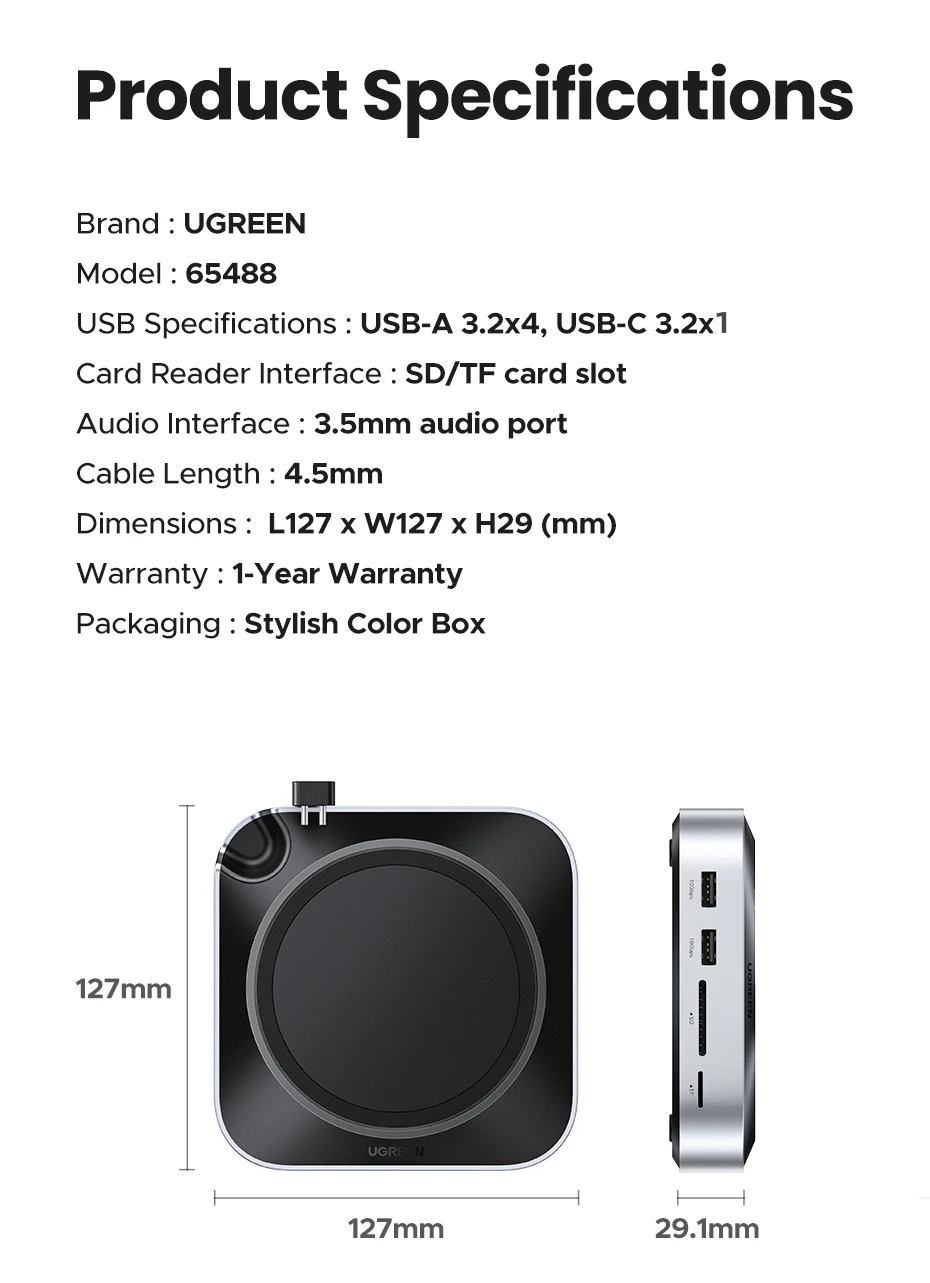
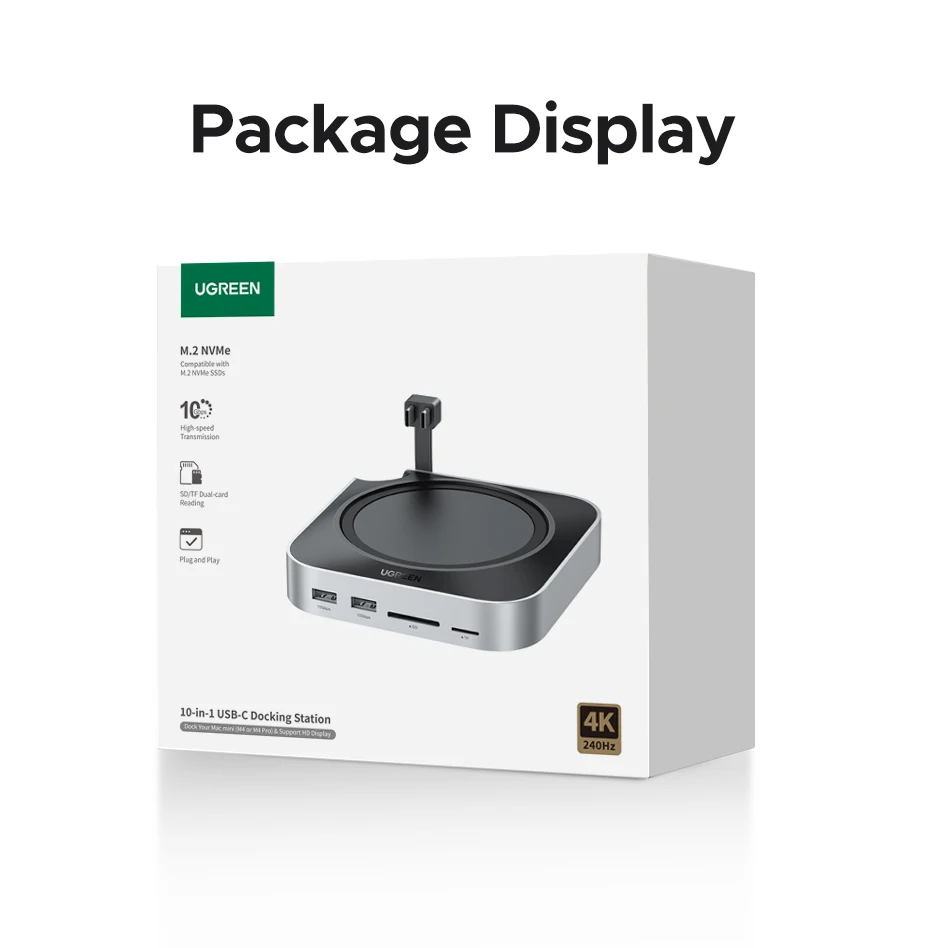
💻 UGREEN Mac Mini M4 Docking StationUltimate 10-in-1 Expansion Hub with 4K@240Hz DisplayPort ⚠️ Important Compatibility Information4K@240Hz requires Mac Mini M4 Pro - Standard Mac Mini M4 supports up to 4K@144Hz M.2 NVMe SSD sold separately - Dock includes enclosure for storage expansion up to 8TB DisplayPort monitor required - Use HDMI port on Mac Mini + DP port on dock for dual monitor setup 🚀 Key FeaturesCustom Mac Mini M4 DesignPrecision-fit curved design with power button groove for easy access. Premium aluminum construction matches Mac Mini aesthetic while maintaining optimal airflow. Revolutionary 4K@240Hz OutputDisplayPort 1.4 delivers stunning ultra-high refresh rate display on Mac Mini M4 Pro. Backward compatible with 4K@144/120/60Hz and all standard resolutions. Massive Storage ExpansionBuilt-in M.2 NVMe SSD enclosure supports 2230/2242/2260/2280 SSDs up to 8TB. Hot-swappable design for easy installation and upgrades. Lightning-Fast 10Gbps USBUSB 3.2 technology provides 2X faster speeds than USB 3.0. Four USB-A ports plus one USB-C port for complete peripheral connectivity. 📋 Technical Specifications
    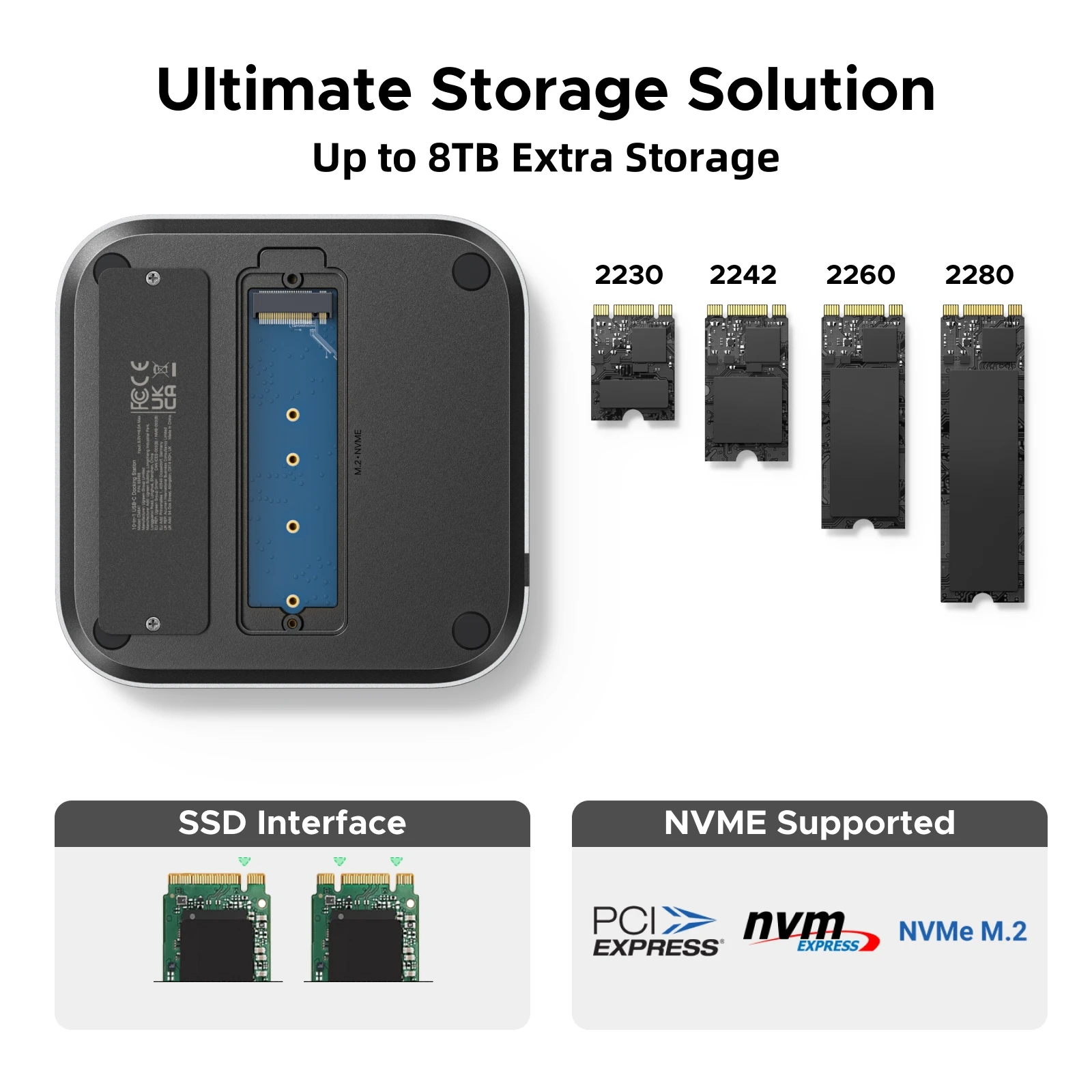   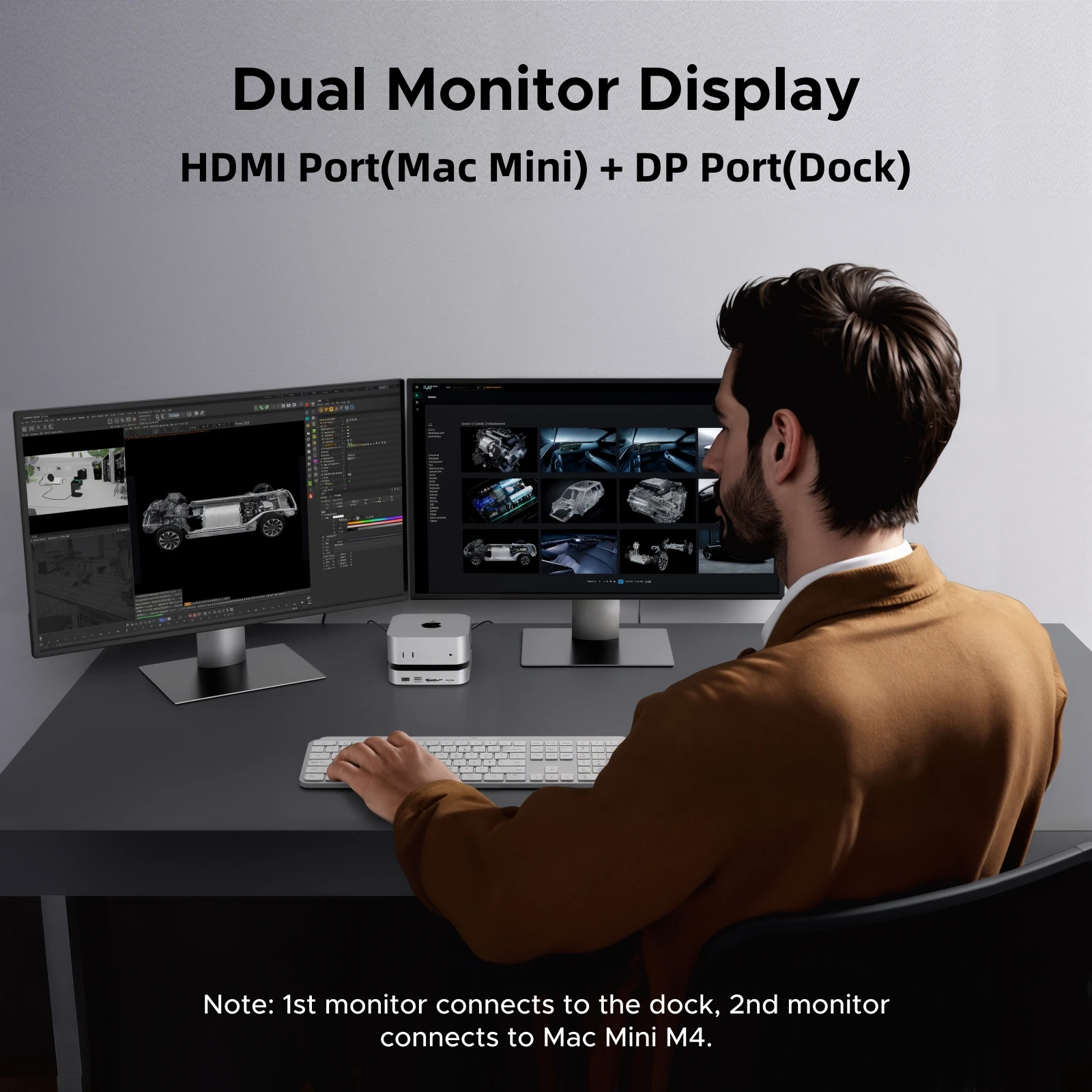   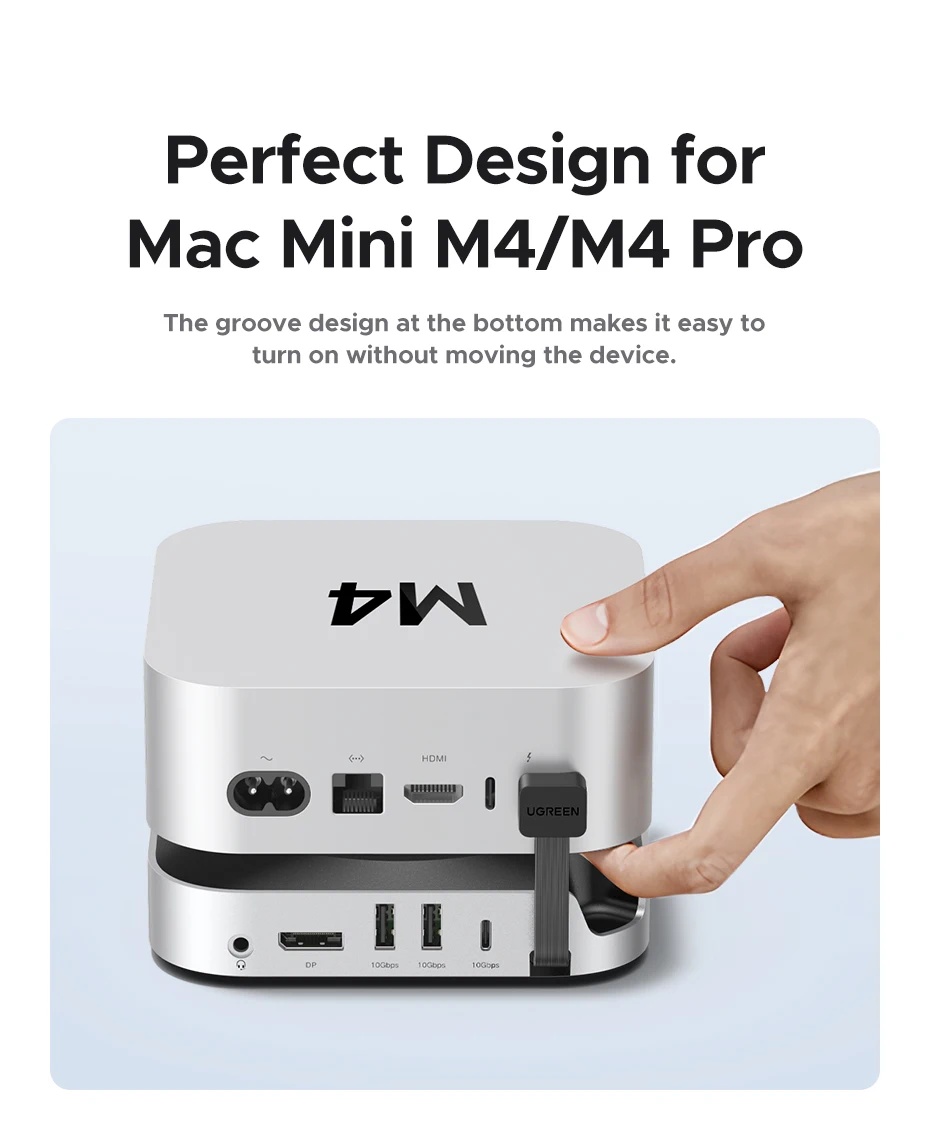      ❓ Frequently Asked QuestionsQ: Will this work with my Mac Mini M4?A: Yes! This docking station is specifically designed for both Mac Mini M4 and M4 Pro models. The M4 Pro supports full 4K@240Hz, while the standard M4 supports up to 4K@144Hz. Q: Is the M.2 SSD included?A: No, the M.2 NVMe SSD is sold separately. The dock includes the enclosure and mounting hardware - you provide your own SSD (supports sizes up to 8TB in 2230/2242/2260/2280 formats). Q: Can I use dual monitors with this dock?A: Yes! Use the HDMI port on your Mac Mini for one monitor and the DisplayPort on this dock for the second monitor. Both can operate simultaneously for a complete dual-monitor workstation. Q: What's the difference between USB 3.2 10Gbps and regular USB 3.0?A: USB 3.2 10Gbps is twice as fast as USB 3.0 (5Gbps), allowing you to transfer large files, edit 4K video, and work with high-resolution photos much faster. Q: Does this dock block the Mac Mini's cooling vents?A: No! The curved bottom design specifically maintains airflow to prevent any thermal issues. Plus, the power button groove lets you turn on your Mac Mini without moving the dock. |