🔌 UGREEN 9-in-1 USB-C HubUltimate Expansion Solution - 4K 60Hz HDMI • 100W PD • Gigabit Ethernet ✨ Key Features9 Essential Ports in OneTransform a single USB-C port into complete connectivity: 4K 60Hz HDMI, Gigabit RJ45 Ethernet, 100W PD charging, dual SD/TF card readers, 2× USB-A 3.0, and 2× USB-C 3.0 ports. Crystal-Clear 4K DisplayExperience stunning 4K resolution at 60Hz with HDR10 support and 18Gbps bandwidth. Perfect for presentations, streaming, and dual-monitor setups with vivid image detail. 100W Power DeliveryKeep your laptop fully charged with up to 85W pass-through power while using all hub functions simultaneously. Fast charging comparable to original charger speeds. Blazing 5Gbps Data TransferUSB 3.0 ports transfer files 10× faster than USB 2.0. Connect keyboards, mice, external drives, and peripherals with lightning-fast data speeds up to 5Gbps. Gigabit Ethernet ConnectionBuilt-in RJ45 port delivers rock-solid 1000Mbps wired internet, automatically adapting to 1000/100/10Mbps networks for lag-free gaming and reliable professional work. Dual Card ReaderRead SD and TF cards simultaneously at 104MB/s for instant access to photos and media files from cameras, drones, and recording devices. 📋 Technical Specifications
📸 Product Images 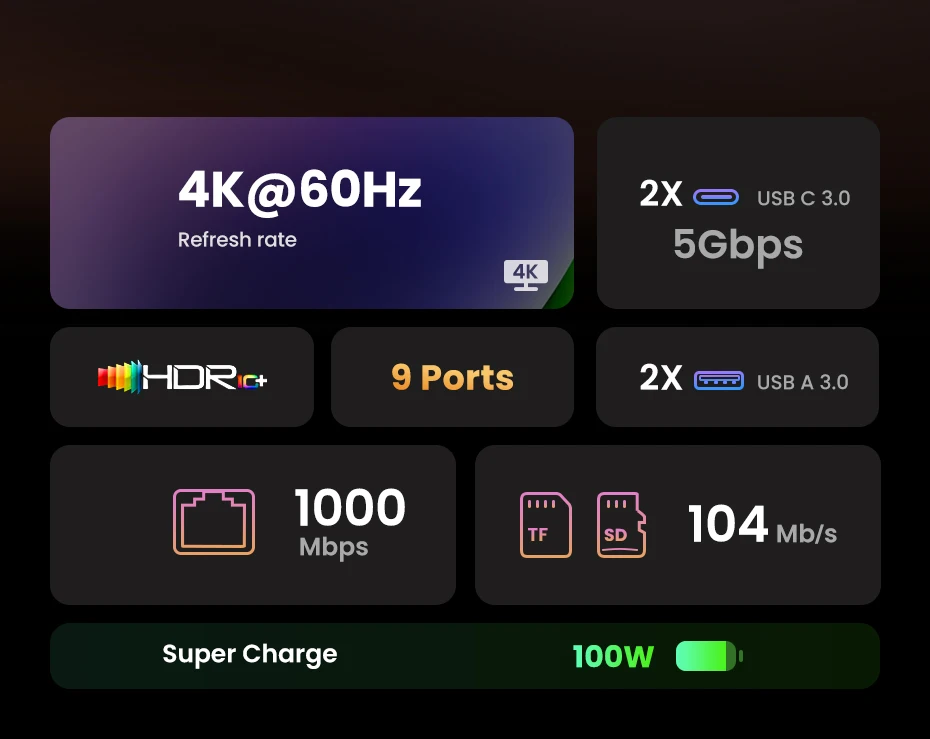 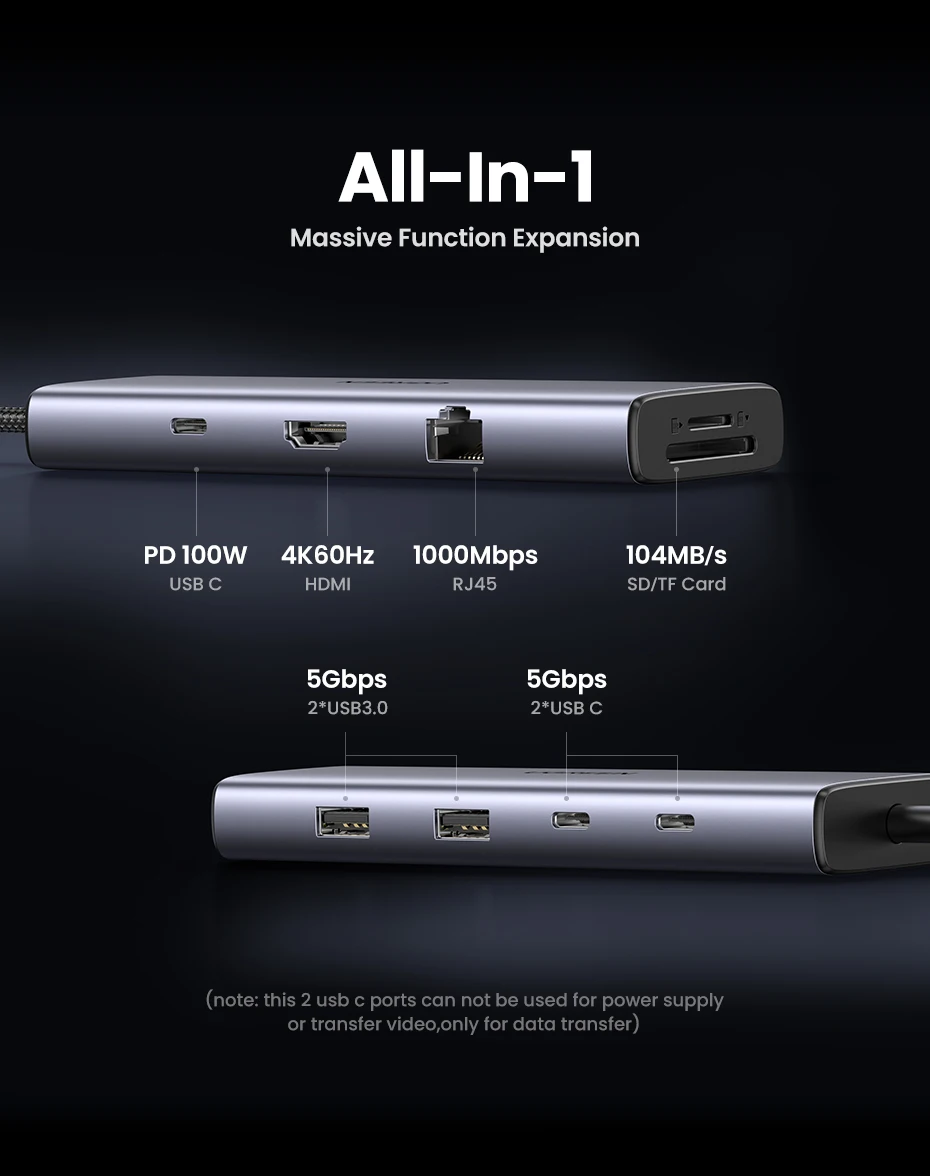 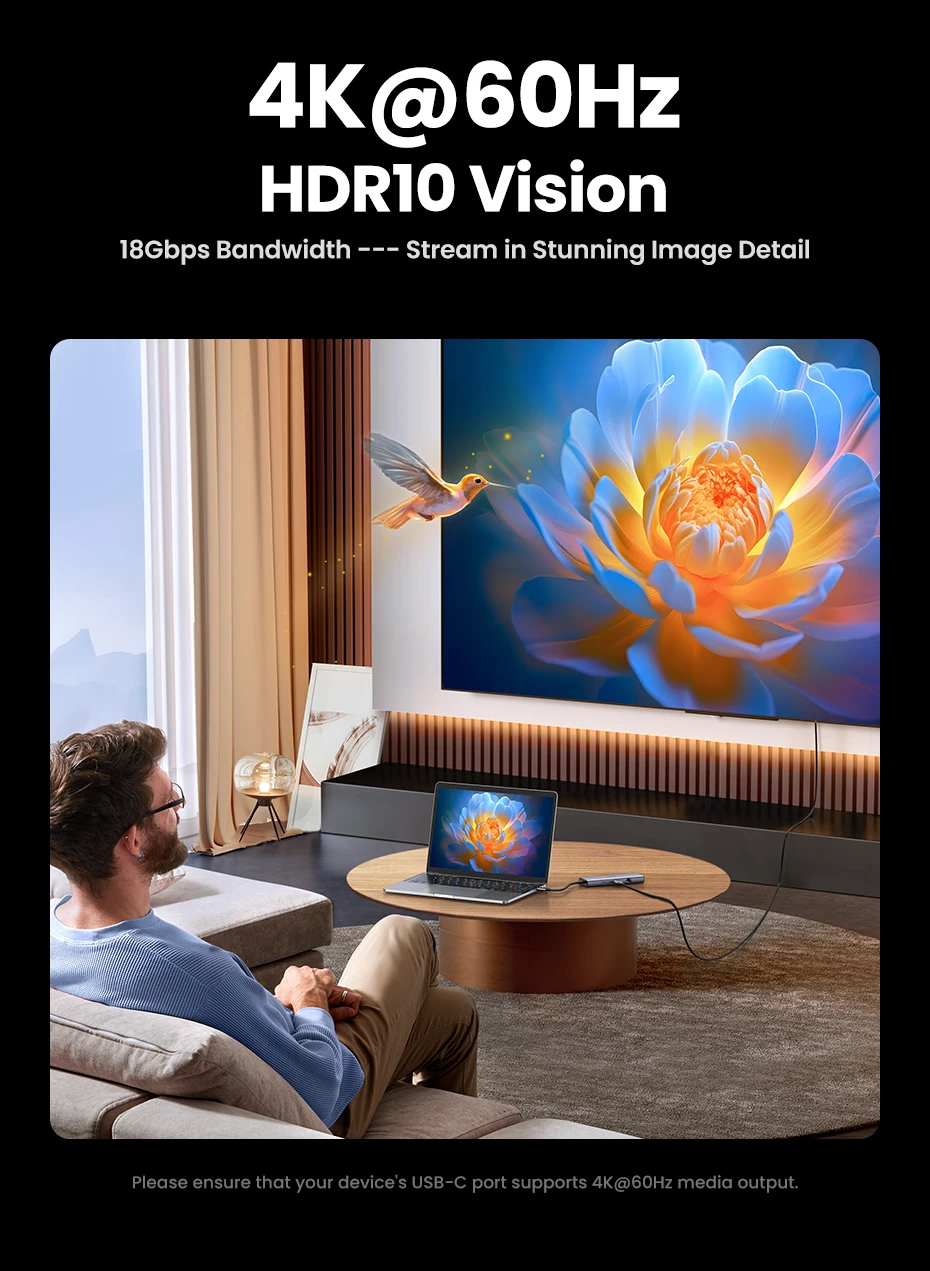 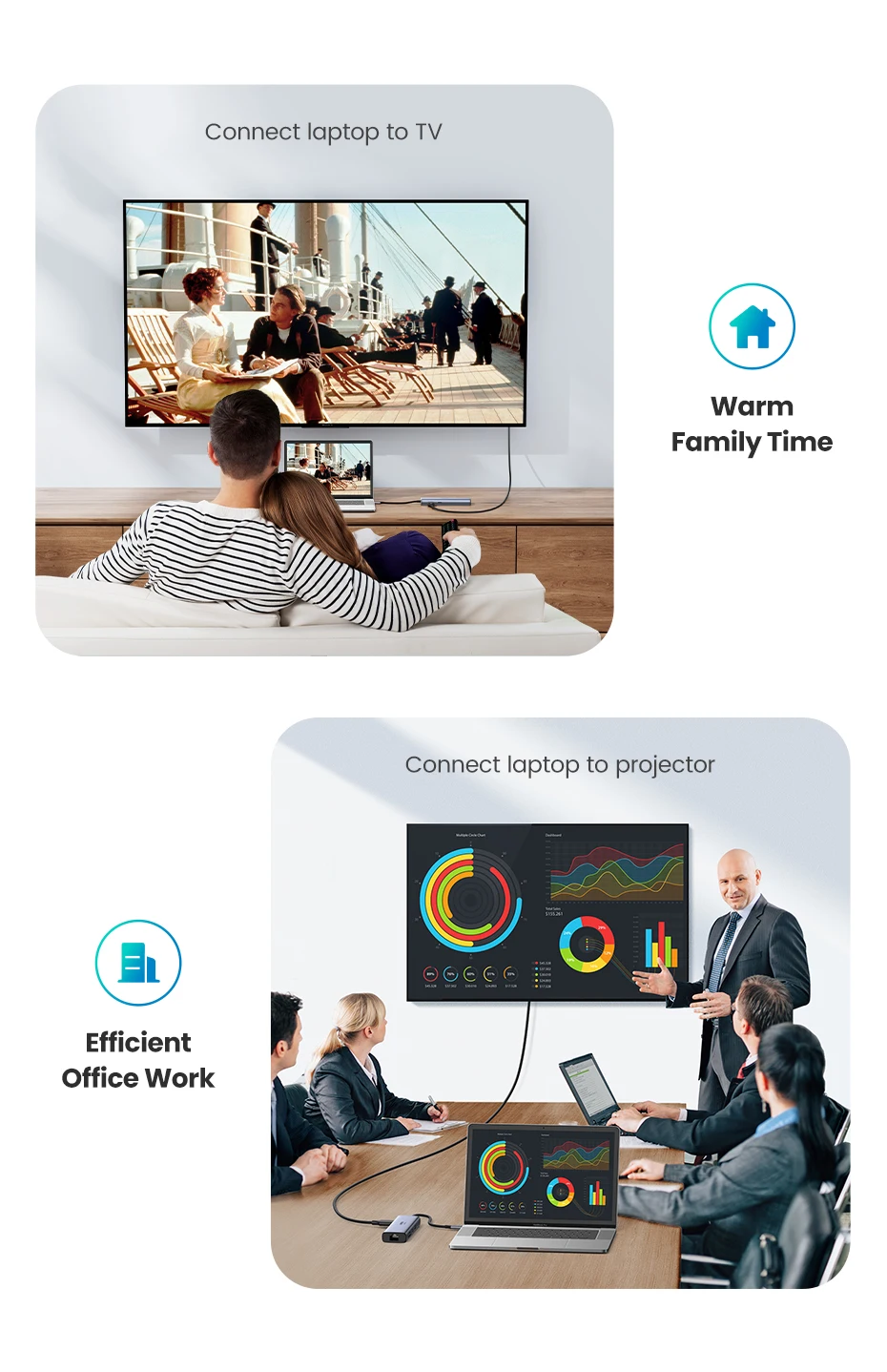 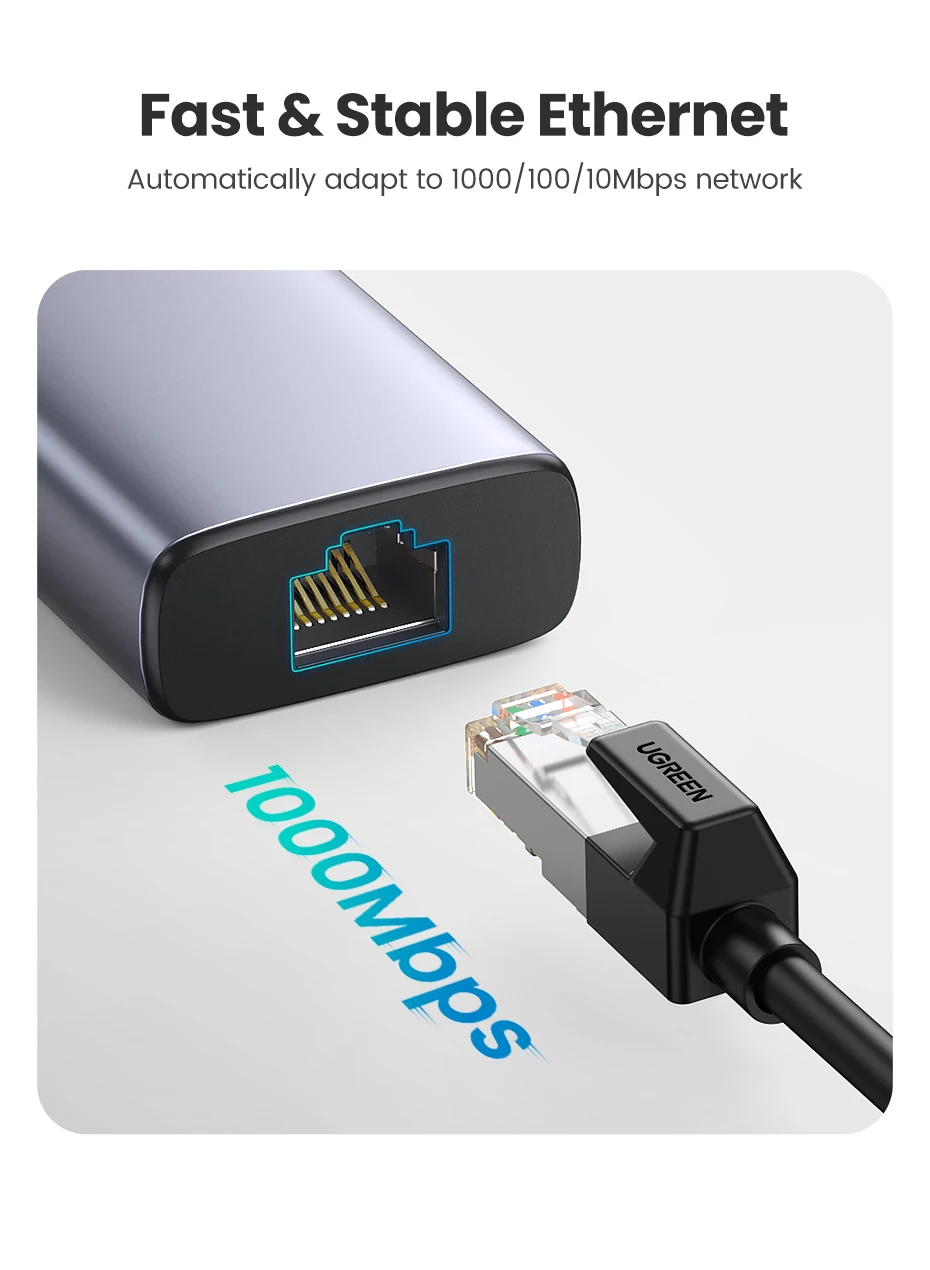 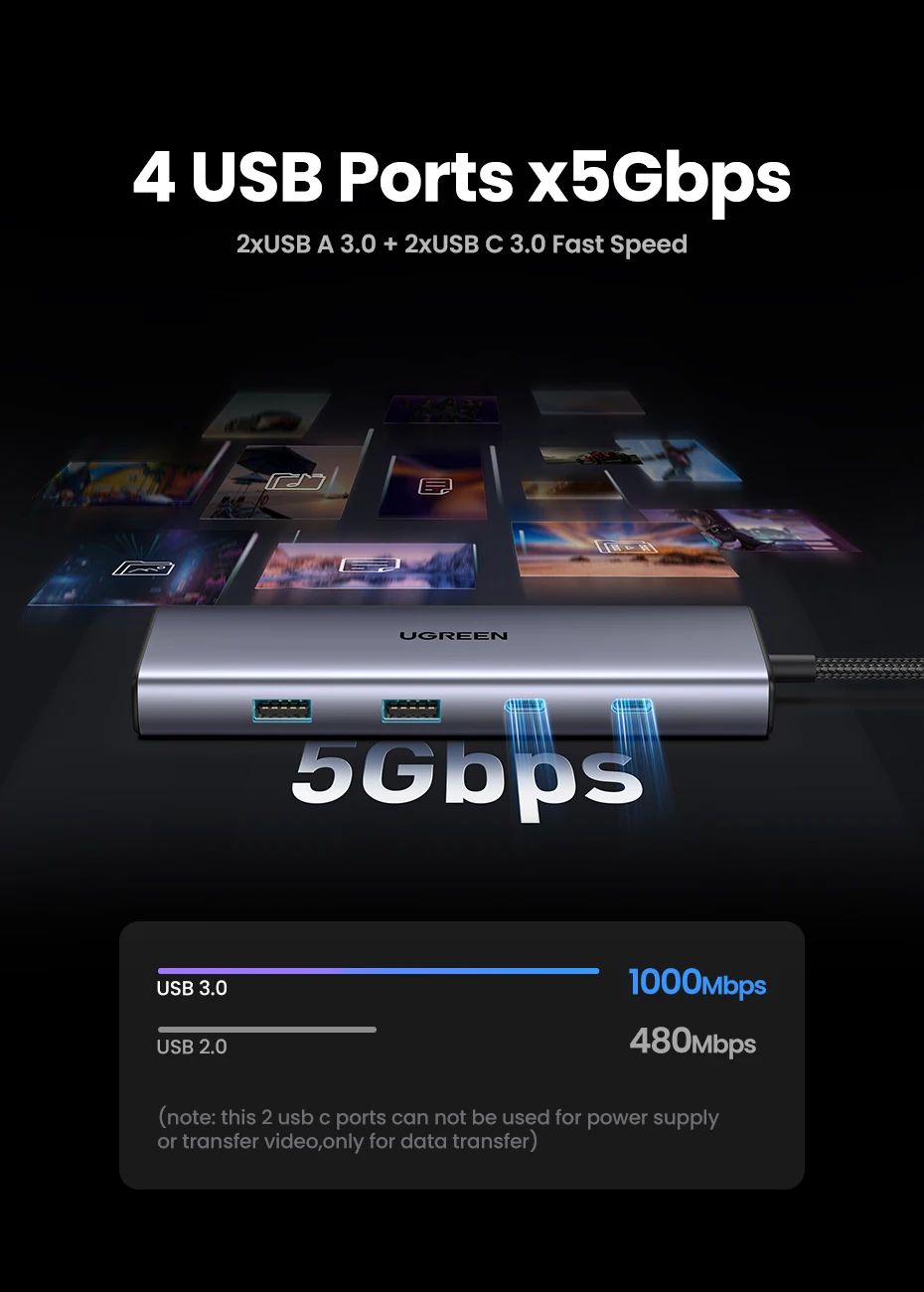  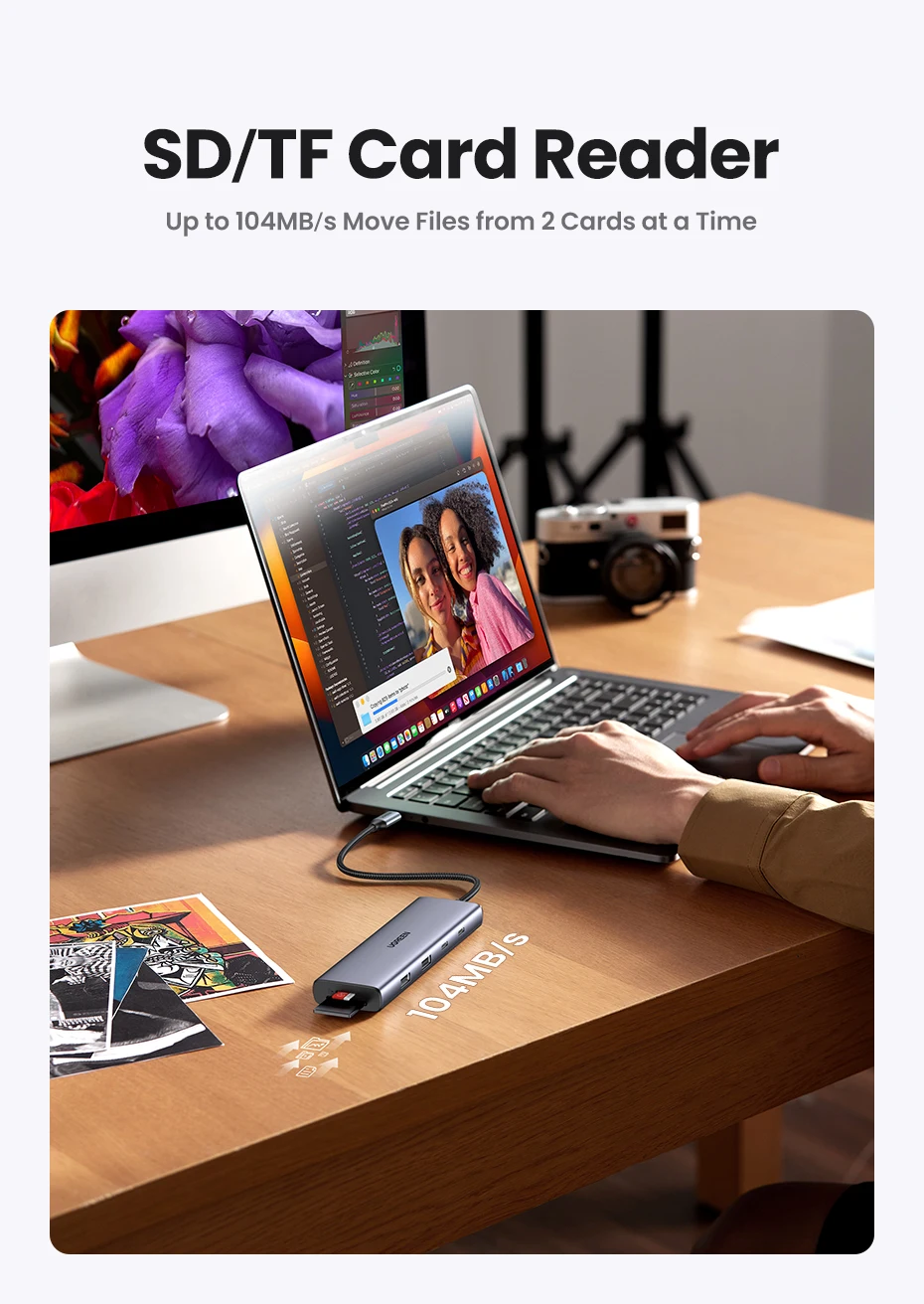 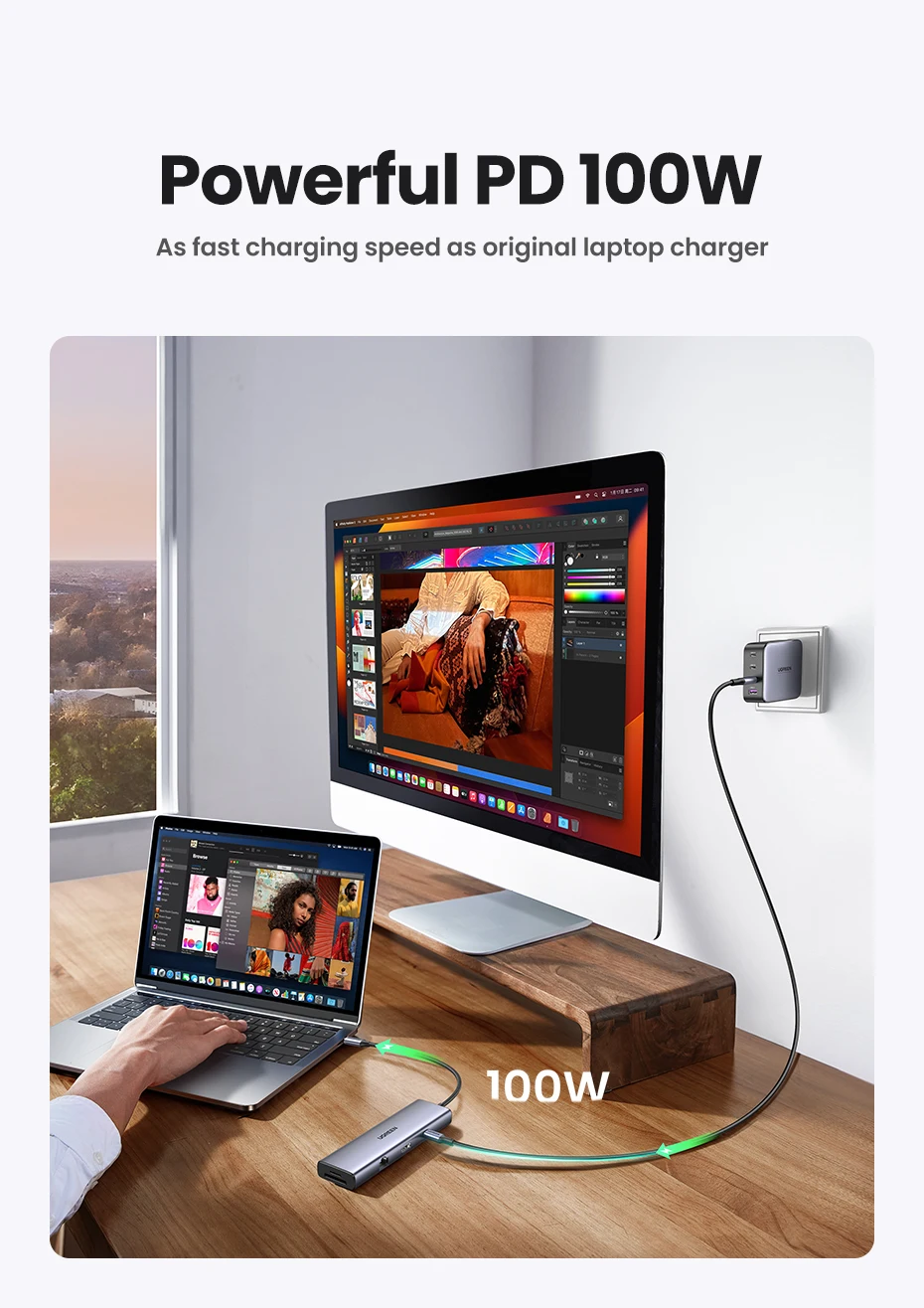 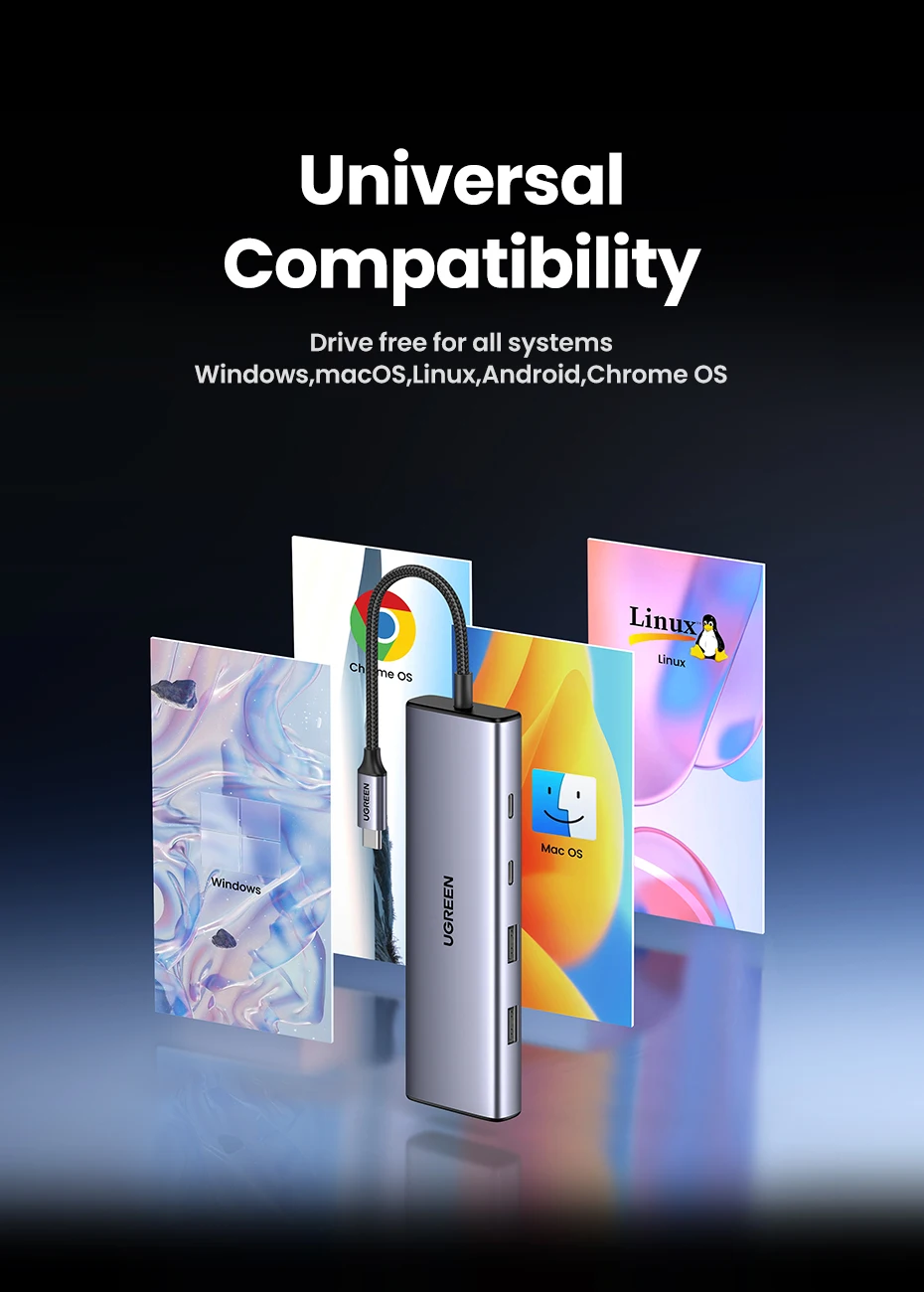 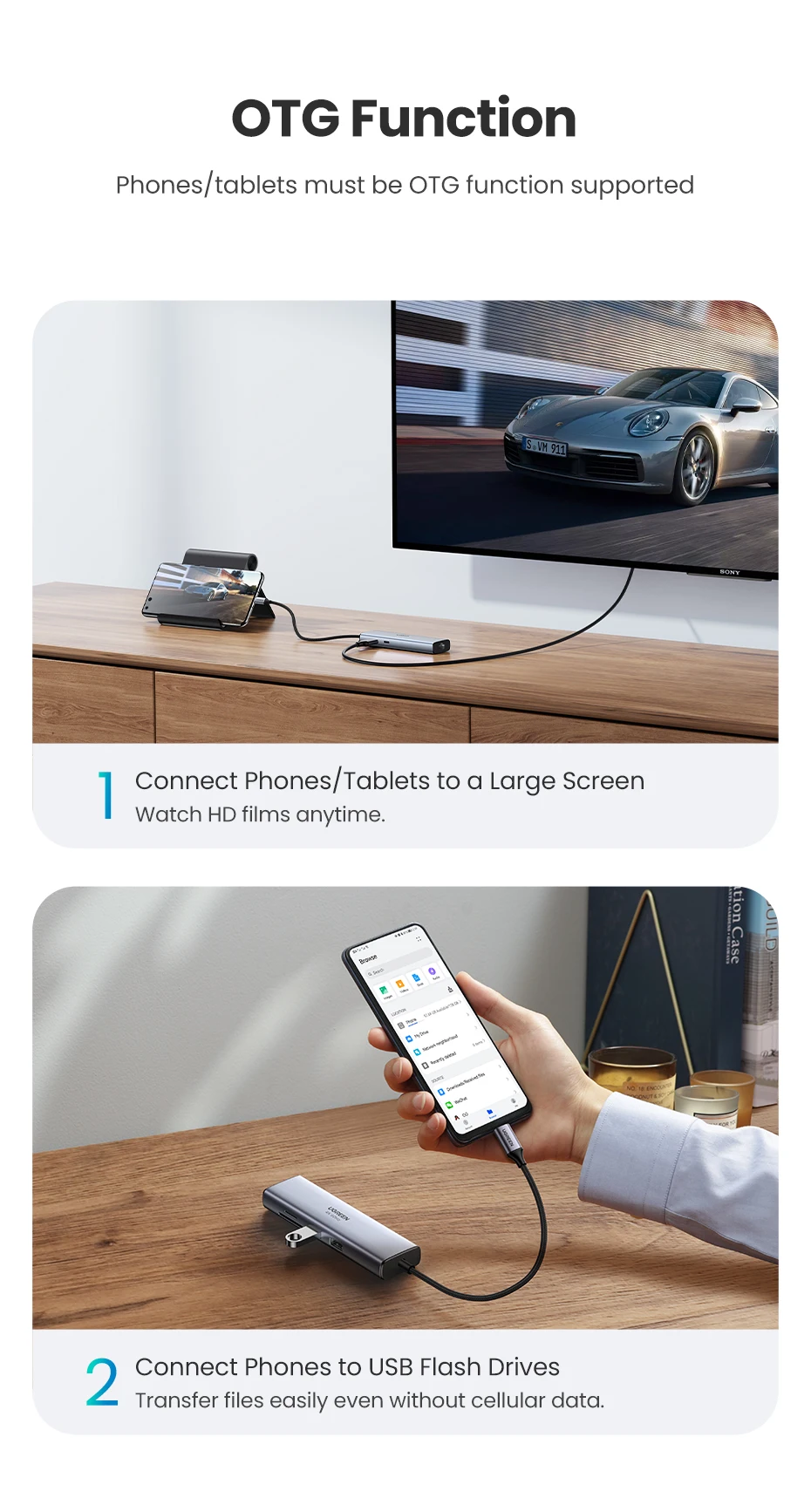  ❓ Frequently Asked QuestionsQ: What devices are compatible with this hub?A: Compatible with any device featuring a USB-C port that supports DisplayPort Alt Mode for video and Power Delivery for charging. Works with MacBook Pro/Air, Dell XPS, HP laptops, iPad Pro, Samsung Galaxy devices, and more. Also supports OTG function for compatible phones and tablets. Q: Why isn't my 4K display showing 60Hz?A: To achieve 4K@60Hz, your device's USB-C port must support DP1.4 standard (capable of 8K@60Hz or 4K@120Hz). If your device uses DP1.2 (4K@60Hz rated), the hub will automatically adapt to 4K@30Hz output. Verify your device specifications before purchasing. Q: How much power does the hub consume?A: The hub reserves approximately 15W for operation, passing through up to 85W to your laptop from a 100W charger. For a laptop requiring 65W, we recommend using a 90W or higher PD charger to ensure stable performance of all functions. Q: My Ethernet connection isn't working. What should I check?A: For Windows 7/XP, driver installation is required (driver-free for other systems). On Mac, add the adapter in Network settings: System Preferences → Network → click "+" → select the network adapter → Create. Ensure your USB-C port supports data transfer. Q: Can I use all ports simultaneously?A: Yes! All 9 ports can be used at the same time. You can charge your laptop, connect to an external display, transfer files via USB, access card readers, and maintain wired internet connection—all simultaneously without performance loss. Q: Does this work with phones and tablets?A: Yes, if your phone or tablet supports OTG function and has a compatible USB-C port. When using with mobile devices, insert SD/TF cards first before connecting the hub to your device for proper recognition. |