First step of installation
Disconnect the power when removing the screen to avoid burning the screen when snapping it on.
The second step
Snap on the new screen and then go to snap the battery cable long press the boot button to enter the interface
The third part
After entering the interface to test whether the screen is intact, and then drag the APP around to pull a circle to test whether the touch is normal
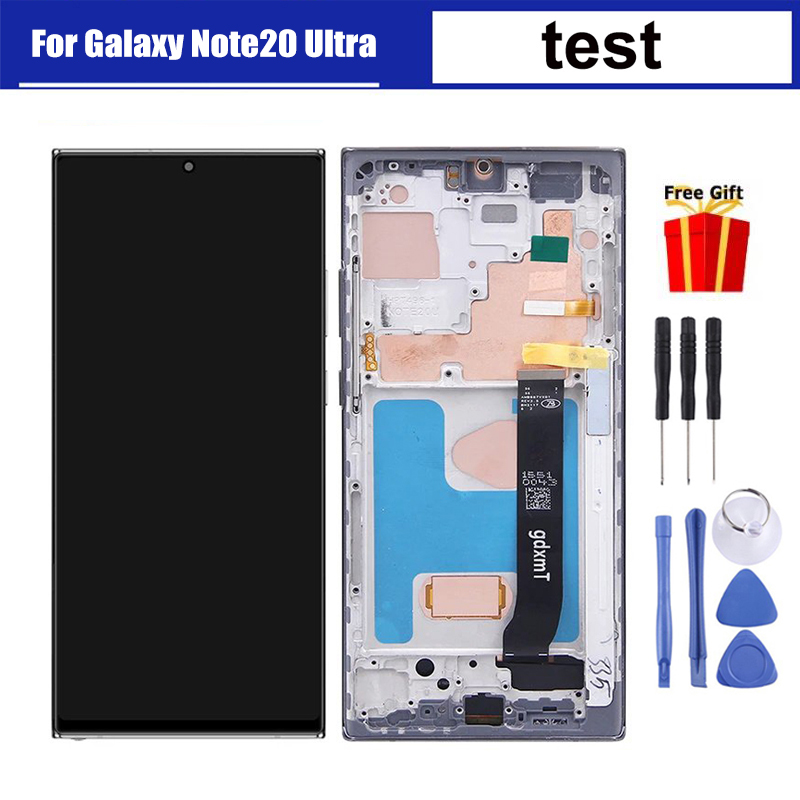
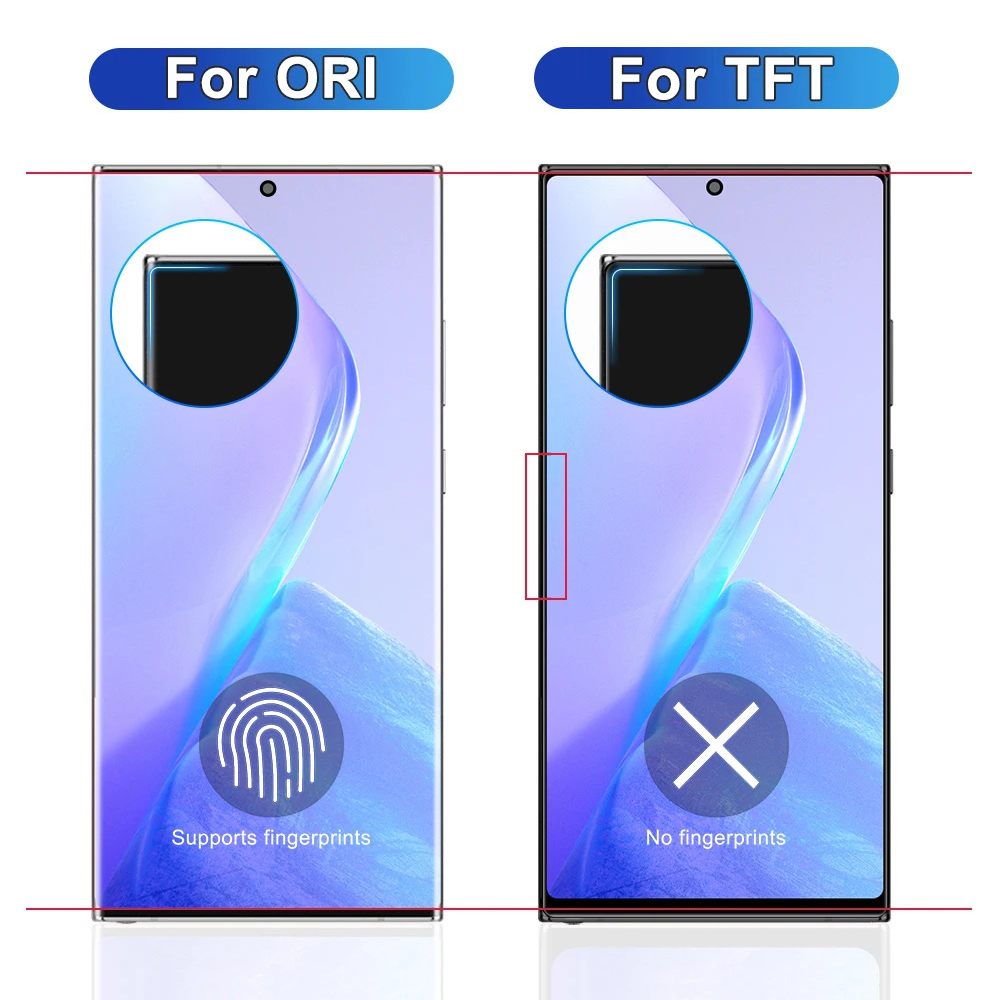
*Excellent colour/brightness and sensitive touch response.
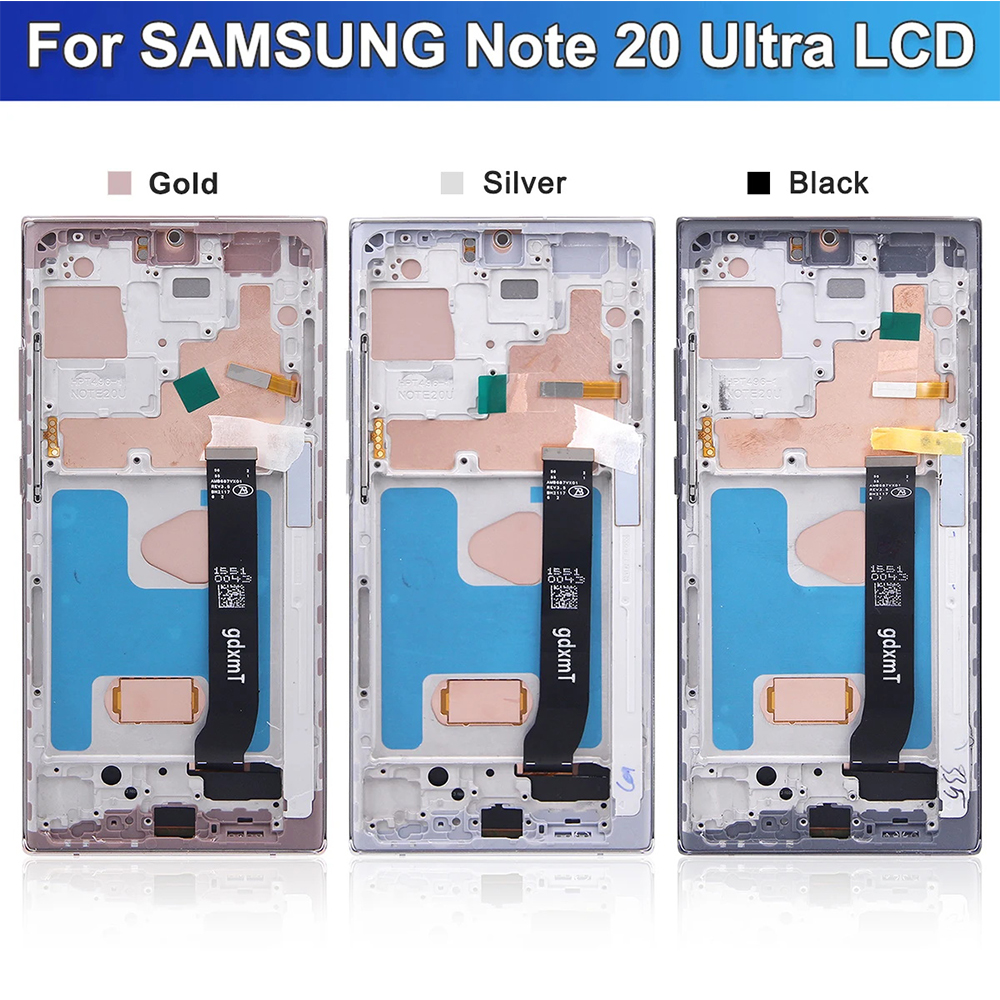
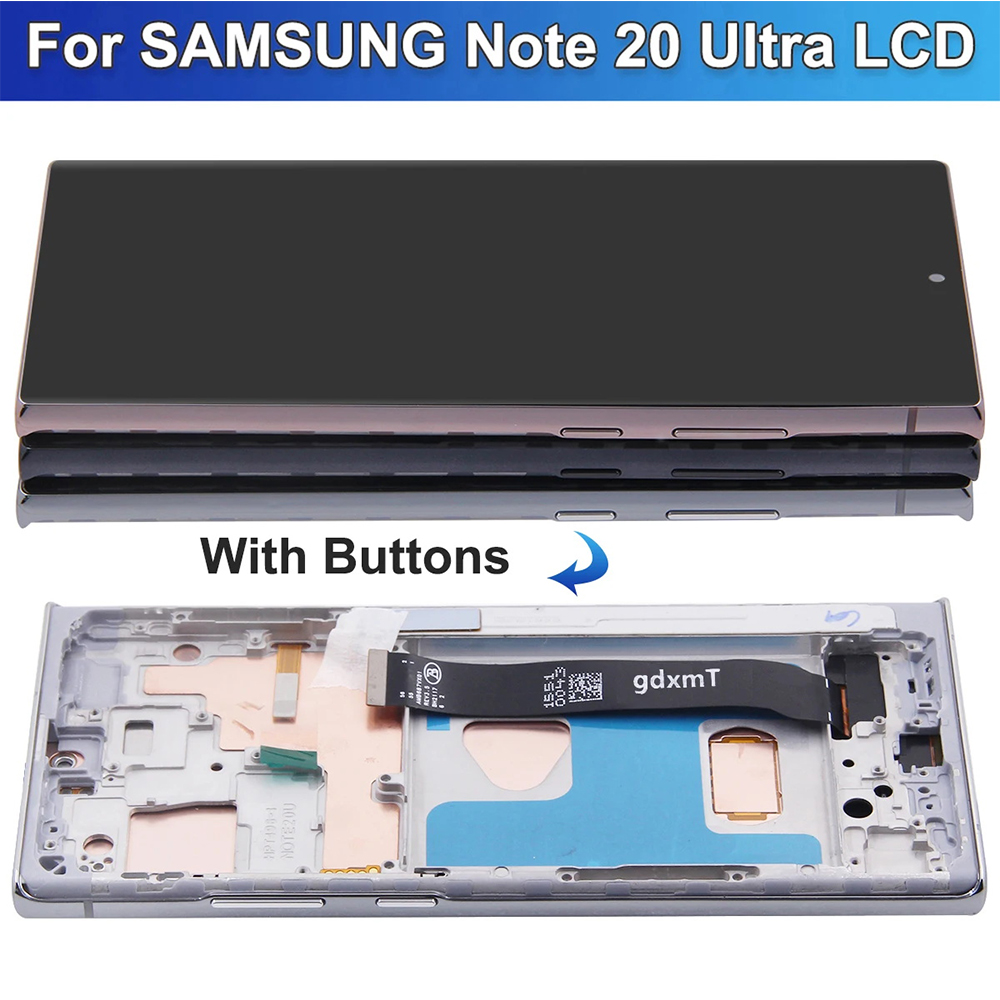
*Repair or replace the old cracked damaged faulty LCD touch screen.
*We will test them one by one to make sure they are working properly
*Make your device look fresher than ever before
*Fully fit for purpose
Pre-Installation Instructions
1.Each screen is tested before shipping.
2. Please test before installation
3.If you have any questions, please contact us before installation. We are not responsible for any installation errors.
4.LCD screens are fragile and can easily be damaged or not work properly due to installation errors. If you are not good at replacing the LCD screen, please have it replaced by a professional or repair shop.
Precautions before installation
1. Before installing the screen, please remove the battery to put the machine into hibernation, this will ensure that the data will be written to the new screen.
2.Please be careful to press the screen when installing, the screen is very fragile, do not tear off the protective film during installation.
3. Before installation, please clean the flexible cable with alcohol and make sure it is well connected before testing whether the screen works properly.
4. During the installation process, please do not pull the flexible cable, otherwise it will lead to black screen, blurring or unable to display.
5.If this is your first time trying to install the screen, we recommend you to ask a professional technician to help you install the screen.
    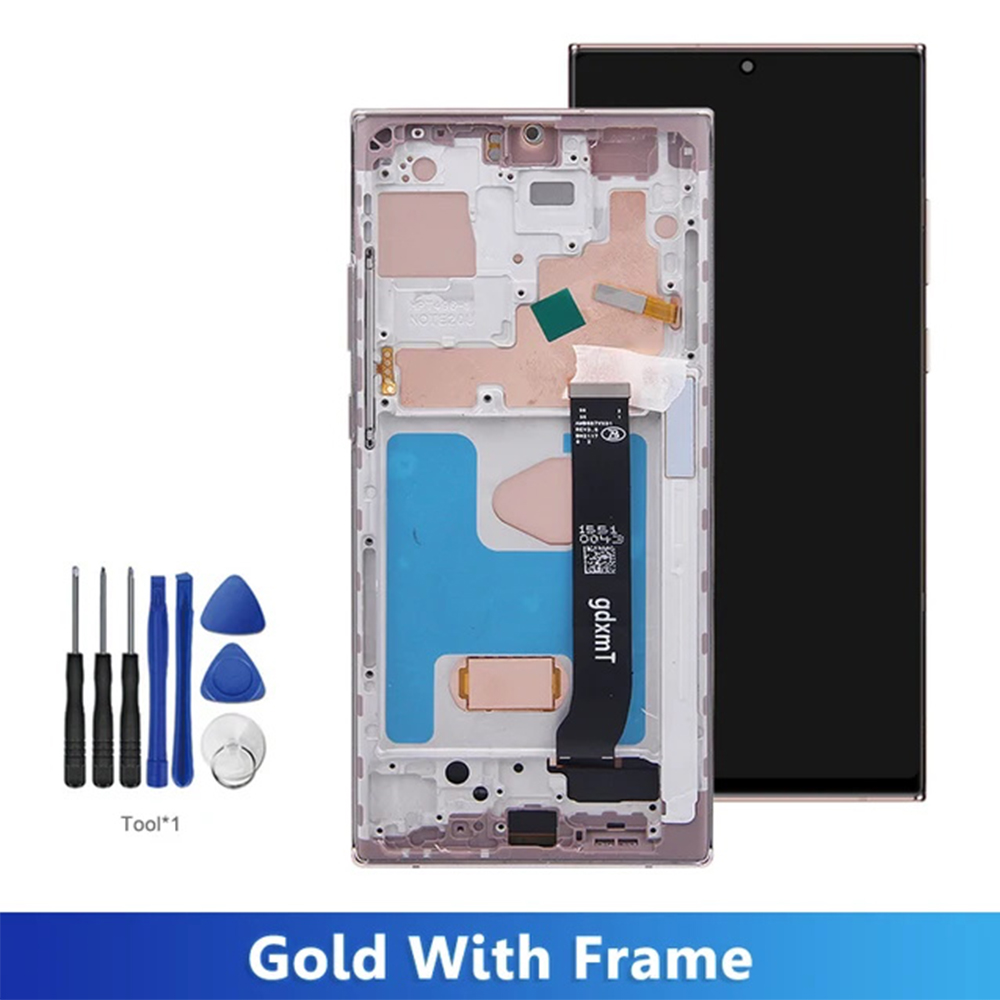 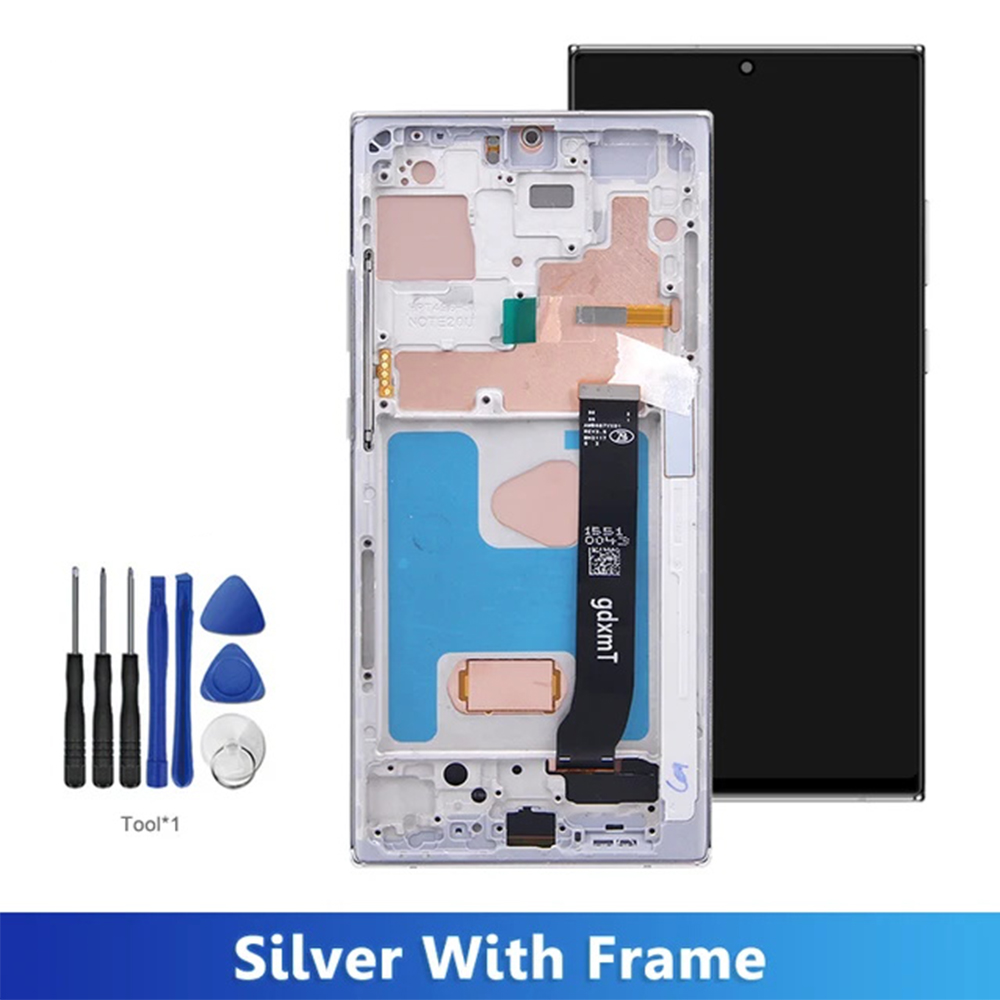 |
|
1.We try our best to reply to your emails as soon as possible, however, due to high volume of daily incoming emails and time zone difference, we may not be able to reply your emails immediately. Please allow 1 business days for us to response. If you do not receive any reply from us, please check your email ensuring your mailbox has not reached full size.
2.Due to some ISP SPAM filter settings, you may not be able to receive our replies; if you have problems receiving our emails, you may need to use a different email account to contact us.
3.Please give us the opportunity to resolve any problem. We understand the concerns and frustrations you might have, and will try our best to resolve the issues. Please email us before leaving any negative feedback or open any dispute on PayPal.
4.We care about our valued customers, and will always try to help you. So if you have any problems, please e-mail us immediately.
1.We accept Credit Card, Debit Card and eCheck payments through PayPal.
2.Payment should be done within 7 days after the end of the Auction. Otherwise Unpaid Item Dispute will be filed with eBay.
Items will be shipped within 3 to 15 business day on payment received.Please be sure your shipping address is correct before make a payment cause we ship items to your PayPal confirmed address only
The price does not cover any applicable tax or duty that might be charged by your customs. Buyers are responsible for such charges.
If you want faster shipping way. Please contact us before making payment.
1.100% Customer satisfaction is our top priority.
2. Return/refund is accepted within 30 days after the buyer receives the item. NO exchange will be accepted after 30 days from the date when the item is received.
3.If the customer orders the wrong product, the buyer will be responsible for the cost of returning the product.
4. If you receive an incorrect,damaged,defective,or item not as described,please feel free to contact us for a partial/full refund or resend.
Our office hours are 9:00 a.m to 6:00 p.m (GMT +8) of Monday to Friday .
And our Office is closed on weekends and public holidays.
We apologize for the late reply during the holidays.
1.We try our best to reply to your emails as soon as possible, however, due to high volume of daily incoming emails and time zone difference, we may not be able to reply your emails immediately. Please allow 1 business days for us to response. If you do not receive any reply from us, please check your email ensuring your mailbox has not reached full size.
2.Due to some ISP SPAM filter settings, you may not be able to receive our replies; if you have problems receiving our emails, you may need to use a different email account to contact us.
3.Please give us the opportunity to resolve any problem. We understand the concerns and frustrations you might have, and will try our best to resolve the issues. Please email us before leaving any negative feedback or open any dispute on PayPal.
4.We care about our valued customers, and will always try to help you. So if you have any problems, please e-mail us immediately.
1.We accept Credit Card, Debit Card and eCheck payments through PayPal.
2.Payment should be done within 7 days after the end of the Auction. Otherwise Unpaid Item Dispute will be filed with eBay.
Items will be shipped within 3 to 15 business day on payment received.Please be sure your shipping address is correct before make a payment cause we ship items to your PayPal confirmed address only
The price does not cover any applicable tax or duty that might be charged by your customs. Buyers are responsible for such charges.
If you want faster shipping way. Please contact us before making payment.
1.100% Customer satisfaction is our top priority.
2. Return/refund is accepted within 30 days after the buyer receives the item. NO exchange will be accepted after 30 days from the date when the item is received.
3.If the customer orders the wrong product, the buyer will be responsible for the cost of returning the product.
4. If you receive an incorrect,damaged,defective,or item not as described,please feel free to contact us for a partial/full refund or resend.
Our office hours are 9:00 a.m to 6:00 p.m (GMT +8) of Monday to Friday .
And our Office is closed on weekends and public holidays.
We apologize for the late reply during the holidays.

Am 29.04.2025 hat der Verkäufer die folgenden Angaben hinzugefügt: