


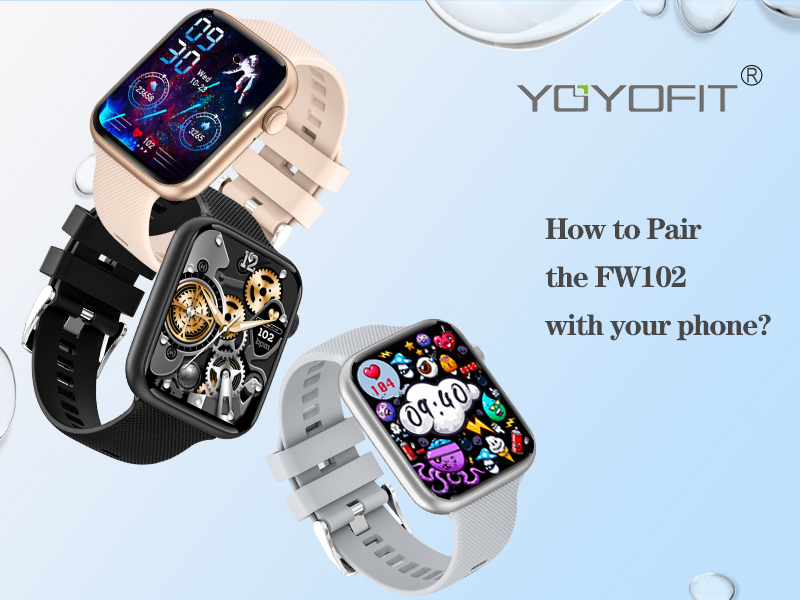
1) Turn on your phone bluetooth. (do not pair from here)
2) Download APP named "FitCloudPro" APP from your iPhone APP Store or Google Play of your android phones.
3) Go to "FitCloudPro" APP => Visit As Guest => Fill in your profile => Search and find Device "HT15" to connect. Then a pair request will pop up on watch, pls click "√" on watch.
4) Then a bluetooth request will pop up, pls make sure to click "pair". Soon a notification request will pop up, pls click "Allow".

Go to "FitCloudPro" APP => Tab Device => Tab Watchface=> Tab first picture => Tab + => Tab Choose from Album => chose a picture you like => Click the picture => Tab set as watch face. Then the picture will be synced to your watch screen.

1) Pair the watch with your phone "FitCloudPro" APP successfully first;
2) Slide your watchface to audio interface => Turn on "Audio Mode" on watch;
3) Go to your phone setting => Find "HT15 Call" to connect here;
Then you could answer the call and dial on watch direct.
- ⌚【Track Your Well-being】: The fitness tracker can keep track of your continuous heart rate, blood pressure, blood oxygen saturation and your nightly sleep status. Also supports to view your detailed health graphs and sleep histograms in "FitCloudPro" APP. Helping you better understand your physical condition.
- ⌚【Stay Active Every Day】: The health watch can track your all-day steps, distance, calories burned, and other key metrics of how much you move throughout the day. Built-in 18 workout modes allow you to accurately track a variety of activity data and improve your performance. It's possible to sync your fitness & health data with your Apple Health or Google Fit app.
- ⌚【Make Communication Easier】: Answer or hang up calls are allowed and even enable to dial on the upgraded watch. Get vibration alerts for all notifications, including phone calls, texts, and social media app alerts. Whether you're in a meeting or on the go, this fitness tracker will keep you informed and connected at all times.
- ⌚【Even More To Discover】: Check the weather of the day, learn about your physiological cycle, take control of your music, snap photos by remote shutter, find your phone instantly, remind you to move & drink water at regular intervals, and access other features like alarms, timer, stopwatch, DIY your watch face, all from this feature-packed fitness tracker.
- ⌚【Stylish Look & Light Weight】:With a slim & sleek design, polished aluminium alloy case, 1.85" HD bright colour display and ultra-sharp text share you a clear vision of health and exercise data even in bright sun. Comfortable to wear and super light, with a negligible weight of only 1.5 ounces, it allows you to exercise freely.
- ⌚【Wide Compatibility & Week-long Performance】The smart watch is compatible with most Android 5.1 & iOS 8.5 and above smartphones, Bluetooth 5.0 support (not for PC or tablet). It's easy to charge it with magetic charging cable. The 2h charging time can support up to 7-10 days and standby for 15 days+.