Just Powerful
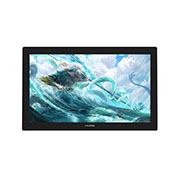
Kamvas Pro 24 (4K) is a flagship pen display with a large 23.8" screen, which can effectively reduce the frequency of zoom in/out of the canvas and switch from different windows to highly enhance your productivity. Also, it is featured with 4K resolution, QLED screen, HDR function and many other features to ensure professional artists can easily immerse in the creation.
Discover Deeper Details in Bigger Screen
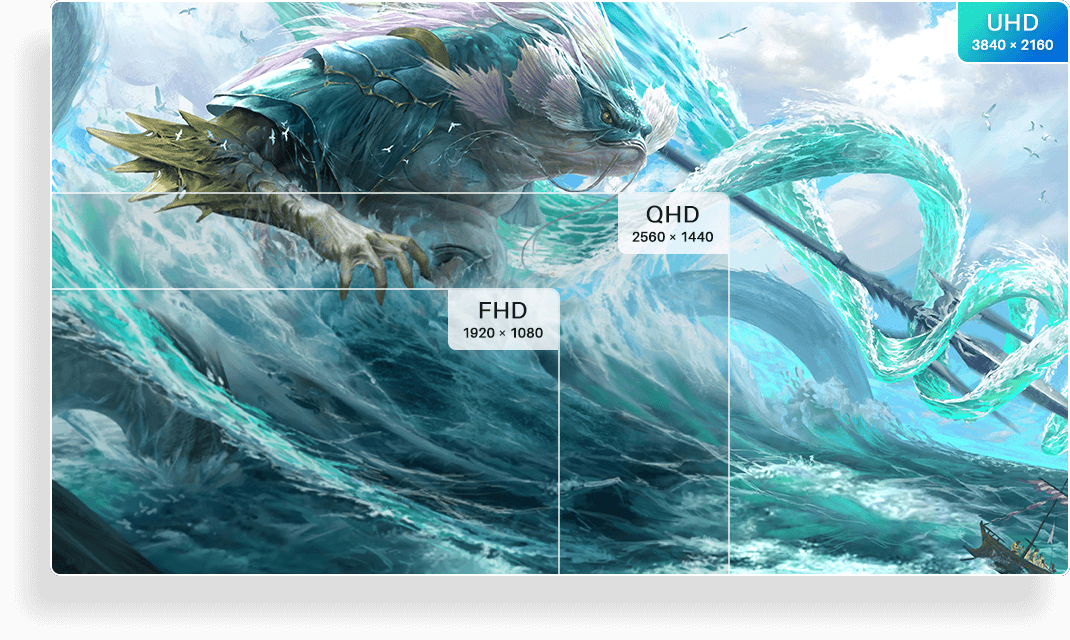
Enjoy every detail of your artworks on the UHD (3840×2160) screen of the Kamvas Pro 24 (4K). No need to waste time zooming in and out, opening and closing programs, now you have a large creative workspace to bring up more productivity.
Immerse Yourself in A Billion Colors
Featured with industry-leading Quantum Dot technology, Kamvas Pro 24 (4K) can provide you a stunning 140% sRGB color gamut and 1200:1 contrast ratio. Combining with 1.07 billion colors, the 4K screen will bring you to a world saturated with color and sharpened to refreshing clarity.





Focus on Brilliant Picture Quality with HDR
Kamvas Pro 24 (4K) is the first pen display that adopts HDR technology in the industry. You can open the HDR function to enjoy richer color, deeper contrast and higher brightness, so as to deliver a dynamic and realistic artworks that pops.
Get Rid of Parallax and Glare
The anti-glare etched glass and the screen are seamlessly laminated together to increase the screen transparency and decrease parallax. Besides, anti-glare etched glass can not only reduce the reflection effectively but also bring you a pen-on-paper drawing experience.
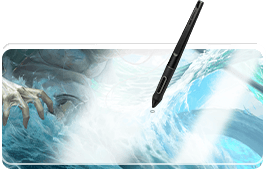
Non Laminated General Glass
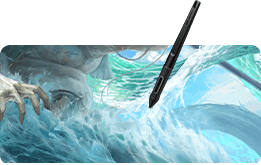
Full Laminated Anti-Glare Glass
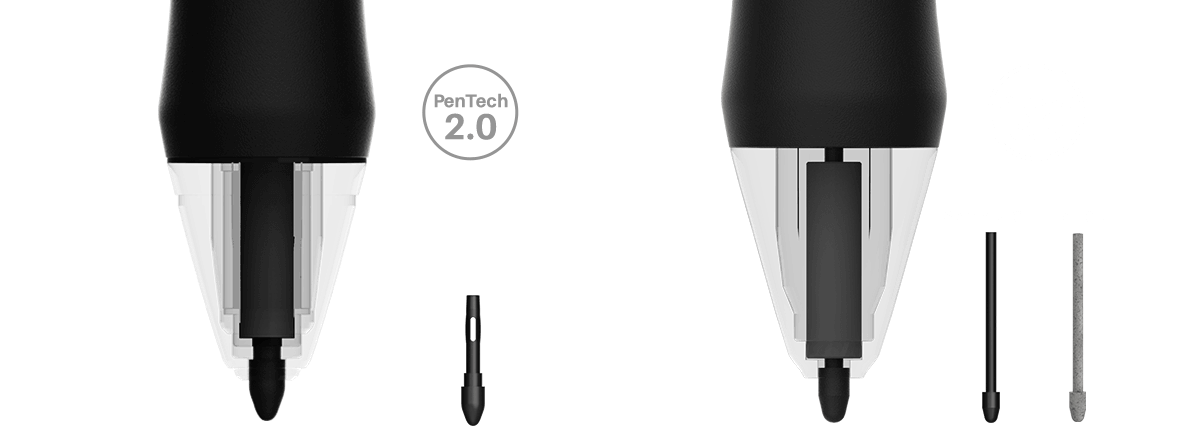
Enjoy the Stability with PenTech 3.0
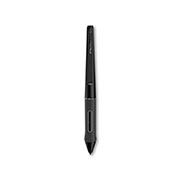
Featuring Huion's pen technology - PenTech 3.0, the battery-free pen PW517 provides better stability with a lower positioned pen nib to bring you a lifelike drawing experience. It also supports ±60° Tilt function and 8192 levels of pressure sensitivity.

±60° Tilt Support

8192 Levels Pressure Sensitivity

5080 LPI Pen Resolution

Battery-Free
Multiple Interfaces to Meet Different Needs
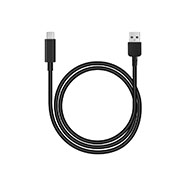
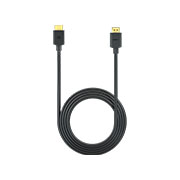
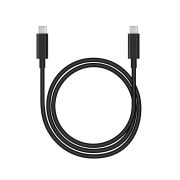
Supporting both HDMI and DP signals, Kamvas Pro 24 (4K) is equipped with a HDMI port, a DP port, and a USB-C ports. So you can easily connect it to your desktop, laptop, mac or Android device. Besides, the included USB-C to USB-C cable can conveniently transfer both data and video from your PC or Android devices to the pen display, which helps keep your workspace clean and tidy.
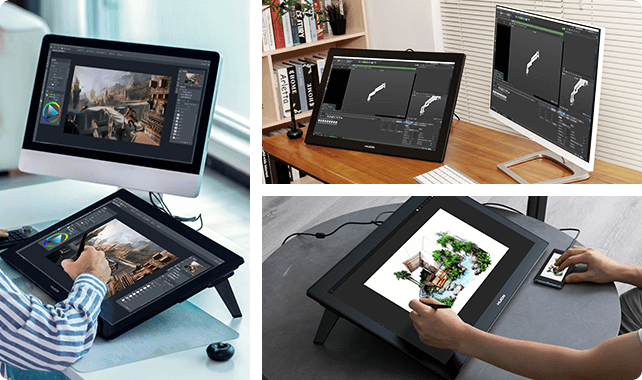
Note: * Please make sure the USB-C port of your devices must support USB 3.1 Gen1, DP 1.2 and above standards if you want to use the USB-C to USB-C cable for connection.
Expand More Functions with Dual USB Hub
To further help artists improve their efficiency, Kamvas Pro 24 (4K) is equipped with two USB-A ports and a 3.5mm headphone jack, which can be used to connect your external devices for more convenience.

Connect Keyboard or Mouse
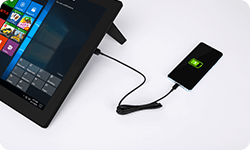
Charge for your mobile devices
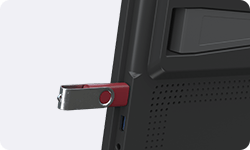
Connect with a USB drive

Connect to Sound Box
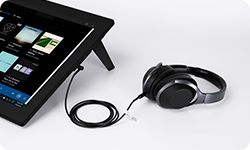
Connect to Headphone
Powerfully Boost Your Productivity
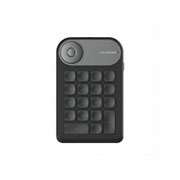
The non-shortcut keys minimalist design of Kamvas Pro 24 (4K) helps save your precious workspace. But you do not need to settle. The included Huion Keydial Mini can be fully customized to suit your workflow and maximize efficiency.
More Stand Options
Unlike other Kamvas pen displays, Kamvas Pro 24 (4K) is equipped with a built-in metal integrated stand (20°). In addition, it has a 100 x 100mm Vesa hole on the back, which can be used with single monitor arm ST410 or dual monitor arm ST420 for flexible angle adjustment.
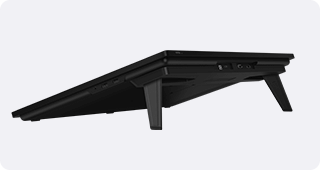
Integrated Metal stand
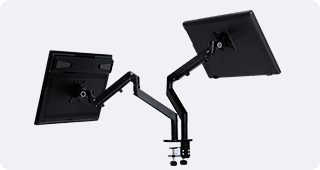
Monitor Arm ST420
Make OSD Control Easier
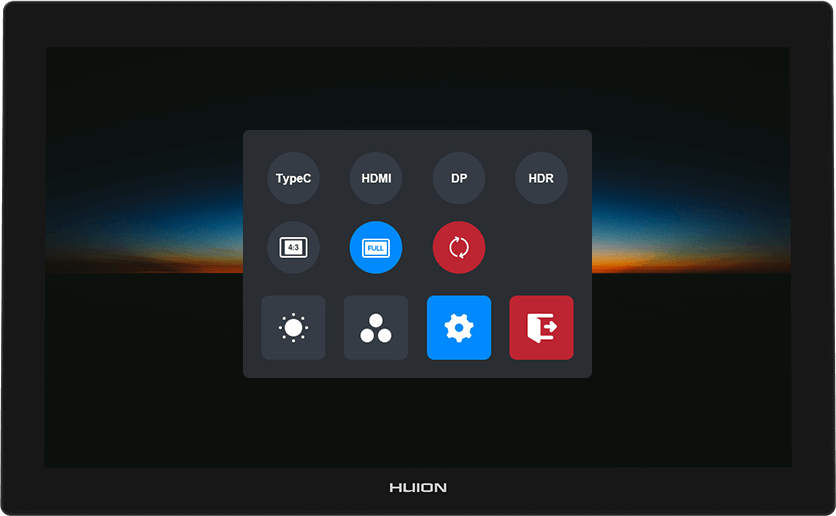
Call up the pen-enabled OSD menu by long-pressing the on/off button, and then use the PW517 digital pen to adjust the screen parameters. The simple modernized UI makes it easier to adjust the brightness, color temperature and others.
Flexible Connectivity & Compatibility
Support Version: Windows 7 or above, Mac OS 10.12 or above, Linux, and Android.
Recommend Software
(Windows or macOS)
Recommend Software
(AndroidOS)
Note:
* There are two ways to connect your Android devices (cast screen mode / Dex or PC mode). The software indicated here is only supported in Dex or PC mode.
* Learn more about Android devices that support Dex or PC mode Here.Recommend Software
(LinuxOS)
Note:
* Huion device now only supports Ubuntu.
* Huion Tablet Driver installation packages are available in .tar.xz & .deb for Linux devices.

















The terms HDMI, HDMI High-Definition Multimedia Interface, HDMI Trade dress and the HDMI Logos are trademarks or registered trademarks of HDMI Licensing Administrator, Inc.