M2 Plus 4K 1080P HDMI-Compatible TV Stick WiFi Display Dongle
HDMI TV Dongle • Wireless Screen Mirroring • WiFi Display • Miracast • AirPlay • iOS & Android Compatibility
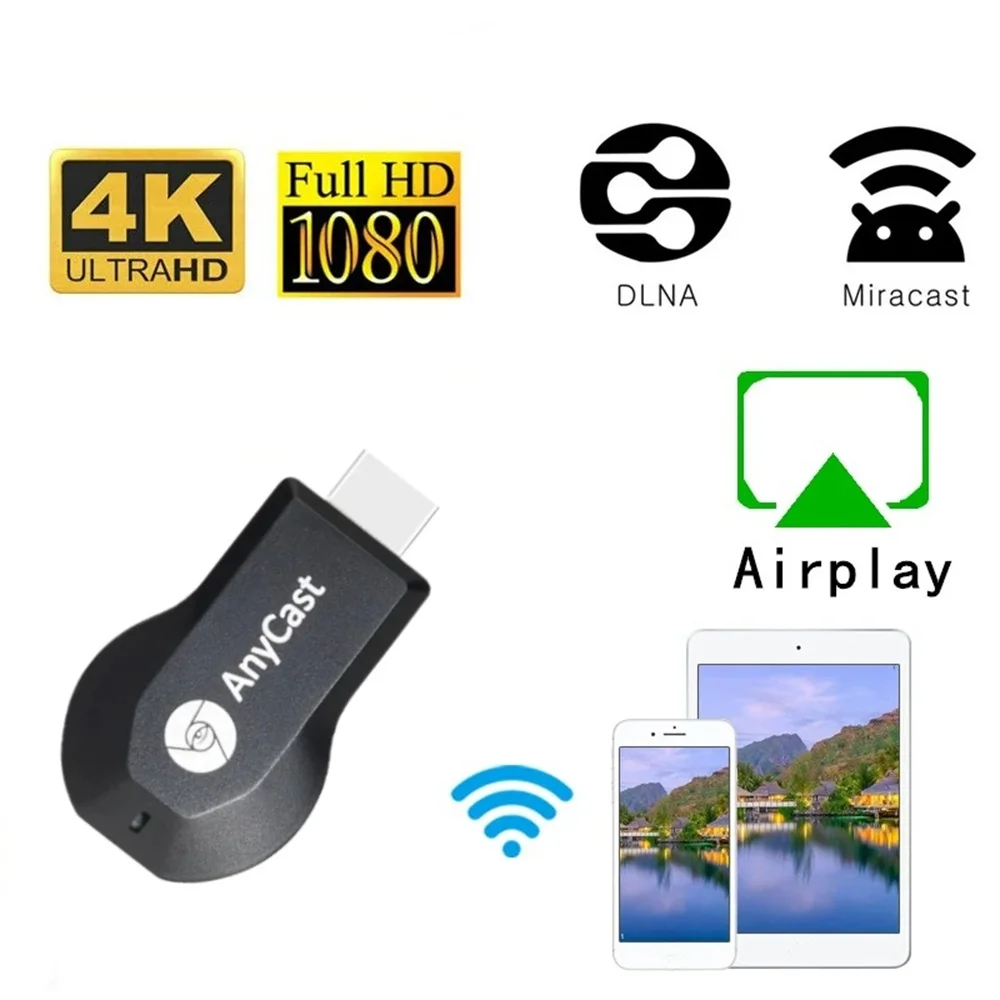
Wireless Screen Mirroring
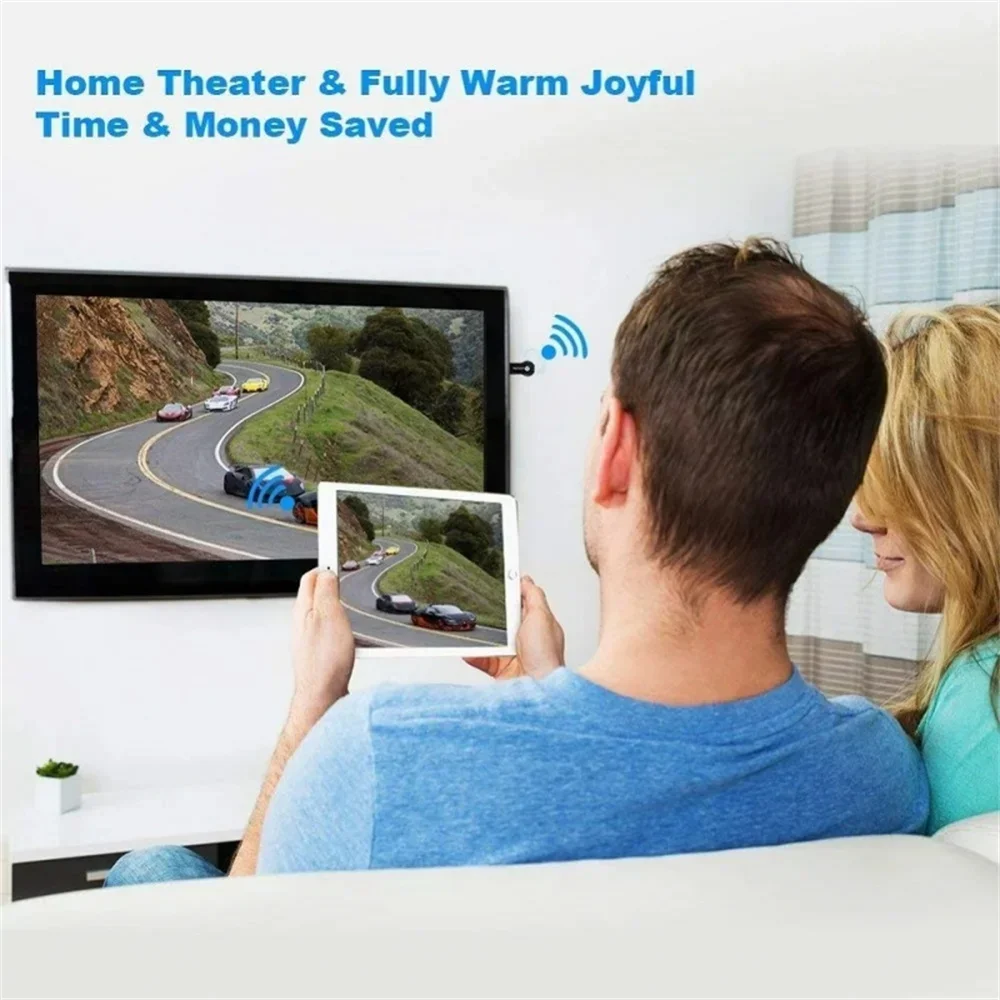
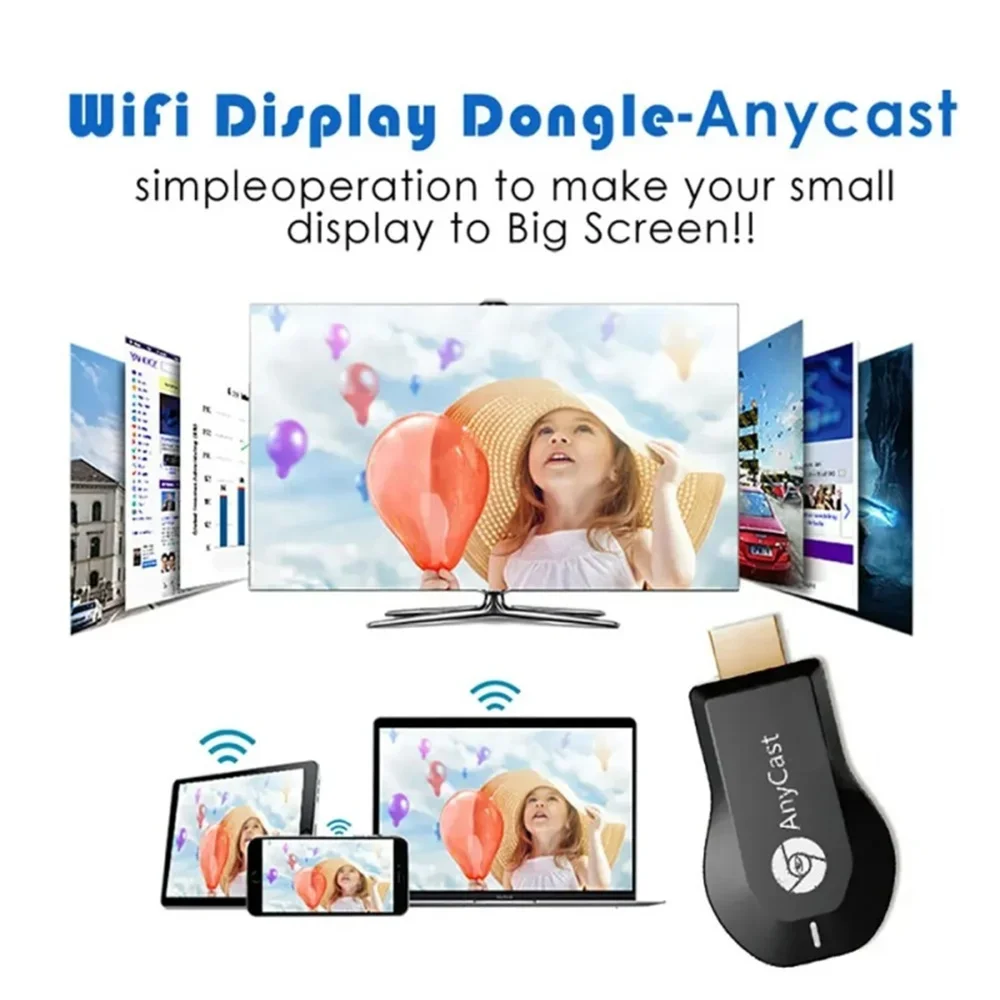
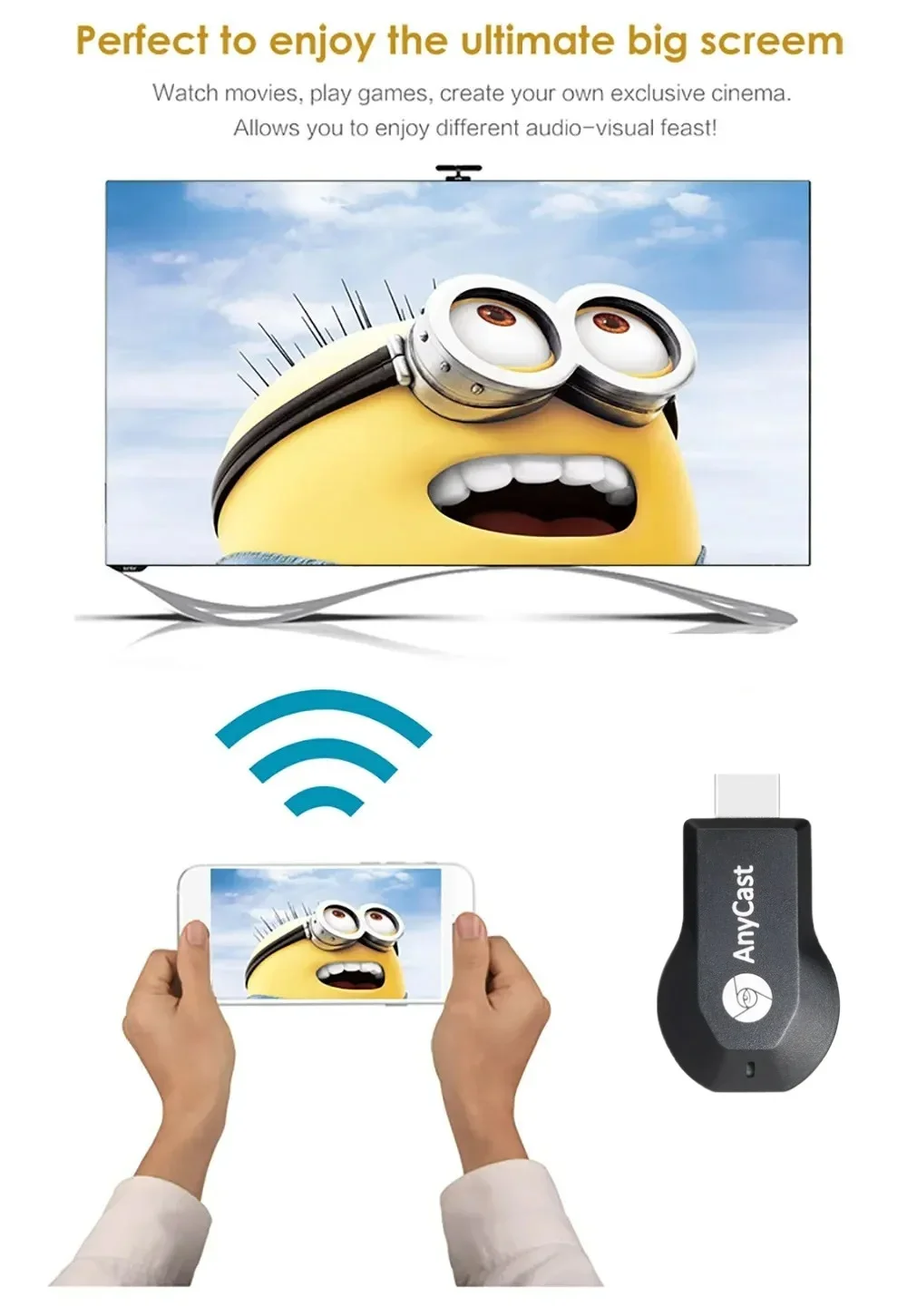
Designed to mirror compatible smartphone or tablet screens to an HDMI-equipped display over a wireless network connection.
4K / 1080P Support
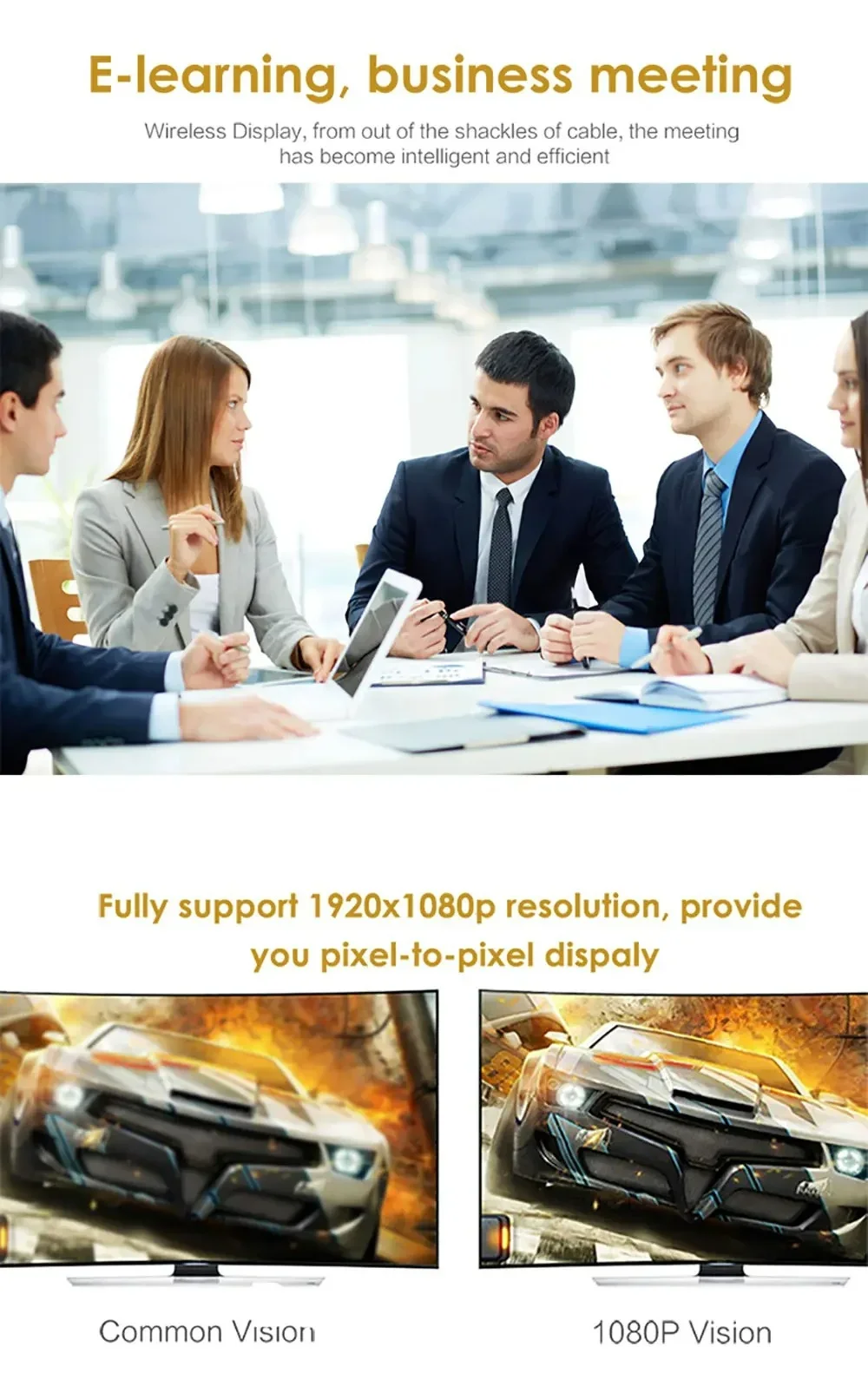
Supports compatible high-definition display output, with available resolution depending on the source device, content and display.
Miracast & AirPlay
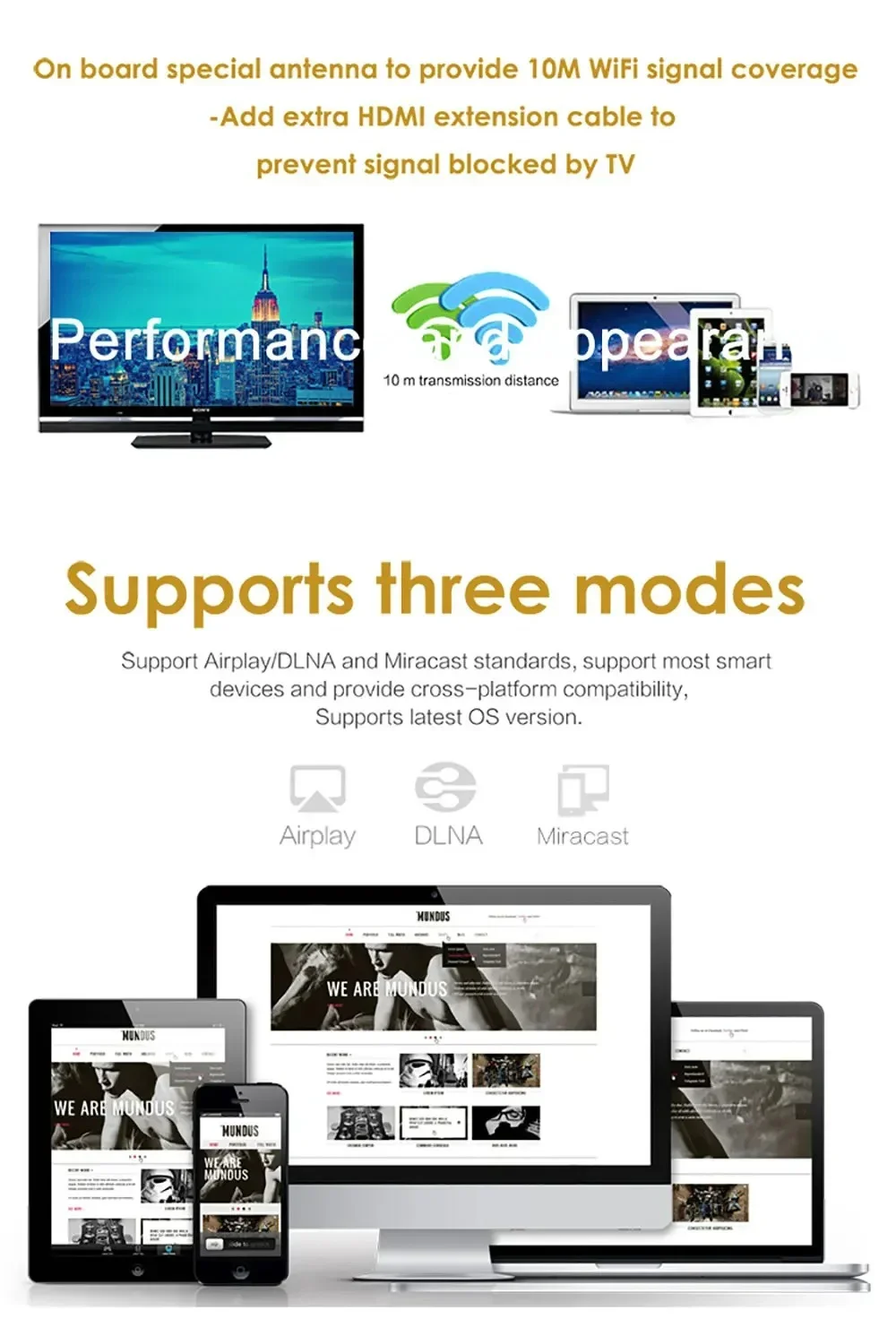
Supports compatible wireless casting and screen mirroring protocols for supported devices.
Compact TV Dongle
Compact HDMI-compatible design connects directly to a suitable display for convenient wireless screen sharing.
Product Description
Turn a compatible HDMI-equipped TV, monitor or projector into a convenient wireless display with the M2 Plus TV Stick. The compact dongle is designed for wireless screen mirroring from compatible iOS and Android smartphones or tablets.
With support for compatible Miracast and AirPlay-style screen mirroring, the device can be used to display photos, videos, presentations and other supported content from a mobile device on a larger screen.
Key Features
- M2 Plus wireless display TV stick
- HDMI-compatible output
- Wireless screen mirroring
- WiFi display functionality
- Compatible with supported iOS devices
- Compatible with supported Android devices
- Miracast support
- AirPlay-compatible screen mirroring support
- Supports high-definition display output
- Compact and portable design
Specifications
| Product Type | Wireless HDMI TV Stick / Display Dongle |
|---|---|
| Model | M2 Plus |
| Video Support | 4K / 1080P Class Output Support |
| Connection | HDMI-Compatible |
| Wireless Function | WiFi Display / Screen Mirroring |
| Mirroring Protocols | Miracast / AirPlay-Compatible |
| Compatible Devices | Supported iOS & Android Smartphones / Tablets |
| Display Devices | Compatible TV, Monitor or Projector with HDMI Input |
How It Works
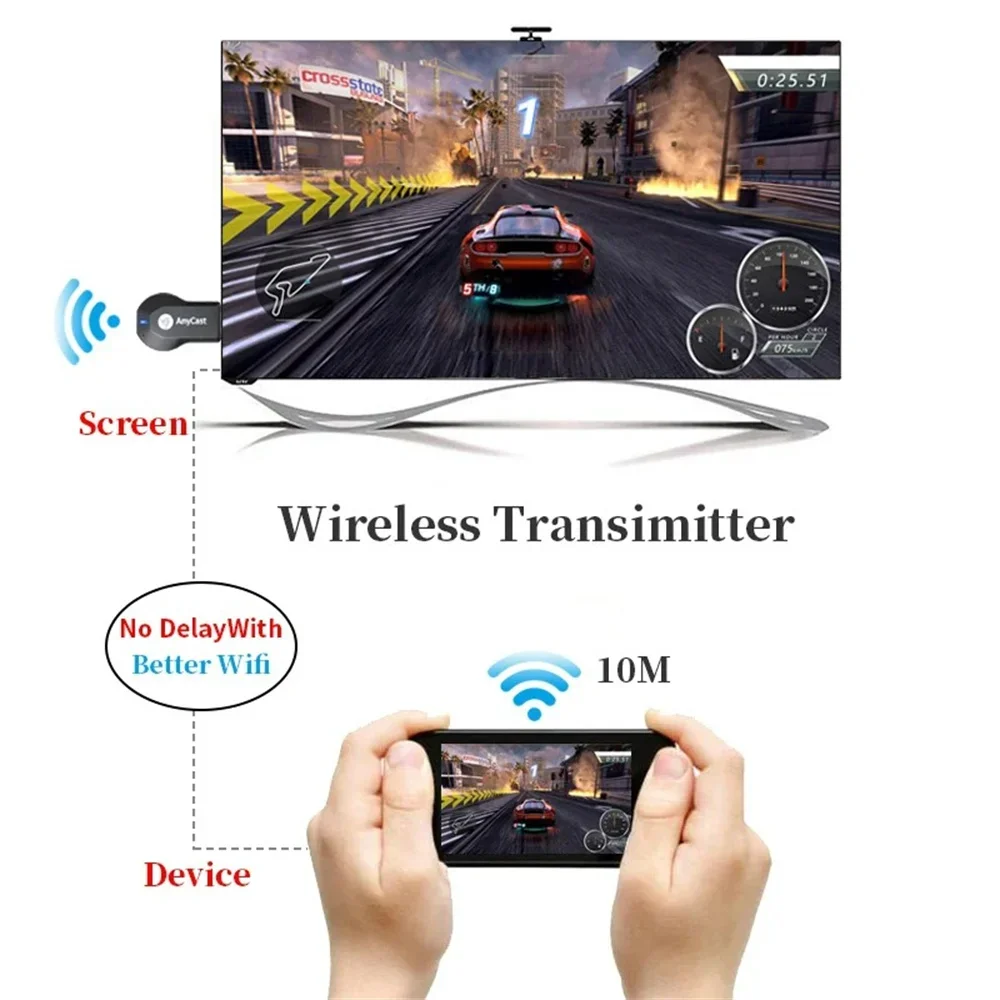
The TV stick receives compatible wireless screen-mirroring content from a connected mobile device and sends the video signal to an HDMI-equipped display.
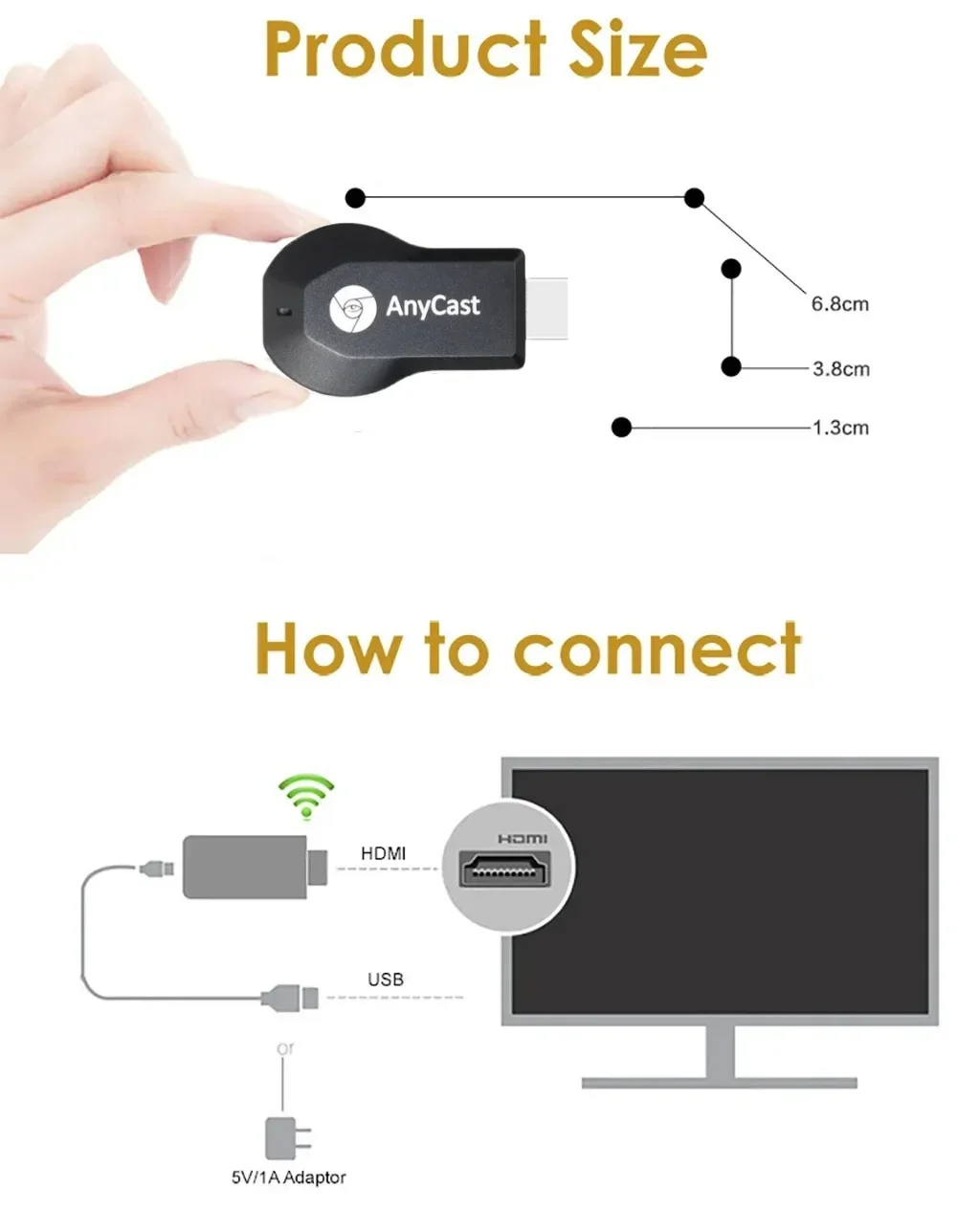
- Connect the TV stick to an available HDMI input on your display.
- Connect the device to the required power source.
- Switch the TV or monitor to the corresponding HDMI input.
- Follow the on-screen instructions to configure the connection.
- Enable the appropriate screen-mirroring function on your compatible mobile device.
- Select the TV stick from the available wireless display or mirroring list.
- Confirm the connection and begin mirroring supported content.
Compatible Uses
- Mirror smartphone photos on a larger screen
- Display compatible videos
- Share presentations
- Show documents from supported mobile devices
- Display compatible web content
- Share content during meetings or presentations
- View supported mobile content on a TV or projector
4K & 1080P Display Support
The product listing indicates support for 4K and 1080P-class video output. Actual resolution depends on the TV stick configuration, source device, source content, wireless connection, HDMI display and other hardware limitations.
A 4K-capable display and compatible source content are required to take advantage of 4K output. Mirrored content may be displayed at a lower resolution depending on the connected device and application.
Wireless Connection Tips
- Place the TV stick within a suitable range of the wireless network.
- Keep the device away from unnecessary sources of wireless interference.
- Make sure the phone and TV stick are configured according to the supplied instructions.
- Use a stable WiFi connection for smoother screen mirroring.
- Close unnecessary background applications when experiencing performance issues.
- Restart the TV stick and mobile device if the connection becomes unstable.
Compatibility Information
Wireless mirroring compatibility can vary between operating-system versions, smartphone models, applications and network environments. Some apps may restrict screen mirroring or use their own casting systems.
Please verify that your smartphone, tablet, TV and application support the required mirroring protocol before purchase.
Important Information
HDMI-compatible display, power supply and supported mobile device are required for operation. Exact included cables and accessories depend on the selected product version.
Actual wireless performance, resolution, frame rate and connection stability depend on the source device, display, WiFi environment, distance, interference and content.
AirPlay and Miracast compatibility refers to supported wireless screen-mirroring functionality. Device compatibility and available features may vary by operating system and software version.
Troubleshooting
- No image: Confirm the TV is set to the correct HDMI input and that the dongle is receiving power.
- Cannot connect: Check WiFi settings and follow the pairing instructions displayed by the dongle.
- Unstable video: Move the source device closer and reduce possible wireless interference.
- Lower resolution: Check the source device, application, display and available video resolution.
- Mirroring unavailable: Confirm that the mobile device and application support the required wireless protocol.
Package Contents
- 1 × M2 Plus TV Stick / Wireless Display Dongle
- Power / Connection Accessories according to the selected version
- User Instructions according to the selected version
Exact package contents may vary by product variant. Please check the selected listing option before purchase.