12050 Miner FAN
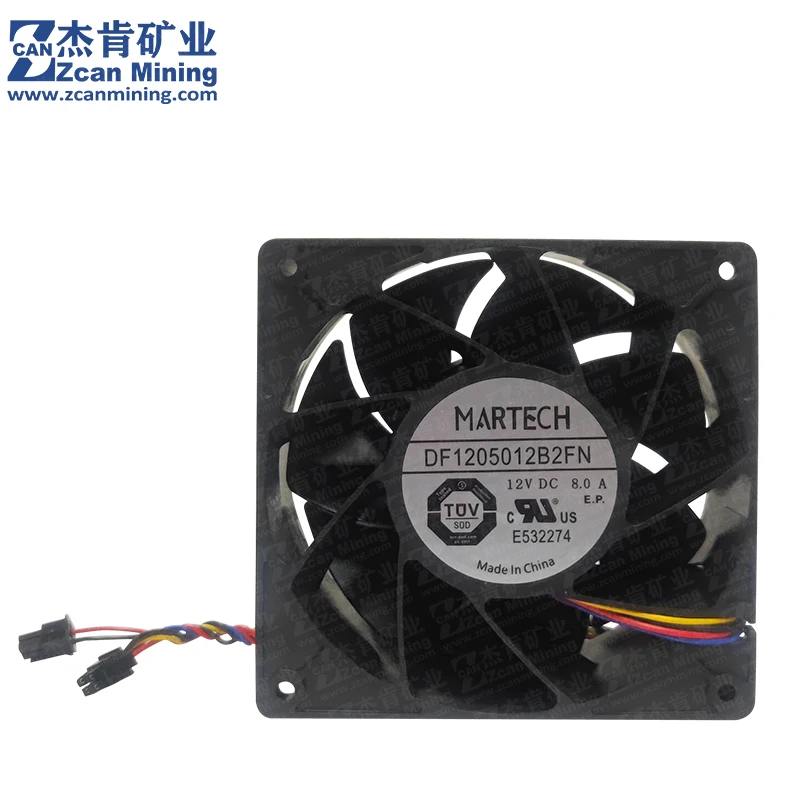
The DF1205012B2FN cooling fan is an essential part of the Avalon 13 Series(A1326 A1346 A1366) & 14 series(A1446 A1466) & 15 Series (A1566) miner cooling system, helping maintain stable operating temperatures, improve miner performance and mining efficiency, reduce noise interference, lower maintenance costs, and enhance user experience. Therefore, miners should regularly inspect and replace cooling fans to ensure the miner's normal operation and mining efficiency.
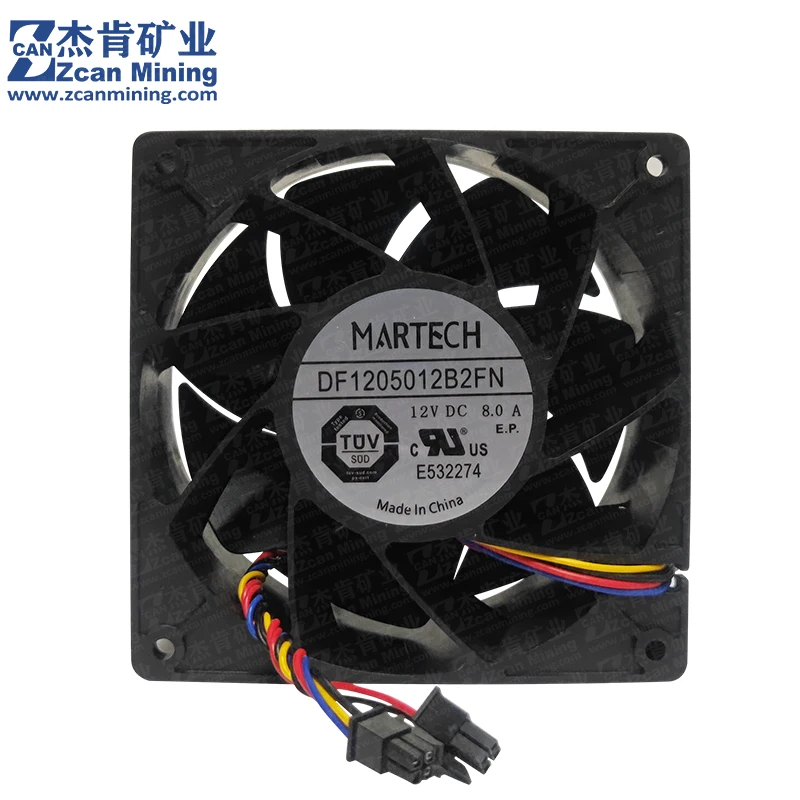
It has two 2*2p interfaces for each fan, Y-shaped wiring
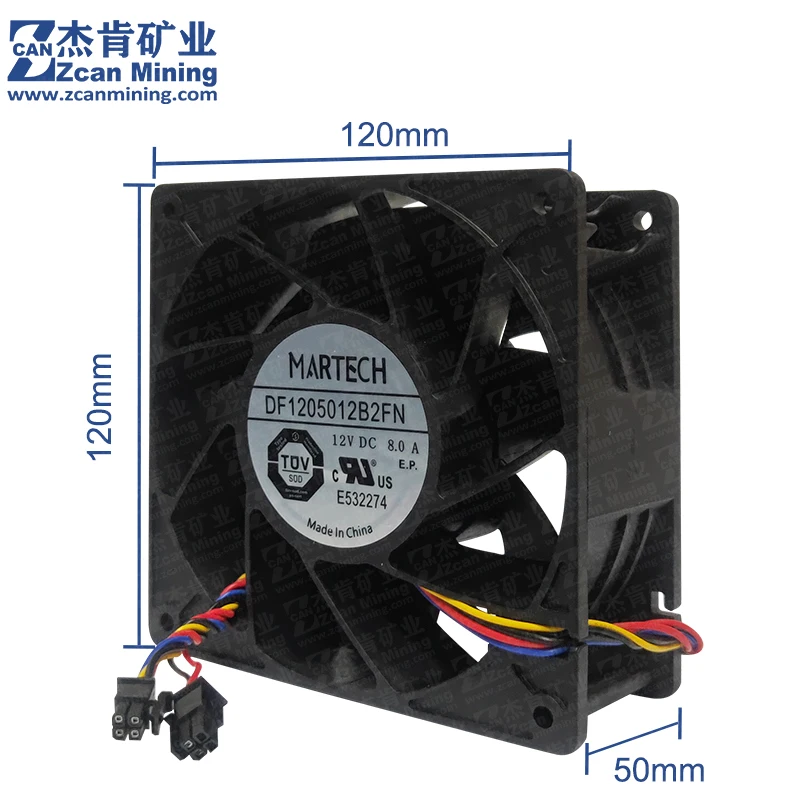
The fan size is 120*120*50mm.
It is a high-speed, violent cooling fan that meets the heat dissipation problem of the miner and extends the service life of the miner.
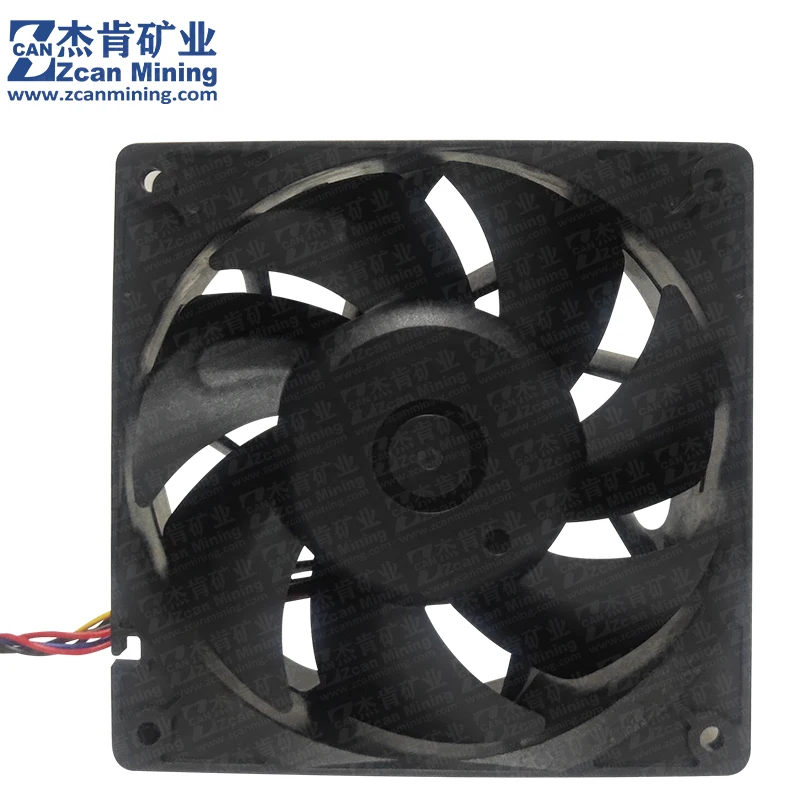
Product parameters:
Model: DF1205012B2FN
Bearing: High precision double ball bearing
Size: 120 * 120 * 50mm
Voltage: DC 12V
Current: 8.0A
Speed: 7500RPM +/-10%
Air volume: 450CFM
Wind pressure: 21.60mmH2O
Noise:70dB-A
Potential impacts of cooled fan failure on miners:
1.Due to the miner's lack of effective heat dissipation methods, when the cooling fan is damaged, the internal temperature of the equipment will gradually increase, leading to overheating. This can affect the performance of the equipment, potentially causing malfunctions, crashes, and even damage to the equipment in severe cases.
2.After the fan is damaged, its operating sound may become sharp or noisy. This abnormal sound not only indicates a problem with the cooling fan but may also affect the miner's working environment and experience.
3.In the case of miner overheating, the equipment will actively limit its performance to avoid overheating. For example, the CPU may automatically slow down to reduce temperature. This will lead to a decrease in the miner's mining efficiency, slowing down the mining speed and affecting the profitability of mining.
4.The damage to the cooling fan will increase the miner's maintenance costs. Repairing or replacing faulty components requires additional funds and time, increasing the miner's overall operating costs.
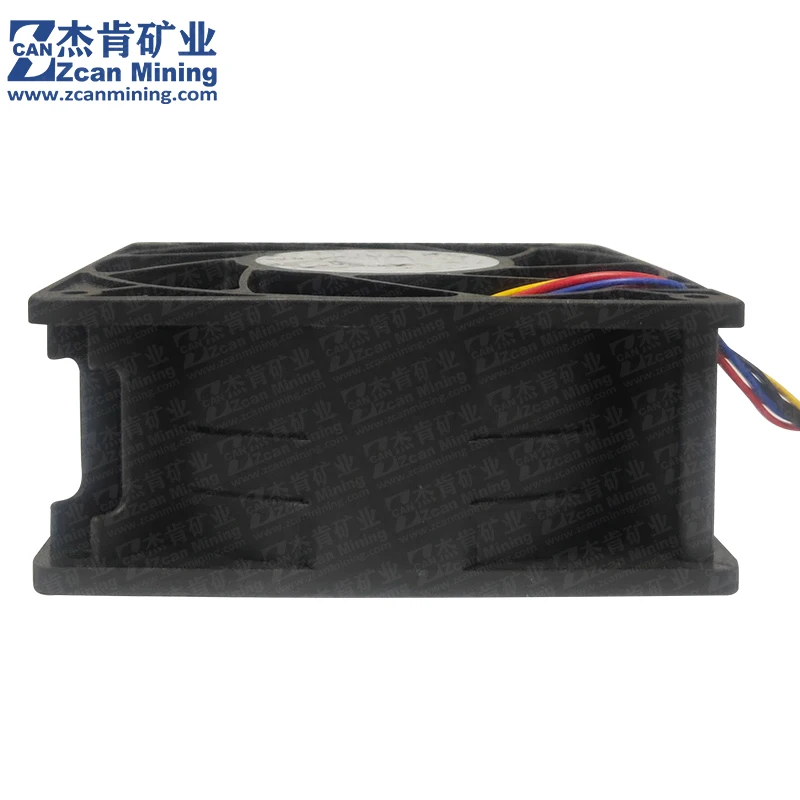
Steps to replace a faulty fan on the Avalon A13&A14 Series Miner
a. Find the faulty fan based on the background running log and the interface number of it on the control board.
b. Before dismantling and replacing the faulty fan, please turn off the 1346 miner and unplug the power cord to prevent electric shock.
c. Unscrew the fixing screws of the faulty fan protection net and unplug the cable of the miner shell interface, because the Avalon 1346 miner has two cables for one fan. If two fans fail, you need to unplug 4 cables, and if only one is damaged, you only need to remove 2 finally, unscrew the screws to remove the faulty cooling fan.
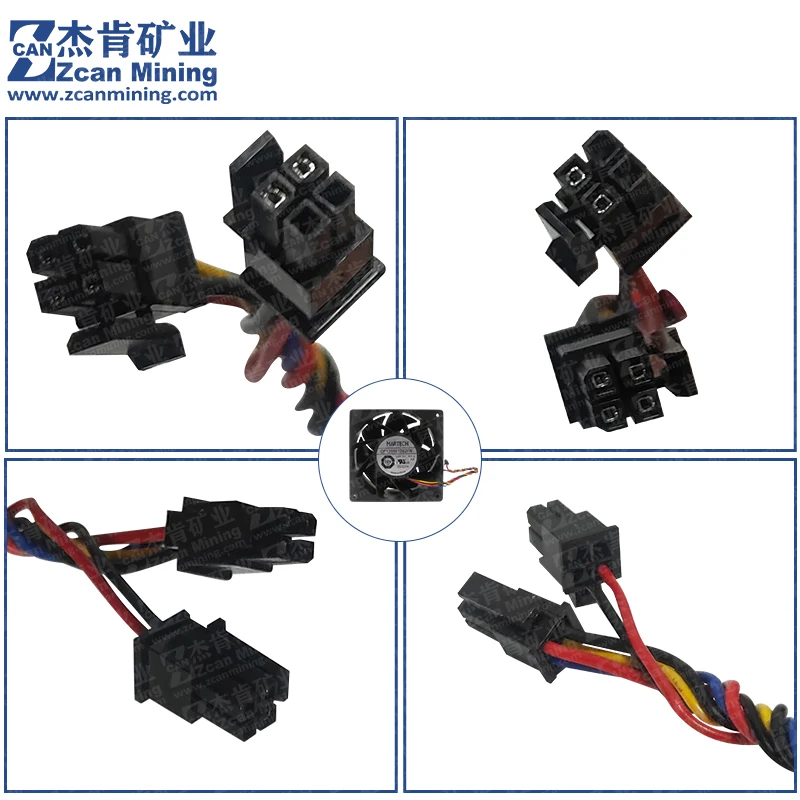
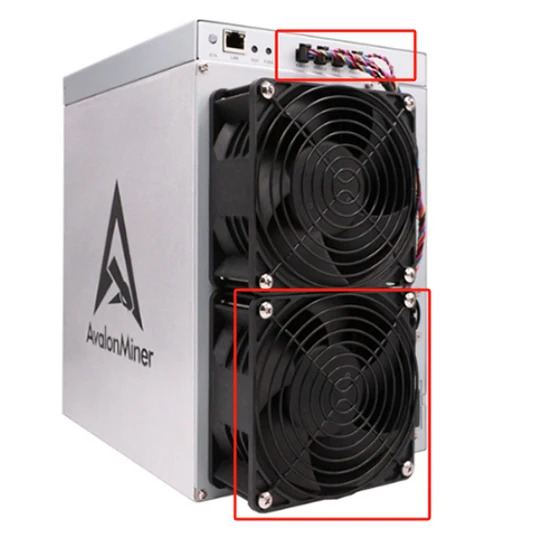
d. Thoroughly inspect the new cooling fan before installation to ensure that its size and interface are correct. Then install it in its original position and secure the fan and protective net with screws.
e. Insert the fan plug into the corresponding fan interface on the control board.
f. Reconnect the miner's powering, restart the miner, and check the operation of the new fan.