📺 2-Pack Replacement Remote Controls for Roku Smart TVs – Easy Setup & Reliable Performance 🔵
Never worry about losing your Roku TV remote again with this convenient 2-pack replacement set. Perfect for home, bedroom, kids’ room, or travel, these remotes ensure you always have a backup ready when you need it.
🌟 Key Features:
- Dual Pack Convenience: Two replacement remotes for Roku Smart TVs – ideal backup or multi-room use
- Quick & Easy Setup: No programming required; simply insert batteries and start using
- Fast Response & Stable Signal: Smooth navigation and reliable performance for seamless TV control
- Comfortable & Durable Design: Lightweight, ergonomic grip with easy-to-press buttons for everyday use
- Portable & Practical: Perfect for home, office, travel, or gifting
📦 Package Includes:
- 2 Replacement Remote Controls (Batteries not included)
⚠️ Compatibility Note:
- Works with Roku Smart TVs only
- Not compatible with Roku Stick, Roku Player, or Roku Box devices
💡 Benefits:
- Convenient backup pair ensures you’re never left without control
- Durable build for long-lasting use
- Lightweight design makes it easy to handle for all ages
- Perfect solution for lost, broken, or malfunctioning Roku TV remotes
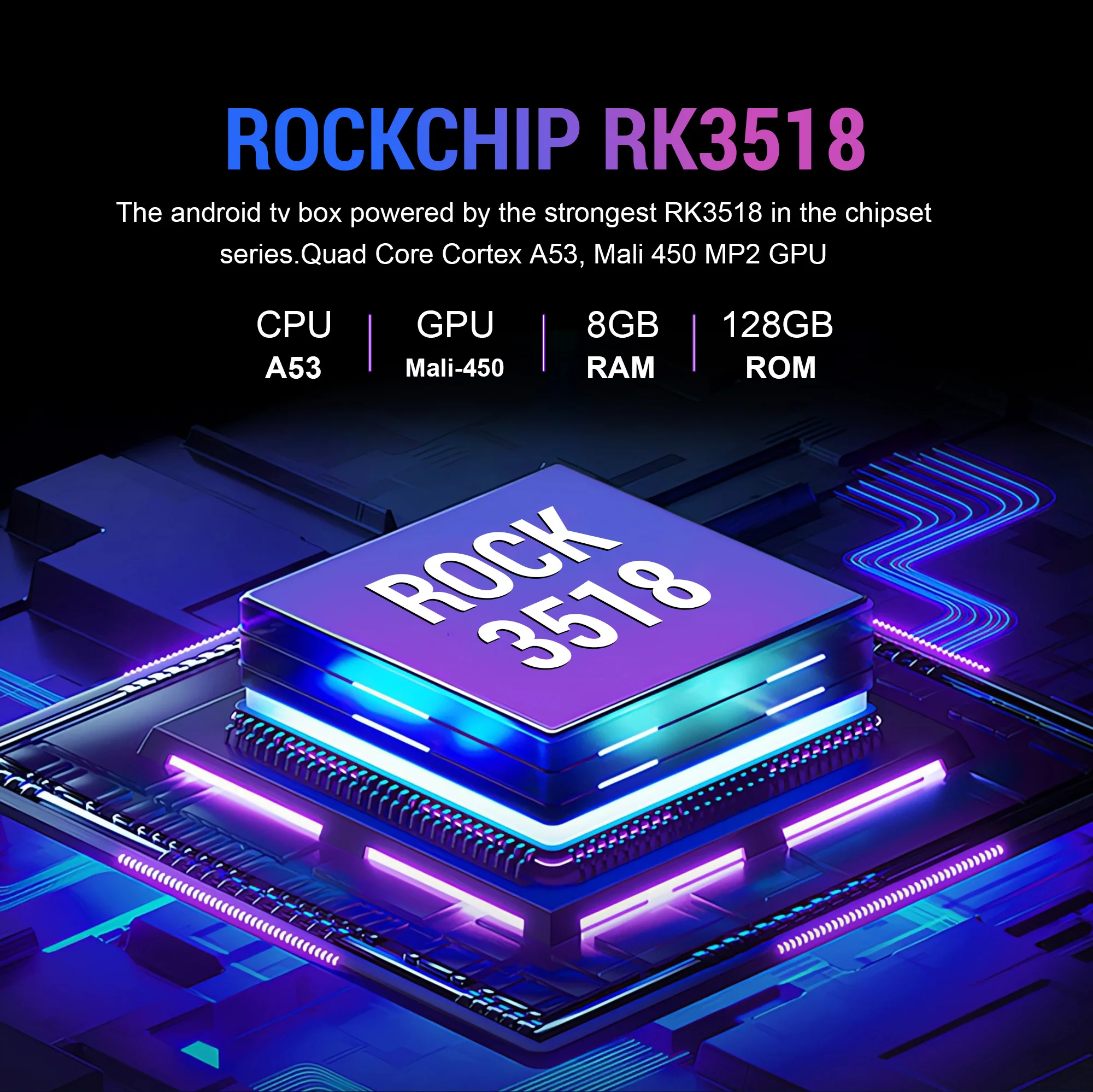
Rockchip RK3518
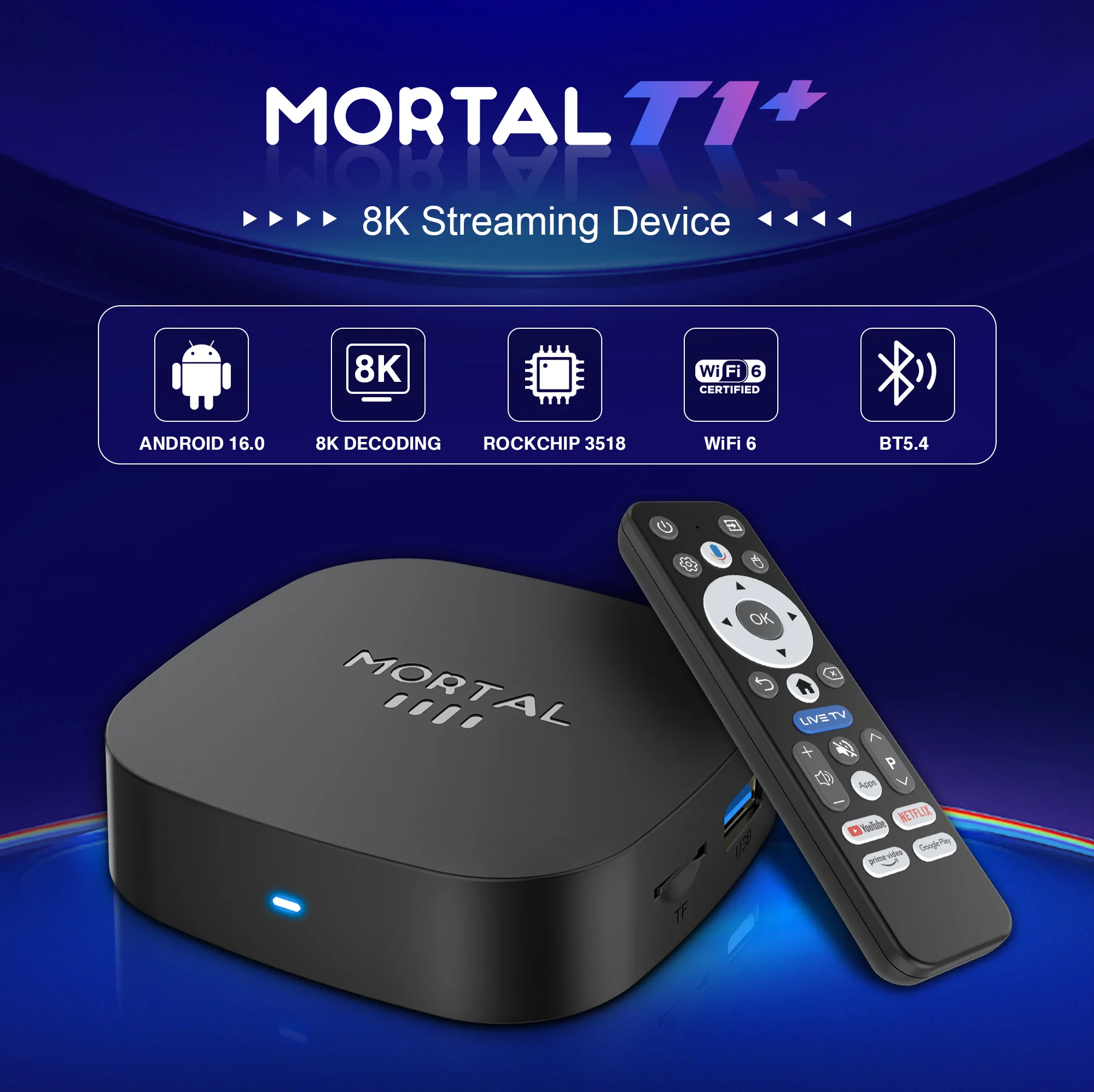
The android tv box powered by the strongest RK3518 in the chipset series Quad Core Cortex A53, Mali 450 MP2 CPU.
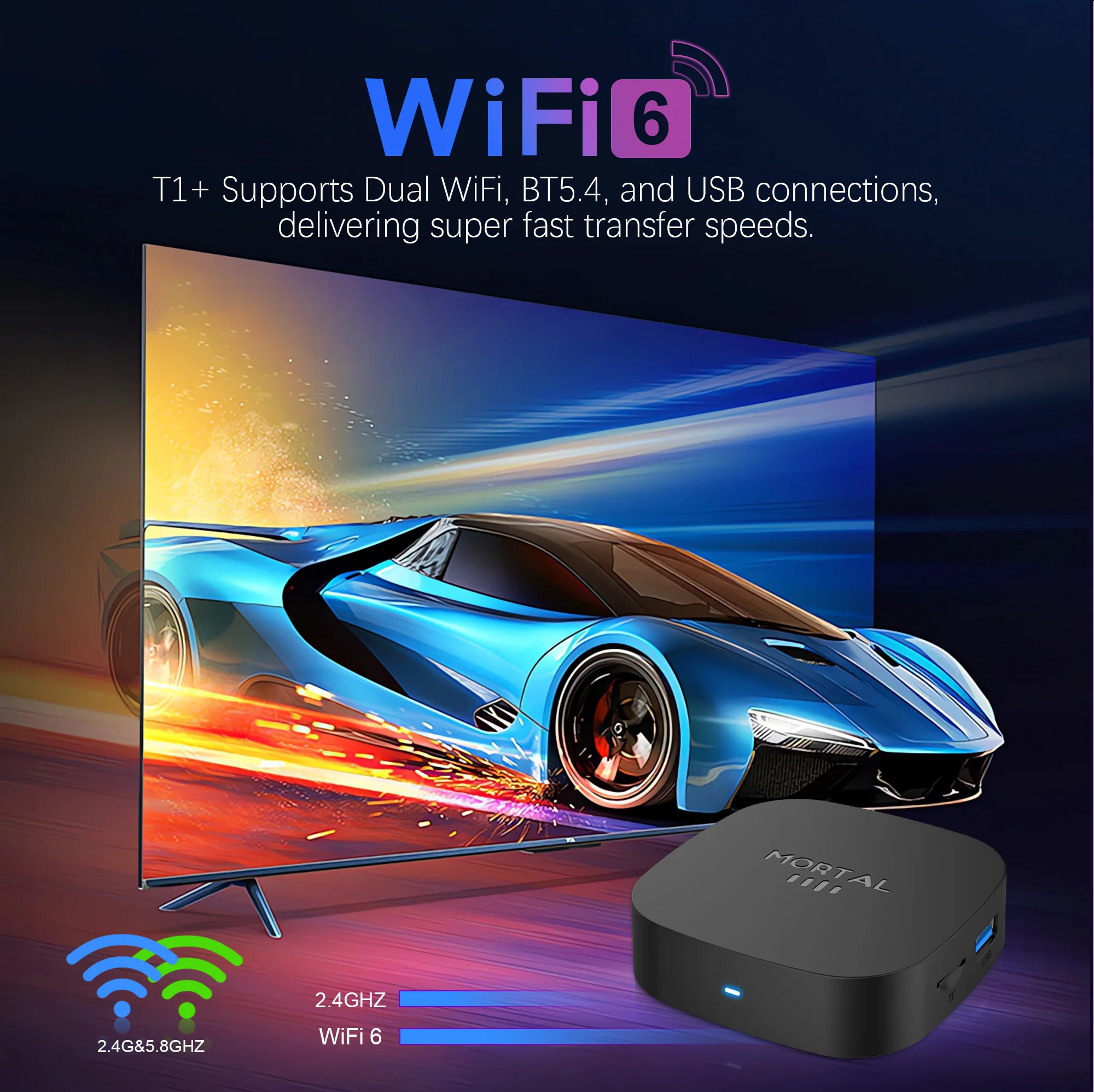
WIFI 6
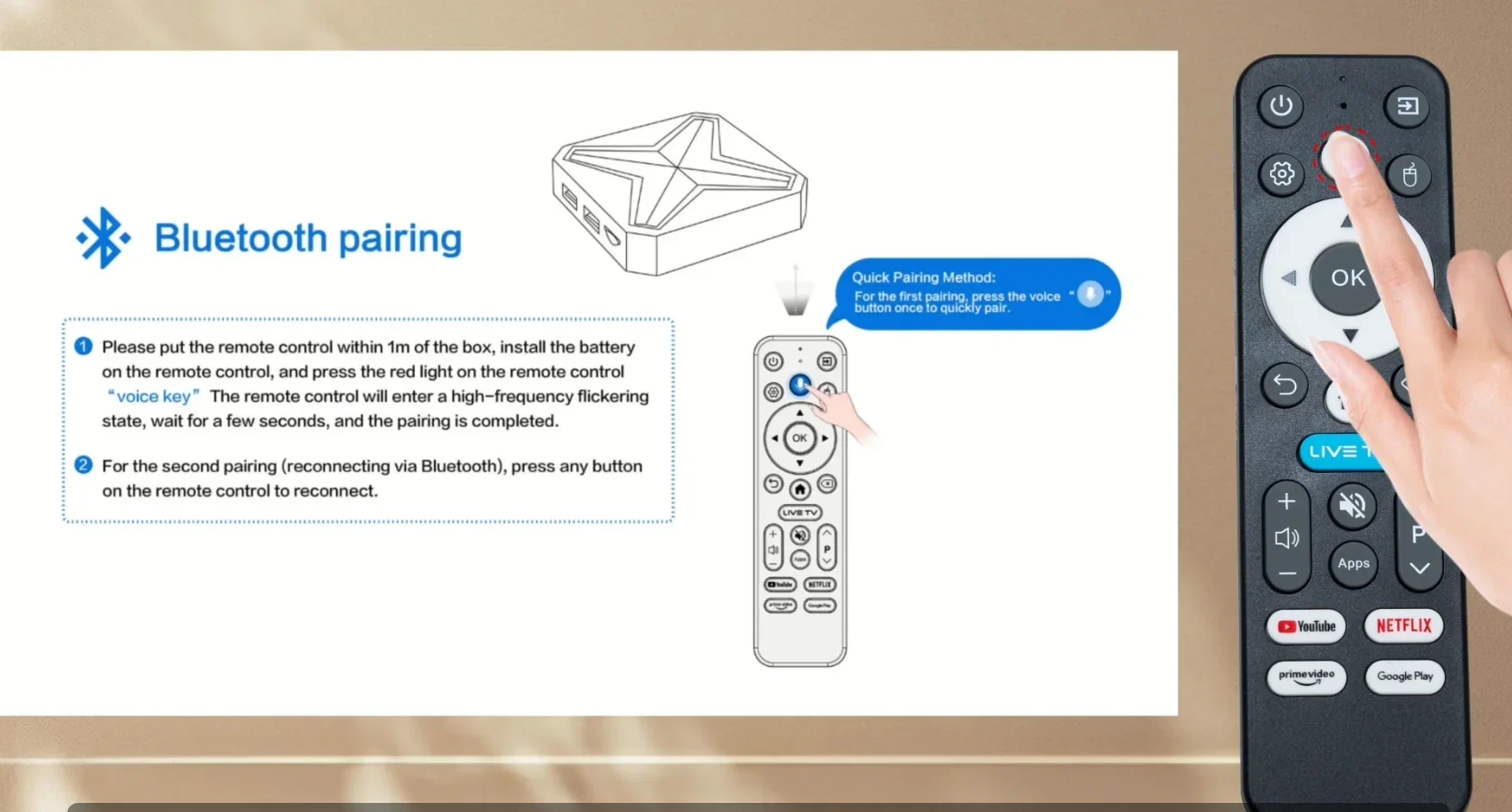
T1+ Supports Dual WiFi, BT 5.4 and USB connections, delivering super fast transfer speeds.
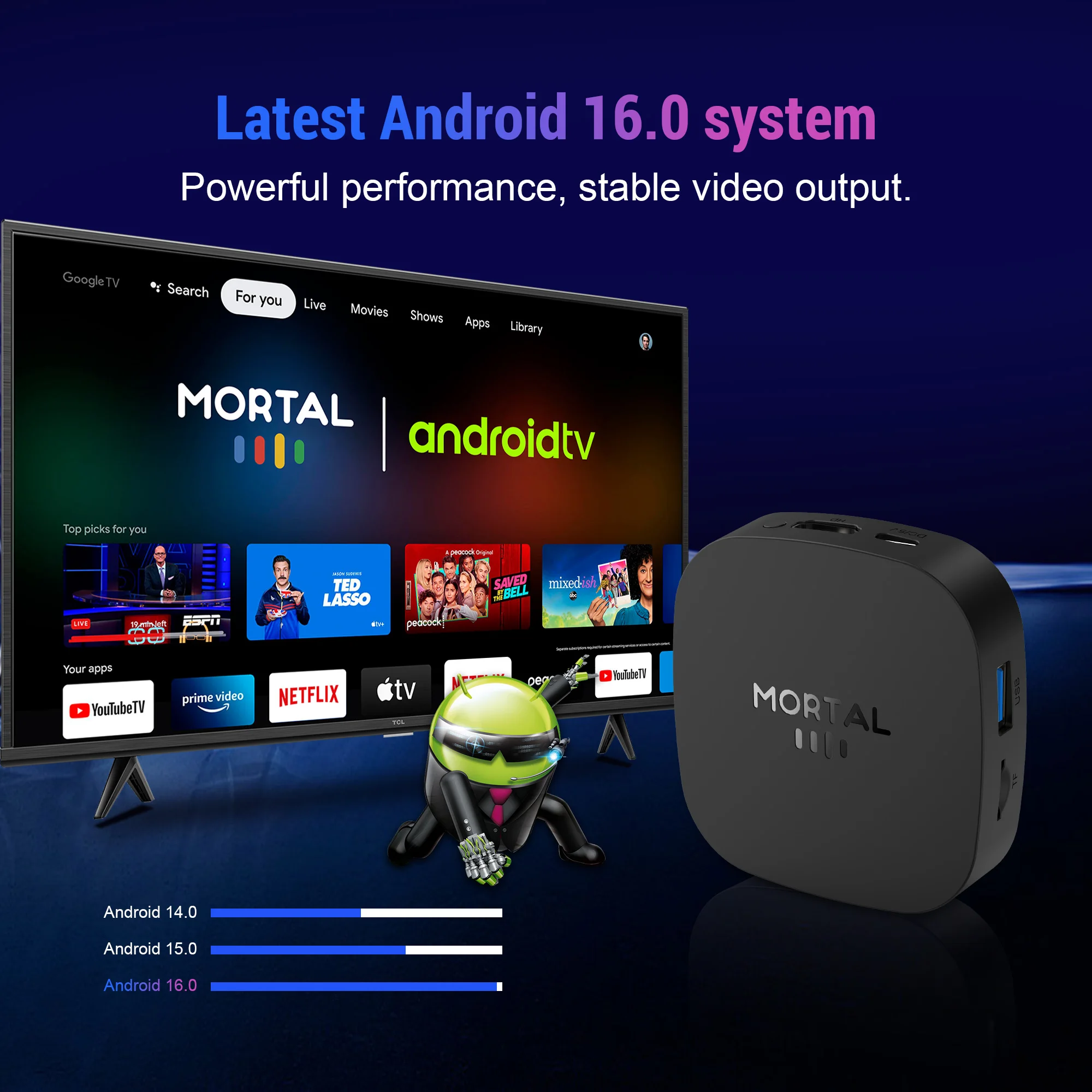
Latest Android 16.0 system
Powerful performance, stable video output.
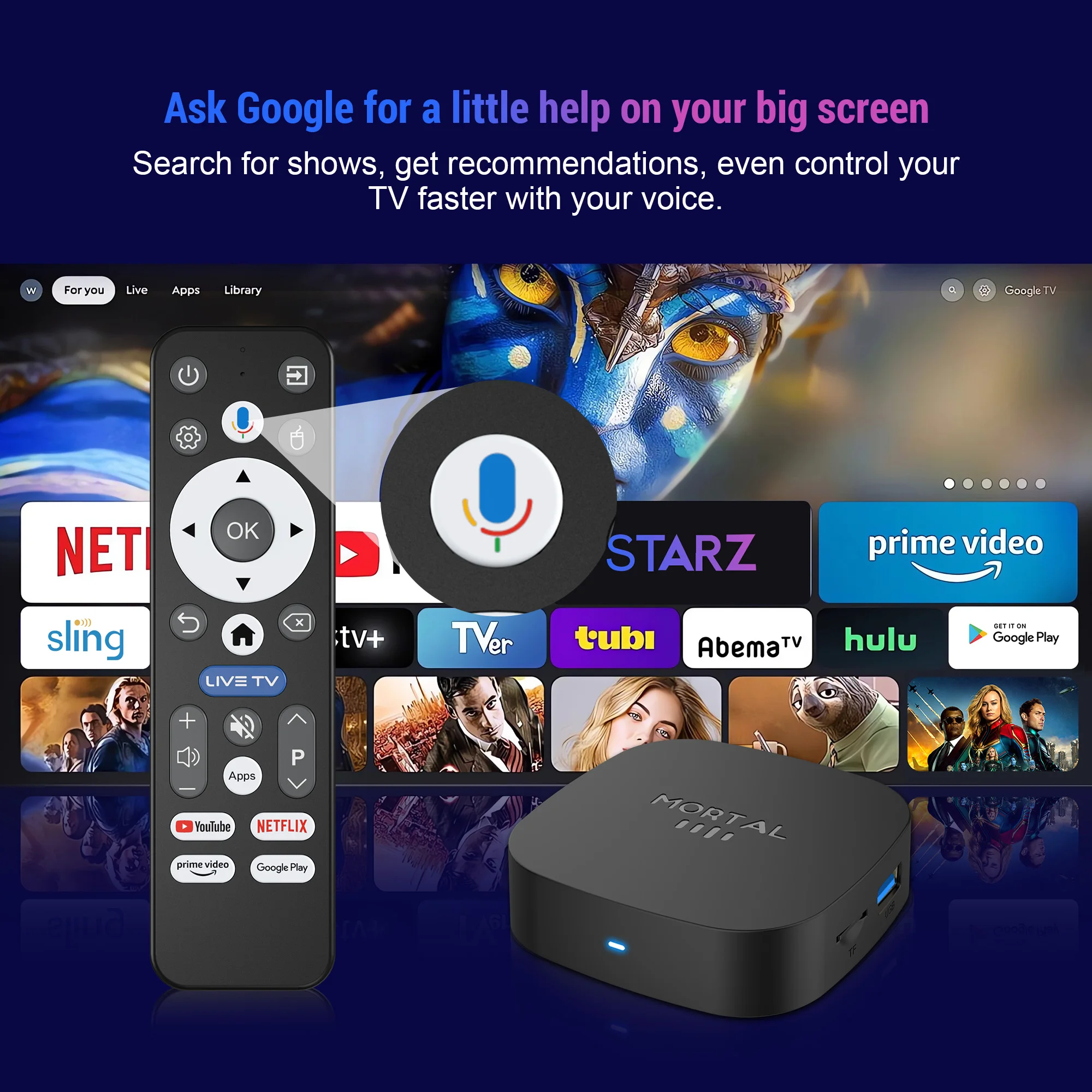
Ask Google for a little help on your big screen
Search for shows, get recommendations, even control your TV faster with your voice
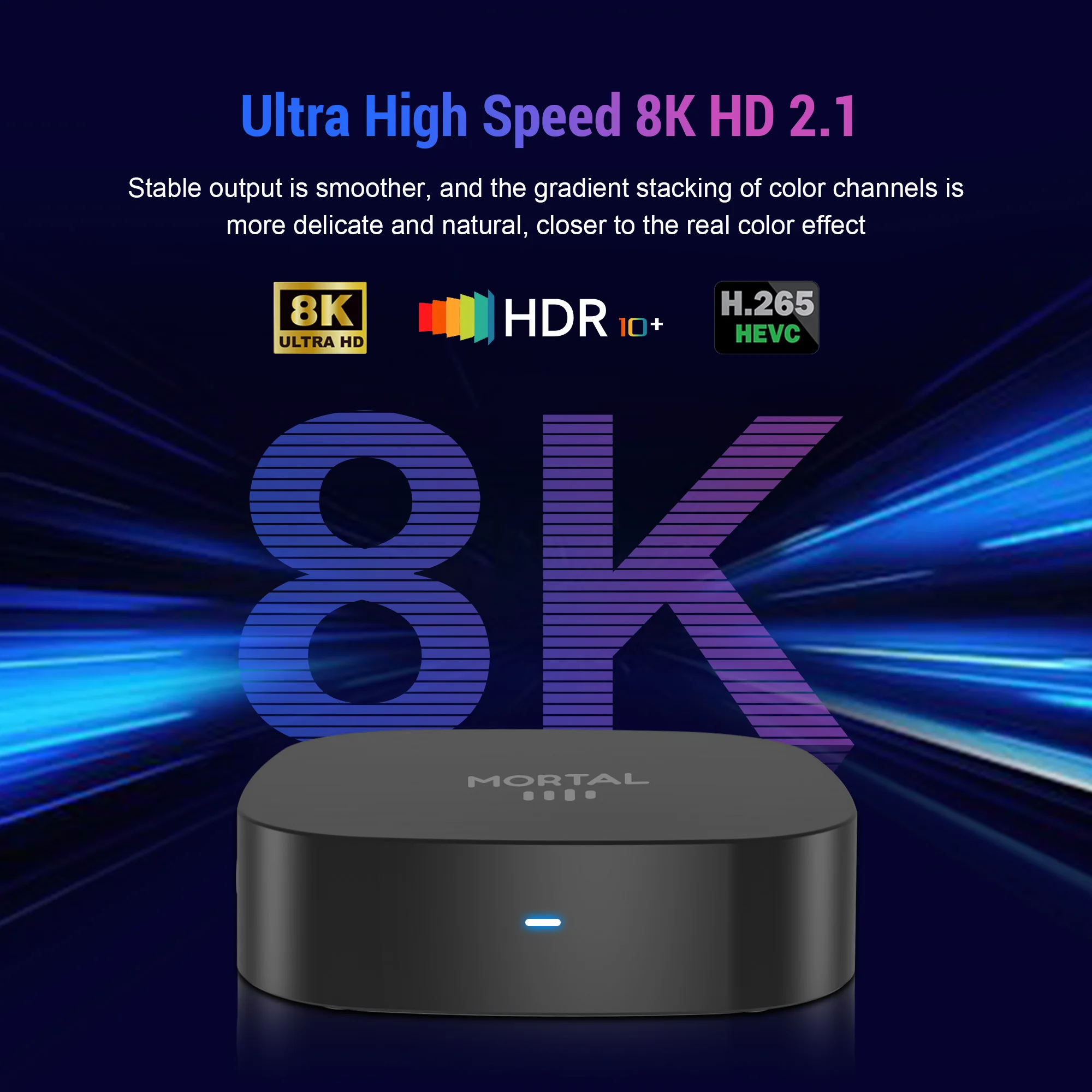
Ultra High Speed 8K HD 2.1
Stable output is smoother, and the gradient stacking of color channels is more delicate and natural , closer to the real color effect.
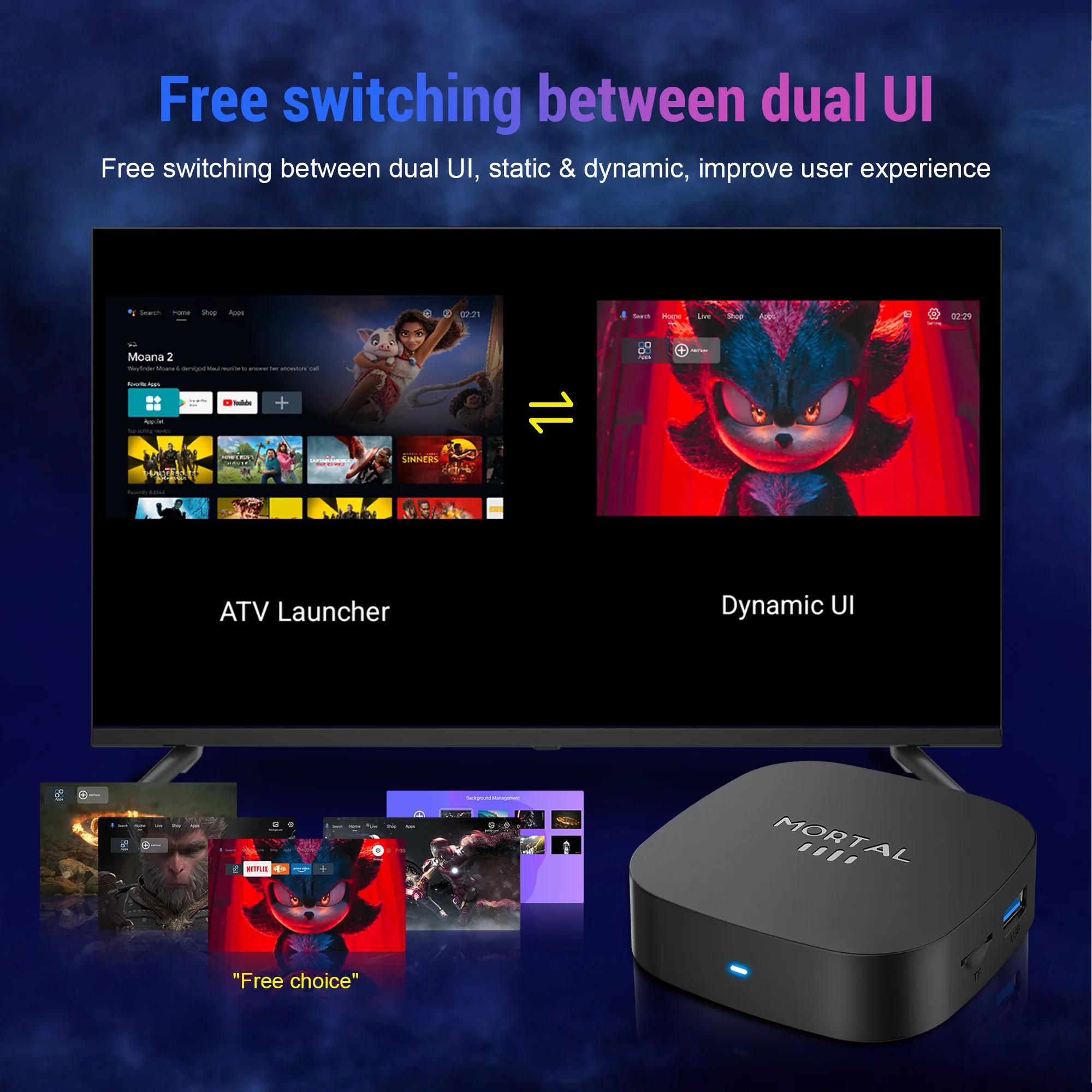
Free switching between dual UI
Free switching between dual UI , static & dynamic, improve user experience.
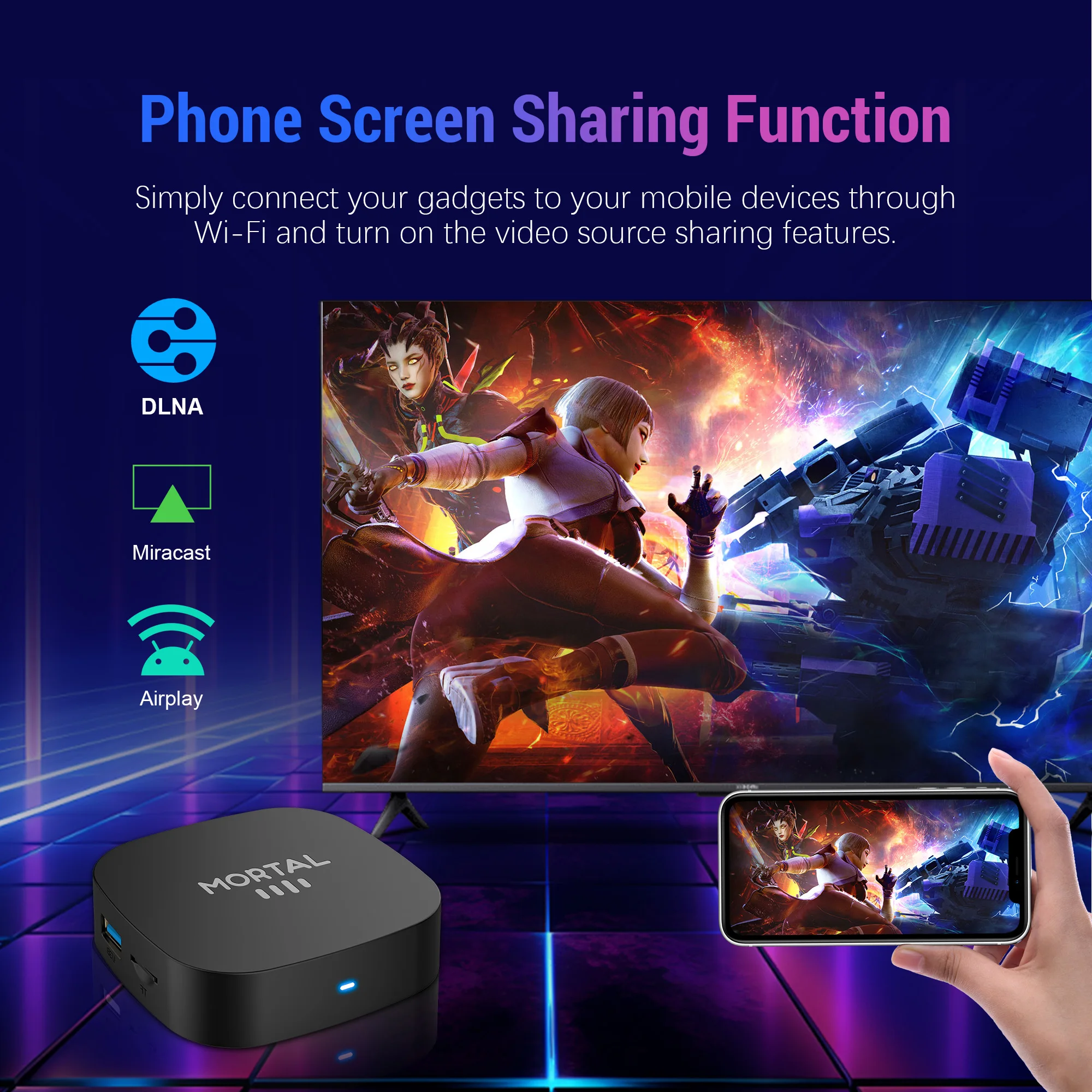
Phone Screen Sharing Function
Simply connect your gadgets to your mobile devious through WIFI and turn on the video source sharing features
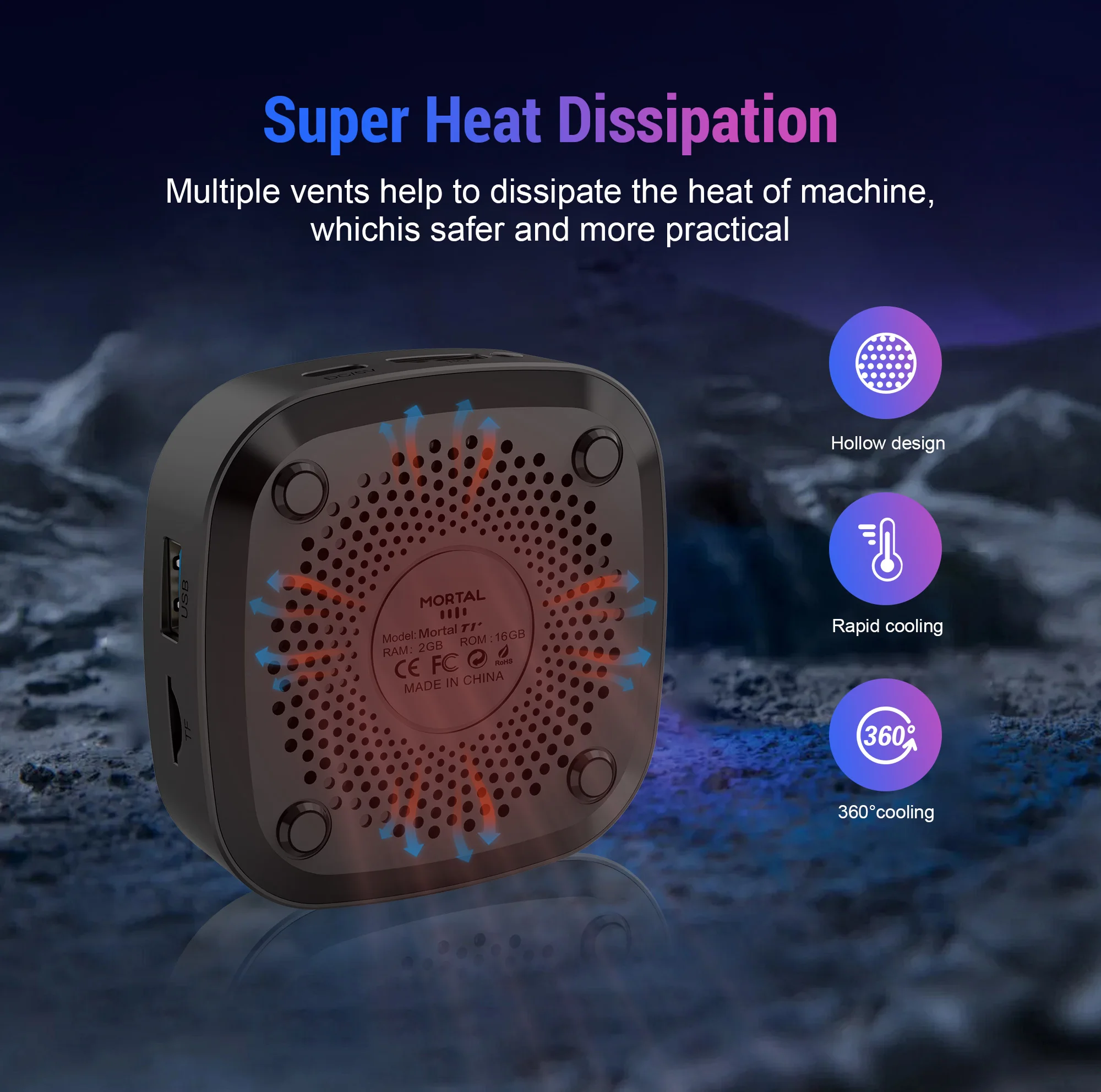
Super Heat Dissipation
Multiple vents help to dissipate the head of machine, which safer and more practical.
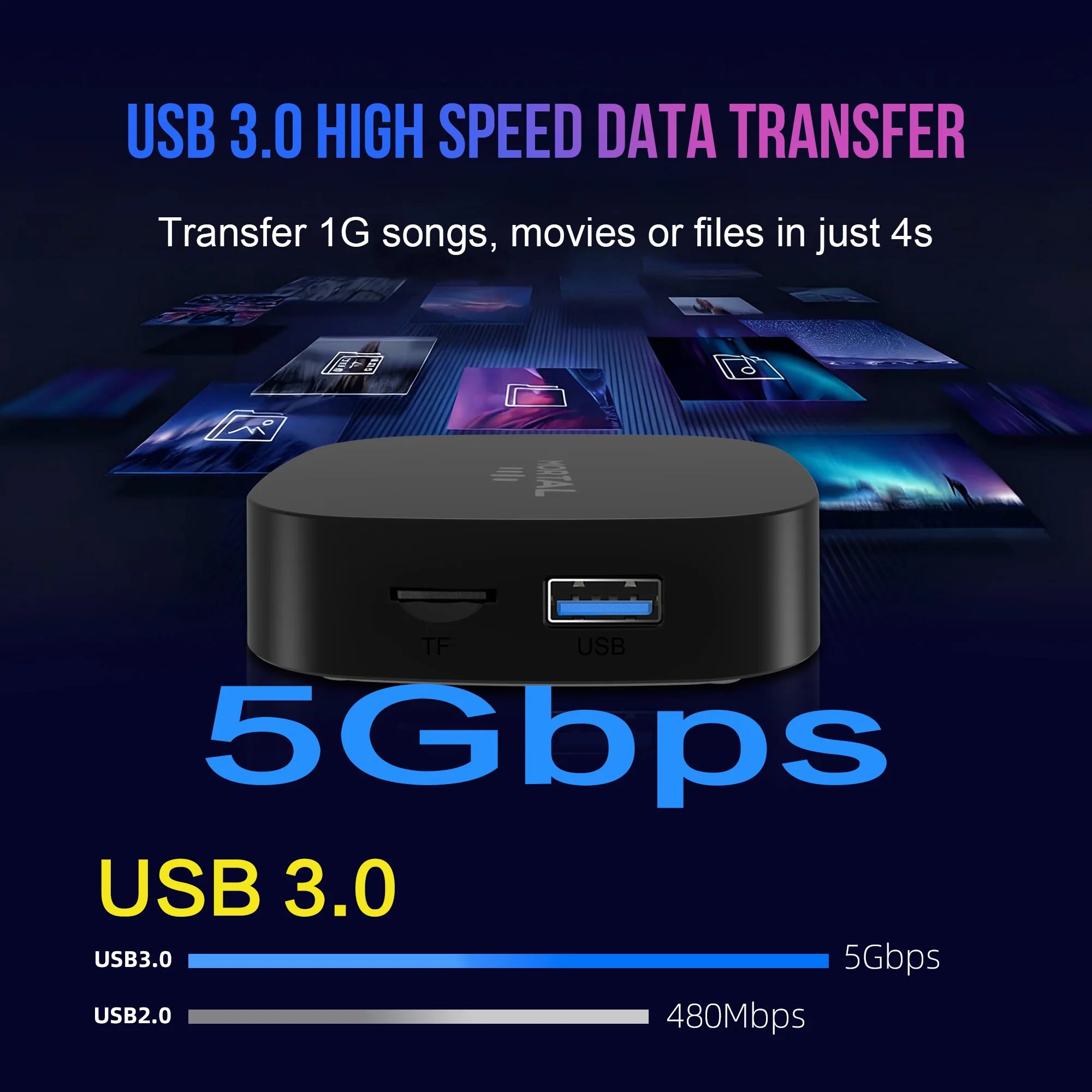
USB 3.0 High Speed Data Transfer
Transfer 1G songs, movies or files in just 4s.
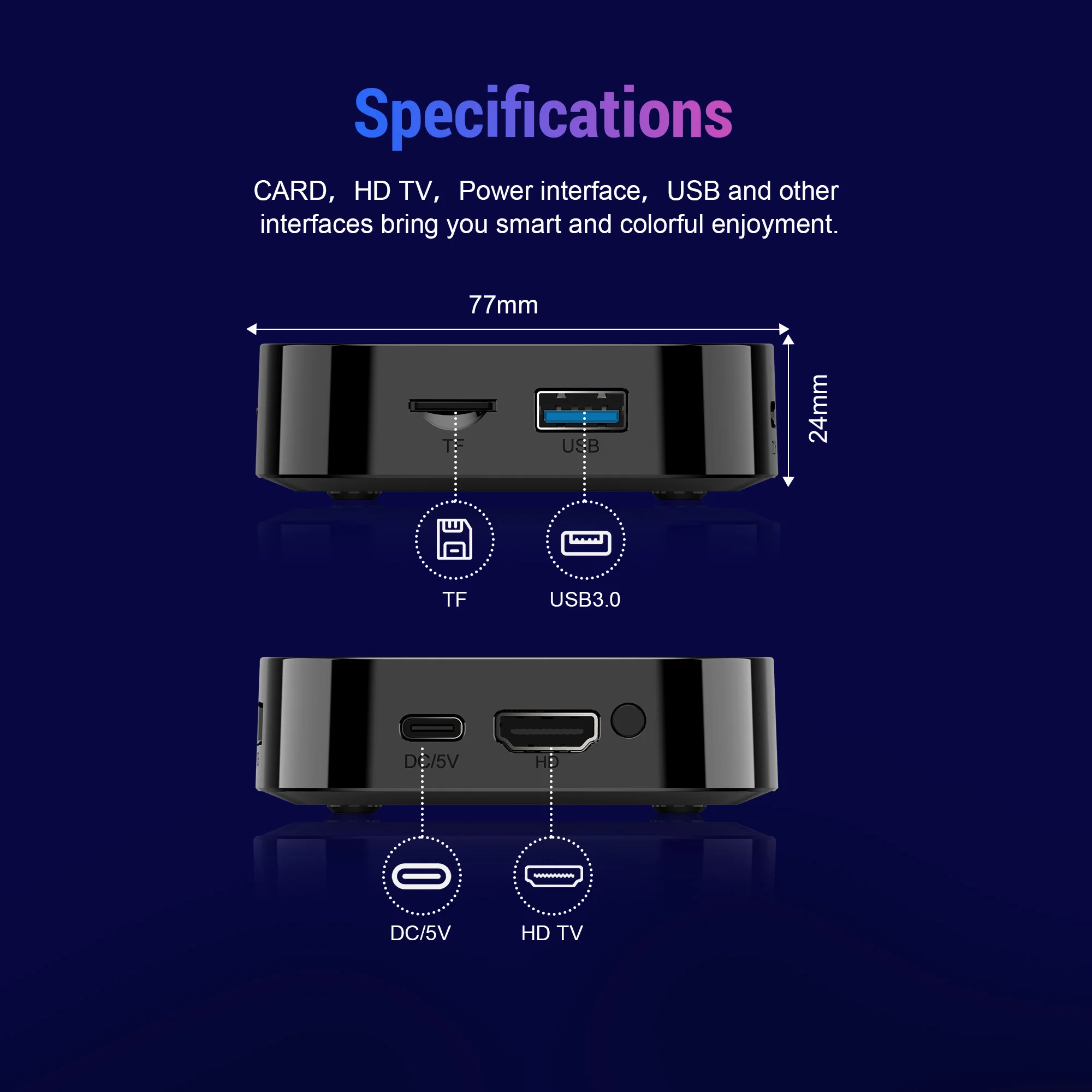
Specifications
CARD,HD TV, power interface, USB and other interfaces bring you smart and colorful enjoyment.
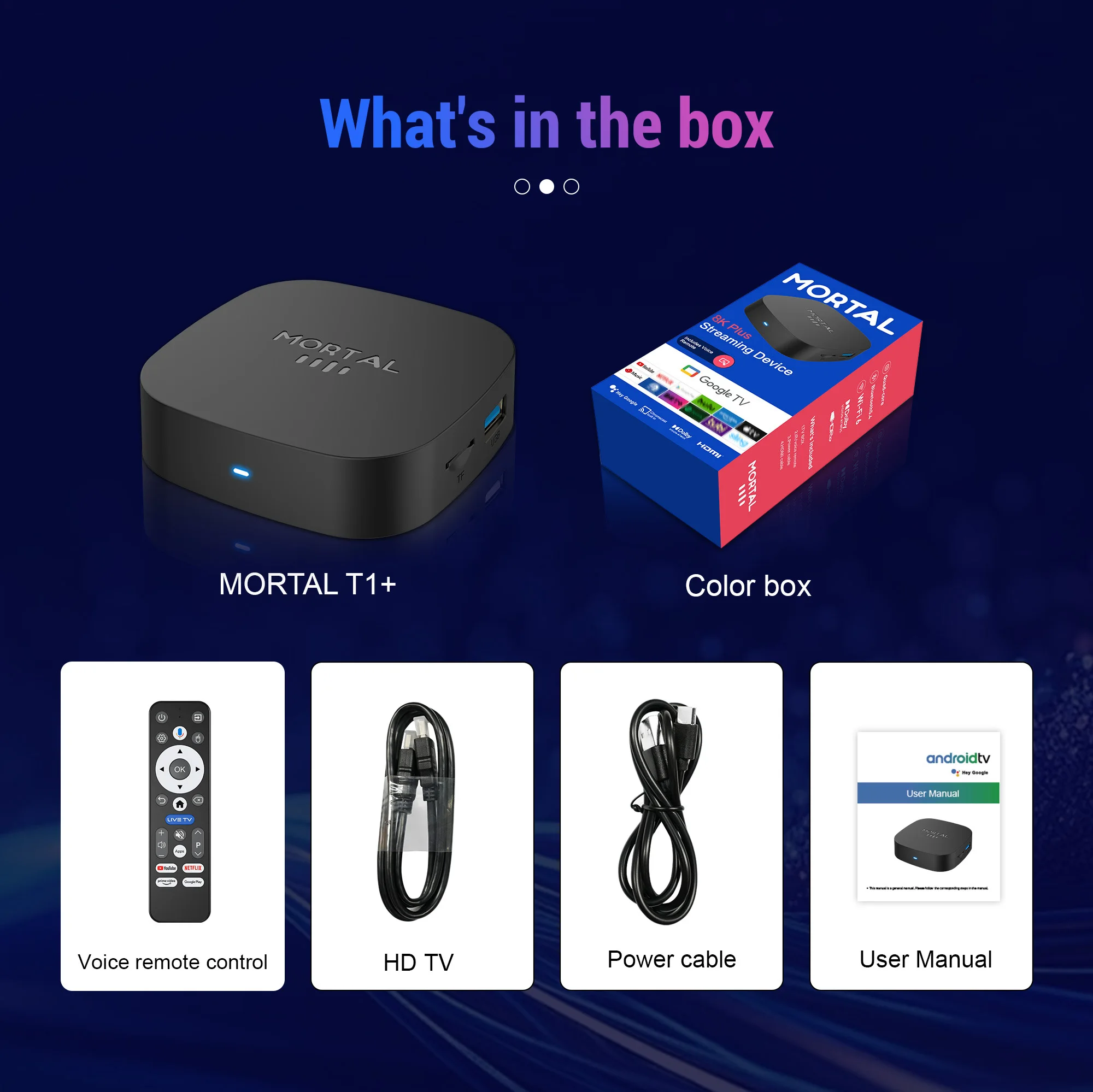
What's in the box
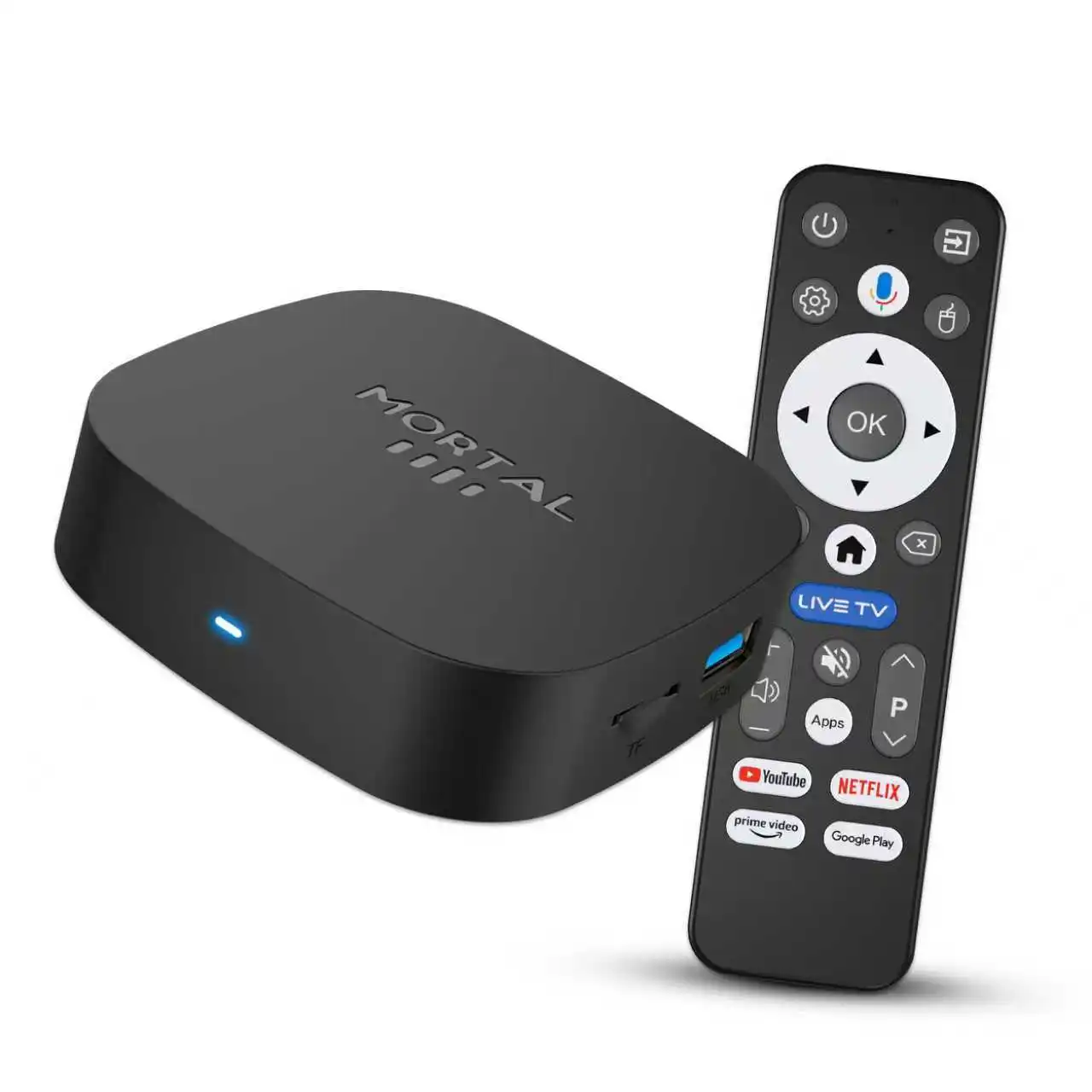
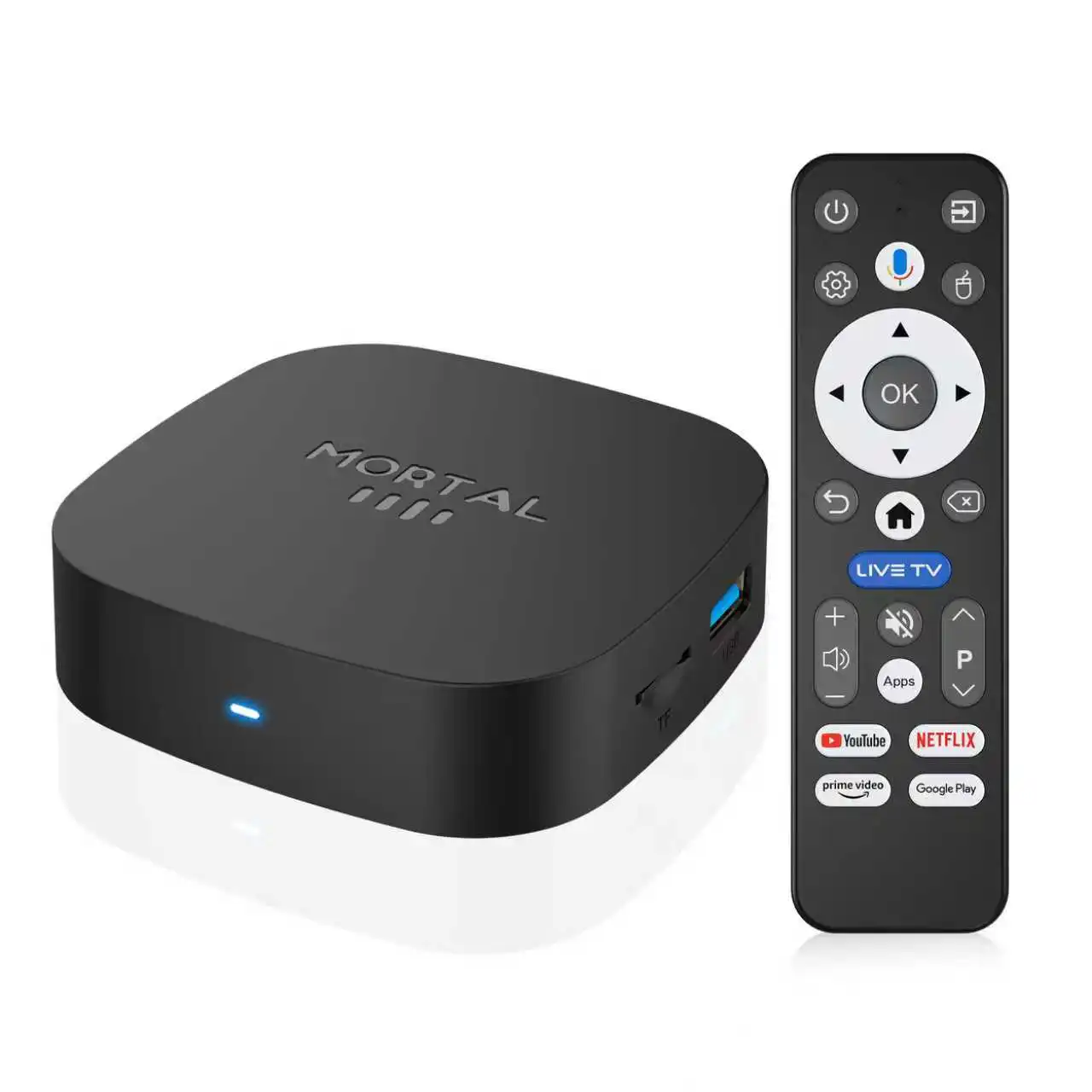
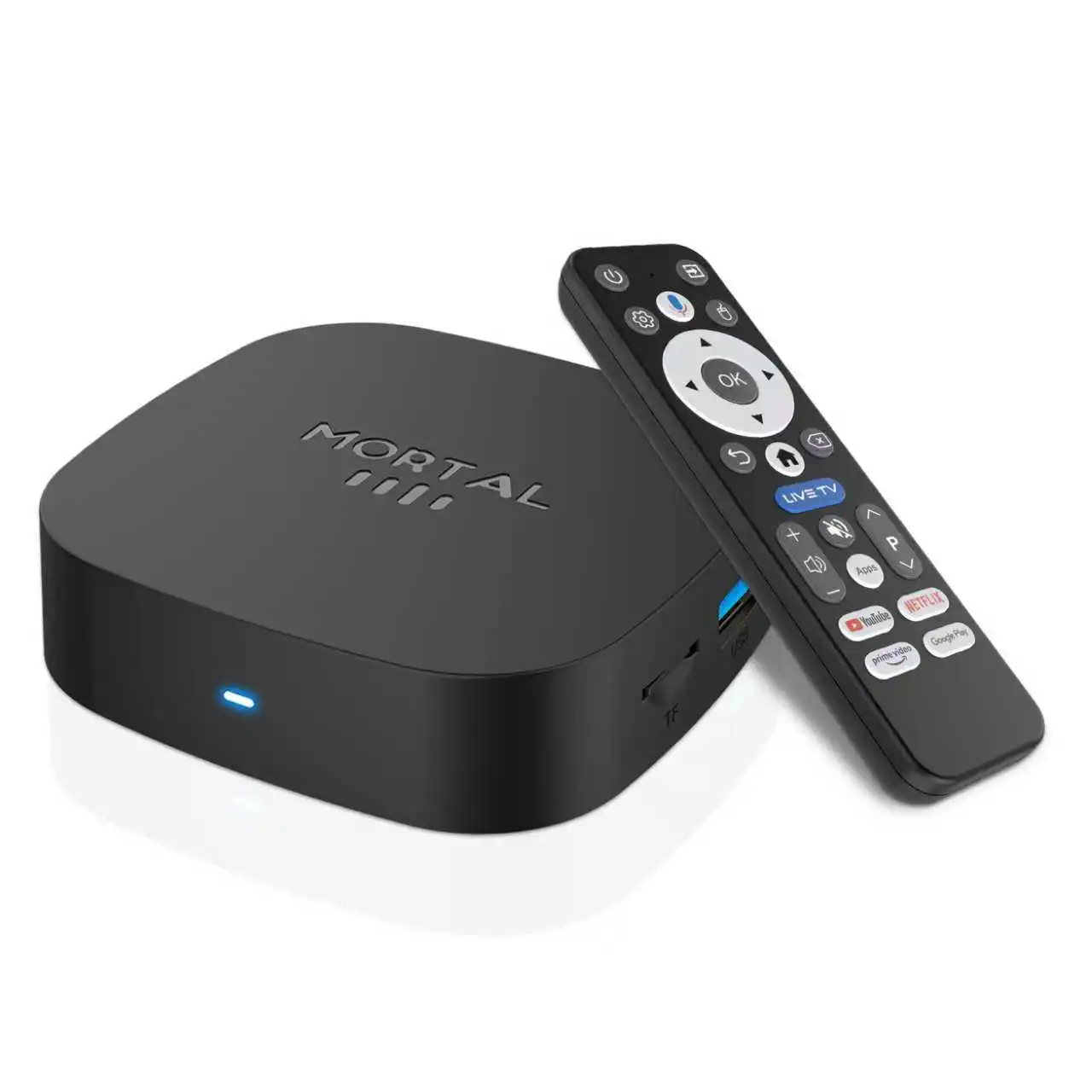
1 x T1+ TV Box
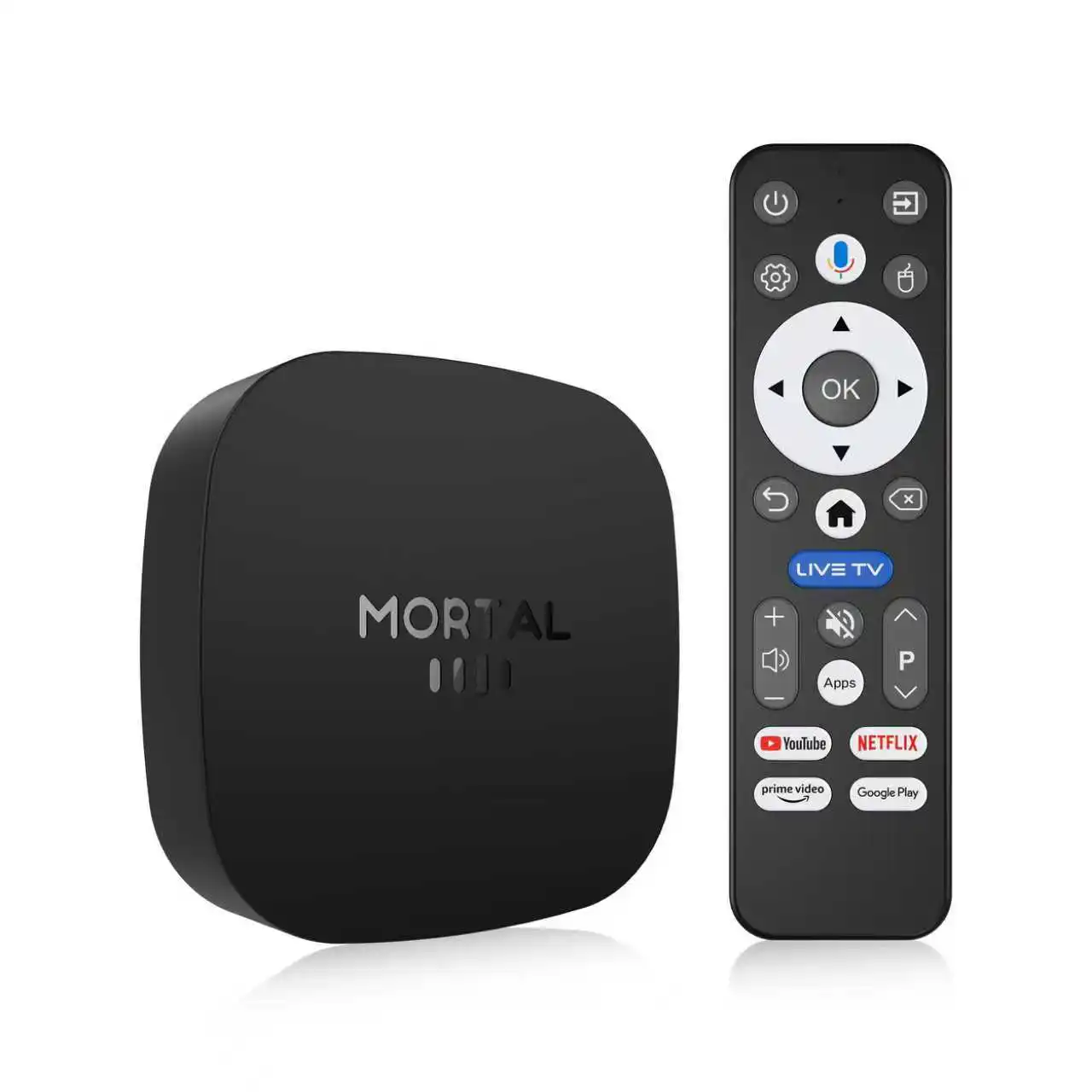
1 x Voice remote control
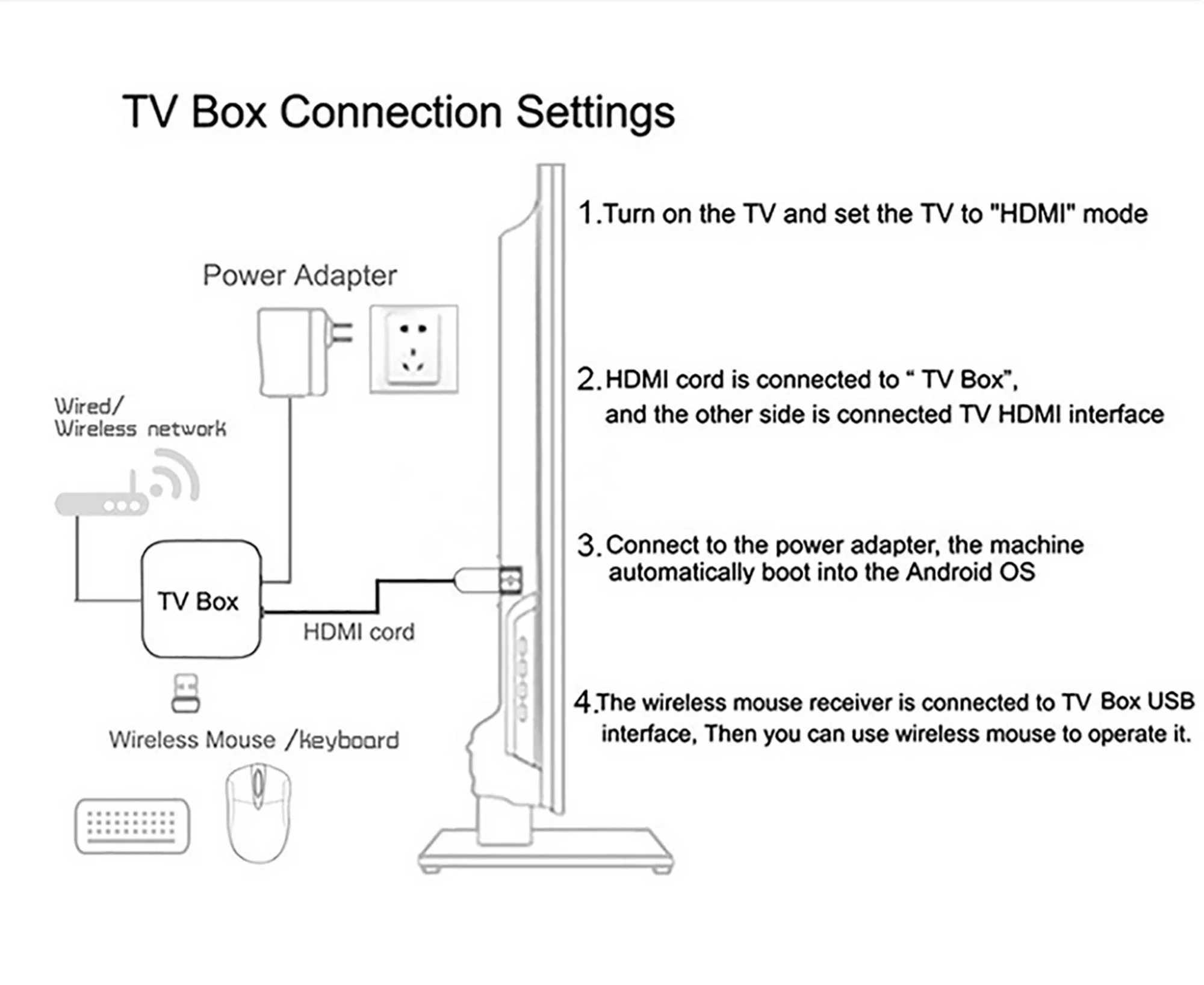
1 x HD cable
1 x Power supply
1 x User's manual
1 x Retail box
Netflix Usage tutorial:
1. After connecting to WiFi, open APPs, find the black Netflix software, and click to open
2. After clicking to open Netflix, the login interface will appear. Click the mouse switch button on the remote control to switch the remote control to mouse mode, and click the login button of the software
3. Click the mouse button again to switch the remote control to remote control mode, enter the account and password to log in
4. Use the mouse mode of the remote control to click the video you want to play