SHIPPING INFORMATION
⚠️ Important Shipping Notice
- The delivery date shown by eBay at checkout is an estimate only, not a guaranteed delivery date.
- Please allow the full "Estimated delivery window" below to pass before considering the order delayed.
- Please message me first instead of opening a "Item not received" case.
• UK: 4–10 business days. Recent delays have ocurred with Royal Mail, so we cannot guarantee 3-day delivery.
• Europe: 1–3 weeks
• USA & Canada: 2–4 weeks
• East Asia (Japan, South Korea, Hong Kong, Singapore): 3–5 weeks
• Australia & New Zealand: 3–6 weeks
• Chile, Uruguay & Costa Rica: 4–6 weeks
If your item has not arrived after the estimated delivery period, please contact me before opening a case so that I can investigate the shipment and assist you.
Items are shipped using economy postal services. Some services may provide limited tracking or delivery confirmation, while others are untracked. Tracked shipping may be available as an upgrade at checkout. Delivery times are estimates and may be affected by customs, local postal services, or public holidays.
CUSTOMS & IMPORT CHARGES
For UK and European orders: there are no additional customs duties, import taxes or fees to pay upon delivery. Any applicable VAT or other charges are calculated and collected by eBay at checkout.
For orders outside the UK and Europe: import duties, taxes or customs fees may apply depending on the destination country. Any such charges are the buyer's responsibility unless otherwise stated at checkout.
COMBINE SHIPPING
If you want to order several products, aditional items have free shipping!
It is not necessary to glue this model, as it should fit in place by pressure. However, if desired, it can be glued. If you decide to glue it, we recommend using the glue typically used to repair bicycle inner tube patches. T8000 glue is also valid. Other types of glue are not recommended, although they may be useful in certain situations. For example, we do not recommend epoxy, cyanoacrylate (superglue), model glue, or others due to their difficulty of use.
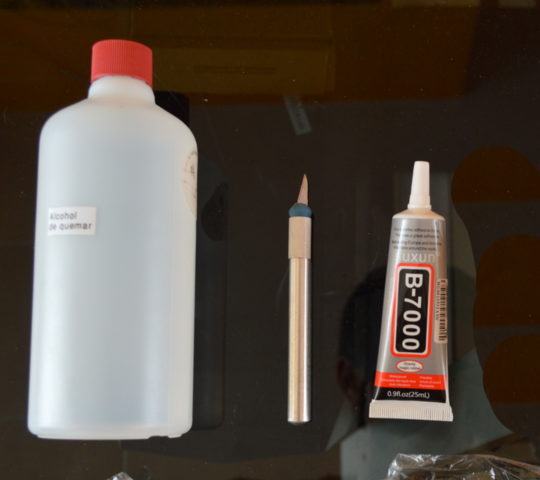
ToolsYou will need: scalpel, glue (optional), alcohol (optional).
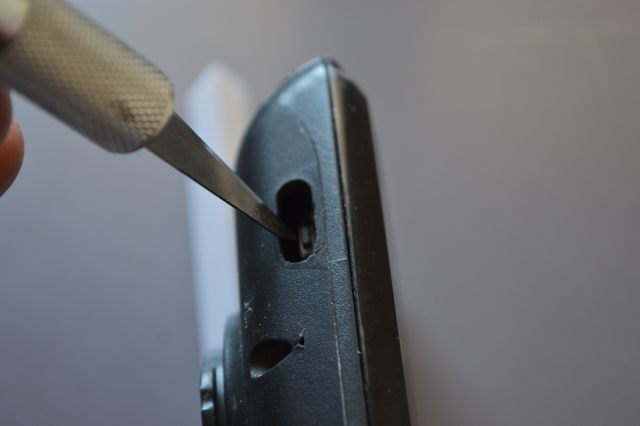
Cut the old rubber where the new button will go using the scalpel.
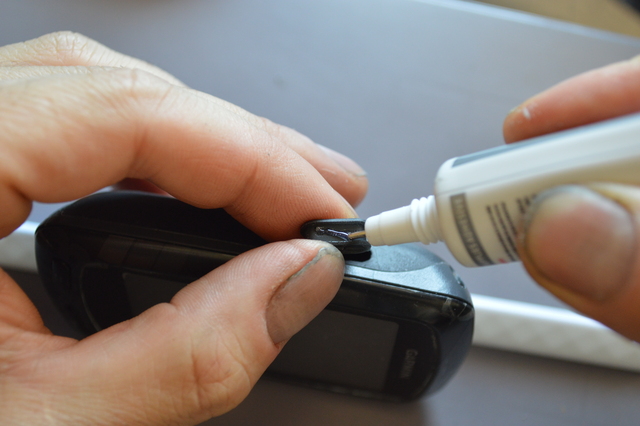
Although using glue is recommended to improve sealing, it is optional, as the button will hold by itself. If you use glue, first clean both the button surface and the hole edges with alcohol to ensure proper adhesion. Then apply glue around the edges of the hole on the GPS.
Make sure the orientation is correct when placing the buttons. In this case, you will see the text ‘THIS SIDE UP’, which should face upward, with the GPS screen also facing up. If the button does not fit properly, please check the orientation, and if it still doesn’t fit, remove and reposition it until it fits perfectly.
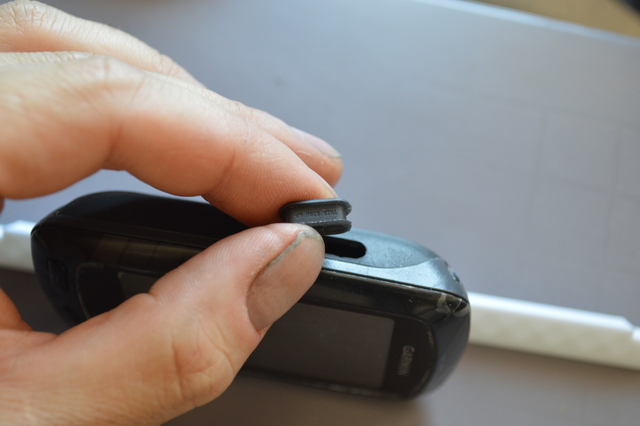
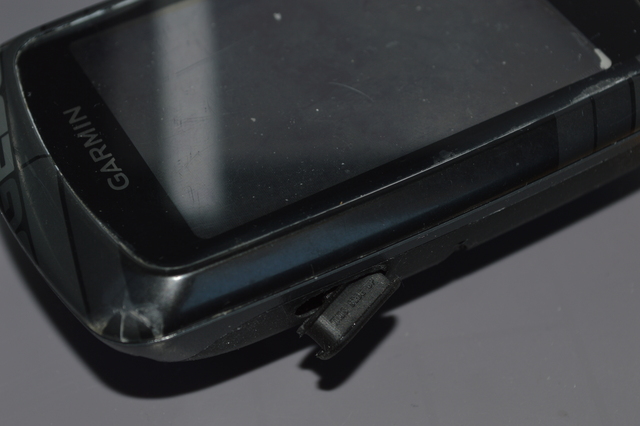
Place the new button. As it is flexible, it will be easy to insert.
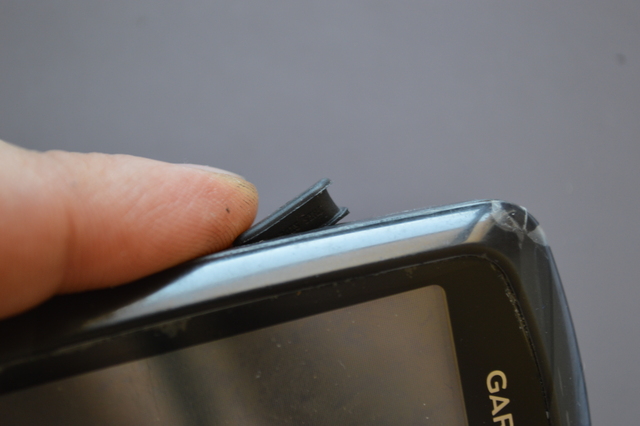
Let dry for 24 hours if glue was used.
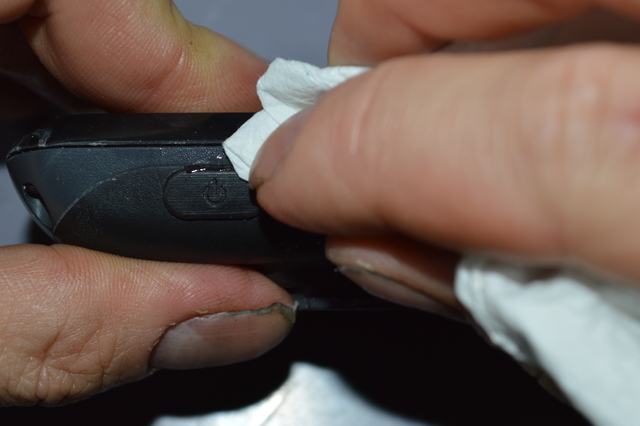
Remove excess glueIf there is excess glue, remove it with a tissue soaked in alcohol.