For international customer please note: ( Non-international buyers please ignore )
a) Import duties, taxes and charges are the buyer’s responsibility. It is not include in the price.
b) Before you buy Please check with your post office to know if the additional fee will more than you expect.
NOTE
Provide Your brand, model, year, function to customer service before buying, otherwise you may buy the wrong product.
If you have any questions, Lisa will help you solve them, please contact her from ebay message.It is better than open the return request.
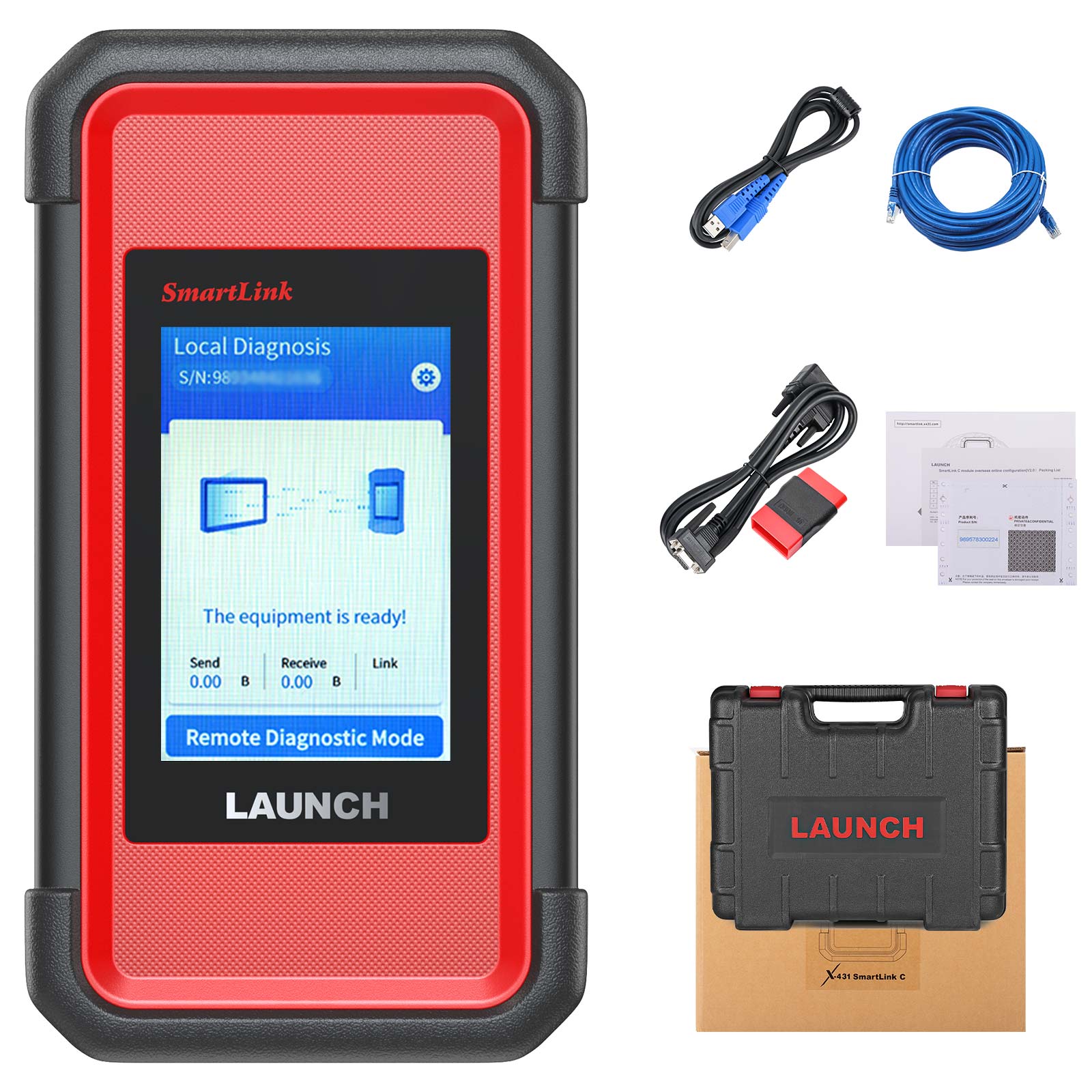
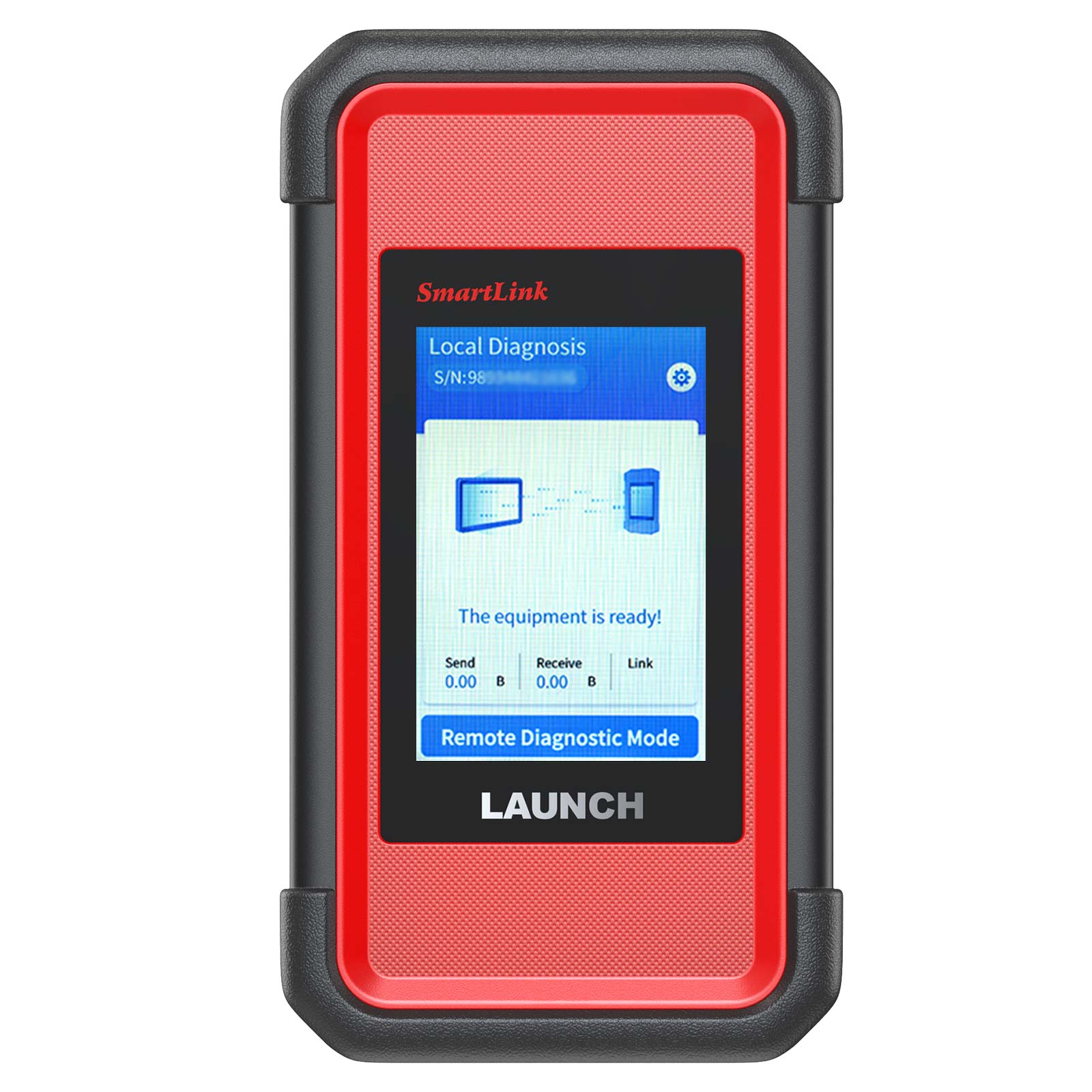
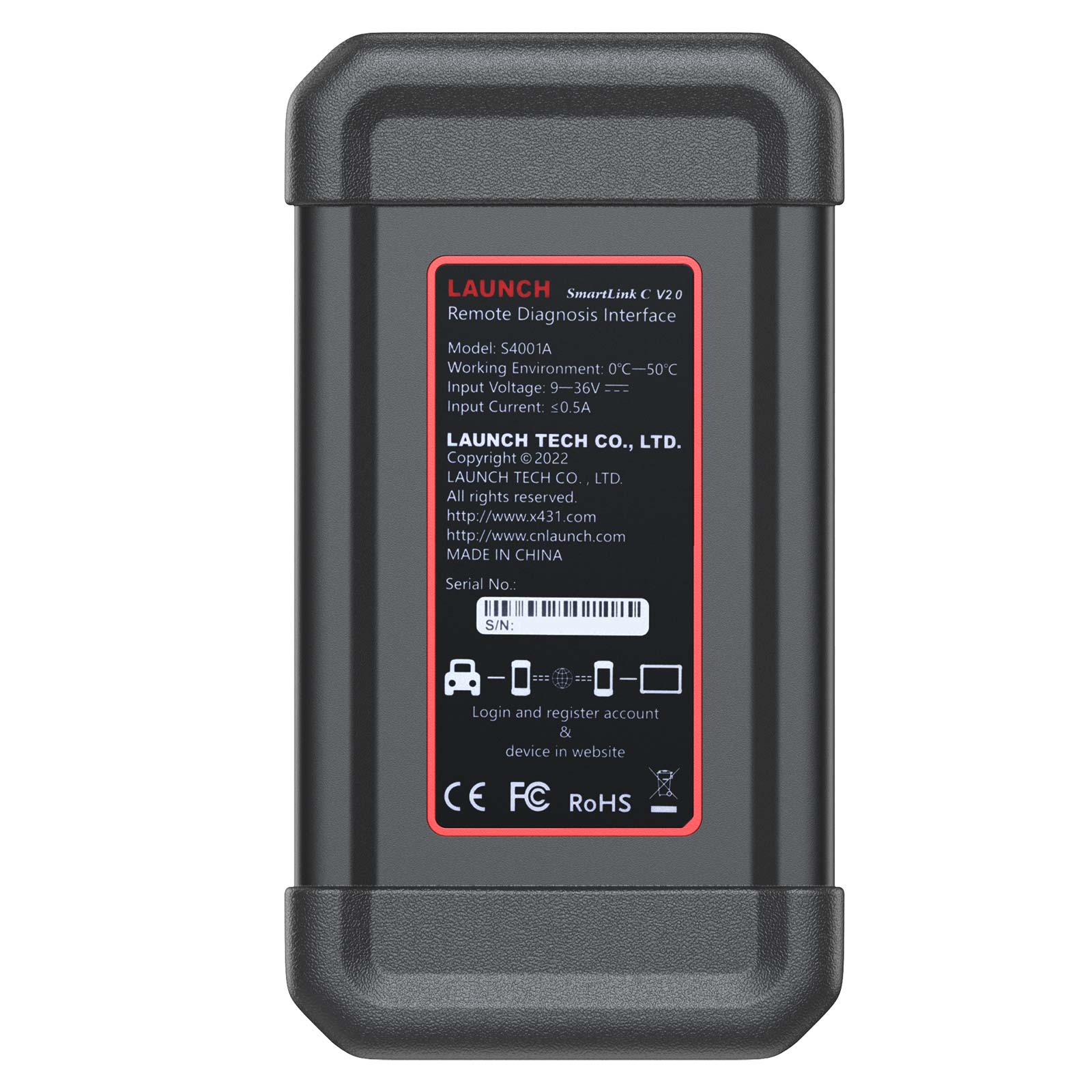
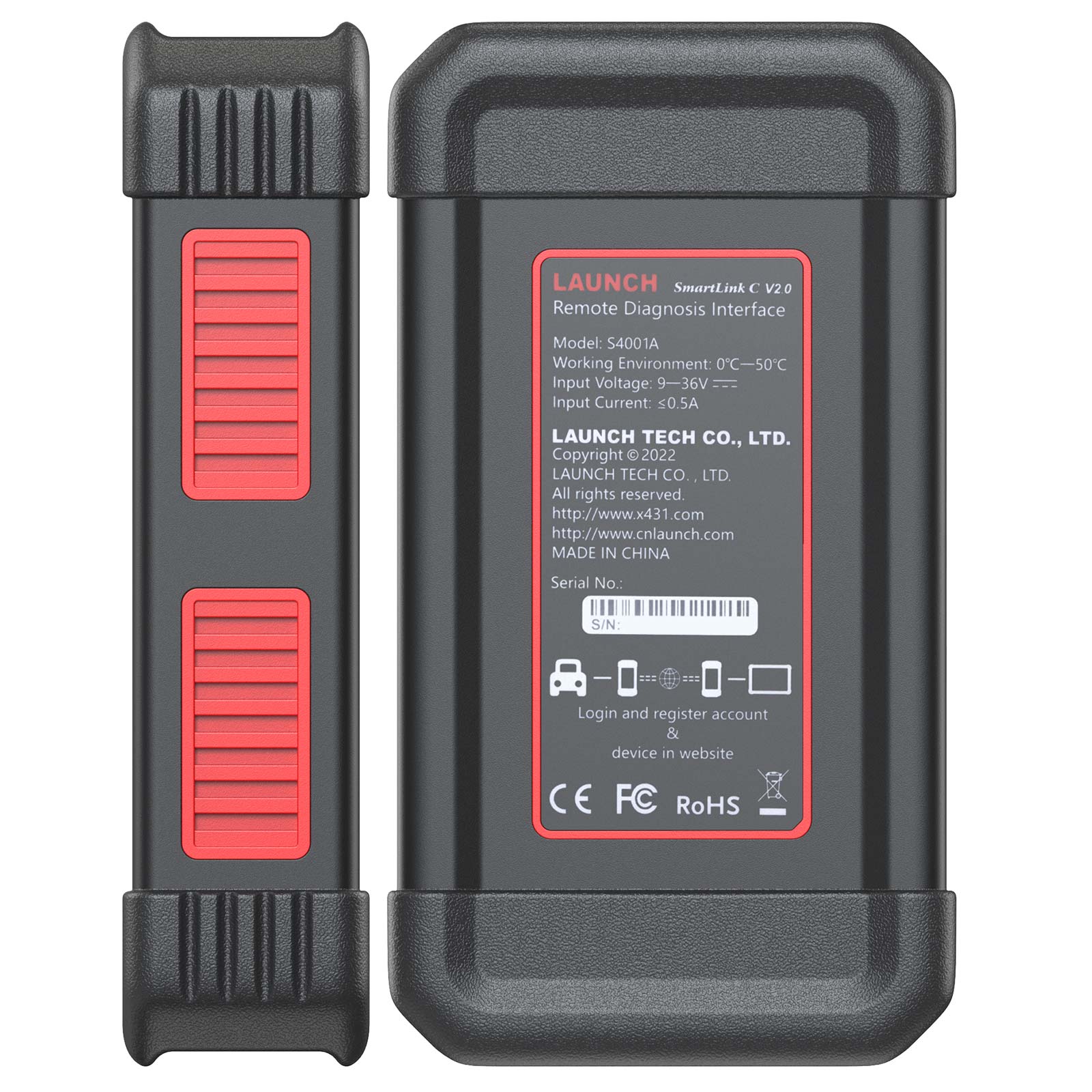
Launch SmartLink C V2.0 Remote Diagnosis Device
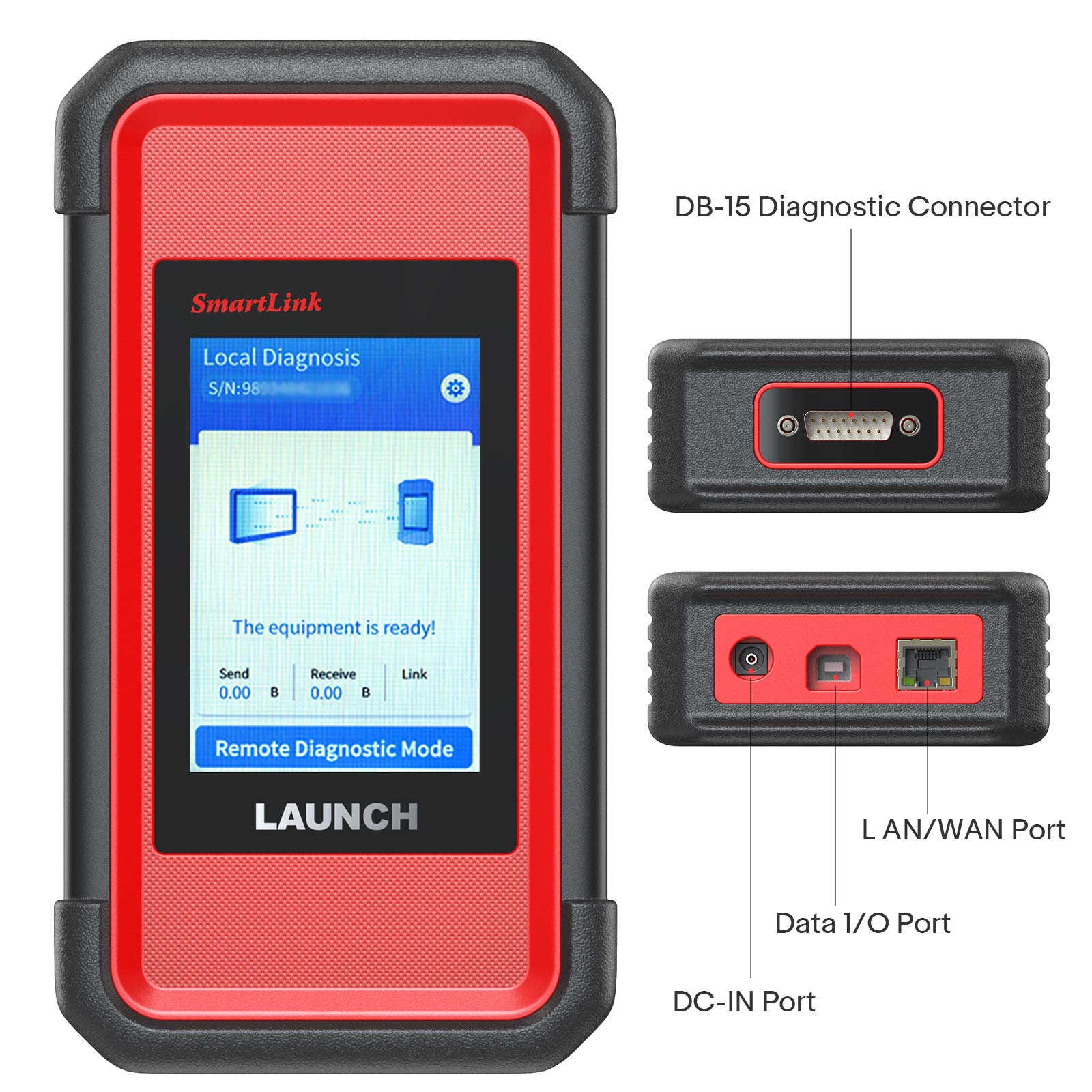
The SmartLink Remote Diagnostics System is a newly developed powerful service system dedicated to remote vehicle diagnosis and service. In this system, SmartLink B (Business), as a SmartLink Service Provider, can accept remote repair orders issued by SmartLink C users via SmartLink Service Platform.
Launch X431 SmartLink C Features:
Requires Activation card.
SRDs SmartLink:
Super Remote Diagnosis Solution:
SRDs is comprised of SmartLink C, SmartLink B and Cloud Platform.
The SmartLink C can be connected to the vehicle, and the SmartLink B can be connected with any diagnostic device.
The remote diagnosis will be carried out on the SmartLink platform.
Launch X431 SmartLink C Technical Parameters

Launch X431 SmartLink C Service Platform:
SmartLink Platform is used to pair the connection between SmartLink C and SmartLink B operated with the internet browser.
SmartLink C user can post the remote diagnosis request on this platform. SmartLink B user can see the requests from their clients and accept the request to do the remote diagnosis.
How Does the LAUNCH SMARTLINK REMOTE DIAGNOSIS WORK?
This picture may help you better understand the complete procedure of the Smartlink remote diagnosis.
Steps for SmartLink C Activation: 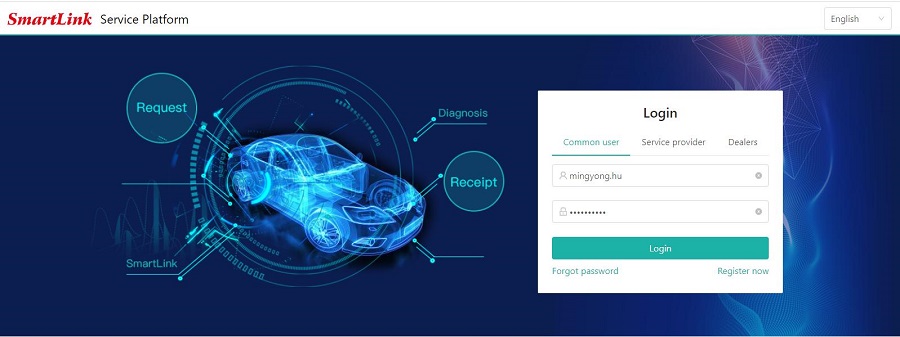
2. Select user type.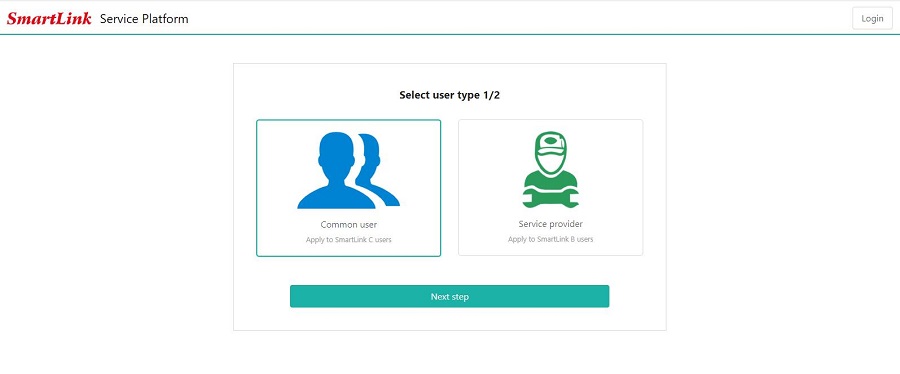
3. Fill in the registration information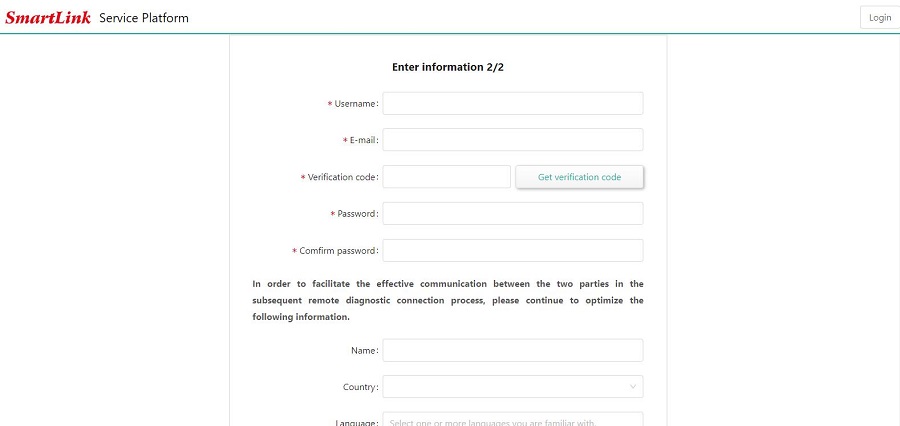
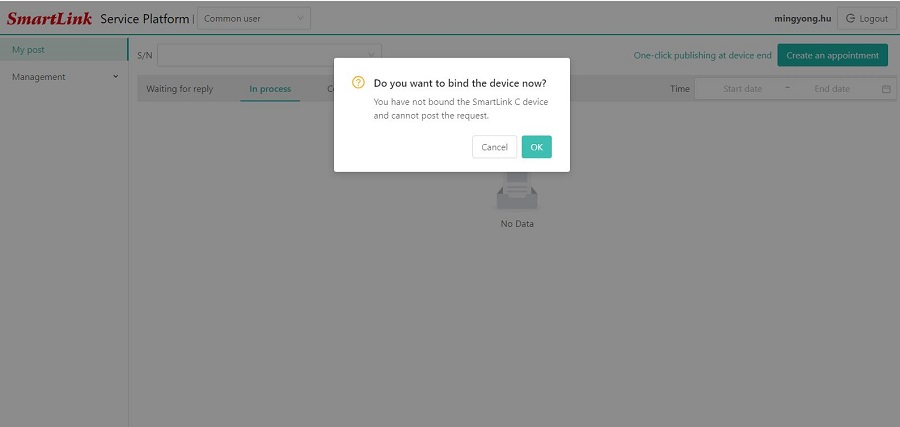
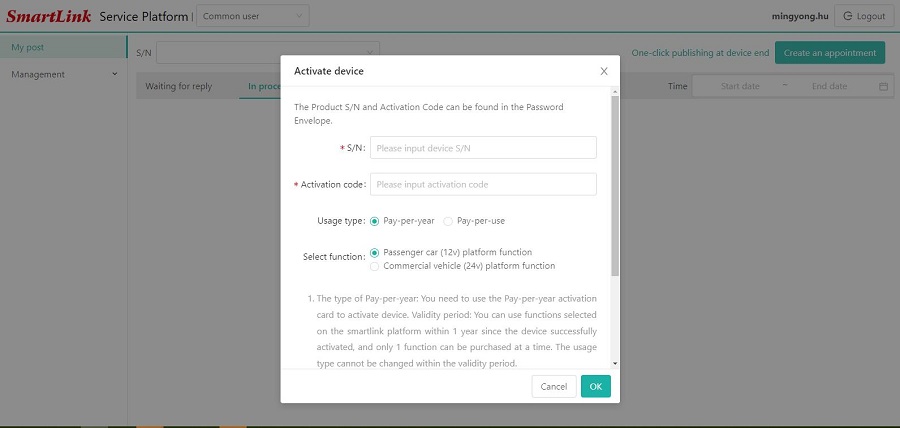
5. Enter the card number and password of the Smartlink C activation card.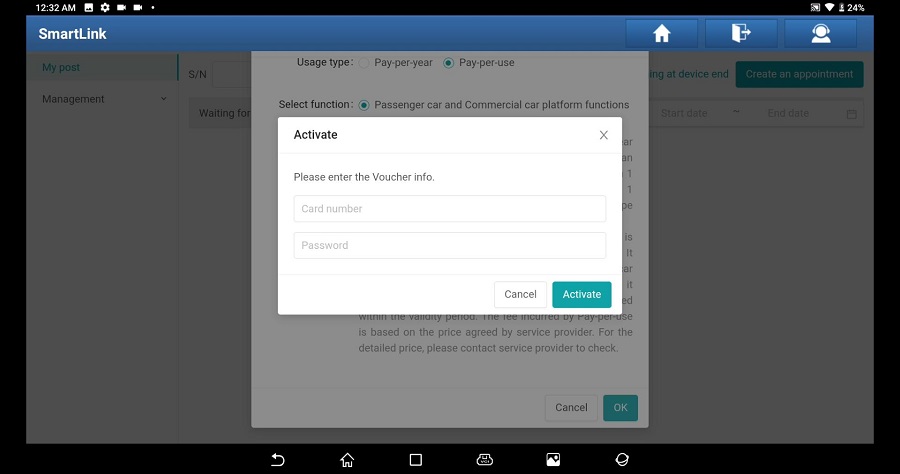
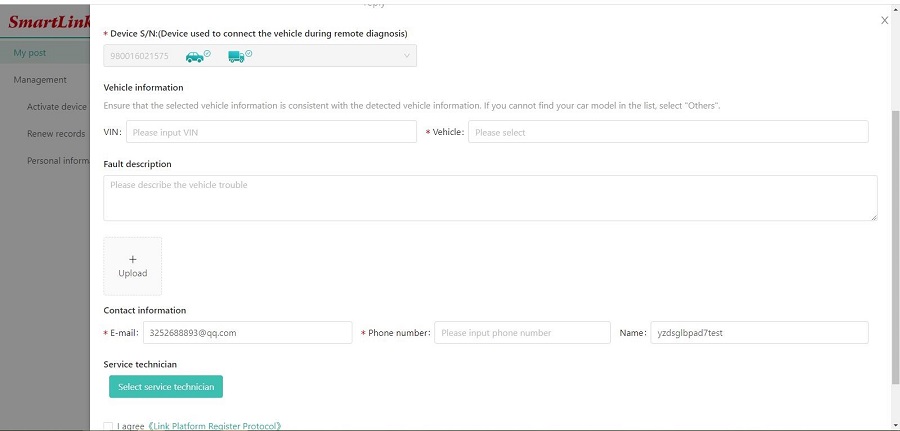
7. When choosing service technician, try to choose a service provider that you are familiar with.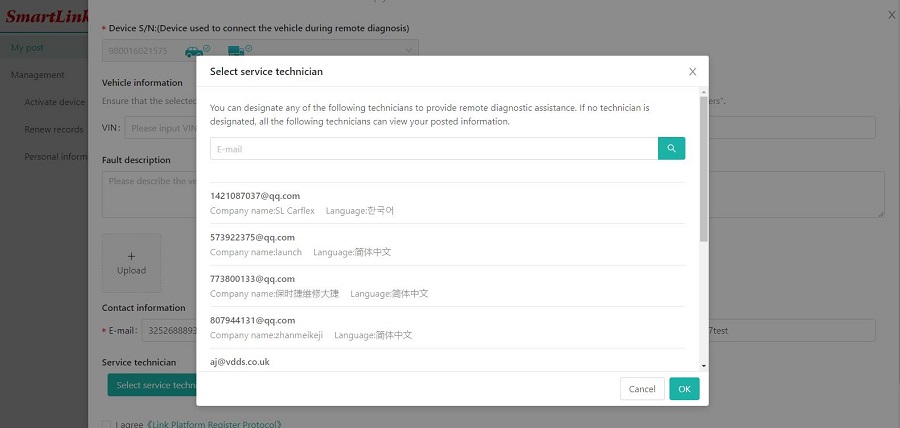
8. Wait for the service provider to contact you to negotiate the processing time, etc.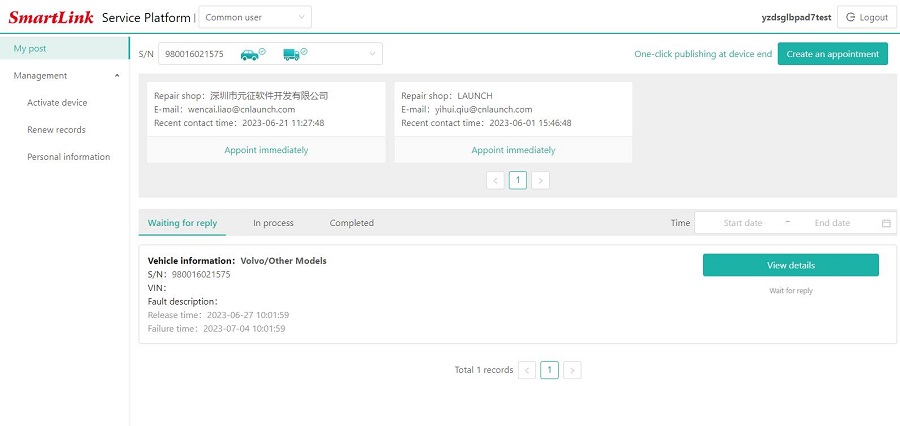
Product Specifications:Parameters SmartLink C Display Screen 3.97-Inch single-touch screen, 320*480 Working Voltage DC 9V ~ 36V Communication Method Local diagnostic mode: WIFI/USB
Remote diagnostic mode: Ethernet/WIFIWi-Fi Support 2.4G/5G dual band USB Type B USB 2.0 Storage 8GB Memory 256M Power Consumption < 6W Working Temperature -10℃ ~ 50℃ Dimension (length*width*height) 204mm x 110mm x 45mm
 ,E-Check will be held until cleared.