ORION GOLD SCALPER V4.3 MT4 1428+ with set file (this product includes the latest version)
ORION GOLD SCALPER is a high-frequency trading (HFT) Expert Advisor (EA) expertly crafted for the MetaTrader 4 (MT4) platform, designed to optimize scalping in the forex market. By targeting quick profits from fast price fluctuations, Orion EA Scalper brings precision and efficiency to your trading. Equipped with advanced stop-loss (SL) and take-profit (TP) features, it enhances both risk management and profitability.
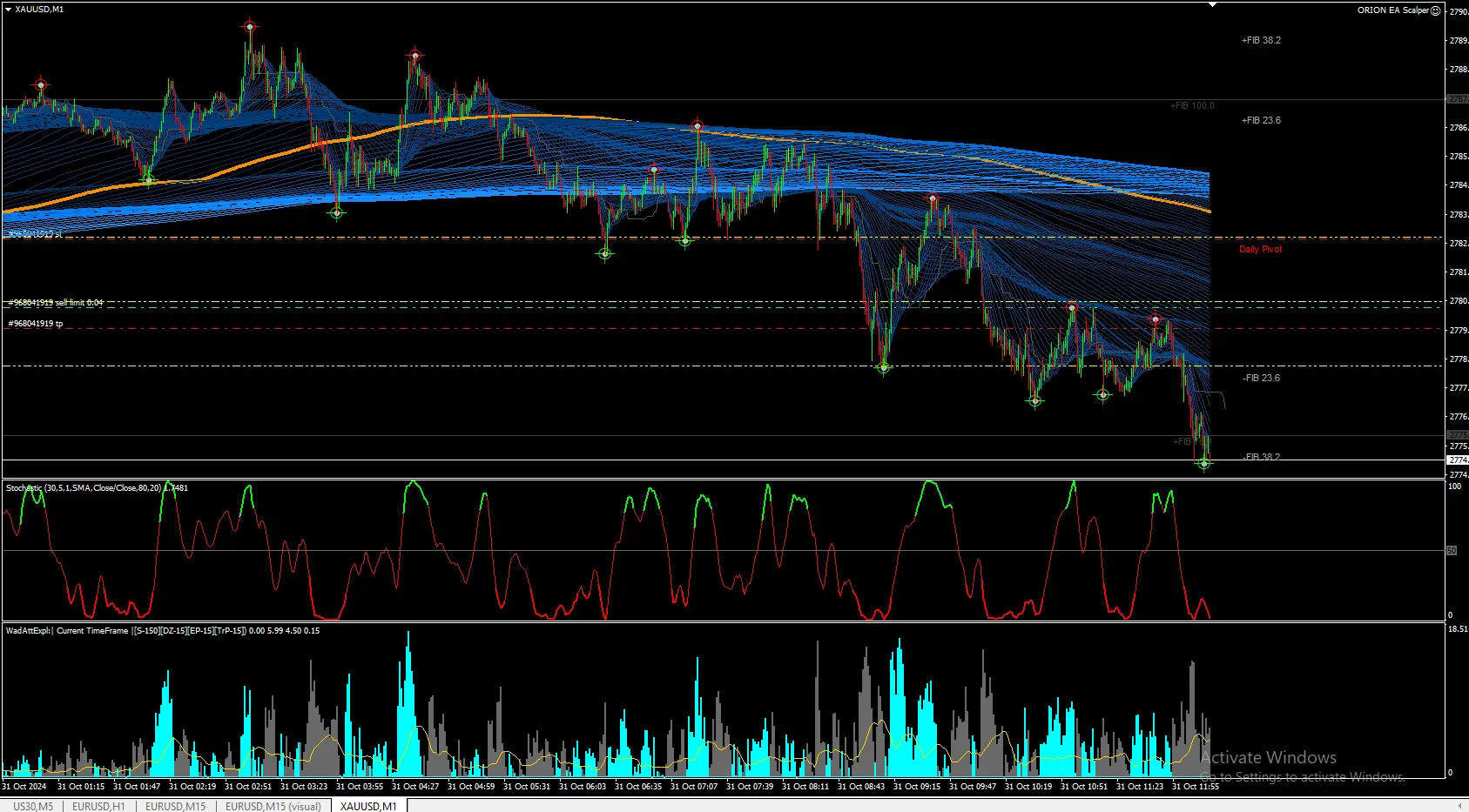
ORION GOLD SCALPER Key Highlights
- Automated HFT on XAUUSD: Orion EA Scalper is a fully automated trading robot specifically for XAUUSD (Gold) on a 1-minute (M1) timeframe, using optimized SL and TP strategies.
- Ideal with VPS for Stability: For the best experience, we recommend using a VPS for uninterrupted performance; check out our recommended VPS options for reliable hosting.
- XAUUSD Targeting: The EA’s algorithm is fine-tuned to capture rapid price movements, focusing on XAUUSD trading.
Orion EA Scalper Features
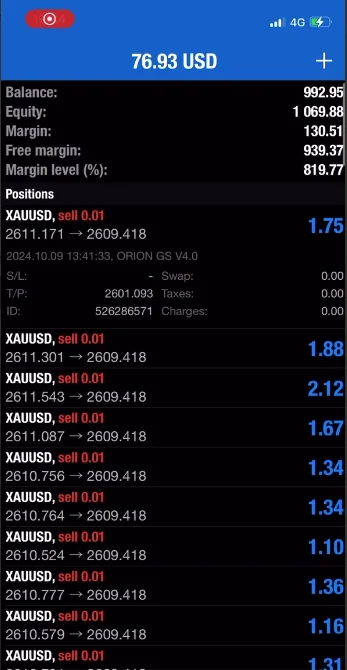
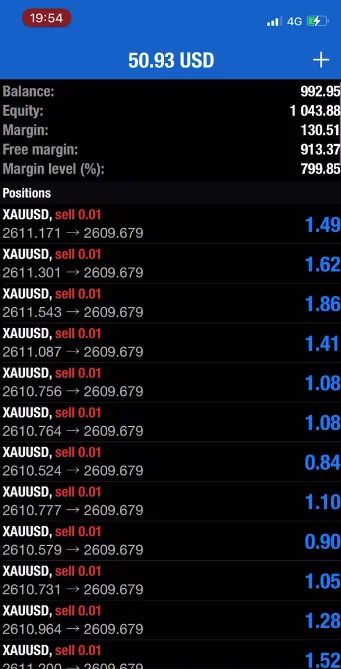
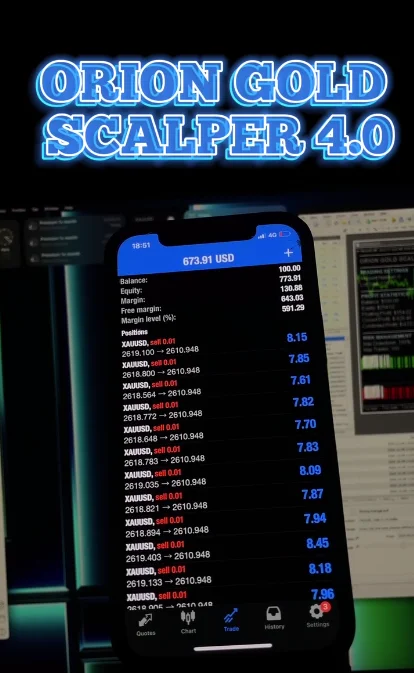
- Platform Compatibility: Specifically for MetaTrader 4 (MT4).
- Currency Pair: Designed for XAUUSD (Gold).
- Time Frame: Operates on a 1-minute (M1) timeframe.
- Automation: Completely automated (100% EA).
- Minimum Deposit: Works with a minimum deposit of $500.
- Risk Management: Uses stop-loss (SL) and take-profit (TP) for effective risk control.
Orion EA Scalper Review and Setup
Orion EA Scalper is a specialized Expert Advisor designed for high-frequency trading (HFT) on the MetaTrader 4 (MT4) platform, optimized to make quick profits from rapid price changes. Built with sophisticated algorithms, Orion EA Scalper focuses on XAUUSD (Gold) scalping, using precise stop-loss (SL) and take-profit (TP) settings to manage risk and improve profitability. Here’s an overview and guide to getting started with Orion EA Scalper:
Orion EA Scalper Key Benefits
- High-Frequency Trading for XAUUSD: Specifically tailored for the 1-minute timeframe, Orion EA Scalper is built for fast execution and high-volume trading on XAUUSD.
- Automated Trading: This fully automated EA allows hands-off trading, letting Orion EA handle the trades while you monitor results.
- Optimal Performance with VPS: For smooth, uninterrupted trading, it’s recommended to use a Virtual Private Server (VPS). Explore our recommended VPS providers for a seamless experience.
- Effective Risk Management: Integrated SL and TP functions protect against major losses, making it an ideal choice for traders who value risk control.
Setup Instructions
To start trading with Orion EA Scalper, follow these steps:
- Open MetaTrader 4 (MT4): Once in MT4, go to Tools > Options (or press Ctrl+O).
- Enable Automated Trading: Under the Expert Advisors tab, ensure “Allow automated trading” and “Allow DLL imports” are both enabled.
- Download the EA File: After purchasing Orion EA Scalper from forexcrackedvip.com, you’ll receive a download link via email.
- Install Orion EA Scalper: Move the downloaded Orion EA Scalper.ex4 file into your MT4 “Experts” folder, then restart MT4.
- Load the Setfile: The package includes a setfile for optimal settings, so make sure to load this to configure Orion EA effectively.
ORION GOLD SCALPER Installation Guide
- Open MT4 and navigate to Tools > Options (or press Ctrl+O).
- Go to the Expert Advisors tab.
- Ensure both “Allow automated trading” and “Allow DLL imports” are checked.
After purchase, a download link for Orion EA Scalper will be sent to your email. The package includes:
- Orion EA Scalper.ex4 file
- Unlimited license without DLL requirements
- Setfile for quick setup
- Free future updates