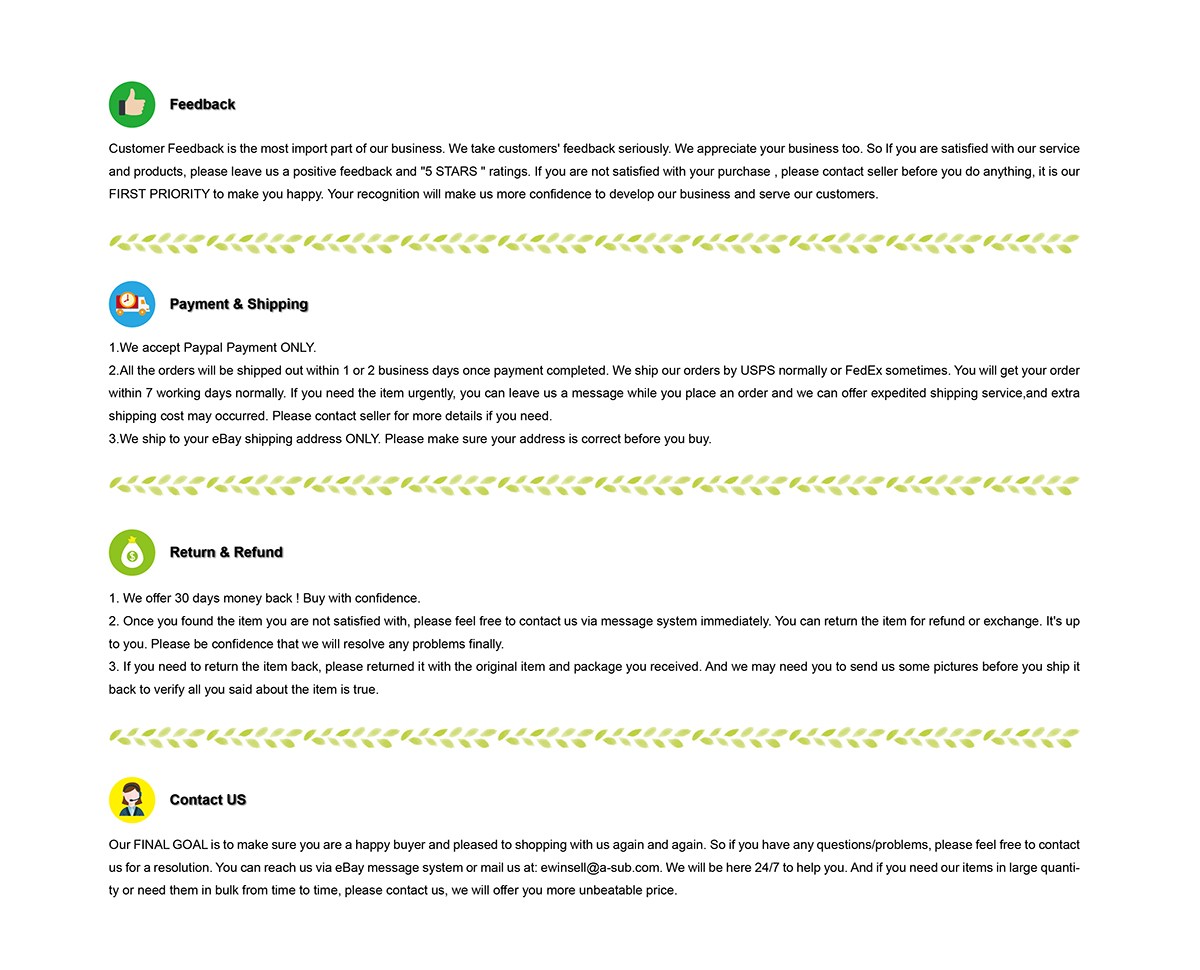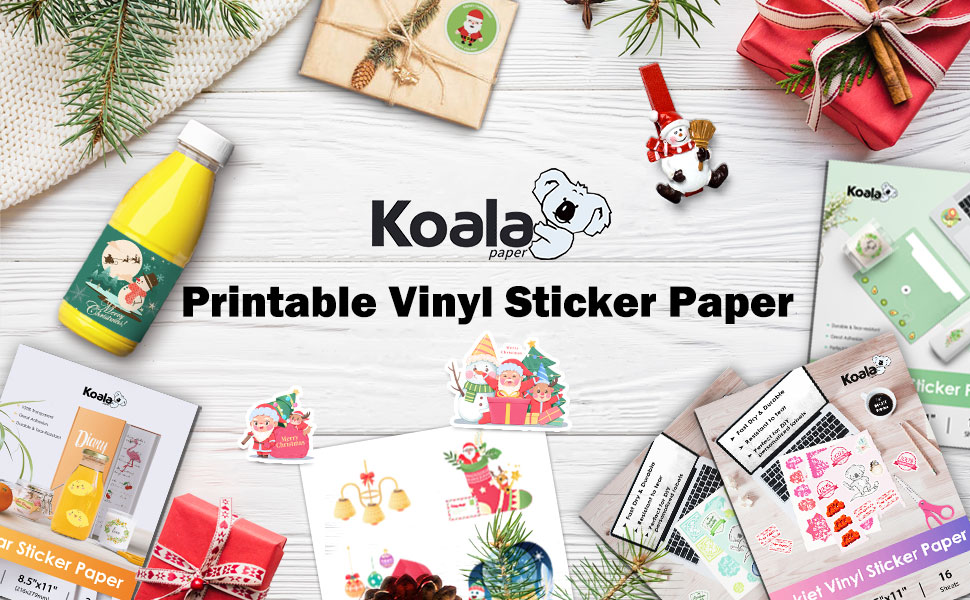
It can be compatible with any inkjet printer. You can print it just like printing on a photo paper, print images on and cut it with your craft cutter machine, or a scissor. These inkjet vinyl sheets are very easy to work with. Print it, Cut it with Cricut or a scissor if you need then peel it and Stick it wherever you want.
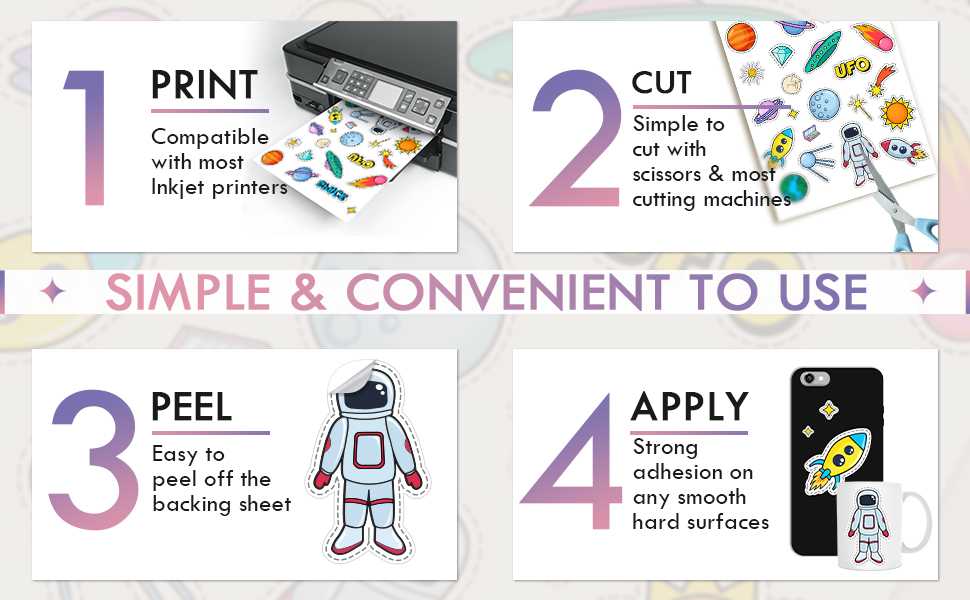
Our printable vinyl sticker paper is made from durable material for superior ink retention and durability. It can repel water and prevent smearing. Our paper stays legible in extreme conditions too, such as during rain or even when fully submerged in water. You can simply add a clear layer of UV-resistant sealer spray to boost waterproofness &durability when use outdoors.
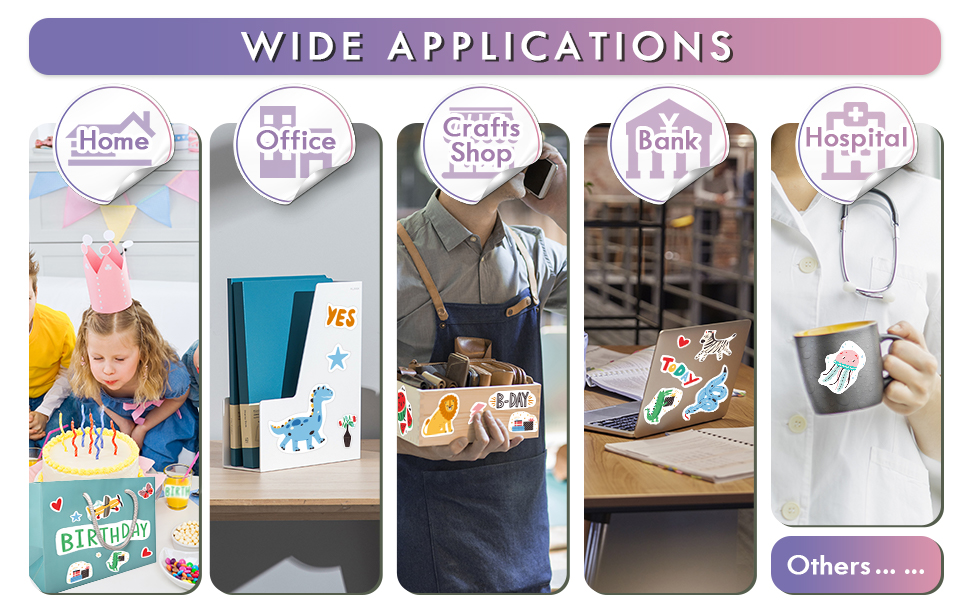
It is the best choice for Christmas and birthday party gifts to your creative kids or friends. Fantastic for fun stickers making projects.Apply in many applications including windows, car decals, signs, scrapbooking, or any application where a printed pattern or design is desired, and it is safe for kids as well.

KOALA Full Sheet Printable Sticker Paper for Inkjet Printer, 100 Sheets Printable Vinyl Sticker Paper Glossy White Waterproof - 8.5x11 inch Letter Size, Inkjet & Laser Printers.
WATER-RESISTANT PRINTABLE VINYL - This Super-Value Pack of Glossy Printable Vinyl Sheets Allows You to Create Beautiful Water-Resistant Labels and Stickers for a variety of purposes both Indoors and Outdoors; Simply seal the sticker with a UV Resistant Sealer Spray to boost Waterproofness and Durability.
HIGHLY DURABLE VINYL STICKER PAPER - Create Long-Lasting Color-True Product Labels, Vinyl Lettering, Wall Quotes, Photo Stickers, Custom Decals and File Folder Labels. Our premium glossy white Printable Vinyl is perfect for ALL of your Projects.
SUPER EASY TO USE - Our Top-Quality Printable Vinyl for Inkjet Printer allows Ink to Dry Quickly. These sheets are Easy to Cut both by hand and with a Die Cutter Machine such as Cricut. Our unique Backing Layer makes Peeling a Breeze, and the High-Quality Glue makes application Simple and Smooth.
COMPATIBLE WITH YOUR PRINTER - Our Inkjet Printable Vinyl Sticker Paper is Guaranteed to Work Perfectly with your Inkjet and/or most Laser Printer. Each self-adhesive Vinyl Sheet comes in the standard 8.5" x 11” measurement.
FREE RETURN - All KOALA PAPER products come with a Lifetime Guarantee. If you have ANY problems with your Printable Vinyl Sticker Paper, please feel free to contact us for help, we are here 24/7.

Tips:
1. Print a test copy and adjust it until you get the most satisfying final print results using the recommended printer setting;
2. Let it dry completely before you use this vinyl stickers;
3. Cut your designs and trim the corners for faster and easier peeling;
4. Please crinkle one corner to separate the paper easily;
5. It will show different effects when using different quality of inks; And if you want to use the sticker outdoors, please use UV ink to print;
6. If you don't use this item, please put it into the original packaging.
7.The paper may jammed your printer if you were using the continuous feed in low-end printers, we suggest you to print sheet by sheet.
8. Please use "photo paper" Paper Type in your HP/Canon printers if you are using genuine ink from these brands to print this sheet. And for Epson printers, we recommended you to use "premium glossy" paper type to get best results.
9. Please choose Media Weight set to Label when you print with laser printers.