

Product Features:
1. High precision.
The sensor uses top suppliers. It can guarantee the high precision of the measurement data.
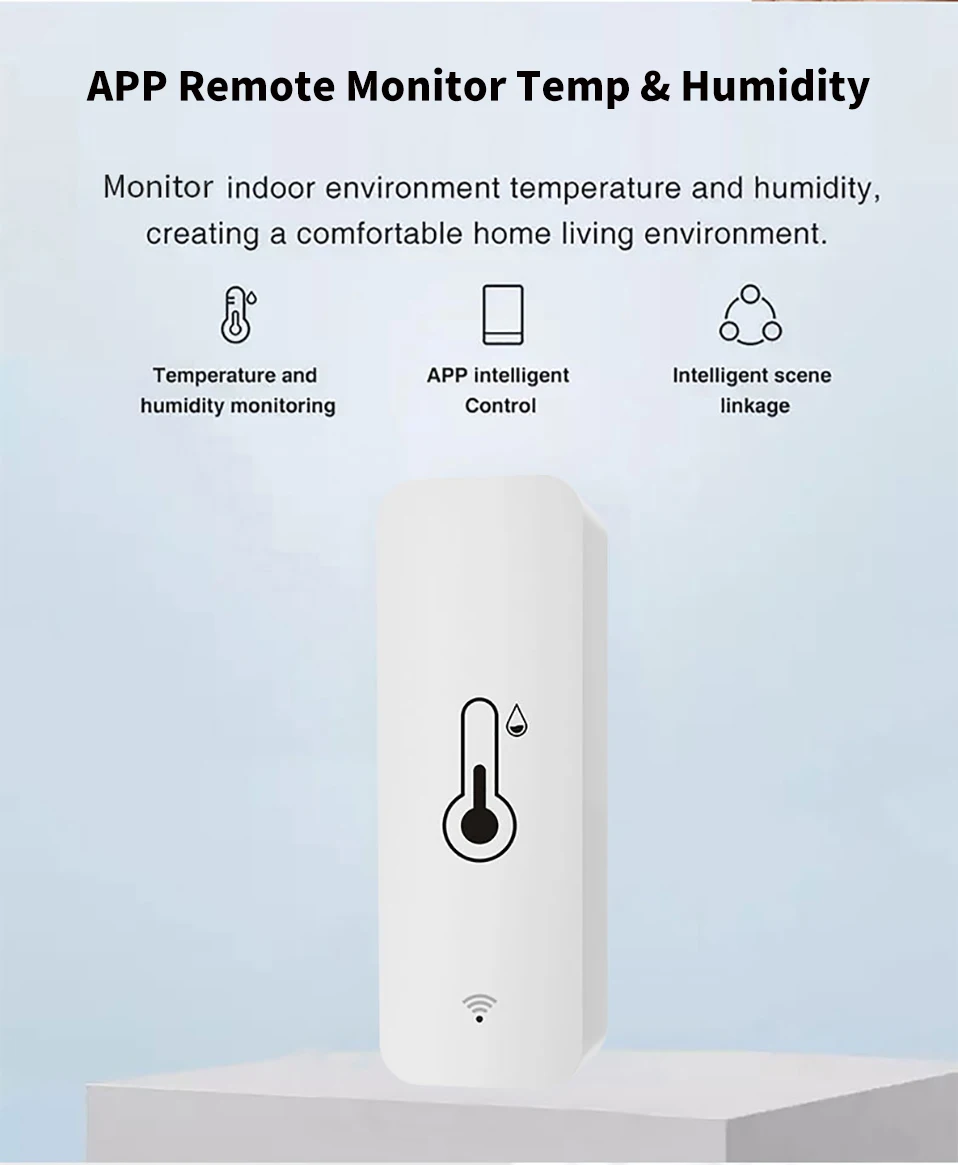
2. Real-time monitoring and recording.
The sensor will monitor the temperature and humidity in real time. You can view the changes in the value on the APP.
Record the temperature and humidity changes on the APP, and use the graphics to show you.
3. Scene linkage
The sensor can be used as the temperature and humidity data source of Tuya Smart, Smart Life, Alexa, Google Home. You can do many automated processes based on the data source.
4. Third-party voice support.
The sensor supports Alexa, Google Home Asistant. You can check the current temperature and humidity by voice.
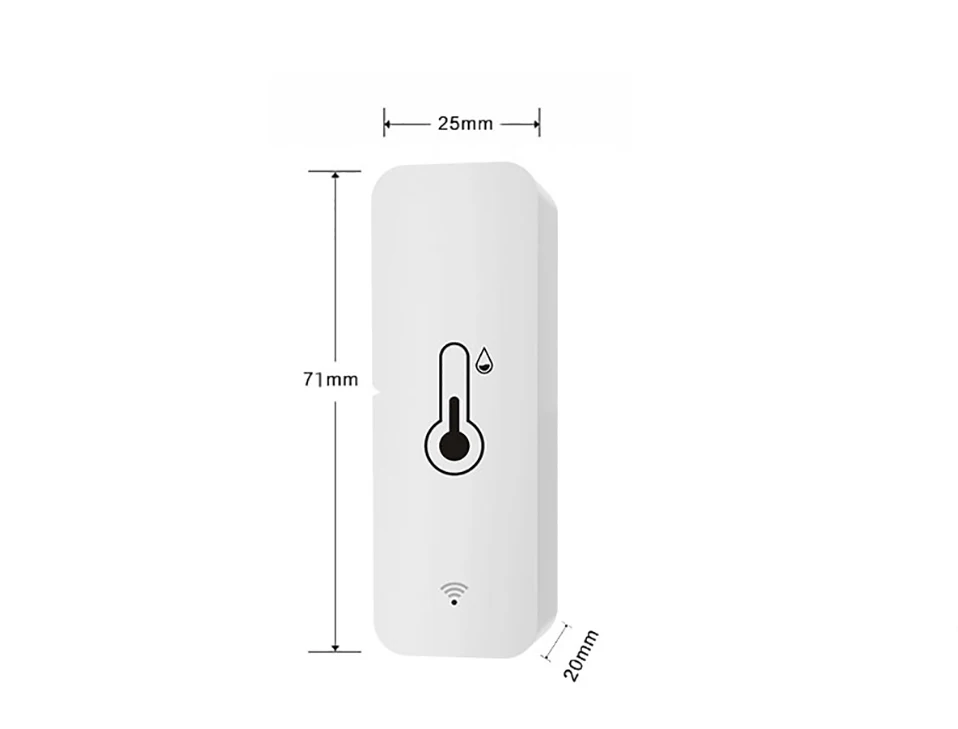
Product Parameter:
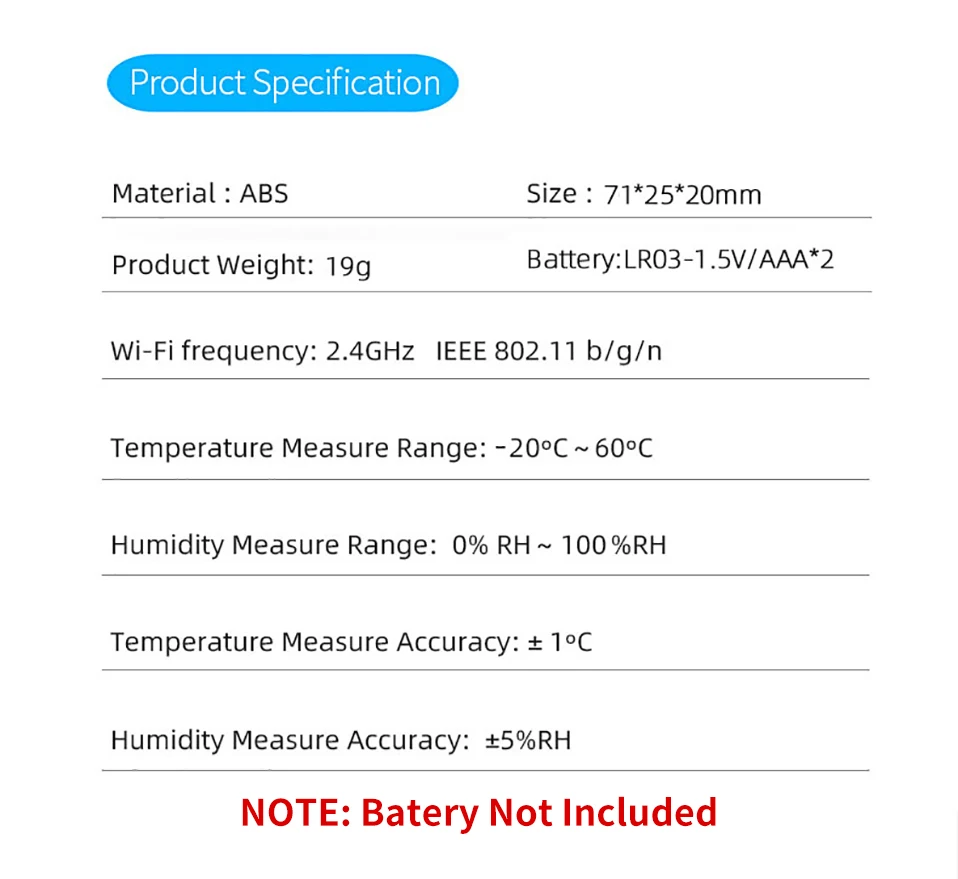
Power Supply: LR03-1.5V/AAA*2(not included)
Wireless Type:Wi-Fi 2.4G
Temperature Measure Range: -20℃-60℃
Temperature Accuracy: ±1
Humidity Measure Range: 0% RH~99% RH
Humidity Accuracy: ±5% RH
NOTE: Rechargeable 1.2V battery may cause inaccurate power measurement.

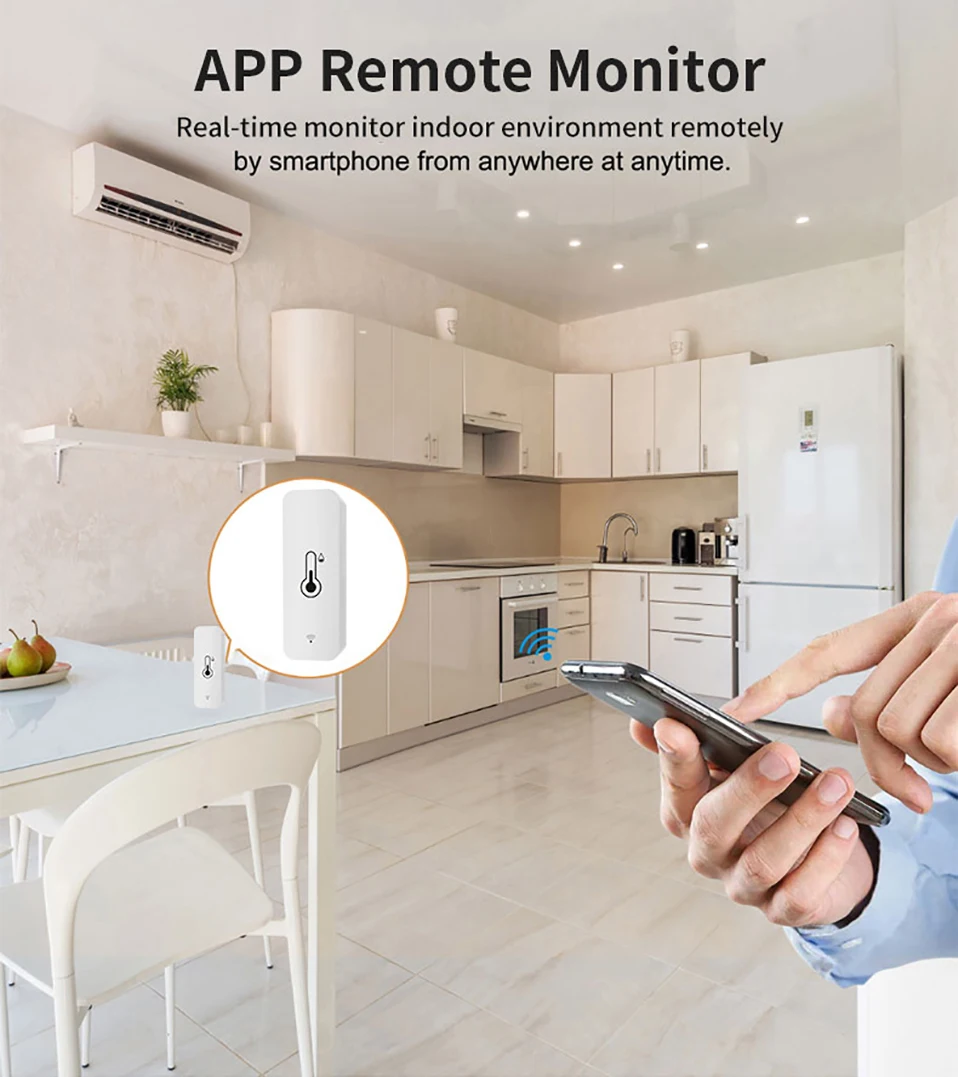
APP Remote Monitor
When the sensor is registered to the APP and connected to the Internet, you can monitor the temperature and humidity of the room in real time anywhere in the world.
NOTE:
1. The sensor is not always connected to WiFi, when it does not need a connection, it will close the WiFi connection.
2. When the temperature change exceeds ±0.5℃ or the humidity exceeds ±5%RH, it will link WiFi, begin send data to the server.
3. The sensor connects to WiFi at least once an hour and reports data once.
Accurate Measurement
NOTE:
After configuration, it will take 30 minuters to be accurate.
Work with Alexa, Google Home
After connecting Alexa and Google home, you can query the current temperature and humidity by voice.
NOTE:
1. Because Alexa and Google home do not provide corresponding development interfaces, the temperature and humidity cannot be displayed correctly or not displayed on them.
2. It is not possible to create a Route or an automated process on Alexa or Google Home by temperature or humidity. (Only support to create an automated process in Smart Life or Tuya Smart)
3. But you can query the current temperature and humidity by voice.

APP Monitoring & Historical Data Graph

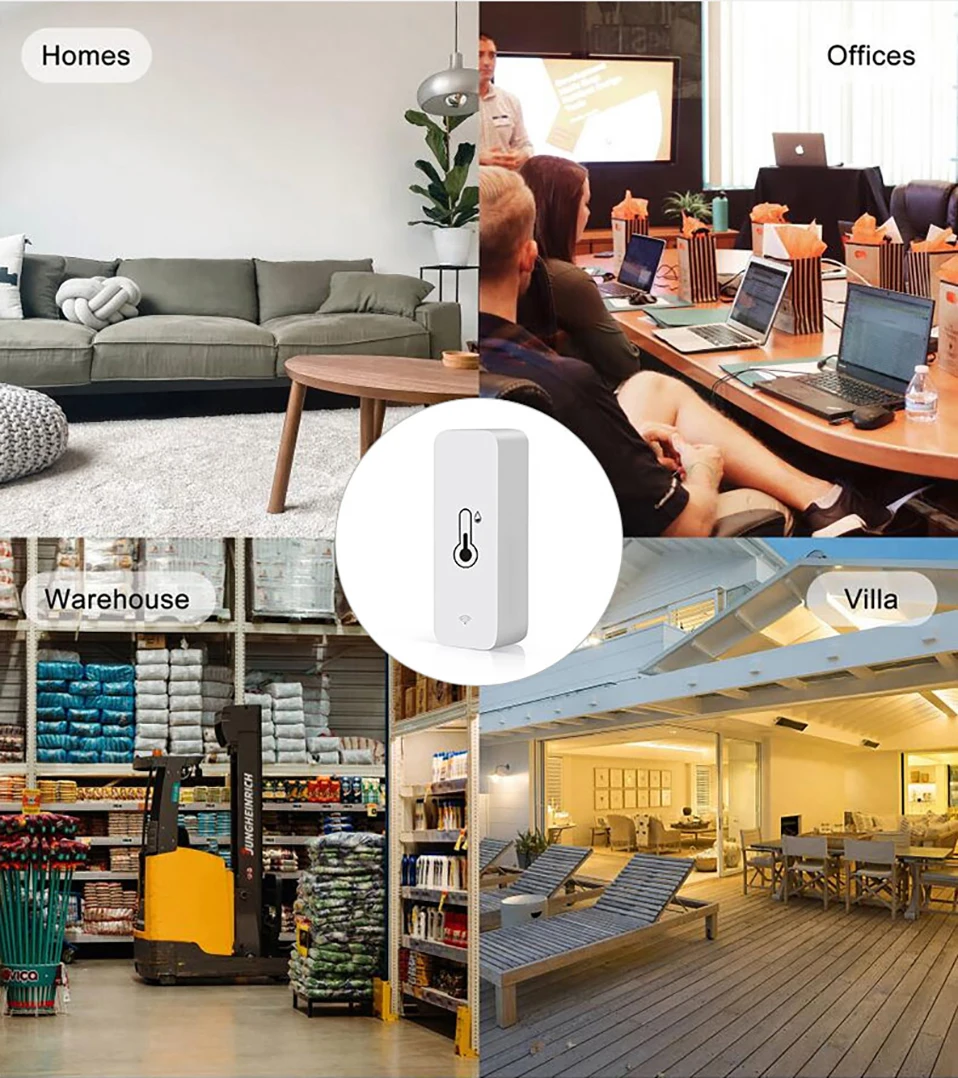
Application Scenarios
You can install the sensor wherever you need (WiFi connection network is required).
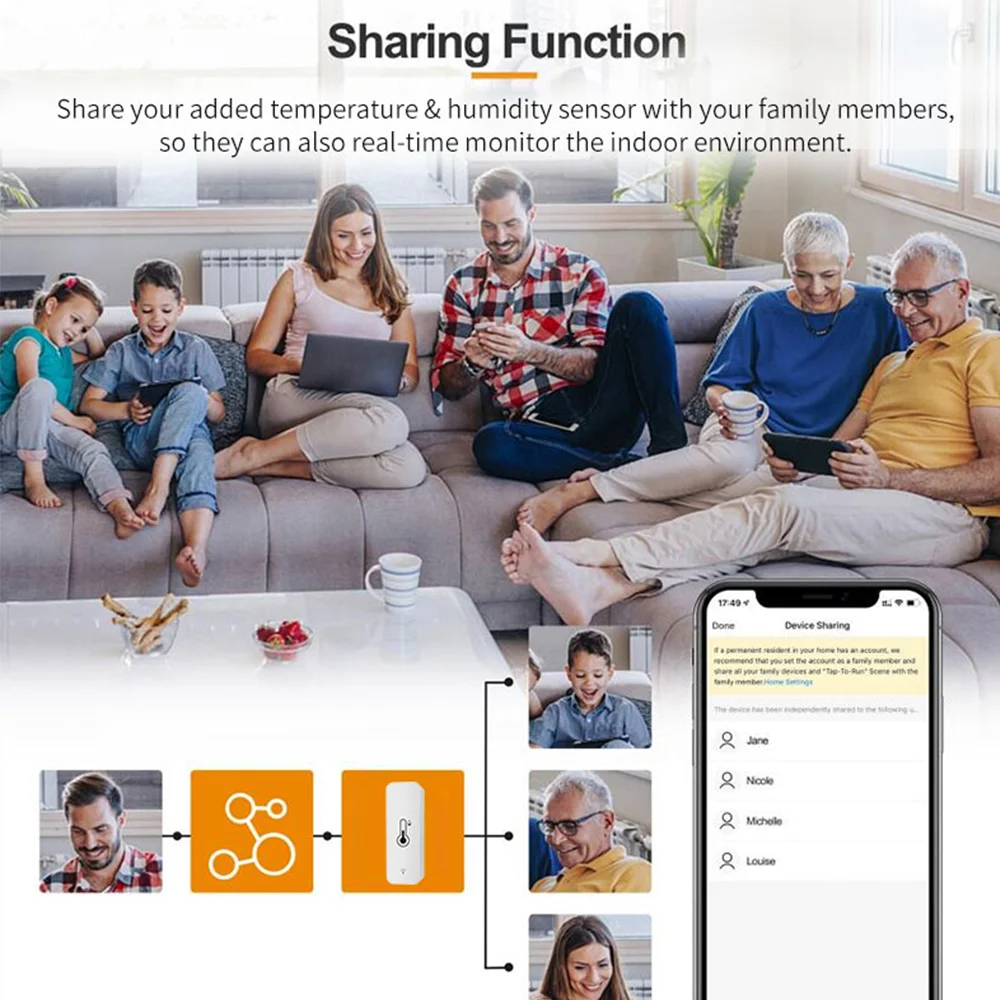
Share with your famliy
APP Pages

Tips for purchase
About Bluetooth Function
Bluetooth function is only useful during configuration. After configuration, the device will shut down the Bluetooth network.
About the update frequency of temperature and humidity
1. We used the trigger mechanism When the temperature or humidity change reaches the trigger condition, report the data immediately The fastest update frequency is two minutes. Generally, the data is updated once an hour
2. The sensor cannot set the update frequency,
3. The sensor cannot set alarm, and the alarm function is set on the APP
If you need to update data in real time, please purchase a USB powered version.
About batteries
1. Only LR03-1.5V alkaline battery can be used (1.2V rechargeable battery may cause the equipment to detect wrong voltage and report low voltage)
2. Batteries of different models cannot be mixed
3. Batteries of different brands cannot be mixed
4. New and old batteries cannot be mixed
5. Do not use inferior batteries
Otherwise, 1. configuration failure, 2. battery consumption is too fast
How to obtain high-quality batteries or genuine batteries. Please buy them at regular supermarkets or chain stores over time
Note: After the device configuration is completed, it needs to be placed in a position where the wireless signal is good, otherwise the power consumption of connecting to the network will increase, which will lead to fast battery consumption
About Network Testing
The network will consume a lot of power
To ensure the service life of the battery, the sensor will stop using the network when it does not need to report data
Therefore, it is meaningless to test the network signal of sensors in APP.
Error on temperature and humidity
1. All temperature and humidity sensors will have certain errors, please note
The error of this sensor is ± 1 ℃ and the error of humidity is ± 5% RH
Any value within this range is normal
2. Sensor error and manufacturing process will lead to certain errors between products of the same model
3. According to Newton's third law, the heat conduction takes a certain time.
Therefore, our sensor needs 30 minutes to be consistent with the room temperature, and the measurement will be accurate.
About Historical Curves
1. The minimum granularity of historical data (daily chart) is 1 hour, and the minimum granularity of exported data is also 1 hour
2. Days of historical data are stored for 7 days
3. The value of historical data is the average value, that is, the average value in a minimum granularity time
Support for third-party smart speakers
1. Because the third-party smart speakers (Google Home/Alexa) do not have control panels corresponding to temperature and humidity sensors, the temperature and humidity may not be displayed normally on the third-party smart speakers' APP. But we have opened the voice query function.
Therefore, the current temperature and humidity can be queried by voice
2. Route or automatic process related to temperature and humidity cannot be established on the third-party smart speakers
3. The device does not support Yandex Alice
About Automation
The sensor uses the principle of Edge Triggered
That is, the action can only be triggered if the condition crosses the set condition
For example, when the automatic setting temperature is greater than 25 ℃, then turn on the air conditioner.
1. When the temperature rises from below 25 ℃ to 25 ℃, the automatic process can trigger to start the air conditioner
2. After the automatic process is set, the temperature is always above 25 ℃, and the air conditioner is not turned on.
3. When the temperature drops to 25 ℃ and rises to above 25 ℃, the automatic process will be activated.
For example, when the automatic setting temperature is less than 20 ℃, turn on the air conditioner
1. When the temperature drops from above 20 ℃ to 20 ℃, the automatic process can trigger to start the air conditioner
2. After the automatic process is set, the temperature is always below 20 ℃, and the air conditioner is not turned on
3. When the temperature rises to 20 ℃ and then drops to above 20 ℃, the automatic process will be activate
Monitor your indoor temperature and humidity easily with this smart sensor. Perfect for creating a more comfortable home environment and keeping track of changes anytime.
✨ Thank You For Visiting Our Store ✨
We offer a wide range of smart home, electronics, automotive and everyday products. Visit our store for more great items — new products added regularly!