Product Introduction:
100% Genuine original,brand new and high quality,buy with confidence!
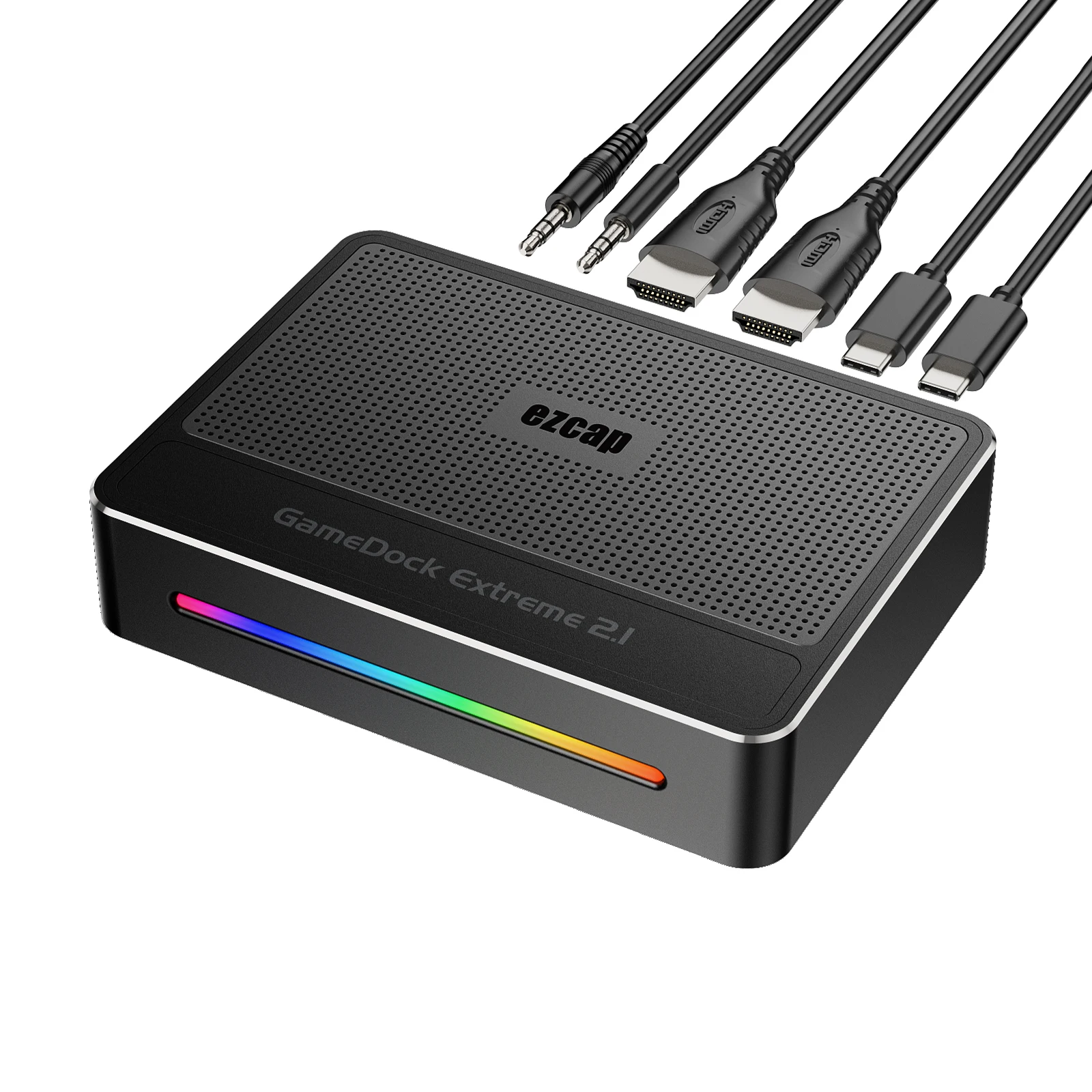
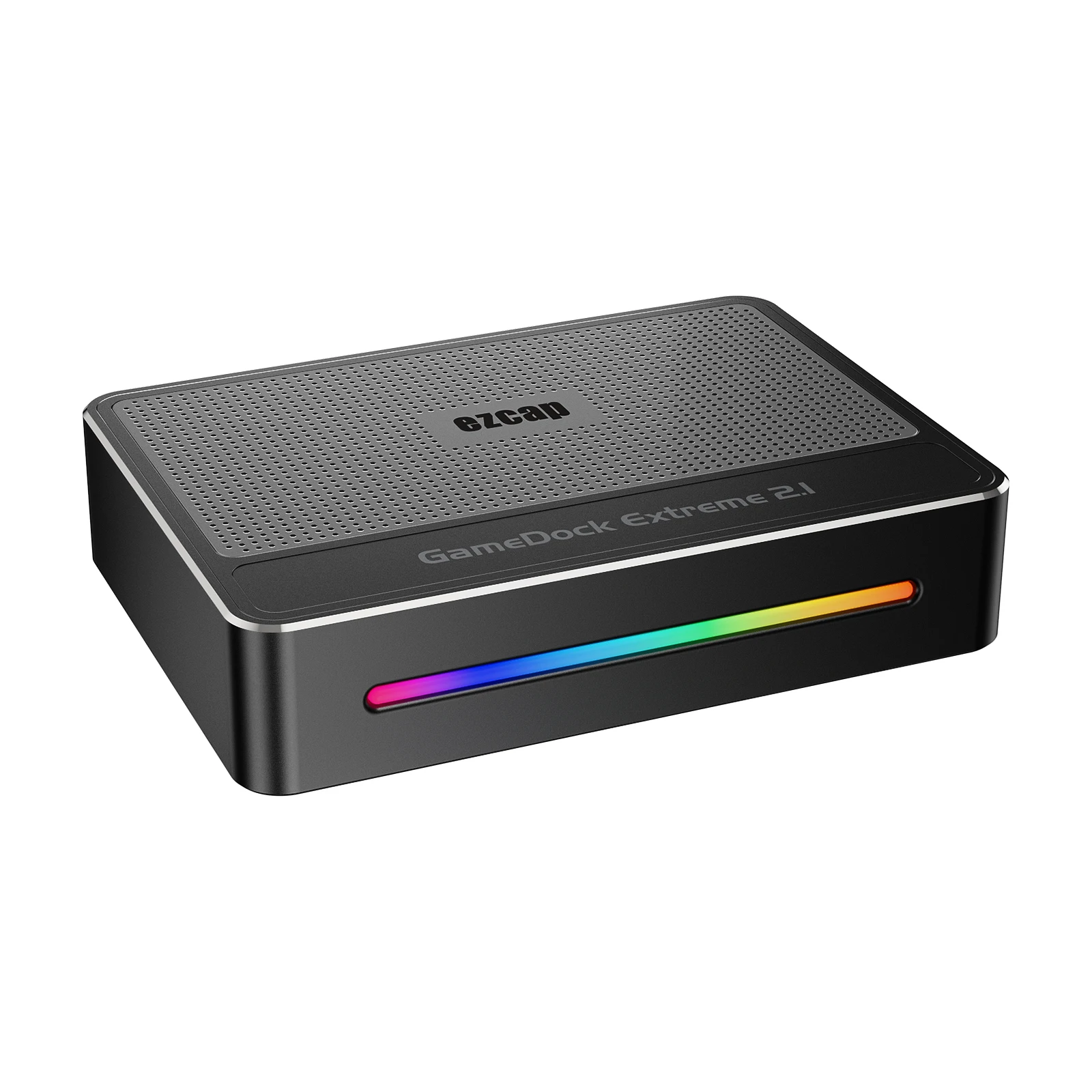
Thanks for purchasing ezcap364 GameDock Extreme 2.1 game capture card. You can use this device:
Input and Pass-Through 4320p60 and 2160p144, and capture
and stream HDMI video up to 2160p60 or 1440p144 resolution on your computer,
and mix microphone and audio line input for mixing audio.
Specifications:
Interface: USB 3.2 (Gen 1) Type-C
Video Input / Output (Pass-Through): HDMI™ 2.1 8K60 specification enabled
Supported Resolution: 4320p, 2160p, 1440p, 1080p, 1080i, 720p, 576p, 576i, 480p,480i
Audio Input: HDMI 2.1, 3.5mm Line In (TRS 3-pole), 3.5mm headset microphone input (CTIA 4-pole)
Audio Output: HDMI 2.1, 3.5mm headset earphone output (CTIA 4-pole)
Max. HDR Pass-Through Resolution:2160p144, 1440p144/120, 1080p240
Max. VRR Pass-Through Resolution: 3840x 2160 – VRR(48-120 Hz), 1920 x 1080 –
VRR(48-120 Hz). (Note: YCbCr420 VRR is not supported. Such as XBOX X1,
please tick Allow YCC 4:2:2 settings to allow VRR)
Max Record Resolution: 3840 x 2160/60fps, 2560 x 1440/144fps, 2560 x 1080/60fps,
1920 x 1080/240fps, 1280 x 720/60fps
Video Format: YUY2, NV12, I420, RGB24, P010(HDR), MJPG
Dimensions (W x D x H): approx. 128 x 92 x 28 mm
System Requires:
Windows 10 x64 / 11 x64,USB 3.2 (Gen 1) Port x1
Desktop computer: Intel Core i5-6XXX or above, NVIDIA GeForce GTX 1060 or above.
Laptop: Intel Core i7-7700HQ or above, NVIDIA GeForce GTX1050 Ti or above.
Suggest using 8GB RAM.
MacOS 11/12, USB 3.2 (Gen 1) port x1
Apple M1 or Intel i7 quad core or above, Radeon Pro 555, equipped with 2 GB of VRAM and
16 GB of 2400 MHz DDR4 memory.
Package Content:
ezcap364 GameDock Extreme 2.1x1, USB-C to A/C cable x1, Manual x1
Without retail box and other accessories,if any need,pls contact us before purchase.
Product Overview and Connections:
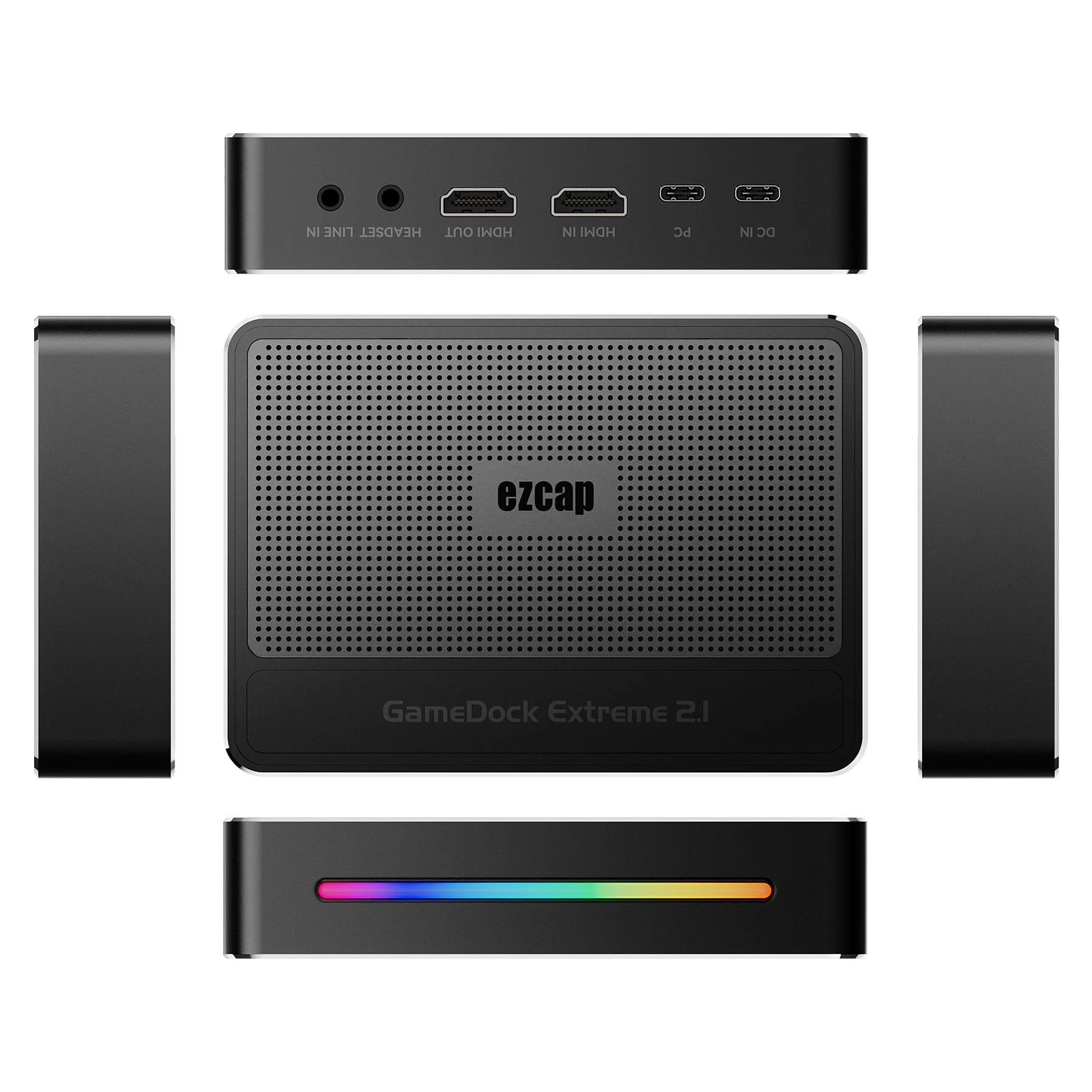
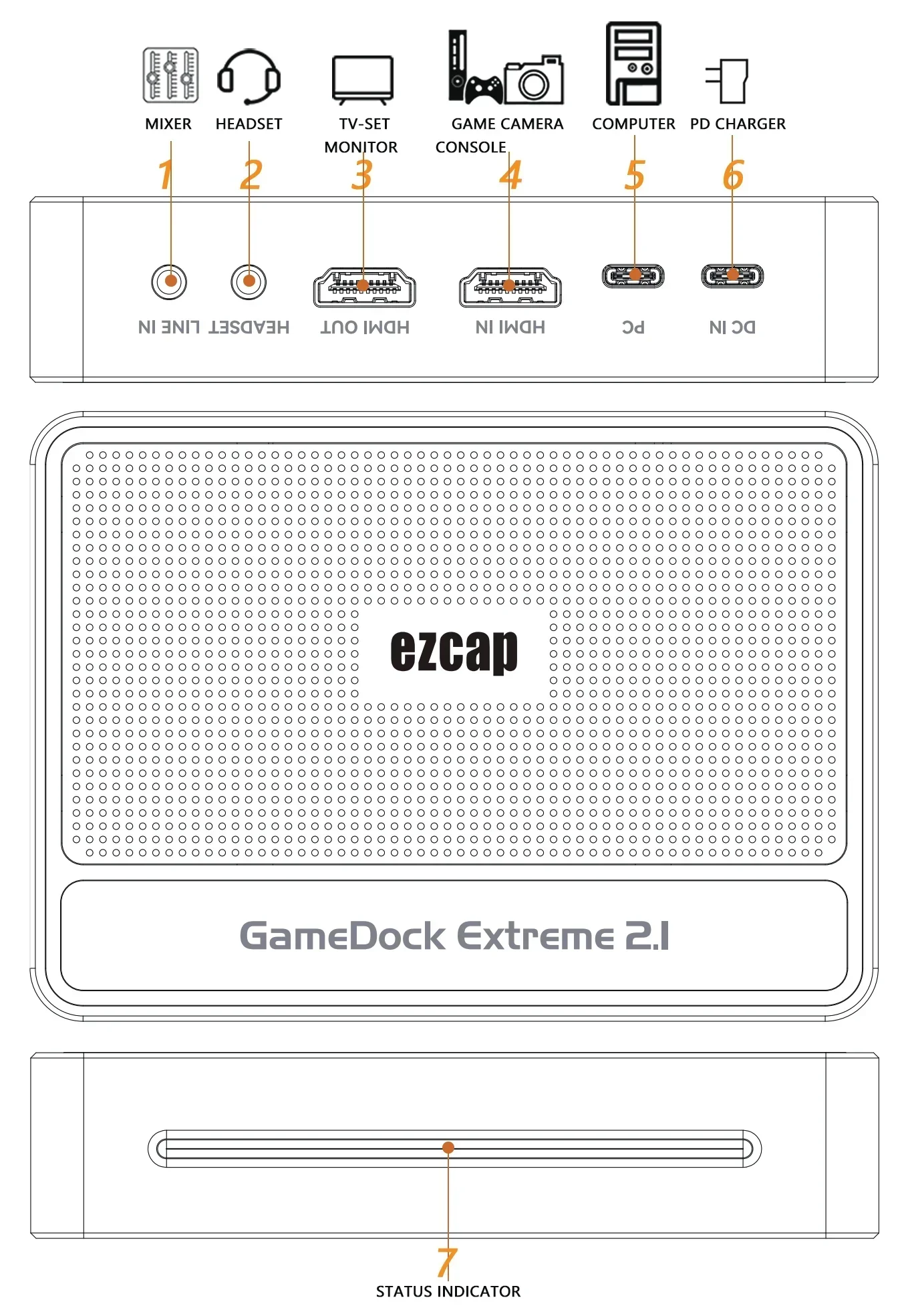
1. LINE IN: Connect to Audio mixer, and mix the audio with video together.
2. Headset: 3.5mm audio for output to earphone and microphone input(CTIA).
3. OUT: HDMI output port, connect to TV or monitor.
4. IN: HDMI input port, connect to game console or other video source.
Supports HDR and VRR input. Supports LPCM 5.1 and 7.1 channel audio pass through.
Note: Please use the standard HDMI 2.1 cable to connect HDMI IN and OUT.
5. PC: To connect to computer USB port – USB 3.2 (Gen 1) Type-C.
6. DC IN: Charge PD3.0 protocol Device (the device – Android smartphone or
Laptop - connected to the PC port) and power supply to device.
7. Status Indicator: WHITE flashing - Power on. RED flashing - Software
detected device but no HDMI input. BLUE flashing- HDMI input. Colorful slow flashing - Device running.
Software
For professional live streaming or recording, we suggest use OBS.
PLS Attention :
1. Due to different factory produce batches,sometimes real item may be a little different,this is uncontrollable,
pls understand,if you have any special demand,pls must confirm with us first before purchase ,thanks~
2. We are not responsible for any customs duties or any fees which is charged at your country
(if any fees,buyer has to pay for it and bear all the corresponding loss)
3.All products are shipped without retail box and Come from China.
4.As to the delivery time,it depends on post office,customs department and your ability to solve customs clearence,
etc. many factors,IF you need it very Urgently , pls contact us to pay extra for DHL/Fedex etc. Express shipping !
5. If the product is defective, or sent wrong or any problem,pls contact us timely for solution
6. PLS do NOT leave any bad feedback, or open a dispute before contacting us,it will be appreciated,thanks :)
7.If you do not agree with our policies,please do not make order,thanks for your support!