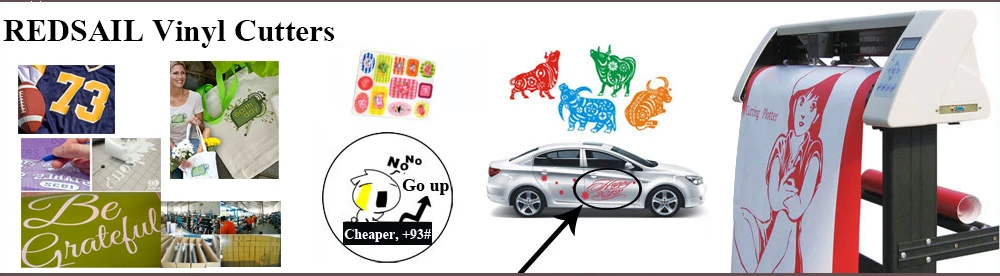
Redsail 28'' vinyl cutting plotter
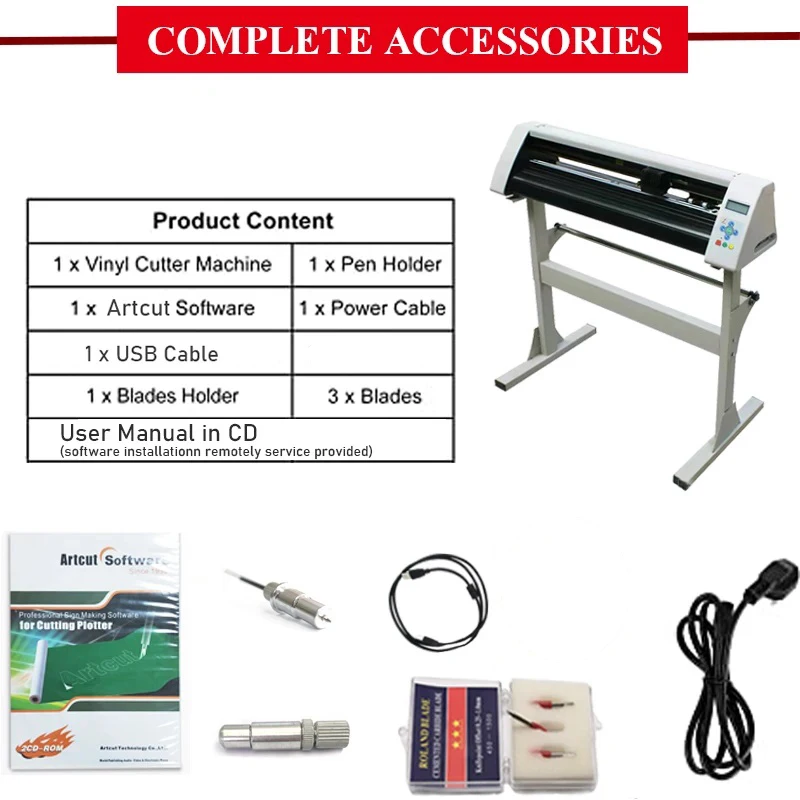
• Controlled by RISC high-speed processor, a high speed cache.
• This 24" vinyl cutting plotter can regulate the pressure and speed numerically at real-time.
• This 24" vinyl cutting plotter supports CorelDraw files, bringing great convenience to work.
• The cutting plotter is highly stable and has nearly no malfunctions.
• This 24" vinyl cutting plotter has a stylish design and very solid support.
• The cutting plotter has LCD with a very accurate and simple English Menu, operated it by pressing buttons.
• The plotter's pinch rollers are adjustable.
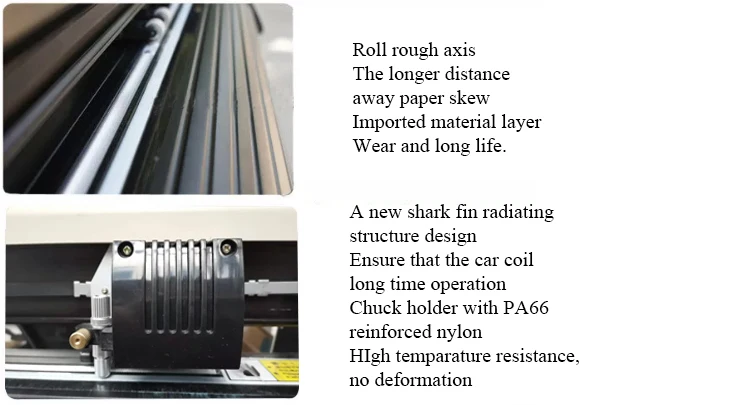
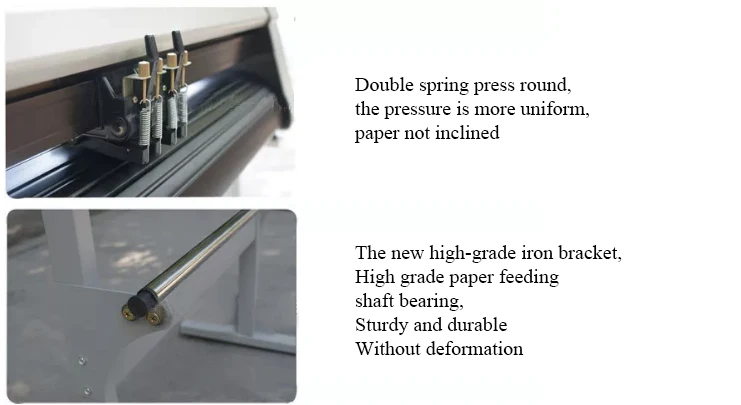
----Details
1. Protection of track | 2. Carriage | 3. Pinch roller | 4. LCD monitor |
5. Keyboard panel | 6. LED lamp | 7. Right shell | 8. Machine's foot |
9. Blade holder | 10. Seat of blade holder | 11. Left shell | 12. Handle to control the roller |
13. AC power port | 14. Safe fuse | 15. Power switch | 16. RS232 port |

Locknut holder's shell close screw blade
On the working state, the knife can rotate in holder very smoothly. In the first time you can screw the "close screw" off the "holder's shell", set the blade into bottom of holder, then close the "close screw" to avoid the knife falling out, let the knife peep out of the holder less than 0.5mm. When you want to change the blade, take out the old blade, change a new one, then close the" close screw", keep the blade peep out of the holder less than 0.5mm. (The locknut will not screw, usually).
Close screw Holder shell Plotting pen.
You can use usual ball pen as plotting pen; keep the ball pen peep out of the holder between 4mm and 5mm. the other using method is similar as blade's process; please try it yourself according to the blade's changing method.
Function Show

The life of cutting knife Blade ofVinyl Cutter
The correct usage could prolong the life of blade.
(1)The more length the blade sharp extends out, the shorter life blade will work. So you should avoid cut through the paper.
(2)The more Force, the blade life will get short.
(3)Trying to use small Force, when the blade edge is getting less sharp, you could add the working force suitable.
(4)Different brand blades will have different life.
(5)You should change the blade when you find the old one has no tartness, to avoid affecting the work badly.
How to fix and setup the cutting knife Blade of vinyl cutter?
Turn off the plotter power.
Set the holder on holder's seat; close the screw of seat of holder.
Turn on the power, the carriage will move to right side; you can press "TEST" key to examine the plotter.
Remark:
A. You should keep the blade clean and don't break the blade sharp.
B. The length out of the cover should be just a little bit, say 0.2mm around over the paper thickness which you will cut!
On the working state, the knife can rotate in holder very smoothly. In the first time you can screw the "close screw" off the "holder's shell", set the blade into bottom of holder, then close the "close screw" to avoid the knife falling out, let the knife peep out of the holder less than 0.5mm. When you want to change the blade, take out the old blade, change a new one, then close the" close screw", keep the blade peep out of the holder less than 0.5mm. (The locknut will not screw, usually).
Usages
Common Cutting Function

Contour cutting function (not included in the listing price, if you need this functoin please send message to us)
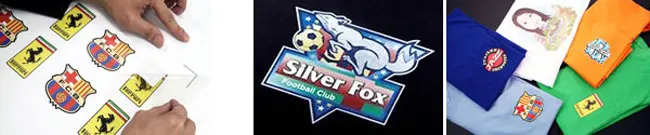
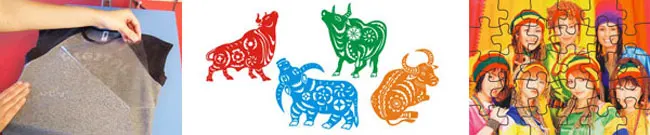
 How to use this vinyl cutter to make personal T-shirts, sport clothes, uniform clothes, advertising shirts, color flags?
 How to use thisvinyl cutting machineto make contour cutting for heat transfer?
Application
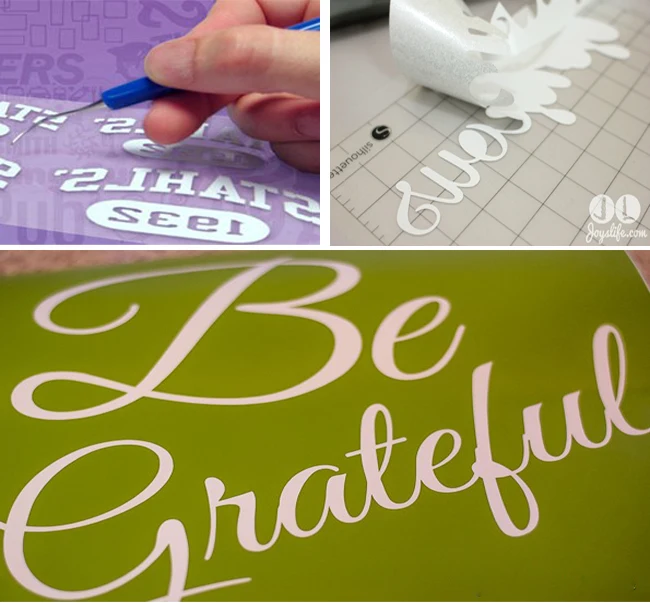
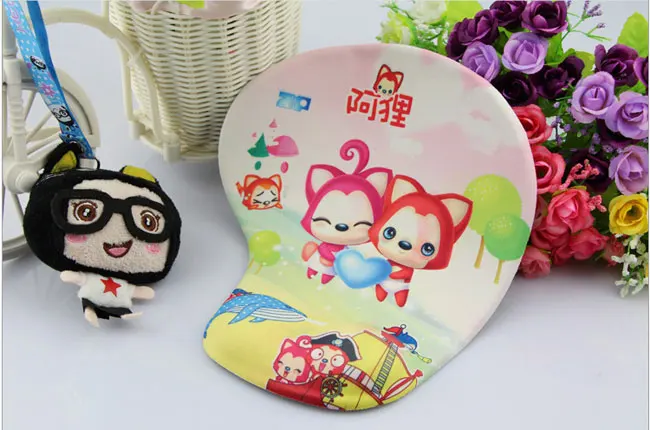
This cutting plotter is great for business usage; it is able to make any kind of design and it works faster and easier than other models. This machine can be used for Advertising production, Wall stickers, Post, Retro-reflective sheeting, Adhesive,Heat Transfer Film, Mobile phone sticker, CAD diagram, Dust cloth, banners, Display Board, Light box, stickers, glass decal, penaflex, vinyl decal, masking film for painting or etching, vinyl lettering, decorative scrapbook papers, card stock, stencils, magnetic sheets, etc. As well as all kinds of flexible heat transfer media like T-shirts, magic cut colored paper for garments, etc.